SpeakSmart
Inspiration
When pitching my startup, Figorar, I completely froze in front of the audience. I knew the technical details inside and out, but my pacing shot up and I filled the silence with awkward pauses and filler words.
I realized that while students spend countless hours learning to code, we rarely get structured, easy-to-access education on how to present our work. Professional public speaking coaching is expensive and out of reach for most students.
This inspired SpeakSmart. We wanted to build an accessible tool that teaches communication skills through actionable feedback and interactive drills, fitting the Diversity in Engineering (DivE) Education category.
What it does
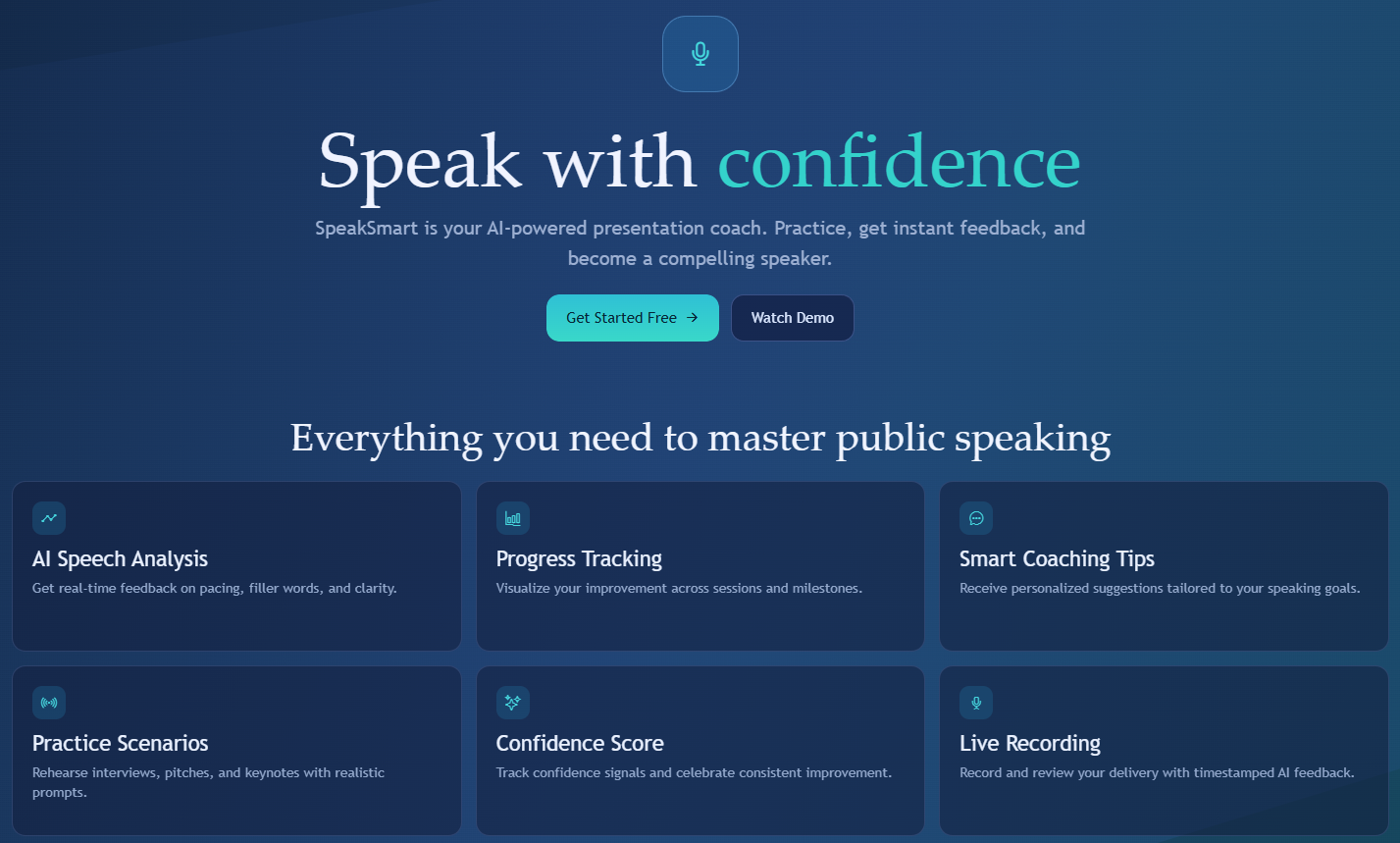
SpeakSmart is an AI public speaking coach. Users upload a video of their presentation and get an instant analysis with timestamped feedback on:
- Filler words
- Pacing
- Weak language
Beyond analysis, SpeakSmart helps users improve through four interactive practice drills (like Q&A Simulator and Topic Talk) and a personalized content improvement plan.
We also prioritized accessibility. The UI includes semantic roles, clear labels, and reduce-motion support so the educational content is usable by as many people as possible.
How we built it
- Frontend: React Native + Expo, styled with NativeWind
- Backend: Python FastAPI server + Supabase database
To handle analysis, we built a parallel processing pipeline:
- Transcription: Local Whisper (faster-whisper) to generate word-level timestamps
- Non-verbal tracking: MediaPipe for hand gestures, face landmarks, and posture stability
- Speech metrics: FFmpeg to extract audio and analyze volume and pitch
- Coaching engine: Groq API running
llama-3.3-70b-versatileto combine all signals into coaching advice
To calculate the user’s pacing consistency score for the dashboard, we used a standard deviation formula across time segments:
$$ Score = \max(0, 100 - \alpha \sigma_{wpm}) $$
Challenges we ran into
Running multiple machine learning models at the same time without crashing the backend was difficult. We implemented an asynchronous background job runner in FastAPI to manage Whisper transcription and MediaPipe vision tasks in parallel.
Also, syncing the LLM output with exact video timestamps was tricky and required careful prompt design.
What we learned
We learned how to integrate multiple AI models into one backend pipeline. We also learned a lot about digital accessibility and how to design a frontend that supports diverse user needs, so our educational tool is more inclusive.
What’s next for SpeakSmart
We plan to add more specialized practice drills, expand our presentation presets, and eventually integrate real-time coaching feedback during practice runs.


Log in or sign up for Devpost to join the conversation.