fireware
App
FIREAWARE is an AI-powered application designed to provide the general public with essential fire prediction and alert features.
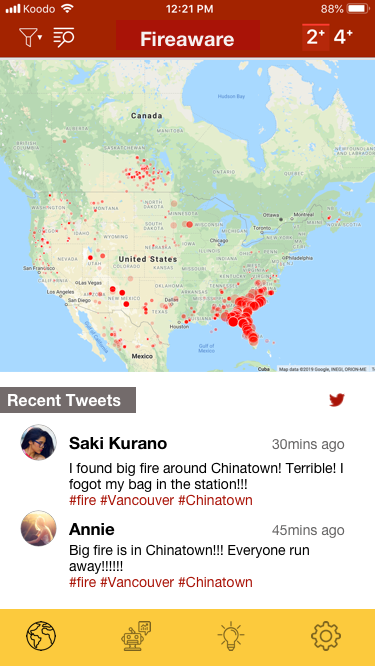
Our app includes a fire map that displays real-time fire locations, accompanied by live Twitter feeds to ensure users have access to the most up-to-date information.
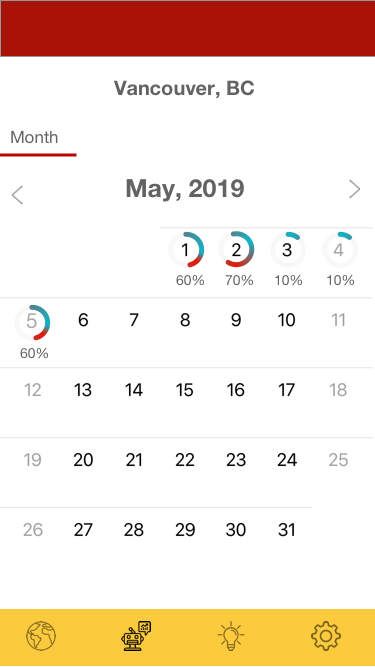
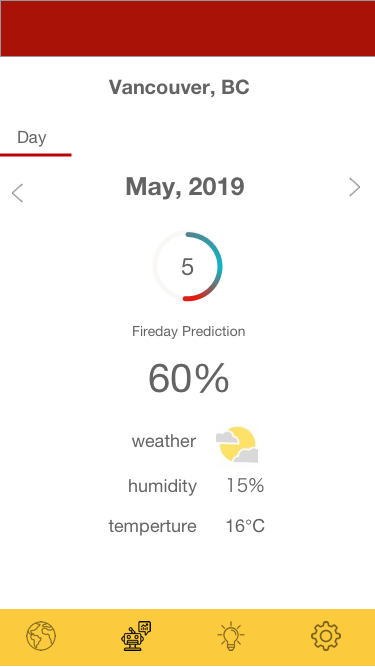
Furthermore, our AI-driven prediction page offers daily fire risk percentages, allowing users to stay informed about the likelihood of fire incidents in their area.
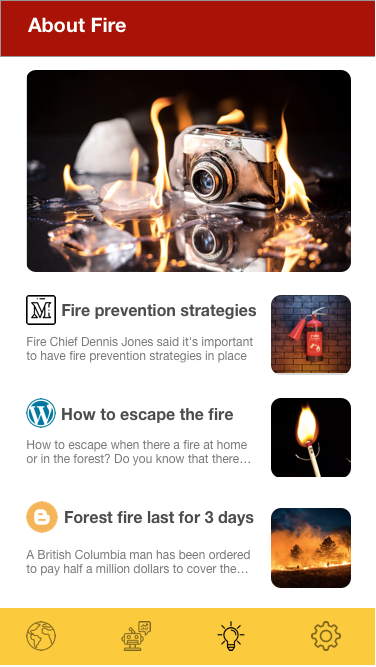
We also dedicate a section to education, offering valuable information related to fire prevention and safety, enhanced by AI-generated insights.
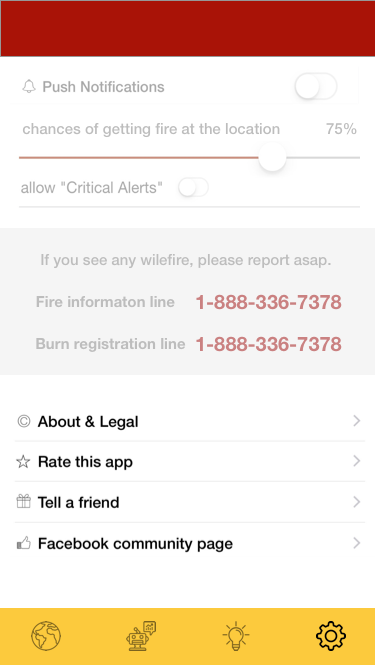
Lastly, within the settings, users can adjust fire risk percentages and access additional details about FIREAWARE's AI capabilities.
Prediction Part
The prediction algorithm utilizes a logistic regression model that leverages historical fire data obtained from NASA's satellite image system.
To run our prediction model, you'll require Python 3. In a terminal, execute the following command:
'python3 prediction.py'
In the terminal, you will receive printed fire prediction percentages for selected locations.
Data Visualization Part
This tool serves as a means to visualize historical fire data, relying on NASA's satellite images as its data source.
To use this tool, you can select a specific day and month by modifying the query URL. The circles displayed on the map are sized proportionally to the fire size, while their color indicates the fire weather index.
To get started, please follow these steps:
- Run yarn in the main directory to install all JavaScript dependencies.
- Launch a development server by running yarn dev.
- Access the tool via your web browser by visiting http://localhost:8080/?day=3&month=5, where you can replace the values for "day" and "month" in the URL to view different datasets.
The tool's visual representation is as follows:
- Circle size represents the size of the fire.
- The color of the circle corresponds to the fire weather index, with the following color key:
- Blue for FWI (Fire Weather Index) < 5
- Green for 5 < FWI < 10
- Yellow for 10 < FWI < 20
- Orange for 20 < FWI < 30
- Red for FWI > 30
This tool allows users to explore historical fire data effectively based on their selected date and gain insights into fire sizes and associated fire weather conditions.
Built With
- affinity-diagram
- artificial-intelligence
- html
- information-architecture
- javascript
- python
- rapid-prototyping
- ui
- ux-research


Log in or sign up for Devpost to join the conversation.