-
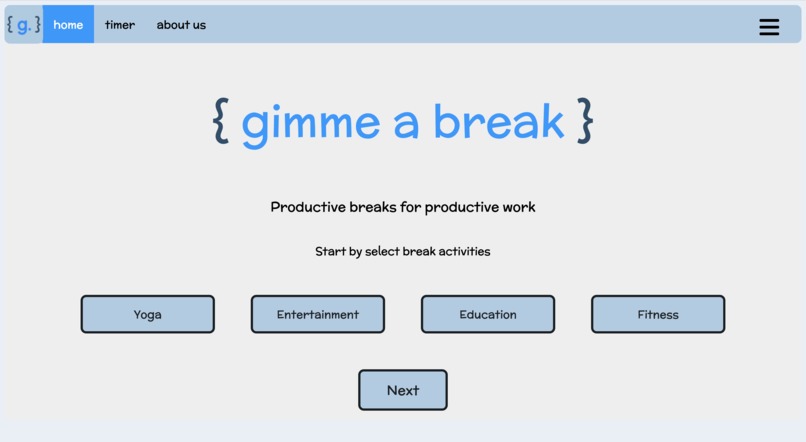
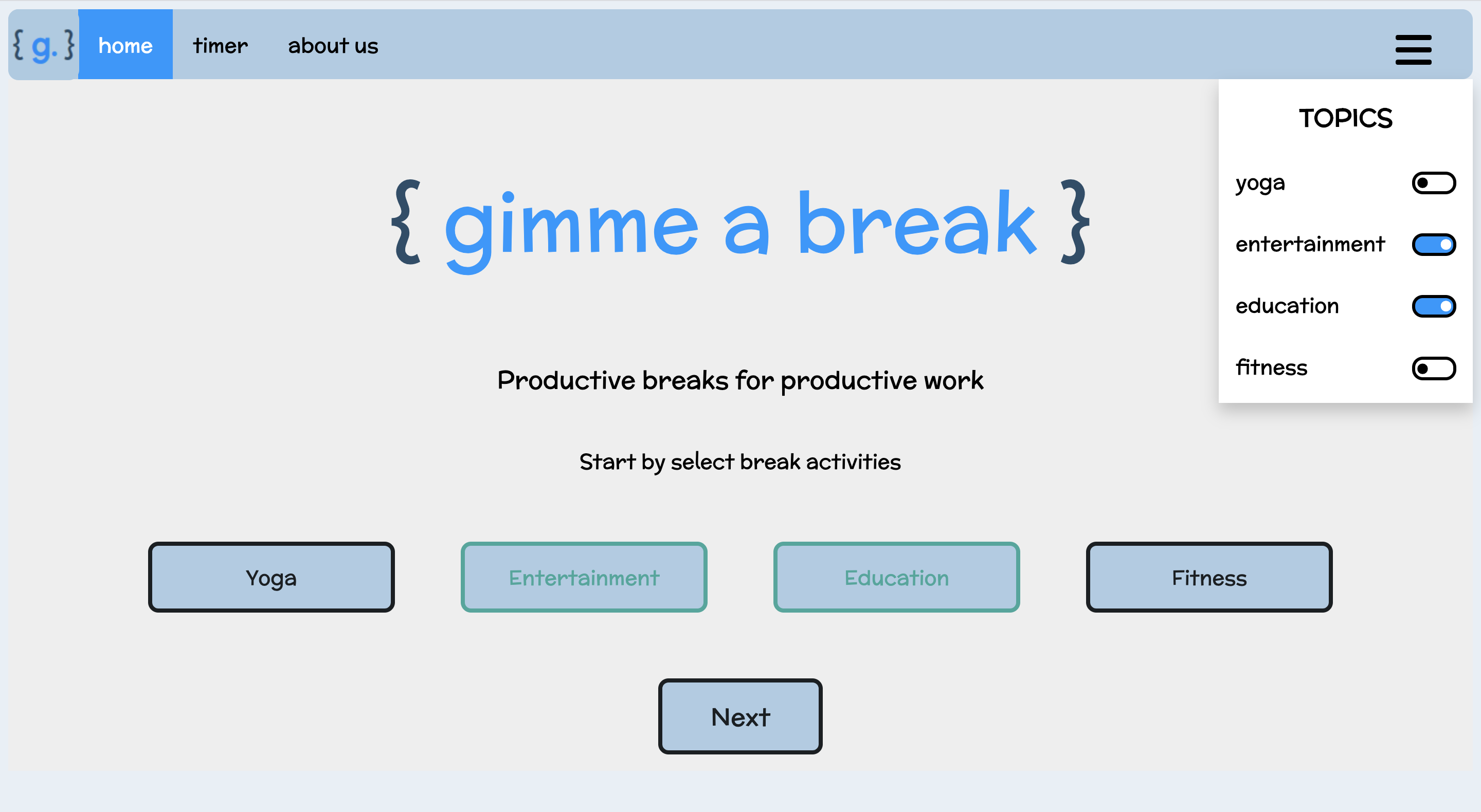
Landing page
-
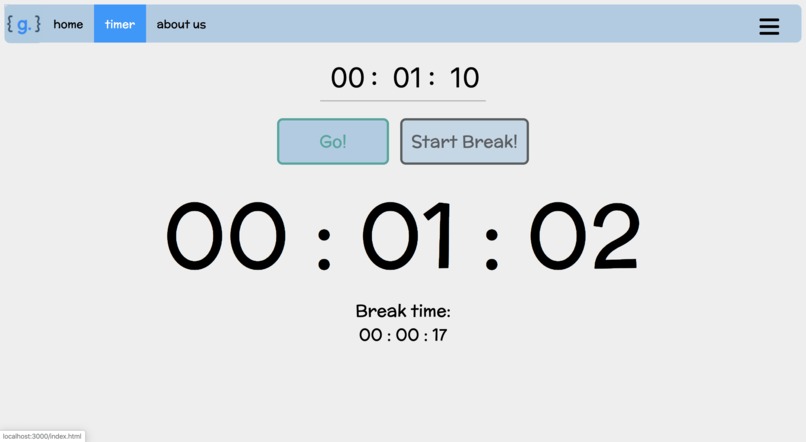
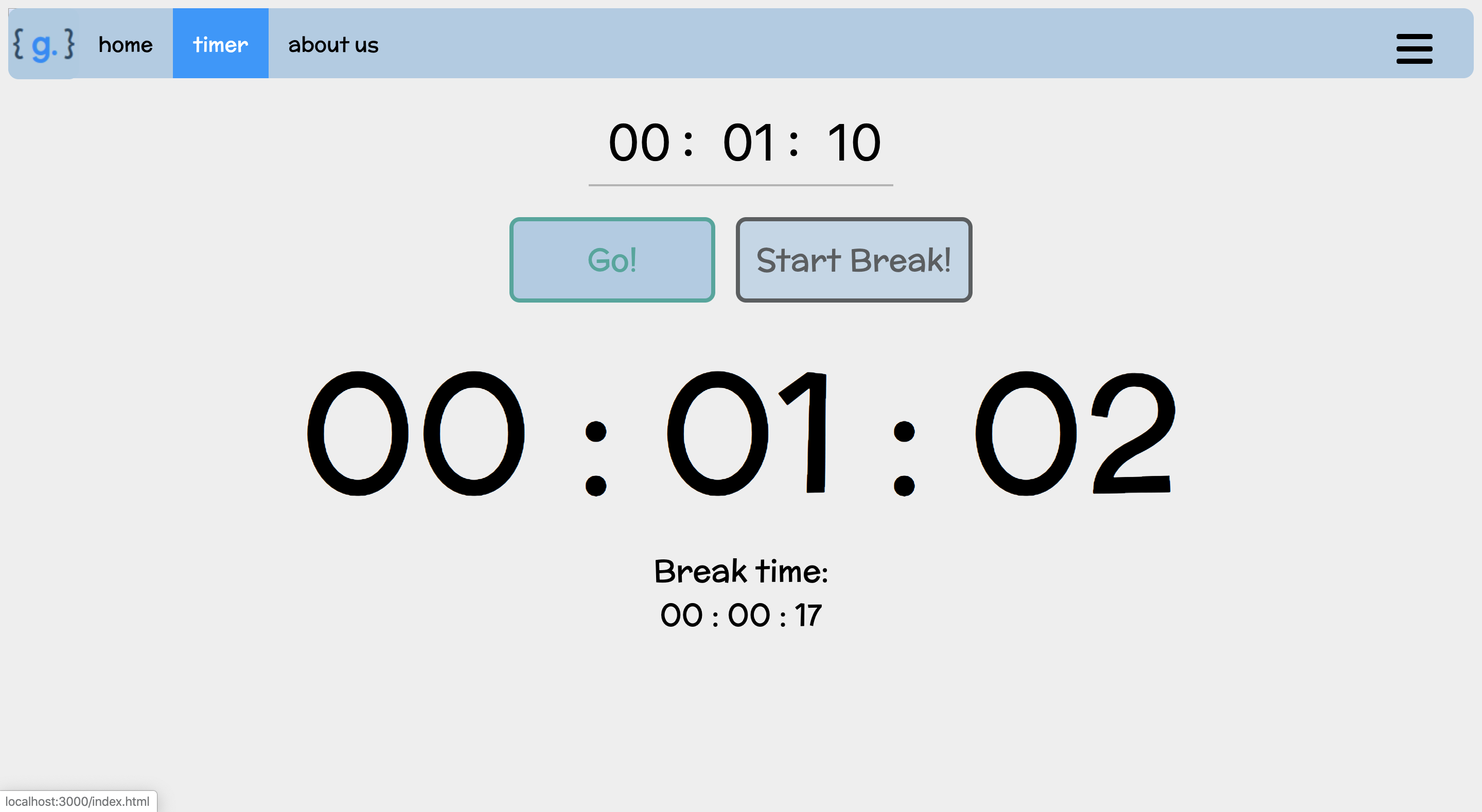
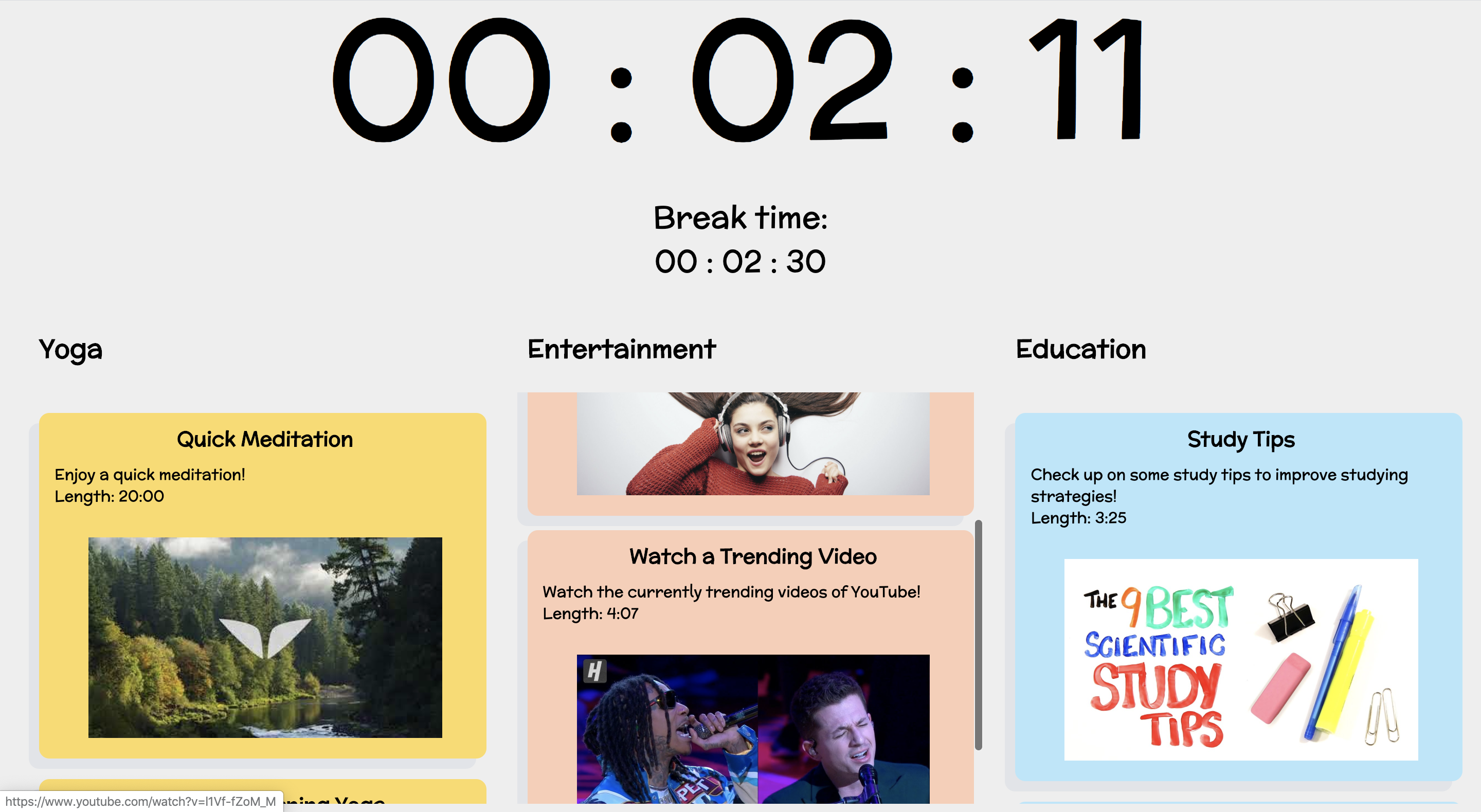
Intuitive timer that alters between studying mode and break mode automatically
-
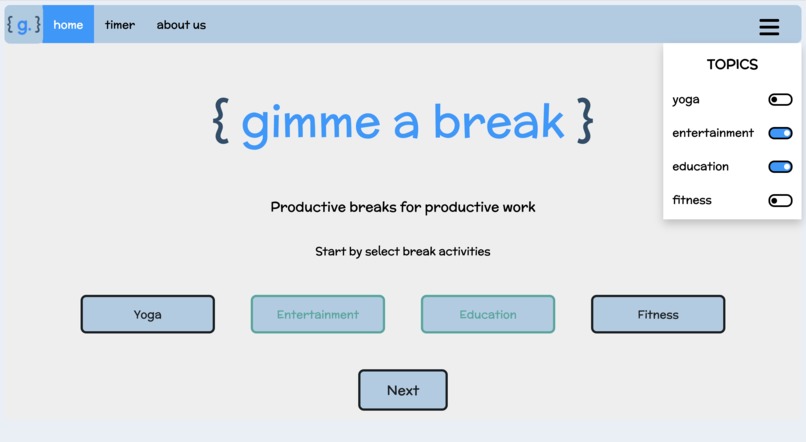
Selectable preferences, including a slider and buttons
-
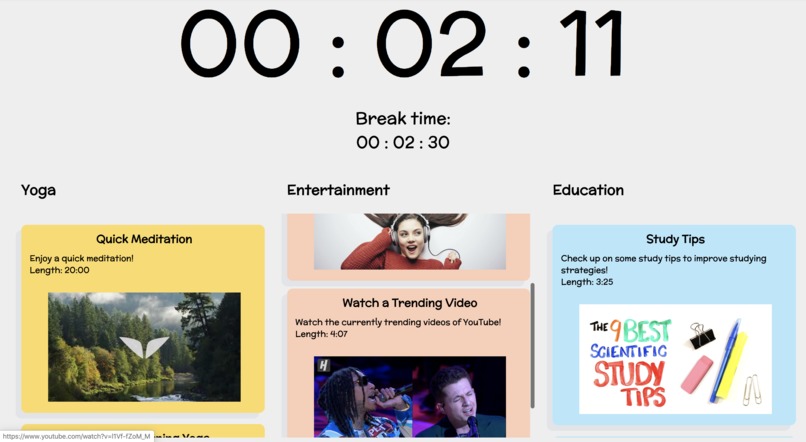
Various methods (depending on your preferences) of taking a break presented to you!
-
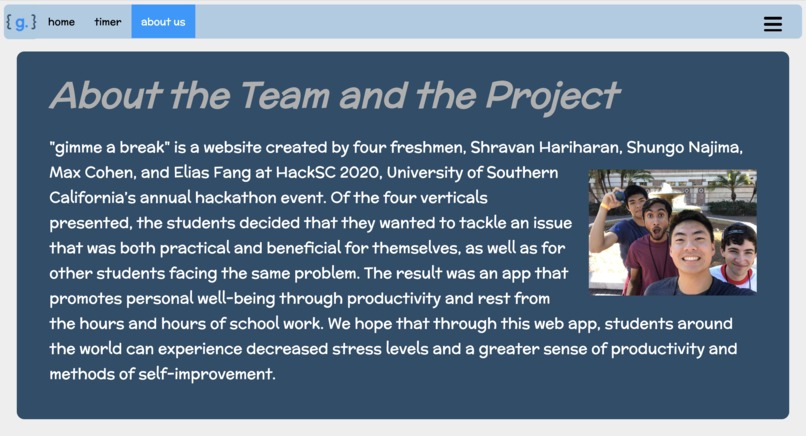
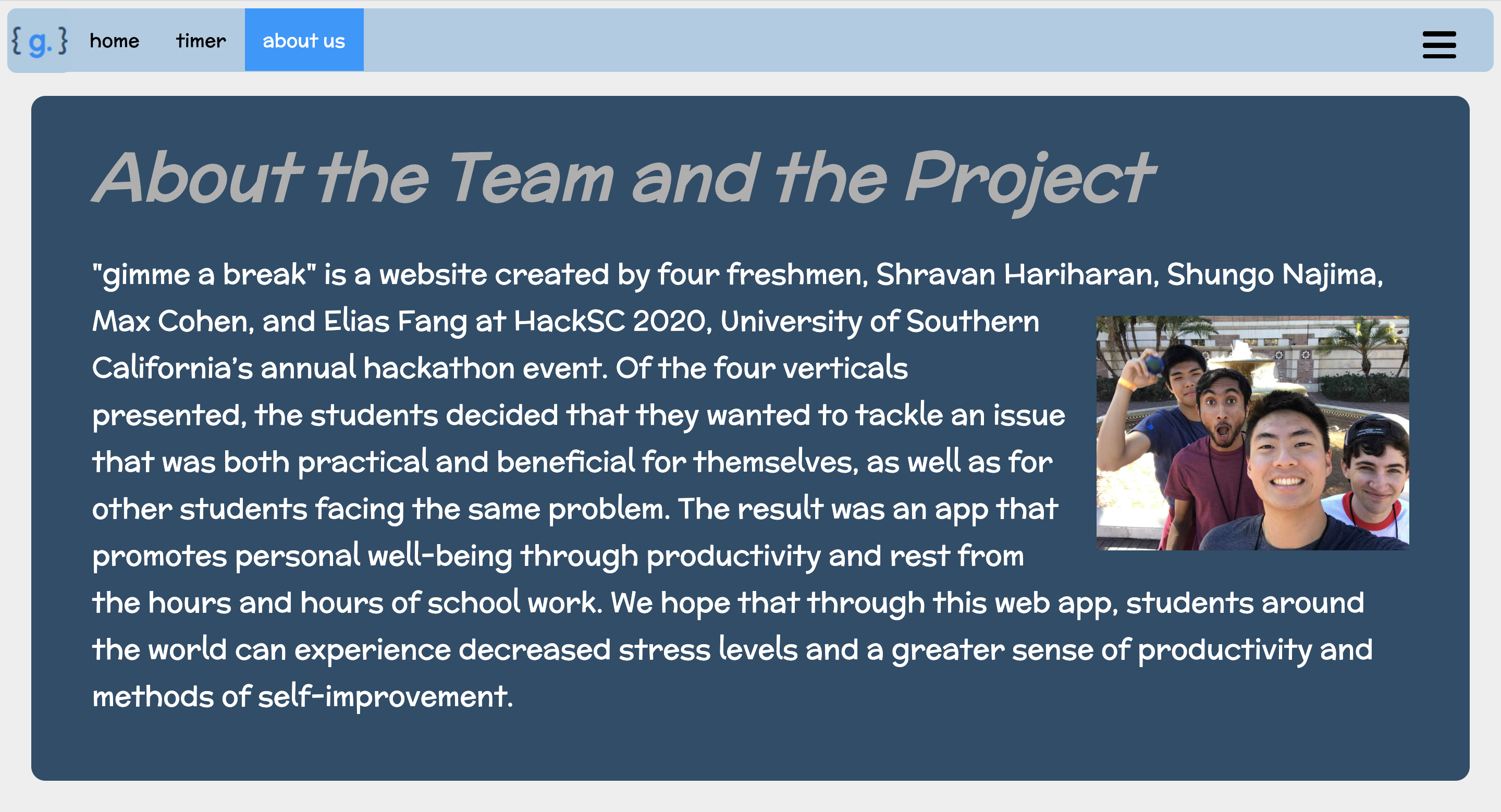
Team and project description
-
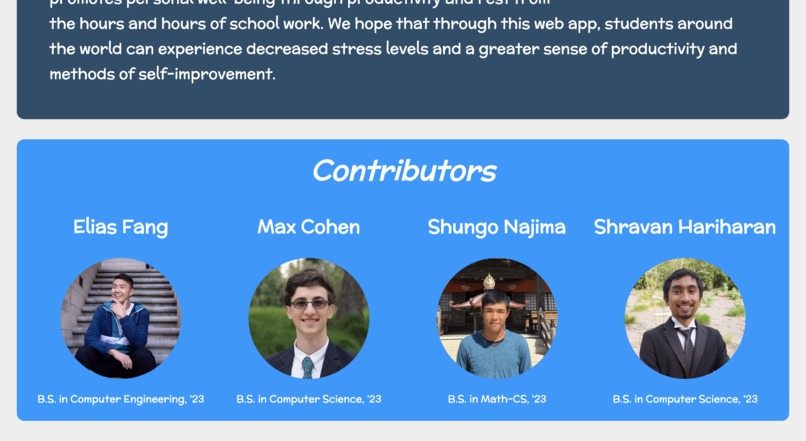
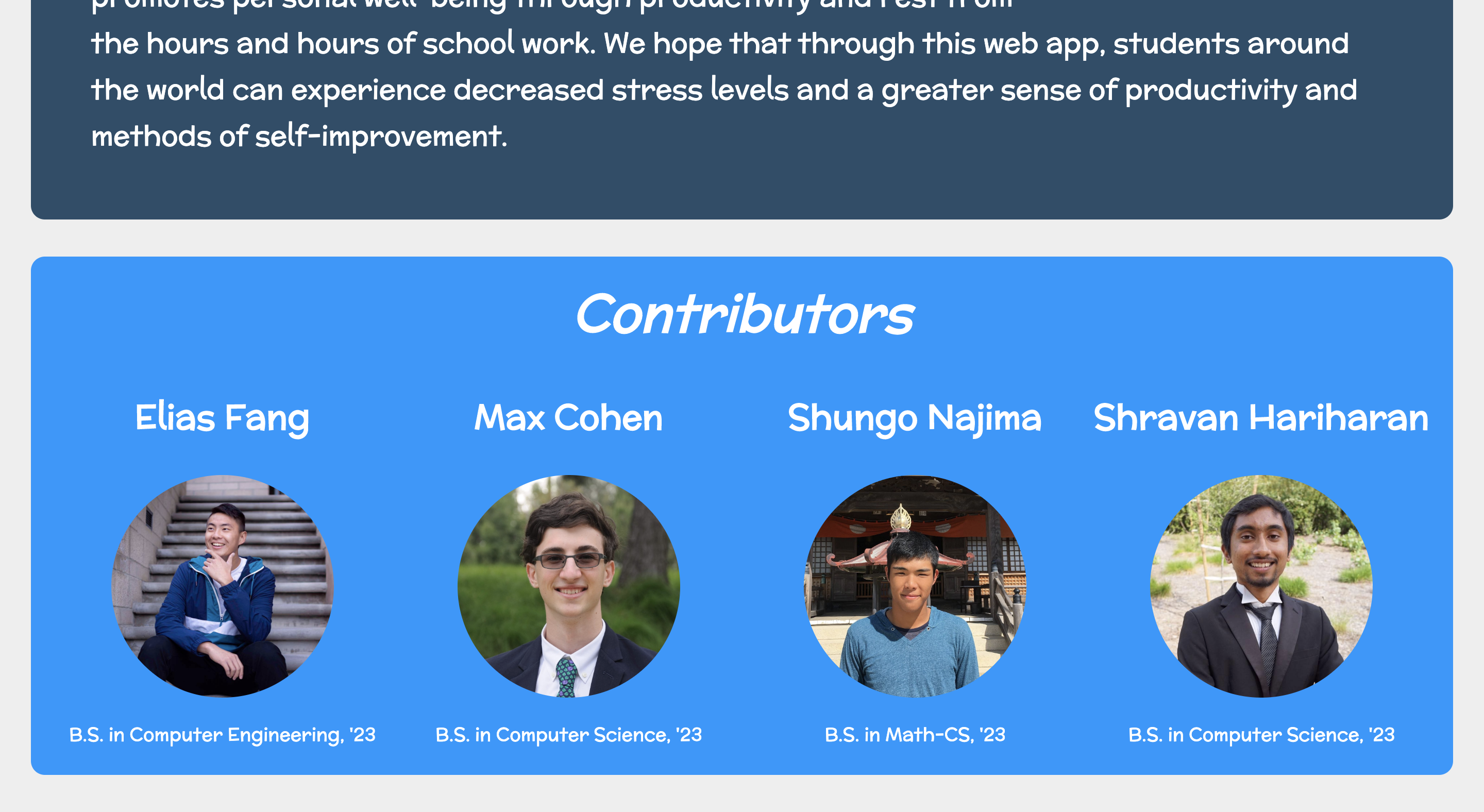
Team <3
Inspiration
For our first year at HackSC 2020, we were introduced by four verticals by which we could base our projects on. These verticals were: Civil Rights, Equity, Sustainability, and Mental Health. After contemplating these different topics and coming up with possible hacks, we decided on finding a solution to an issue surrounding mental health.
- [ ] Civil Rights
- [ ] Equity
- [ ] Sustainability
- [X] Mental Health
The issue that resonated with us the most was the topic of stress and anxiety caused by schoolwork, especially in today's technological society, where most assignments are online.
According to a specific research study by Francesco Cirillo in the 1980s, breaking down work into time intervals separated by short breaks is extremely beneficial to human well-being. This is known as the Pomodoro Technique. We each knew, firsthand, what it was like to work for hours on end in front of a computer screen, only to feel exhausted, both mentally and physically, and demotivated to continue with any academic assignments. Our goal was to develop a product that would diminish students' screen time, as well as encourage them to be productive during downtimes, ultimately decreasing levels of stress and anxiety.
What it does
Our web application is called gimme a break. The concept of our hack goes hand-in-hand with the Pomodoro Technique, in that it acts as a reminder for students (and workers in other capacities) to rest at certain time intervals.
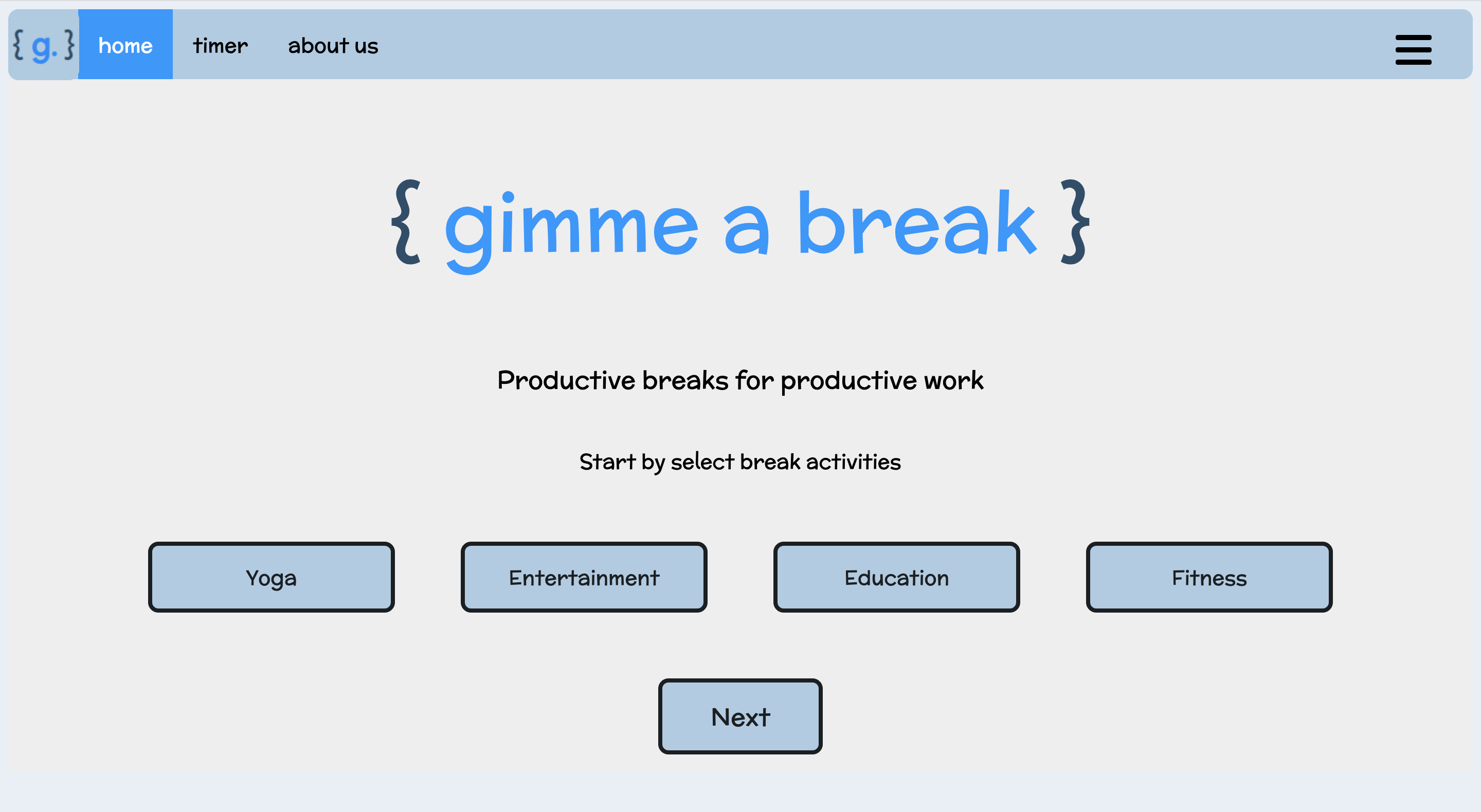
The following steps describe how to use the app: Step 1 The user selects their desired forms of productivity, as well as genres that interest them. These genres include:
- Yoga
- Entertainment
- Fitness
- Education The mediums of productivity include:
- Articles
- Videos
- Music
Step 2 The user enters a desired duration of time to work. One this time has passed, a notification on the computer screen will alert the user to take a break.
Step 3 The app then sets the timer with a suggested duration to rest, as well as provides a method of productivity, usually in the form of a link.
Step 4 Once the allotted time for the productive activity has passed, the user can then return to their work with the length of time they set and the process repeats.
How we built it
In our team of four, we split the jobs into two main sections: frontend and backend development.
Frontend Shravan and Elias focused on the frontend portion of this project, utilizing HTML and CSS to accomplish many minimalistic user interface elements, as well as features, such as dropdown menus, minute animations, and setting up for backend functionalities.
Backend In the backend portion of the project, Shungo and Max employed JavaScript along with Node.js, Express.js, and EJS. Many of these functionalities included the crucial time-keeping element of the app, button actions, browser notifications, and providing relevant sources of productivity. They also used MongoDB to perform the database functions required for the app to store user preferences, as well as REST to build our own API.
Obviously, these groupings were not strict and both sides still assisted with the other side in accomplishing certain tasks.
Challenges we ran into
The most notable challenges were the proper formatting of our web pages to achieve the minimalistic design and connecting frontend with backend to perform the functionalities we needed.
Getting a minimalistic design for our web application meant that we needed to find a way to promote a clean, yet effective look to our product. We started by testing out different color schemes and cycled through at least two schemes before coming to one that we felt promoted productivity and relaxation. In addition, many elements created using HTML and CSS often conflicted with other elements, making it difficult to create the look of the web app without much trial and error.
The other challenge for this project was most definitely intertwining the functions of backend with the UI of frontend development. We often ran into many bugs that made it difficult to test for the results that we wanted from functions. For example, saving user preferences according to what the user chose required code that none of us had used before, making it a great, yet challenging, learning experience.
Overall, the challenges we faced were met with our perseverance and support from mentors, allowing us to have our completed project.
Accomplishments that we're proud of
Completing the project has been a reward in itself. The development of gimme a break required countless new functionalities in the backend that most of us had not had experience with. Getting through those learning curves and understanding the programming languages better allowed us to feel like we gained more than just cool functionalities.
We are especially proud of our success through experimental features in UI design and backend functionalities, such as user preferences and integrating browser notifications.
What we learned
From this project, we learned of the challenges of using simple, vanilla web development languages. This has prompted us to look towards utilizing more advanced languages in the future, such as React, that could help make our development process more efficient. We also learned a lot using REST to build an API for us to use in our project.
Our experience in web development for this project has also encouraged us to look further into other areas of programming. For example, we may look towards video game development or even computer vision projects.
What's next for gimme a break
We hope that with gimme a break, students will experience a decrease in overall stress and an increase in productivity, motivation, and personal well-being. Overall, we want to spread the message on the importance of taking care of oneself in order to achieve the goals that we have set out for ourselves. Taking a break from the computer screen every once in a while toa reflect or focus on something else goes a long way in improving mental health.


Log in or sign up for Devpost to join the conversation.