
Elevator pitch
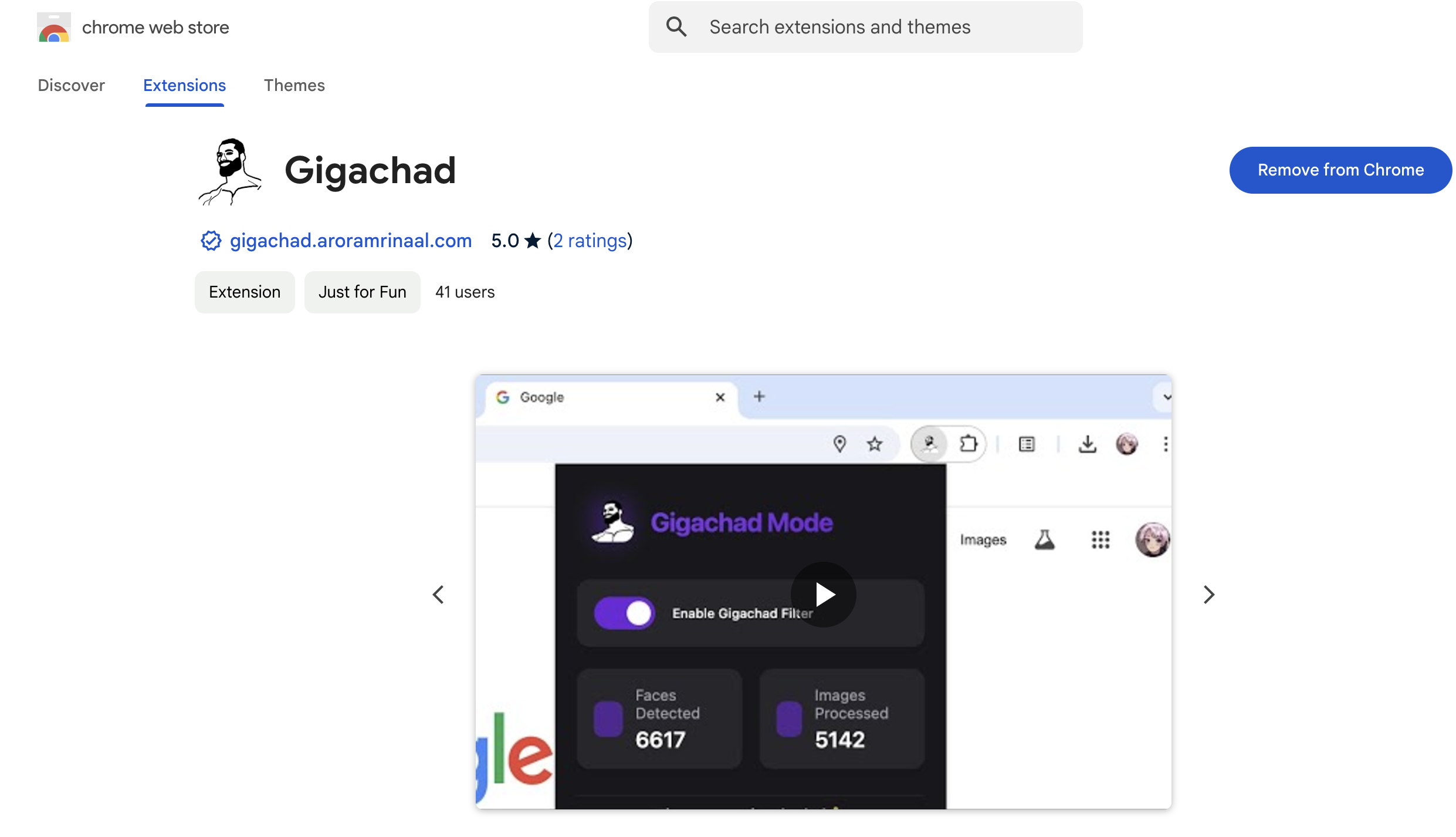
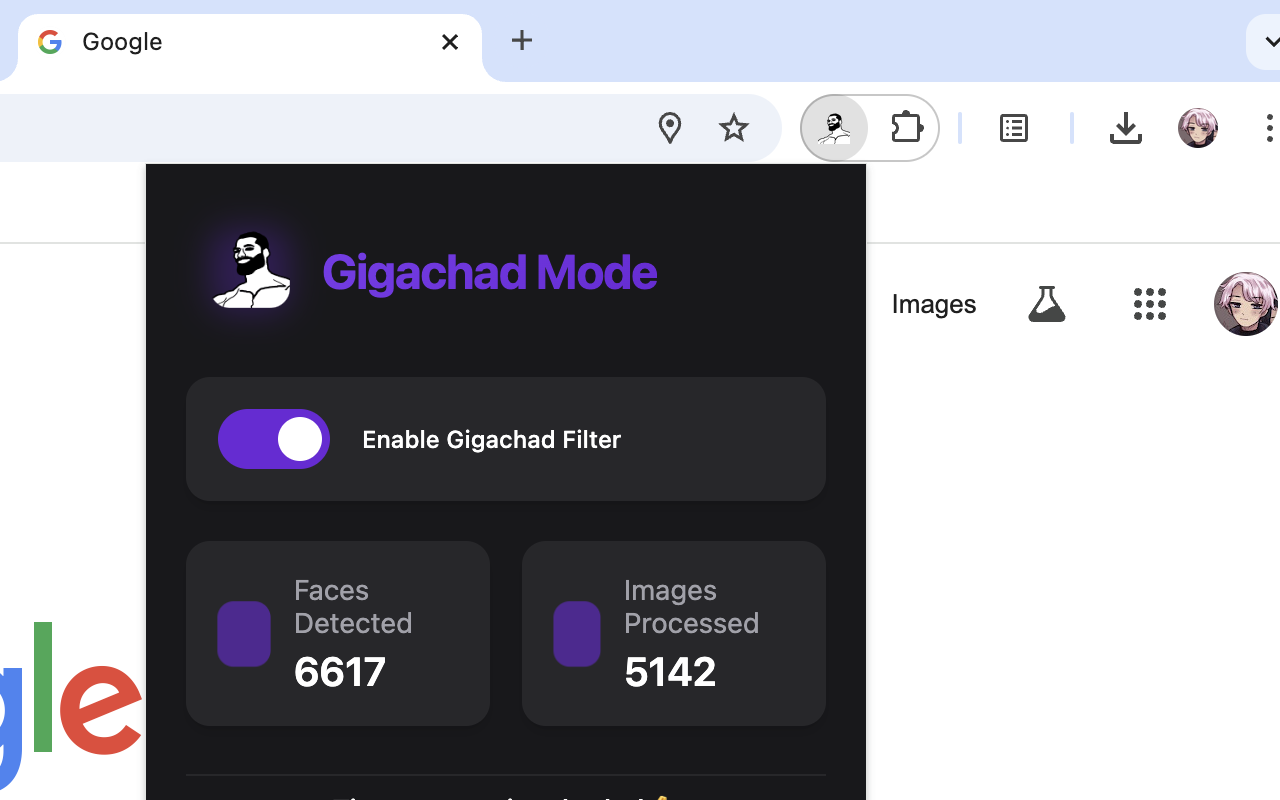
gigachad automatically transforms every face you see online into a gigachad using face-api.js and tensorflow.js. All processing happens client-side for seamless performance and privacy.
Inspiration
Adding some humor to everyday browsing was the main spark behind gigachad. I wanted to create something fun that leverages face detection and image manipulation, turning ordinary web experiences into legendary ones.
What it does
gigachad automatically applies the gigachad filter to every face you encounter online. Whether you’re browsing memes, reading articles, or shopping, this extension transforms ordinary faces into pure chad energy, enhancing your browsing experience with a touch of awesomeness.
How I built it
I built gigachad as a solo project using Chrome extension APIs. I utilized face-api.js and tensorflow.js for real-time face detection and processing, ensuring everything runs client-side for privacy and performance. The extension injects content scripts into webpages, detects faces in images, and overlays the gigachad filter seamlessly.
Challenges I ran into
Handling real-time face detection without slowing down the browser was a major hurdle. Optimizing the models to run efficiently client-side required tweaking and fine-tuning. Dealing with different image formats and ensuring the gigachad filter applied correctly across diverse websites also posed some tricky problems.
Accomplishments that I'm proud of
Successfully implementing real-time face detection and filtering within the constraints of a Chrome extension. Maintaining smooth performance while processing multiple images. Ensuring user privacy by keeping all operations client-side. Seeing the extension work across various websites and getting positive feedback from early users.
What I learned
I deepened my understanding of browser extension development and the intricacies of content scripts. I gained experience with machine learning libraries like face-api.js and tensorflow.js in a browser environment. I learned how to optimize performance for real-time image processing and manage resource constraints effectively.
What's next for gigachad
I plan to enhance the gigachad filter with more customization options, like different styles or user-uploaded filters. I'm exploring performance optimizations to support even faster processing. I'm potentially adding support for video content, turning every frame into gigachad gold. I also plan to expand compatibility with more browsers beyond Chrome.
Built With
- javascript
- tensorflowjs


Log in or sign up for Devpost to join the conversation.