-
-
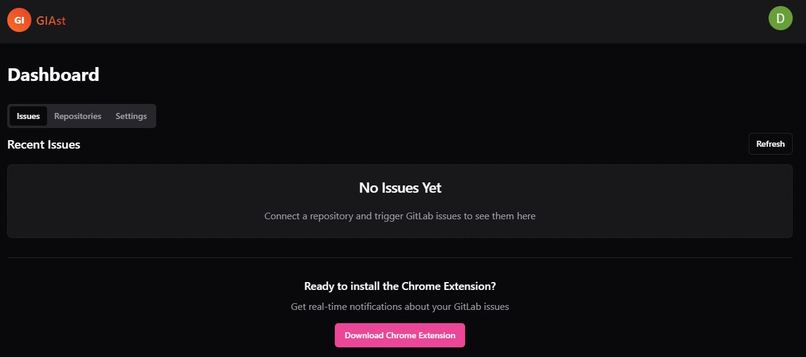
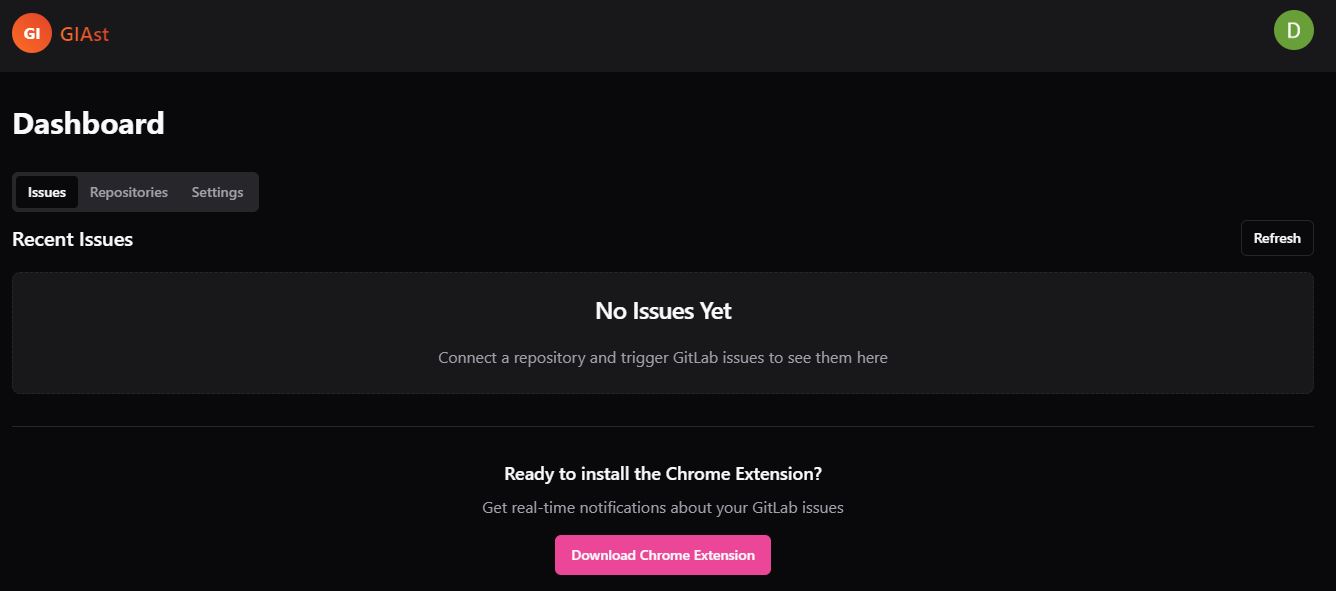
dashboard issue tab
-
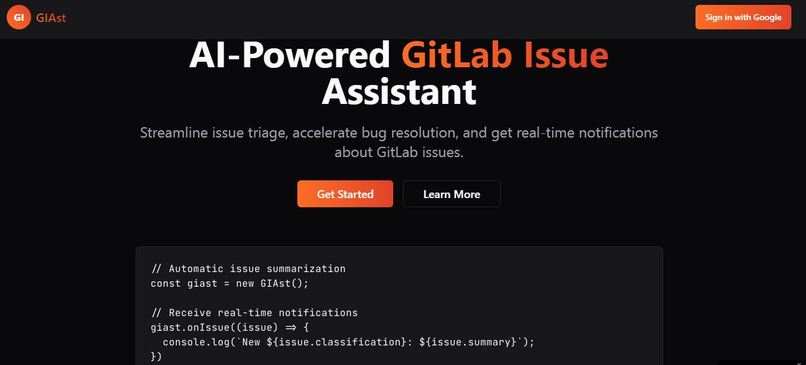
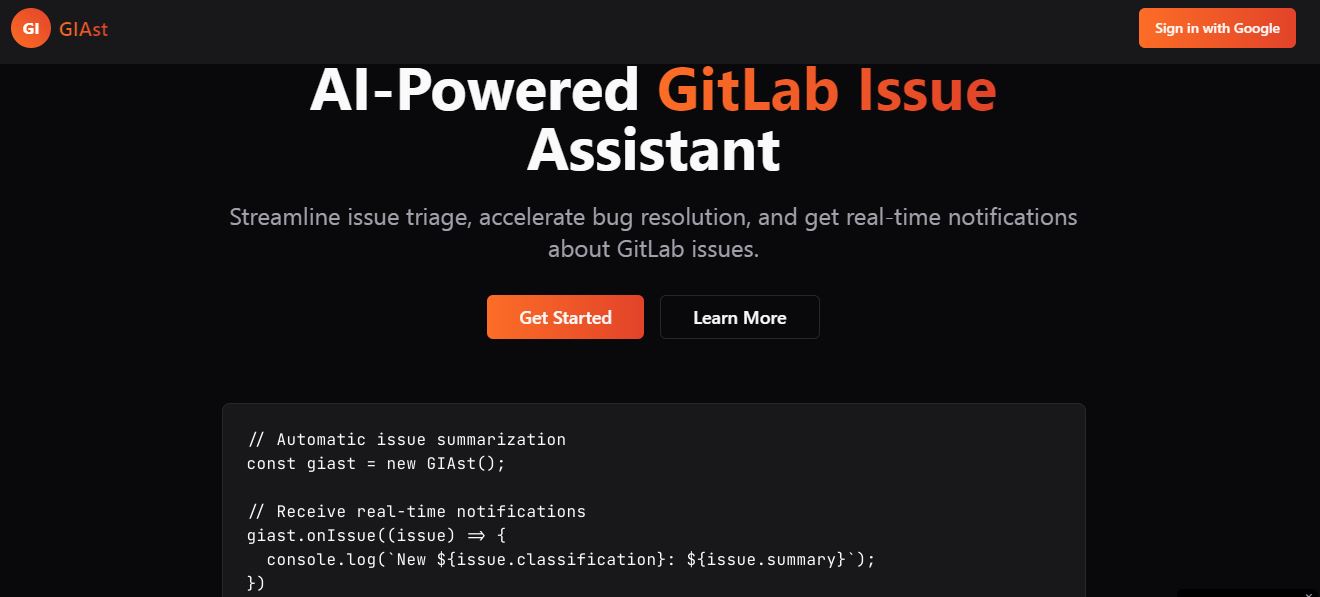
hero section of landing page
-
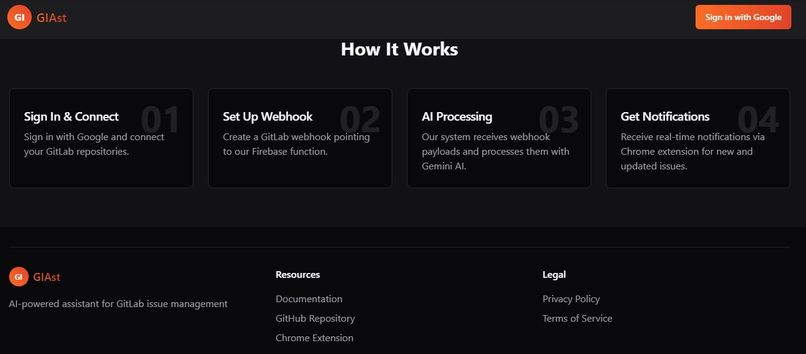
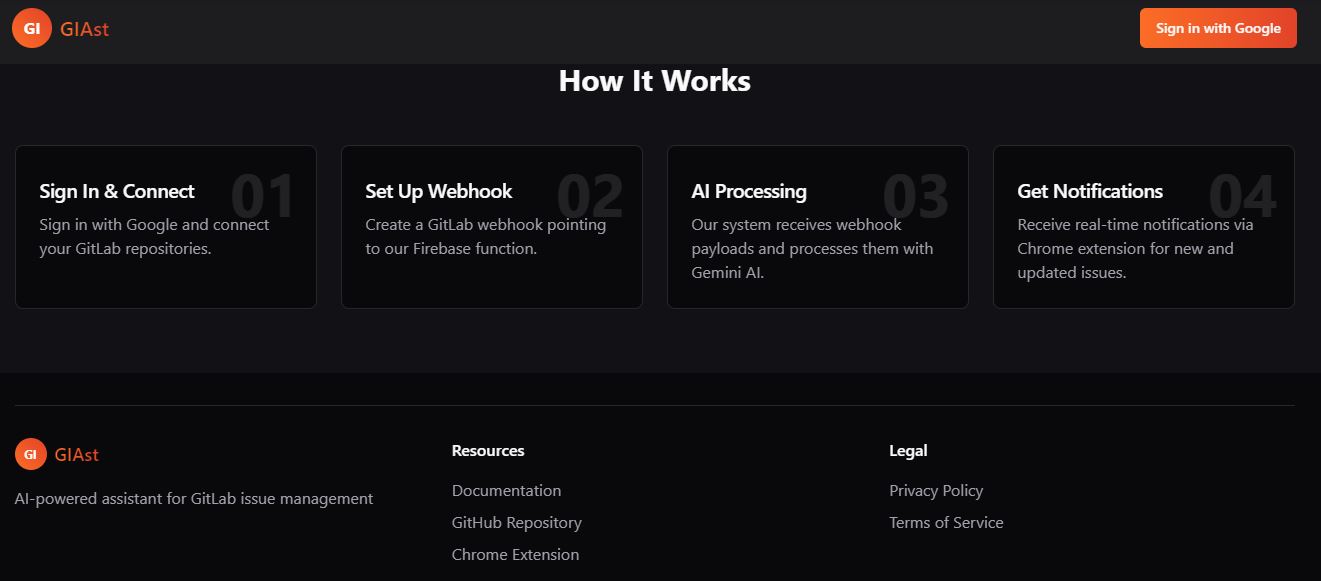
how it work
-
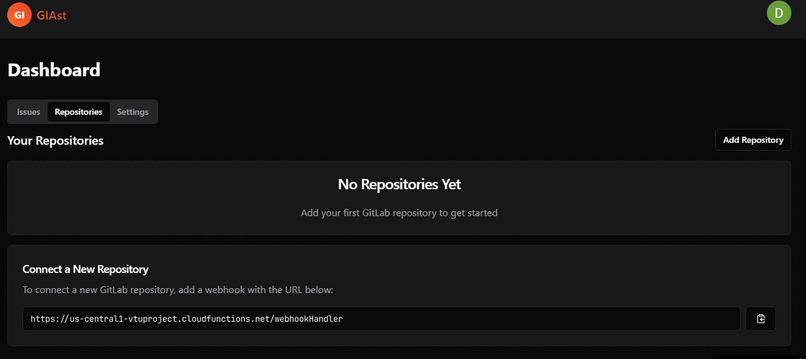
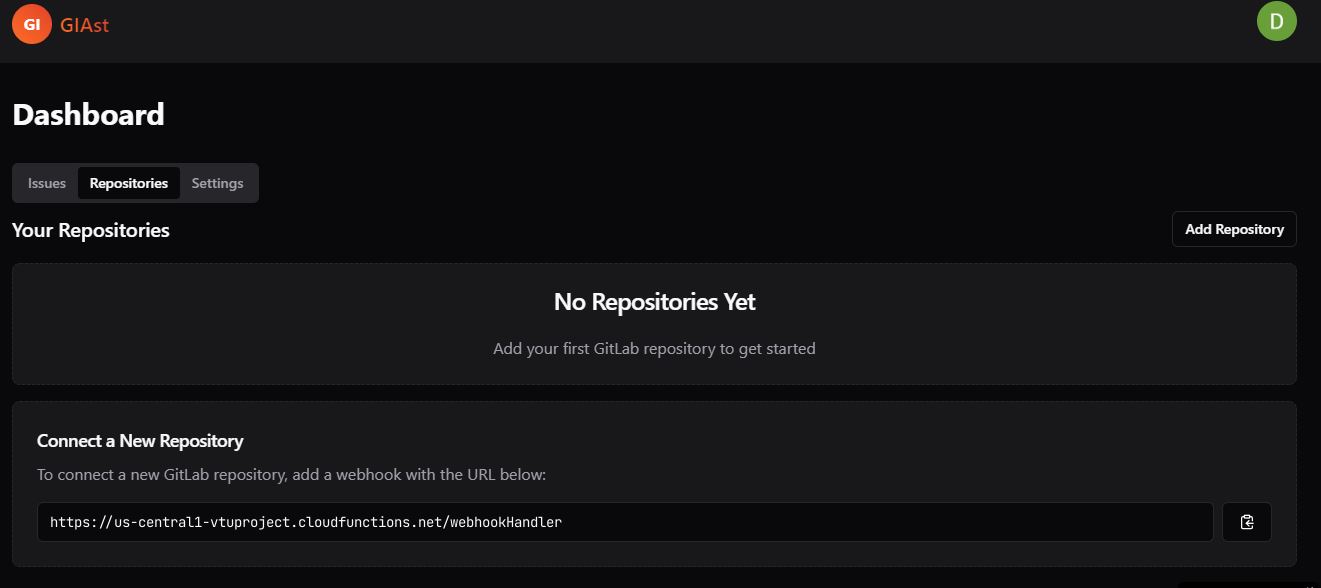
dashboard repository tab
-
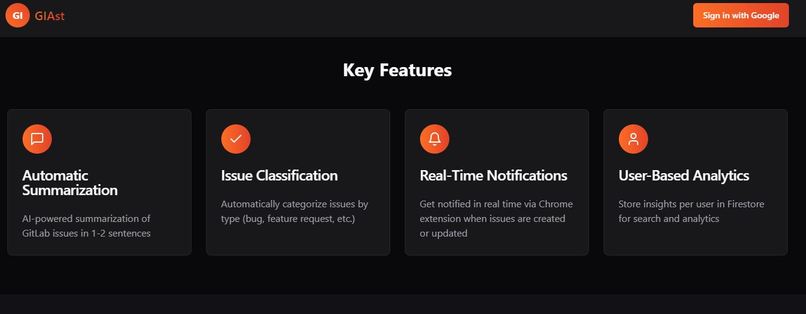
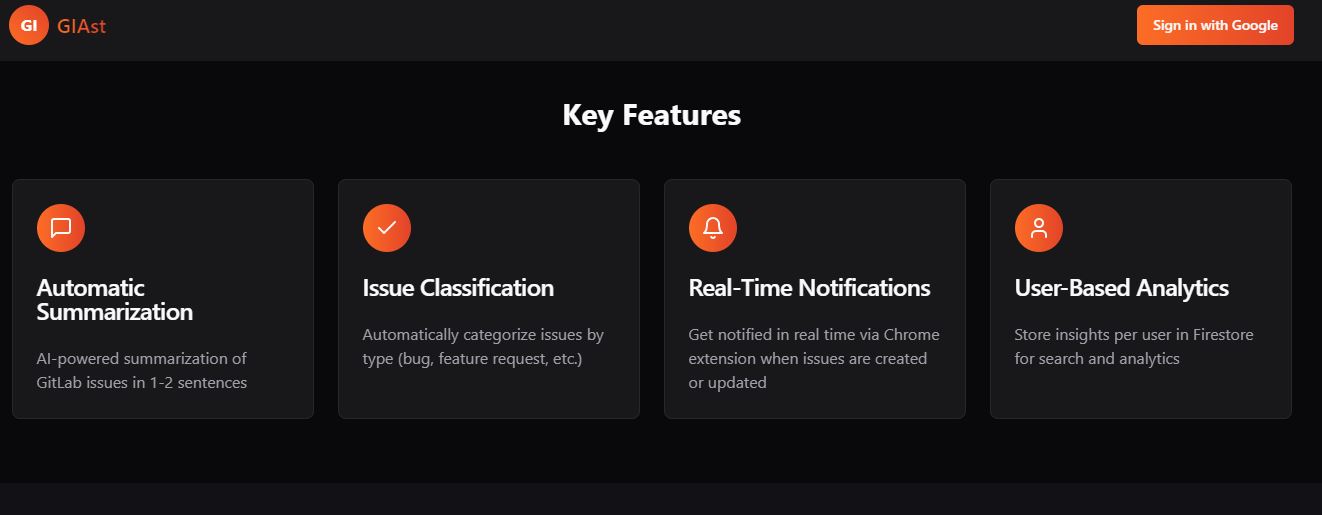
features on landing page
🚀 GIAst – GitLab Issue Assistant
✨ Inspiration
Managing issues in software projects—especially those hosted on GitLab—can be overwhelming. Developers spend too much time reviewing issue descriptions, classifying them, and writing summaries. Inspired by this problem and recent advancements in AI (like Google's Gemini), we created GIAst, an AI-powered issue tracker assistant that helps automate issue understanding, classification, and triage for GitLab repositories.
💡 What it does
GIAst allows developers and project teams to:
- 🔗 Connect GitLab repositories via webhook
- 📥 Automatically receive new or updated issues via GitLab webhooks
- 🧠 Use Gemini AI to generate concise summaries and classify issues as bug, feature, documentation, or other
- 🧾 View, update, or delete issues through a clean dashboard
- 🧑💼 Secure access via Firebase Authentication
All of this is wrapped in a beautiful React + Tailwind interface built for clarity and speed.
🏗 How we built it
We split the project into two parts:
📦 Backend (Node.js + Express)
- Built a RESTful API with Express.js
- Used MongoDB Atlas with Mongoose for database storage
- Verified users using Firebase Admin SDK
- Handled incoming GitLab webhooks and used Gemini Pro API to analyze issues
- Deployed backend with CodeSandbox Server (CSB) during development
🖥 Frontend (React + TypeScript)
- Built with React, Vite, and TypeScript
- Used Firebase (client SDK) for authentication
- Styled using Tailwind CSS and shadcn/ui
- Created reusable components and tabs for managing repositories and issues
- Integrated with the backend via secure
Bearertoken API calls
🧱 Challenges we ran into
- 🔐 Handling CORS and passing Firebase tokens securely from frontend to backend
- 🧪 Debugging GitLab webhook payloads in real-time
- 🧾 Parsing and validating AI responses from Gemini reliably
- 🧭 Managing real-time updates between the GitLab project and GIAst’s issue database
- 🌍 Deploying and testing APIs securely in sandbox environments
🏅 Accomplishments that we're proud of
- 🌐 Built a full-stack AI-powered issue tracker from scratch
- 🔗 Successfully integrated GitLab webhooks and Gemini AI
- 🧠 Automated issue summarization and classification with minimal latency
- 🔐 Enforced user-based access control using Firebase Auth across frontend and backend
- ⚡️ Clean, responsive, and fast user experience
📚 What we learned
- How to build secure APIs with token-based Firebase Auth
- How to parse and sanitize webhook payloads from GitLab
- How to use Google Gemini to produce structured JSON responses
- How to synchronize AI analysis with existing backend data
- How to handle CORS policies and JWT tokens in a modern frontend/backend architecture
🔮 What's next for GIAst
- ⏳ Add support for real-time updates using WebSockets or Server-Sent Events
- 📊 Implement analytics to track issue trends across projects
- 🔔 Add Slack/Discord notifications for classified issues
- 🤖 Enhance classification logic with fine-tuned models
- 🧩 Expand support for GitHub and Bitbucket repositories
🔧 Built With
| Technology | Role |
|---|---|
| React | Frontend UI framework |
| TypeScript | Type-safe codebase |
| Tailwind CSS | Styling framework |
| Firebase Auth | Authentication and token handling |
| MongoDB Atlas | Cloud database |
| Mongoose | MongoDB ORM for Node.js |
| Express.js | Backend server and routing |
| Google Gemini API | AI-powered summarization/classification |
| GitLab Webhooks | Issue trigger and data source |
| Vite | Fast frontend bundler |
| shadcn/ui | UI components (Radix UI based) |
| CodeSandbox Server (CSB) | Backend deployment & testing |

Log in or sign up for Devpost to join the conversation.