-
-
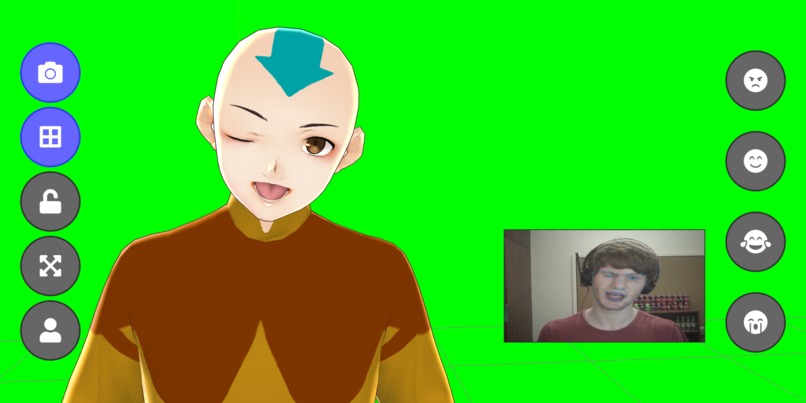
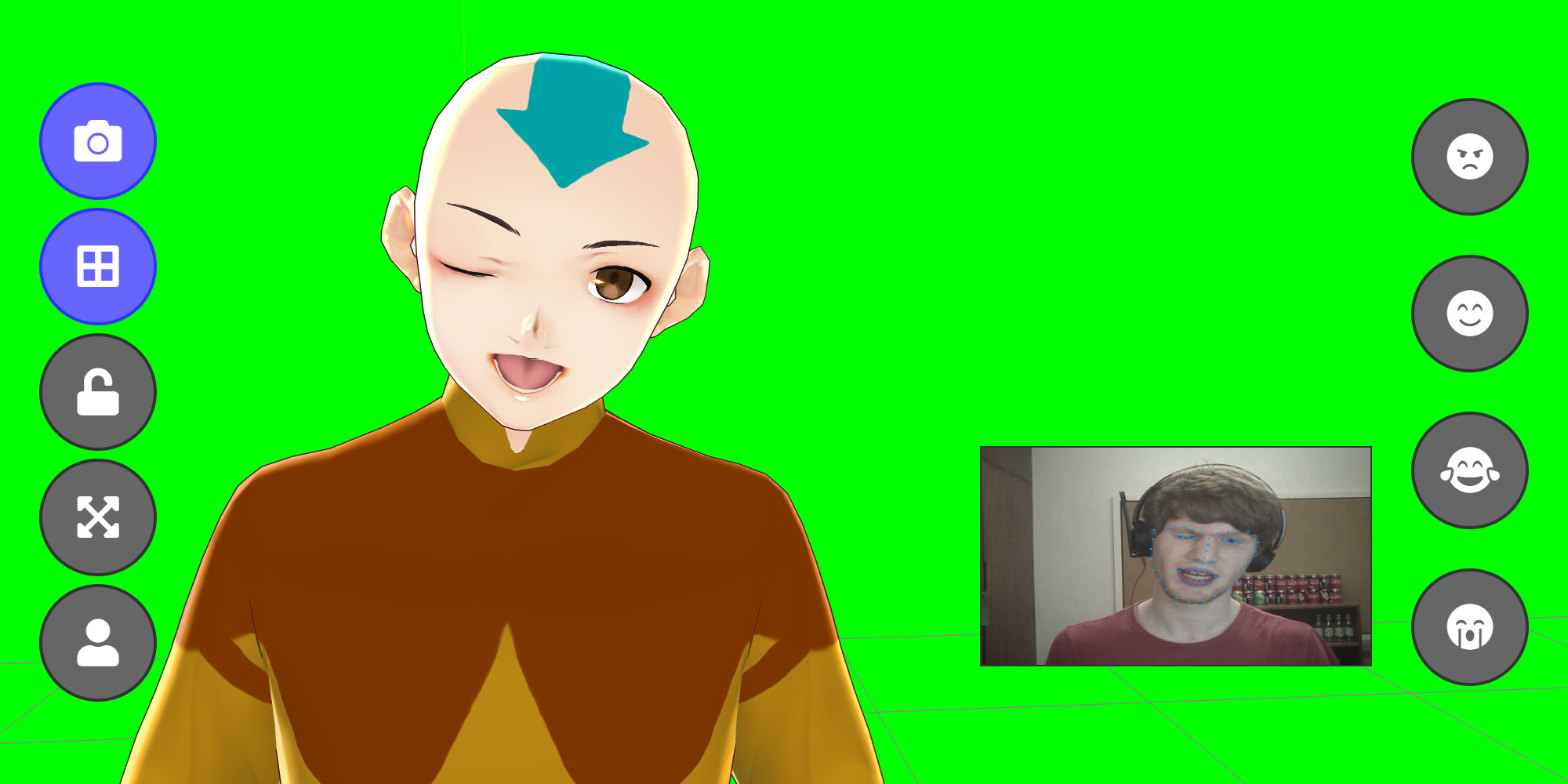
Real-time face tracking for one device...
-
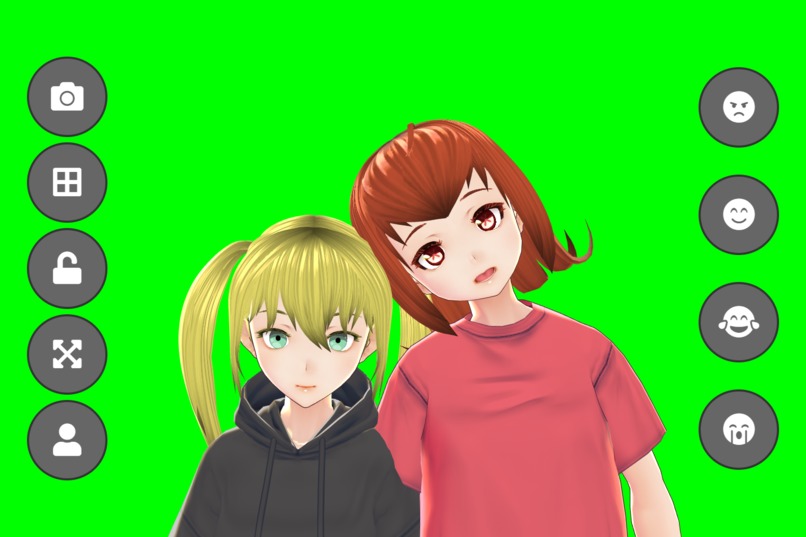
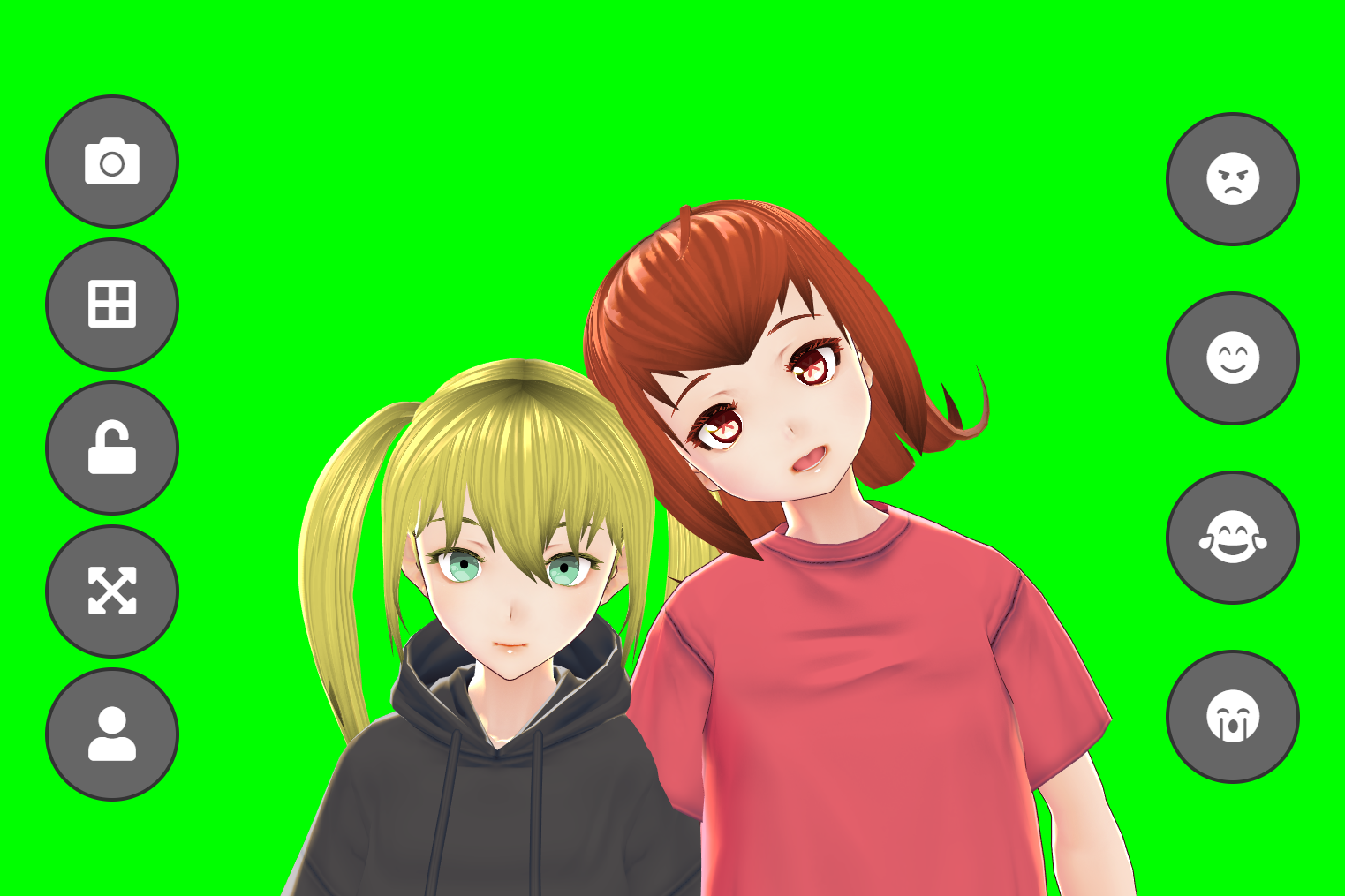
...or two...
-
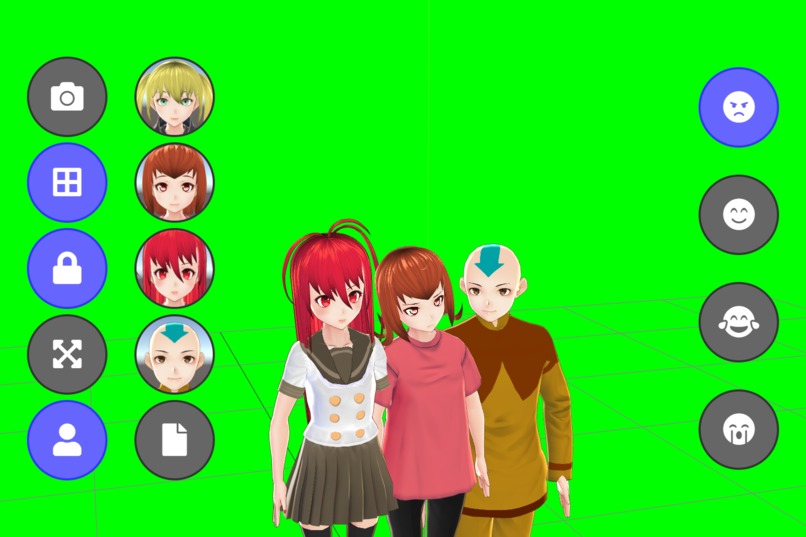
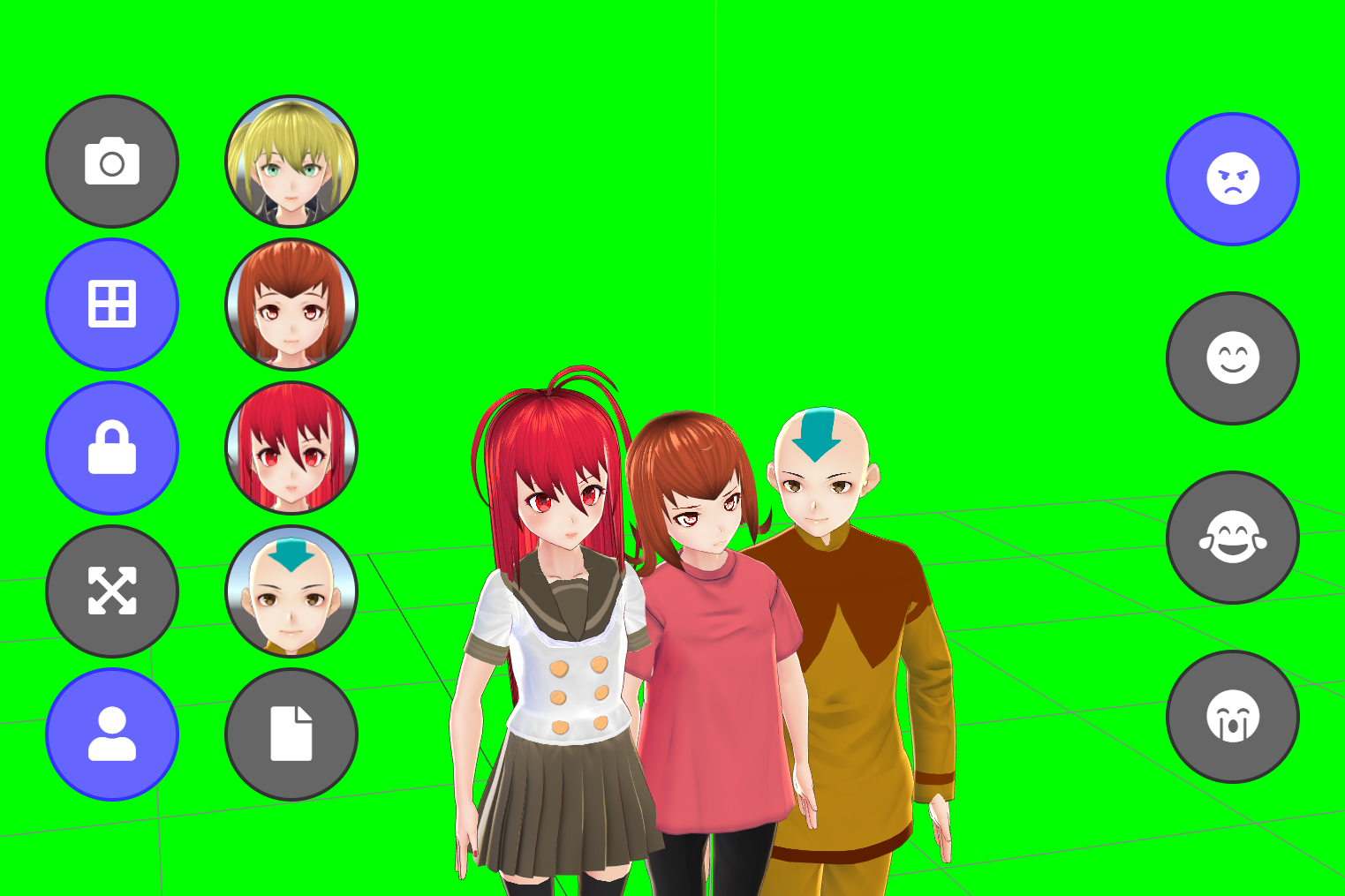
...or three (or more!)
-
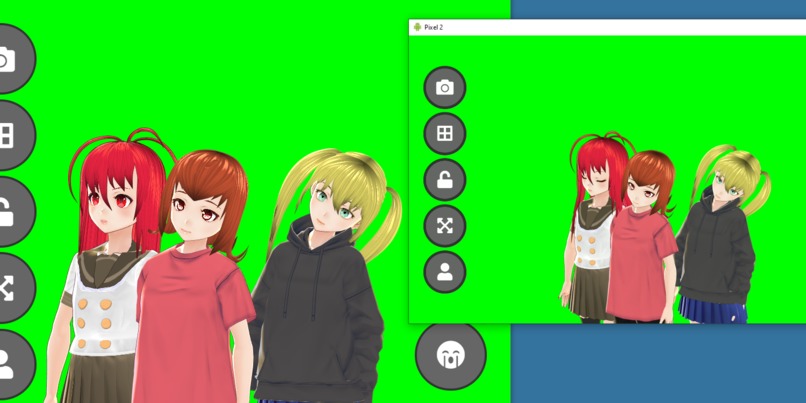
Live sync between all devices
-
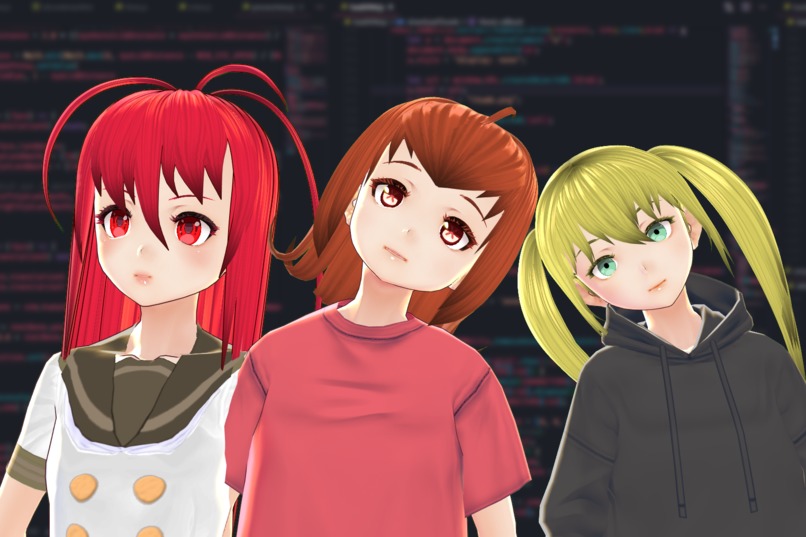
Trivially green-screenable
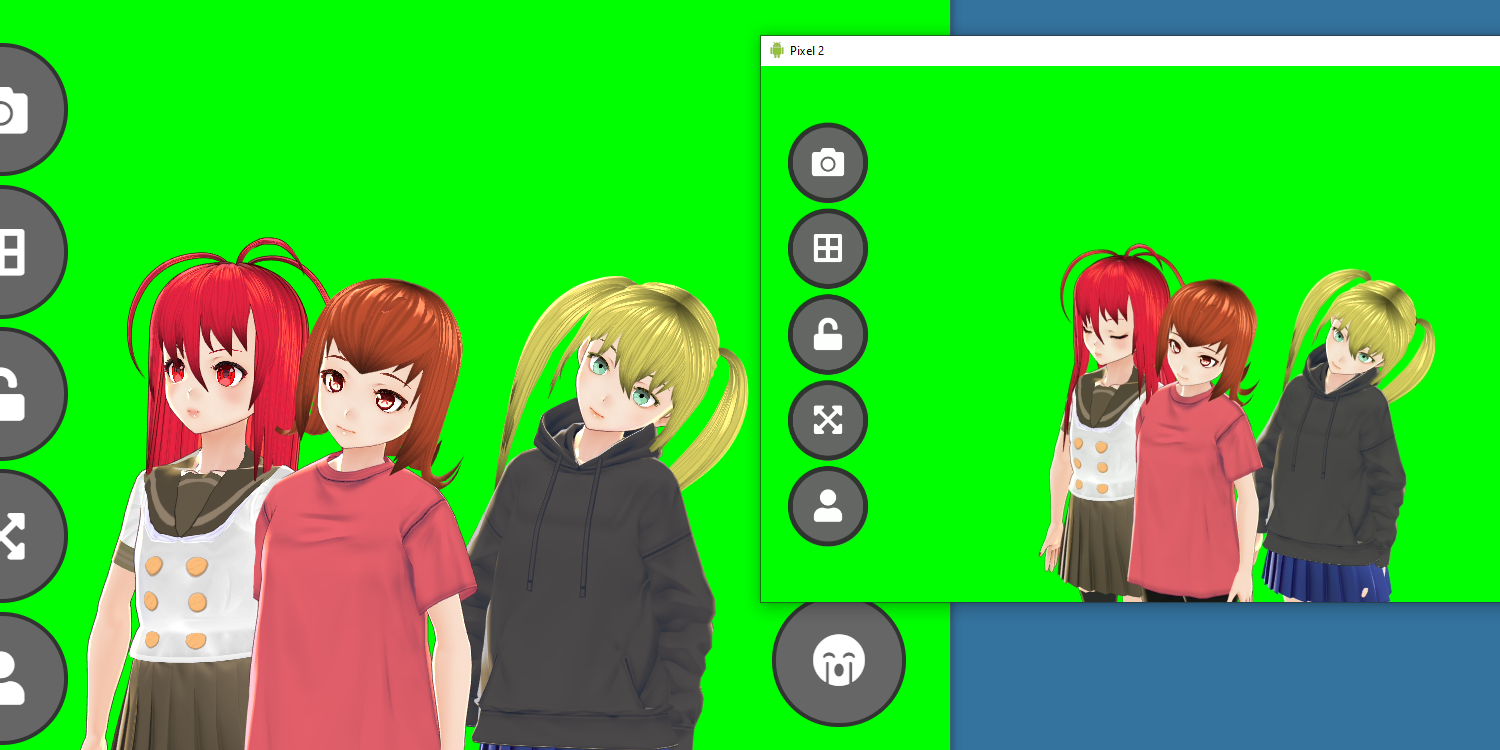
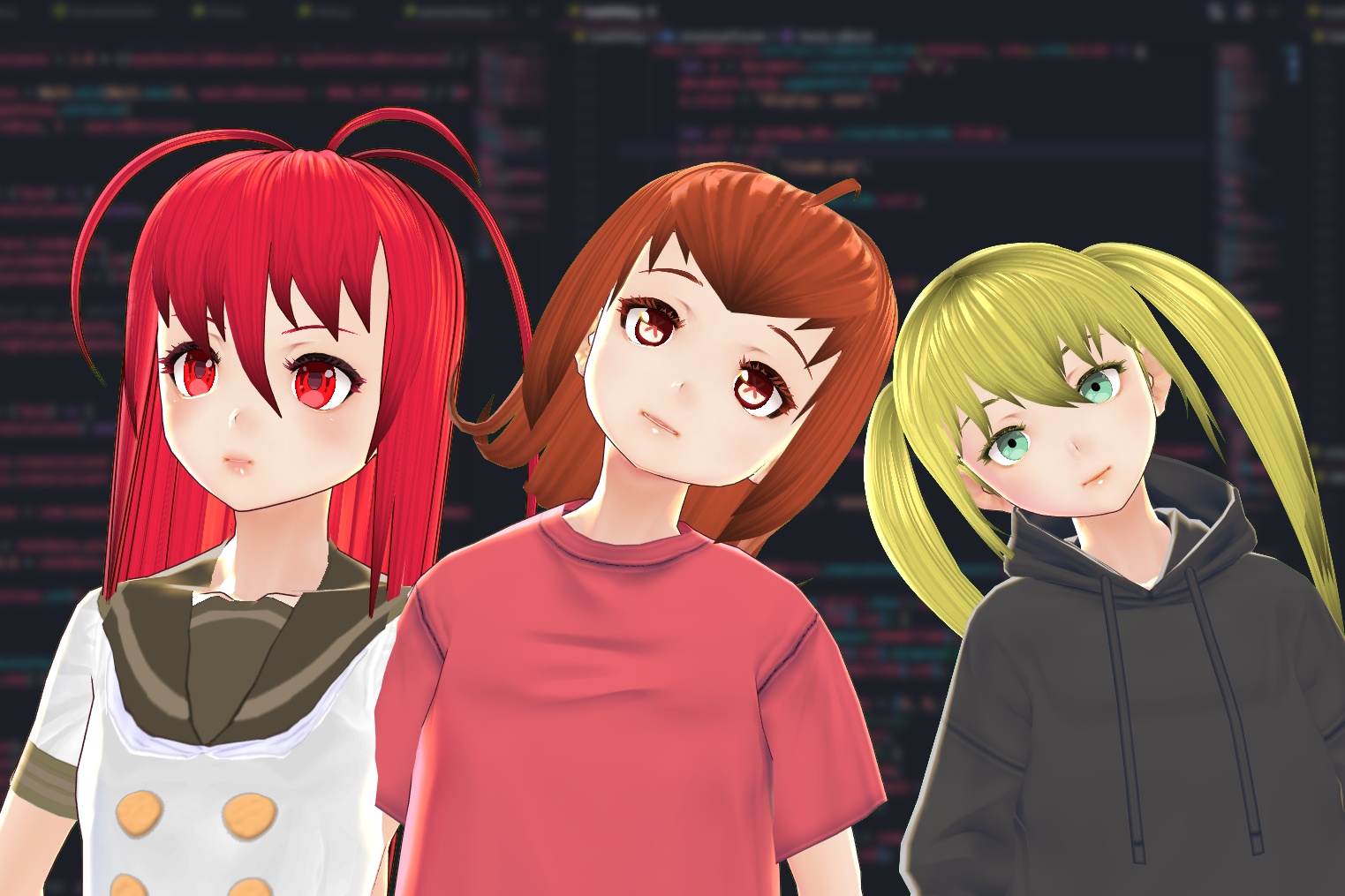
For a (slightly) less whirlwind video, see https://youtu.be/mB7mj-chekc
Inspiration
While there are quite a few pieces of software that let you animate avatars using your own face many of them are either expensive (such as FaceRig Pro), or require a significant amount of specialised hardware for motion capture - just to list a few. Of the few freeware tools that already exist, all require software to be downloaded, and often installed, onto the host computer before they can be used, and also lack the option to perform the tracking and rendering on other devices (VSeeFace allows network-based tracking, but rendering must be local) without making use of complex screen mirroring technologies such as NDI.
What it does
This aims to bridge that gap. Entirely within a browser facial recognition is performed to locate important features on the user's face, then those features are mapped onto a virtual avatar. There are a handful of included avatars - namely ones I've made in the past and had lying around - along with the option to upload any a user might want to.
Additionally, multiple users can simultaneously connect to an online server, which will then sync their avatar and motion between all of the clients.
While I was originally just aiming to complete the Pub/Sub challenge (via the server), the Game Dev challenge (as this can be used as an excellent way to test models quickly before fully animating them inside a game), and the General challenge, it was at this point I realised this could also count as an Educational Hack. During remote learning, students are typically forced to enable their webcams, which can leave many feeling uncomfortable having to no only show themselves, but also their entire room to all other peers. By using virtual avatars, it's possible to still have a personal relationship without needing to show your webcam (I've done this in meetings before and it works surprisingly well!).
As everything except the server is written in JavaScript, it can run anywhere - including phones! Not only do phones typically have significantly better cameras than desktop computers or laptops, but by performing the tracking and rendering entirely on a phone the computer is left with more resources to do whatever else it's doing. There's also the added benefit that, for people using virtual avatars as a form of anonymity, the camera is attached to a physically different device, lessening the chances of accidentally showing their face. There are many pieces of powerful and free software that can mirror a phone's screen to a computer in real time, notably scrcpy, which can perform this task with near-0 latency.
The background is set to a solid #0000ff shade of green, which allows for the easiest keying out, and is thus the most flexible solution to then overlay over anything you want. three.js would allow for arbitary scenery in the background, however I'm not a 3D designer and with just 24 hours I didn't have time to produce any meaningful background scenery that was better than just a green-screen.
How I built it
To ensure portability and the ability to run from inside a browser, all of the tracking and rendering is done with JavaScript. The facial landmark detection is performed by the excellent BRFv5 library which provides trial access to all of their models for any non-commercial projects. Models are loaded from the VRM format into a format that three.js can work with through the three-vrm library.
The BRFv5 library provides tracking data in the "68 landmarks" format, which is most simply described using an image:
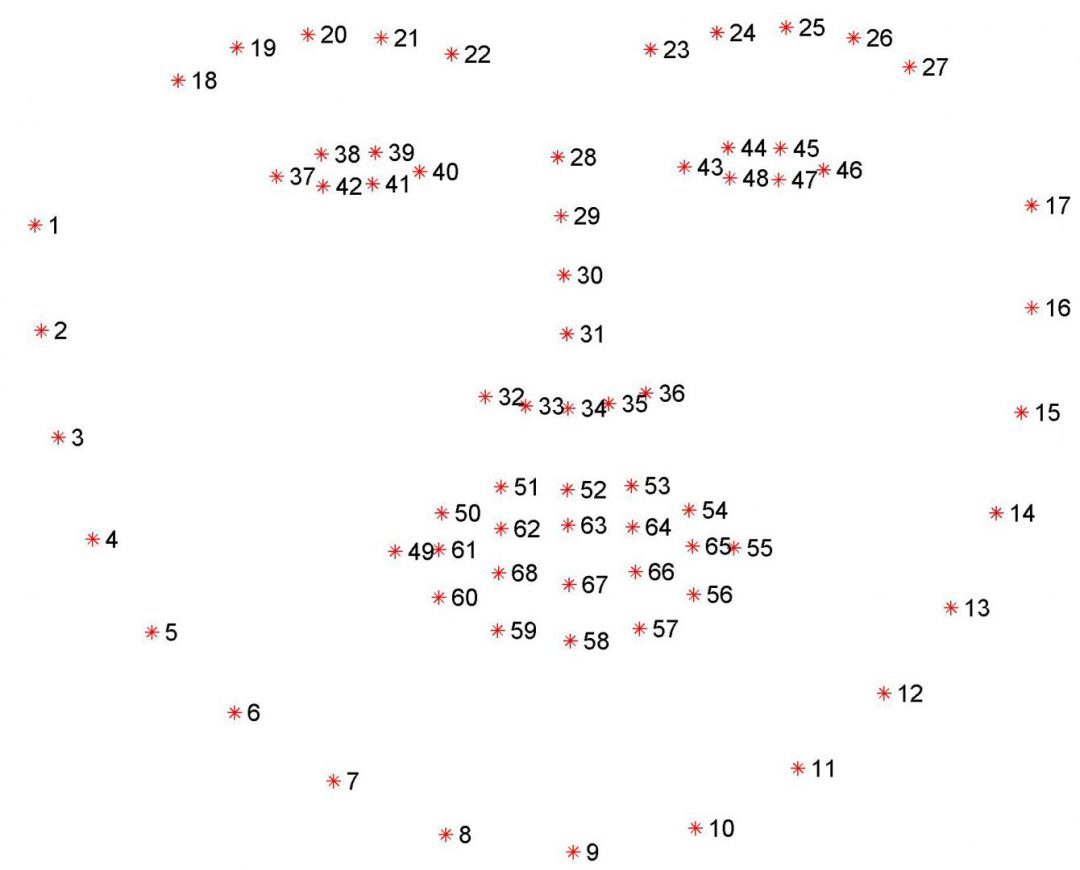
Some tracked values, such as head rotation, can be mapped with minor difficulty, however more complex actions such as blinking require additional logic. For example, calculating how open the right eye is requires first comparing points 37 and 40 to determine how wide the eye is (as a reference value for scaling), then comparing both 38 and 42, and 39 and 41 to determine how "open" the eye is, followed by a scaling according to the 37/40 distance to account for how large the face is in the camera. From this final value, we can then scale it to a value ranging from 0.0 to 1.0 which is mapped onto the VRM model as BlendShapePresetName.BlinkR. This process needs to then be performed for the left eye too.
For the mouth, a comparison of points 63 and 67, scaled based on the distance between the cuticles, serves to sufficiently produce an accurate tracking of how open the mouth is.
Furthermore, many values such as the body tilt are inferred from other values. Not only does this reduce the resources required during tracking, but it also produces a more natural looking animation as it can avoid the avatar appearing too rigid.
The server is a basic flask server using gevent and websockets. It exposes a service that clients can connect to, subscribe to topics, and publish to topics. The most important topic used is the position topic, which allows clients to subscribe to the motion data of other clients, and thus render them locally. This also allows clients to inform other clients about the model they have loaded, ensuring all users see the same avatar for the same people.
Challenges I ran into
Neither the three-vrm nor the BRFv5 libraries have especially good documentation. In fact, short of a vague API reference and a small number of basic examples, they both lack any documentation. This naturally made working with them somewhat of a challenge, however they both appeared to be the best libraries out their for performing their respective tasks.
Initially, client syncing was done by publishing a frozen pose of every model, as JSON, every frame. At 30-60 FPS, this was ludicrously expensive, using about 5-10 mbps of bandwidth for every avatar in the scene. To remedy this, while the whole pose is still frozen, only the bones that have changed position since the last frame are actually sent over the websockets. In testing, this has at worst had a 10x decrease in required bandwidth, and at times uses as much as 5000x less bandwidth (wow!).
I've also run into numerous memory leaks, most of which have taken a while to track down and squish. As every model includes not only the skeleton and textures, but also a full physics simulation, with a few models loaded the memory usage can approach the 500MB-1GB mark. This means absolutely any memory leaks can cause disaster - the worst one consumed an additional 1GB every second until the browser crashed!
Accomplishments that I'm proud of
I'm really happy about the fact I was able to get everything working in a format that's able to run on even phones without breaking a sweat, while not having to sacrifice core features. I also threw together a quick model for Aang, to fit with the theme of the hackathon, but I'm not sure if I'm proud or incredibly scared of it :D.
What I learned
This is my first time working with 68 landmark models, so I've learnt a bunch about how to extrapolate data from the limited dataset that is describing a face with only 68 points. Additionally, I've learnt a lot about how the VRM format works under the hood and how different parts of it can be combined to produce a single effect.
I conclude this writeup with a picture of a winking Aang.


Log in or sign up for Devpost to join the conversation.