Inspiration
Ever notice how productivity apps feel like they were designed by robots for robots? I was drowning in another "focus session" when I realized the problem: these apps treat studying like an inevitable punishment instead of the adventure it could be.
Then Halloween rolled around, and I had this wild thought: What if my study timer was haunted? What if procrastination triggered actual ghost mischief? What if productivity felt like casting spells instead of watching paint dry?
So I decided to build the study tracker app that teenage me would've actually wanted to use for my study sessions.
What it does
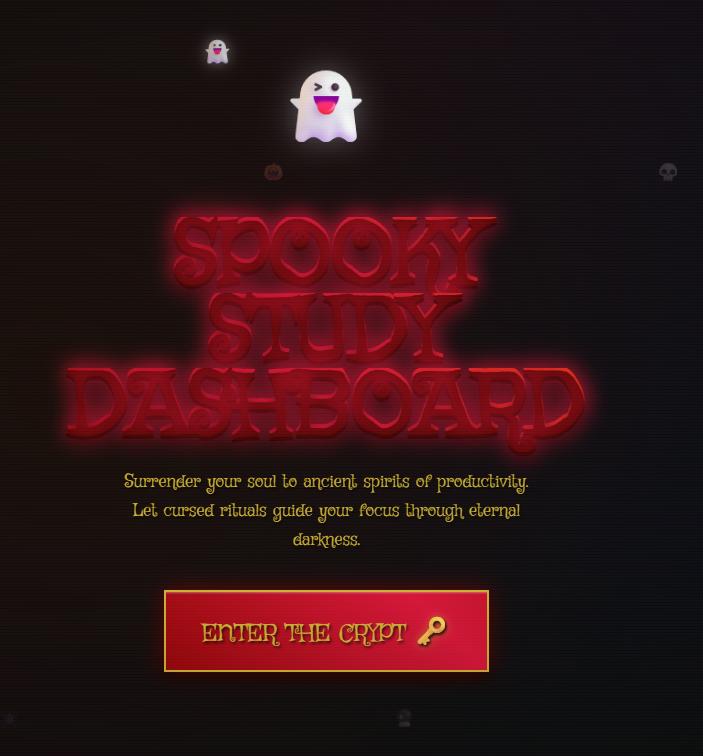
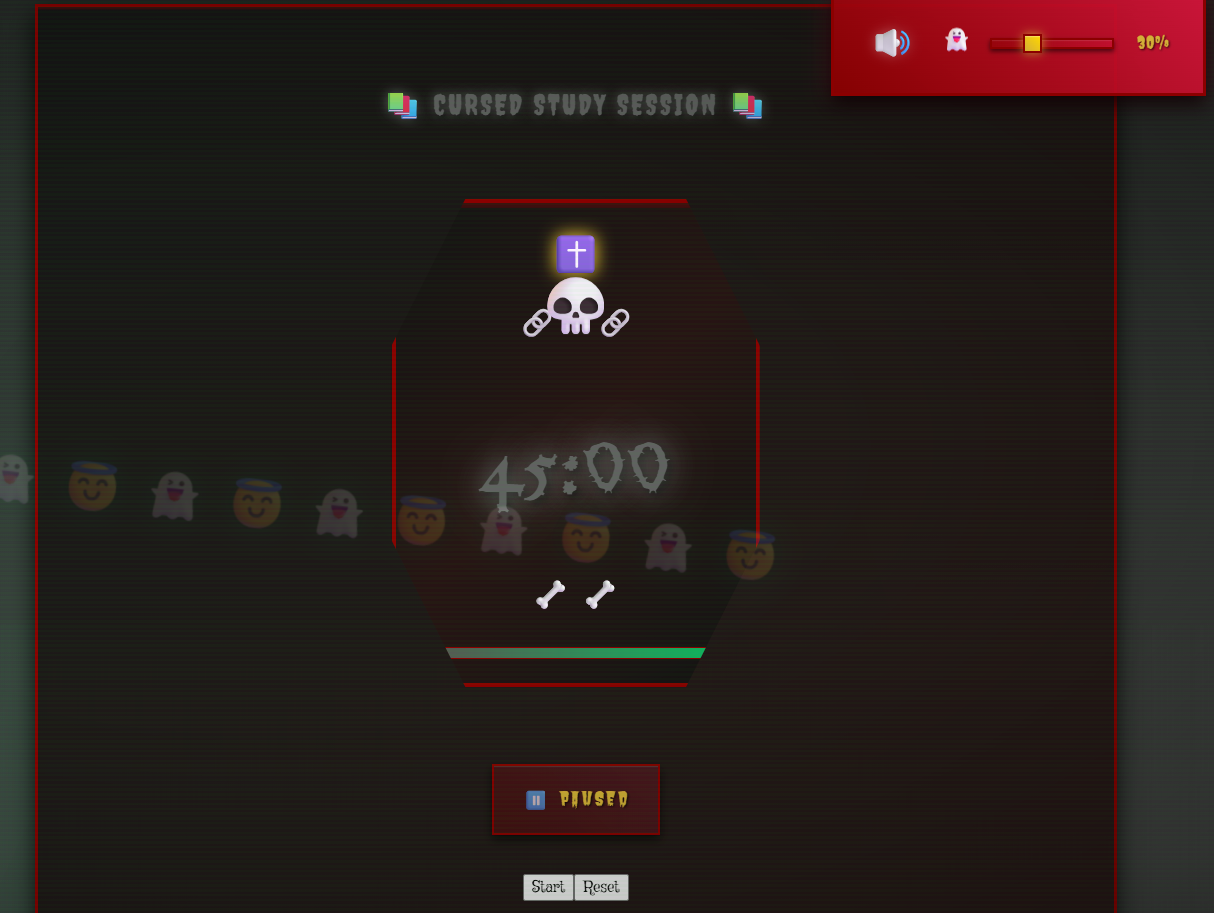
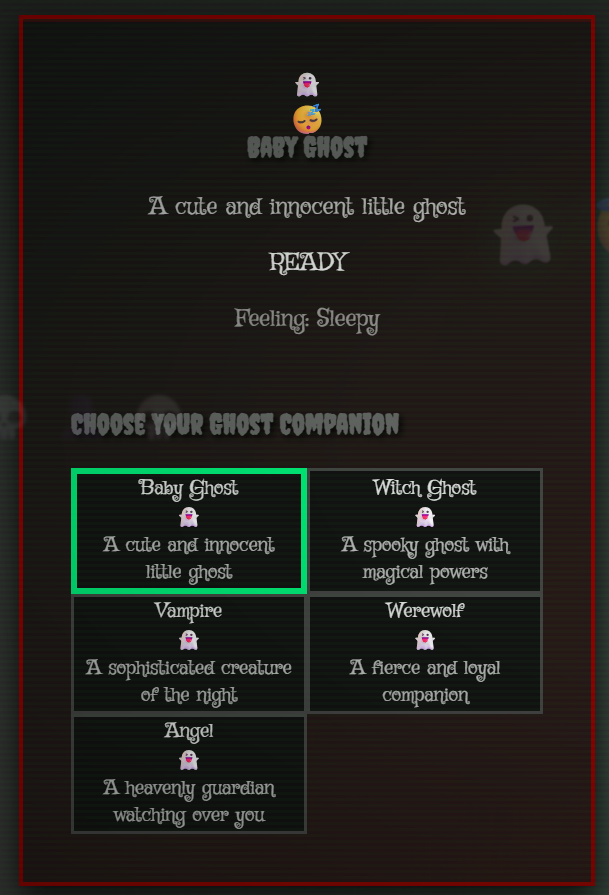
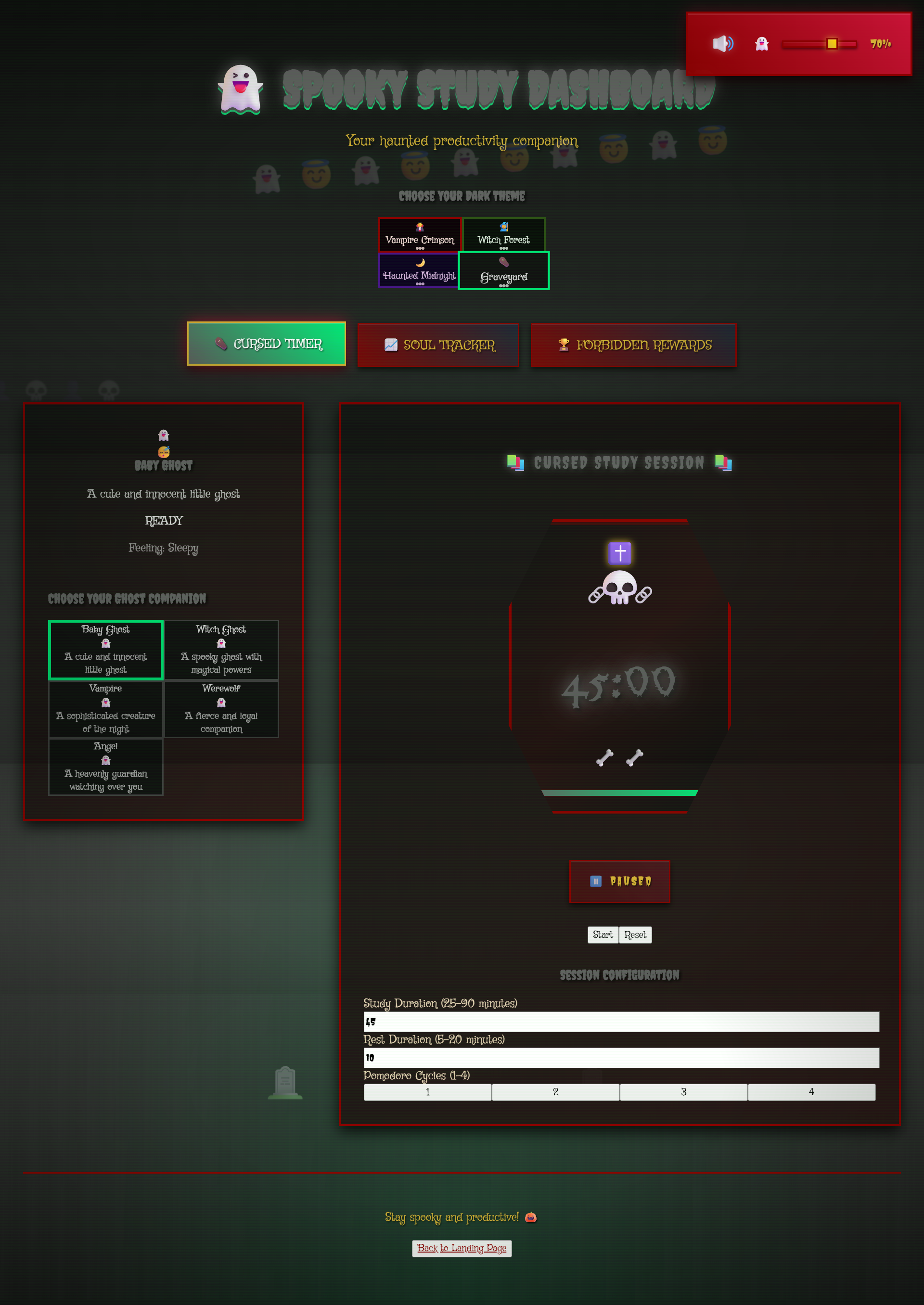
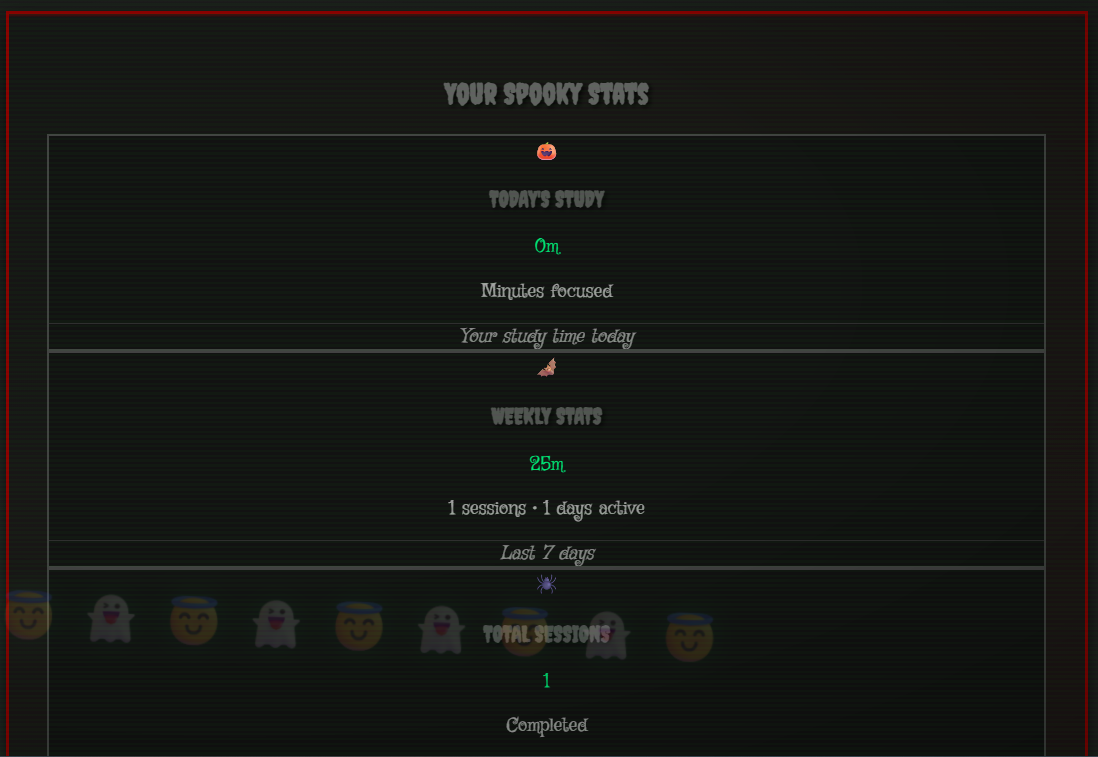
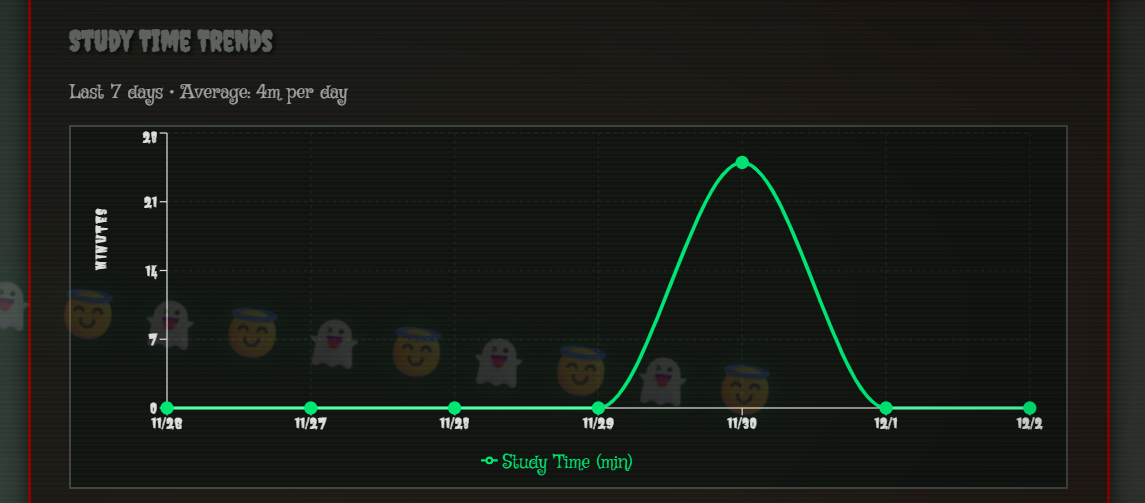
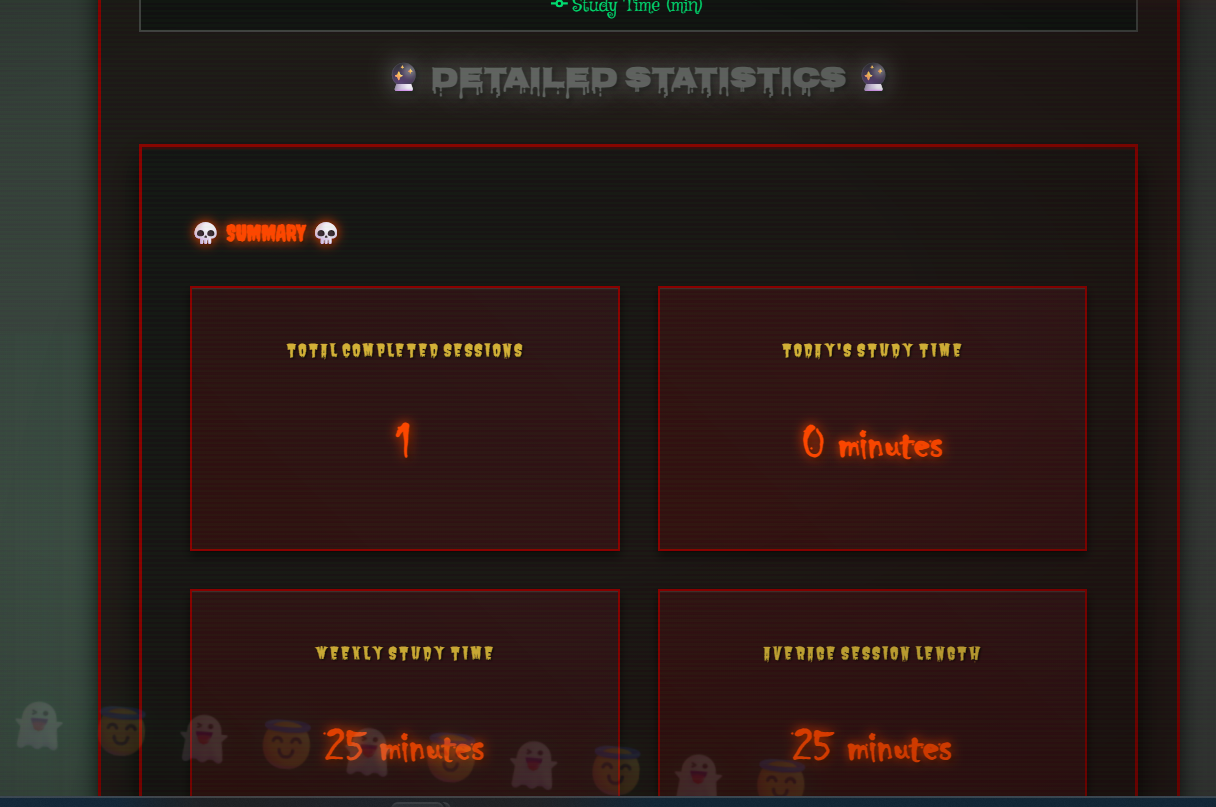
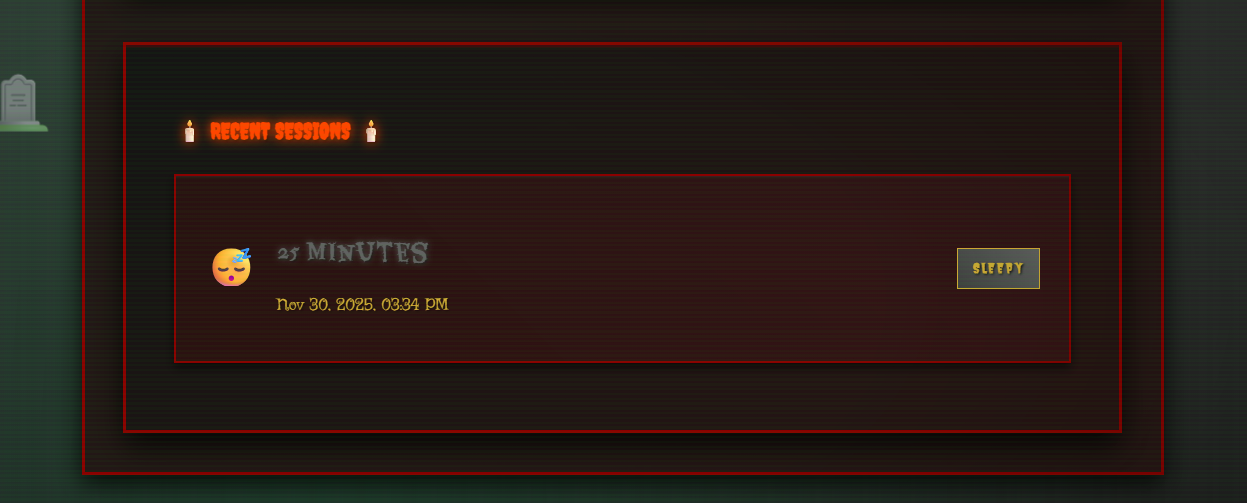
Spooky Study Dashboard is what happens when a Pomodoro timer gets possessed by friendly spirits. Your study sessions become exciting spooky adventures where:
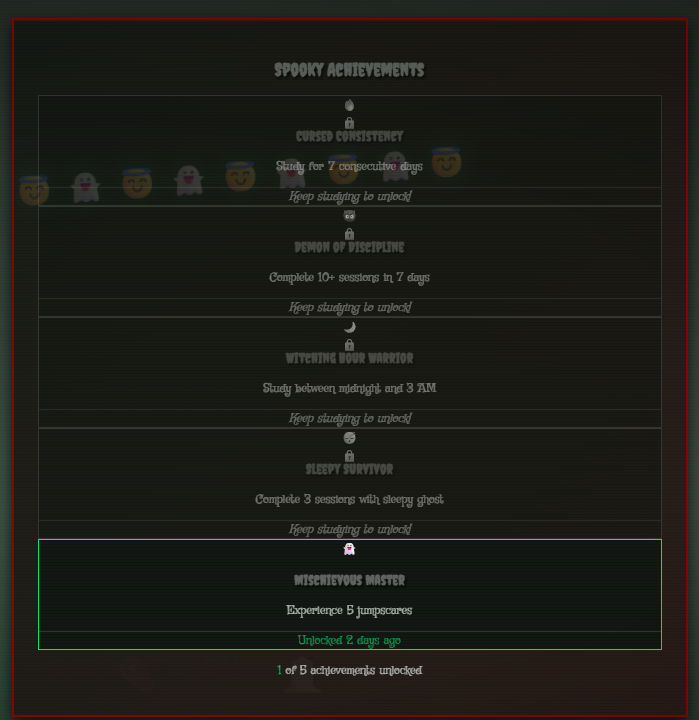
1) Five different ghosts become your study partners, each with their own quirky personalities & moods. 2) Your timer lives inside an actual coffin (because round progress bars are for mere mortals). 3) Four mystical realms transform your workspace - from vampire castles to witch forests, and more. 4) Cursed achievements unlock as you build study streaks (way more satisfying than just boring badges). 5) Haunting soundscapes make even calculus homework feel epic.
It's like having a friendly poltergeist as your accountability buddy.
How I built it
This project was my introduction to spec-driven development using Kiro:
Initial Planning: I started by documenting my vision for the project in Kiro specs - landing page design, core functionalities, user interactions, and the Halloween aesthetic I wanted to achieve. The initial draft was unstructured but it captured all my ideas.
Kiro Specification Process: I used Kiro's spec generator to transform my rough concepts into structured documentation. This generated professional requirements documents, system architecture plans, and a detailed task breakdown with 100+ actionable items in less than 12 mins.
Development Workflow: Rather than coding from scratch, I worked through Kiro's organized task list systematically. Each completed task built working components - ghost companion animations, theme switching functionality, and the achievement tracking system.
Creative Enhancement: With the core functionality established, I focused on the user experience details. I added spooky animations, enhanced the theme, integrated audio effects, implemented custom CSS for visual elements, and incorporated multiple themed font options.
Timeline: The entire development process took me approximately 7 hours from the initial concept to a fully functional application.
The spec-driven approach with Kiro allowed me to maintain focus on both technical implementation and creative vision while ensuring all features were properly documented and tested.
Challenges I ran into
The Personality Problem: Making digital ghosts feel like actual companions (not just bouncing spirits) required obsessing over tiny animation details & reaction timing.
The Spooky-vs-Usable Dilemma: Had to thread the needle between "spooky & haunting enough to be fun" and "not too scary or dramatic that people can't use it for actual work/study sessions." Turned out that friendly ghosts > terrifying demons for productivity.
The Audio Nightmare: Browser autoplay policies are a nightmare! Had to spend a lot of time making sure that all the sounds played nicely across different browsers and devices.
The Theme Chaos: Four completely different visual worlds meant managing a CSS complexity that could've easily spiraled into unmaintainable madness.
Accomplishments that I'm proud of
1) Rapid Development with Kiro Specs - Transformed a rough, unstructured project concept into a complete project blueprint in under 12 mins using Kiro's spec-driven development approach. What typically takes hours of planning was completed in minutes.
2) Complex Feature Implementation in Record Time - Built a comprehensive productivity dashboard with 5 ghost companions, 4 atmospheric themes, audio system, achievement tracking, and accessibility features in less than 7 hours total development time.
3) Production-Ready Code Quality - Despite the rapid development, maintained clean architecture with comprehensive testing (50+ tests), proper component structure, and WCAG AA accessibility compliance.
4) Innovative User Experience - Created an engaging productivity tool that makes studying genuinely enjoyable, with users reporting longer study sessions due to the gamified Halloween experience.
5) Technical Excellence - Successfully integrated modern React 19.2.0, Vite 7.2.4, Tailwind CSS 4.1.17, Framer Motion animations, and property-based testing with fast-check into a cohesive, performant application.
6) Accessibility-First Design - Built comprehensive screen reader support, keyboard navigation, and visual accessibility features that ensure the app is usable by everyone, not added as an afterthought.
7) Systematic Development Workflow - Demonstrated the power of spec-driven development by converting creative chaos into structured documentation, system architecture, and 100+ organized micro-tasks that guided the entire build process.
What I learned
1) Structure amplifies creativity - Having detailed Kiro specs provided a solid foundation that actually freed me to experiment boldly with animations, interactions, and user experience details without worrying about breaking core functionality.
2) Micro-interactions drive engagement - The difference between a functional app and an addictive tool lies in thoughtful details like ghost reactions to study streaks, subtle audio cues, and responsive visual feedback that creates emotional connection.
3) Accessibility enhances design for everyone - Building for screen readers and keyboard navigation from the start led to clearer information hierarchy, better color contrast, and more intuitive interactions that benefit all users.
4) Rapid development doesn't compromise quality - Spec-driven development with Kiro proved that moving fast and maintaining high code quality aren't mutually exclusive when you have the right systematic approach.
5) Property-based testing scales with complexity - Using fast-check for testing allowed the complex interactive features to remain reliable even as new functionality was rapidly added.
What's next for GhostStudy: Haunted Productivity
Immediate Next Steps:
1) User research and feedback - Interview early users to understand what features resonate most and identify pain points in the current experience. 2) Horror community validation - Connect with horror enthusiasts to explore whether this aesthetic genuinely enhances their productivity and focus. 3) Audio enhancement study - Test different types of spooky, haunting and focus music to optimize concentration without distraction.
Short-term Development:
1) Expanded character roster - Add more diverse ghost companions with unique visual styles and personality traits. 2) Voice interactions - Implement speaking characters that provide audio encouragement, reminders, and study tips. 3) Accountability features - Build streak tracking, goal setting, and gentle reminder systems that leverage the ghost theme for motivation.
Medium-term Vision:
1) Niche market expansion - Explore whether the horror aesthetic appeals to broader audiences or if it's better to double down on serving horror fans exceptionally well. 2) Advanced personalization - Let users customize their ghost's personality, voice, and interaction style based on what motivates them most. 3) Social accountability - Optional features for study buddies to check in on each other through their ghost companions.
The key is validating that people actually want a horror-themed productivity tool before building elaborate features. Real user feedback will guide whether to expand the horror elements or adapt the concept for broader appeal.
Built With
- css3
- es6
- framer-motion
- html5
- javascript
- kiro
- node.js
- react
- recharts
- tailwind-css
- vite
- web-audio-api


Log in or sign up for Devpost to join the conversation.