-
-
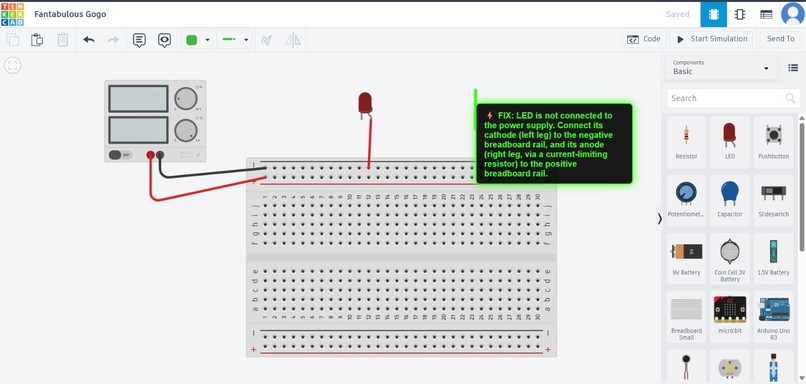
An example use case
As an electronics engineering student, I build many circuits, but getting the correct output on the first try is rare. Debugging is often frustrating because most errors are tiny like a reversed LED or a missing ground. I wanted a smarter, visual way to debug circuits instantly instead of trial-and-error.
What it does
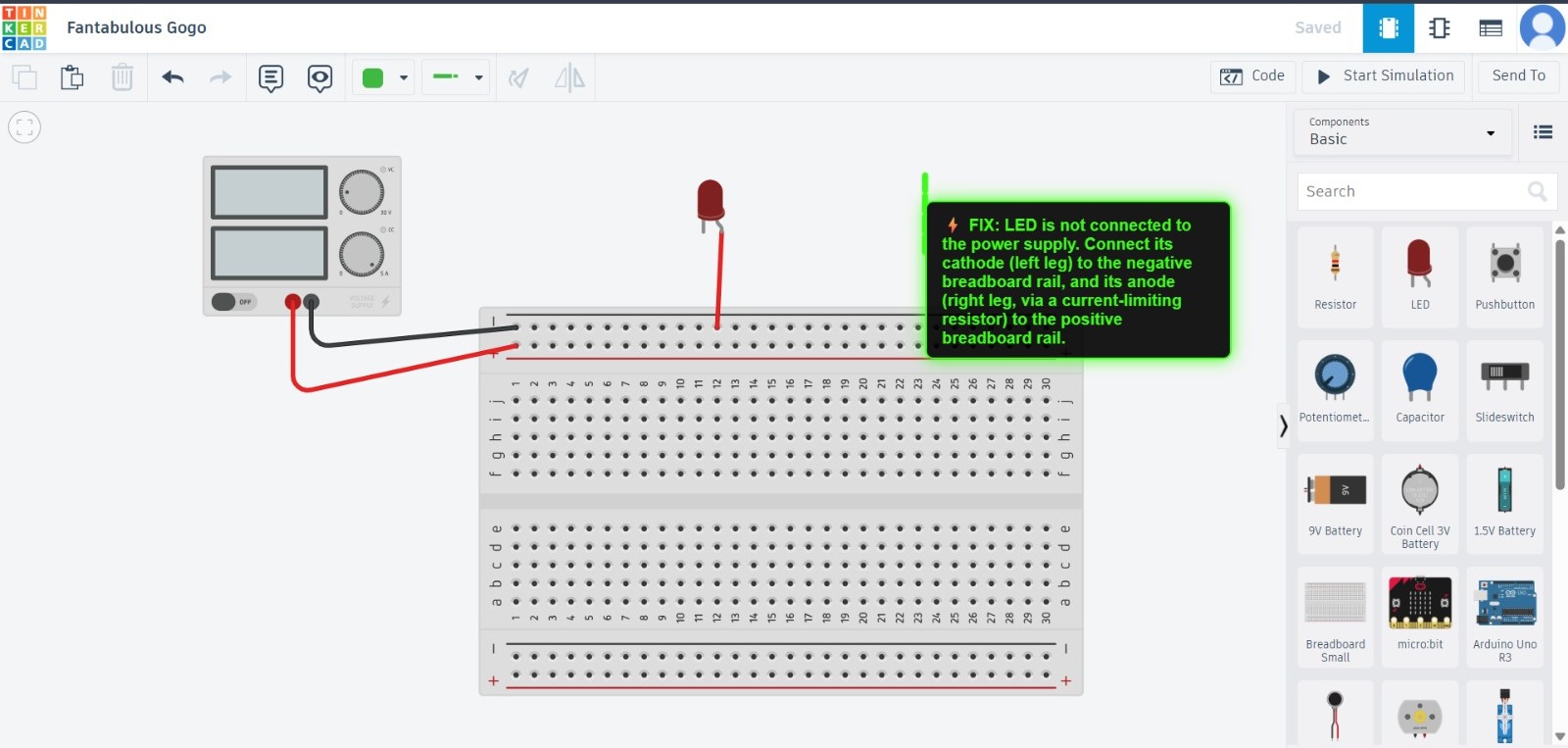
GhostWire is an augmented reality debugging tool for Tinkercad Circuits. It captures the circuit image, analyzes it using AI to detect wiring mistakes, and overlays neon green indicators directly on the circuit to show the correct connections.
How I built it
I built GhostWire as a Chrome extension paired with a Python backend. The extension captures the active Tinkercad circuit, sends it to the backend, and Google Gemini Flash analyzes the image. The detected errors are then visualized using SVG overlays on the browser canvas.
Challenges I ran into
Accurately identifying component polarity from circuit images was challenging. Aligning AI-detected errors with precise on-screen overlays also required careful coordinate mapping and iteration.
Accomplishments that I'm proud of
I successfully combined AI vision with augmented reality inside a browser environment. Seeing real-time neon overlays guide circuit corrections felt like turning debugging into a superpower.
What I learned
I learned how to integrate AI APIs with browser extensions, handle image-based diagnostics, and design intuitive AR-style visual feedback for technical users.
What's next for GhostWire
I plan to support more components, add real-time continuous analysis, expand beyond Tinkercad, and improve accuracy to make GhostWire a go-to debugging assistant for electronics students.
Built With
- css
- fastapi
- html5
- javascript
- python
- uvicorn

Log in or sign up for Devpost to join the conversation.