-
-
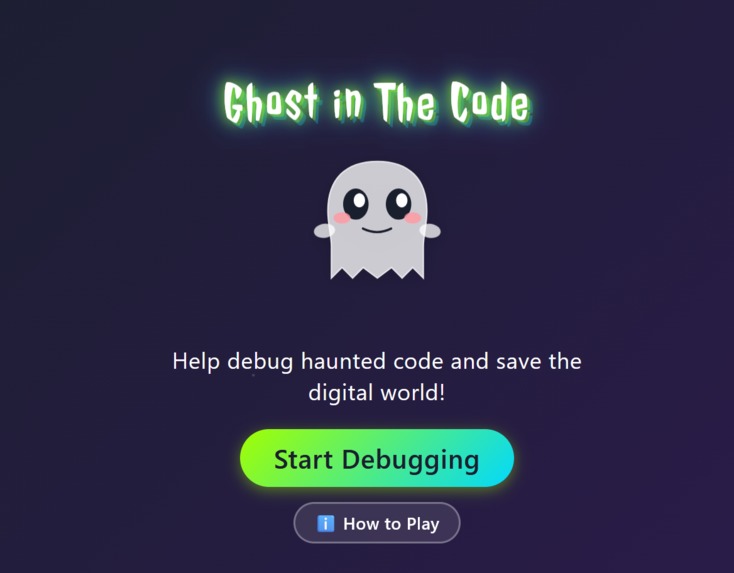
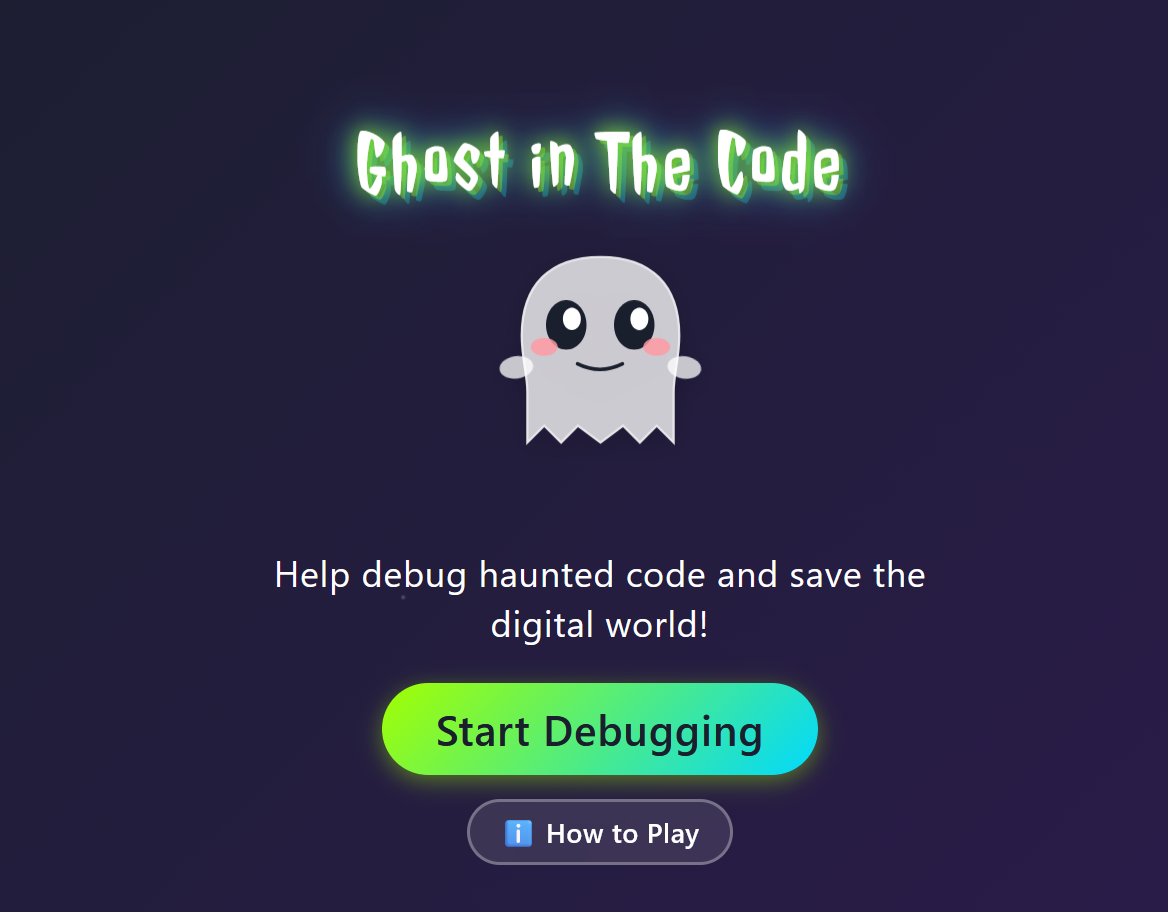
Welcome Screen
-
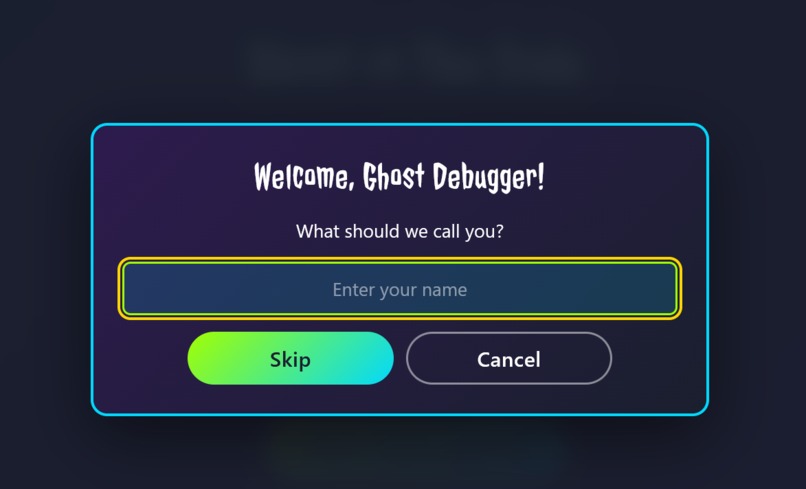
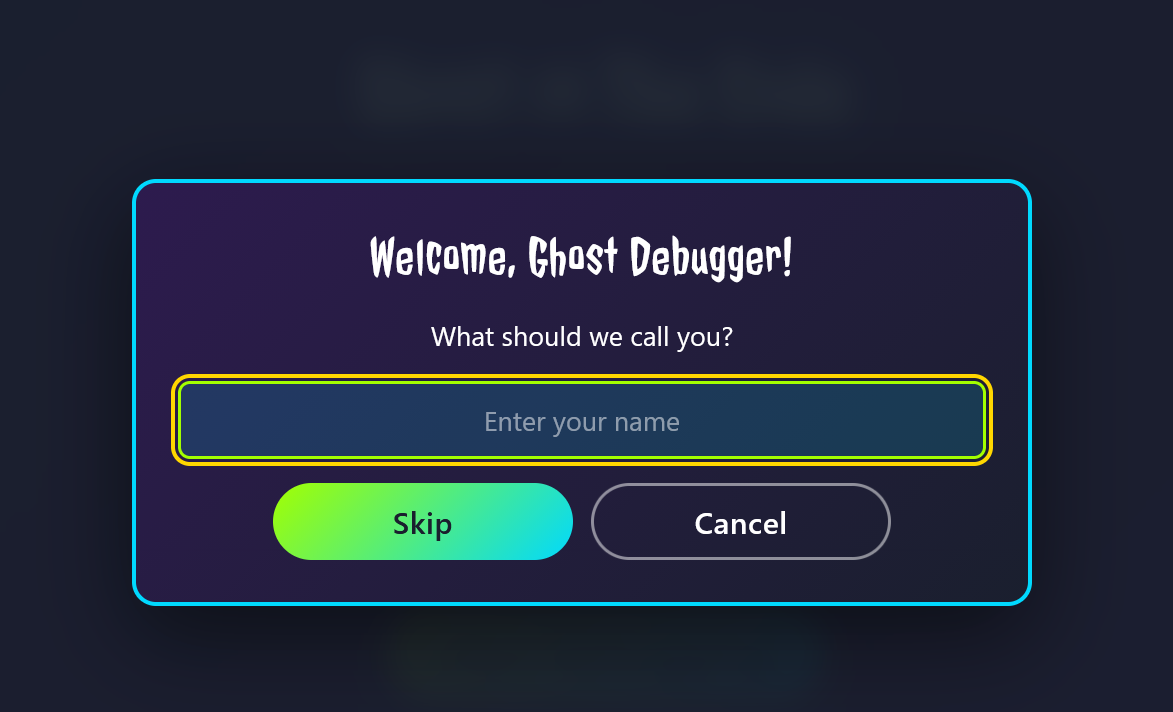
User Enters Name
-
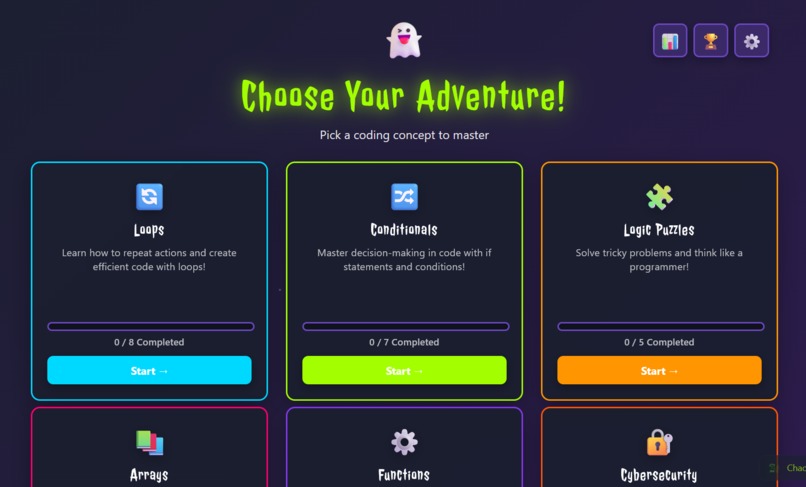
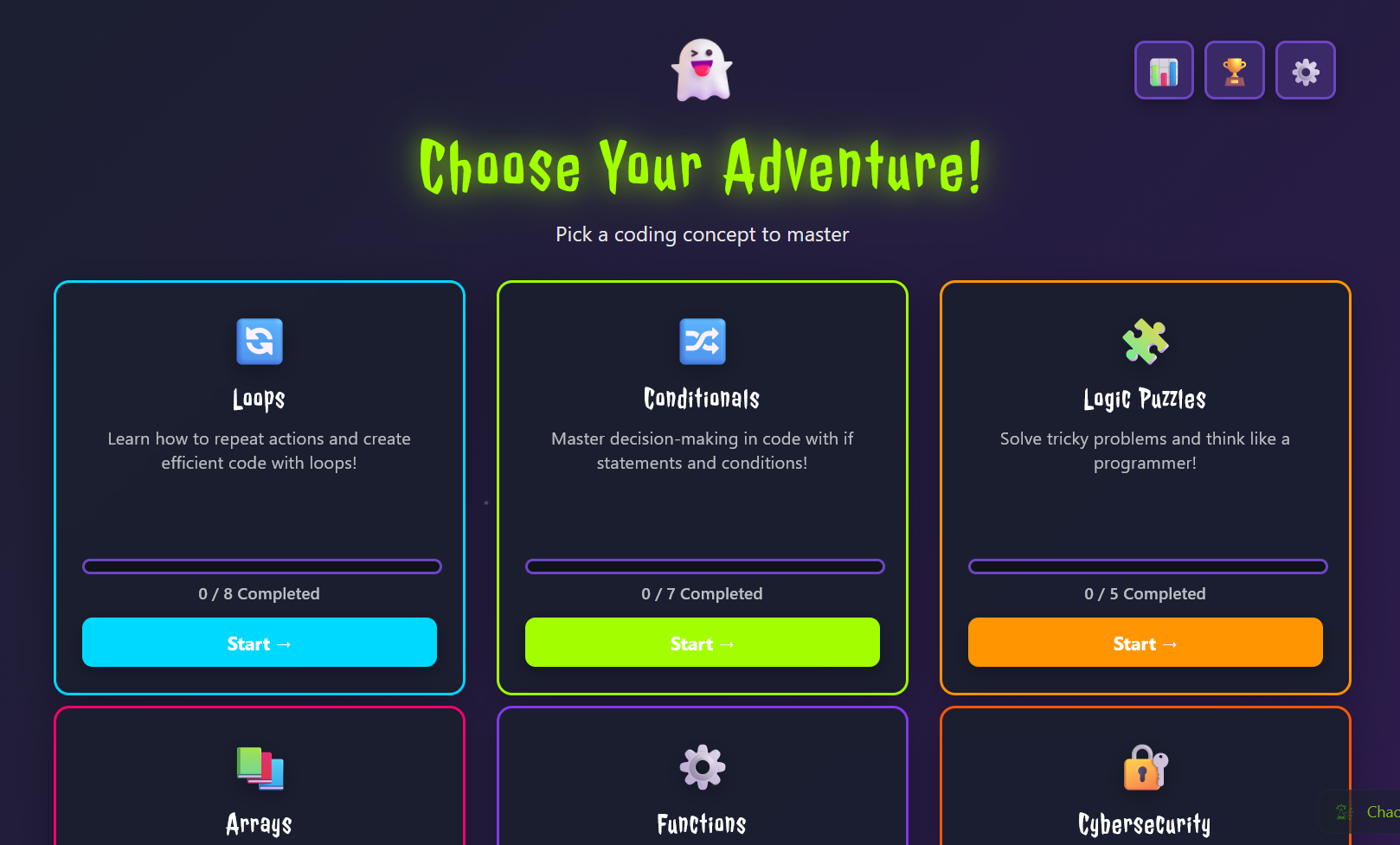
Chose Your Challenge
-
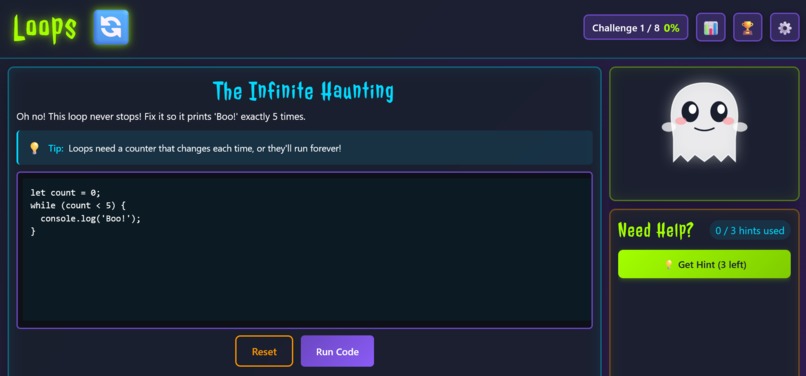
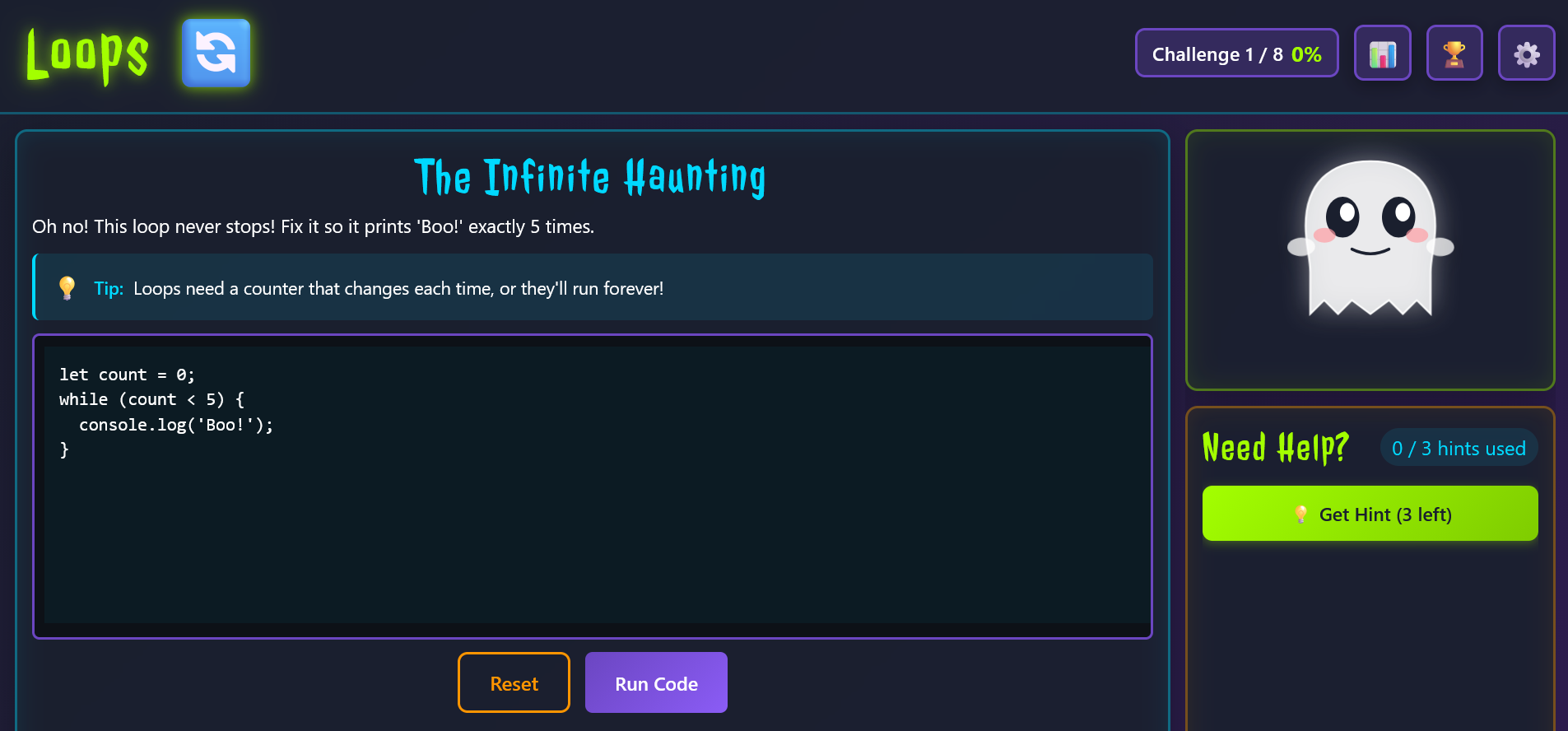
Gameboard
-
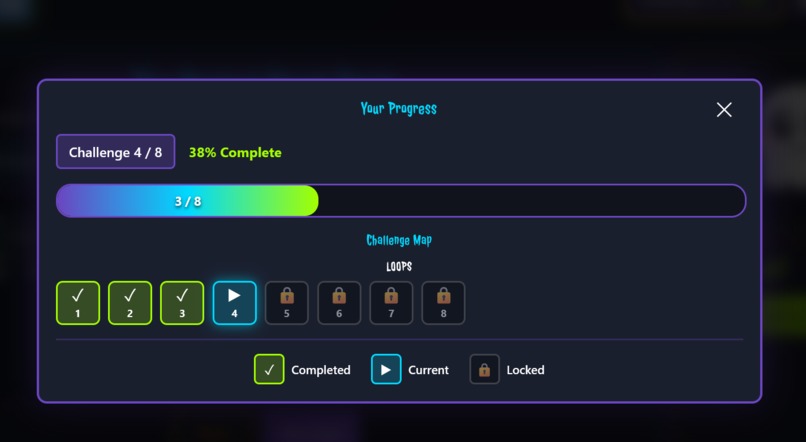
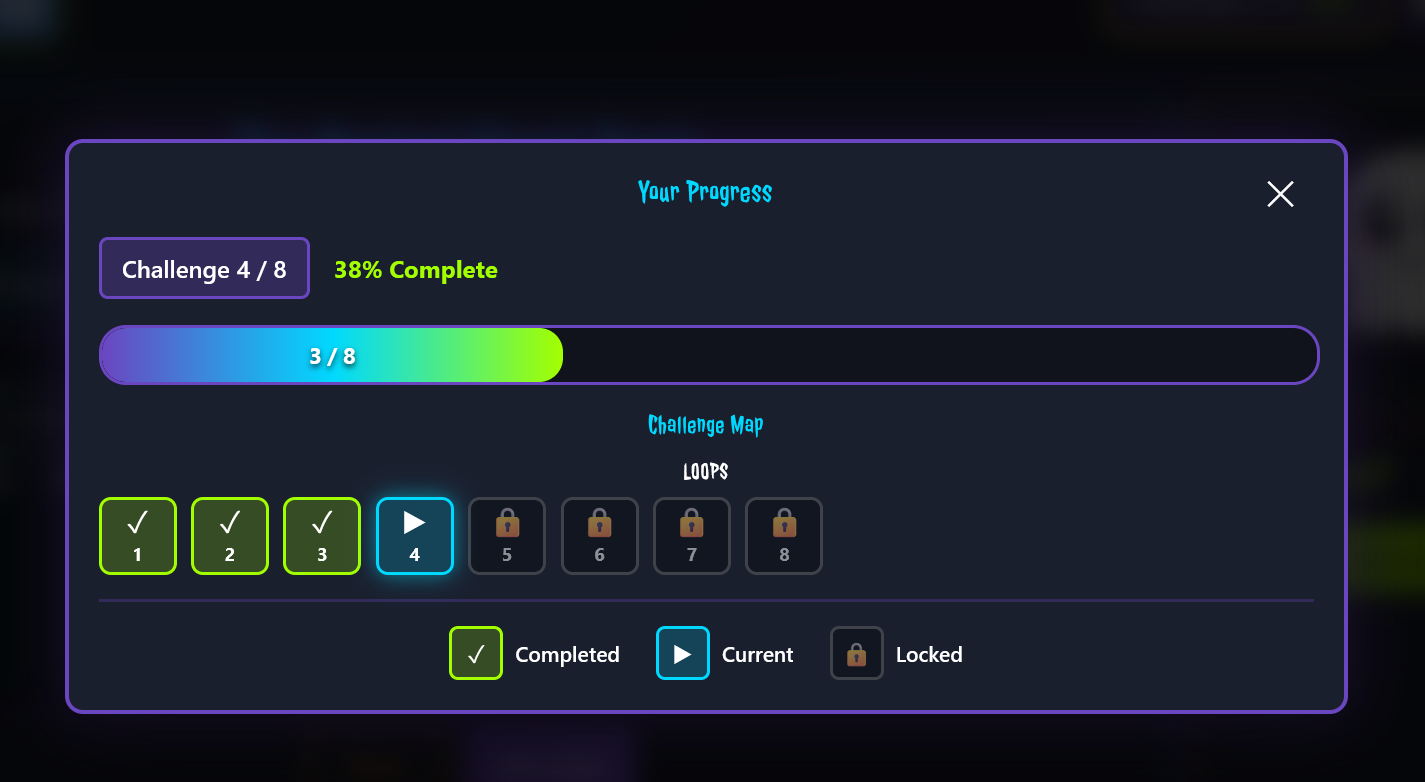
Progress Tracker
Inspiration
As someone passionate about making coding education accessible and fun, I wanted to create something that would turn the often-intimidating world of programming into an adventure. Halloween provided the perfect theme - what if debugging code could be a spooky, magical experience where kids help a friendly ghost save the digital world?
The idea originated from my work with a non-profit organization, where I teach children coding concepts. They needed something interactive, visual, and rewarding. Thus, "Ghost in The Code" was born - a game where every bug fixed is a victory, every concept mastered earns a badge, and a friendly ghost companion guides them through their journey.
What it does
Ghost in The Code is an interactive web game that teaches fundamental programming concepts through hands-on debugging challenges:
- Progressive Challenges across multiple core concepts: Loops, Conditionals, Logic Puzzles, etc.
- Interactive Code Editor where kids identify and fix bugs in real code
- Animated Ghost Companion that speaks using AWS Polly, providing encouragement and hints
- Badge System with unique achievements to unlock, celebrating milestones
- Magical Success Animations using Framer Motion - particle bursts, glowing effects, and celebratory sequences
- Progress Tracking that saves automatically, letting kids pick up where they left off
- Accessibility-First Design with reduced motion support, keyboard navigation, and high contrast
The ghost doesn't just sit there - it talks! Using Amazon Polly, the ghost provides voice feedback with three emotional modes (neutral, excited, encouraging), making the learning experience more engaging and personal.
How we built it
Frontend:
- Vite + React + TypeScript for a fast, type-safe development experience
- Framer Motion for smooth, GPU-accelerated animations that respect accessibility preferences
- Custom Game Engine using React Context and useReducer for state management
- LocalStorage Persistence so progress is never lost
Backend & Infrastructure:
- AWS CDK for infrastructure as code
- Amazon Polly for text-to-speech with SSML support for emotional prosody
- AWS Lambda (TypeScript) for serverless voice synthesis
- S3 + CloudFront for global content delivery
- API Gateway with proper CORS configuration for seamless frontend-backend communication
Key Technical Decisions:
- TypeScript everywhere for type safety and better developer experience
- Component-based architecture with reusable utility classes
- JSON-based challenge data for easy content updates
- Audio caching in S3 to minimize API calls and costs
Challenges we ran into
Learning to Guide an AI Partner: This project was built collaboratively with Kiro, an AI coding assistant. The biggest challenge wasn't writing code - it was learning how to effectively communicate requirements and guide the AI. Early on, I realized that vague requests led to solutions that missed the mark. I had to be specific, provide context, and sometimes course-correct when Kiro went down the wrong path.
Steering Documentation Strategy: Setting up the .kiro/steering/project-context.md file was crucial. I had to articulate:
- The hackathon nature of the project (speed over perfection)
- TypeScript-everywhere philosophy
- DRY principles and code reusability
- No Docker requirement
- Self-documenting code preferences
Without clear steering, Kiro would sometimes over-engineer solutions or suggest production-grade patterns when hackathon-speed implementations were better.
CORS Configuration Hell: Getting CloudFront, API Gateway, and Lambda to play nicely with CORS took multiple iterations. I had to guide Kiro through:
- Initial 403 Forbidden errors (wrong S3 origin type)
- Switching from
S3StaticWebsiteOriginto Origin Access Control (OAC) - Ensuring Lambda responses included proper CORS headers
- Adding
proxy: trueto the Lambda integration
Each step required me to provide error messages, explain what I was seeing, and help Kiro understand the AWS architecture.
Environment Variables in Vite: When the deployed site couldn't reach the API, I had to explain that Vite bakes environment variables at build time. Kiro initially suggested runtime solutions, but I guided it toward the correct approach: proper .env setup and rebuild before deployment. This taught me that understanding the fundamentals helps you guide AI more effectively.
TypeScript Build Errors: The build was failing with test configuration errors. I provided the error output, and together we debugged:
- Removed invalid
testconfig fromvite.config.ts - Fixed recursive directory wildcard in
tsconfig.test.json - Removed test config reference from main
tsconfig.json
The key was providing complete error messages and letting Kiro see the full context.
Iterative Problem Solving: When the first CORS fix didn't work, I had to report back with new error messages. When the build failed, I ran the command and shared the output. This back-and-forth taught me that working with AI is iterative - you're not just giving orders, you're collaborating and providing feedback.
Knowing When to Step In: Sometimes Kiro would suggest complex solutions when simple ones would work. Other times, I had to provide domain knowledge (like how CloudFront caching works) that the AI couldn't infer. Learning when to let Kiro run and when to provide guidance was an ongoing calibration.
The Power of Context: Using #File and #Folder references in chat helped Kiro understand the codebase structure. Providing error screenshots and deployment URLs gave visual context. The more context I provided, the better Kiro's solutions became.
Accomplishments that we're proud of
- Complete End-to-End Solution: From frontend to backend, everything works seamlessly
- Voice Integration: The ghost actually talks! AWS Polly integration with emotion support makes the experience magical
- Educational Value: Well-crafted challenges that progressively teach real programming concepts
- Production-Ready Infrastructure: Deployed on AWS with CDN, serverless functions, and proper caching
- Type Safety: 100% TypeScript with strict mode - no
anytypes - Performance: Fast load times, smooth animations, efficient API usage with caching
What we learned
- TypeScript everywhere pays off: Catching bugs at compile time saved hours of debugging
- Animation details matter: Small touches like curved particle paths and proper easing make animations feel magical
- Voice adds personality: AWS Polly transformed the ghost from a static character to a companion
- DRY principles scale: Reusable components and utility classes made rapid development possible
What's next for Ghost in The Code
- More Challenges: Expand to additional concepts (intermediate and advanced)
- Custom Badge SVGs: Replace emoji placeholders with custom illustrations
- Sound Effects: Add audio feedback for interactions and success moments
- Leadership boards: Let kids compete on challenges
- Admin/Teacher Dashboard: Track users progress and identify struggling areas
- Localization: Support multiple languages to reach more kids worldwide
- Social Sharing: Let kids share their badge collections and achievements
Built With
- amazon-web-services
- cdk
- lambda
- polly
- react
- s3
- typescript
- vite

Log in or sign up for Devpost to join the conversation.