-
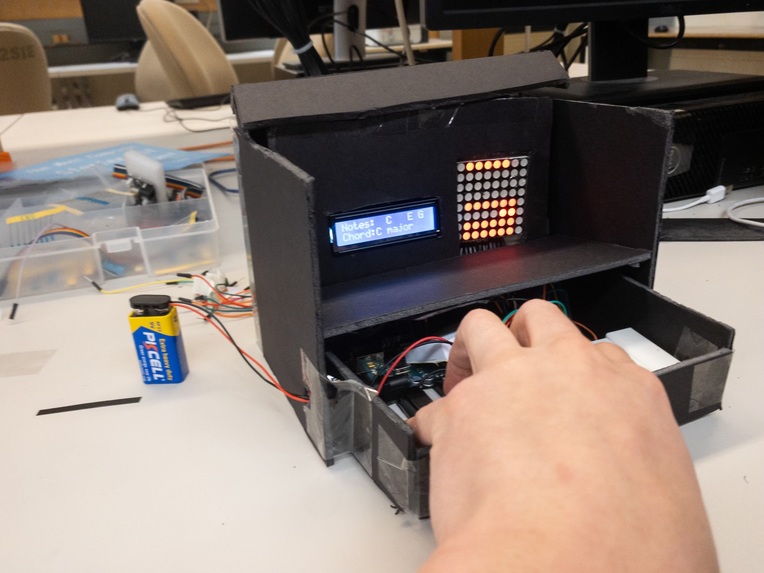
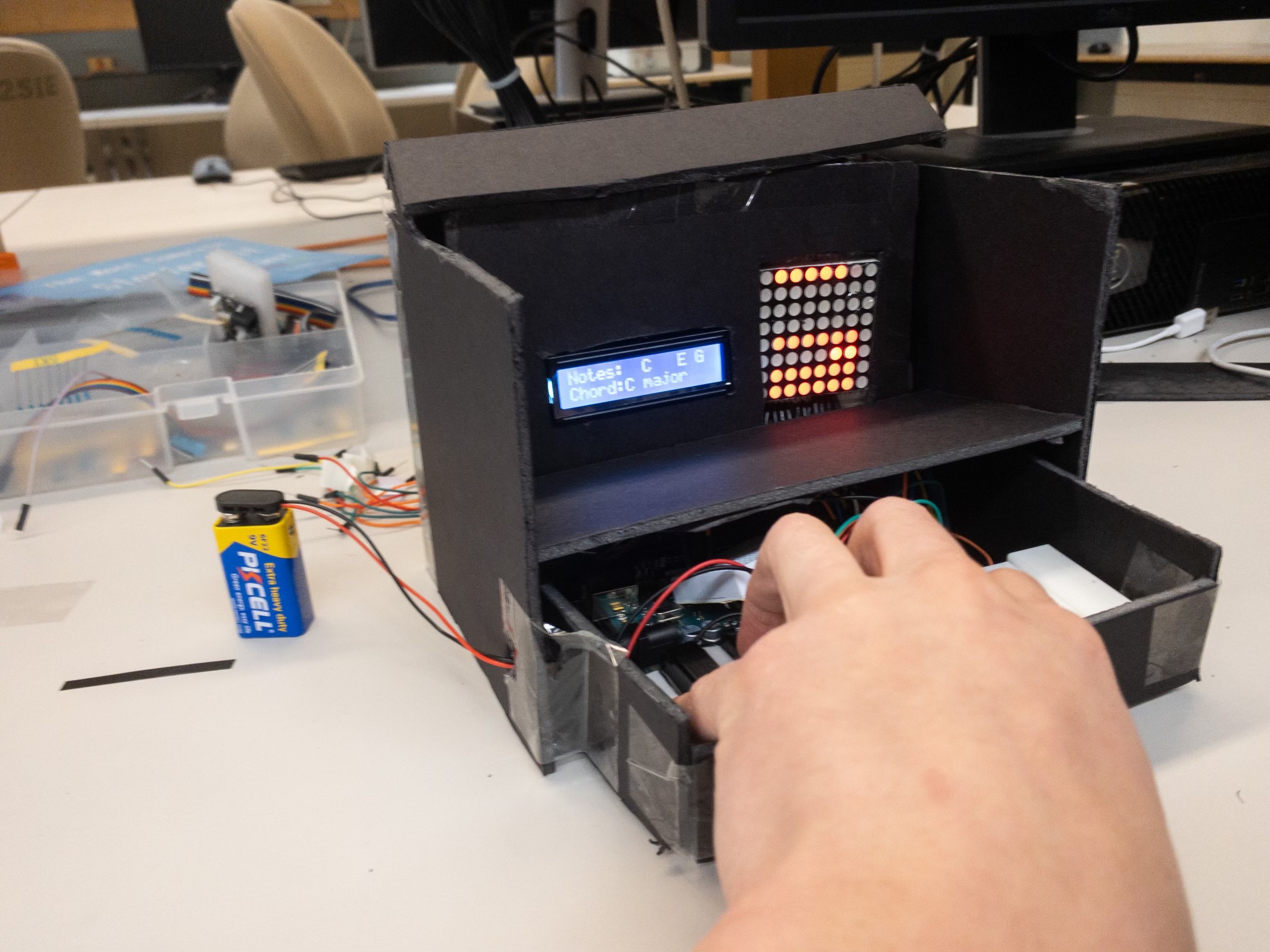
Final product with the epic c-major chord
-
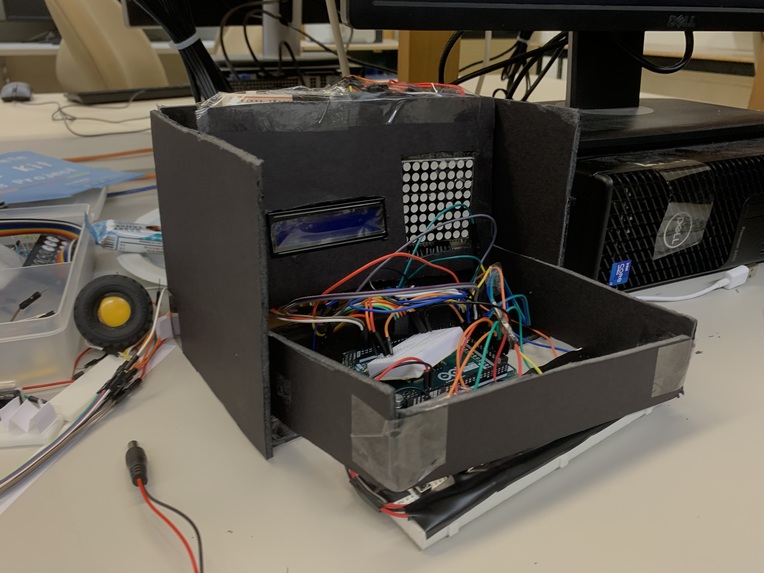
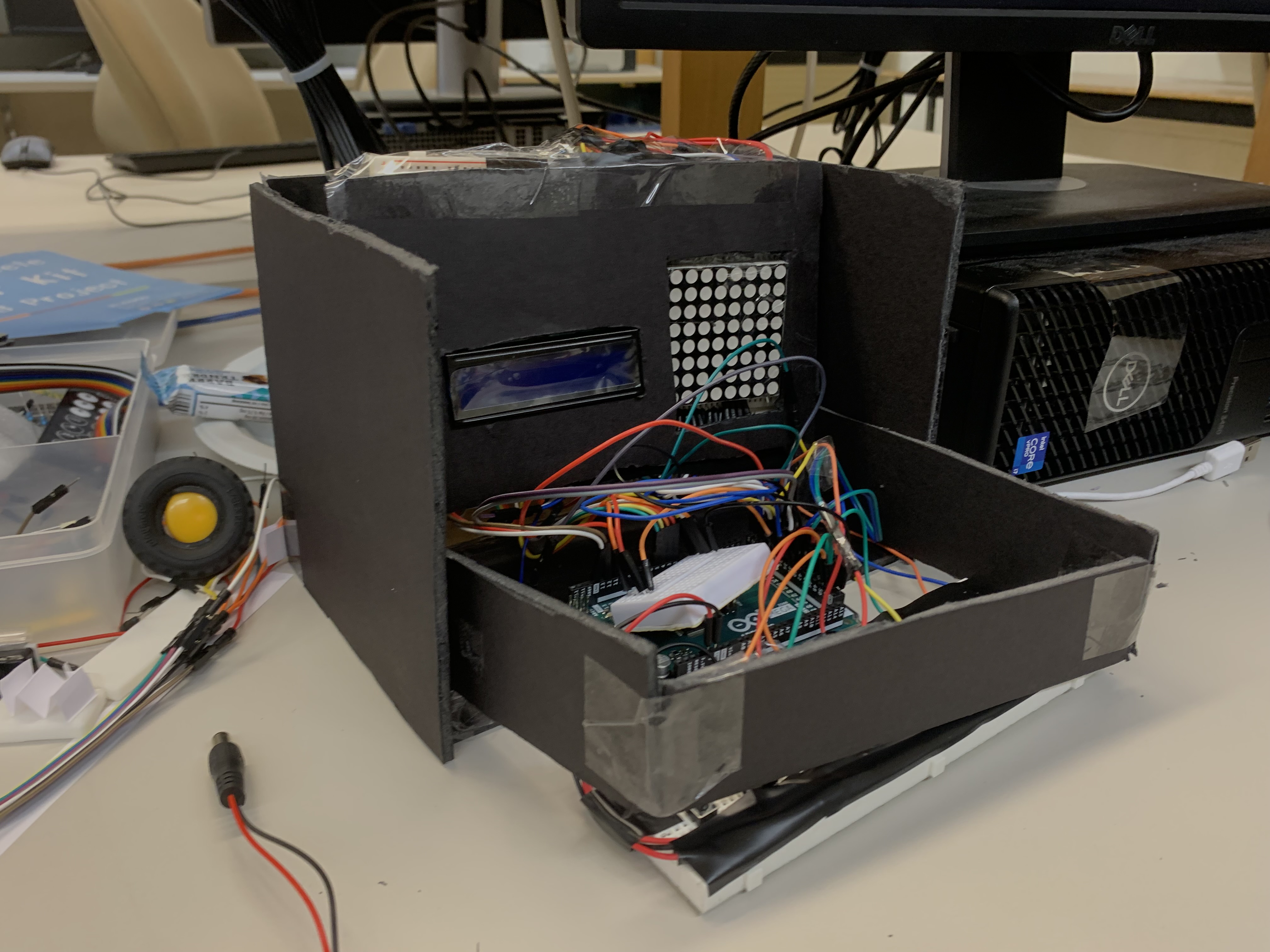
Photo of box in the works
-
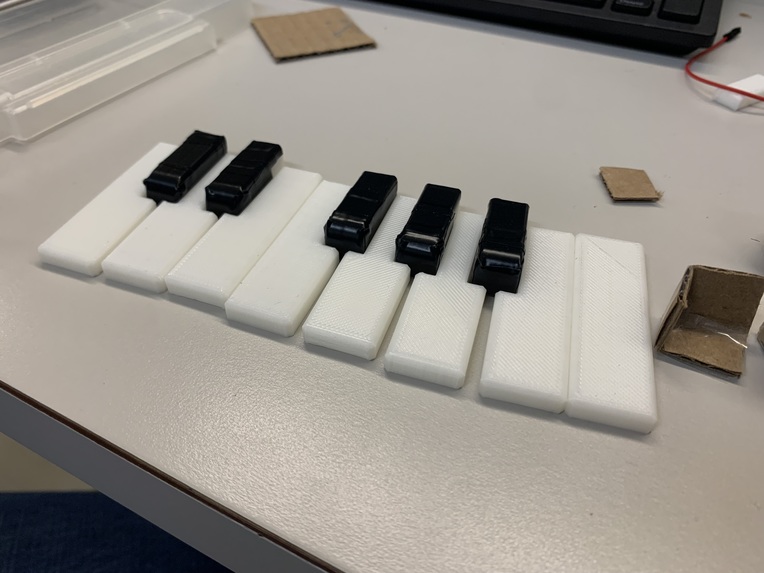
Piano keys 3D printed. Used electrical tape to cover keys
-
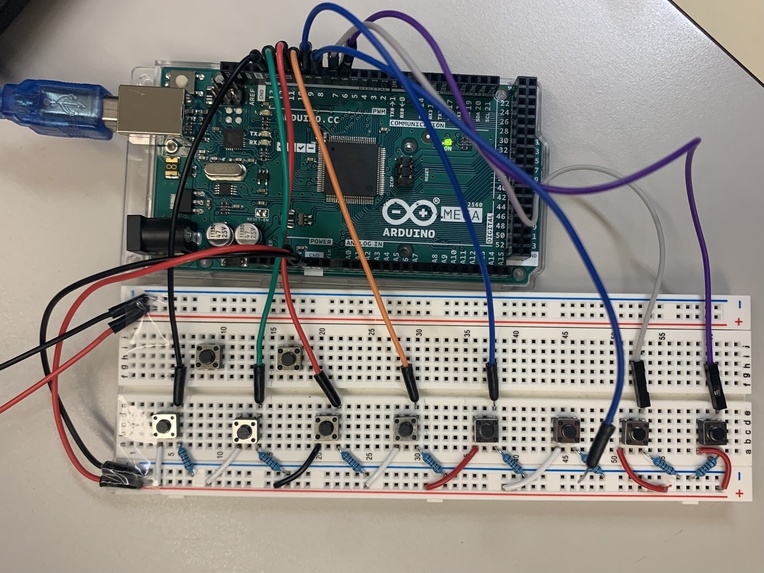
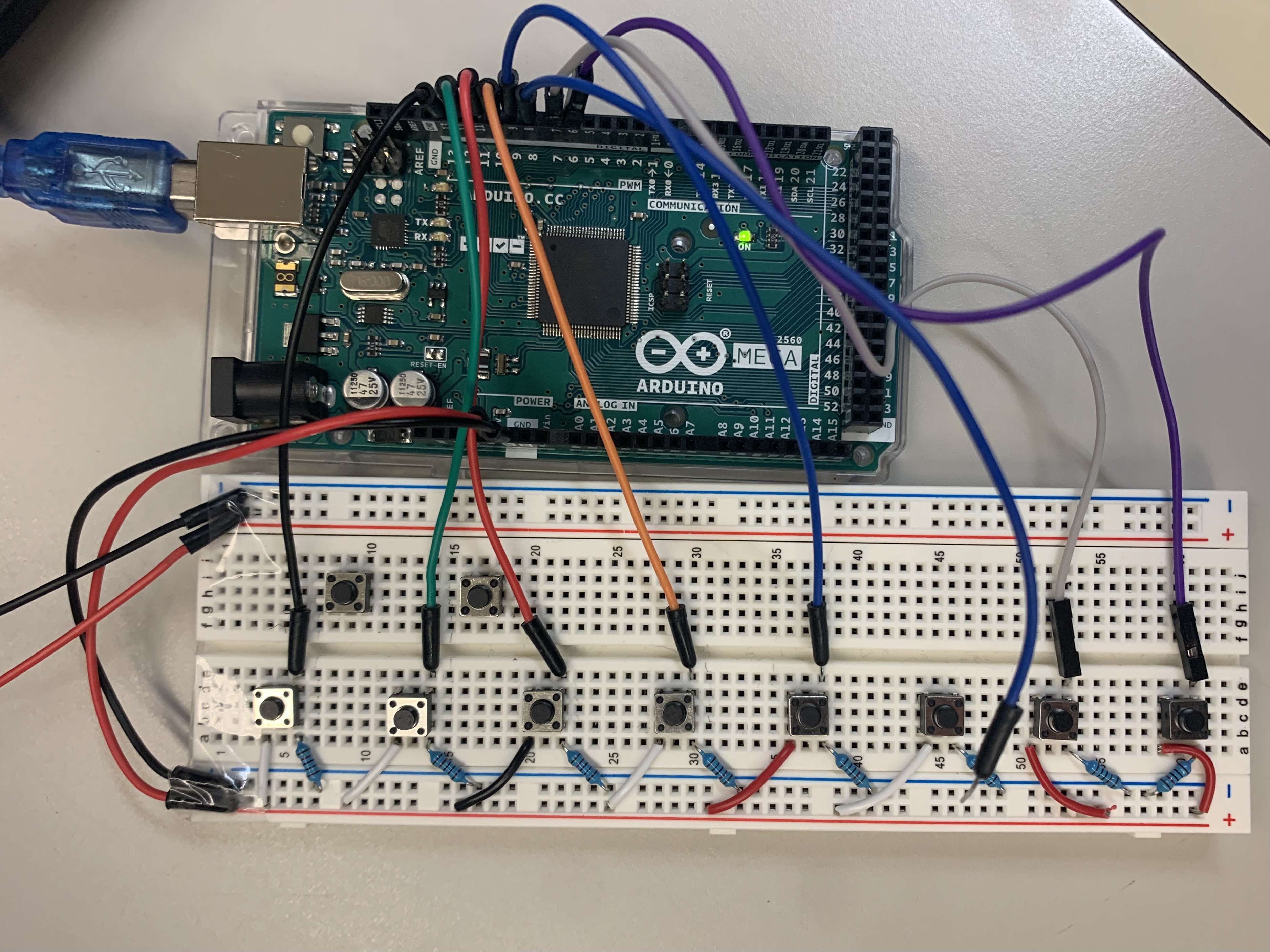
Initial set up of push buttons
-
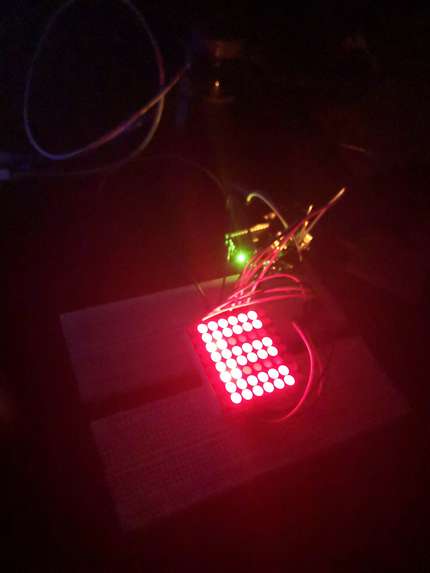
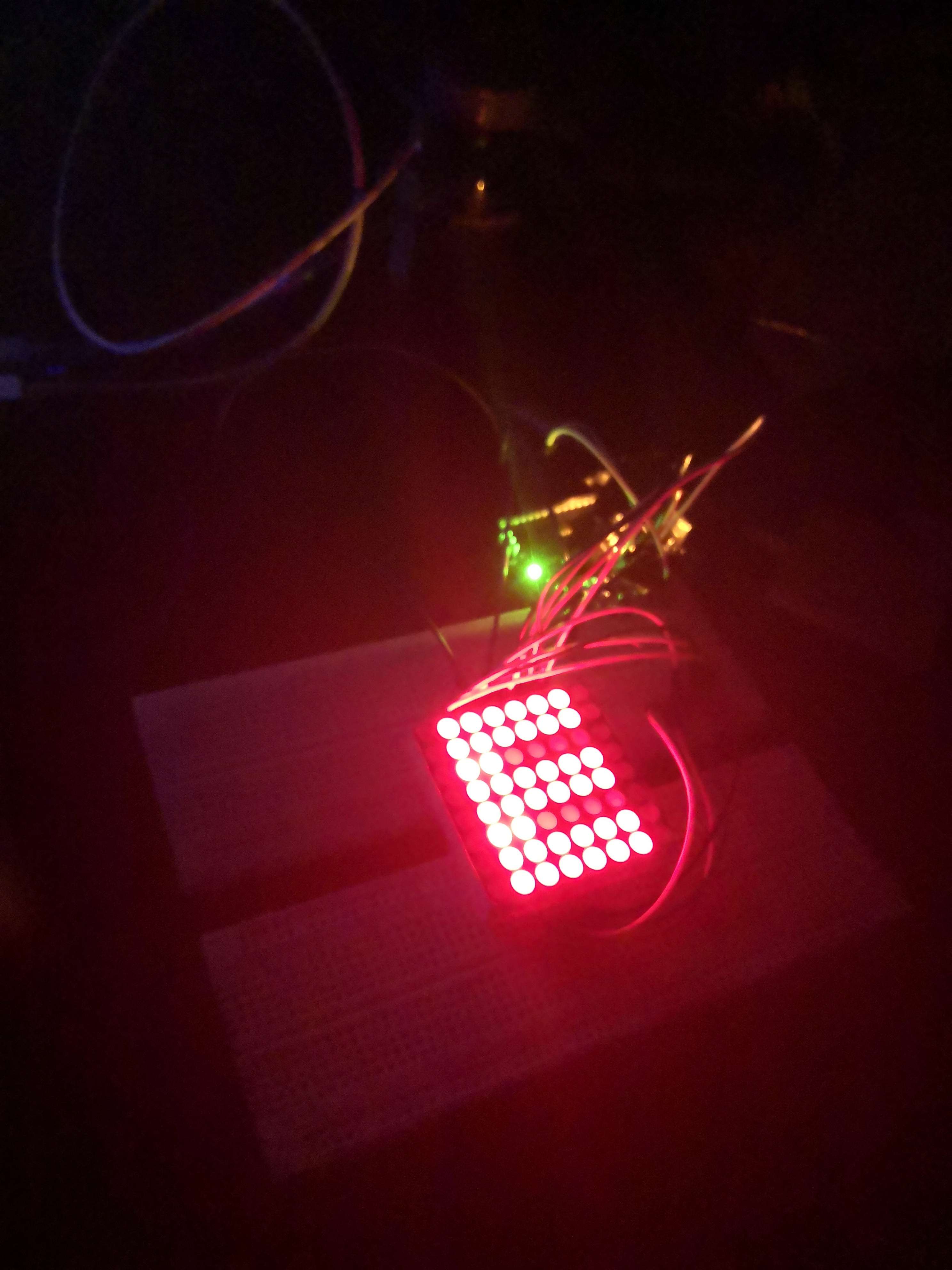
Configuring the LED matrix to print letters
-
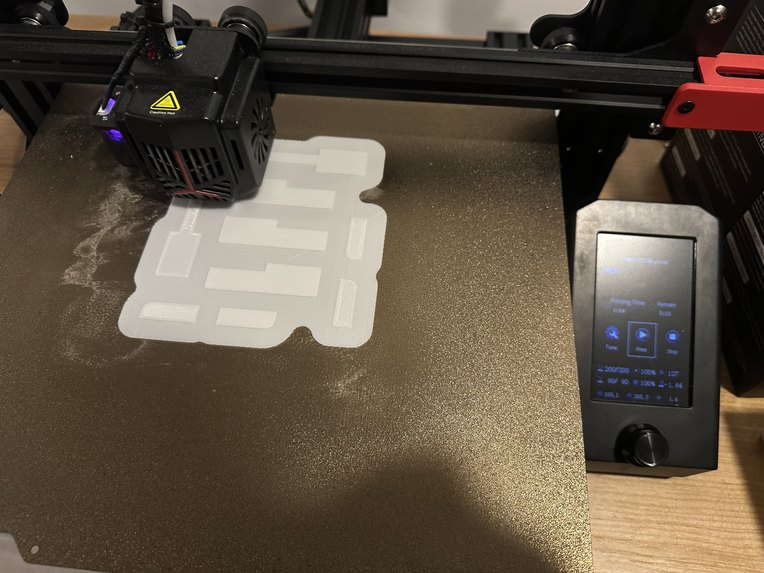
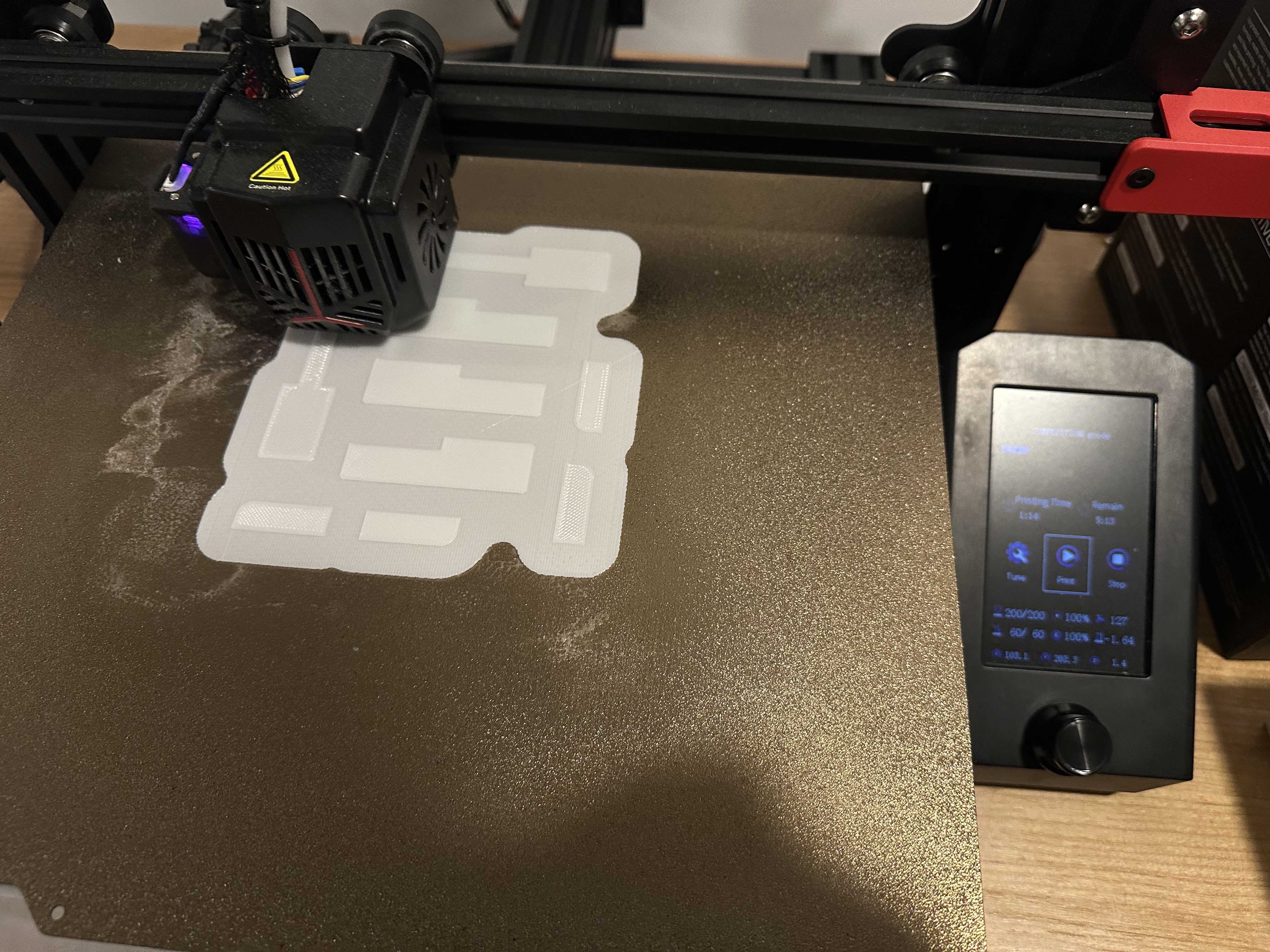
3D printing the piano keys

Inspiration
_ play piano (p) _
Playing a piano can be challenging for many, especially because of the instrument's difficulty to transport. To make piano playing more accessible, we sought to create a more portable alternative that would allow young musicians to practice and engage in this wonderful hobby, regardless of their environment or access to traditional pianos.
What it does
Inspired from the elegance and art of learning how to play the piano, we have created an one octave piano visualizer for beginners to learn creatively using a display screen and a LED matrix. Our piano visualizer is amazing in terms of portability and provides a safe space for beginners to practice with no noise complaints :).
The piano visualizer displays the respective key note on the LCD display when the piano key is pressed, and the LED matrix displays different colours for each key. When a major or minor is played, a combination of colours is displayed on the matrix.
How we built it
We used the Arduino kit components to produce the hardware assembly which includes dupont wires, a LCD display, a LED matrix, and push buttons. The piano keys are 3D printed using the Prusa printer.
Challenges we ran into
- Connectivity issues with wires were a major challenge during the hardware setup phase. Some wires were not making proper contact with their respective connectors, causing intermittent disconnections. While a custom PCB or soldering could have been an ideal solution, the limited time during the hackathon made it challenging to implement such solutions.
- Another major challenge was cable management. The LCD screen and LED matrix required a significant number of digital pins, which led to a cluttered and tangled mess of wires. This made it difficult to trace wires and isolate issues during debugging. In hindsight, better planning and organization of the wires could have helped mitigate this issue.
- Figuring out how LCD monitor and adapting to limited resources (we were not able to get everything we wanted from the hackathon hardware team, so we had to improvise and make do with what we had - e.g. photoresistors/buttons)
Accomplishments that we're proud of
- Adapting and ploughing through to the finish line. It was great to see the project come together and create this unique product
What we learned
- 3D Printing takes time! There may be issues with our initial printed prototypes.
- More about hardware IO and design
What's next for Pixel Piano
- Extending the prototype by adding more black keys

Log in or sign up for Devpost to join the conversation.