-
-

-
-
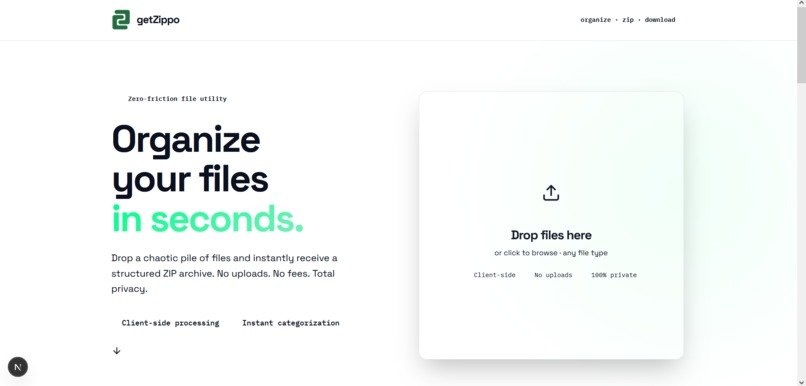
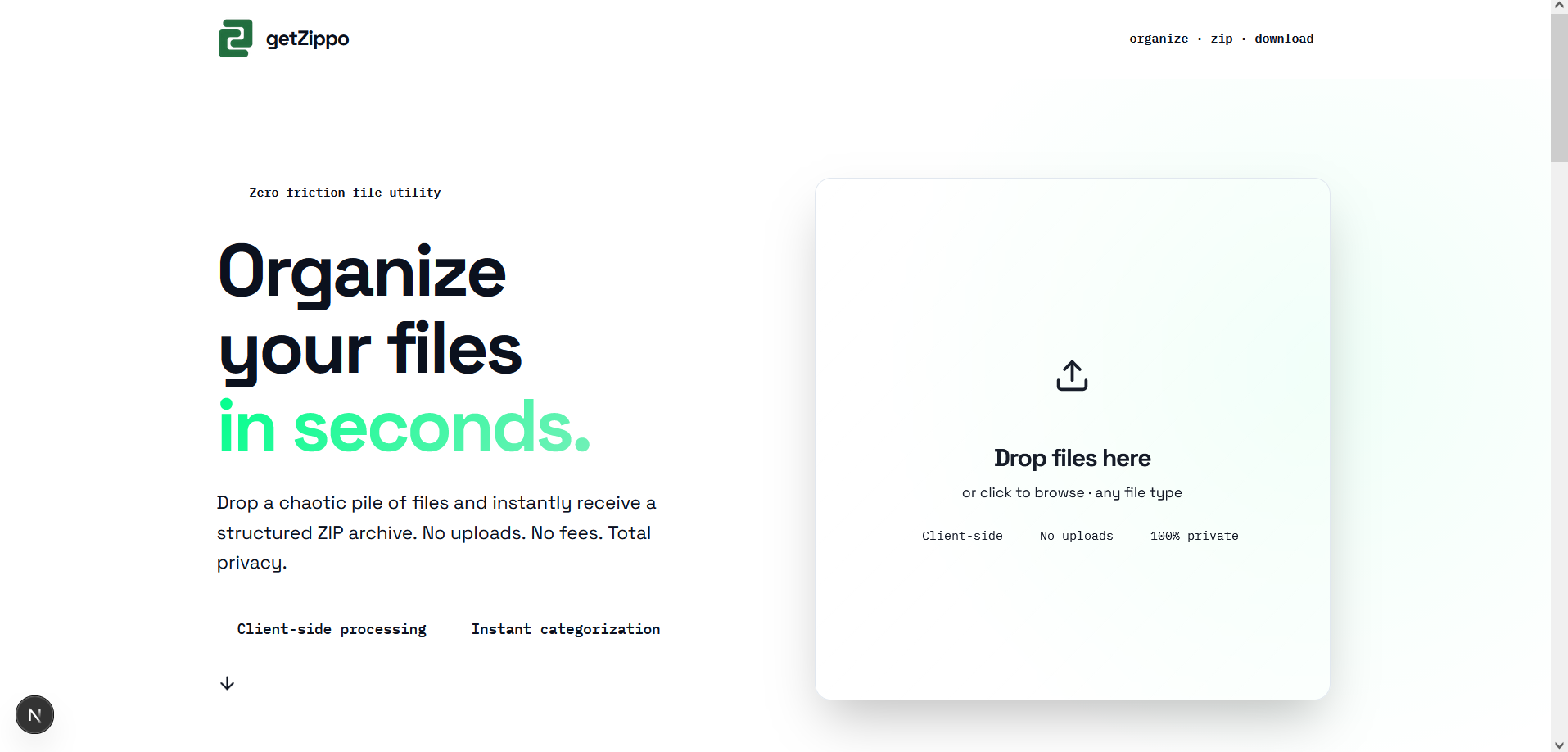
hero section there is a drop section also (the main functionality of the web app)
-
-
-
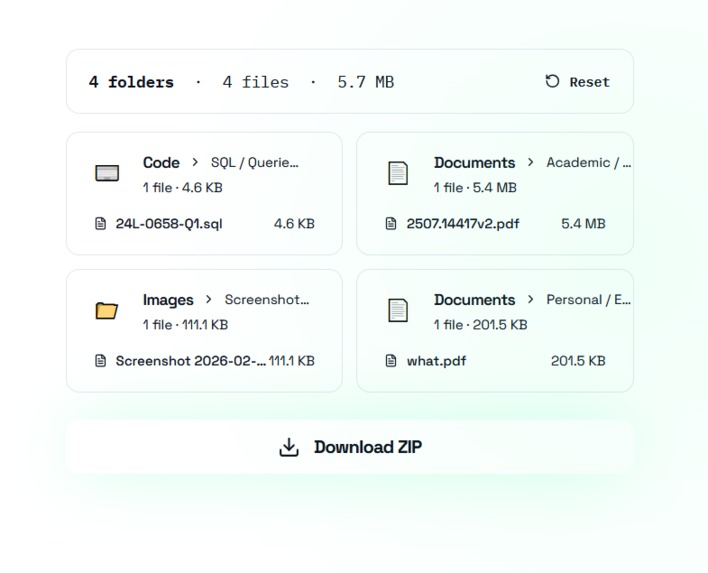
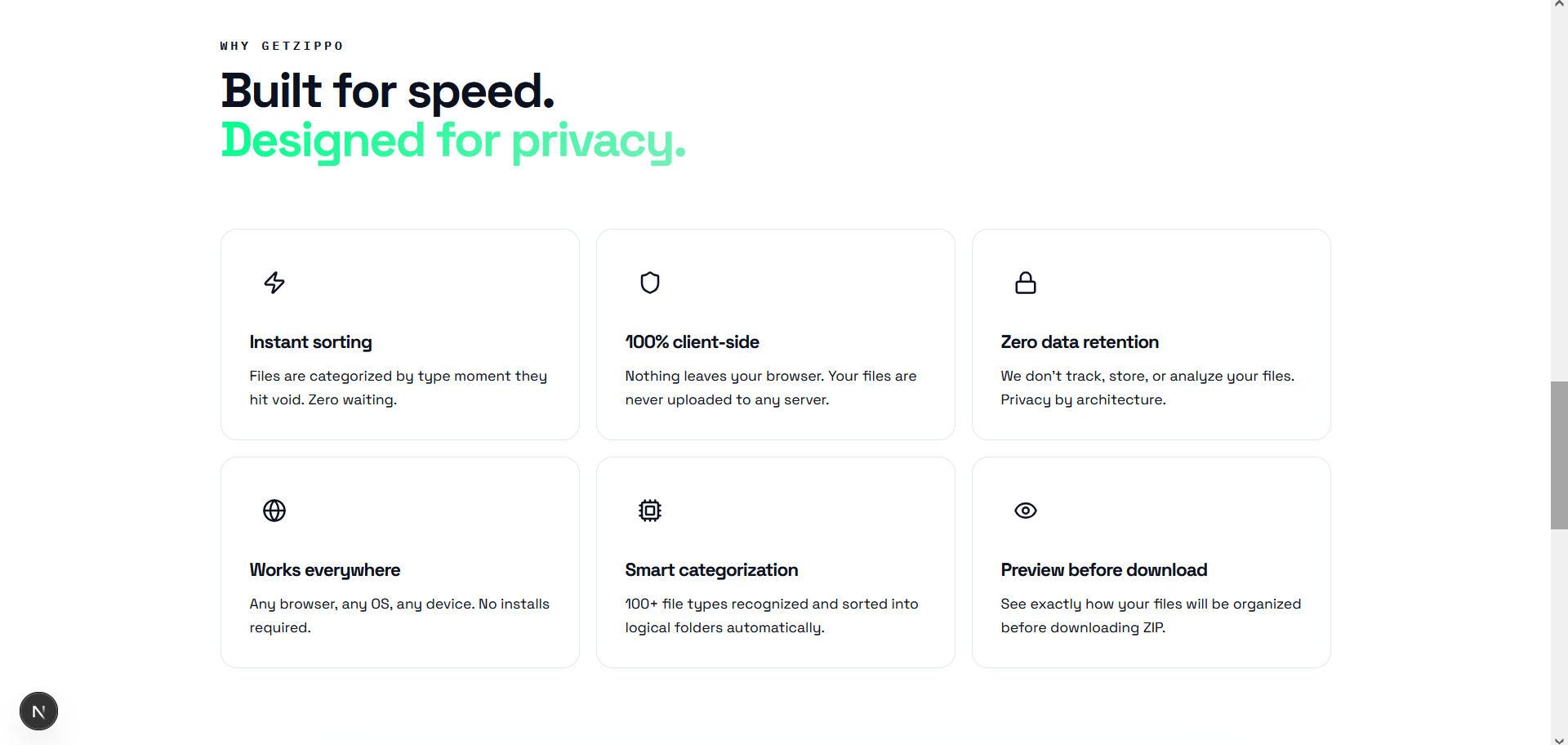
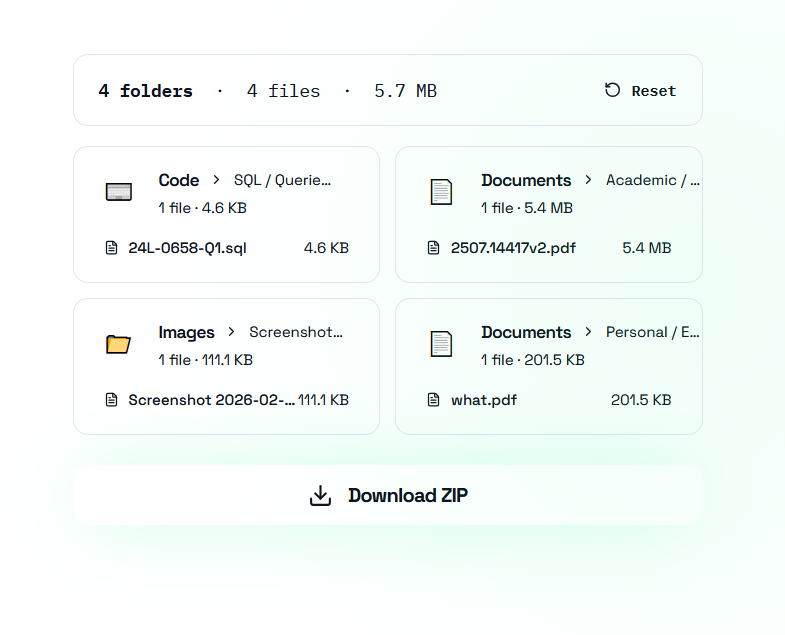
preview section

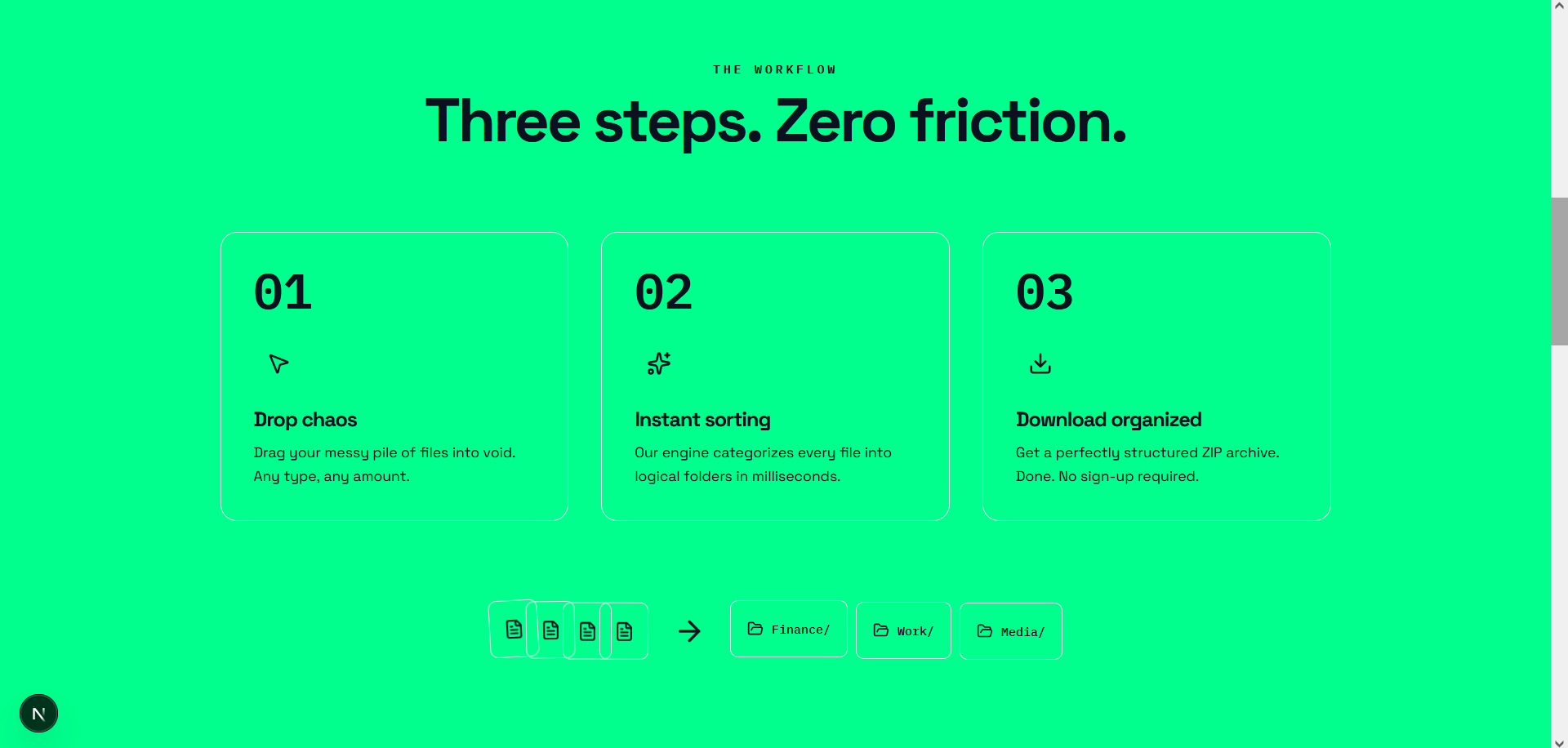
Inspiration
We’ve all been there: the "Downloads" folder that looks like a digital graveyard. It’s full of files named IMG_8821.jpg, Untitled_Document_Final_Final_v2.pdf, and random screenshots that we’re too afraid to delete but too lazy to organize.
We realized that while we have AI to generate content, we lack a smart enough AI to manage the chaos we already have. We wanted to build something that acts like a smart personal archivist—an agent that doesn't just store your files, but actually "looks" at them, understands their context, and puts them exactly where they belong. What it does
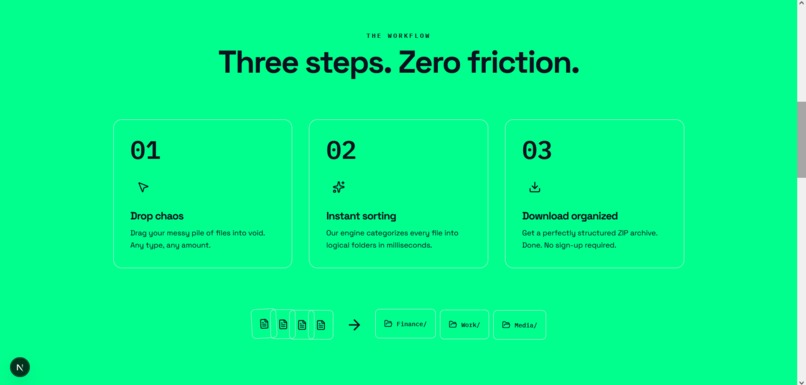
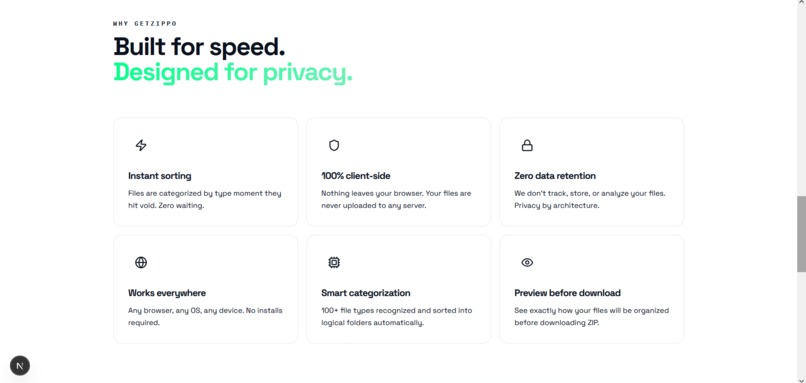
GetZippo is an intelligent file organization agent that turns digital clutter into a structured archive.
Smart Analysis: Users drag and drop files (documents, images, receipts, code snippets), and GetZippo uses multimodal AI to analyze the content, not just the file extension.

Auto-Categorization: It automatically creates logical folder structures (e.g., "Financials > Invoices," "University > CS Assignments," "Memories > Kuwait Trip") based on what the file actually is.

Contextual Renaming: It renames obscure files like Screenshot_2024-02-14... to descriptive names like Error_Log_React_Project.png or Receipt_Dinner_Jan2026.jpg for easier searching.
How we built it
We built GetZippo using a modern, scalable tech stack focused on speed and user experience:
Frontend: Next.js for a responsive, snappy user interface and server-side rendering.

AI Engine: Google Gemini API (specifically Gemini 1.5 Flash). We utilized its multimodal capabilities to "see" images and read documents, prompting it to return structured JSON data for folder categorization.

Styling: Tailwind CSS for a clean, minimalist aesthetic that feels like a native tool.

Deployment: Hosted on Vercel for seamless CI/CD.
Challenges we ran into
Structured Output: Getting the AI to consistently return valid JSON for file paths was tricky. The model would sometimes "chat" back instead of just giving us the data structure we needed for the code to execute.

File Variety: Handling different file types (PDFs vs. Images vs. Text) and ensuring the AI could parse them all effectively required careful prompt engineering.

Latency: We had to optimize how we sent data to Gemini to ensure the user didn't have to wait too long for their files to be "zipped" and organized.
Accomplishments that we're proud of
The "Magic" Moment: Seeing the AI correctly identify a random, blurry photo of a receipt and automatically sort it into a "Finance" folder without any manual input was a huge win.

Seamless UI: We managed to create a "drag-and-drop" interface that feels intuitive and simple, hiding the complex AI logic behind a clean design.

Effective Prompting: We successfully engineered a system prompt that forces Gemini to act as a strict file system administrator, minimizing hallucinations.
What we learned
Multimodal Power: We learned just how powerful Gemini is at understanding context from images. It picked up on details in documents that traditional OCR would miss.

Next.js App Router: We deepened our understanding of the Next.js App Router and how to handle API routes efficiently for AI integration.

User Trust: We learned that for a tool like this, transparency is key—users need to trust that the AI understands their files before moving them.
What's next for GetZippo
Cloud Integration: Connecting directly to Google Drive and Dropbox to clean up existing cloud storage without downloading files.

Local Processing: Investigating options to run smaller models locally in the browser for enhanced privacy on sensitive documents.

"Chat with your Files": Implementing a RAG (Retrieval-Augmented Generation) feature so users can ask, "Where did I put my electricity bill from last March?" and GetZippo finds it instantly.
Built With
- gemini-flash
- nextjs
- node.js
- openrouter
- pdfjs
- react-lucide
- tailwind
- typescript

Log in or sign up for Devpost to join the conversation.