-
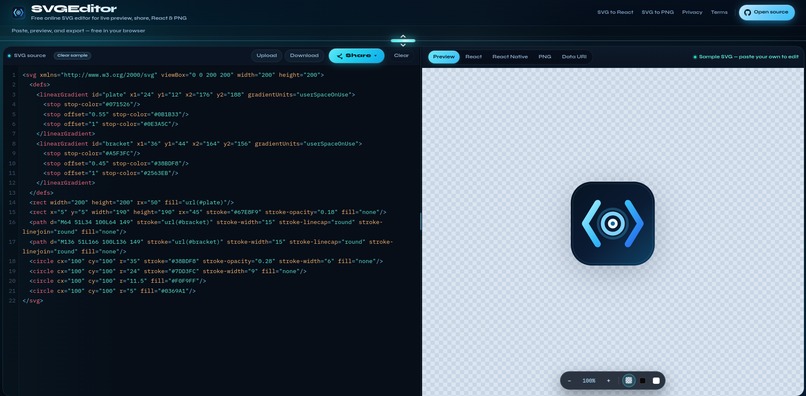
Real-time editor & preview
-
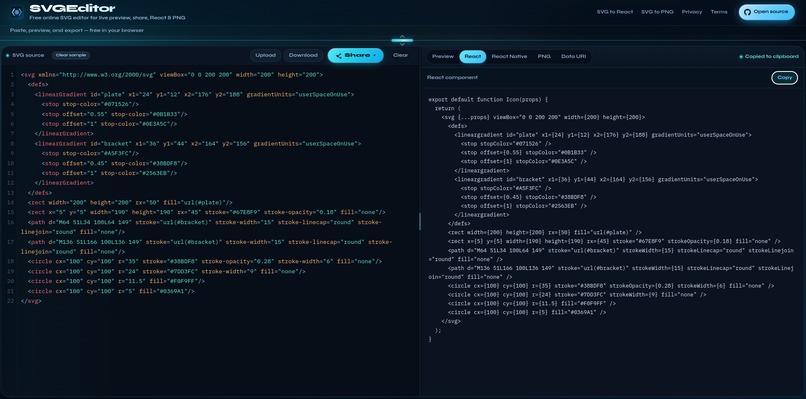
SVG to React conversion
Inspiration
SVG code can get bloated with unnecessary metadata and unpredictable scaling. SVGViewer is a lightweight tool to inspect, edit, and export SVGs without heavy design software.
What it does
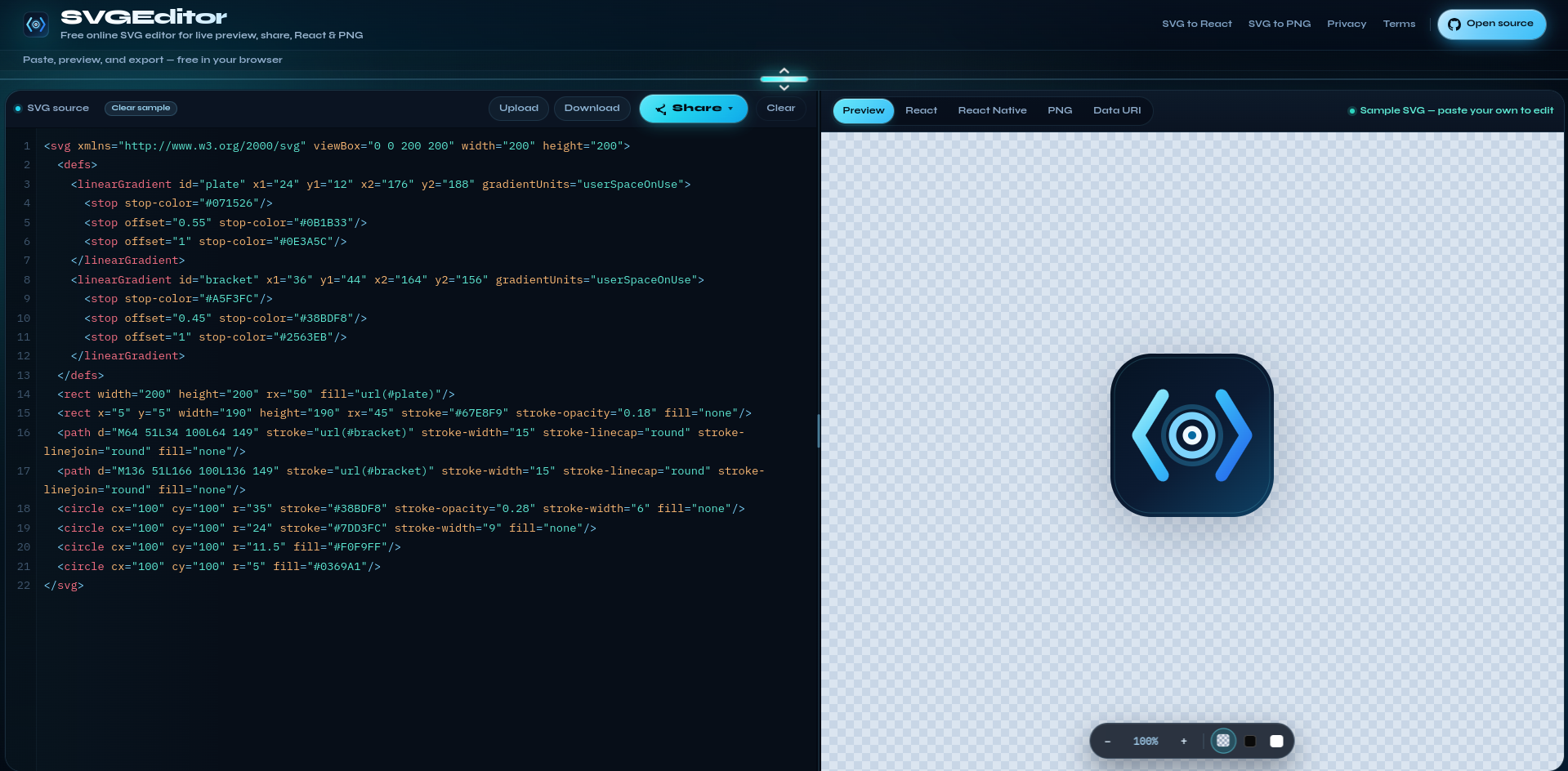
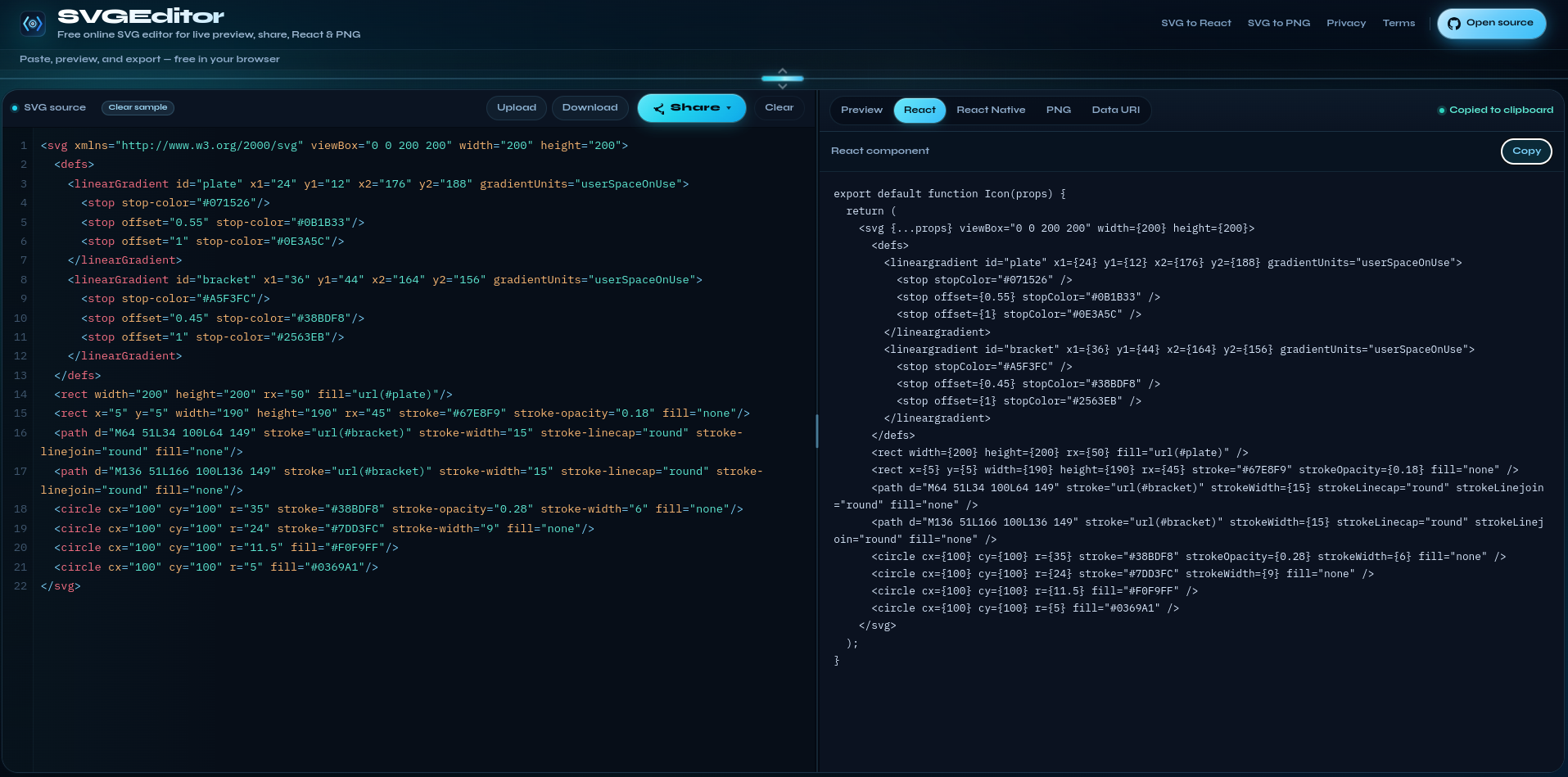
SVGViewer offers a simple split-screen editor with real-time preview. Paste or upload SVG code, edit it, and see the changes instantly. You can also export SVGs as high-resolution PNGs or clean snippets for React and React Native.
How I built it
The frontend uses pure HTML, CSS, and Vanilla JavaScript, optimized for speed and strong Google PageSpeed scores. The focus was on a clean UI and a fast, frictionless editing experience.
Challenges I ran into
The biggest challenges were safely sanitizing untrusted SVG code without breaking required elements, building a reliable iframe-based export system, and optimizing performance through asset compression, minification, and efficient JS/CSS execution.
Accomplishments that I'm proud of
I built a fast, intuitive, clutter-free tool that saves developers time when inspecting and converting SVG assets.
What I learned
I gained a deeper understanding of the SVG DOM and advanced SVG features such as embedded scripts, gradients, and animations. I also learned how to clean up noisy Figma exports, remove unnecessary wrappers and clip-paths, and solve rendering issues involving viewBox, CSS, and width/height.
What's next for getsvgeditor.com
Next, I'm adding a built-in color picker for one-click SVG color changes and a demo page with animated SVG icons. I'm also building a content and blog strategy to grow organic traffic and improve the site's SEO.
Built With
- css
- javascript
- svg
- web-development

