-
-
-
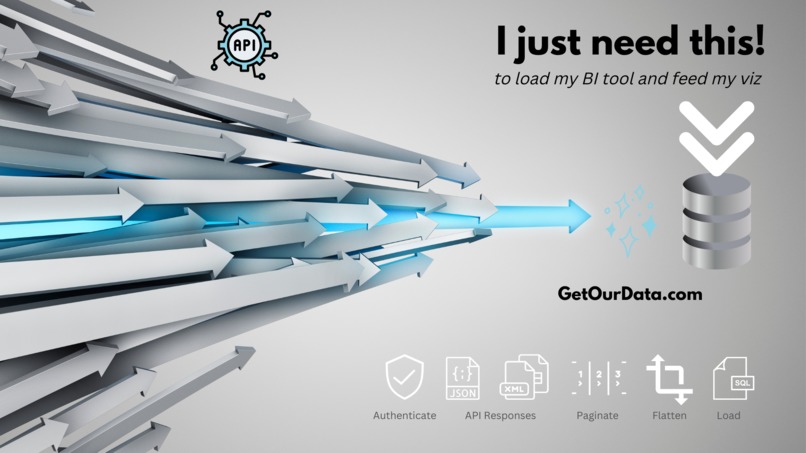
Why is it so hard to get data from APIs into Tableau?
-
Finally unlock your cloud data!
-
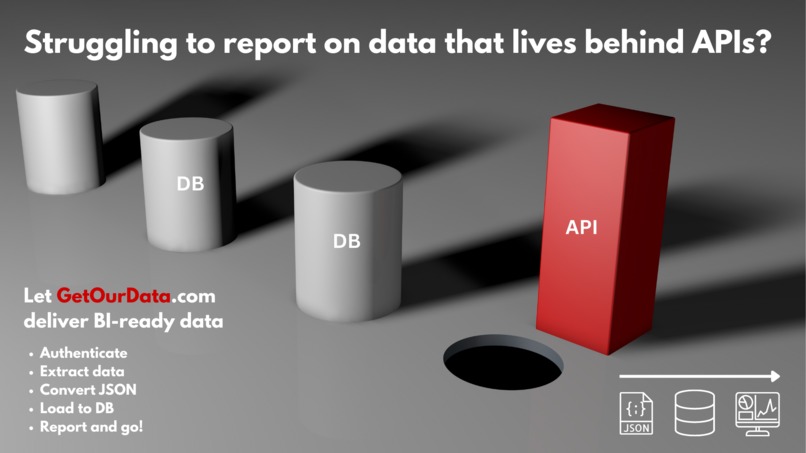
APIs are to BI as square pegs are to round holes!
About GetOurData
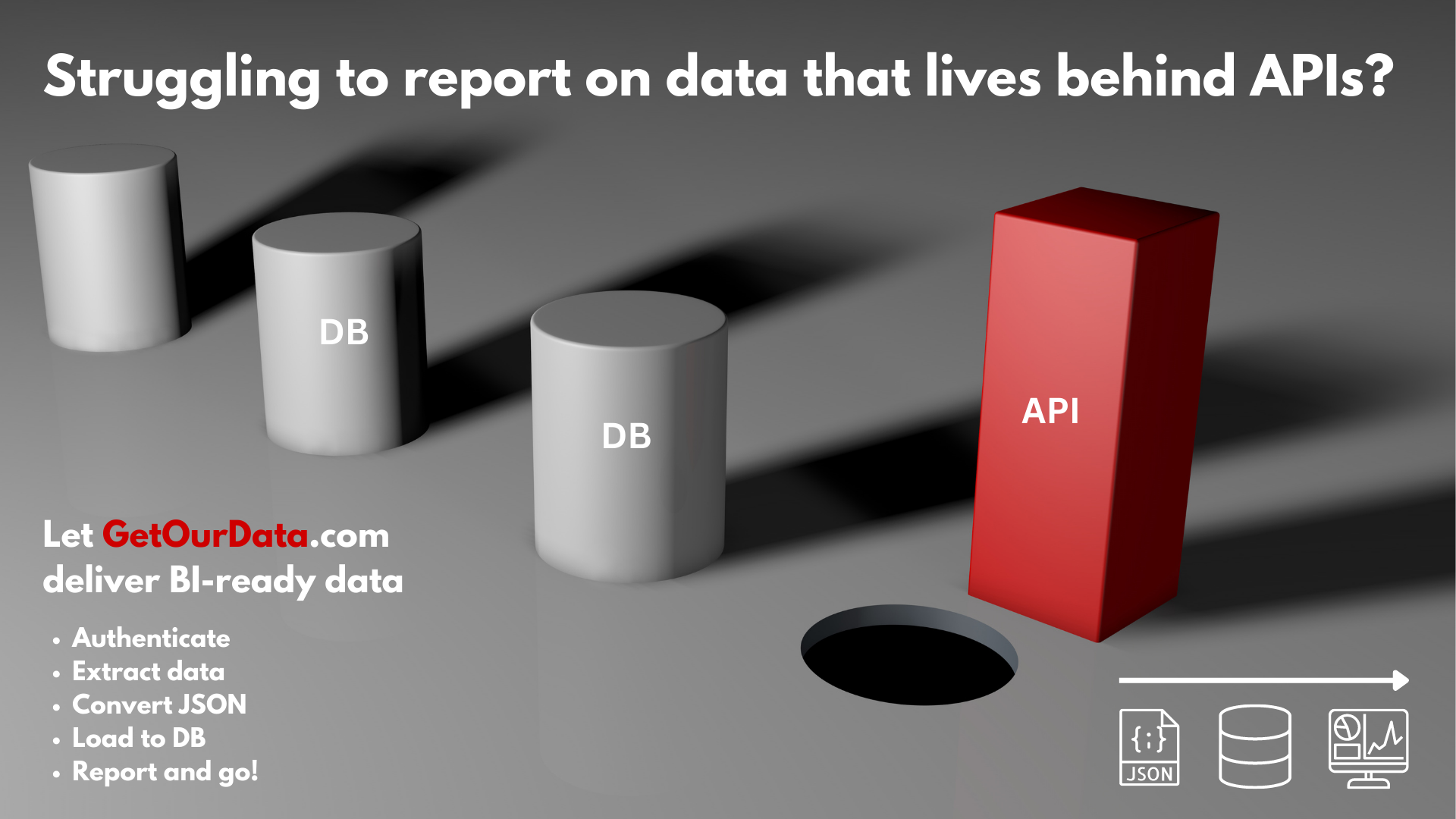
If you've tried to get data from a SaaS software tool or from behind an API you share our pain and that felt by millions of BI professionals! We connect to most APIs and handle all that API mumbo jumbo. We convert impenetrable JSON responses into something your BI tool understands: rows, columns, tables and relationships. Now reporting on cloud data is as easy as from a database!
Our Inspiration
Richard Spencer has been deep into analytics for 35 years and an avid Tableau user for 10 years. He has used analytics to drive business performance in dozens of companies, large and small, across a wide variety of industries in the US and Europe. For years he has been frustrated when doing BI work that its really difficult to report on data that lives in SaaS software products or behind an API. No BI tool is good at connecting to the growing multitude of APIs out there. Even if the BI user can successfully connect to an API, extracting all of its data and turning the complex, nested JSON responses into analytics-ready data (rows, columns and tables) is incredibly tricky. It typically requires the orchestration of custom code for every API end point and is not something most BI professionals can or want to do. Instead we resort to the tried and true: the CSV export. But isn’t that like going back to the 1970s?! And as companies continue to adopt a myriad of SaaS tools at a breakneck pace life gets more and more difficult for the BI professional. Most will long to go back to the days of all on-premise databases when getting at the raw data on which to exercise their BI superpowers was an almost trivial step, thanks to tools like Tableau. With more than 35,000 non-private APIs in existence (and expanding fast) as well as probably 10-20X the number of API end points the problem is gigantic. Getting your own data, or 3rd party data for that matter, from behind an API shouldn’t be this hard!
As a professional services firm HALitics builds complex BI solutions for clients across every industry. We scoured the planet for a solution to the problem in 2021 and early 2022. There are some products/tools/drivers that help but for a limited set of just 100, 150, at best 200 common API sources. Some tools (typically ETL) do allow you build custom API connections and data transformation pipelines. But these tools are expensive and the process of building a custom API connection and data pipeline is overly technical, error prone and extremely time consuming as you have to build some complex ETL steps that are custom for every API end point. Trust me we’ve tried them all!
Halitics' newest product, called GetOurData, solves all this. Initially we will support 225+ APIs across the Accounting, CRM, eCommerce, HRIS and Payroll data categories, with more connectors coming soon. Next we plan to add easy-to-configure custom API connections that will open up thousands of APIs to the BI analyst.
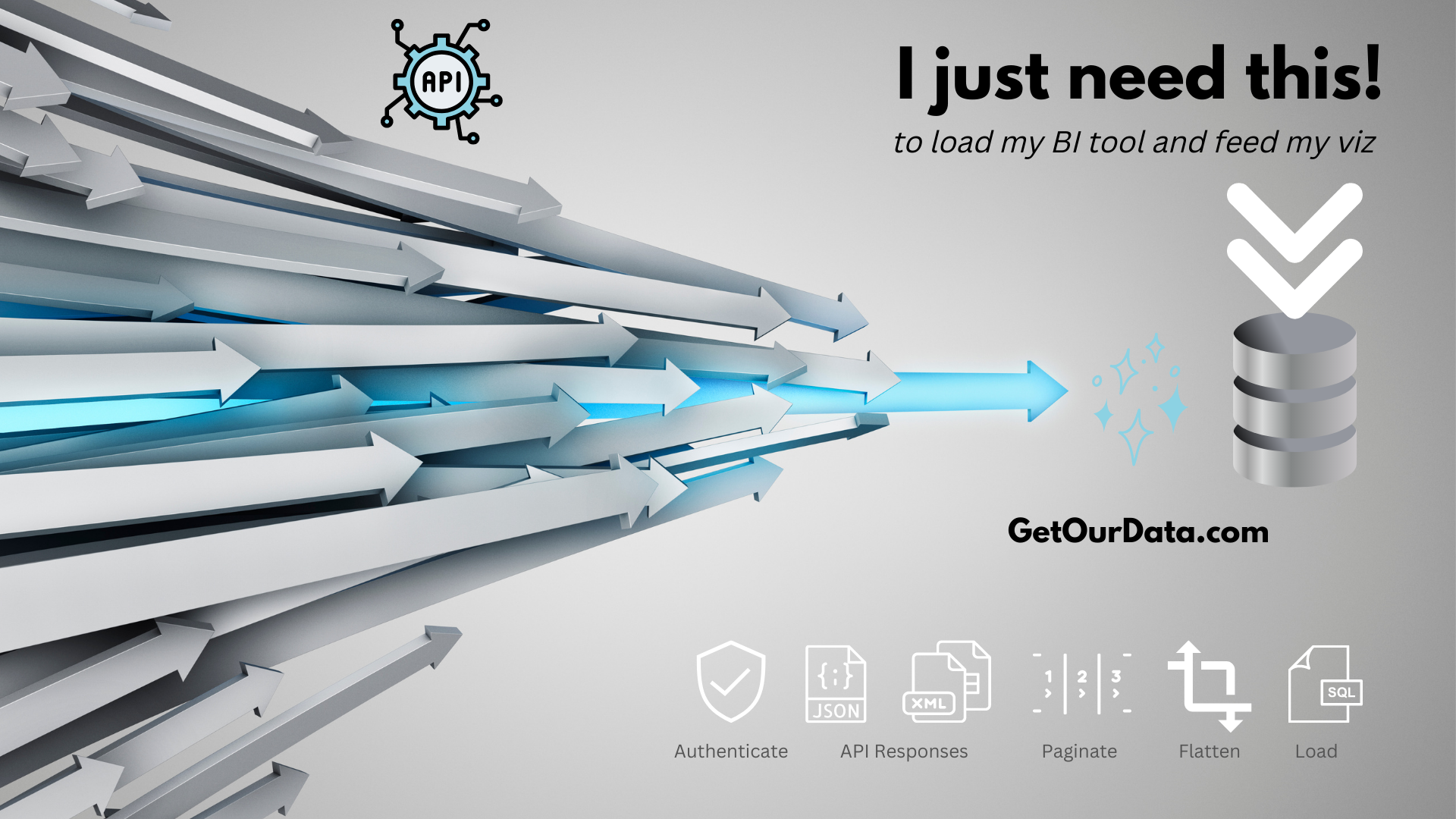
GetOurData handles all the common API authentication and pagination methods to connect, paginate through and extract all the JSON data from each API end point. Then it automatically parses the JSON responses, even if complex and nested, and turns them into beautiful rows, columns and tables. Next we map each data source into a “unified data model” for each data category so that the BI user can build visualizations once and then magically re-use them across many different data sources within a category. Then we load all the data to a destination database. Finally, we even pre-build the relationship keys and Tableau data model so the BI pro can skip the tedious data modeling step and launch right into exercising their true BI superpowers. Point your BI tool at the database and report on it just like any other database, knowing that your data will be automatically refreshed based on the cadence you selected.
Finally you can read data from APIs as easily as a database!
Why The Tableau Hackathon
While talking to fellow Tableau users and attending several #DataDev sessions at the 2023 Tableau user conference in Vegas Richard had an epiphany. The Tableau user would really like to do everything “in the flow”, including handling their cloud data pipelines. Why should they have to use multiple external tools if they could accomplish the goal right from within Tableau. Why couldn’t they just launch a single “native connector” in Tableau that would give them access to data from hundreds, or thousands, of APIs? And wouldn’t it be great if that data was automatically loaded in the form and location they use for much of their other data: a hyper extract loaded to their very own Tableau Cloud or Server account! Achieving this vision of a seamless end to end flow, that also solves a major pain point for so many BI professionals around accessing data from APIs inspired us. So we jumped full force into the hackathon with the just a few weeks left to see if we could figure out a solution!
What our Hackathon Entry Does
We needed to creates the missing components that would allow the BI user to embed the power of GetOurData right into their flow inside Tableau. So our Hackathon entry had to solve for four distinct problems:
- Setting up API data connections from within Tableau. Our new v3 web data connector allows the Tableau user to natively install a single native connector in Tableau that can access hundreds of APIs and thousands of end points simply by dropping a .taco file in their connectors folder. The user simply selects their desired sources from a directory of what will soon be 225+ API data sources across the Accounting, CRM, eCommerce, HRIS and Payroll data categories. The WDC automatically provisions those connections in the GetOurData platform ready for the user to approve and authenticate them.
- Converting tabular data that GetOurData generates into a hyper extract. If the user selects Tableau Cloud as their data source then we take the tabular data generated by GetOurData and convert it to a multi-table hyper extract using the Tableau Hyper API instead of writing the data to a destination database.
- Securely loading the hyper file to the user’s Tableau Cloud account. Here the goal was to capture a user entered Tableau Cloud “PAT key” along with other required parameters that specify the destination and then call the Tableau REST API to upload the finished hyper extract to the user’s Tableau Cloud account and into the project of their choosing.
- Delivering a pre-built tableau data model for each source to the user. Lastly, we configure the Tableau data connection and pre-built data model and make them available to the user to download so they can simply open the provided workbook, “change data source” to point to the Tableau Cloud data source we just created and then get vizzing without even having to worry about building a data model.
How We Built It
Tableau Dev Elements Used: Tableau WDC v3, Tableau Hyper API, Tableau REST API, Tableau Desktop, Tableau Cloud
We leveraged the new WDCv3 framework to build the front end web data connector that allows the user to seamlessly set up connections to hundreds of APIs from a single WDC that can be installed natively in Tableau simply by dropping the .taco file into their tableau connectors folder. The WDC automatically passes requested API connections to the GetOurData platform where the user sets their Tableau Cloud account as the data destination and completes an oauth authentication wizard for each API data source which triggers an automated data pipeline that extracts JSON data from every API end point and transforms it into analytics-friendly rows, columns and tables.
We used the Tableau Hyper API and codeset to write the resultant tabular data tables created by GetOurData into a multi-table hyper file. Originally the goal was to publish this direct to Tableau Cloud via the Tableau REST API. However due to apparent limitations in hyper publication via API (only a single fact table allowed) we shifted to an alternate method given the hackathon timeframe. Instead we make the multi-table hyper file available to the user for download from the GetOurData app. The user can open this in Desktop and either work with it locally or use Desktop to package and publish the data source to Cloud.
What Technologies
The languages, frameworks, platforms, cloud services, databases, APIs, or other technologies we used
Javascript, HTML, Python, AWS, S3, Tableau WDC 3.0, Tableau Hyper API, Tableau REST API
Challenges We Ran Into
- WDC3.0 documentation has some important missing elements!
- Failures that report no reason code (likely related to versioning of install packages)
- Delay getting code signing certificate validated
- Hyper file publication limitation of a single fact table prevented loading direct to Cloud
- Aligning data flowing from multiple simultaneous workers (one per end point) with writing said data into a single hyper file as multiple workers cannot write into the same file at the same time
Accomplishments We Are Proud Of
- Created an incredibly easy way for the Tableau user to natively connect to 200+ APIs using a single native connector and load all their data into tableau for analysis. I know I've been hungry for this solution for years!
What We Learned
- Read documentation carefully: the details (like versions of pre-requisites) really matter!
- Extending the capabilities of Tableau is fun!
What's Next For GetOurData
- Determine a workaround for the hyper publication limitation
- Auto-create and upload the starter workbook, with pre-built source connection and data model, to Cloud
- Feedback loop into WDC to show what API connections are already active
- Optimize/improve the automation and processing time of final hyper file packaging step
- Expand WDC to include all GetOurData API sources (soon to be 225+ APIs)
- Add the ability to request a new custom connector from the WDC
- Add feature to create custom API connections for almost any RESTful API
- Test and extend WDC to support Tableau Prep workflows
- Create more pre-built dashboard templates riding on top of our unified data models to save the Tableau user even more time
Testing the Hackathon Solution (for Judges only!)
- Simply download the .taco file from the github repository and drop it into the connectors folder of tableau desktop and restart Tableau
- Look for the GetOurData connector that will show up in your list of connectors in Desktop and launch it
- Add the test account email address and password provided in github in the WDC
- Select your desired APIs. Since judges are working in our Dev environment we suggest you select any accounting data source and we will authenticate you to sandbox API data for easy testing. Important: our production server at app.getourdata.com does not yet support Tableau as a destination. Please use the link and creds included in github for testing
- Hit submit and then go to the application login link provided in Github and log in with the test account creds
- Go to the Destinations tab and "Add Destination".Unless Tableau is set as the destination we do not generate a hyper file
- Select each of your "pending" API connections created by the WDC and click on the 3 dots to edit each one. Make sure that Tableau Cloud is set as the data destination for each and then complete the oauth wizard for each API. Completing this step kicks off the data pipeline jobs in the background to deliver your API data
- Download the relevant Tableau workbooks from the BI templates tab and save them locally. You will use these later to connect to the data in Tableau
- Go grab dinner for an hour or two and wait for all your test data to show up as a downloadable hyper file in the application. Download the file locally.
- Open a template workbook, add a new data source pointed at the local hyper file, then use "Change Data Source" to use the local hyper file with the pre-built relationships. Once completed close the original data source in the template and save the workbook.
- Work with the data locally or publish as a data source and workbook to Tableau Cloud
- Thats it, now get vizzing!
About HALitics
HALitics is the developer of GetOurData. We are a low cost digital transformation platform designed for private equity and venture capital backed as well as privately held mid-market organizations. We use next gen data warehouse automation, pre-built BI-as-a-Service solutions and a no-code rapid application development, process automation and machine learning environment to get big results fast.
Our Hackathon Team
We have a rare blend of BI, data engineering, process re-engineering, business performance management and software development skills that we bring to bear to automate and improve businesses processes that drive performance. Our hackathon team included:
Richard Spencer, Founder & CEO of HALitics the creator of GetOurData, [email protected] | Abi Ortiz, CTO & Supreme Commander, [email protected] | Nick Sayago, Developer, [email protected] | Jeremy Willes, Developer & BI Engineer, [email protected]
Built With
- html
- hyper
- javascript
- python
- tableau
- tableaurestapi
- webdataconnector


Log in or sign up for Devpost to join the conversation.