-
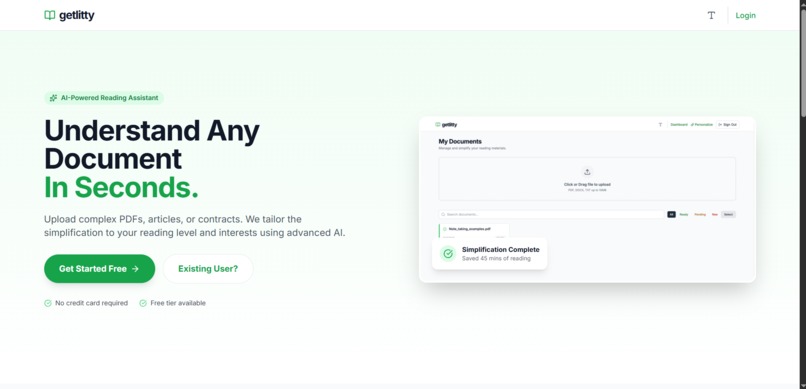
Landing Page
-
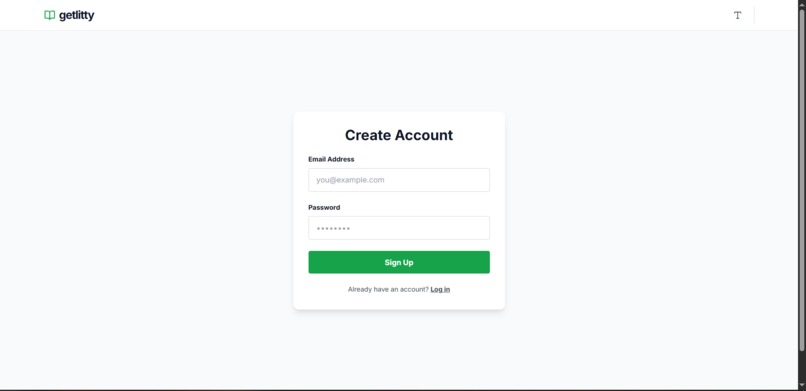
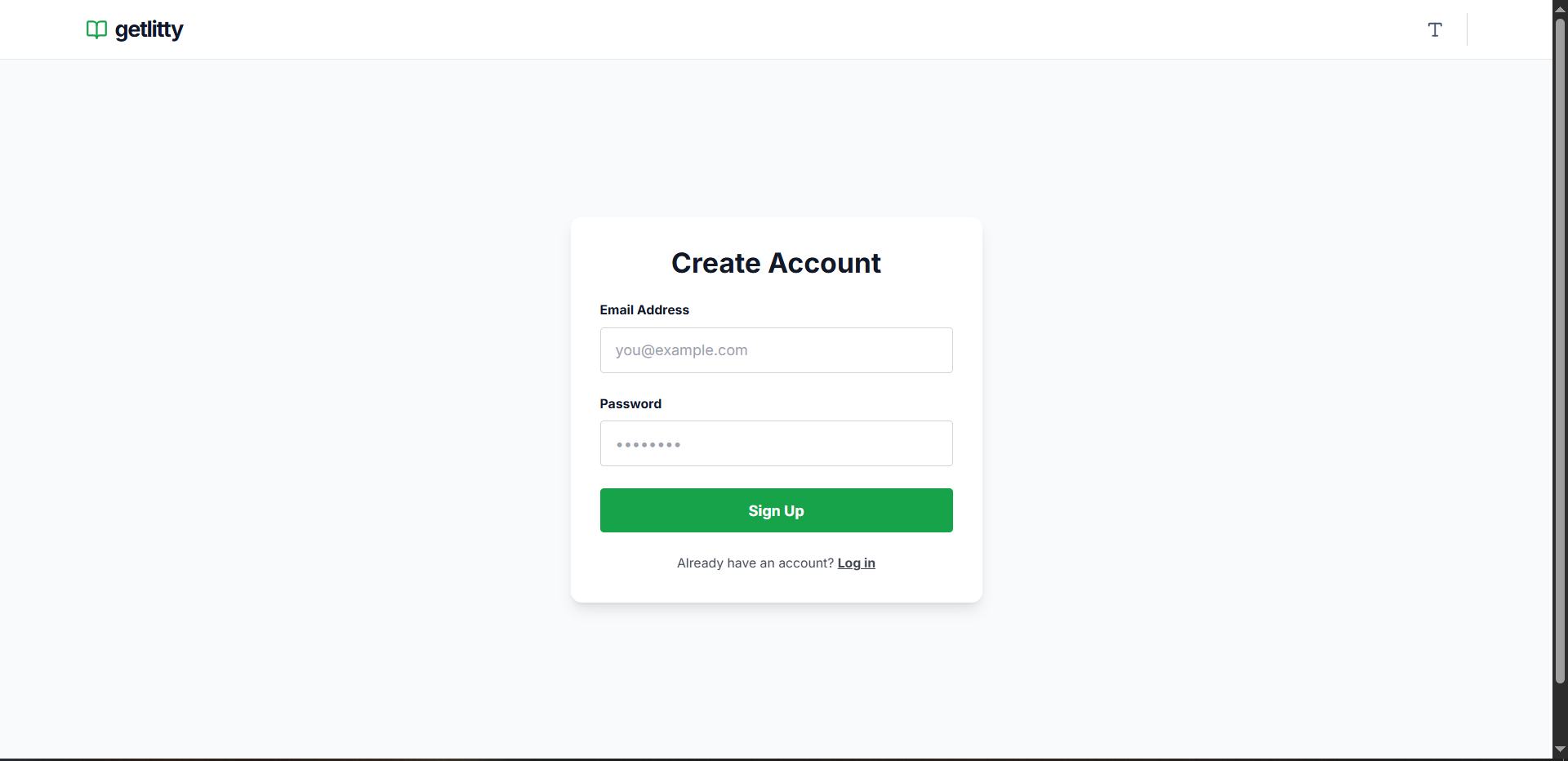
Sign Up
-
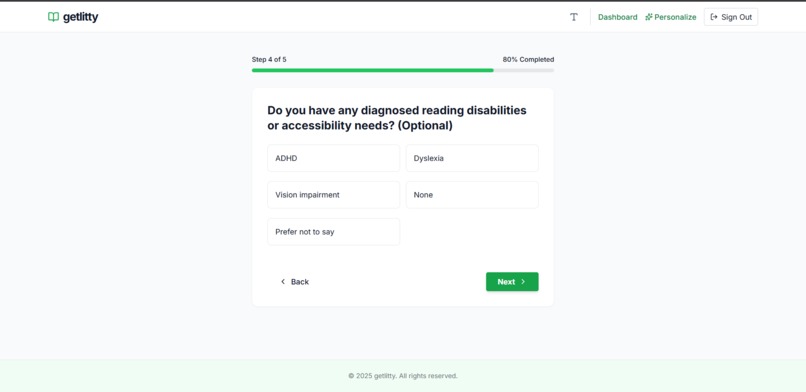
Onboarding
-
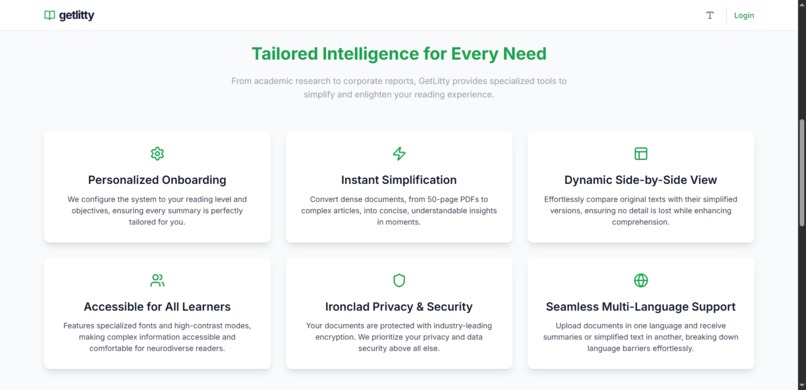
Features
-
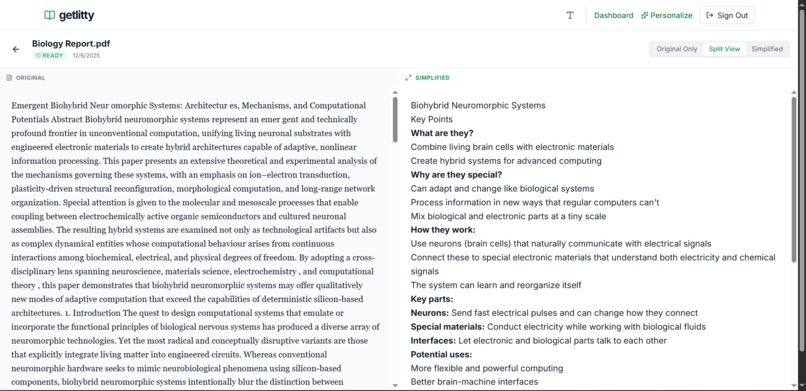
Document View
-
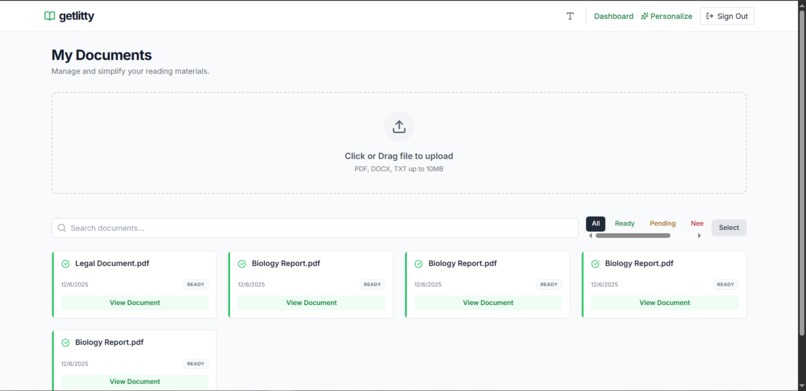
Dashboard
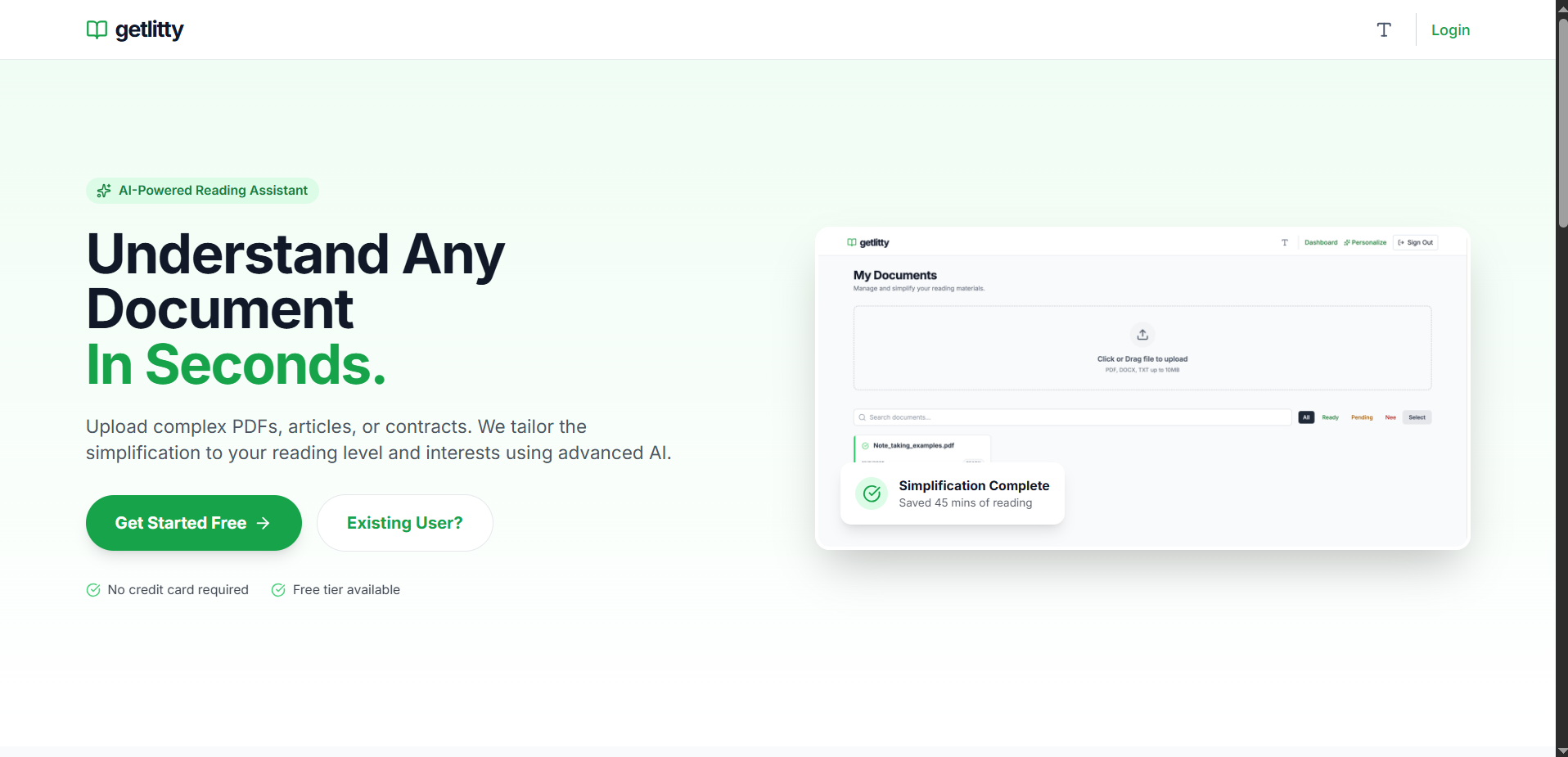
Inspiration
Many people struggle with reading not because they can’t read, but because the material isn’t designed for them. This includes students with ADHD or dyslexia, ESL learners, and anyone overwhelmed by long or complex documents.
We were inspired to build Getlitty because we’ve seen this problem in our own lives. Sometimes our parents struggle with understanding documents like tax forms, rental agreements, or official letters — not because they can’t read, but because the text is confusing or overwhelming. This made us realize that accessibility challenges affect people of all ages, and we wanted to create a tool that makes documents adapt to the reader — instead of forcing readers to adapt to the documents.
What it does
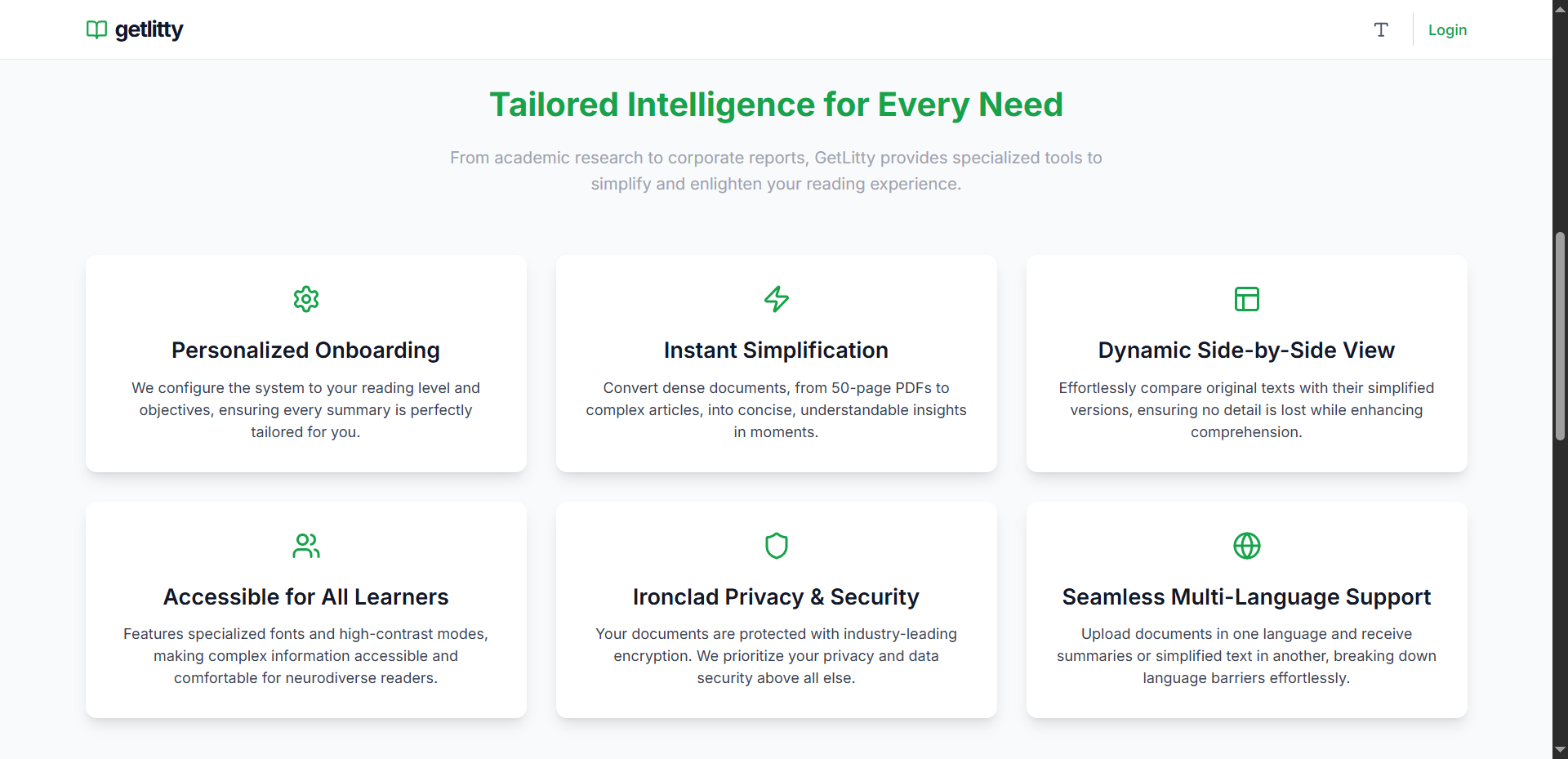
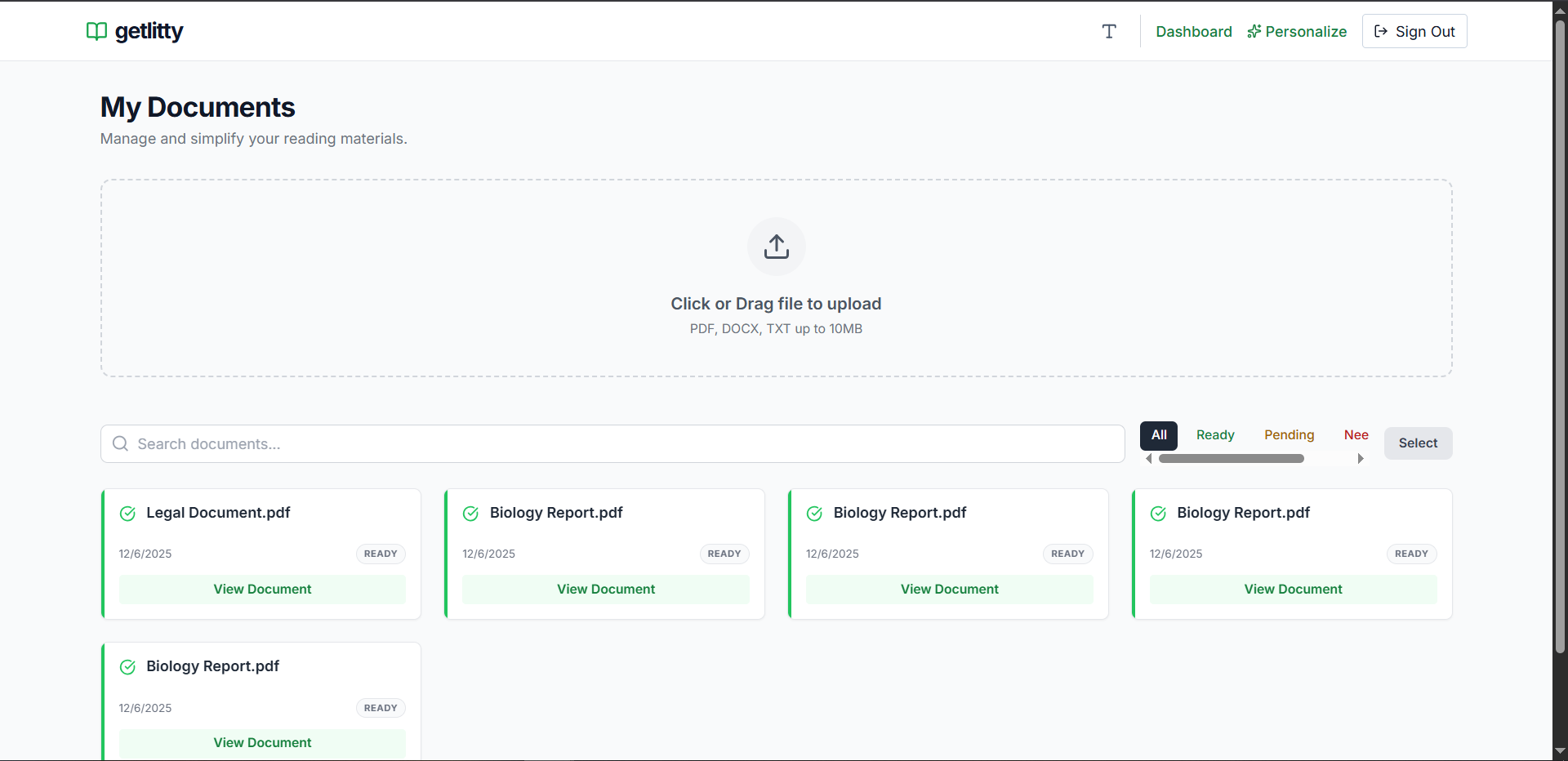
Getlitty is a web application that transforms PDFs and slideshows into personalized, accessible reading experiences. Users can:
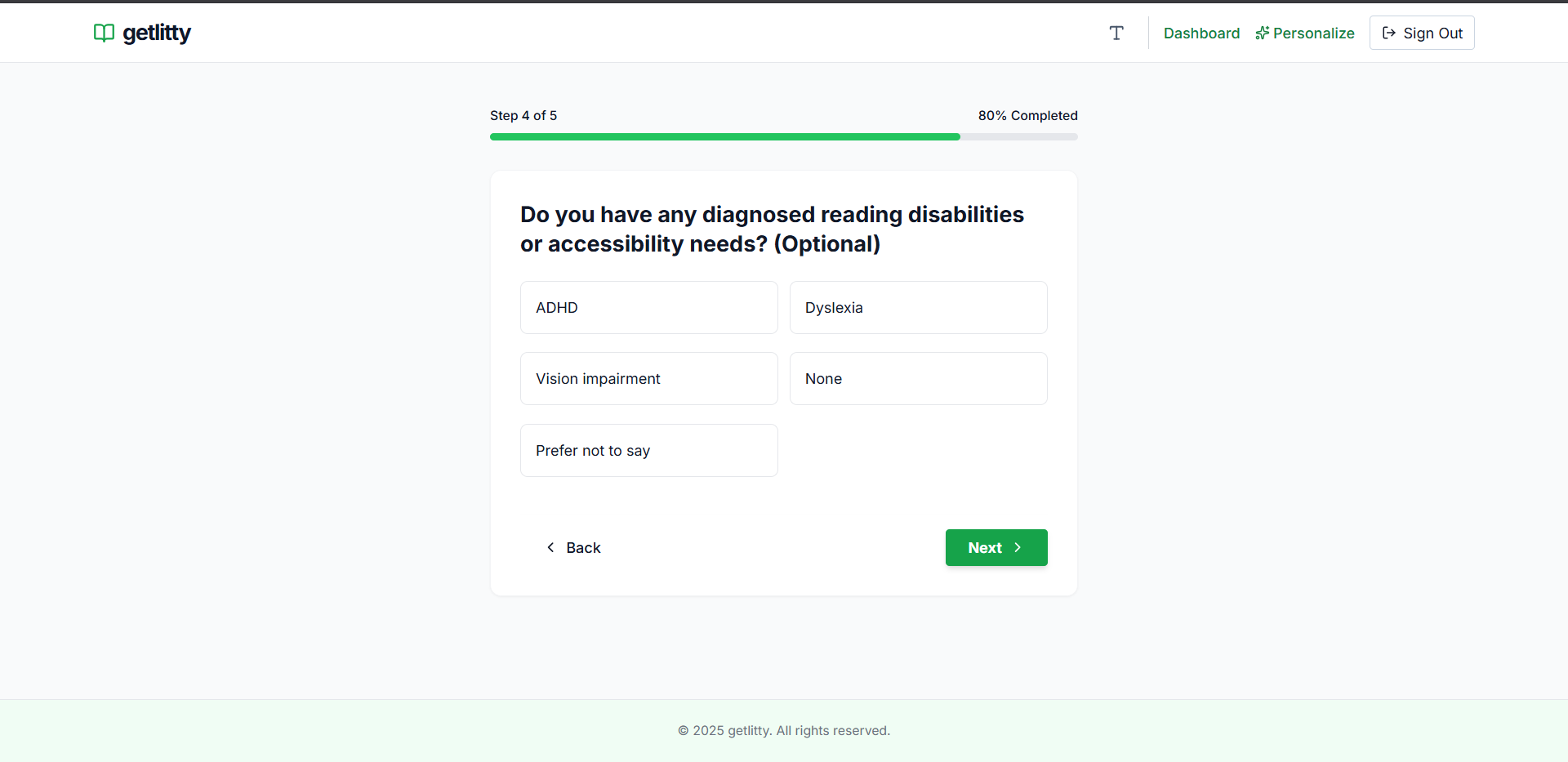
Create a profile specifying their reading and accessibility preferences (ADHD, dyslexia, ESL, preferred text length, etc.).
Upload documents and customize how they want them interpreted for each use case.
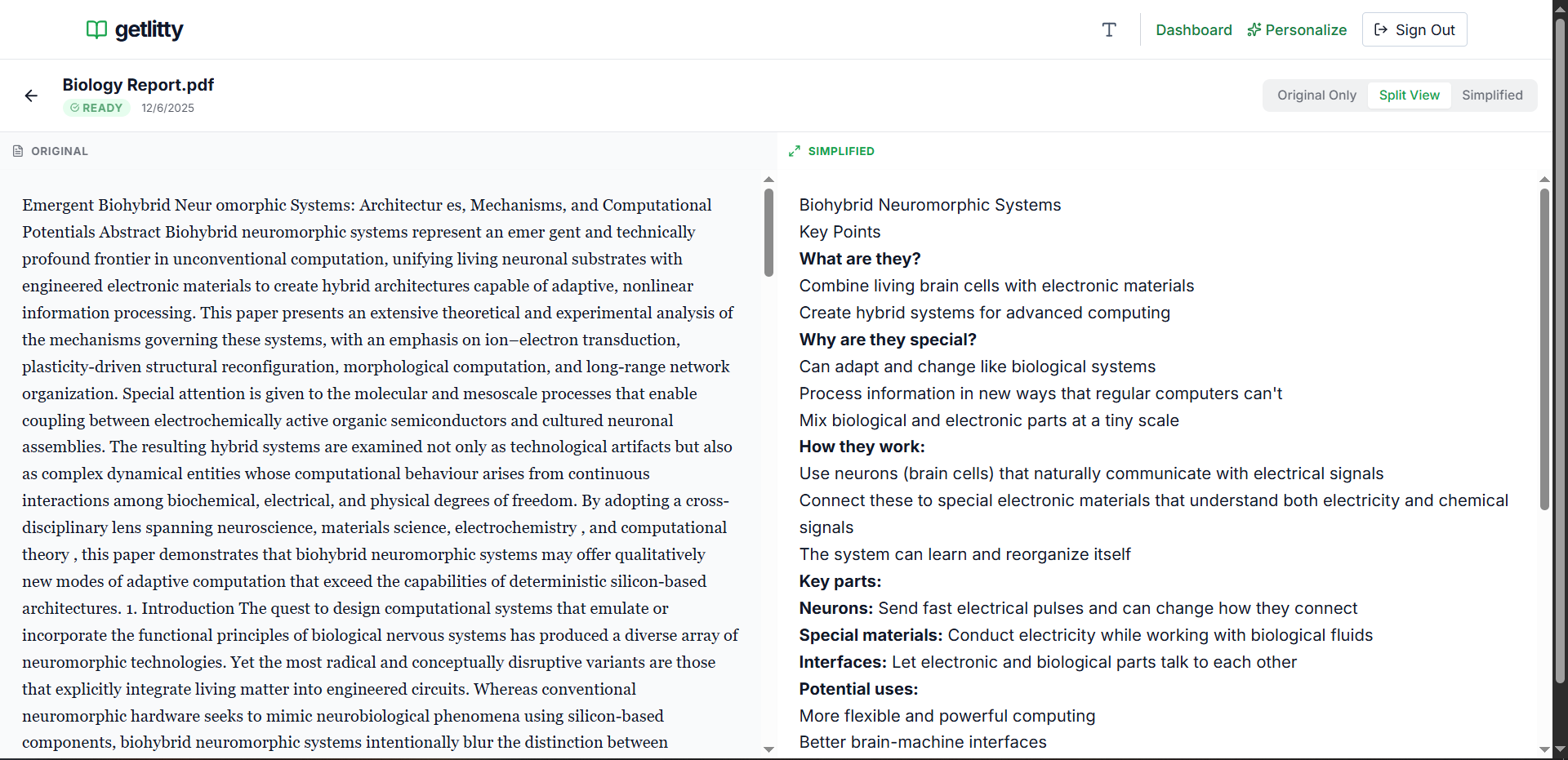
Instantly receive a version of the document that is easier to read, organized according to their needs, and formatted for comprehension and focus.
How we built it
React + TypeScript + Tailwind for Frontend
FastAPI for Backend
Supabase for Database
Deekseek V3 for LLM functionality
Challenges we ran into
Balancing flexibility and simplicity: Different users have very different needs, and one setting can help one user while confusing another.
Parsing documents accurately: PDFs and slides come in many formats, and maintaining readability while adapting the text was challenging.
Time constraints: Building a working prototype for a hackathon while maintaining meaningful personalization was a race against the clock.
Despite these challenges, we created a functional prototype that demonstrates the potential of the idea.
Accomplishments that we're proud of
Developed a fully working MVP that transforms documents based on user profiles.
Built a flexible questionnaire system to customize documents per upload.
Showcased the concept of accessibility personalization for both students and adults.
Demonstrated a product with strong real-world applicability and scalability potential.
What we learned
Real-world accessibility challenges affect people of all ages — from students to parents — and require thoughtful, user-centered design.
Personalization can make reading accessible, but creating a system that balances flexibility and clarity is complex.
Technical lessons: parsing multiple document types, creating adaptive text logic, and building a responsive UI under time constraints.
Importance of testing with different user scenarios to ensure the product is actually helpful for diverse users.
What's next for GetLitty
Expand support for more document types and multimedia content.
Add AI-powered summarization and complexity-level adjustments.
Develop a “focus mode” and other ADHD-friendly features.
Pilot with schools, ESL programs, and accessibility offices to collect real-world feedback.
Explore institutional licensing and subscription models to scale access while maintaining affordability.
Built With
- deepseek
- fastapi
- react
- supabase
- tailwind
- typescript

Log in or sign up for Devpost to join the conversation.