-
-
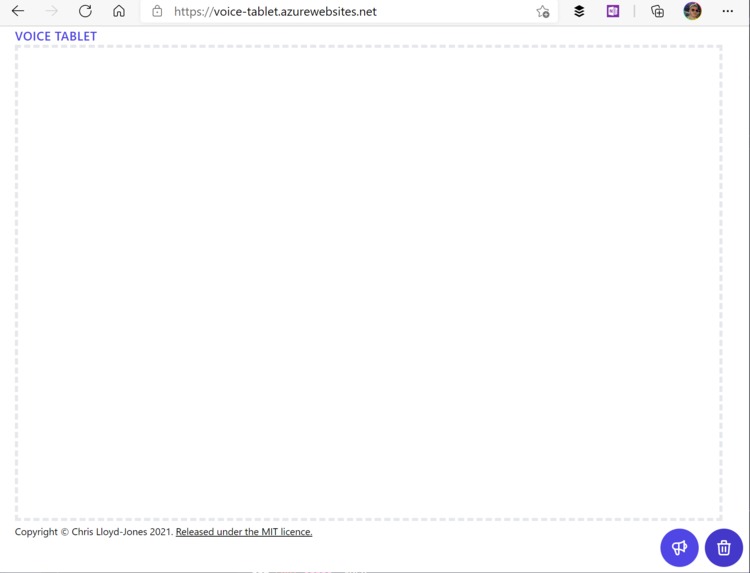
The canvas application before text is added
Inspiration
My friends father suffers from throat cancer. He's lost his voice, and been issued with a stylus and a basic tablet by the hospital. He's able to write on it, but sometimes it can be hard to enter conversations. This allows him to continue to speak out loud.
What it does
The page contains a drawing component, which you can write on with a tablet pen, your finger, or your mouse. As you write, your text is automatically recognized by Computer Vision. When you're ready to speak, you can push the loudspeaker to have your words read aloud. You can also click the trash can to wipe the canvas.
How I built it
- This was built by diving into next.js, dockerfiles, and Microsoft Azure Cognitive Services
Challenges we ran into
- I'm not a React, next.js person, or a frontend developer... so I definitely wasn't familiar with how to manage state, or interactions between the frontend and the server
- Once I managed that, I was concious that I didn't want to expose the API keys, so I had to become familiar with how next.js manages server-side rendering, and browser rendering - moving computer vision and speech into application API calls
Accomplishments that we're proud of
- Surprisingly, I was happiest when I first saw the ability to draw!
What we learned
I learnt a lot about data fetching, and the awkwardness of transmitting images and audio over a network in real time! But seriously, this was a great opportunity to try a new (for me) framework, to solve a very real problem.
What's next for Get your voice
- The ability to pause speech
- Custom voices, with enough audio recordings, a cancer survivor could retain their original voice
- Custom speech cadence
- Pens, or the ability to write longer messages
- An on screen keyboard
Credit
The thumbnail photo is by Clem Onojeghuo on UnSplash.

Log in or sign up for Devpost to join the conversation.