-
-
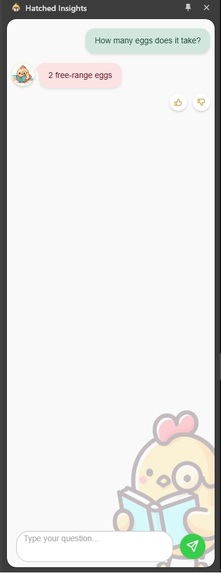
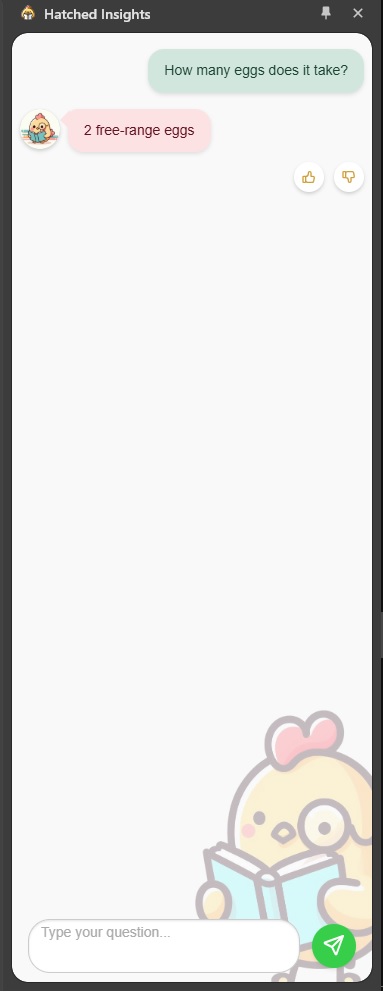
The extension after a successful succinct response
-
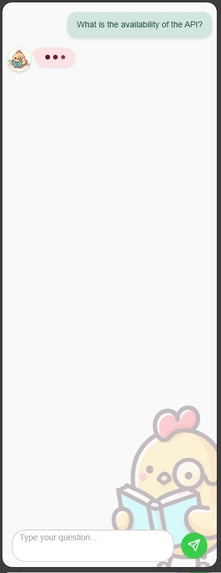
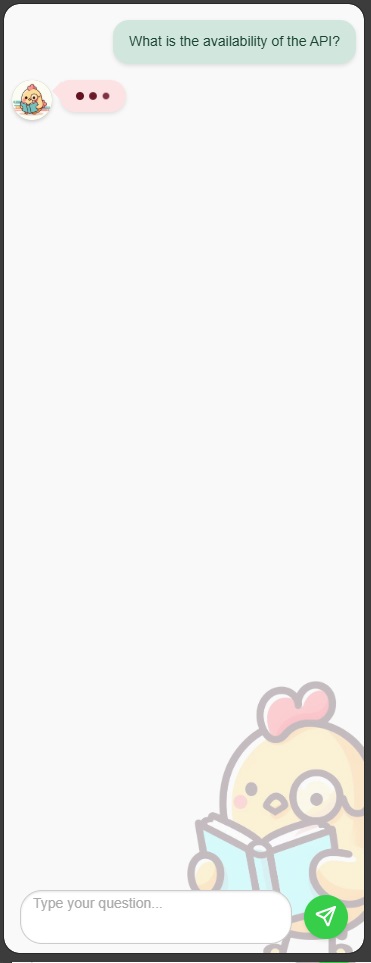
Generating an answer
-
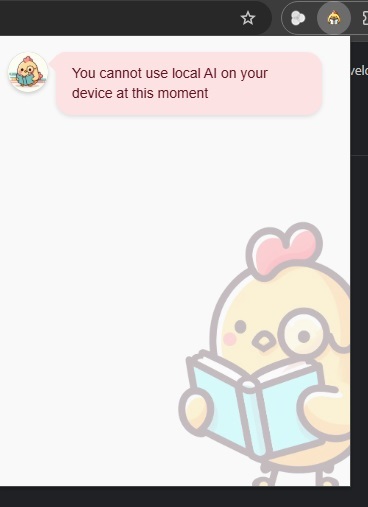
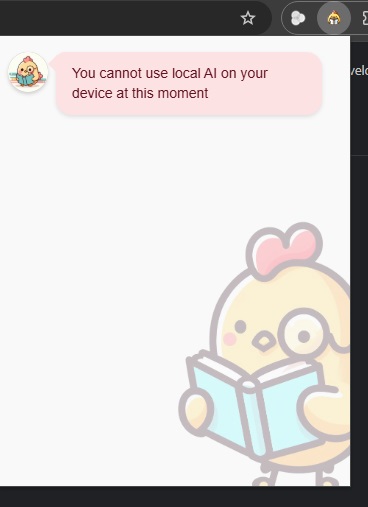
A default state when the model is not ready to use.
-
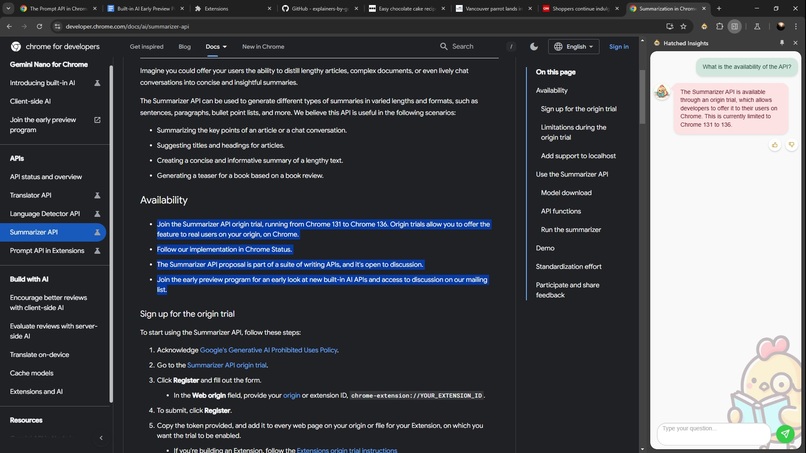
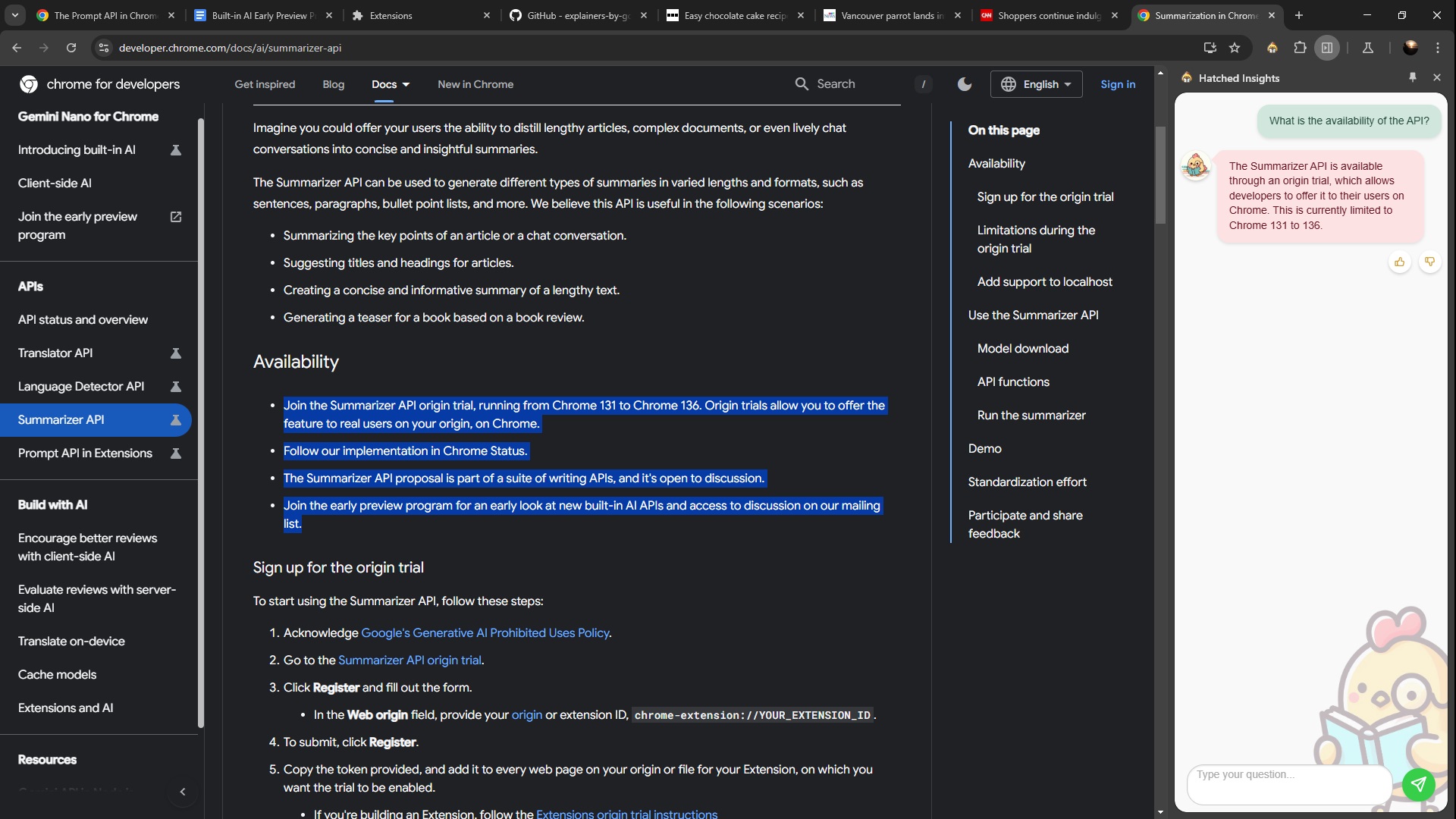
An answer with is source
🚀 Why We Built It
Ever clicked on a promising Google search result, only to find the page never gets to the point? Or worse, you can’t find an answer no matter how hard you try—or gave up and closed the tab in frustration? Yeah, we’ve been there too. That’s why we built this: an in-browser LLM-powered solution for Chrome.
Imagine this: you get the best search results, and then an AI fine-tunes the content on those pages to answer your questions—tailored just for you—all within the safety of your own environment. No extra tabs, no privacy concerns. Just answers. That’s the value we bring to the table and the problem we’re here to solve.
🌟 What We Learned
The web is a beautiful mess. As users, we assume content will be easy to consume and accessible. But that’s not always true. Even with standards like semantic tags, not every site follows the rules, making it tricky to find relevant information.
We’ve learned how hard it is to "read" a page like a machine. This journey has pushed us to rethink just how accessible the open web really is.
🛠️ How We Built It
We chose a Chrome extension so users could leverage it anywhere on the web. Building an external web page would mean sending private questions and browsing habits to a third party, and that didn’t sit right with us. So, we built a secure, user-friendly React application as our frontend and crafted a custom build pipeline to handle all relevant entry points.
Our Two Focus Areas:
1️⃣ Prompt Engineering:
- Iterated quickly using the Prompt API.
- Refined our approach to achieve 90% success in synthetic lab tests.
- Experimented with HTML, Markdown, and plain text inputs—plain text won hands down.
- Implemented a "window pane" strategy to optimize context size and token usage.
2️⃣ Extension UX:
- Designed an unobtrusive side panel that’s always there when you need it and easy to dismiss when you don’t.
- Leveraged prompt streaming to serve responses as fast as possible.
- Used early stop signals to move to the next chunk of text, saving time and improving response quality.
⚡ Challenges
1. Extension Build Tooling
There’s no standard tooling for Chrome extensions with background services, content scripts, and multiple views. It’s solvable, but a streamlined solution would’ve saved us time.
2. LLM Limitations
We initially aimed for rich markdown inputs and outputs, but the results weren’t up to par. This led us to pivot to a chat-based UX for better reliability.
3. Token Counting
Understanding and optimizing token usage was harder than expected. Our expectations from other libraries led to mismatches, and we didn’t allocate enough resources to benchmark it properly.


Log in or sign up for Devpost to join the conversation.