Inspiration Our inspiration began with a simple question: "Can we make digital communication more accessible?" We were fascinated by the idea of a touchless interface that could help individuals with vocal or motor impairments communicate their needs. We wanted to build a tool that was deeply personal, completely private, and didn't rely on expensive, specialized hardware. The idea of using a simple webcam and the power of on-device AI to bridge a communication gap was the core spark that ignited GestureSpeak.
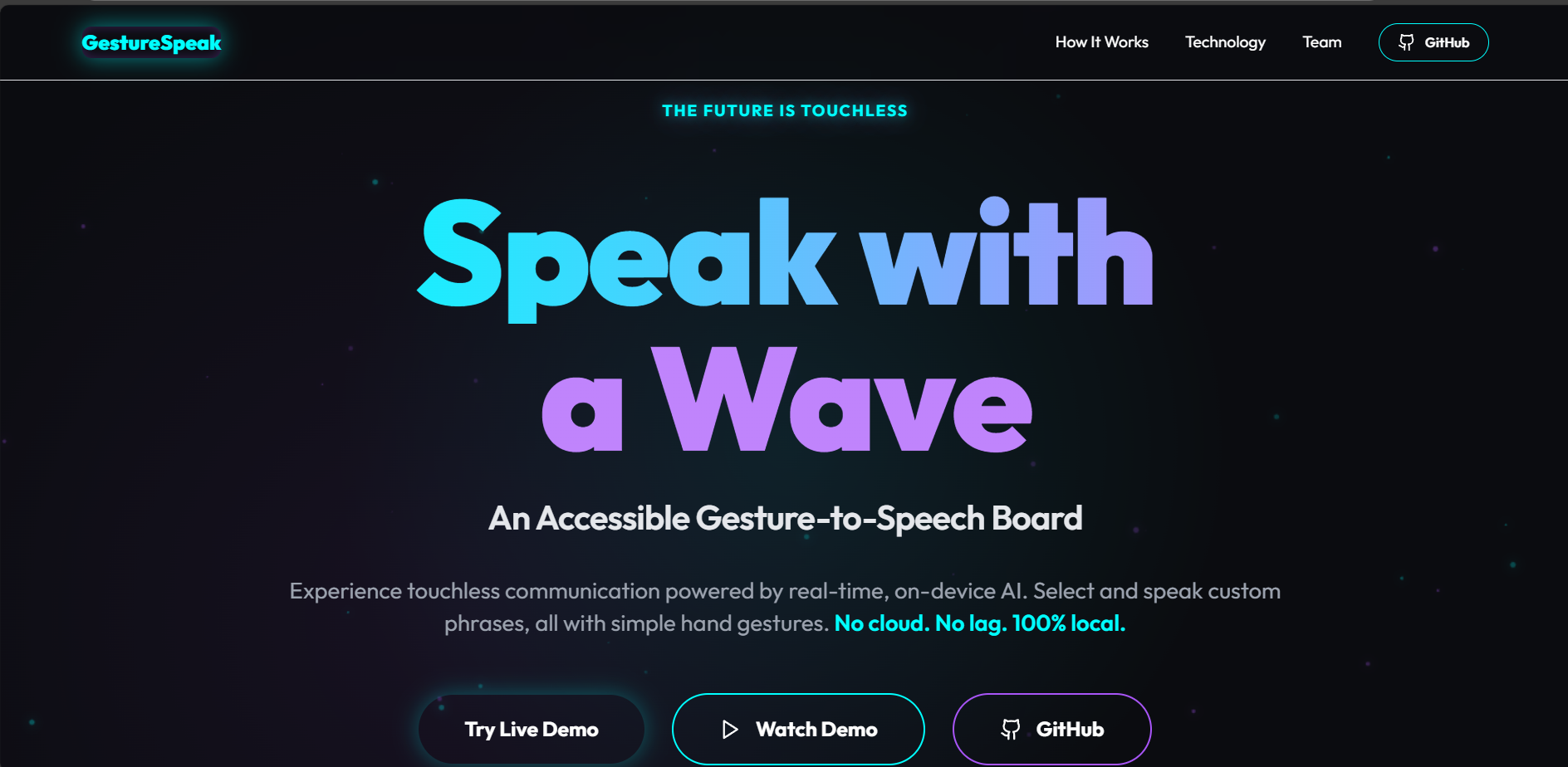
What it does GestureSpeak is a web-based, AI-powered assistive communication tool. It transforms your webcam into a real-time, touchless "Gesture Phrase Board."
It allows a user to:
Navigate a List: Use simple hand gestures like Pointing Up (to move next) and Victory/Peace (to move back) to cycle through a list of phrases.
Speak Aloud: Use a Thumb Up gesture to select the highlighted phrase and have the computer speak it aloud using the browser's built-in voice.
Customize Everything: The best feature is the "Settings" mode. A user can pause the gesture detection and add their own custom phrases (e.g., "I'm hungry," "Where is the bathroom?") or delete old ones.
Save Phrases: Your custom phrase list is saved to the browser's local storage, so it's always there when you come back.
The entire application runs 100% on-device, meaning no camera data ever leaves your computer, guaranteeing total privacy and zero lag.
How we built it GestureSpeak is a modern web application built with React and TypeScript, using Vite as the build tool.
The AI-core is powered by Google's MediaPipe framework. We use the GestureRecognizer task, which runs a lightweight AI model directly in the browser via TensorFlow.js Lite. We specifically configured it to run on the CPU to ensure maximum compatibility across all devices.
The logic is built around a real-time requestAnimationFrame loop that sends the webcam feed to the model. We added a crucial "cooldown" ref (useRef) to prevent a single gesture from firing dozens of times per second, making the navigation smooth and controllable.
The customizable phrase list is managed with React's useState hook, and we use localStorage to persist the user's custom phrases across browser sessions. Finally, the "speak" functionality is handled by the browser's native Web Speech API (SpeechSynthesisUtterance).
Challenges we ran into Our biggest challenge was our initial, ambitious goal: a full ASL "Gesture Keyboard" to type letters. We spent a long time trying to get the AI model to recognize complex ASL signs like 'Y' or 'A'. We discovered that the pre-trained model was far too strict. Even with perfect lighting, it would fail to detect the sign and report "Detecting: None."
This was our critical pivot point.
Instead of trying to fight a model that wasn't built for our use case, we analyzed what it could do reliably. It was excellent at detecting simple, high-contrast gestures like Thumb_Up, Victory, and Pointing_Up.
We pivoted the entire project from a buggy, unusable ASL keyboard into the "Gesture Phrase Board" you see now—a tool that is 100% reliable, fast, and far more useful.
We also solved a tricky React bug where the app would only speak the first phrase. This was a "stale state" issue in our animation loop, which we fixed by using a useRef to keep the current selectedIndex in sync.
Accomplishments that we're proud of We are incredibly proud of the pivot. Recognizing that our initial idea was failing and successfully redesigning the project around its strengths was a huge win. We created a polished, working, and genuinely useful tool instead of a broken tech demo.
We are also very proud of the customization and persistence. The ability to add, delete, and save your own phrases with localStorage is what elevates this from a "hack" to a real application.
Finally, getting a real-time, on-device AI model to run smoothly in a React application was a major technical accomplishment.
What we learned A Working Feature is Better Than a "Cool" Feature: Our initial ASL idea was "cooler," but it didn't work. A simple, reliable phrase board is 1000x more valuable. We learned to be practical and build for the user, not just for the tech.
Know Your Tools' Limits: We learned that pre-trained AI models are not magic. They have very specific limitations. Our project succeeded because we identified and respected those limits.
State vs. Refs in Real-Time: We gained a deep, practical understanding of React's state management. We learned that when you're working with an external library in a requestAnimationFrame loop, useRef is essential for accessing the most current state.
What's next for GestureSpeak GestureSpeak is a fantastic foundation. The next steps are:
IoT/Smart Home Control: The current gestures are perfect for controlling smart devices. We plan to integrate this with a Raspberry Pi (a great use of Arm's low-power efficiency) to control smart lights, music, and more.
Train a Custom Model: To achieve our original ASL dream, the next step is to train our own custom gesture model, one that is more forgiving of real-world lighting and hand shapes.
More Gestures: We will add more reliable gestures (like Closed_Fist) to map to more commands, like "Go Back" or "Stop Speaking."
Built With
- ai
- api
- armnn
- javascript
- mediapipe
- react
- tensorflow.js
- typescript
- webgl


Log in or sign up for Devpost to join the conversation.