-
-
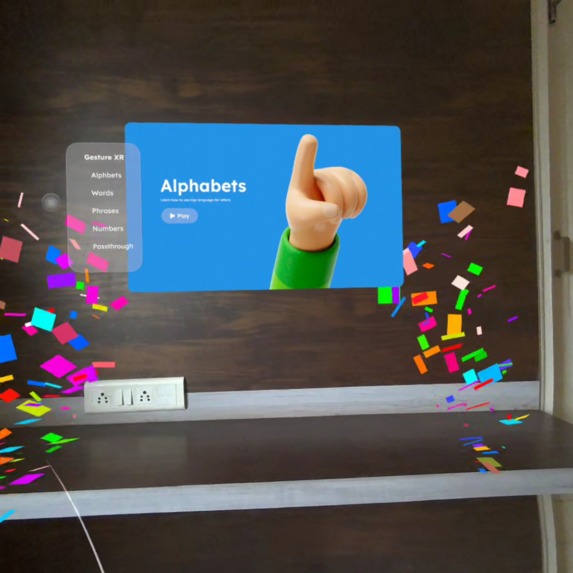
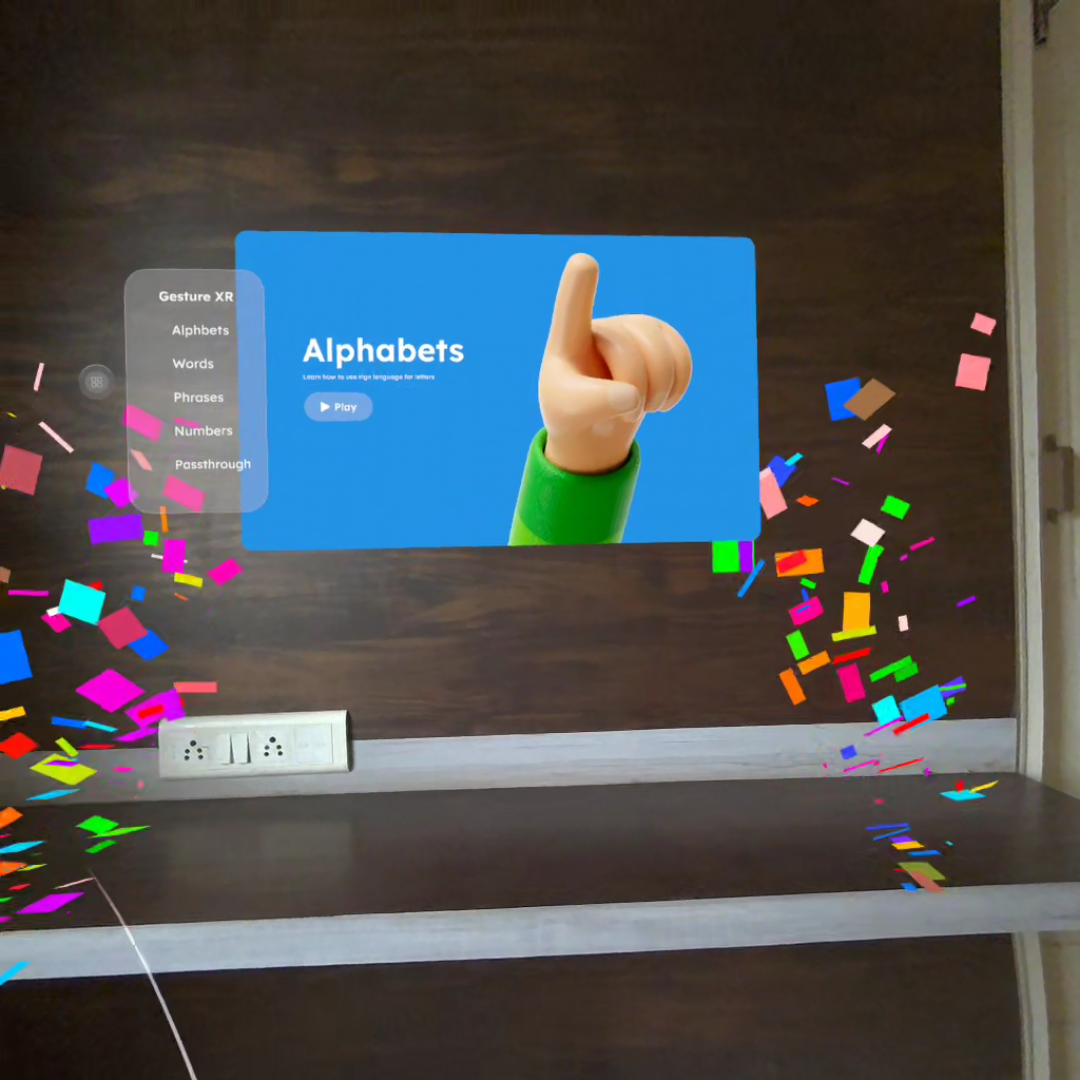
A celebratory moment inside Gesture XR. Success! Confetti to celebrate learning.
-
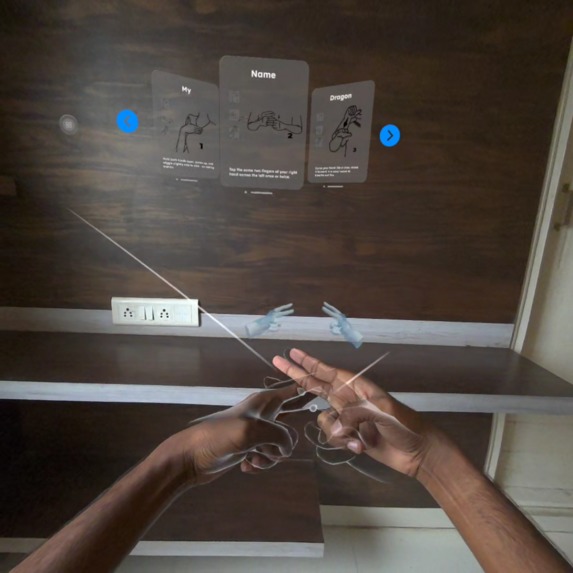
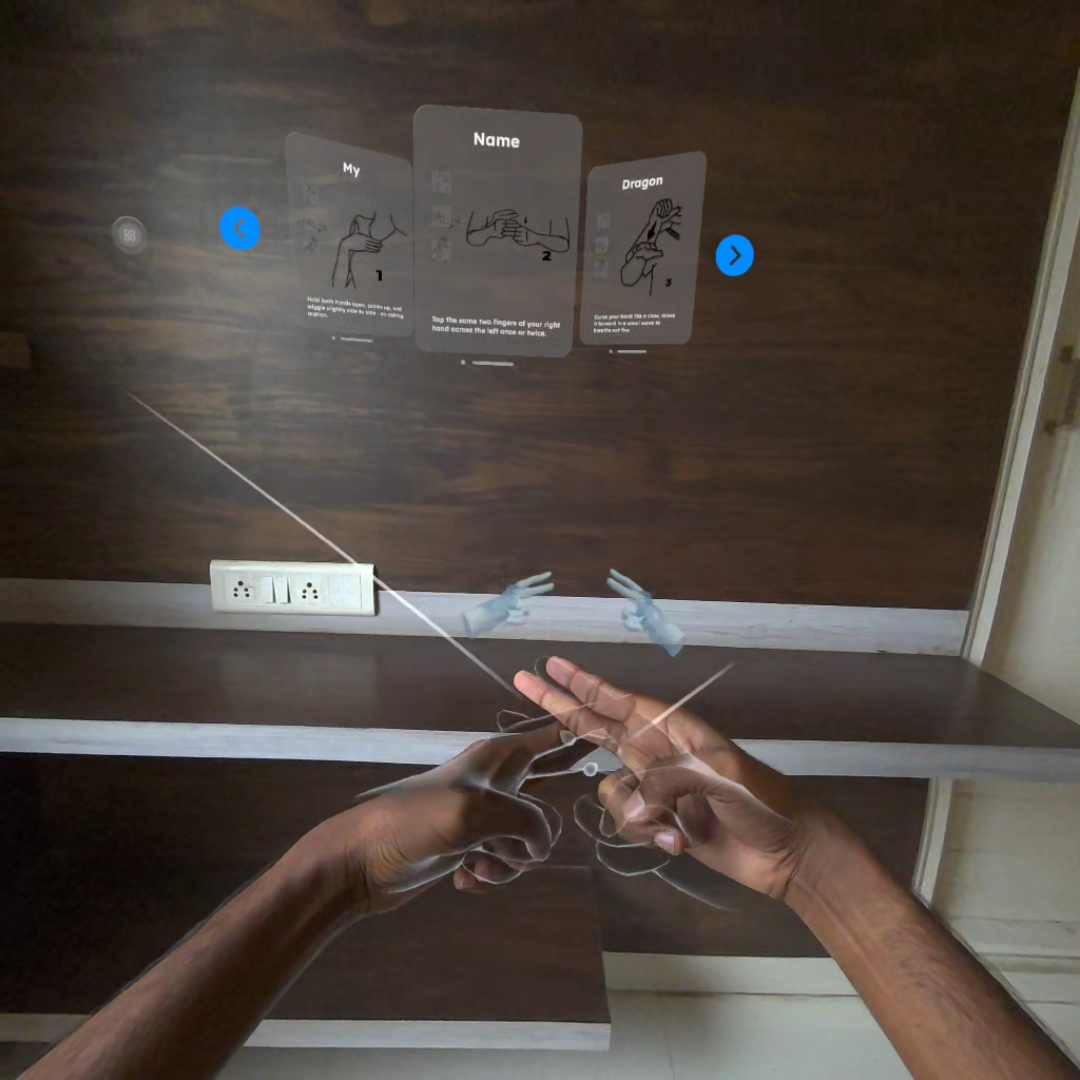
User practicing the ASL sign for ‘Name’. (Day-to-day words)
-
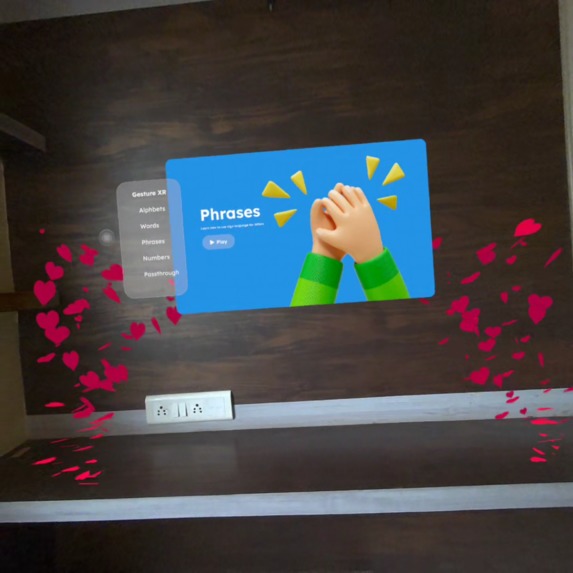
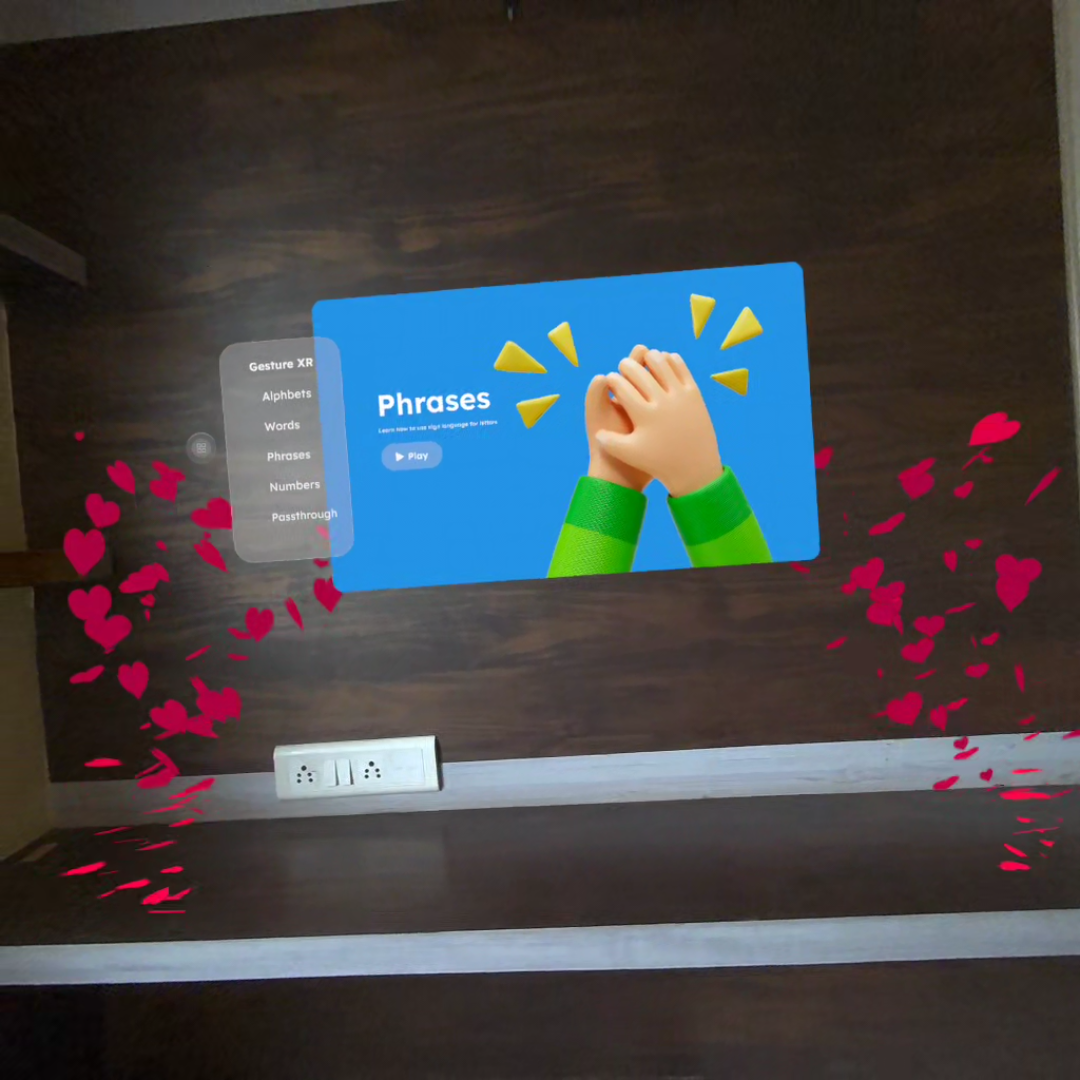
This heart gesture symbolizes connection, appreciation, and the expressive beauty of sign language.
-
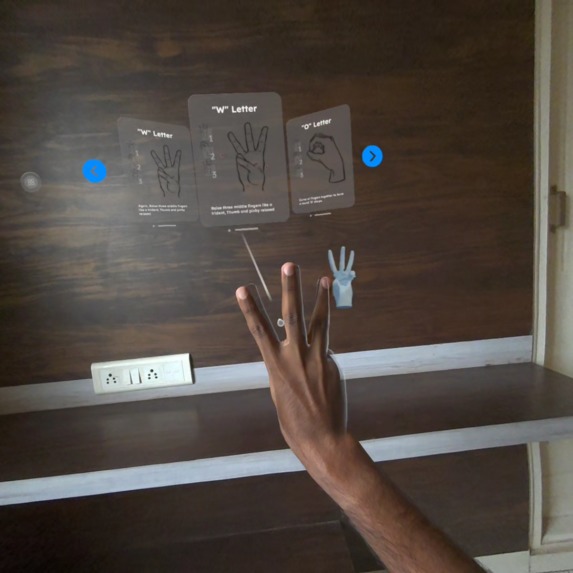
Here, the user forms the ASL letter “W,” guided by a simplified visual prompt.

Inspiration
Gesture XR was inspired by a simple belief: communication should be accessible to everyone. Sign language is a beautiful, expressive medium, yet most digital tools for learning ASL feel flat, passive, or disconnected from real movement. When I experienced the power of hand-tracking in Mixed Reality, something clicked; what if we could teach ASL in the most natural way possible: through the hands, in real space, with real motion?
That idea became the foundation for Gesture XR. I wanted to create a learning experience that feels alive, intuitive, and delightful. Not a classroom, not a textbook, but an immersion. Something that could help beginners, parents, educators, or anyone curious about signing can help build confidence through playful interaction.
What it does
Gesture XR is an early Mixed Reality prototype built for Meta Quest, focused entirely on teaching ASL through hand-tracking, ghost-hand demonstrations, real-time gesture feedback, and simple celebratory moments. Users can practice letters, short words, and basic phrases. Each interaction is designed to be small, encouraging, and rewarding—mini successes that build trust and momentum.
Even in this early version, the experience includes:
- MR passthrough learning
- Controller-free hand-tracking
- Ghost-hand guidance animations
- Real-time gesture matching feedback
- Themed micro-rewards and confetti moments
- A small curated set of letters, words, and phrases.
The goal was not quantity, but clarity, polish, and usability.
How we built it
Gesture XR was developed in Unity using Unity OpenXR Meta and XR Hands packages. The most time-consuming part was designing gestures, calibrating recognition tolerance, and making the ghost-hand guidance. I built a small modular system that lets me easily add new signs, update UI prompts, and plug in custom feedback cues.
Every feature was designed to run reliably in MR passthrough, ensuring consistent tracking and good visibility regardless of lighting. I optimized the flow so learners receive feedback instantly and feel rewarded for every step.
Challenges we ran into
The biggest challenge was recognition accuracy versus user comfort. ASL signs often rely on subtle finger positions, but VR hand tracking can vary based on angle, lighting, or camera distance. Finding the right balance that is strict enough to teach properly, flexible enough for beginners, took multiple iterations. (Right now, we have the option to skip any difficult poses )
Another challenge was simply time. Balancing development with work deadlines meant I had to prioritize polish over scope. Instead of building everything, I focused on building something meaningful, stable, and delightful.
Accomplishments that we're proud of
Built a fully functional Mixed Reality ASL learning prototype with intuitive hand-tracking, ghost-hand guidance, and real-time gesture feedback, all running smoothly on Meta Quest.
Created a clean, approachable learning flow for letters, words, and phrases, despite the complexities of gesture recognition and limited development time.
Designed an interaction system that feels playful and rewarding, using confetti, subtle UI cues, and moment-to-moment encouragement to make learning enjoyable.
Achieved reliable gesture detection for multiple ASL signs across different users, lighting conditions, and environments, something that was far more challenging than expected.
Delivered a polished MR demo video that clearly communicates the experience, the purpose, and the emotional value of Gesture XR.
Established a strong vision and roadmap for expanding the experience into full ASL education, social learning, AI-powered feedback, and accessibility-focused features.
Proved that meaningful accessibility tools can be built in immersive XR, blending technology and empathy to support more inclusive communication.
What we learned
I learned how important it is to design educational XR interactions around emotion, not just mechanics. Small moments, like a confetti burst when a user signs a word correctly, create powerful motivation. I also learned that accessibility-focused projects have depth and responsibility; designing something that supports inclusive communication requires care, testing, and empathy.
What's next for Gesture XR
Gesture XR is only the beginning. Future improvements include:
- Full ASL alphabet, numbers, expanded words & phrases
- AI-assisted “gesture accuracy suggestions.”
- Passthrough “Sign Selfie” mode for social sharing
- A structured lesson system
- Daily challenges and progress tracking
- Multiplayer / social signing rooms
- Collaboration with ASL educators and Deaf community members
My vision is to evolve Gesture XR into a fully accessible, intuitive, mixed reality ASL learning companion, where your hands truly become your voice.
Built With
- metaxr
- openxr
- passthrough
- unity
- xrhands


Log in or sign up for Devpost to join the conversation.