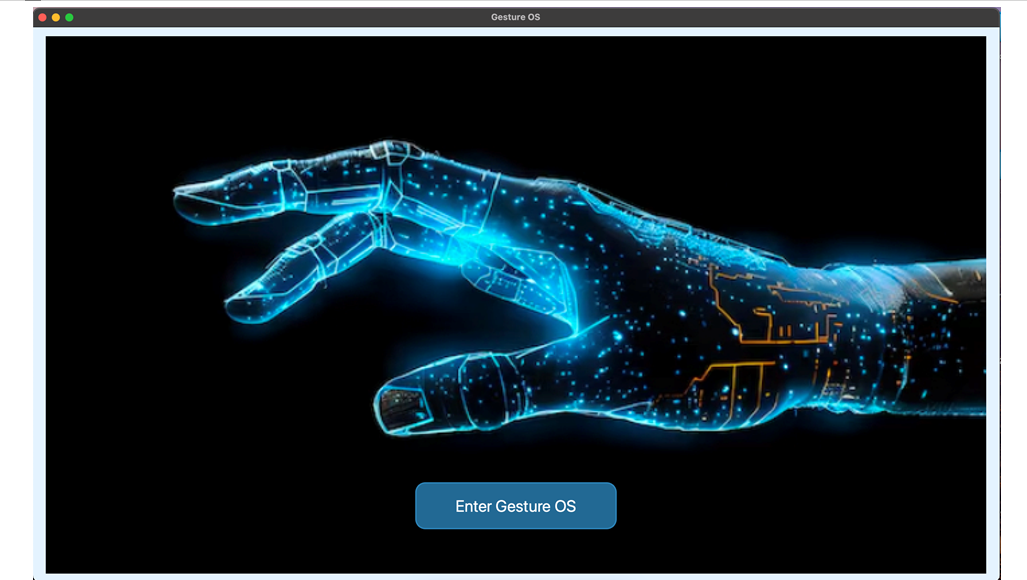
Inspiration Gesture OS was inspired by the need for natural, touch-free interaction with computers, making technology more accessible and intuitive, especially for individuals with limited mobility or in hands-free scenarios such as medical, industrial, or public settings.
What it Does Gesture OS enables users to perform system operations—such as opening applications, controlling media, or navigating files—using hand gestures detected through a camera, effectively replacing traditional input devices like the keyboard or mouse.
How We Built It Gesture OS was built using computer vision libraries like OpenCV for image processing, and frameworks such as MediaPipe to detect and interpret hand landmarks. Gestures are mapped to system commands, and the system communicates with the OS to execute corresponding actions, such as simulating mouse clicks or launching programs.
Challenges We Ran Into Major challenges included:
Creating intuitive gesture sets that feel natural and do not conflict with existing OS or accessibility gestures.
Handling device fragmentation (different hardware and OS versions), which affected gesture recognition performance and compatibility.
Ensuring accessibility for users of varying abilities and extensive testing to support diverse user needs.
Accomplishments That We're Proud Of Successfully designing and testing a robust system that recognizes gestures reliably across multiple platforms and device types.
Achieving a user experience that balances simplicity and power, making the OS accessible for different user groups, including those with disabilities.
Implementing a continuous improvement loop based on user feedback, ensuring gestures are both discoverable and efficient.
What We Learned Gestural interaction is not always universally intuitive; careful user research and iterative testing are needed to find gestures that are easy to discover and remember.
Compatibility, accessibility, and conflict resolution between custom gestures and system gestures are crucial for a smooth user experience.
The importance of ongoing feedback and updates, since gesture UX must evolve with user habits and changing devices.
What's Next for Gesture OS Expanding gesture libraries to cover more complex and useful operations.
Improving machine learning models for more accurate and faster gesture recognition across diverse environments and cameras.
Enhancing accessibility features and supporting more languages and cultural gesture norms for a broader audience.
Deeper integration with operating system accessibility APIs for improved support for users with special needs.
Each step represents a commitment to making computing more natural and accessible through continuous improvement in gesture technology.
