-
-
-
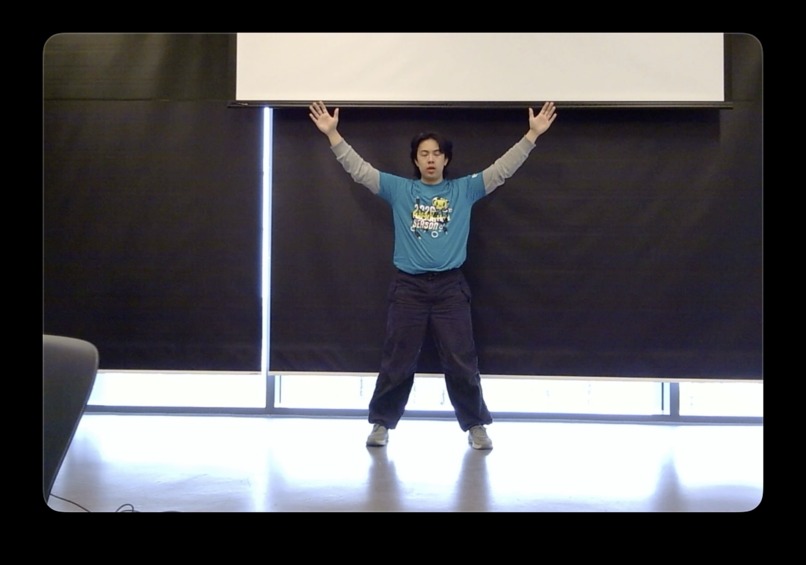
Open Folder/File
-
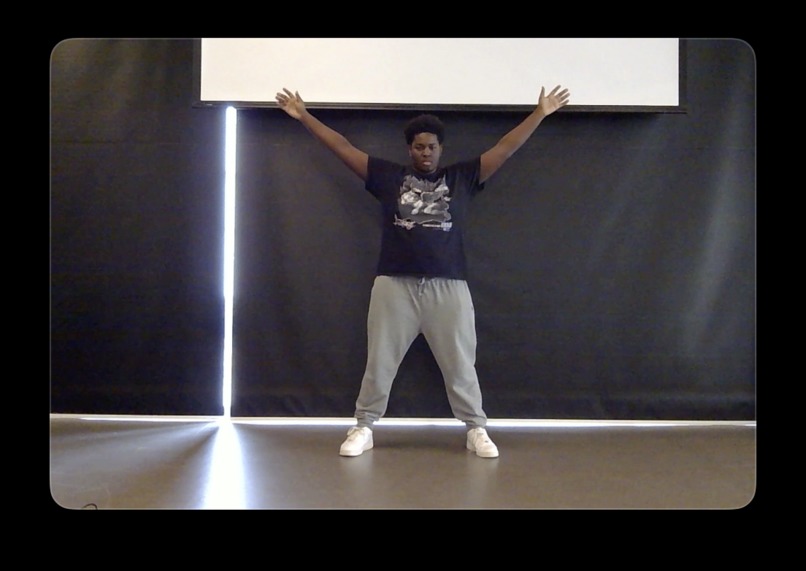
Open Folder/File
-
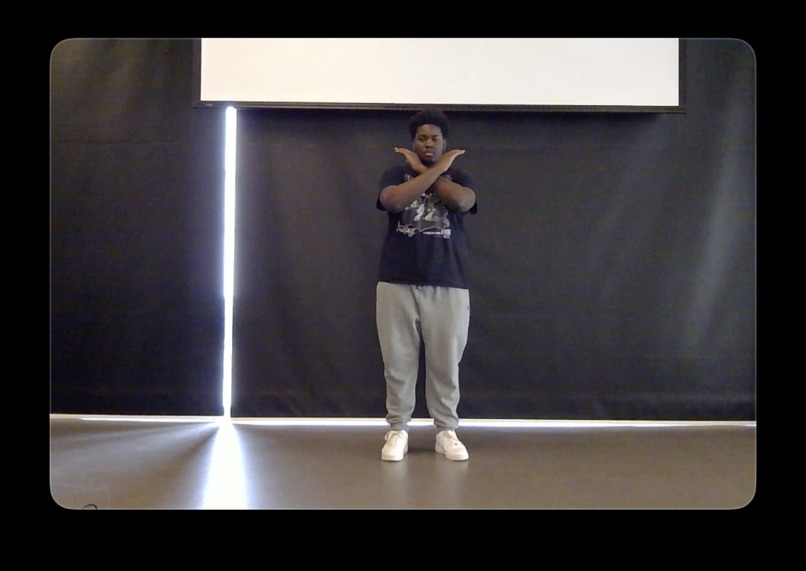
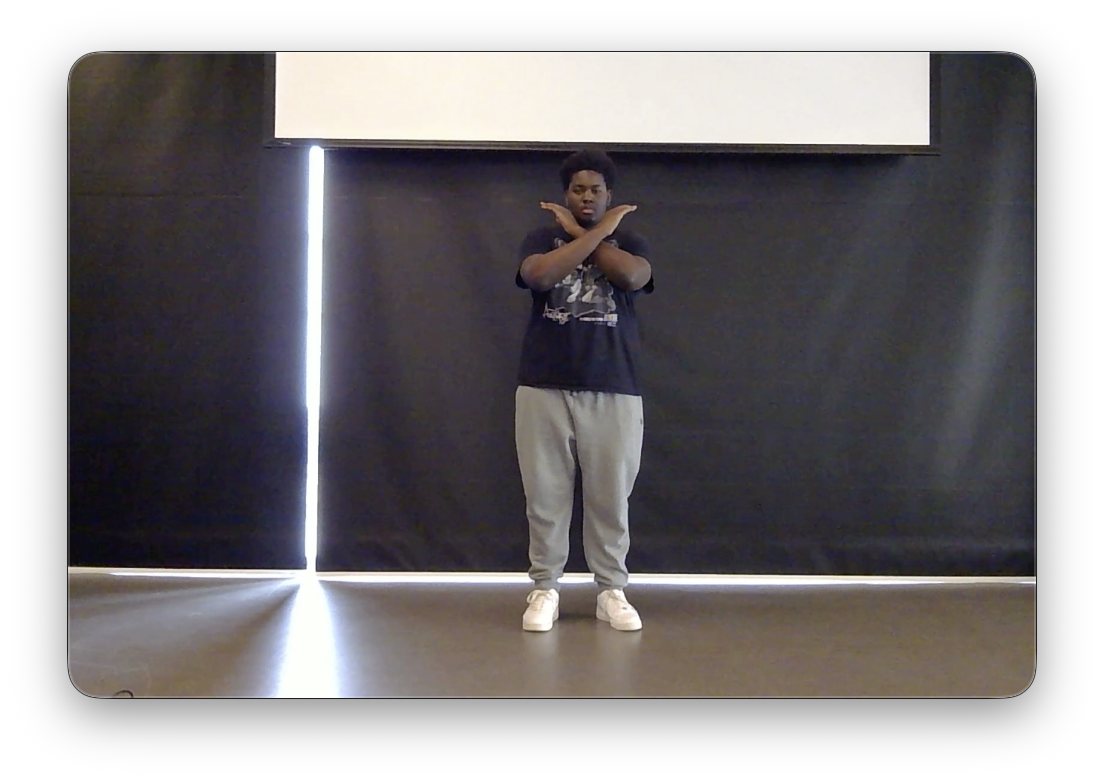
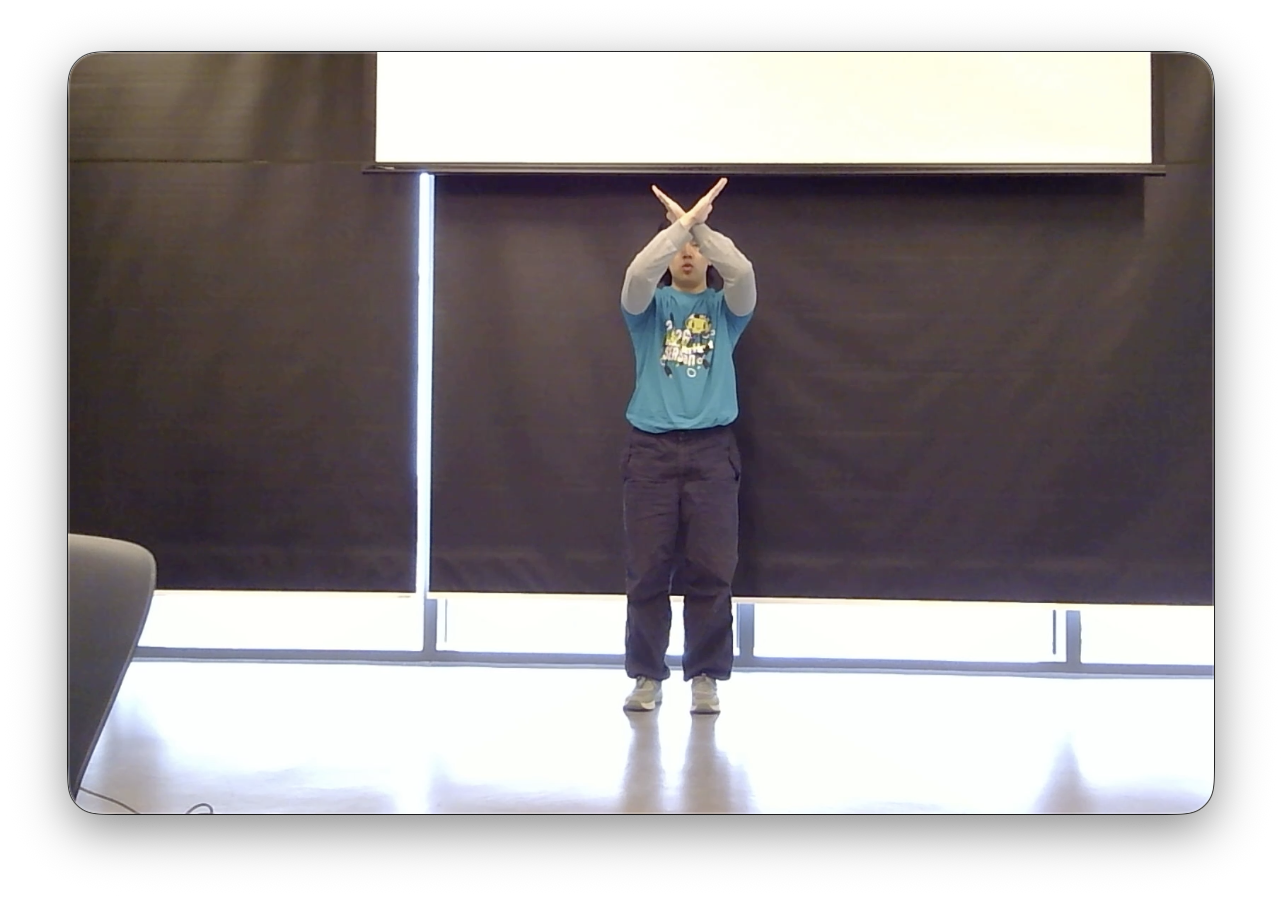
Delete Folder/File
-
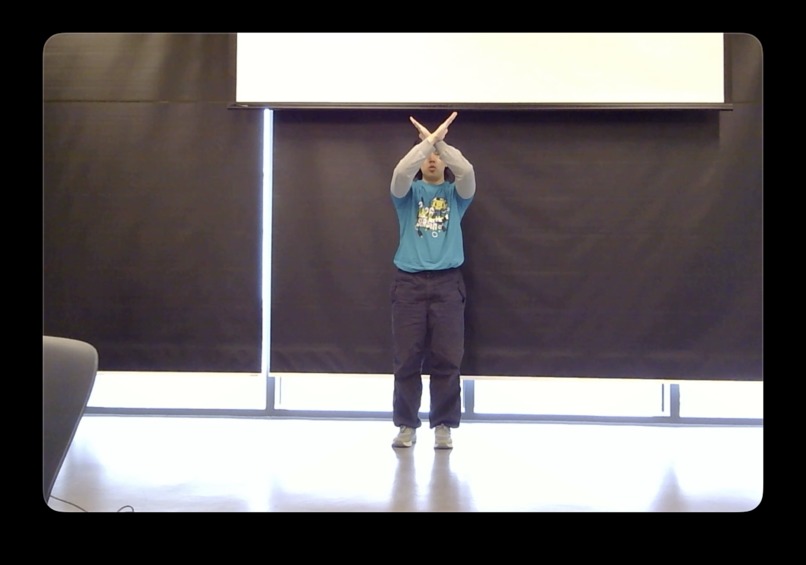
Delete Folder/File
Inspiration
We were heavily inspired by Bearhacks' theme for this year: Break the norm. Initially, we didn't necessarily "understand" what the organizers were looking for with what they gave us, but as time went on, as we brainstormed more and as we thought "outside of the box" more and more, we were eventually able to come up with an idea that is quite adjacent to the reinvention of the wheel: Gesture Explorer.
What it does
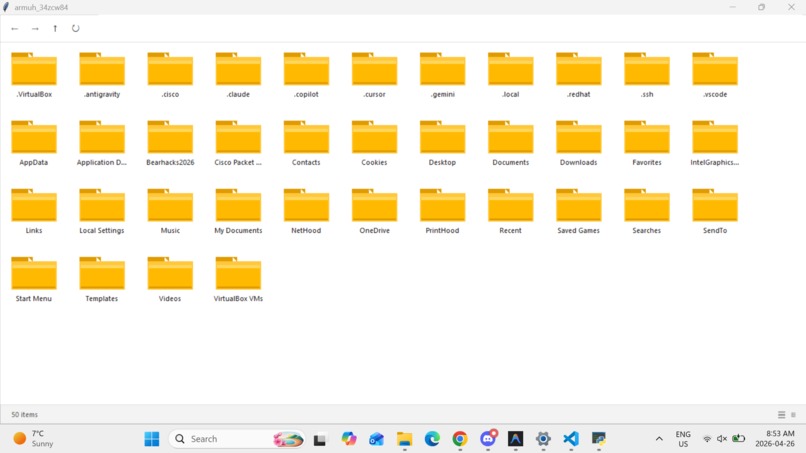
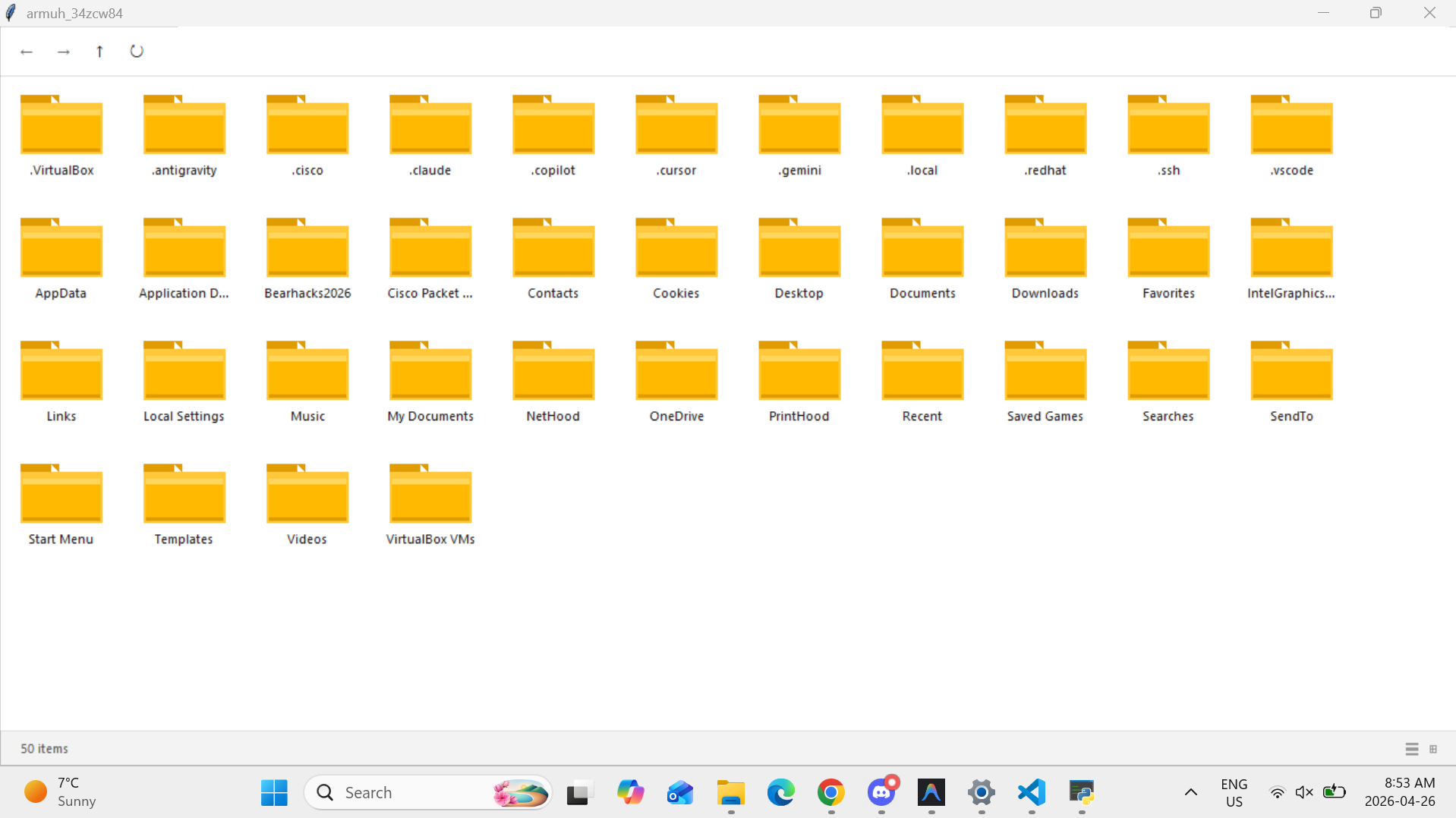
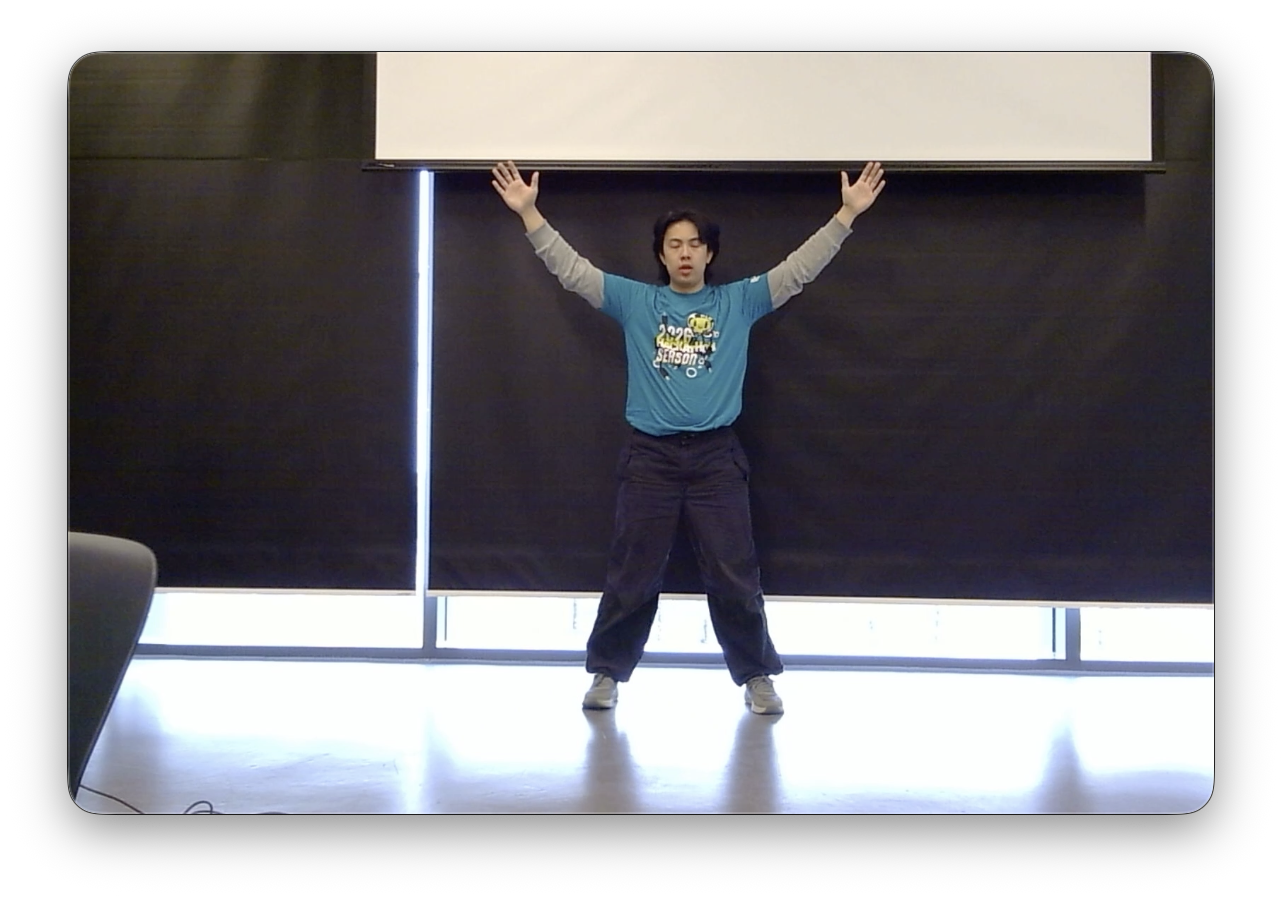
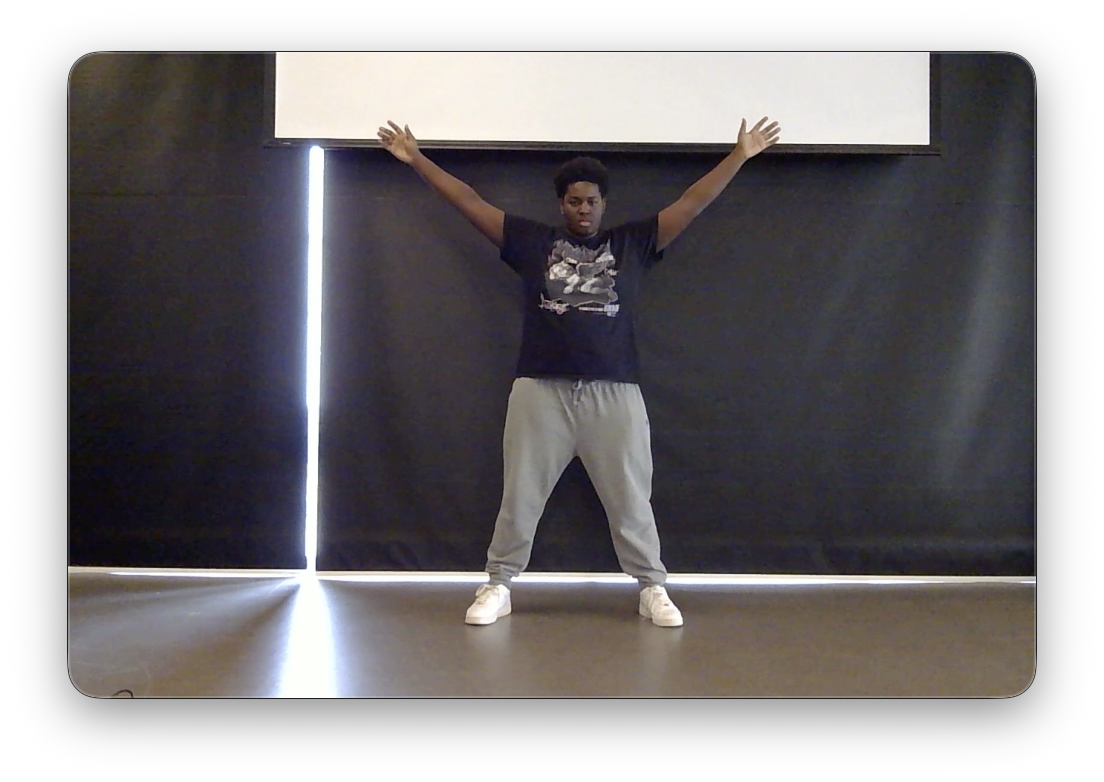
Gesture Explorer is what many may call a "Glorified File Explorer". What it does is quite simple yet very effective, take this for example, have you ever thought about how boring and repetitive navigating through files and folders could be? Gesture Explorer creates simple yet effective gestures and upper body or even hand movements that can be used as code for "Create Folder", "Delete Folder", and so on and so fourth.
How we built it
Throughout many steps of learning, asking for mentorship, help from organizers and whatnot, the way this application or software was built came out to be quite simple: Python. Initially, we wanted this software idea to be accessible somewhat as a chrome extension, where you can use it on different websites, and use it on your screen regardless of what application is open on your device. We learnt that we can make it much easier on ourselves (and possibly on the judges) to have this same idea but keep it in one dimension, and that dimension turned out to be an environment where you manipulate directories. First and foremost, we built a similar copy to what windows file explorer provides users with, but made it a little less overwhelming and removed some of the features that we deemed unnecessary for this project. After that, we made the application's code ready to receive AI output as input so that when we train an AI model, and the AI model gives out successful output, we can then put the output received from the model into the application's code and implement them together. I like to explain this method as a "Ball and socket", where the socket is the application being ready to take data, and the ball being the output that is being received from the trained AI model. After that, we attempted to train an AI model, initially going from Google Cloud Vision API, figuring out that we can't custom train it with a dataset that we have, going to different models and eventually finally settling on KIMI K2.6. How this works is that we "re-train" the AI model using the dataset we have alongside the dataset that it is already pre-trained with. In theory, had we have successfully trained the AI model and everything went according to plan, we would have carried out the "Ball and socket" method, where we would direct the output received from the trained AI model, have different strings as output, for example 10 images of a person pointing left, the trained AI model would conclude that the person is doing a certain action for the images that they are pointing to the left, to which we can give the output a certain string name such as "Points_Left". When we receive this output, adjust the name and put the name into the "Socket" that we made in the application's python code, we would (in theory) have a functional Gesture Explorer app.
Challenges we ran into
I believe the most obvious challenges that we ran into includes the start of the hackathon, where we were brainstorming many ideas, going wild within our horizons and maybe even out of our areas of expertise. Many of the ideas that we were talking and chatting about we most probably couldn't even do, hence why earlier on we came to the decision to stick to an application in python. In addition to that, (and a more obvious one) is the challenge of trying to train an AI. Training AI takes time, experience and you knowing what you are doing, so naturally this would be pretty challenging for all of us. Time management as well, being able to manage our time well, between assigning roles, who does what, how long we should work on something, if somebody cannot do something they might need help from someone else and hence managing time might be a little more difficult, and so on and so forth.
Accomplishments that we're proud of
I believe that before anything else, we can always be most proud of ourselves. The work we put into this project, though it did not prevail, we have to pat ourselves on the back. Being able to push through and still work for a submission instead of giving up and not submitting anything at all, even though the final product isn't what we were initially planning for it to be, shows the character and heart we put into this hackathon.
What we learned
We learned many things. That includes re-learning git and python. Learning time management, learning how APIs work, learning what teaching an AI model actually is, learning how long it takes, the fact that it isn't just about feeding it data, but more about how precise and specific of a process it is of selection and refinement. Transitioning from Google Cloud Vision to KIMI K2.6 taught us how to evaluate different models based on their customizability and dataset compatibility.
What's next for Gesture Explorer
I think the most obvious "Next" step for Gesture Explorer would be successfully training the AI model and making sure the application works as follows and as planned. However, moving past that, many ideas rose, the two specific ideas that we really loved to have had implemented into this project are as follows:
- Giving the users ability to "Lock" files and folders. You might be wondering that you can easily do that on file explorer, and because this is a pretty similar application to file explorer then encrypting those files or folders would probably have similar logic. And to that I do not obligate, however, think about this in a more user-friendly way. People typically lock their devices, phones, laptops, etc, using passkeys, retina scans, face scans, 4 digit or 8 digit codes. This idea includes just that, where the application takes different gestures from the user and sets that as the password for the lock on the specified file or folder. We also wanted to enhance this by using ElevenLabs and taking audio as input from the user, that way part of the passkeys could also include sounds or specific frequencies in hertz that the AI might look for.
- Custom gestures. By custom gestures, we would give users the ability to override the default gestures set for functions on the application. For example, let's say the default gestures for creating a folder is a wide stance, maybe one user doesn't like the wide stance and wants it to be somebody shooting a bow an arrow? By letting the AI take sample data from the user, they are given custom gestures for the specific functions.
Built With
- kimi
- python


Log in or sign up for Devpost to join the conversation.