Gesture Craft: Intelligent Drawing
Inspiration
Gesture Craft was inspired by the potential of using hand gestures as a creative interface. With the growing capabilities of computer vision and AI models like Mediapipe and Stable Diffusion, we saw an opportunity to create a drawing platform that combines the simplicity of gestures with the power of AI-generated art. Our aim was to make digital art creation more intuitive and immersive by leveraging natural hand movements.
What it does
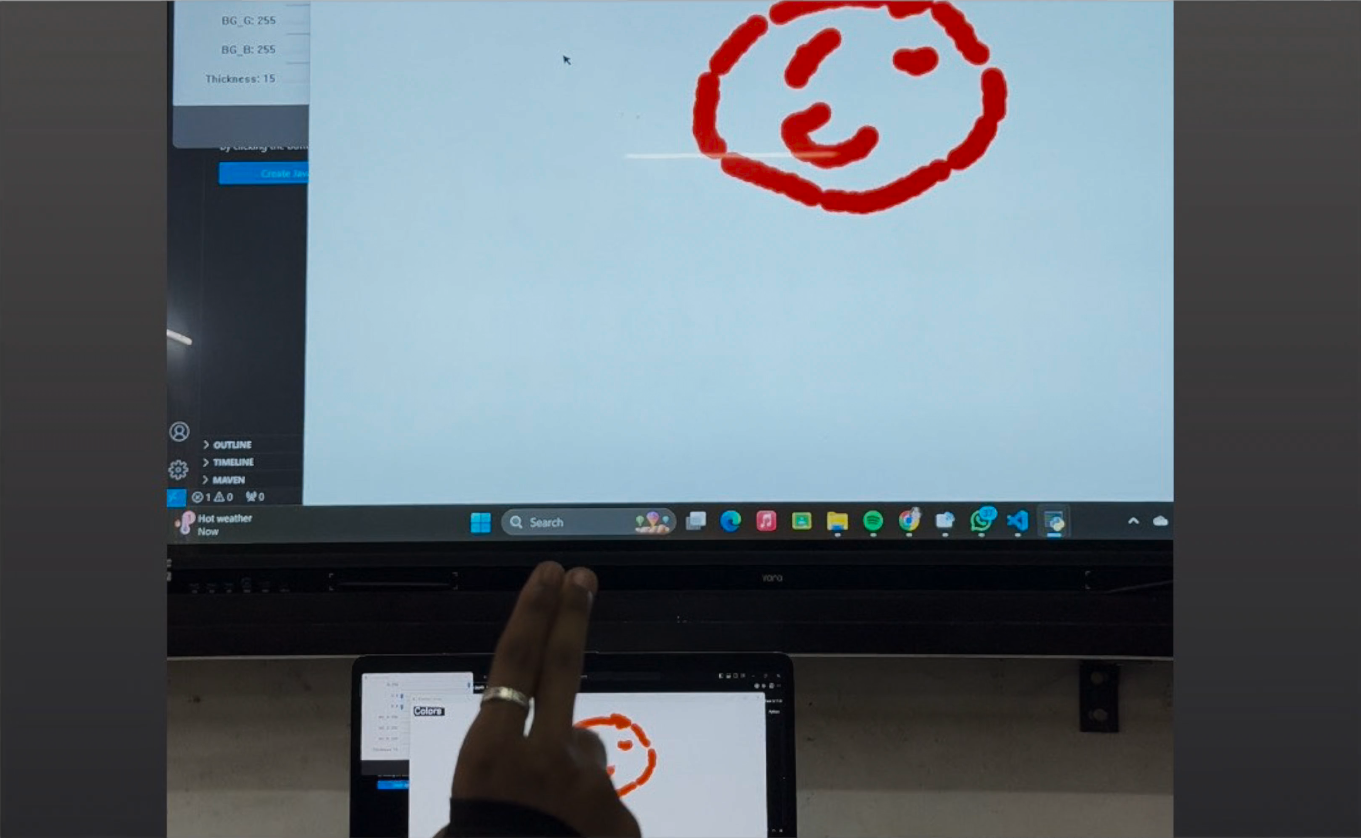
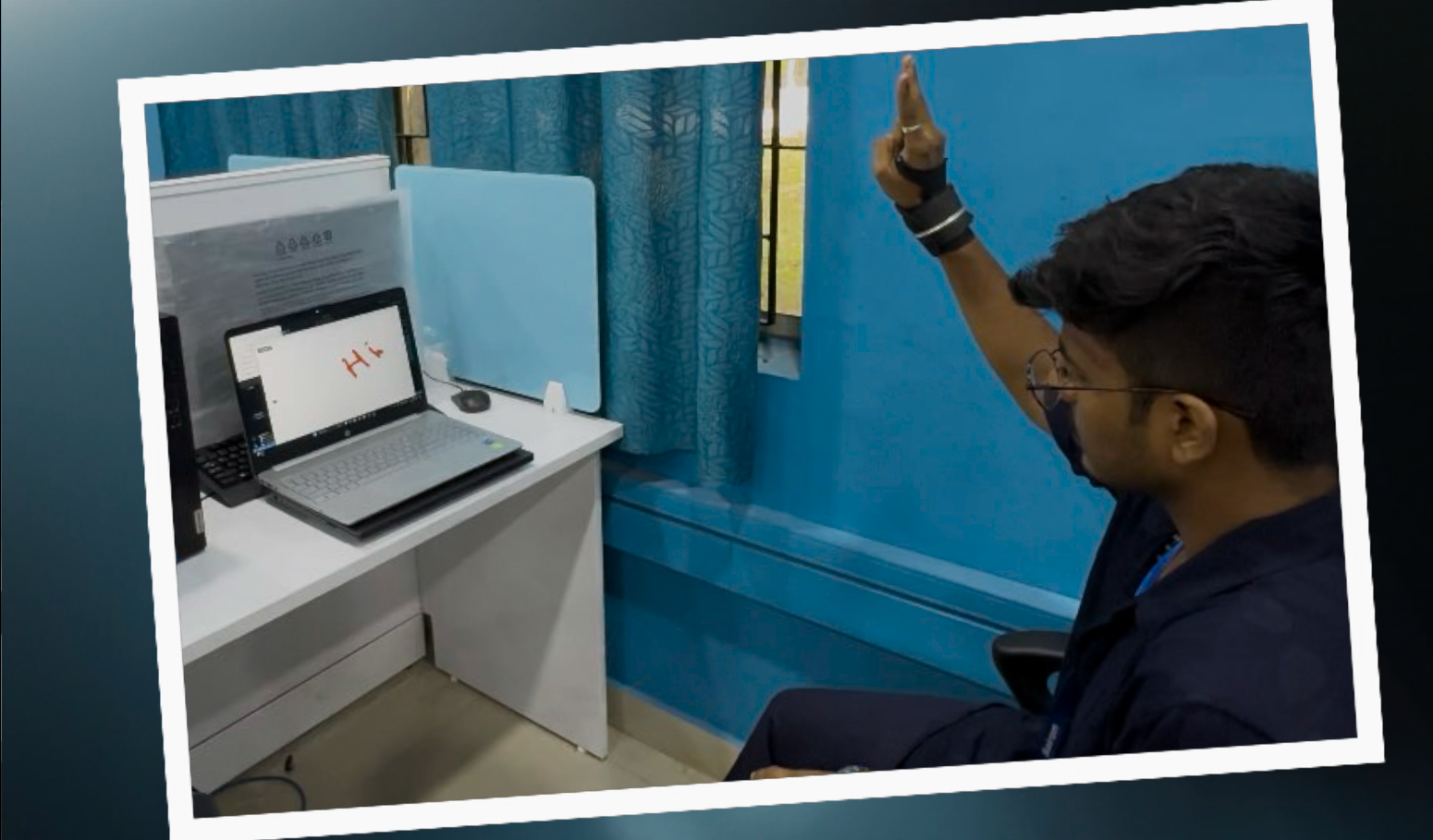
Gesture Craft is an intelligent drawing application that allows users to create digital art using hand gestures. Key features include:
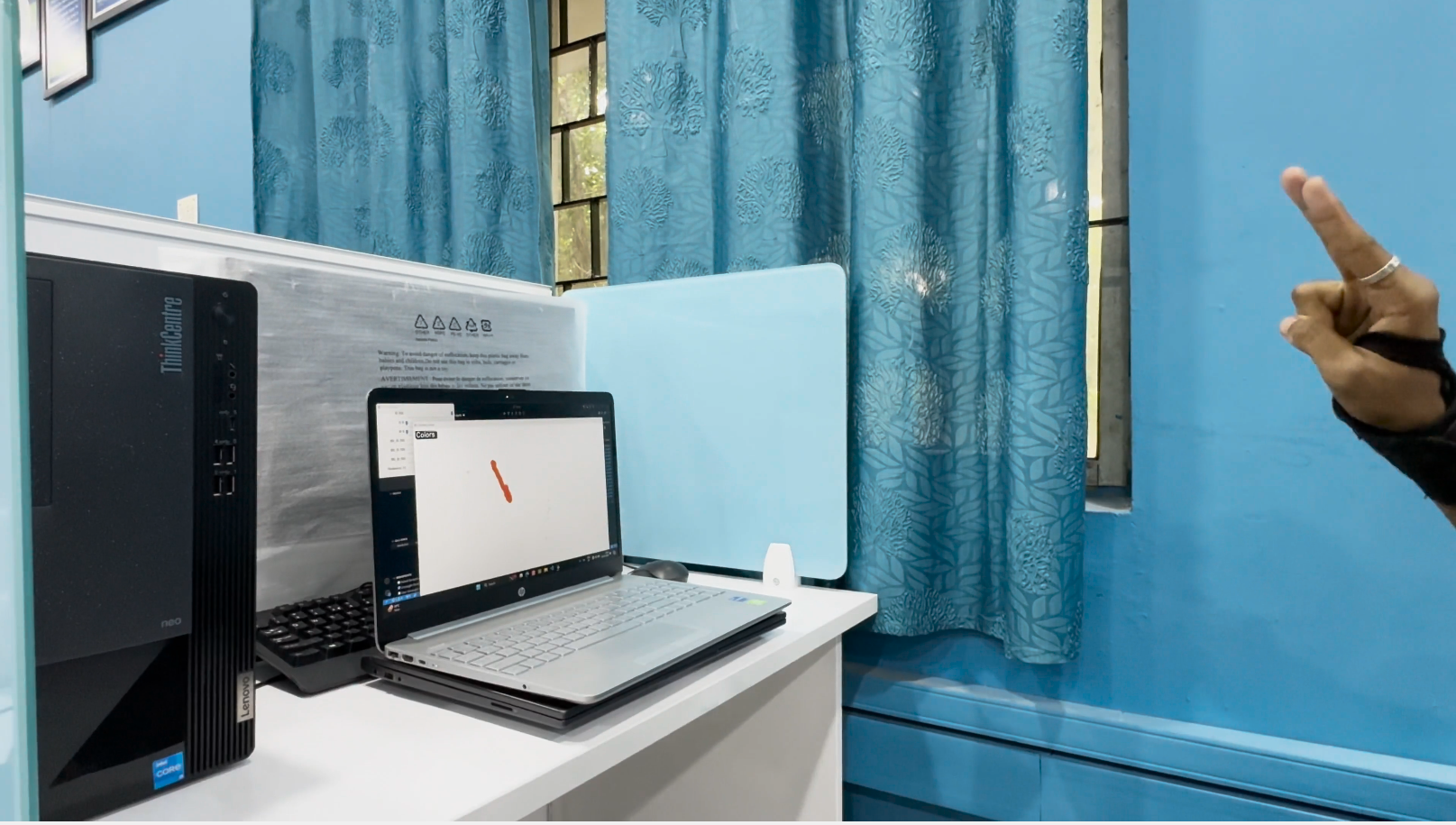
- Hand Gesture-Based Drawing: Draw using your index finger and control various functions with other hand gestures.
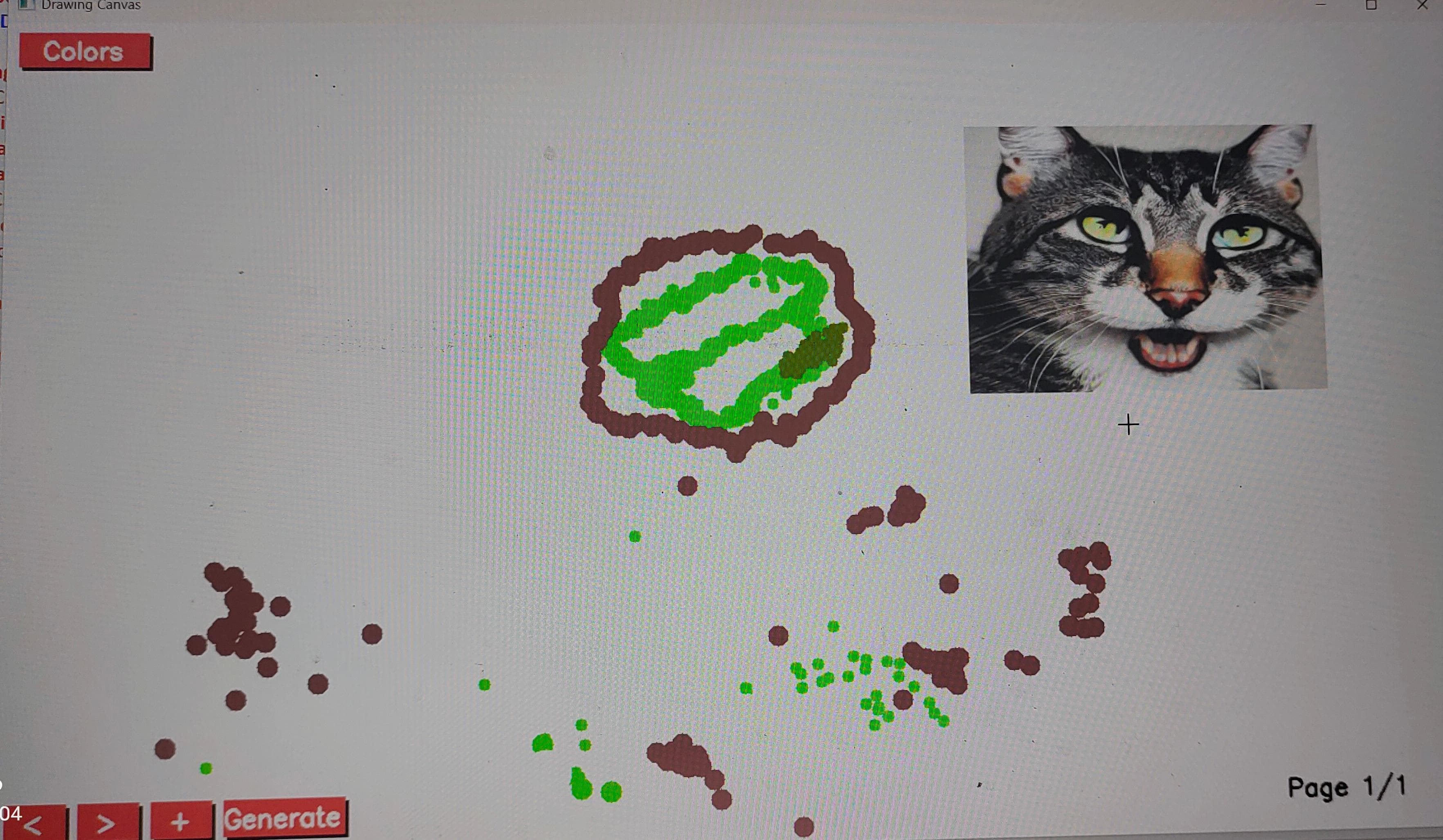
- Control Panel: Change colors, thickness, and canvas background using a simple control panel interface.
- AI Image Generation: Generate images based on text prompts with Stable Diffusion and drag them onto your canvas.
- Multiple Page Support: Manage multiple pages to create and save different artworks.
- Advanced Drawing Modes: Includes gesture-based erasing, pausing/resuming drawing, and background customization.
How we built it
Gesture Craft was built using:
- Python as the main programming language for building the application.
- Mediapipe for hand gesture recognition and tracking, allowing precise interaction with the canvas.
- OpenCV for rendering the drawing canvas and handling user interface interactions.
- Stable Diffusion for generating images based on user prompts, adding an AI-powered creative element.
- Tkinter for handling user input dialogs and additional controls.
The integration of these libraries and frameworks allowed us to create a dynamic, responsive, and creative drawing environment.
Challenges we ran into
One of the biggest challenges was ensuring accurate gesture detection and smooth drawing. Factors such as lighting conditions, frame rate, and hand position affected the precision of the tracking, requiring extensive testing and parameter tuning. Integrating the Stable Diffusion model presented another challenge, as it required optimizing for performance and managing the loading and processing of large models.
We also faced challenges in managing the multi-layered structure of the drawing canvas to allow dynamic manipulation of AI-generated images alongside user-created drawings.
Accomplishments that we're proud of
We are proud to have developed a functional prototype that successfully combines gesture-based controls with AI-driven features. Our application offers an interactive and engaging way for users to create art, and the ability to generate AI images and manipulate them on the canvas opens up exciting possibilities for digital creativity. Achieving stable performance with real-time hand tracking and responsive drawing was another significant milestone.
What we learned
Throughout this project, we learned a lot about integrating multiple libraries and frameworks to build a cohesive application. We gained insights into optimizing machine learning models for real-time applications and the importance of user testing in refining gesture recognition for better accuracy and usability.
What's next for Gesture Craft: Intelligent Drawing
Looking ahead, we plan to enhance Gesture Craft by:
- Implementing additional gesture controls for more interactive features.
- Exploring more advanced AI capabilities, including style transfer and image enhancement.
- Improving user experience through performance optimizations and a more intuitive interface.
- Gathering user feedback to guide further developments and feature additions.


Log in or sign up for Devpost to join the conversation.