Inspiration
National Braille Press reports that only 10% of blind schoolchildren receive Braille instruction. Learning Braille can help children build literacy, confidence, and independence, yet access to equipment and teaching support remains a barrier. Source We wanted to make learning Braille more accessible and playful by connecting the letters children feel to everyday objects and stories, with guidance that adapts as they learn.
What it does
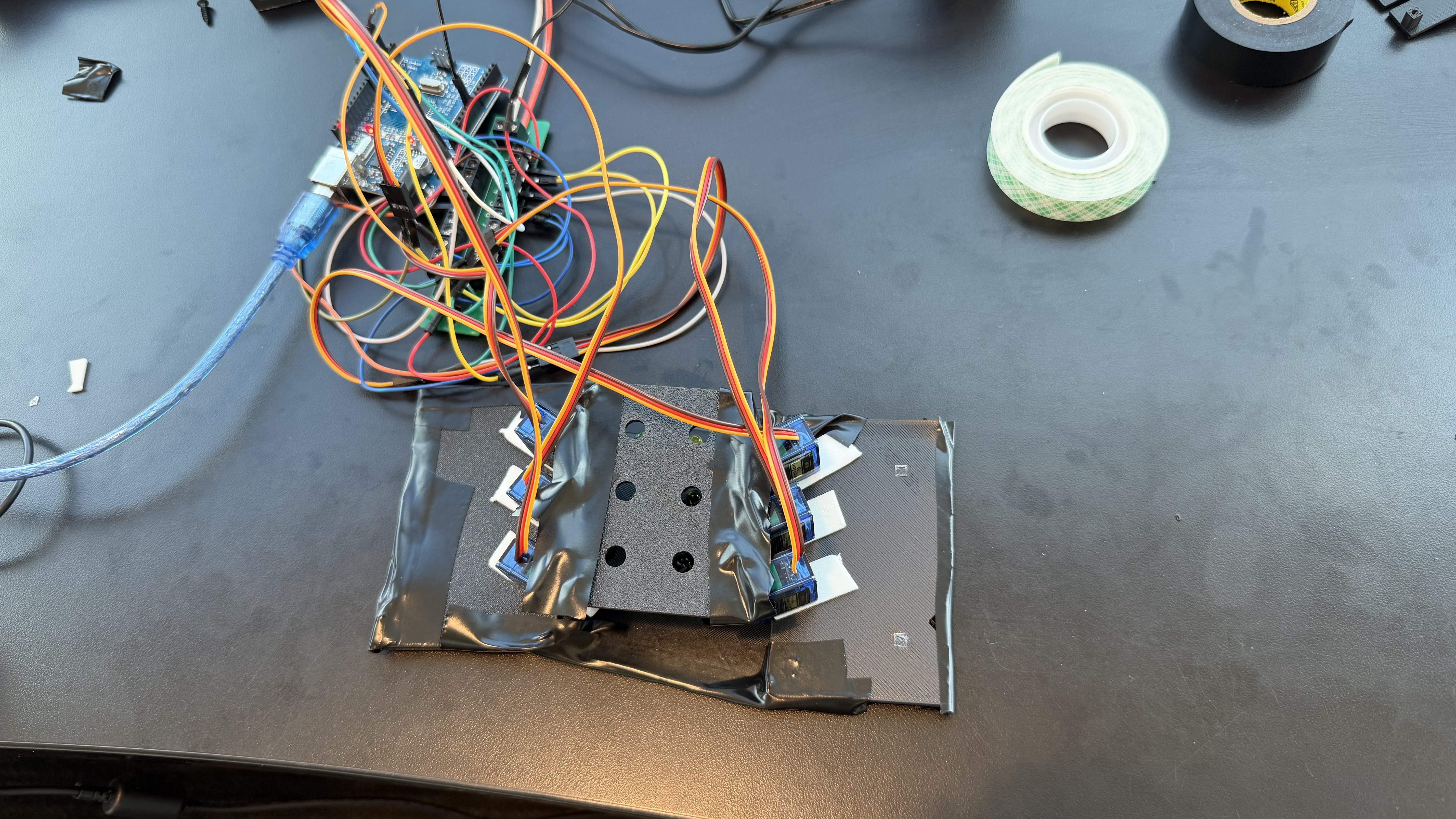
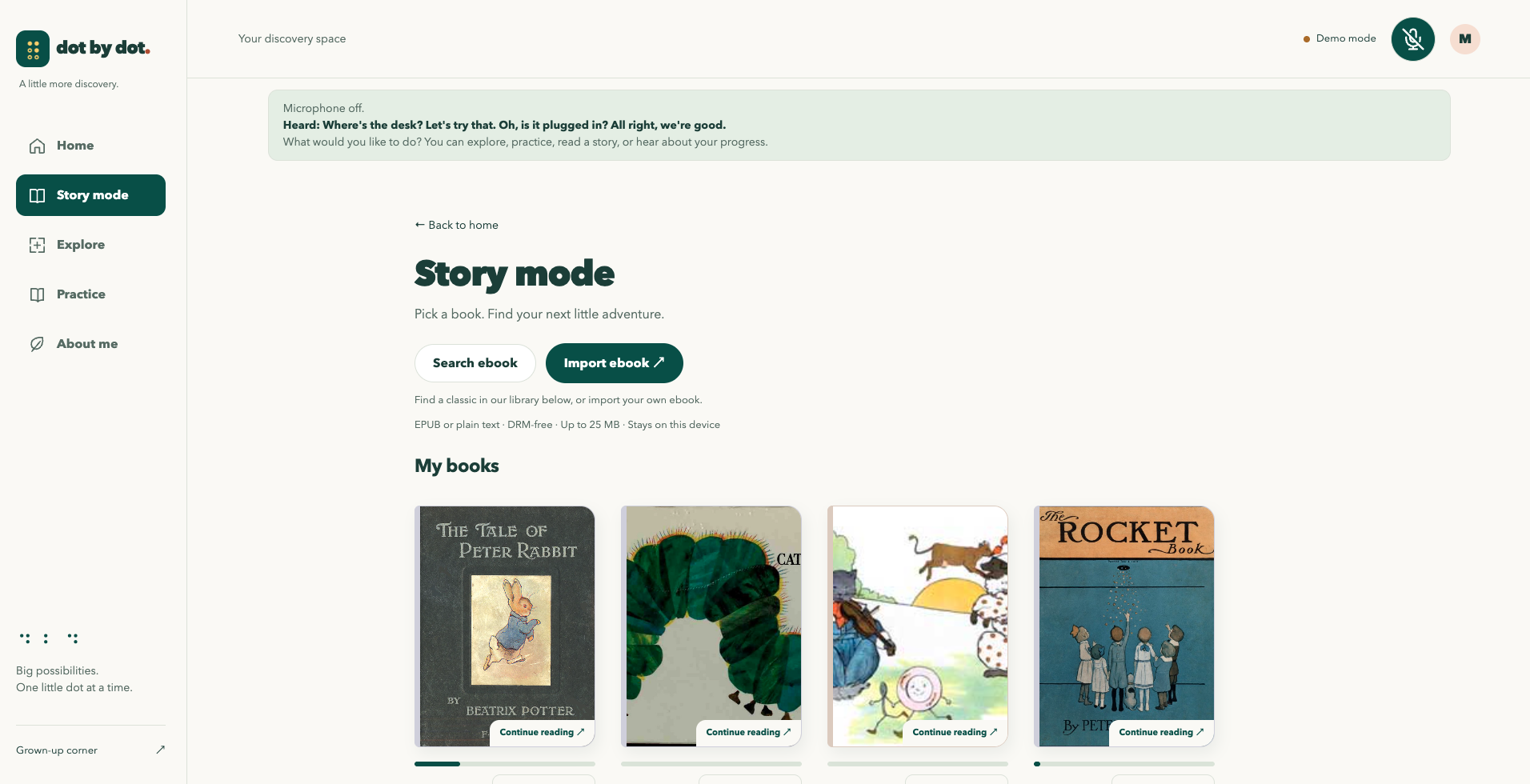
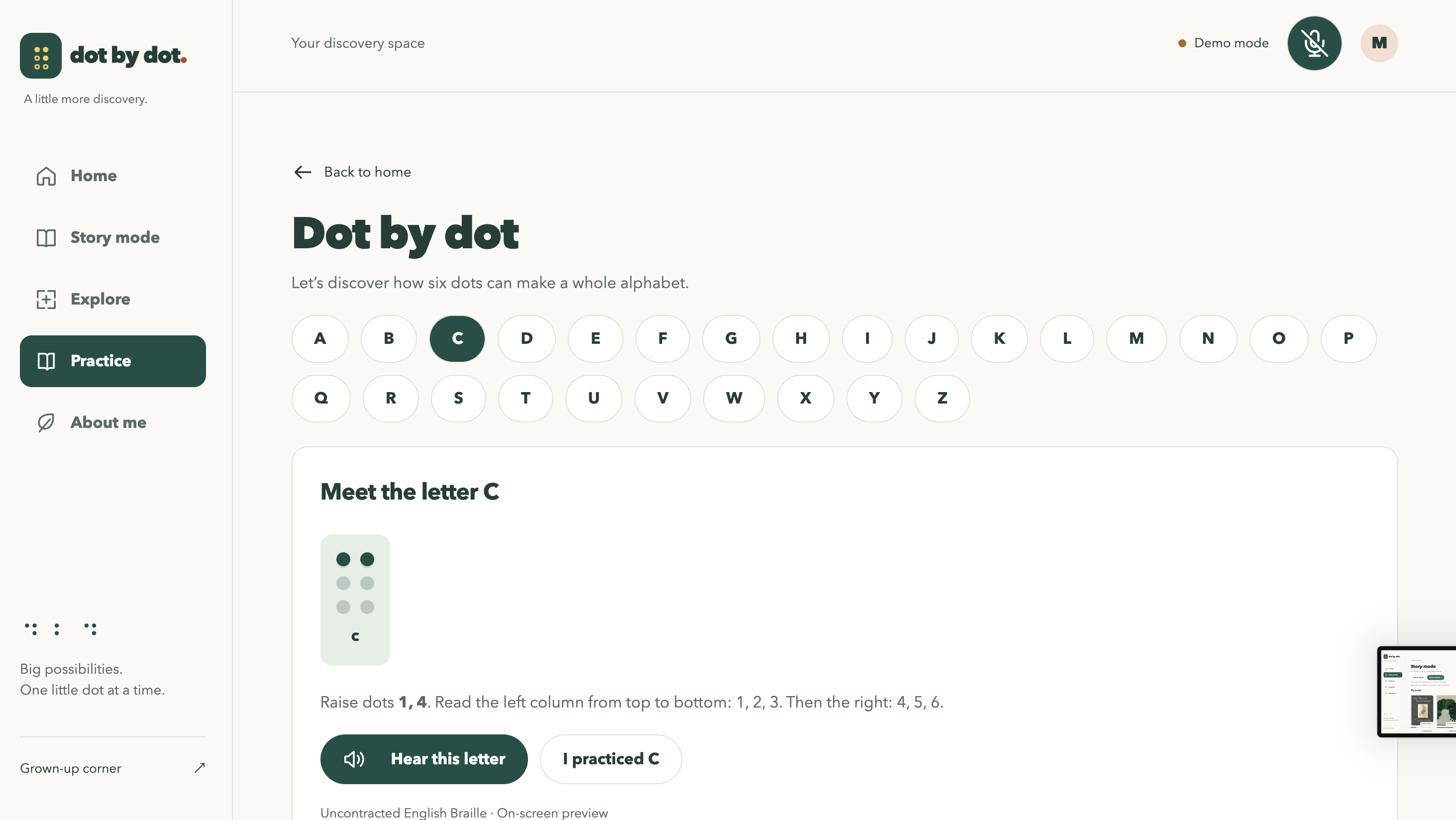
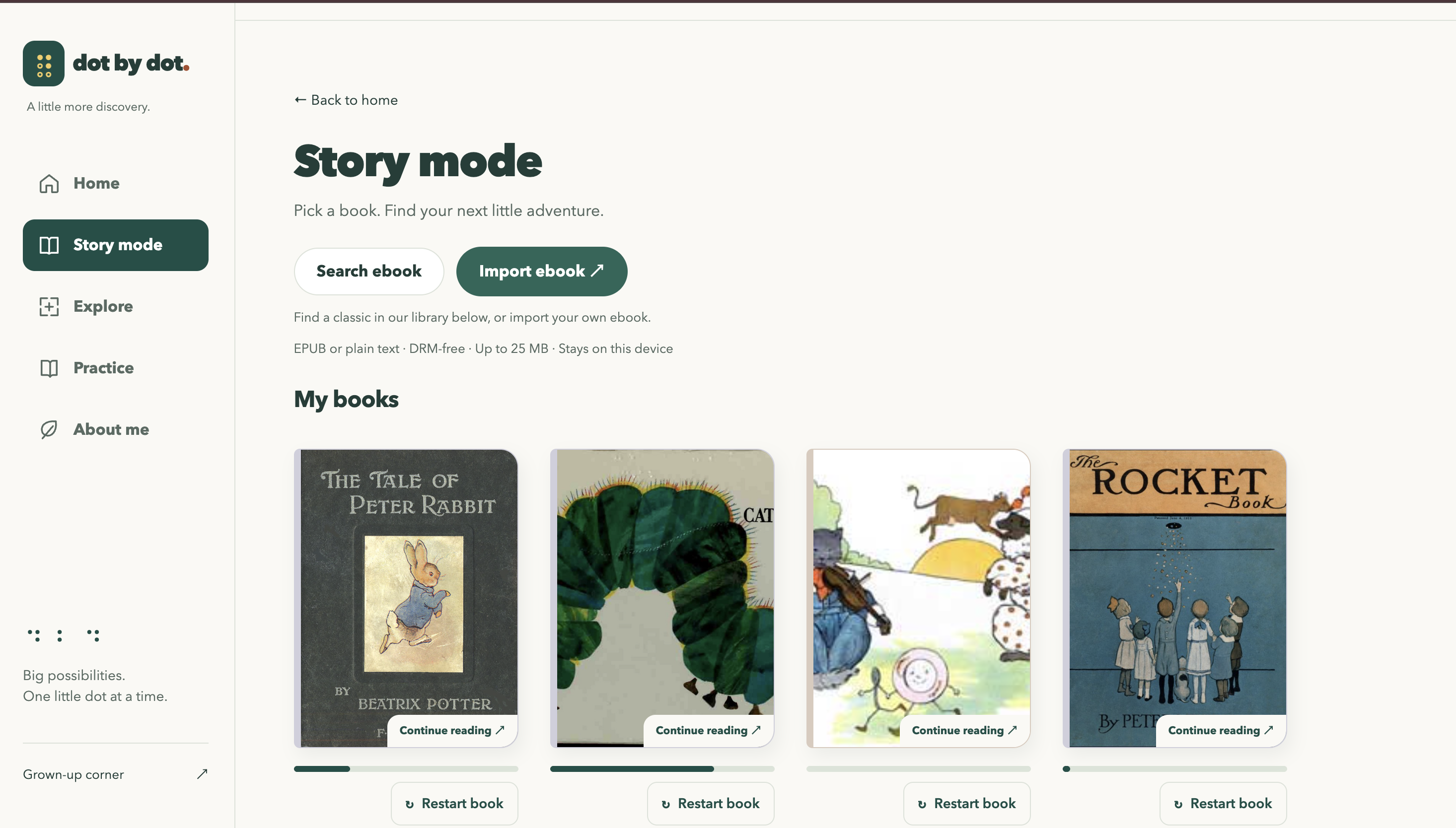
Dottie is an interactive, multi-modal braille learning system designed to help blind learners build literacy. It combines a refreshable braille character with voice-based interaction, intelligent storytelling, word-reading exercises, a camera, and a web component to create an engaging, interactive learning experience.
How we built it
Hardware
Story Mode
We were inspired by Databricks current implementation in adaptive learning and we explored a dynamic system that can adminsi
Medallion data layers
- Bronze: Original confirmed learner-event JSON and research documents.
- Silver: Validated learner observations, cited research passages, and findings with review status.
- Gold: Versioned learner profiles and human-approved teaching recommendations.
| Learning app |<---->| Databricks Apps + Model | |___________________| |_______________________| | Context / activity Confirmed events v
| Delta Bronze / Silver|----->| Profile updater | | Raw / validated data | |_______________________| |________________| ^ ^ | | | | Validated profile v | | v ___________________ | | ________________ | Genie API |----------| | | Delta Gold | | Optional summary | | | Learner profiles| |___________________| | |_____________| |
| Research PDFs | | AI Search | | > AI Functions |----->|_______________________| | > Delta research | Cited passages |___________________|
| MLflow test datasets |----->| GEPA + Model | |___________________| |_______________________| | Candidate prompts v
| MLflow Prompt Registry|<----| MLflow evaluation | | Candidate / champion | | Held-out checks | |___________________| |_______________________|
MLflow traces teaching and research; judges profile proposals. Prompt tuning is manually triggered; runtime activation pending. ...
Challenges we ran into
- Learning Hardware from Scratch: All of us were first-timers with CAD, 3D printing, and servo power requirements. Building a compact Braille cell meant thinking about printed tolerances, moving parts, and electronics together.
- Connecting the Pieces: Object recognition, Braille translation, and Arduino control each had to agree on what to send and when. We needed clear boundaries between software commands and actual device acknowledgements.
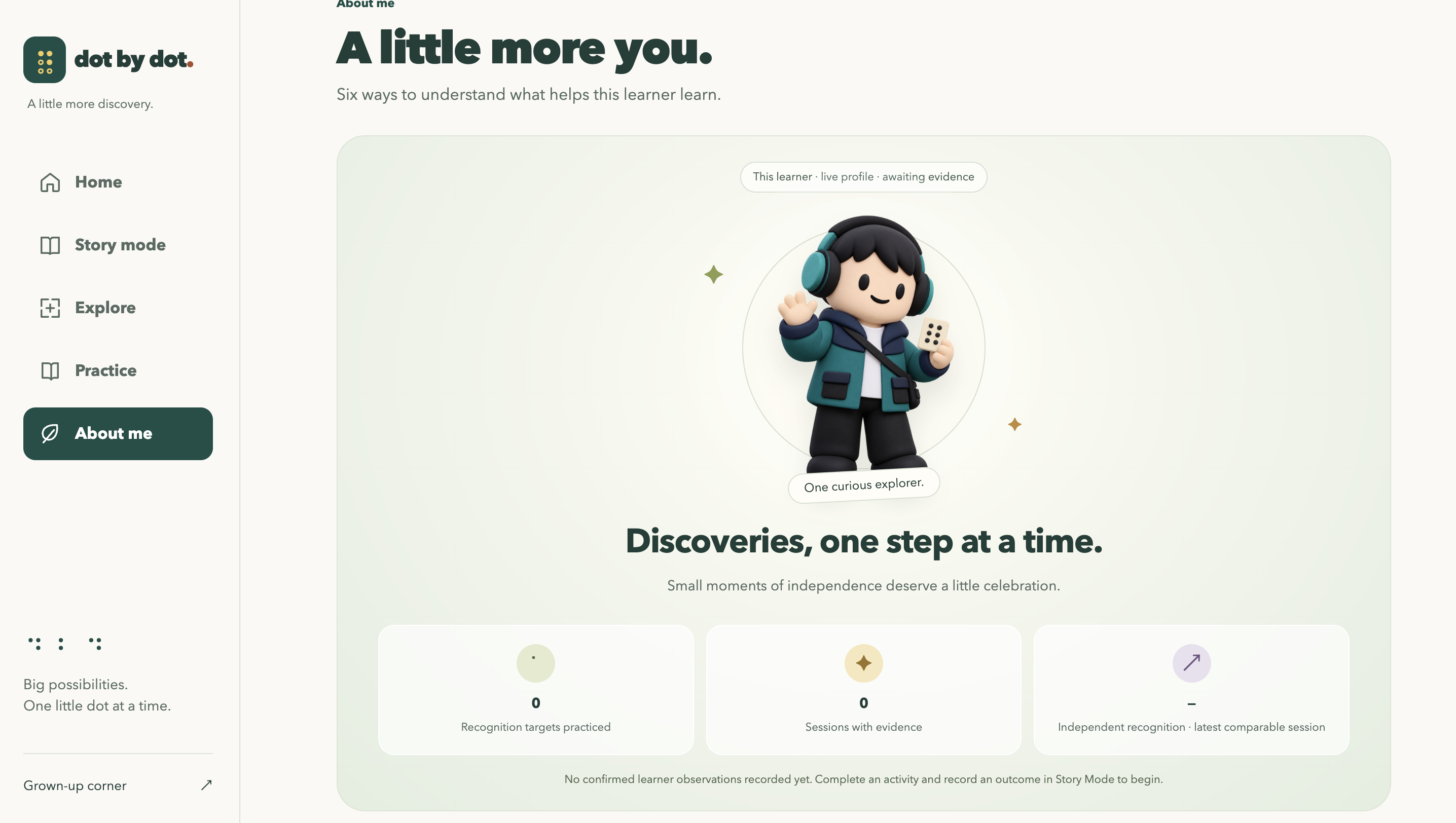
- Making Personalization Useful: Databricks was new to us, but connecting services was only part of the challenge. We also needed learner insights to be grounded in confirmed observations and give instructors something actionable.
Accomplishments that we're proud of
- Turning an Idea into a Physical Prototype: We designed a six-dot Braille mechanism, built its firmware, and developed an object-to-Braille software pipeline while learning the tools along the way.
- Connecting Braille to Everyday Curiosity: We brought objects, stories, and practice into one learning experience, giving children more ways to connect letters with things they care about.
- Building Beyond a Chatbot: Our companion combines learner evidence, cited research, and evaluated teaching proposals. We’re proud of building the foundations for personalization while keeping confirmed observations separate from AI guesses.
What we learned
- Physical Design Changes Everything: A mechanism that looks right in CAD still needs testing for fit, friction, power, and movement.
- Structured Outputs Matter: AI proposals need clear schemas and validation before they become app actions or hardware commands.
- Personalization Starts with Evidence: A transcript or a correct answer alone does not establish mastery. Useful guidance needs context and traceable observations.
- Research Needs Review: Retrieving a passage does not make it approved teaching advice. Citations and review status matter.
- Accessibility Shapes the Whole Experience: Tactile feedback, spoken instructions, pacing, and navigation all need to work together.
What's next for Magneto
Immediate Roadmap (Next 3 Months)
- Validate the six-dot cell: Print and assemble the mechanism, calibrate each servo, and test dot spacing, reading comfort, power requirements, and repeated movement.
- Complete object-to-Braille interaction: Connect the cane camera, Jetson Nano, and Arduino so a selected object is spoken aloud and spelled on the cell, with device acknowledgements and retry handling.
- Connect personalized teaching: Supply confirmed learner profiles and approved research to the teaching planner. Activate evaluated prompts through MLflow Prompt Registry.
- Test with educators and families: Work with Braille instructors and blind or low-vision children to review tactile readability, spoken instructions, pacing, and navigation.
Long-term Vision (Next Year)
- Build a multi-cell prototype: Move from one-letter presentation to short words, testing the eight-cell design for reliability and reading comfort.
- Expand the curriculum: Add numbers, punctuation, and instructor-reviewed activities that progress from letter recognition to reading words.
- Evaluate learning over time: Study retention and independent reading with educators, then use reviewed examples to improve teaching prompts.
- Make the hardware reproducible: Publish tested CAD, firmware, wiring, and assembly instructions with a measured bill of materials, so others can build and improve Magneto.
Built With
- arduino
- databricks
- jetson-nano
- python


