-
-
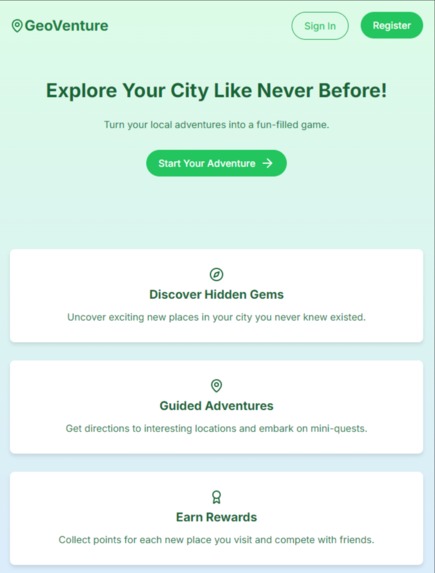
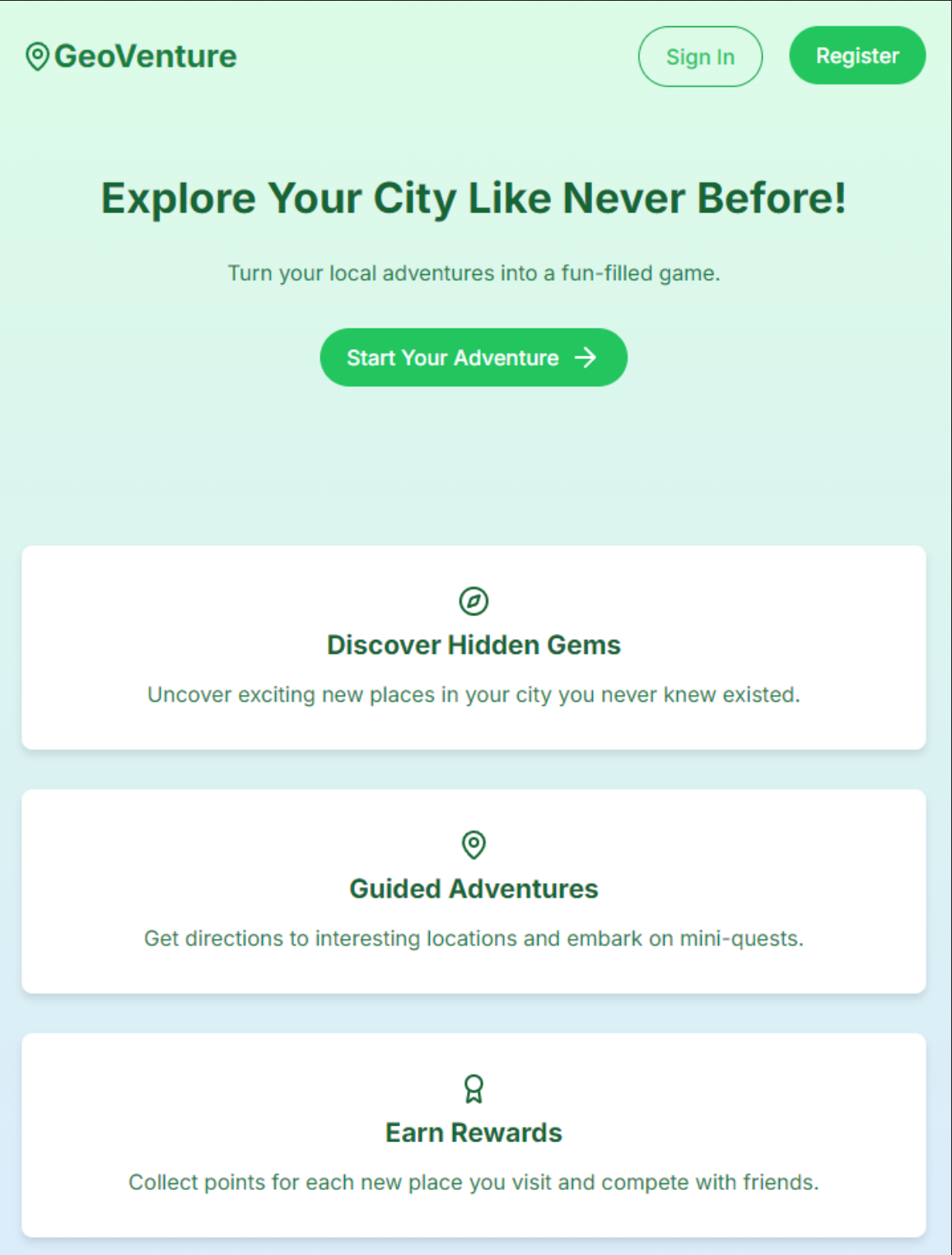
Proposed Home Page for Login/Registration
-
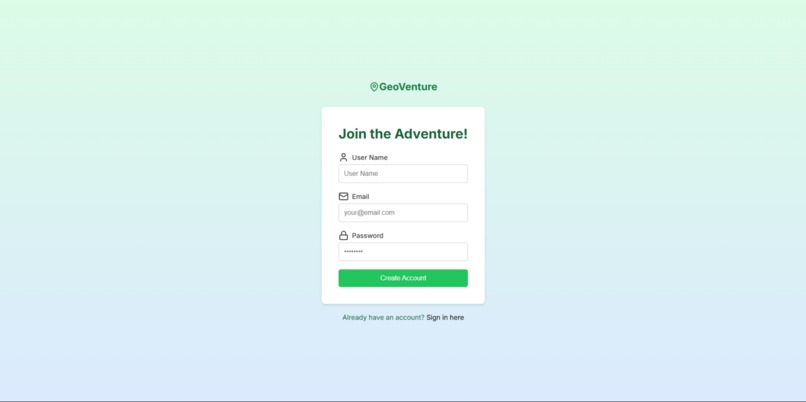
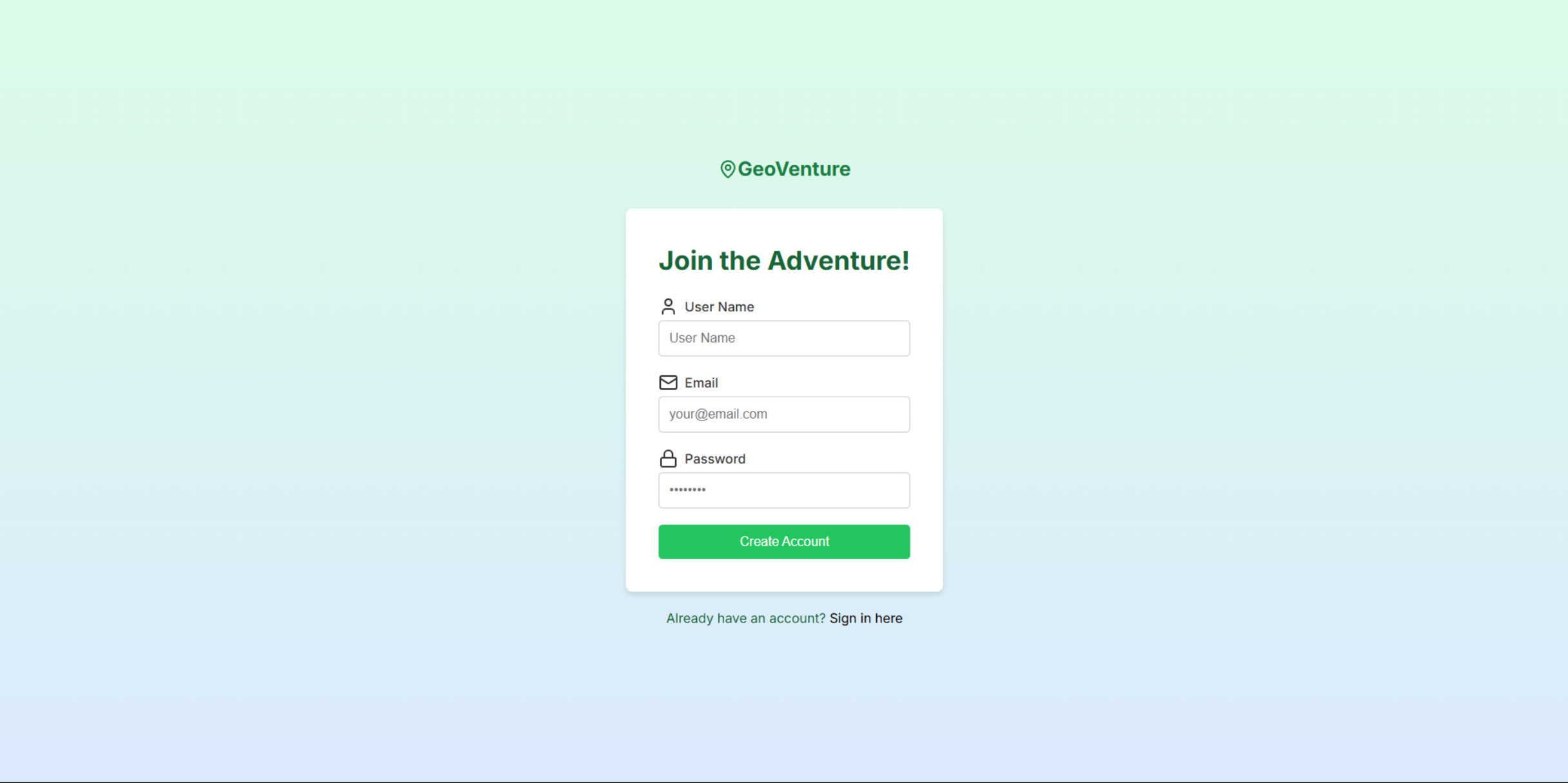
Proposed Registration Page
-
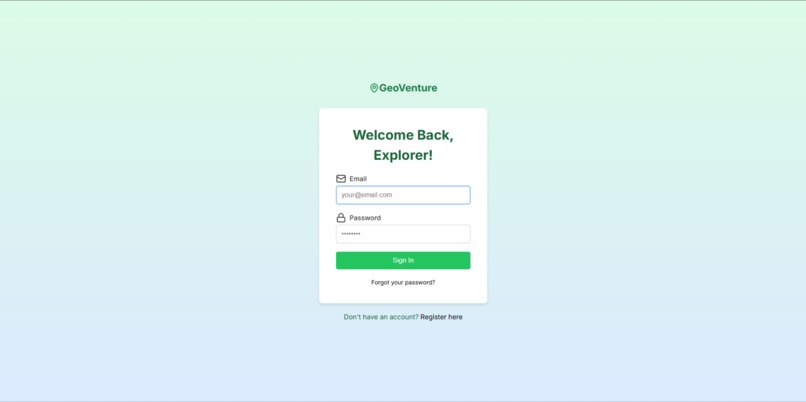
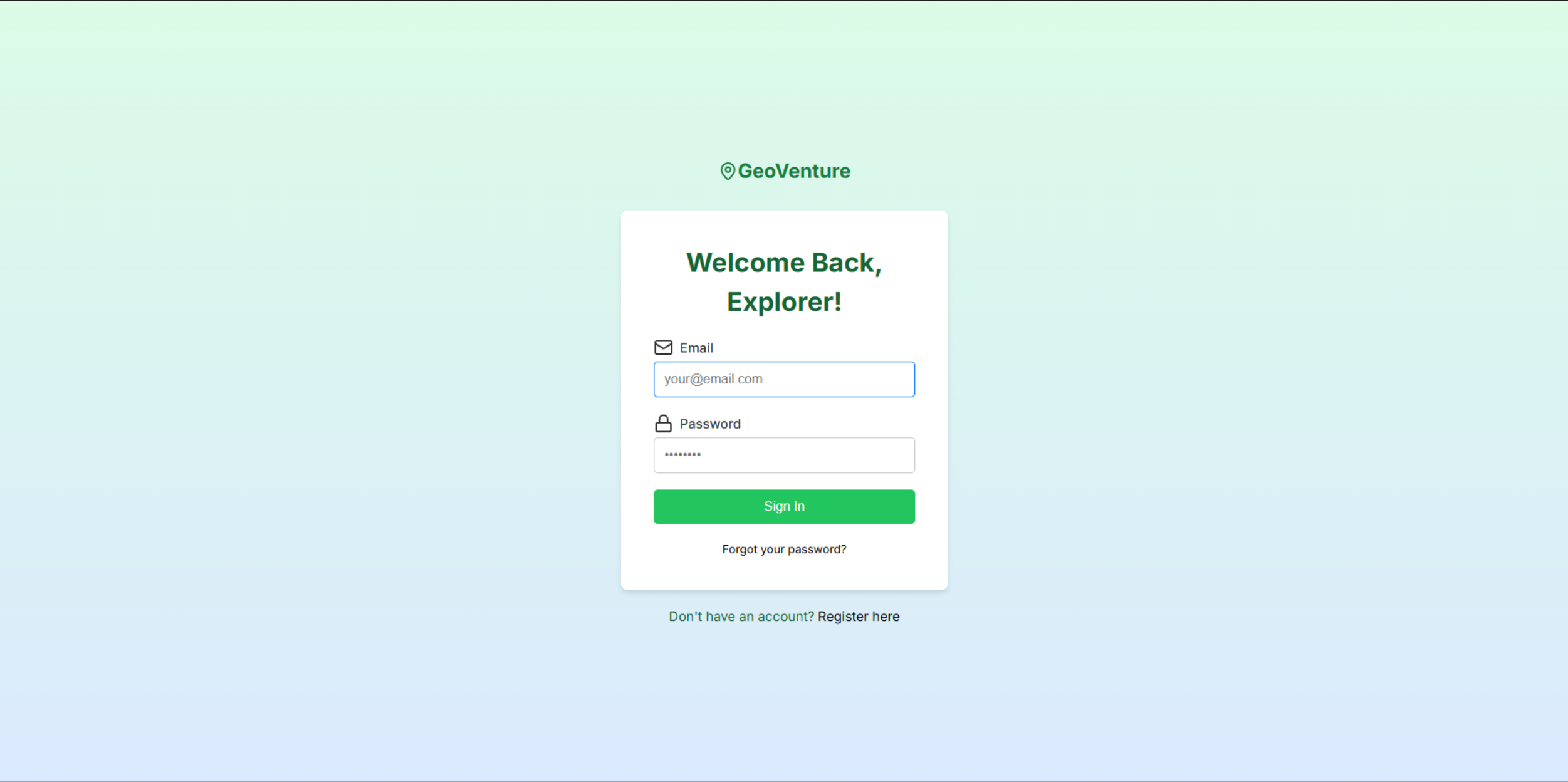
Proposed Sign-in Page
-
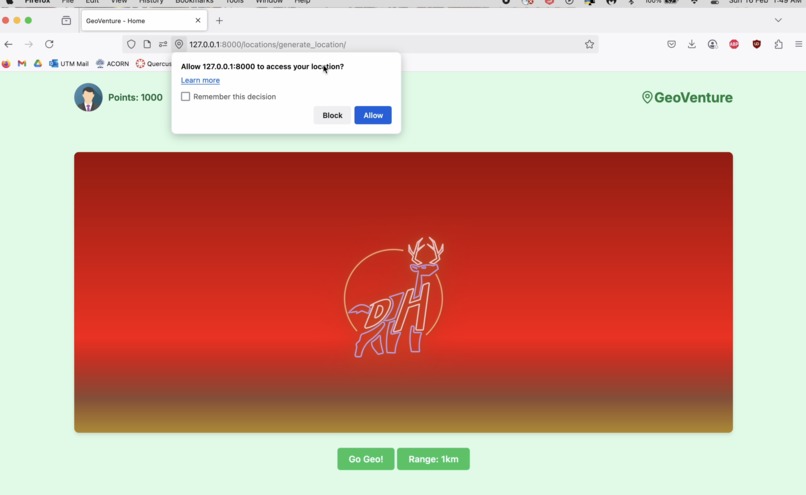
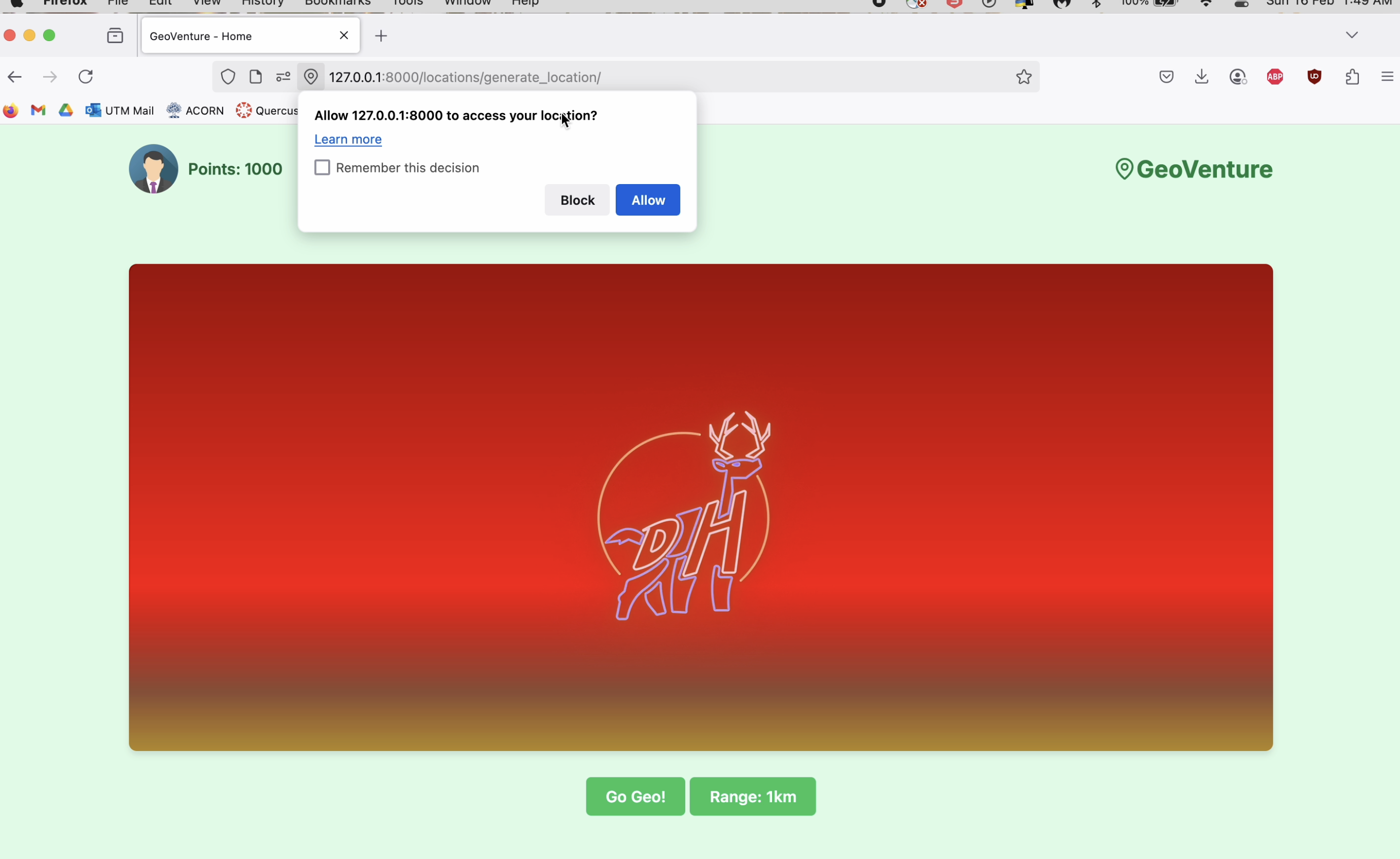
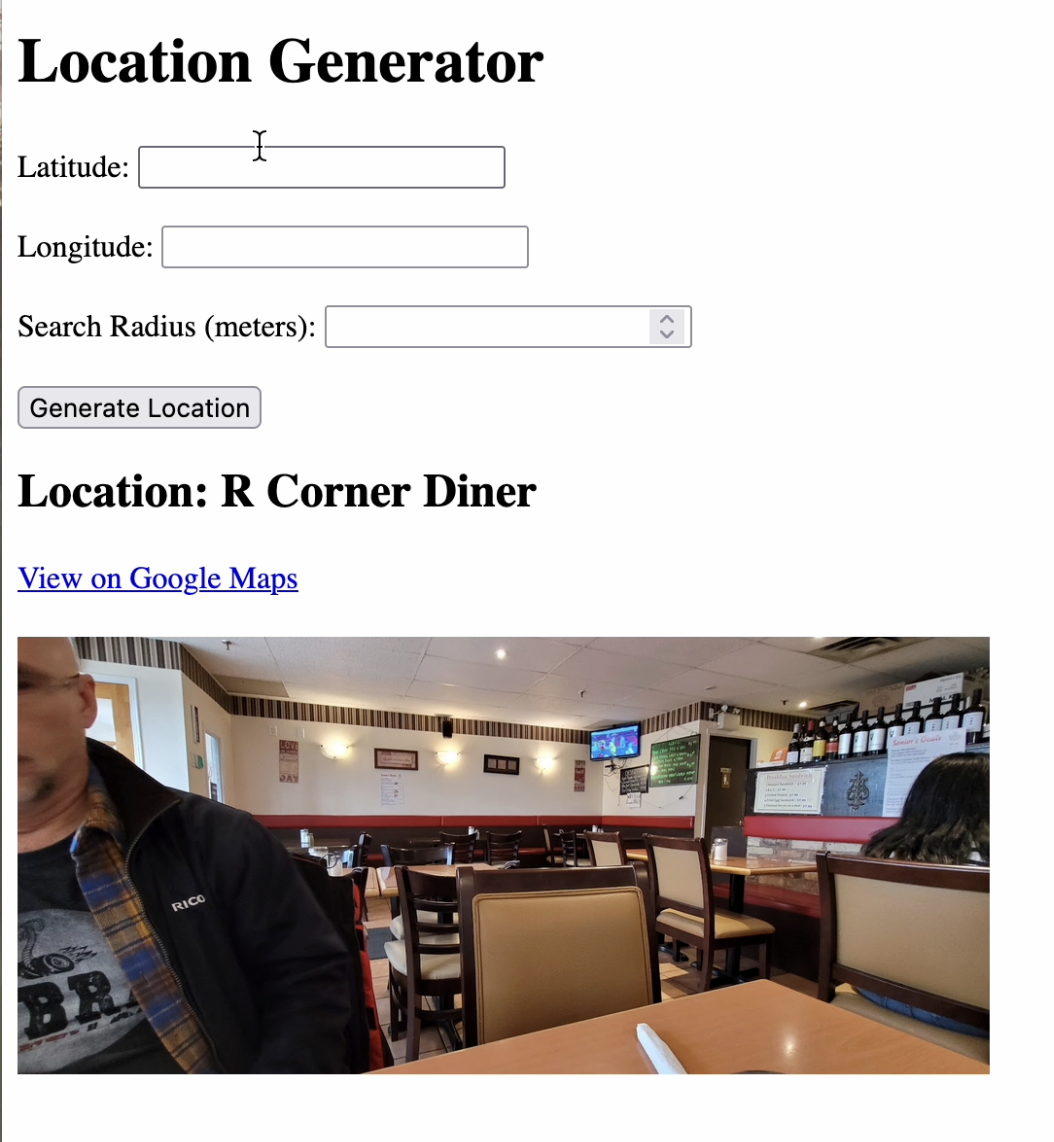
Main Page Implemented for Finding Random Location
-
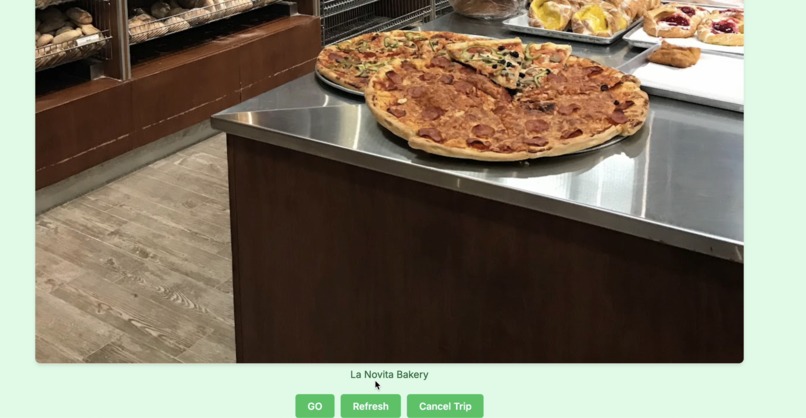
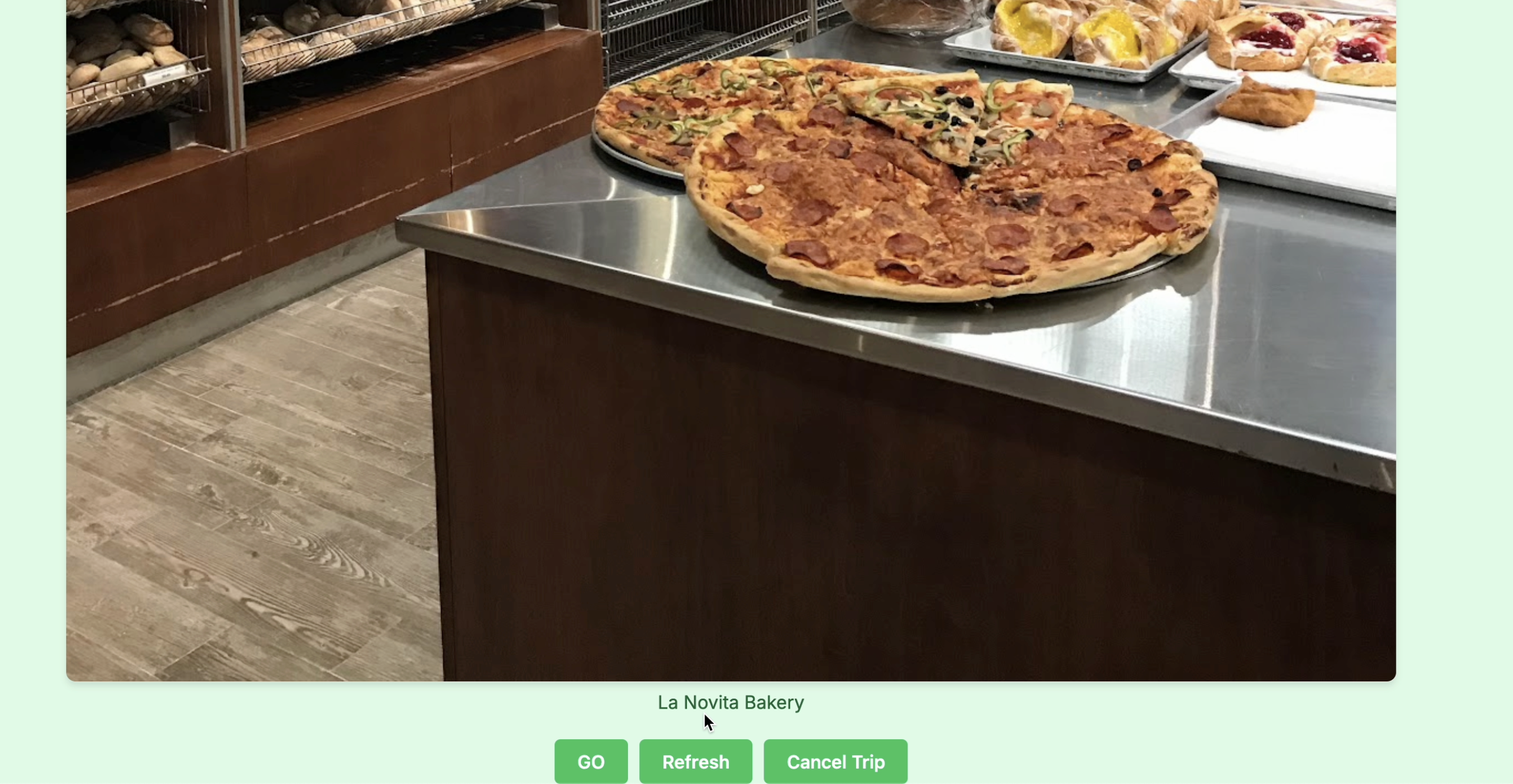
A Random Location found through GeoVenture
-
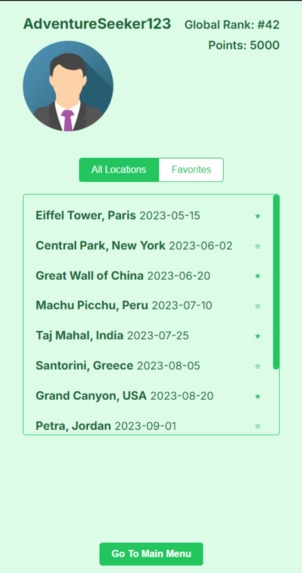
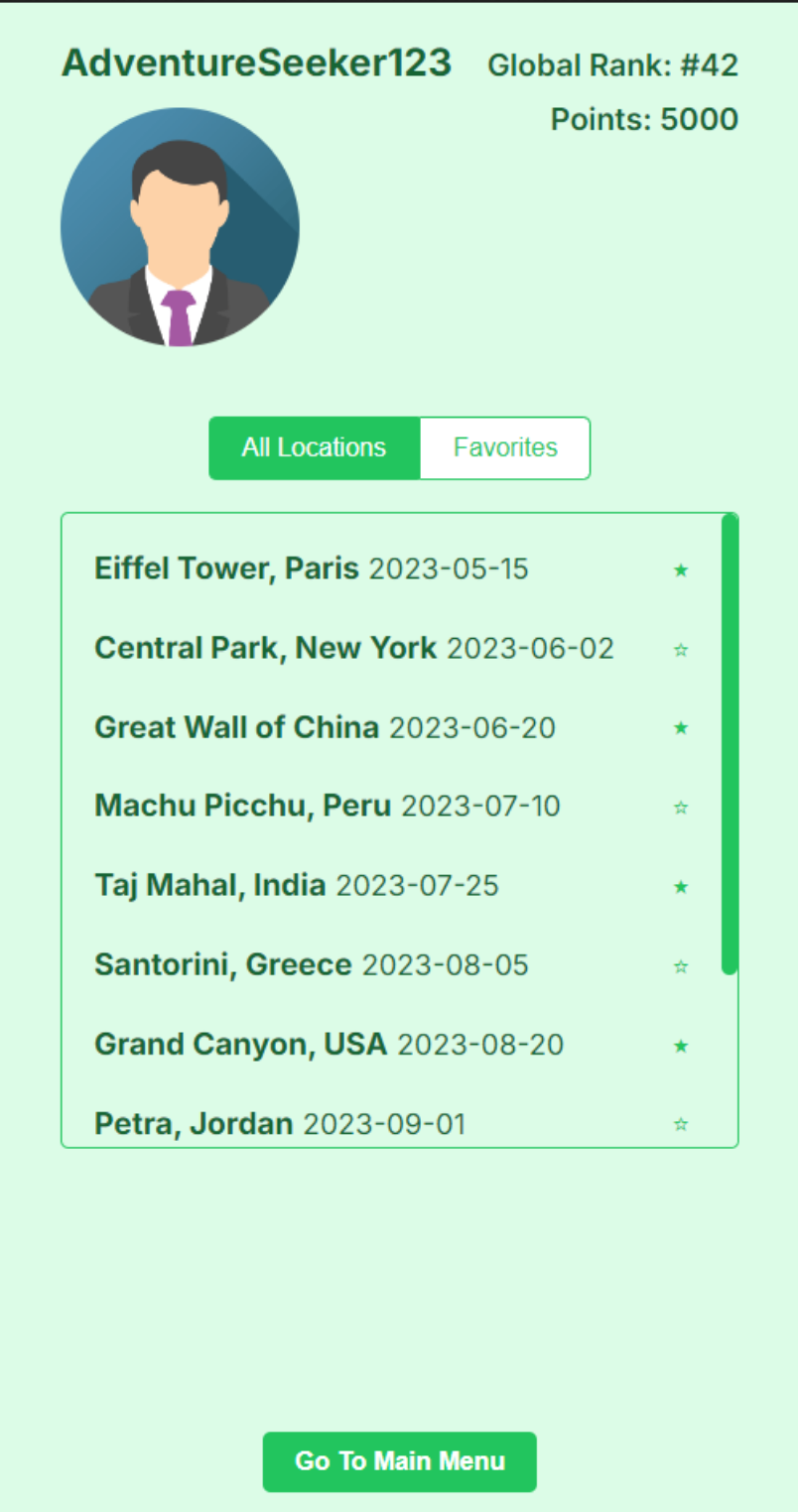
Proposed User Profile (Favorite locations are starred)
-
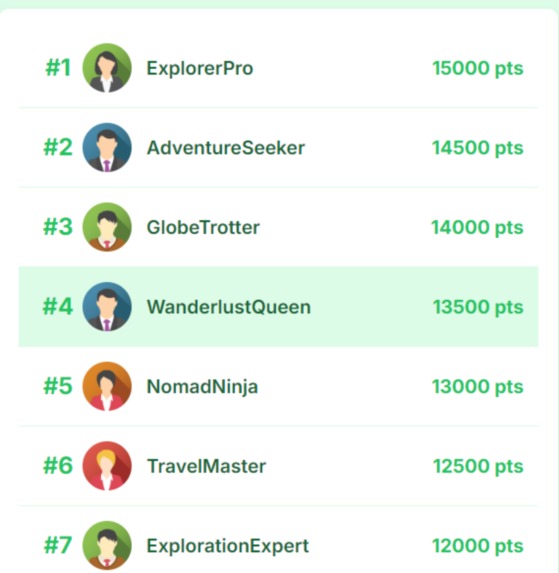
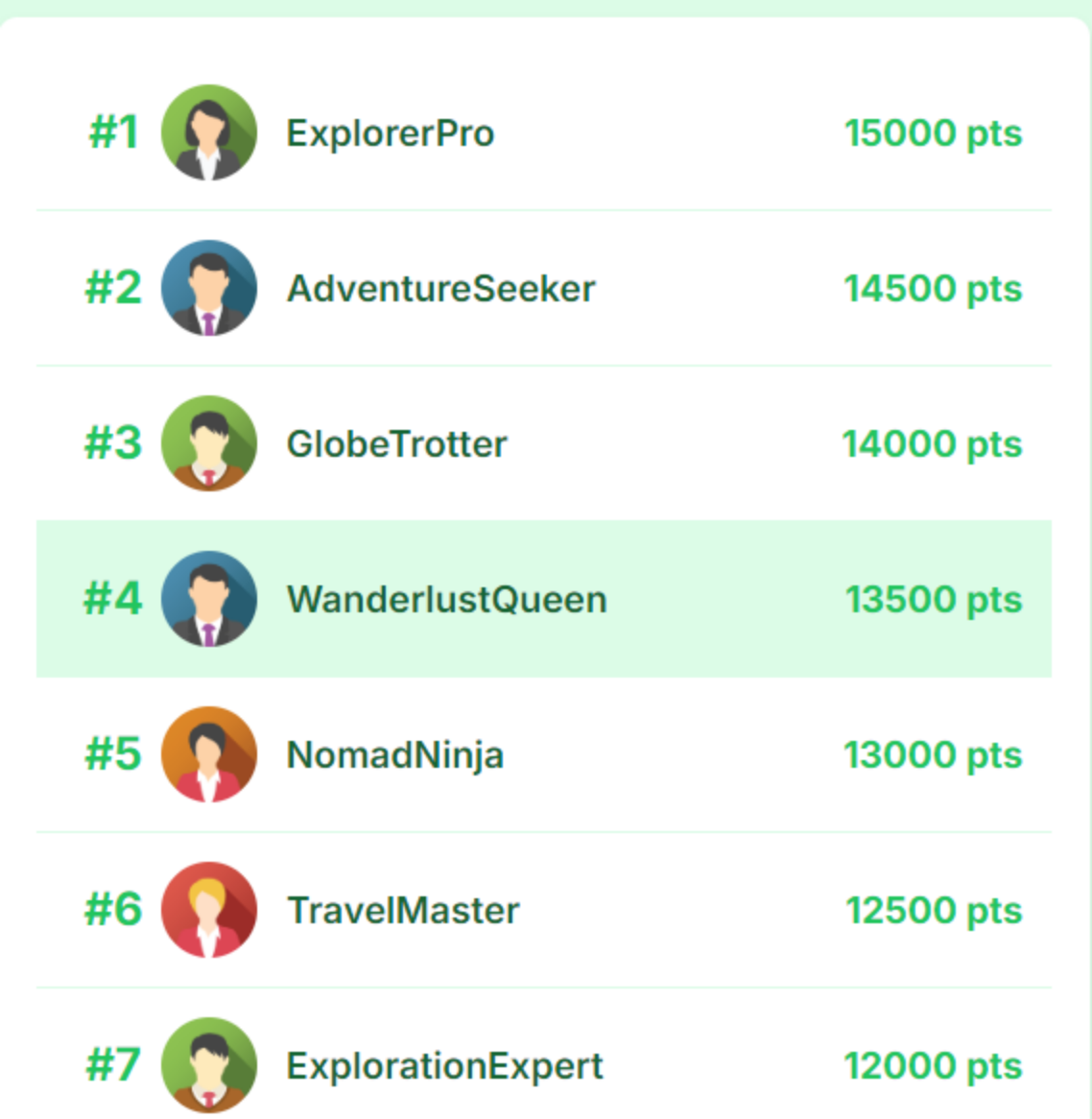
Proposed Leaderboard
-
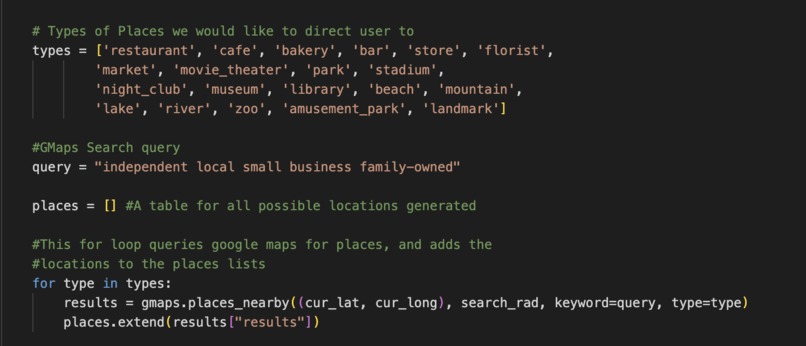
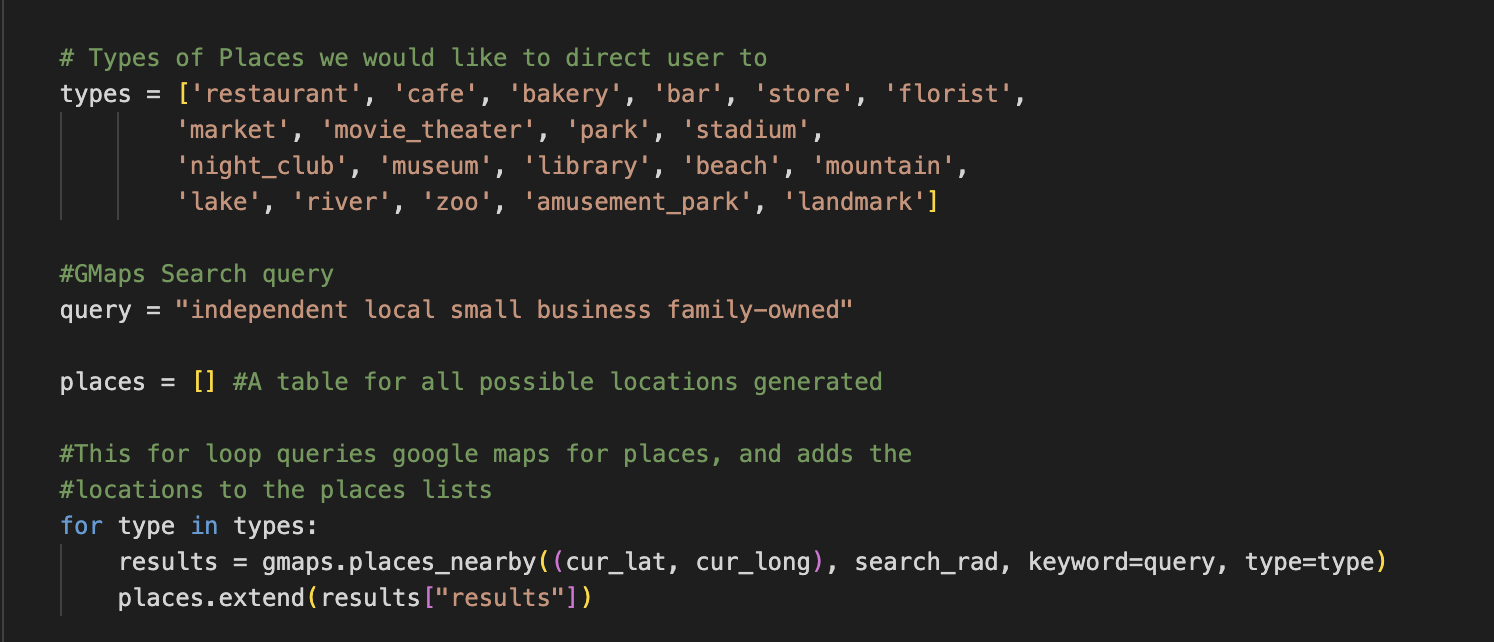
Google Maps Queries to get local businesses/entertainment/food
-
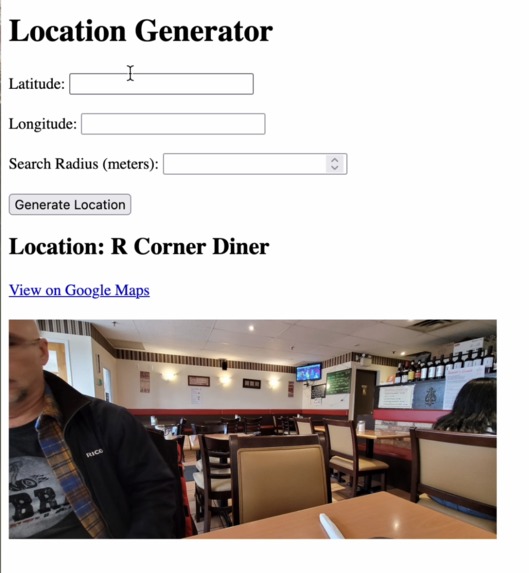
Intial Testing for Random Location Generation
Inspiration
Our inspiration came from our desire to encourage people to engage with their local surroundings. Indecisive users can interact with GeoVenture to look for hidden gems and discover new spots, turning everyday exploration into a fun and rewarding experience. We wanted to create an engaging way for users to interact with their surroundings and discover new locations.
What it does
This web app provides opportunities to discover new local businesses/entertainment/food. GeoVenture presents users with an image of a location within a set radius (1km, 5km, 10km) and challenges them to find it. Once they reach the spot, users would then earn points as a reward.
GeoVenture Features:
Provides real-time Google Maps directions to the mystery location.
A leaderboard system to track top explorers and reward users for their activity.
Review the history of all previously explored areas and save them as "favourites" whenever users want to revisit locations.
Can filter specific categories such as entertainment, food, or cultural landmarks to adhere to user's interests.
How we built it
GeoVenture is built using a combination of front-end and back-end technologies:
Front-End: HTML and CSS for a responsive user interface.
Back-End: JavaScript and Django (Python) handles user requests, processes location data, and interacts with the Google Maps API.
Google Maps API: Used for retrieving location data, generating routes, and obtaining images of potential destinations.
Challenges we ran into
Connecting the front and back end seamlessly took the longest time, and I had to figure out how to debug.
Accomplishments that we're proud of
Successfully integrating Google Maps API to generate meaningful and engaging locations.
Creating a user-friendly interface that encourages exploration in an interactive way.
Implementing a leaderboard and points system to motivate players.
What we learned
Figure out how to use Google Maps API for place search and navigation.
What's next for GeoVenture
Add a Utility Mode for users who want to use the random location feature without the point system. This mode would also allow users to see reviews of locations and recommend them to others.

Log in or sign up for Devpost to join the conversation.