-
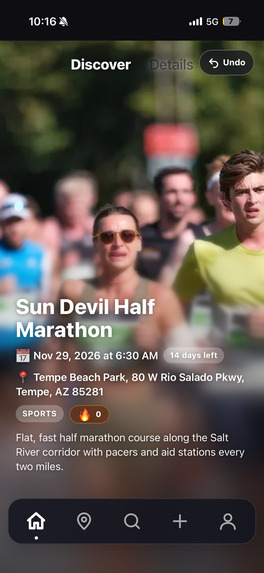
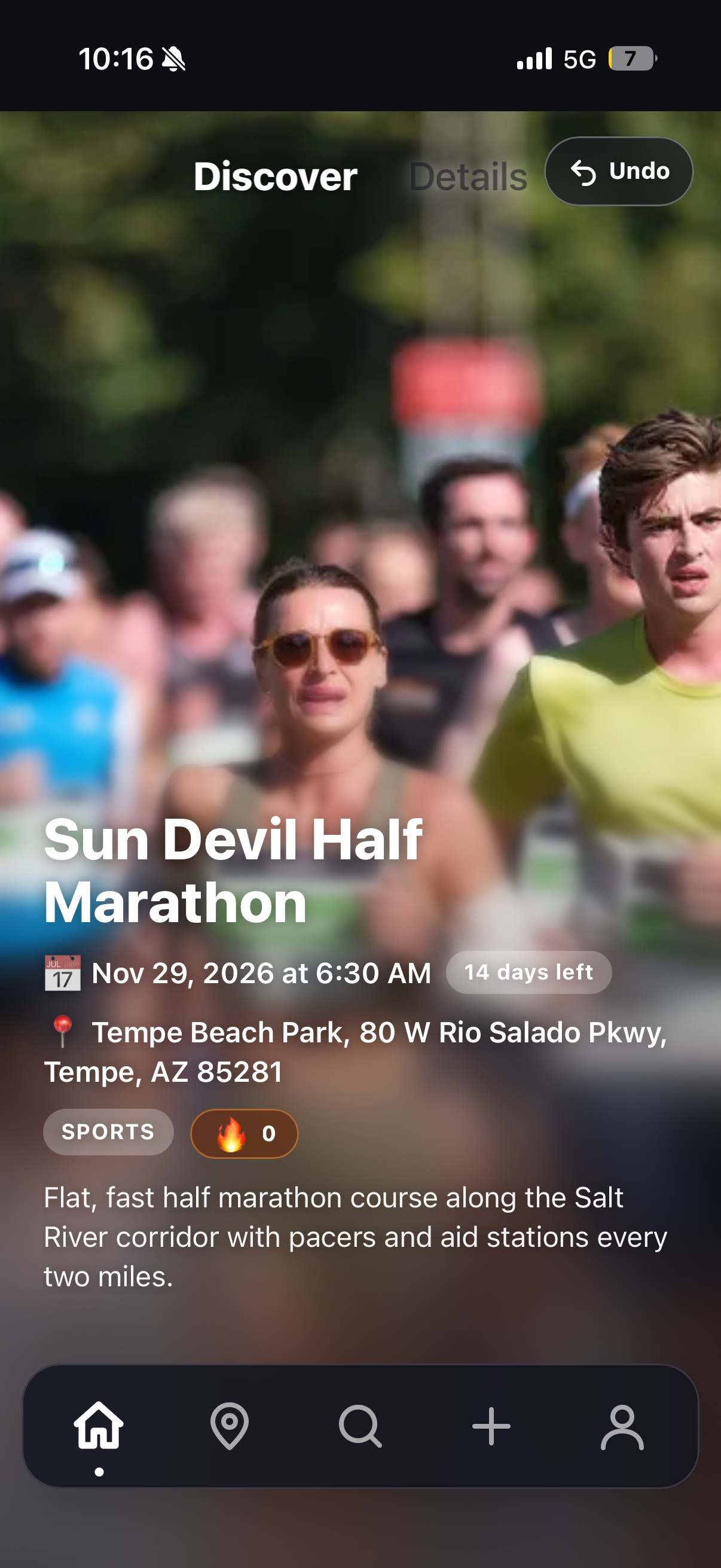
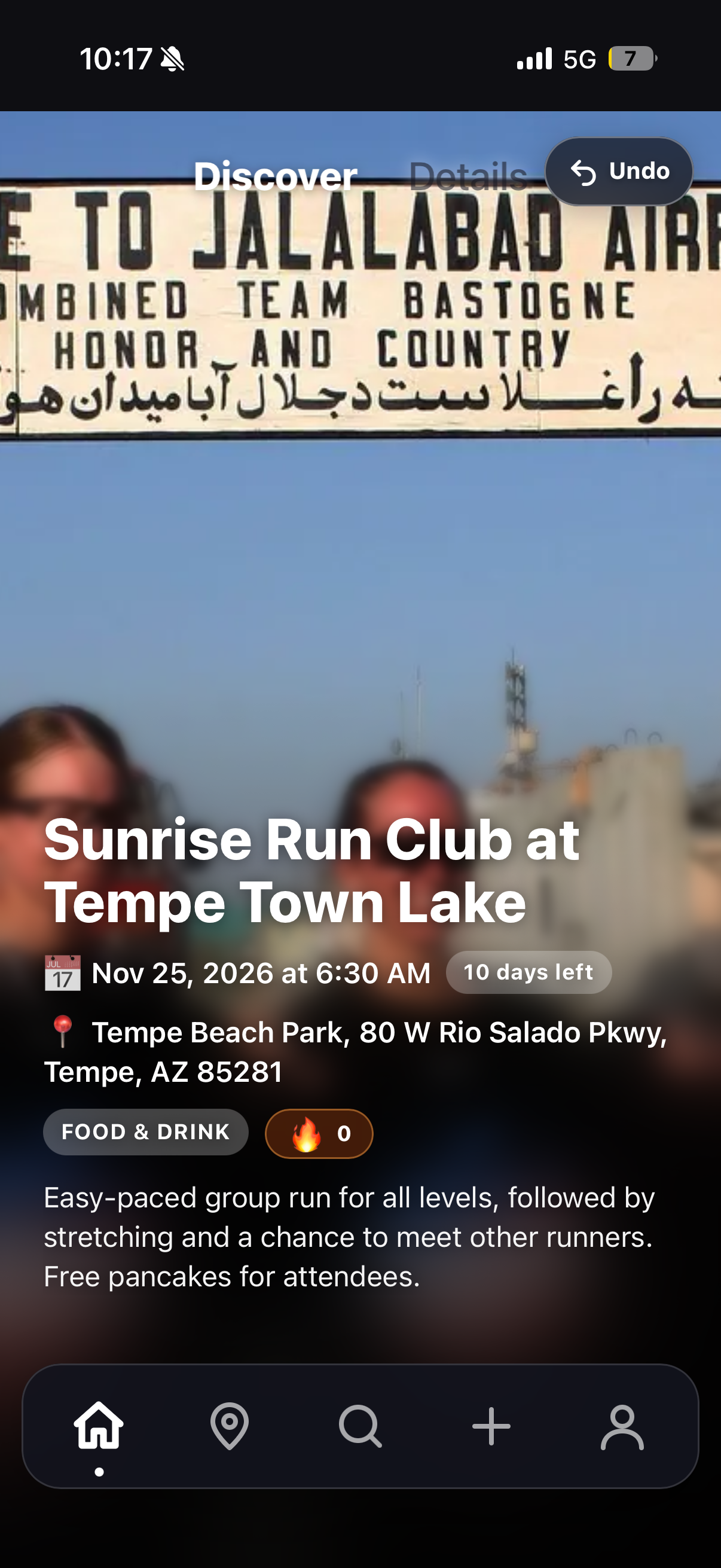
The "Discover" page where you are given the event cards which you can then choose to swipe left or right.
-
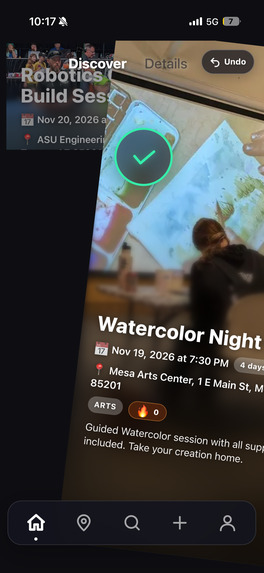
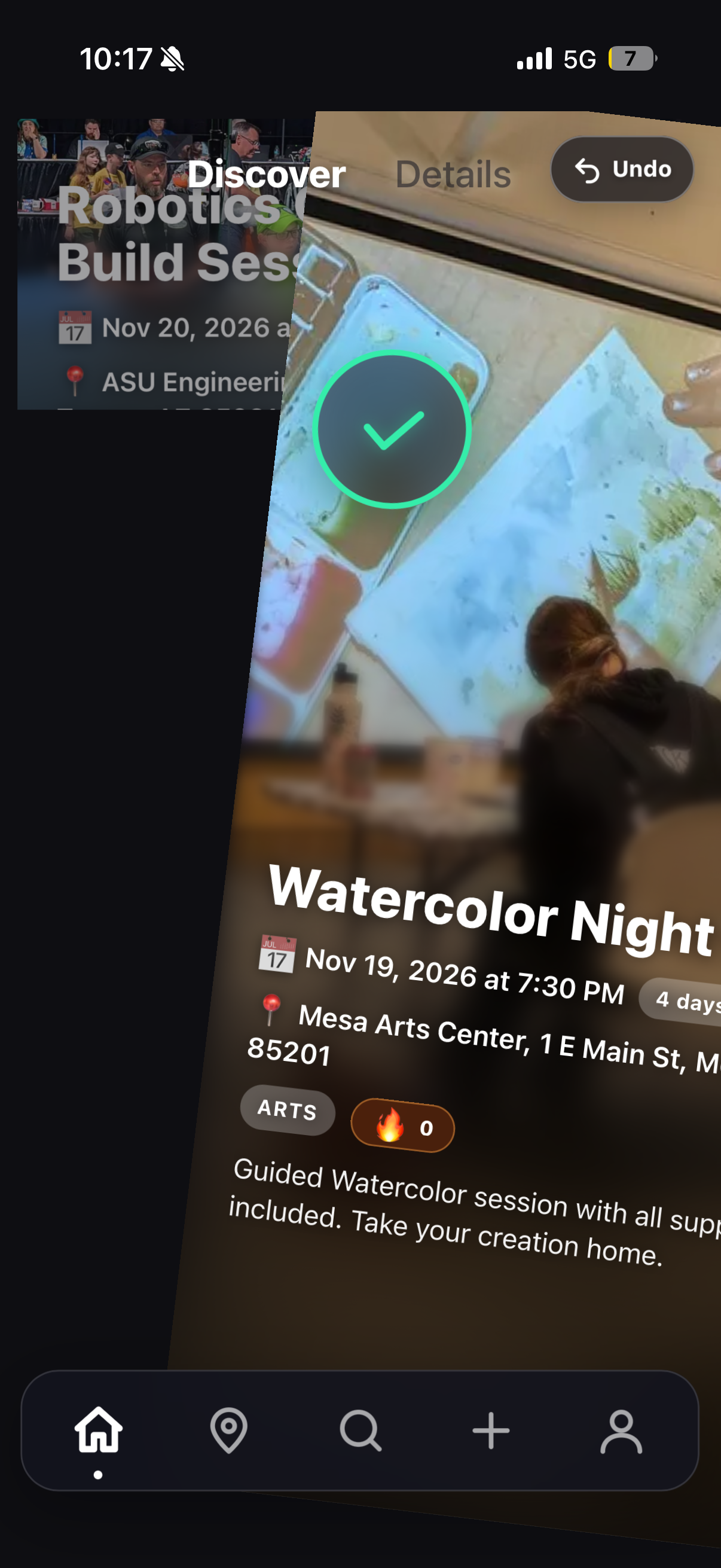
Swiping in action.
-
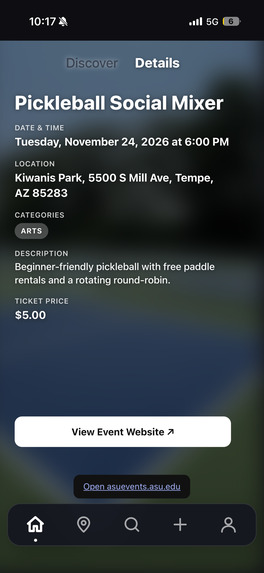
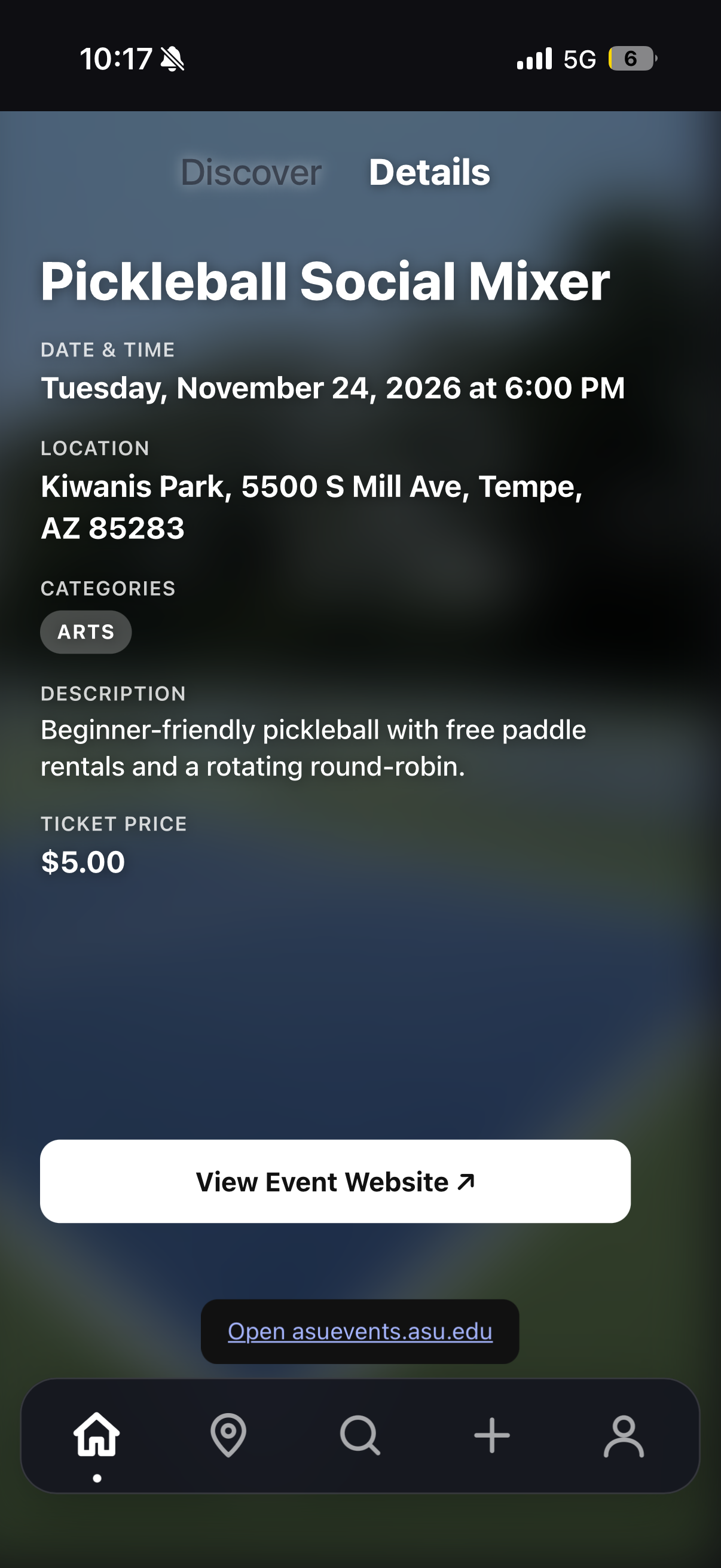
Details page of the event for more info and the original event website.
-
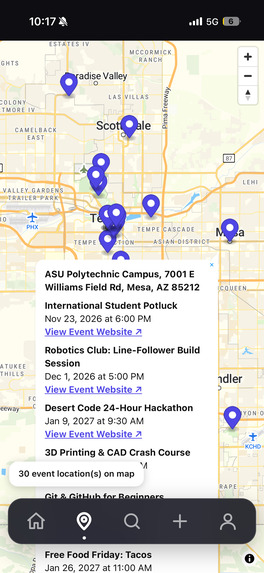
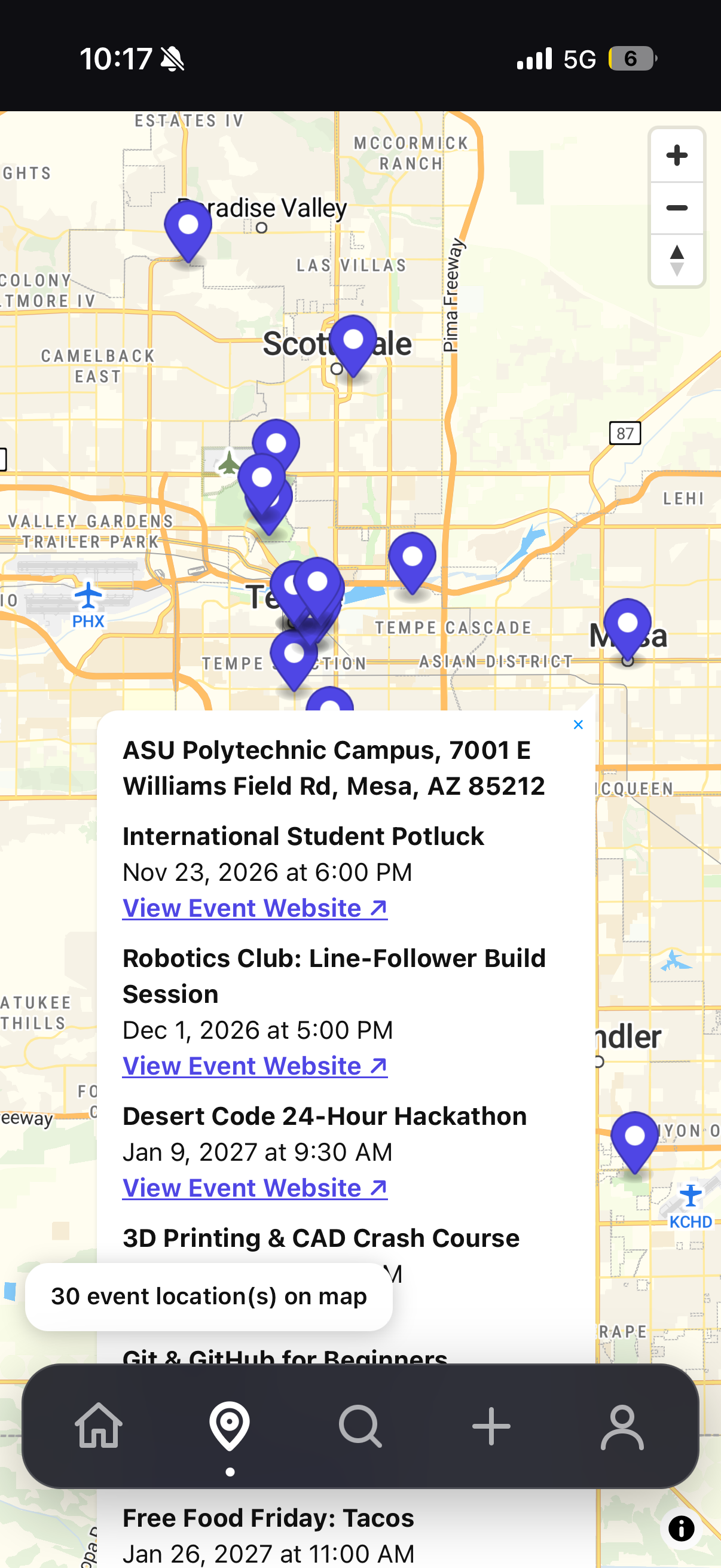
"Maps" page to collectively see events near you.
-
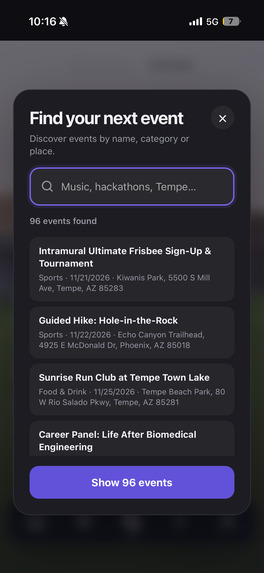
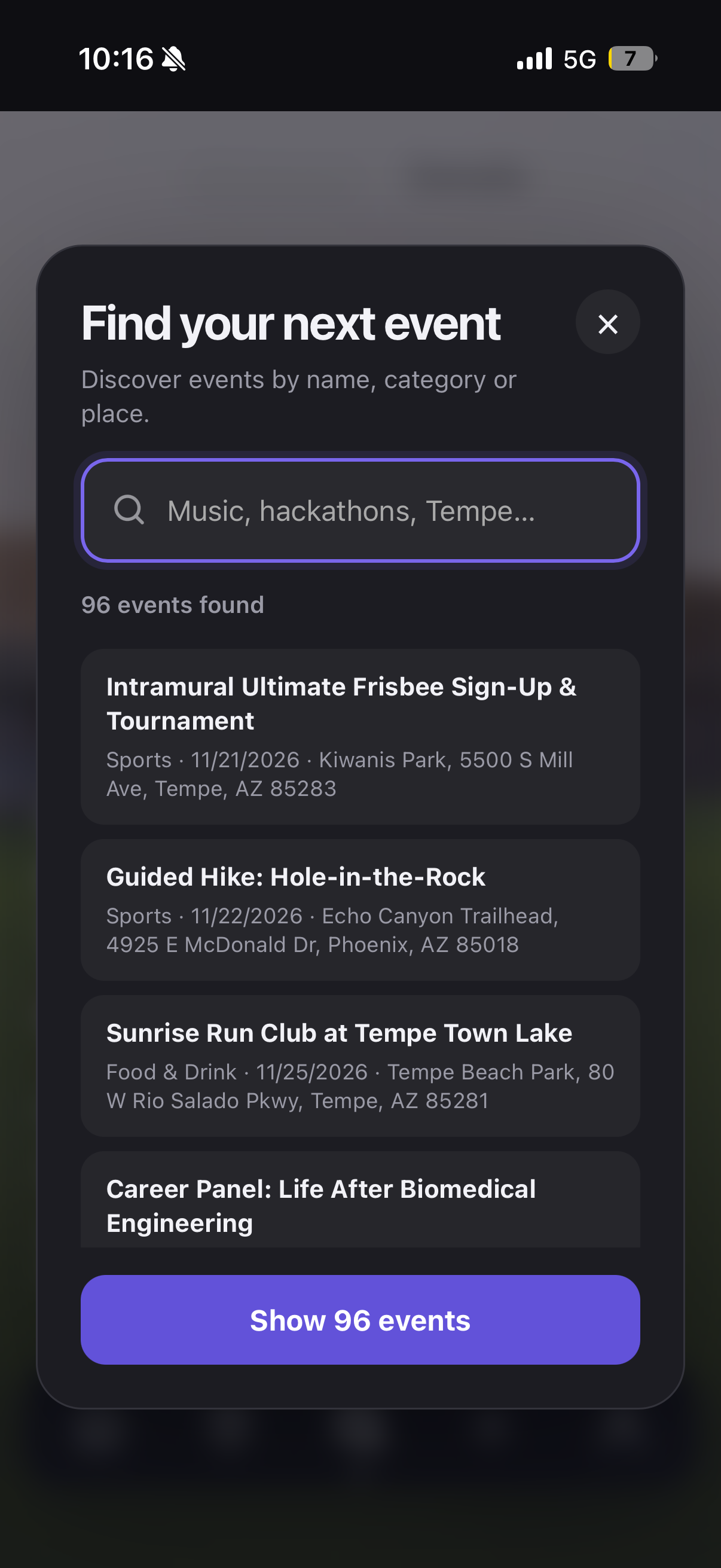
"Explore" page to fine tune the search to the specific event categories you want.
-
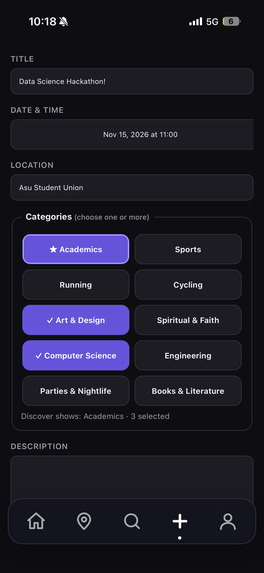
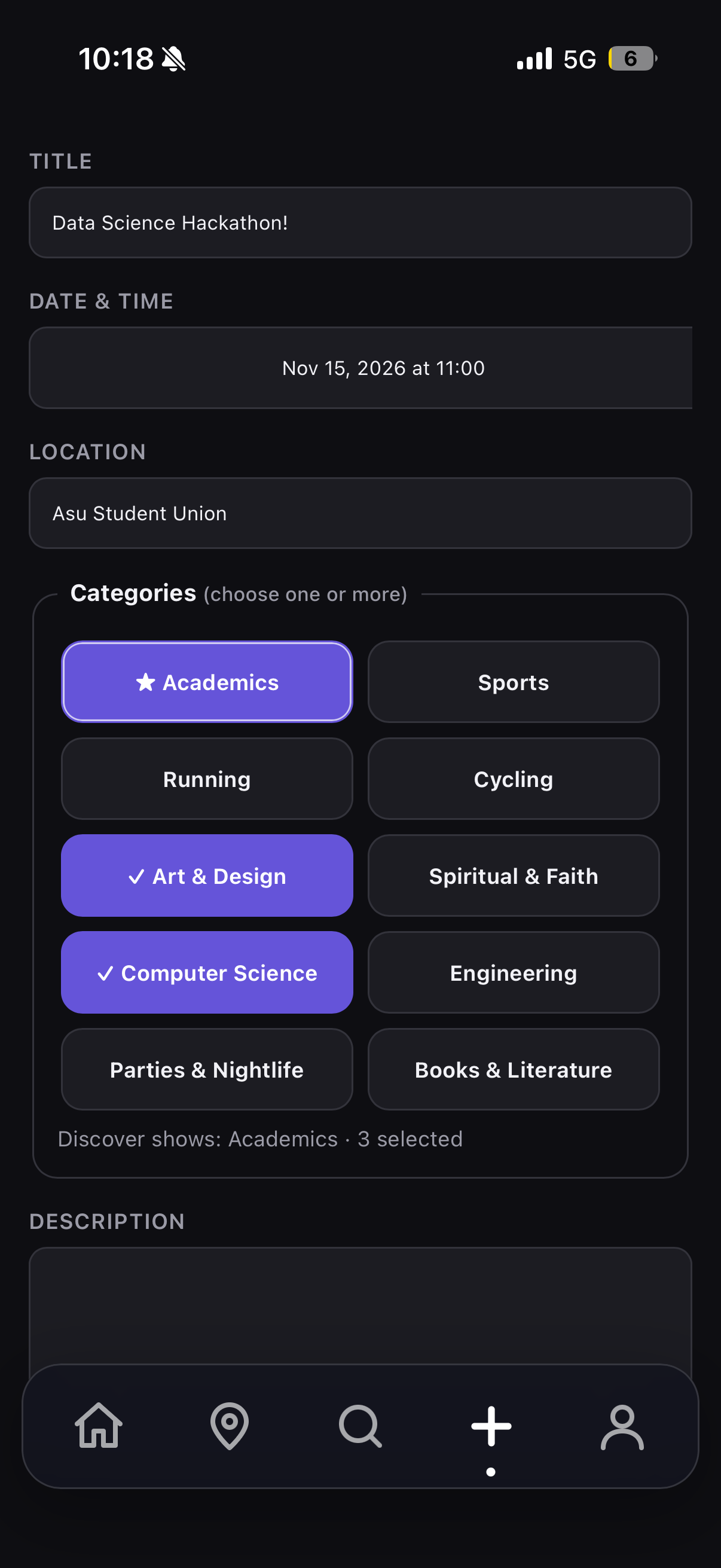
Hosting your own events!
-
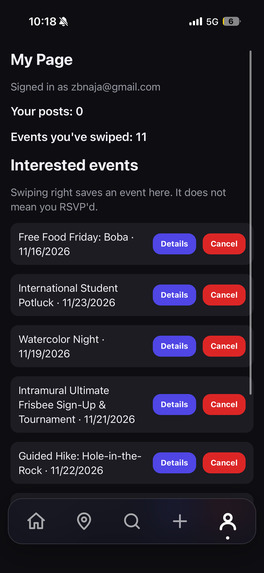
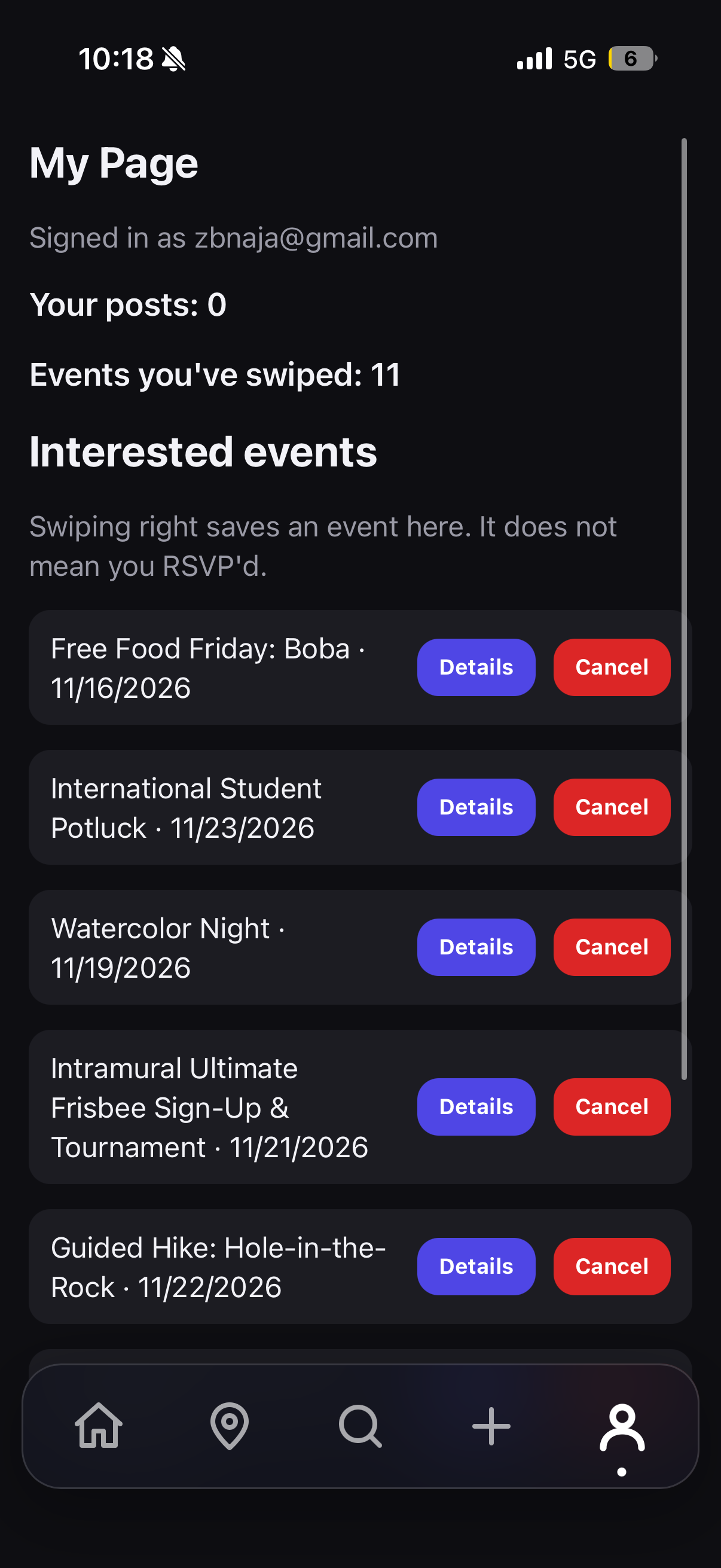
"My account" page
-
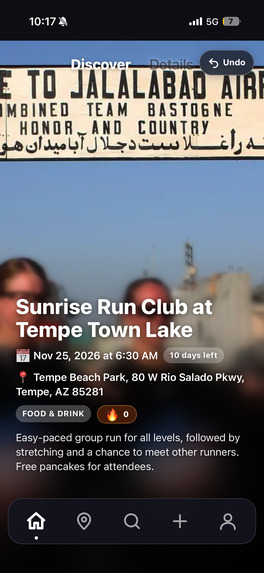
More event cards!
Inspiration
We were inspired by various apps ranging from Tinder and Bumble to Instagram and Spotify. We wanted to create an app that not only served the function we intended for it, but made the user experience fun and intuitive.
What it does
This app consolidates and presents to you all events that are occurring in your area. Users are able to post their own event to spread awareness to more people. Those interested in participating in an event can swipe right to save it in their interests list or swipe left on events that do not interest them. The more swipes you accrue, the more likely you are to find events that are the perfect fit for you.
How we built it
For the frontend, we used HTML, CSS, and JavaScript to create a personalized events feed, with swipe animations, and an interactive map. We integrated the map using the MapTiler api.
For the backend, we used Node.js and Express to handle login authentication, event posting, editing, deletion, and interest tracking. Users can create accounts to post events, of various categories, and save events they're interested in.
We also developed a category based recommendation algorithm. Swiping right increases a user's preference score for an event's categories, while swiping left decreases it. These scores help determine which events are prioritized in the user's personalized Discover feed.
Challenges we ran into
A big challenge we faced was connecting the frontend and backend. We initially developed and tested EventSwipe locally, but deploying it with Vercel and Render was more complicated than we had anticipated.
Accomplishments that we're proud of
We are proud of how we were able to execute our shared vision of creating an app that we all found incredibly useful and we think many other students could find useful as well.
What we learned
We learned how to connect the frontend and backend of an app by using Vercel and Render for the first time.
We learned the rigorous planning process of app development and how to pivot when we didn't think an idea would work.
What's next for EventSwipe
We are excited to continue developing EventSwipe by adding features such as calendar integration and event assessment and organization with the aid of ai.
Built With
- css
- html
- javascript
- node.js
- render
- vercel

