-
-
-
-

-

-
-
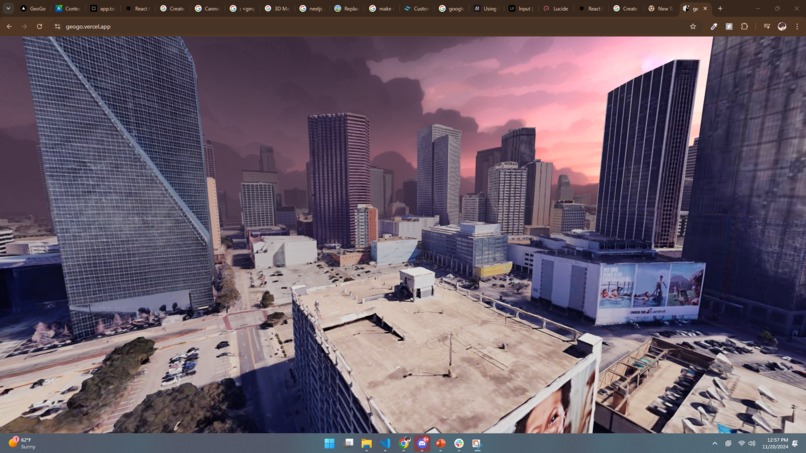
Old Three.js version
-
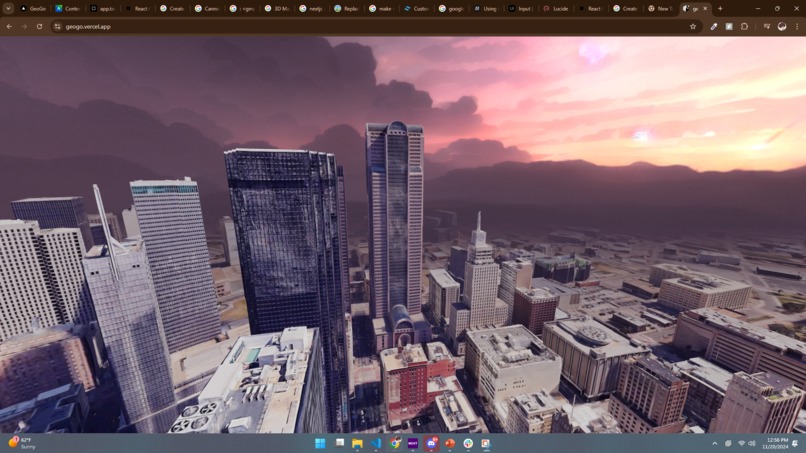
Old Three.js version
Inspiration
We were inspired by the thrill of exploration and the challenge of navigating real-world locations using minimal visual clues. We wanted to create an interactive way for players to explore the world while testing their problem-solving and geography skills.
What it does
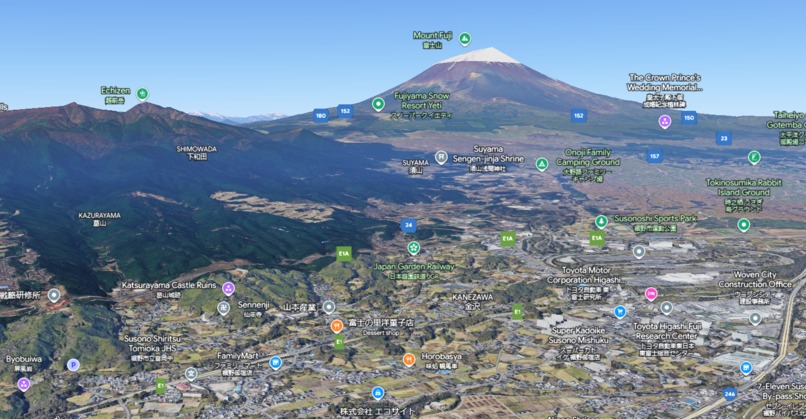
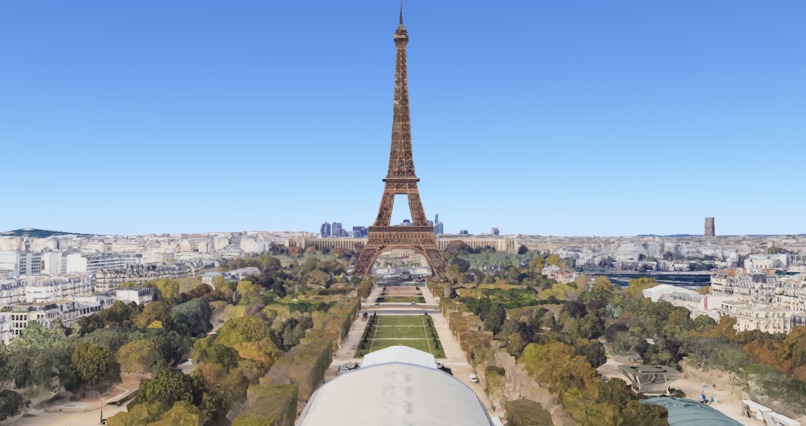
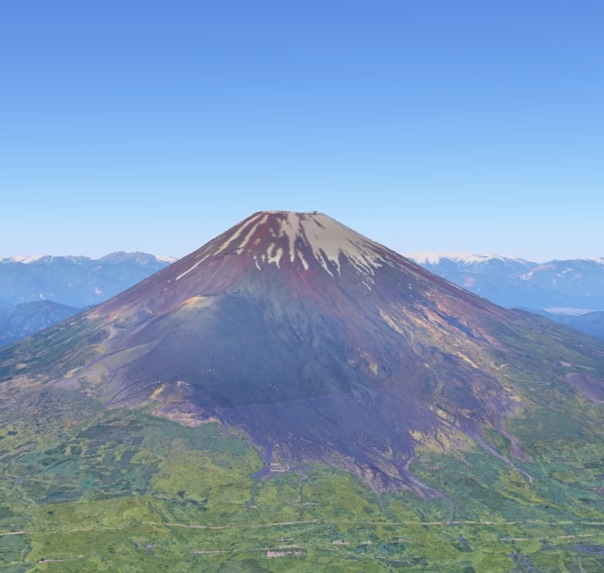
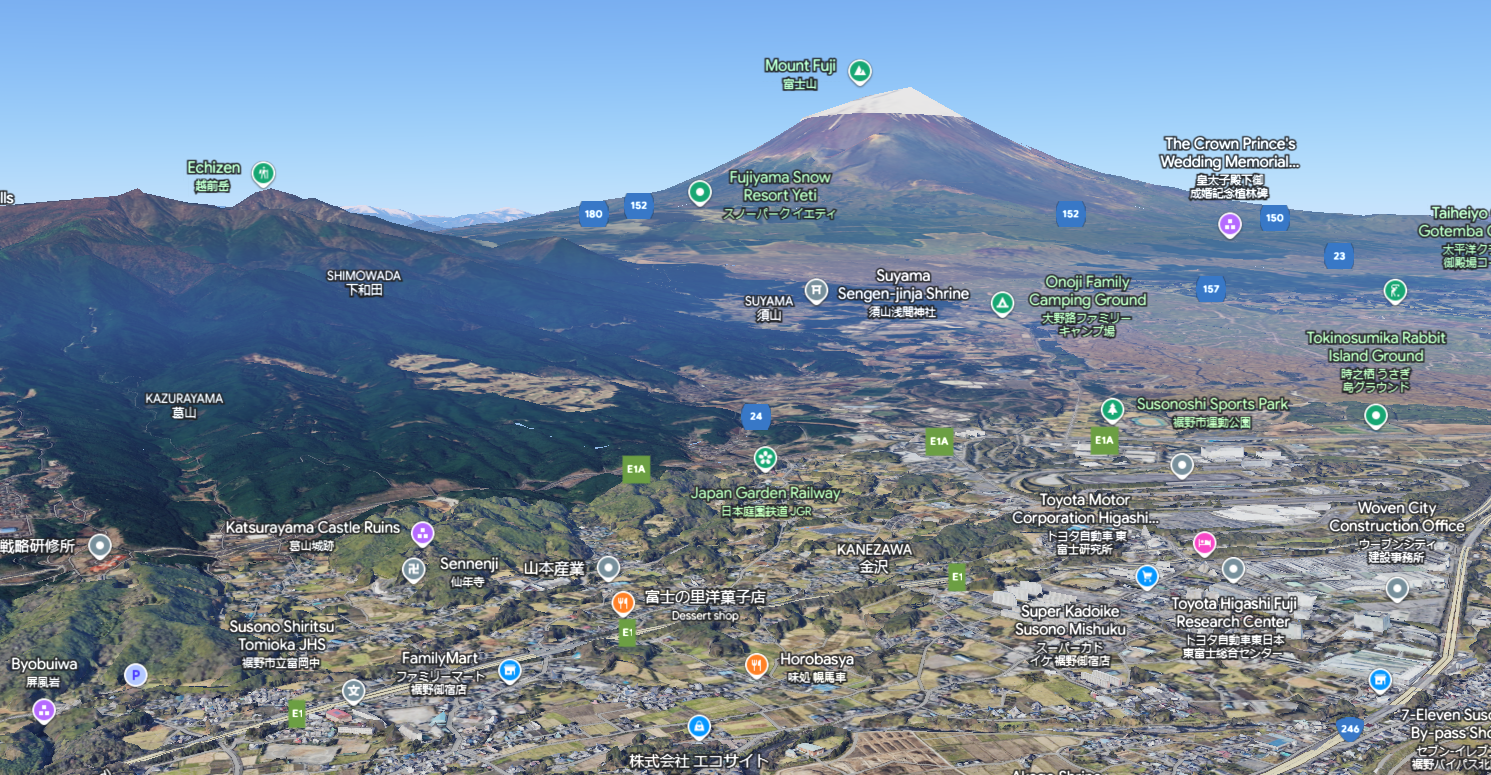
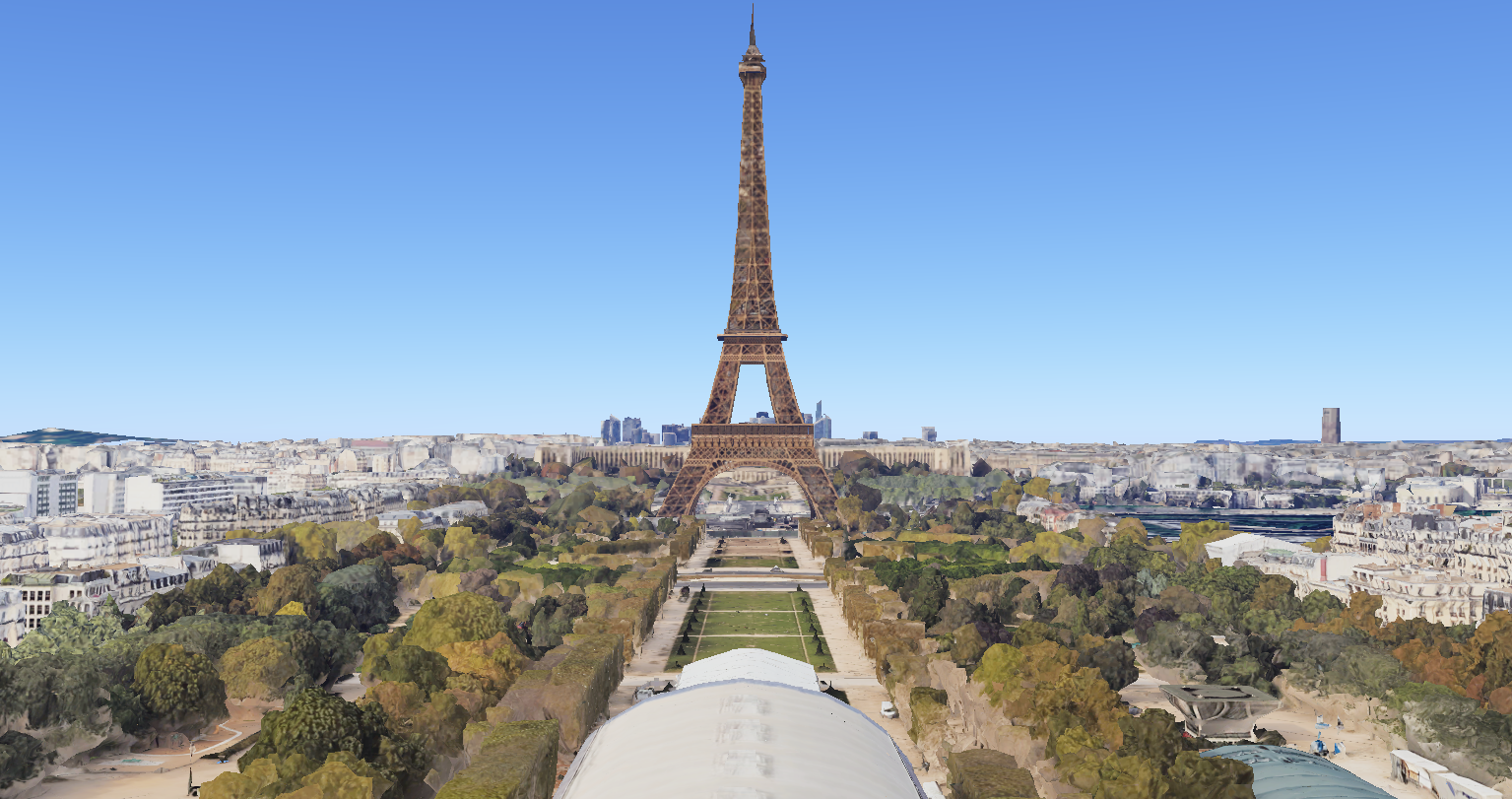
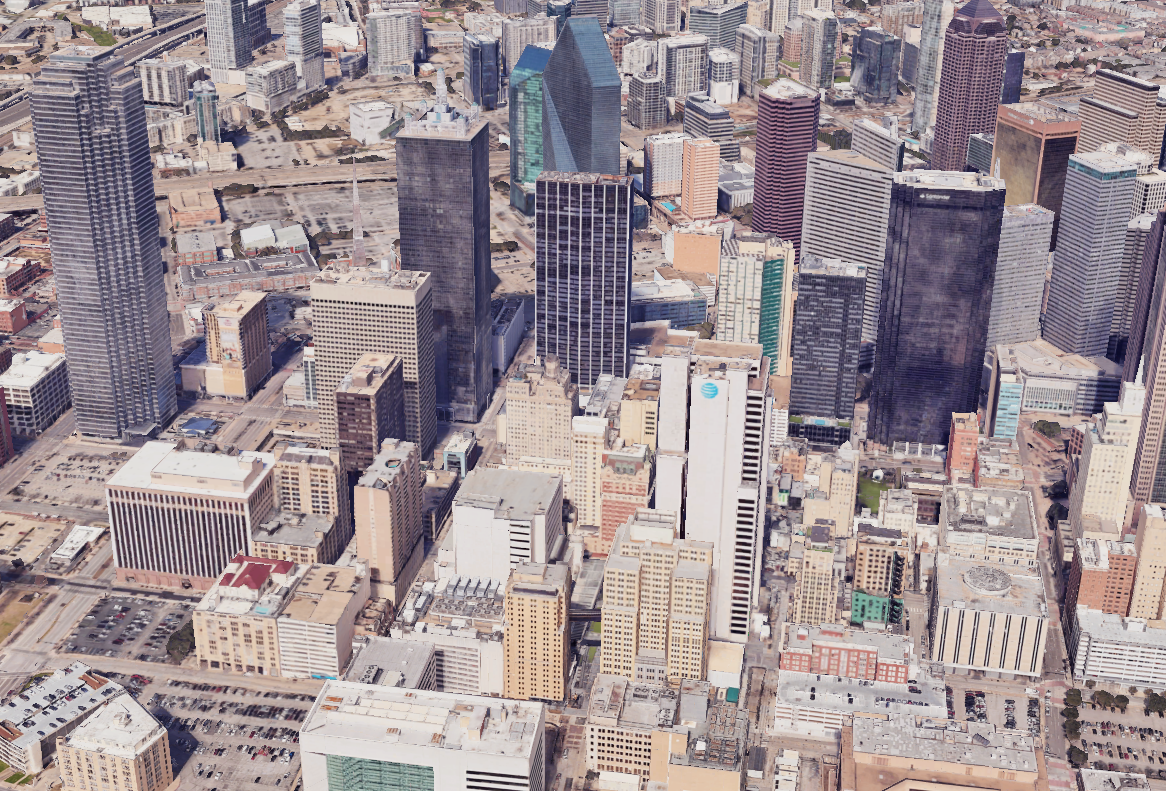
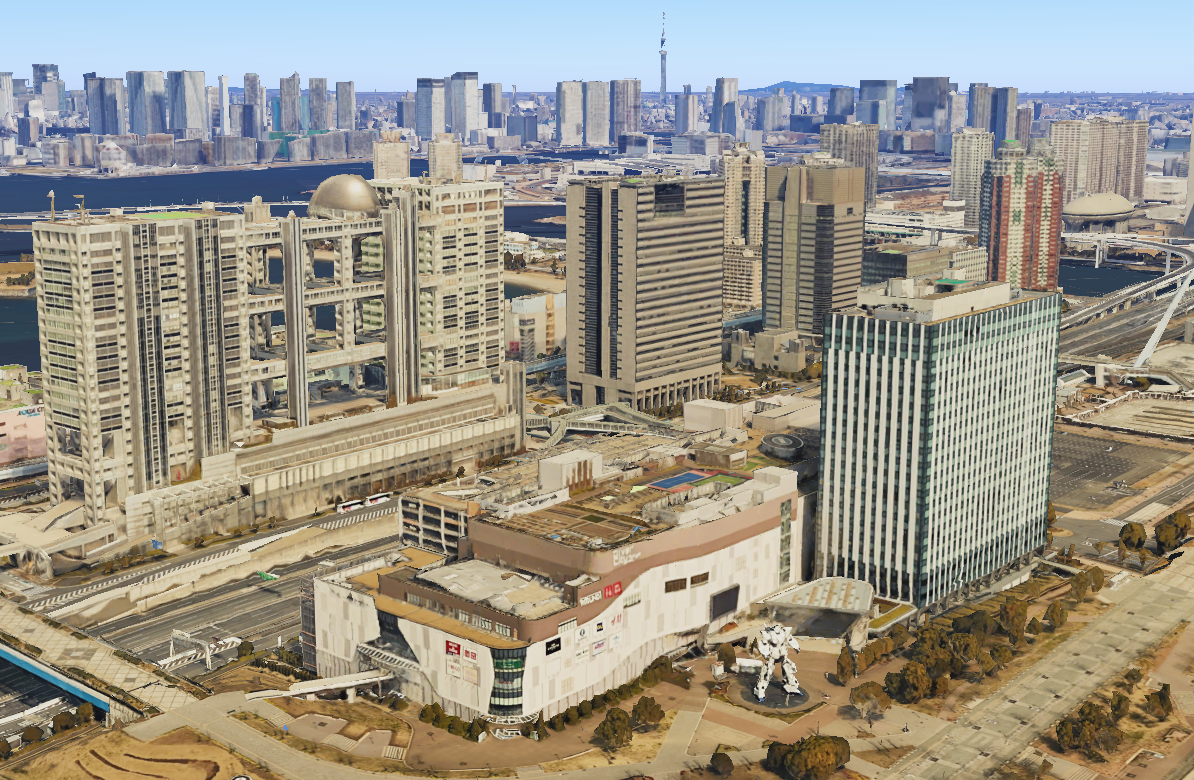
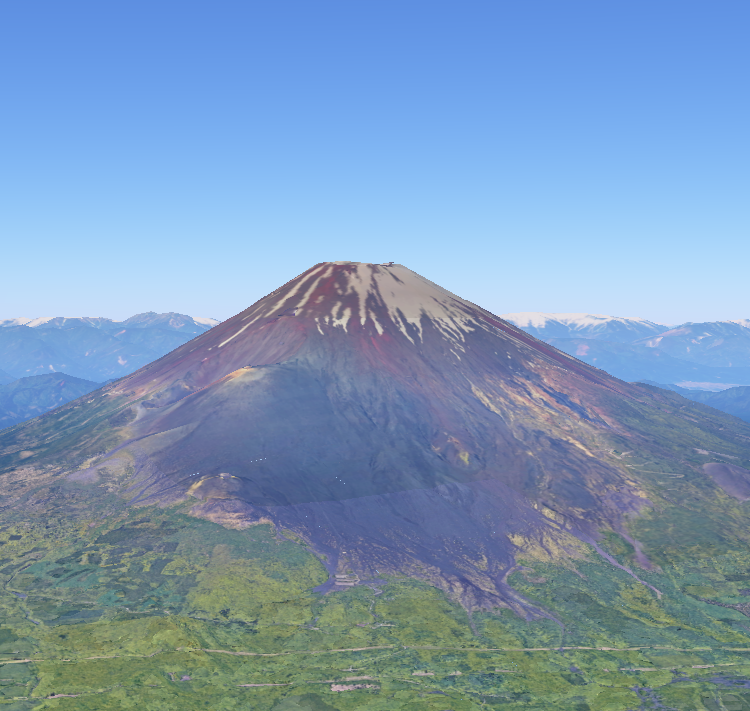
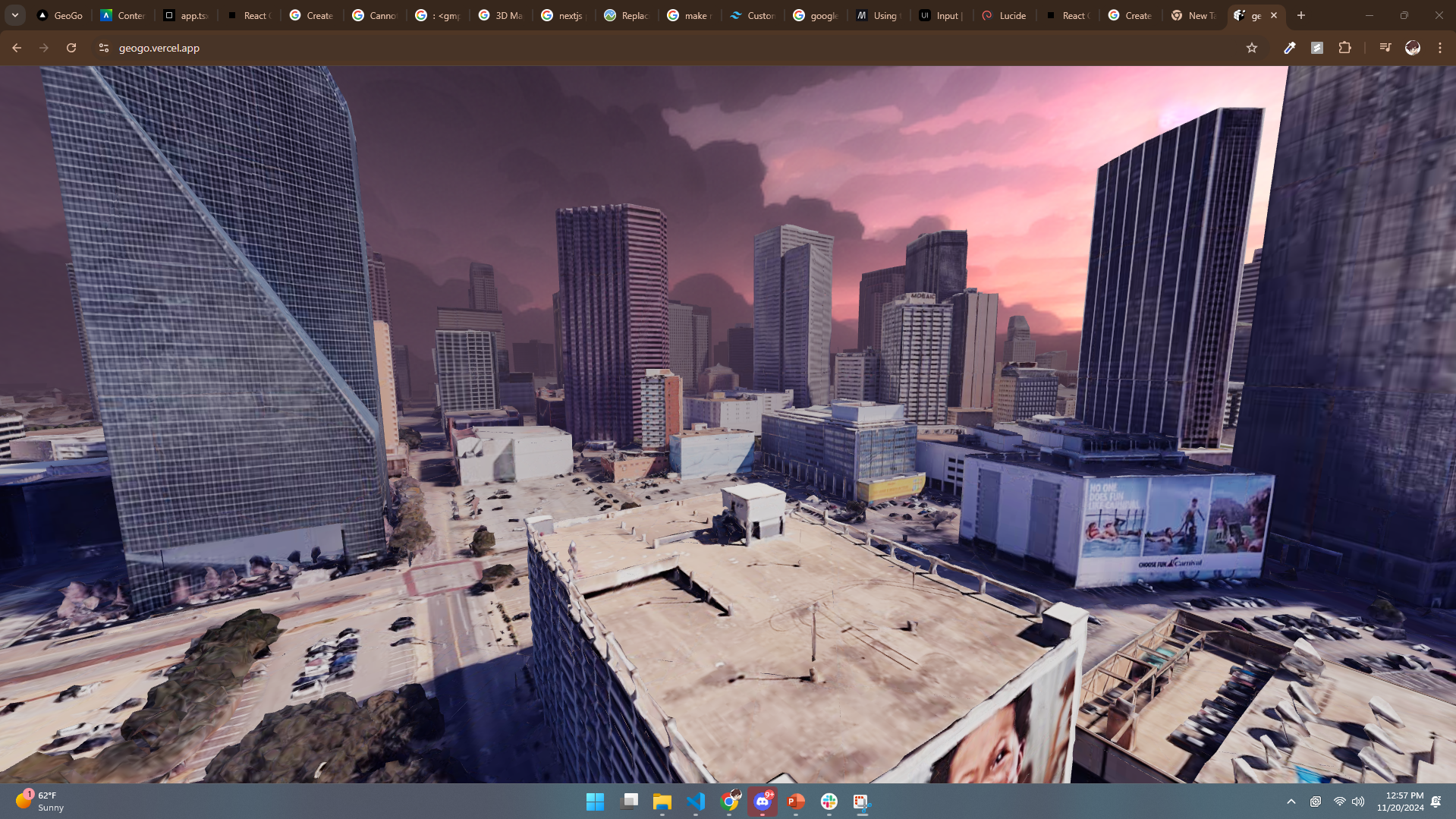
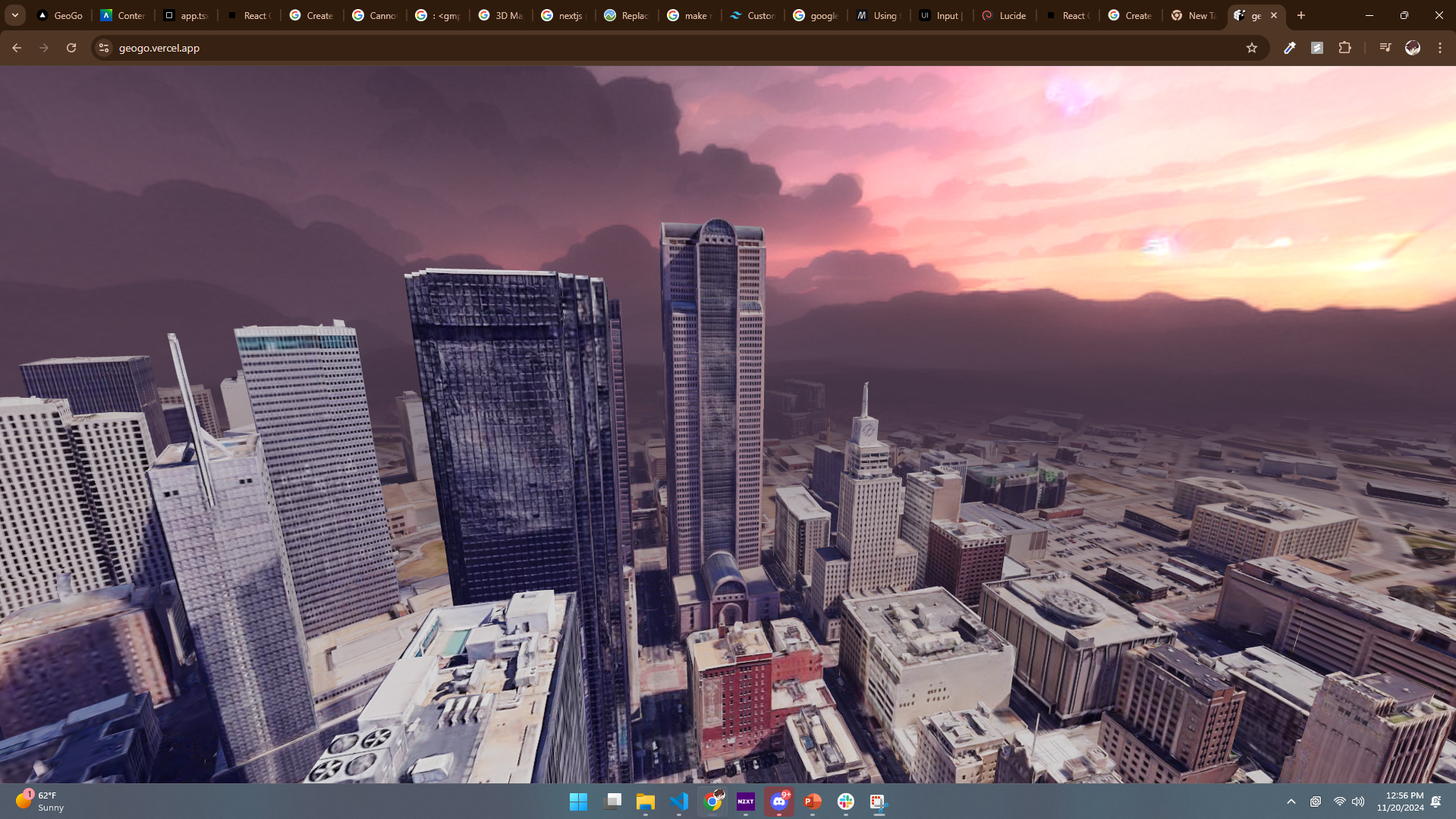
Our 3D Map Explorer game challenges players to match a given image to its real-world location using a 3D map viewer. Players use tools like zoom, pan, and rotate within a Google Maps-powered 3D interface to find and pinpoint the exact location.
How we built it
The game was developed using Next.js for its fast and dynamic web application capabilities, integrated with the Google Maps API for rendering 3D map views and location data. We implemented an intuitive user interface that allows seamless exploration of global landscapes.
Challenges we ran into
Optimizing 3D map rendering for smooth gameplay. Ensuring the image clues were neither too difficult nor too easy, creating a balanced level of challenge. Integrating the Google Maps API with Next.js while maintaining performance.
Accomplishments that we're proud of
Building an engaging and visually appealing game experience. Successfully integrating real-world 3D map data for interactive exploration. Developing a scalable platform that could support multiple levels and challenges.
What we learned
Advanced features of the Google Maps API, including 3D visualization tools. Techniques for enhancing performance in web applications using Next.js. The importance of user feedback in designing balanced and enjoyable gameplay.
What's next for GeoGo
We plan to:
Add multiplayer modes where players can race to find locations. Include leaderboards to encourage competition. Expand the game with additional clues like text, audio, or mini-puzzles for more immersive challenges. Explore partnerships with educational platforms to use the game as a learning tool for geography.
Built With
- google-maps
- google-places
- maps
- nextjs


