-
geoforge-vercel interface
-
geoforge-vercel interface
-
geoforge-vercel interface
-
geoforge-vercel interface
-
geoforge-vercel interface
-
geoforge-vercel interface
-
geoforge-vercel interface
-
geoforge-vercel interface
Inspiration
Understanding 3D geometry and spatial reasoning often presents a steep learning curve when limited to static 2D textbook diagrams. Visualizing how geometric solids are constructed, how their surface areas and volumes scale, and how cross-sectional slices alter their 2D profiles can be difficult without hands-on manipulation. We were inspired to build GeoForge 3D to bridge the gap between 3D spatial models and 2D blueprint schematics—giving students, educators, and engineers an interactive visual sandbox to slice, measure, and analyze solid geometry in real time.
What it does
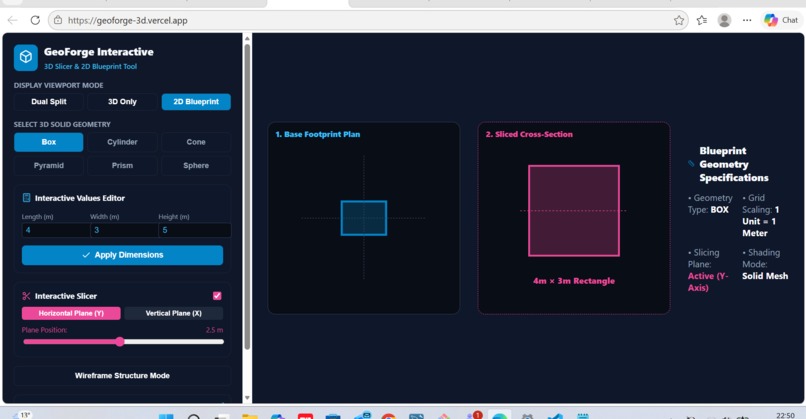
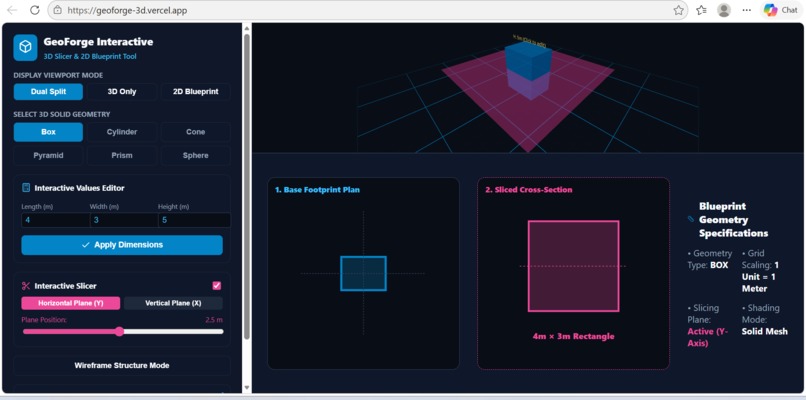
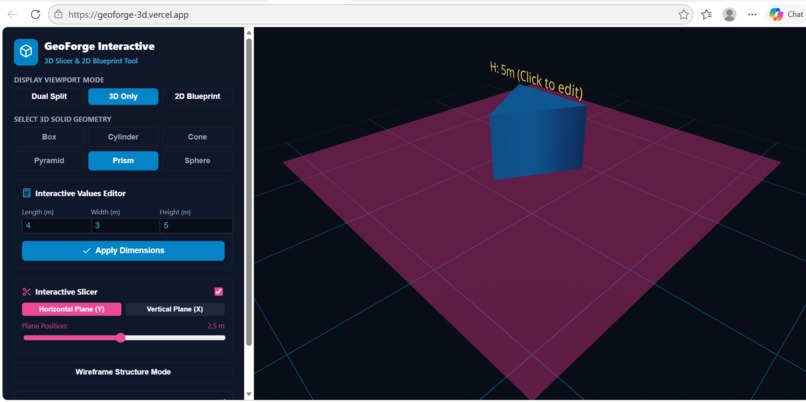
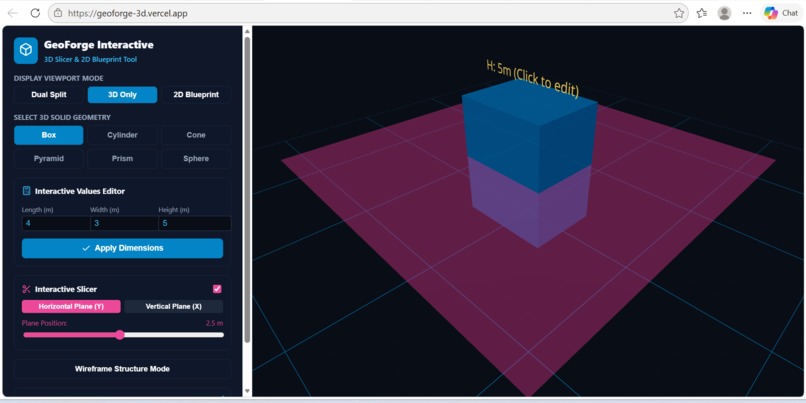
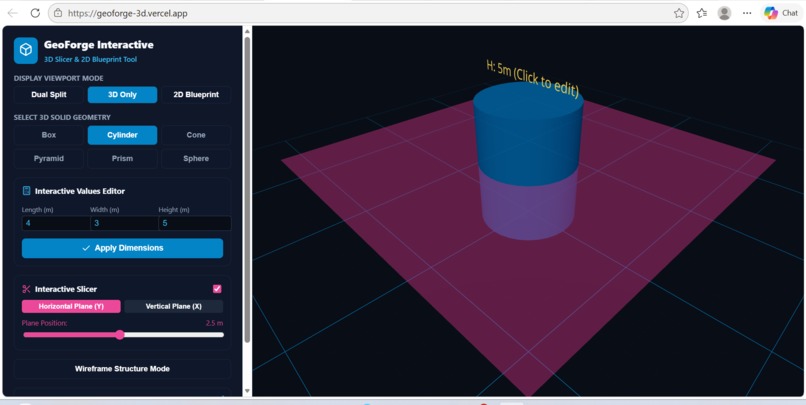
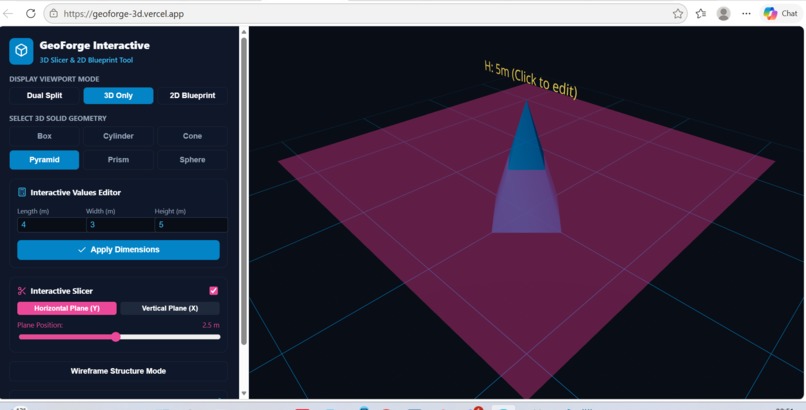
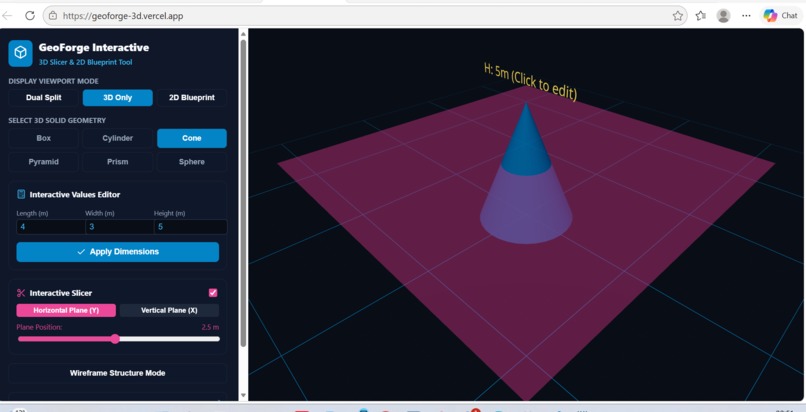
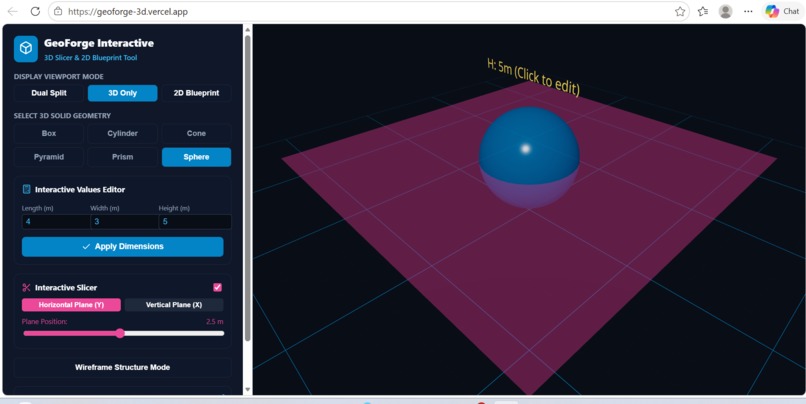
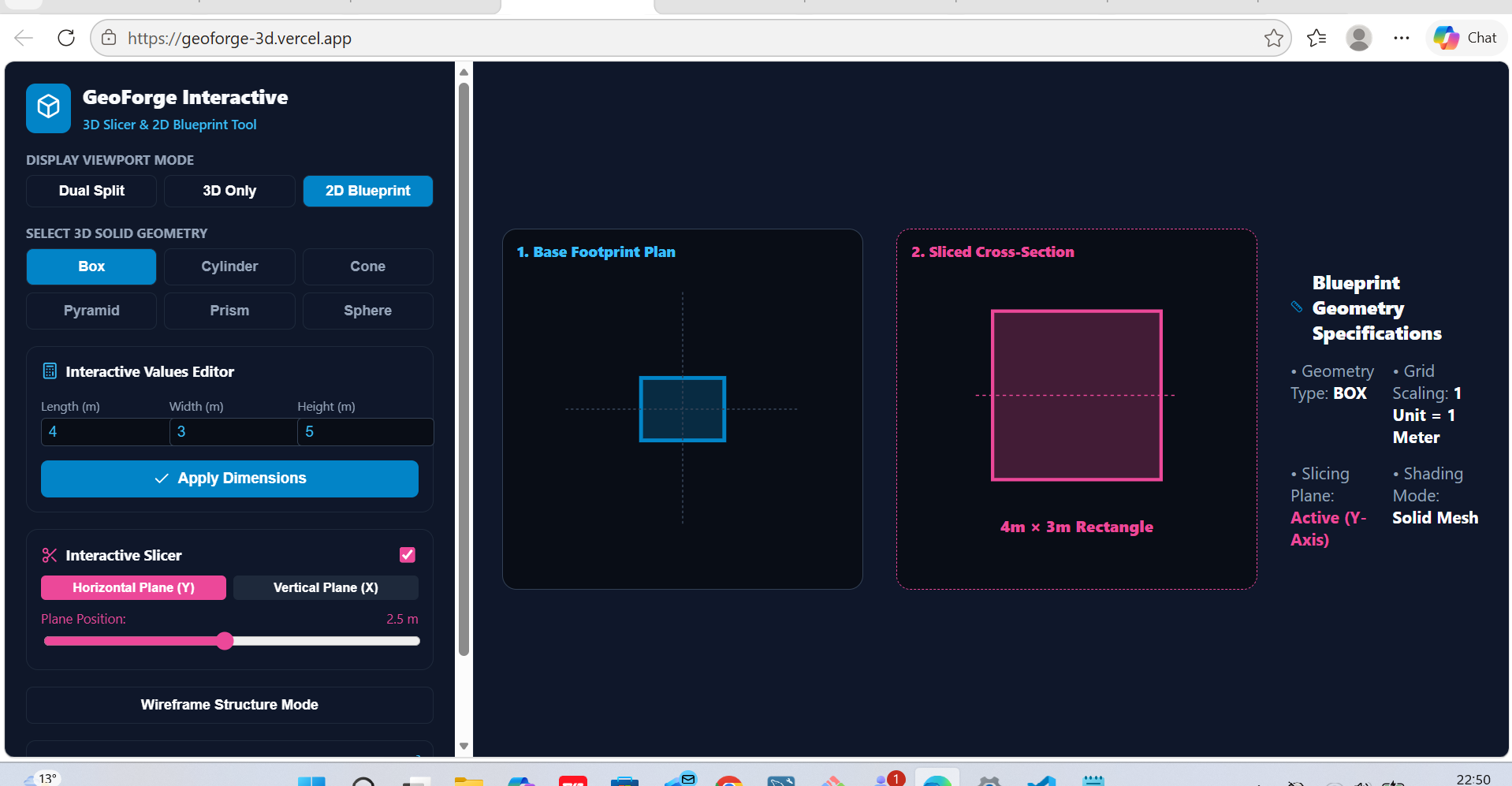
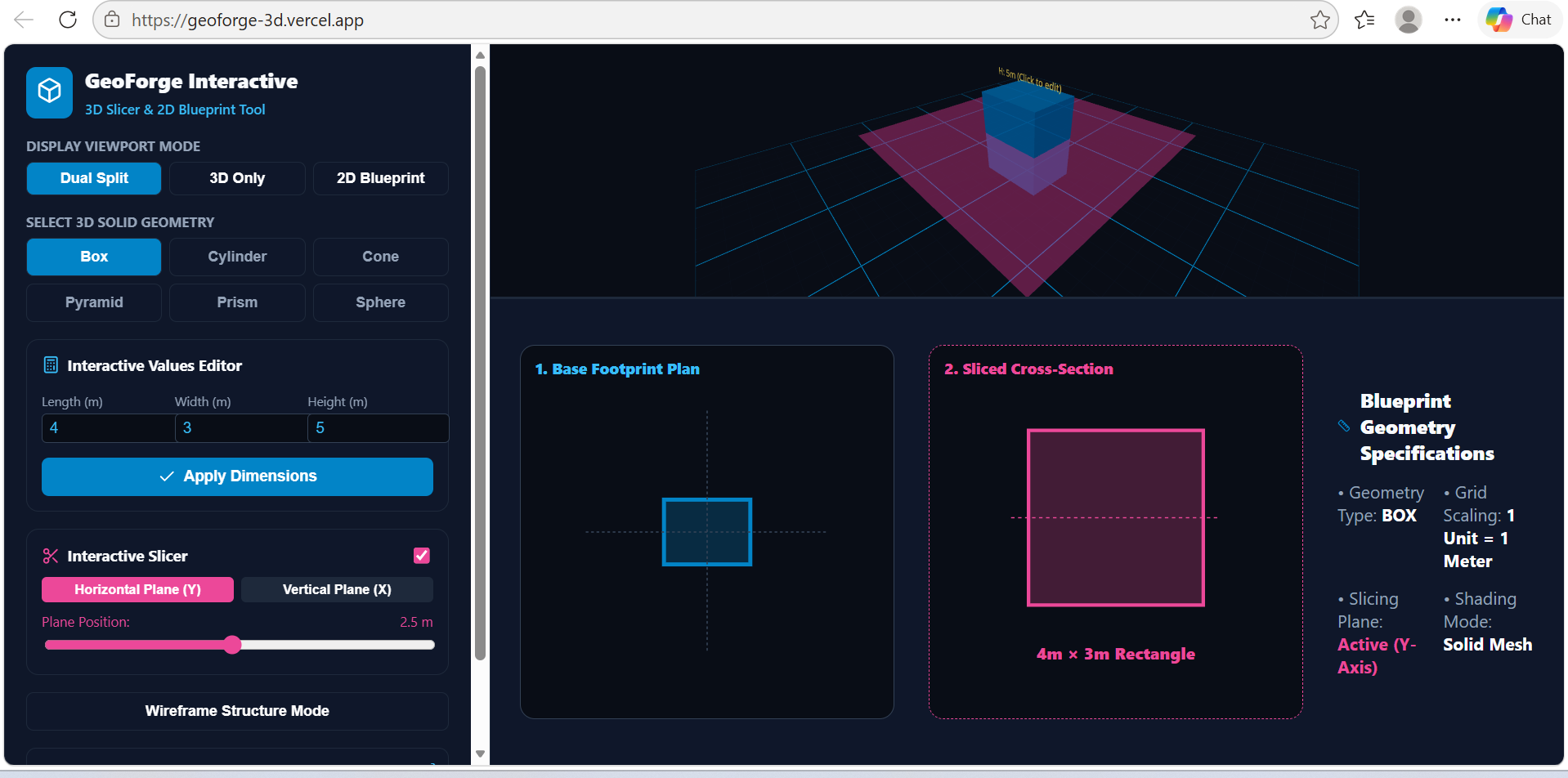
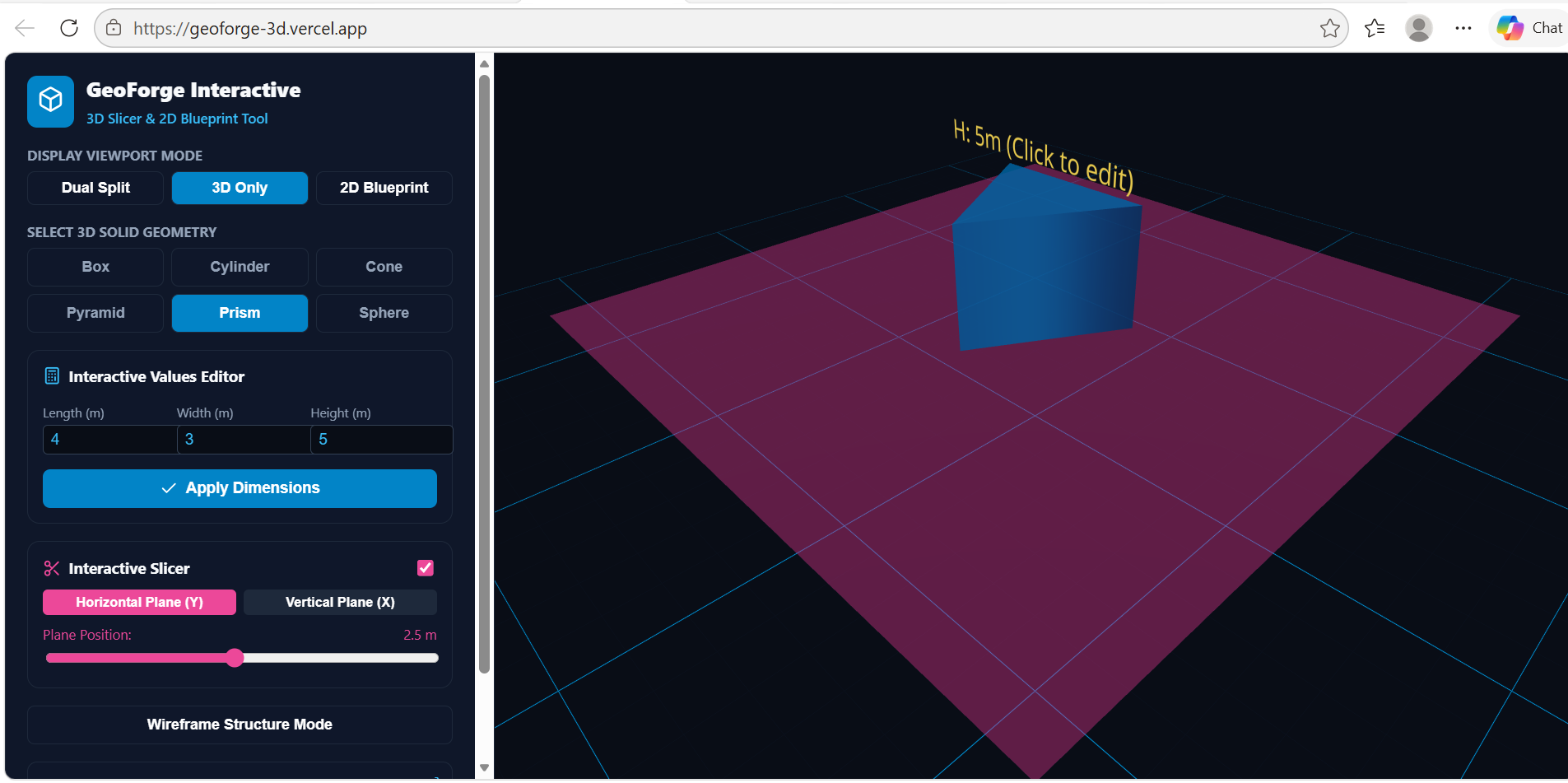
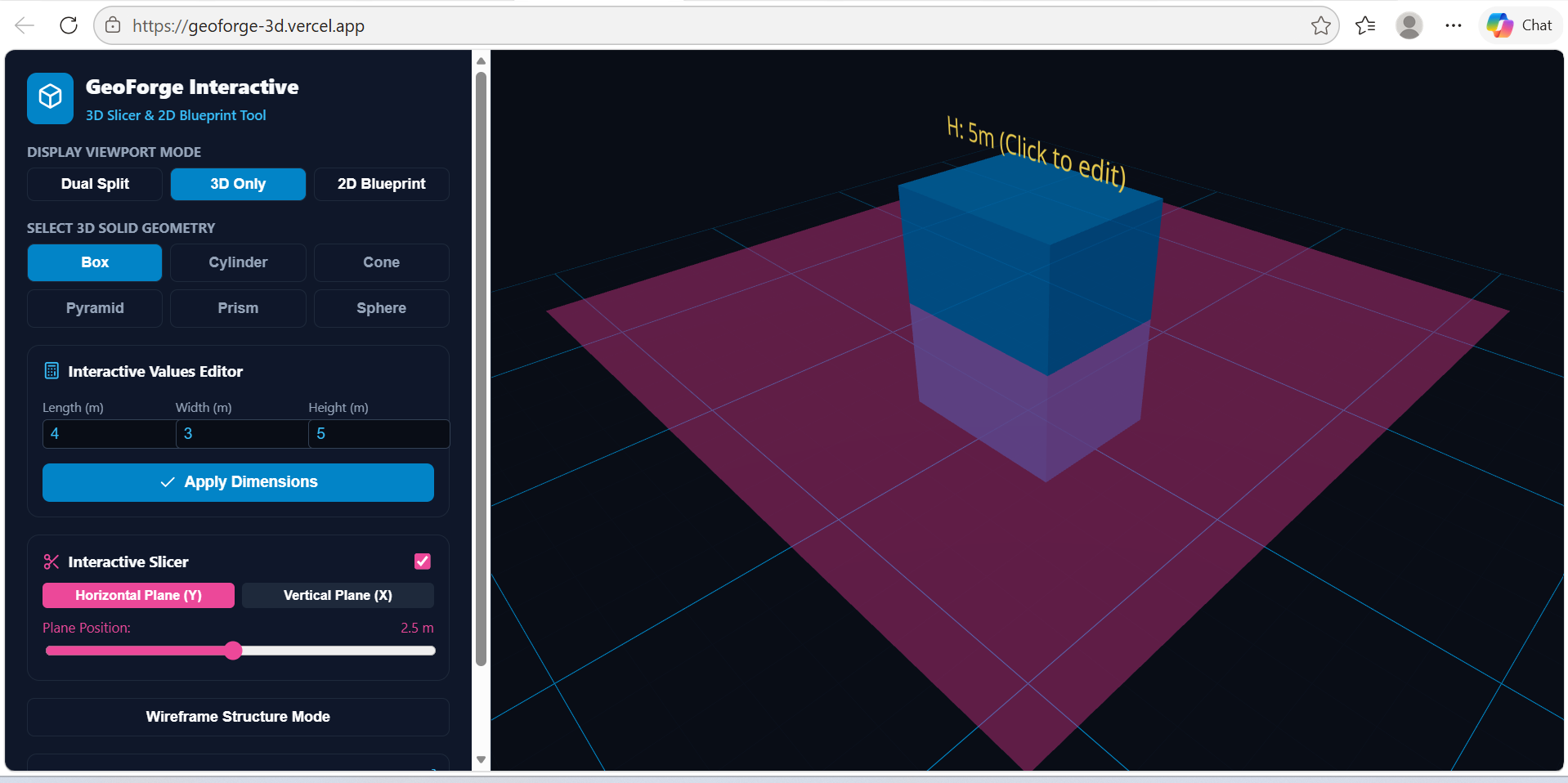
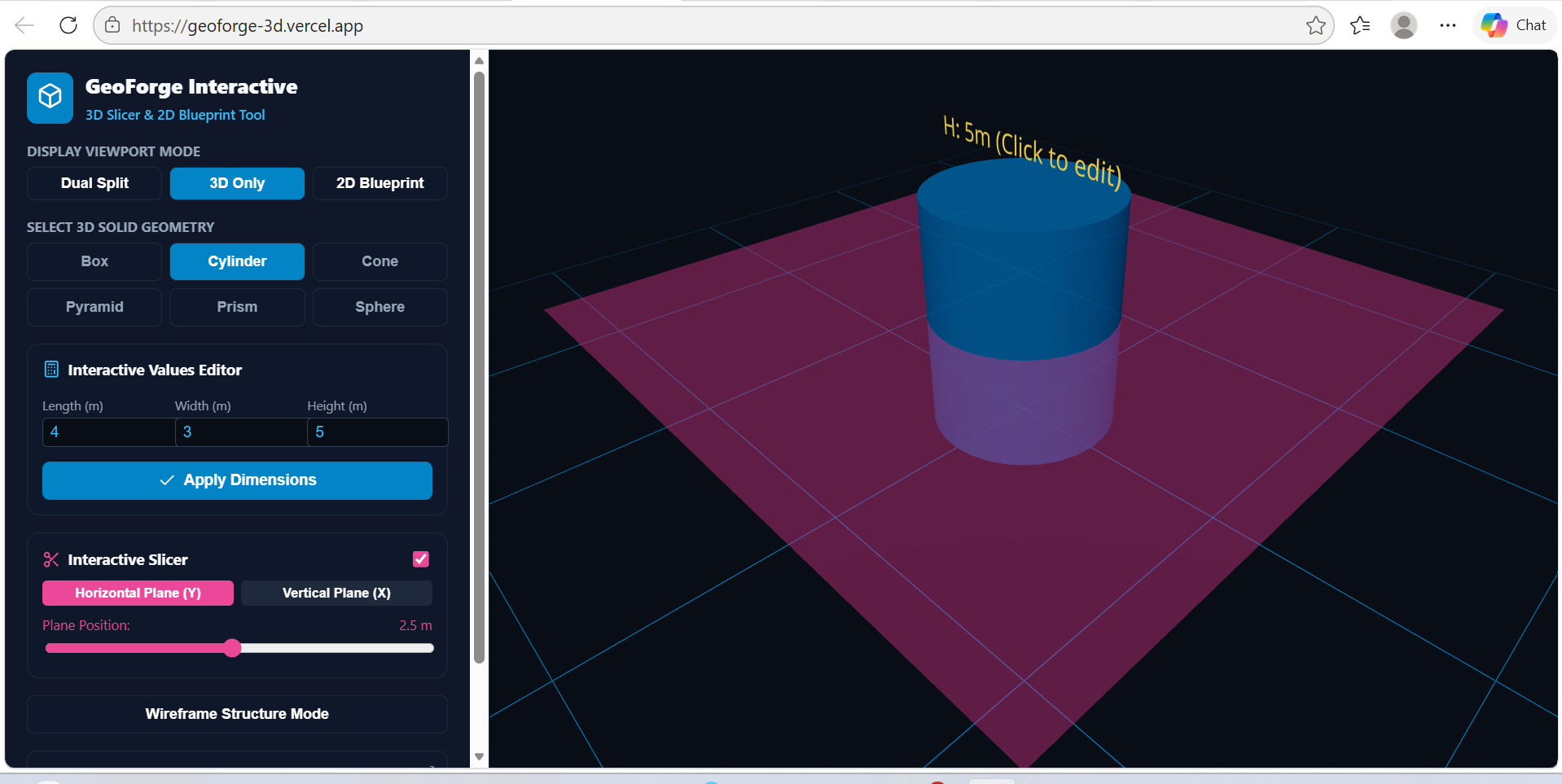
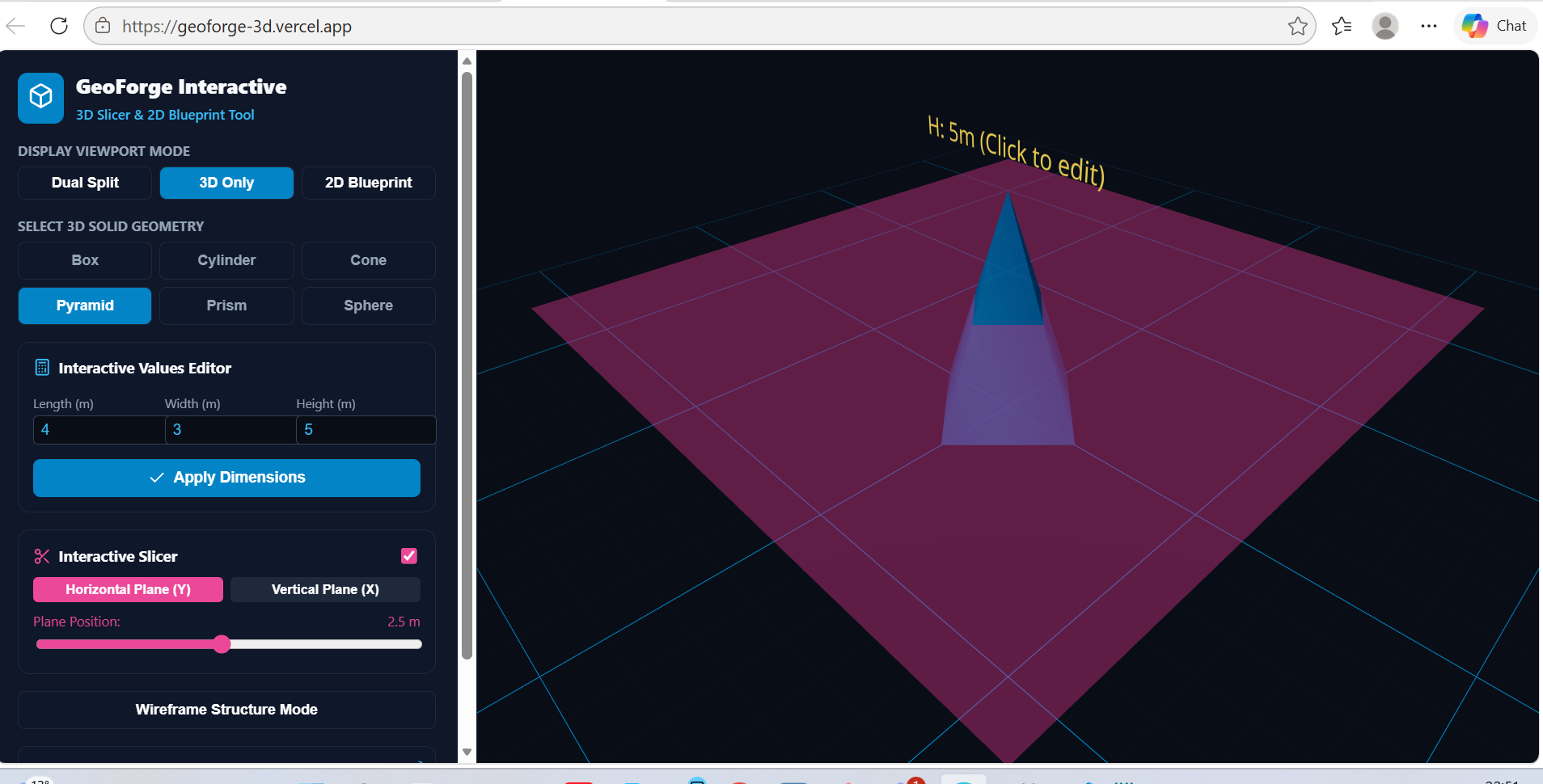
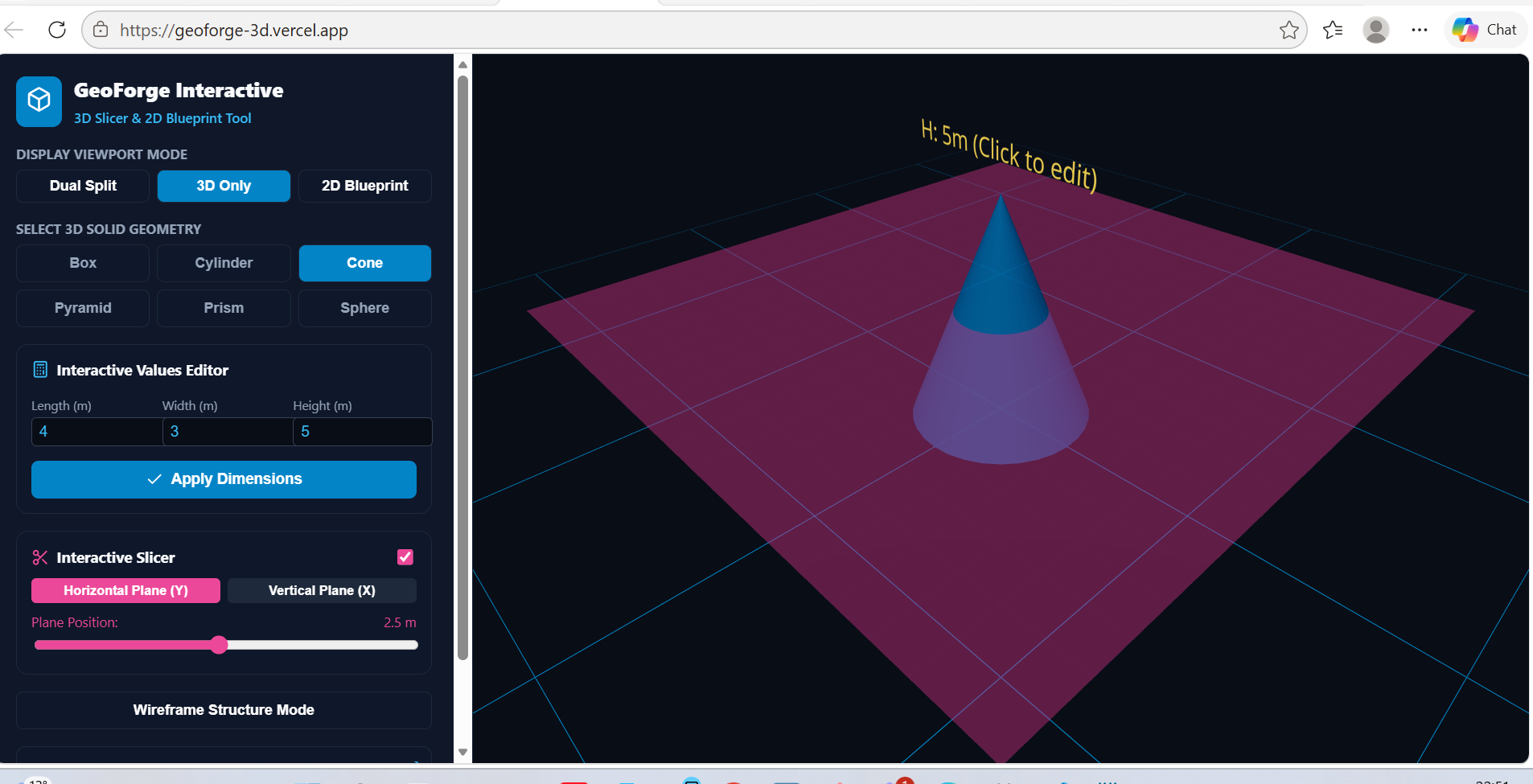
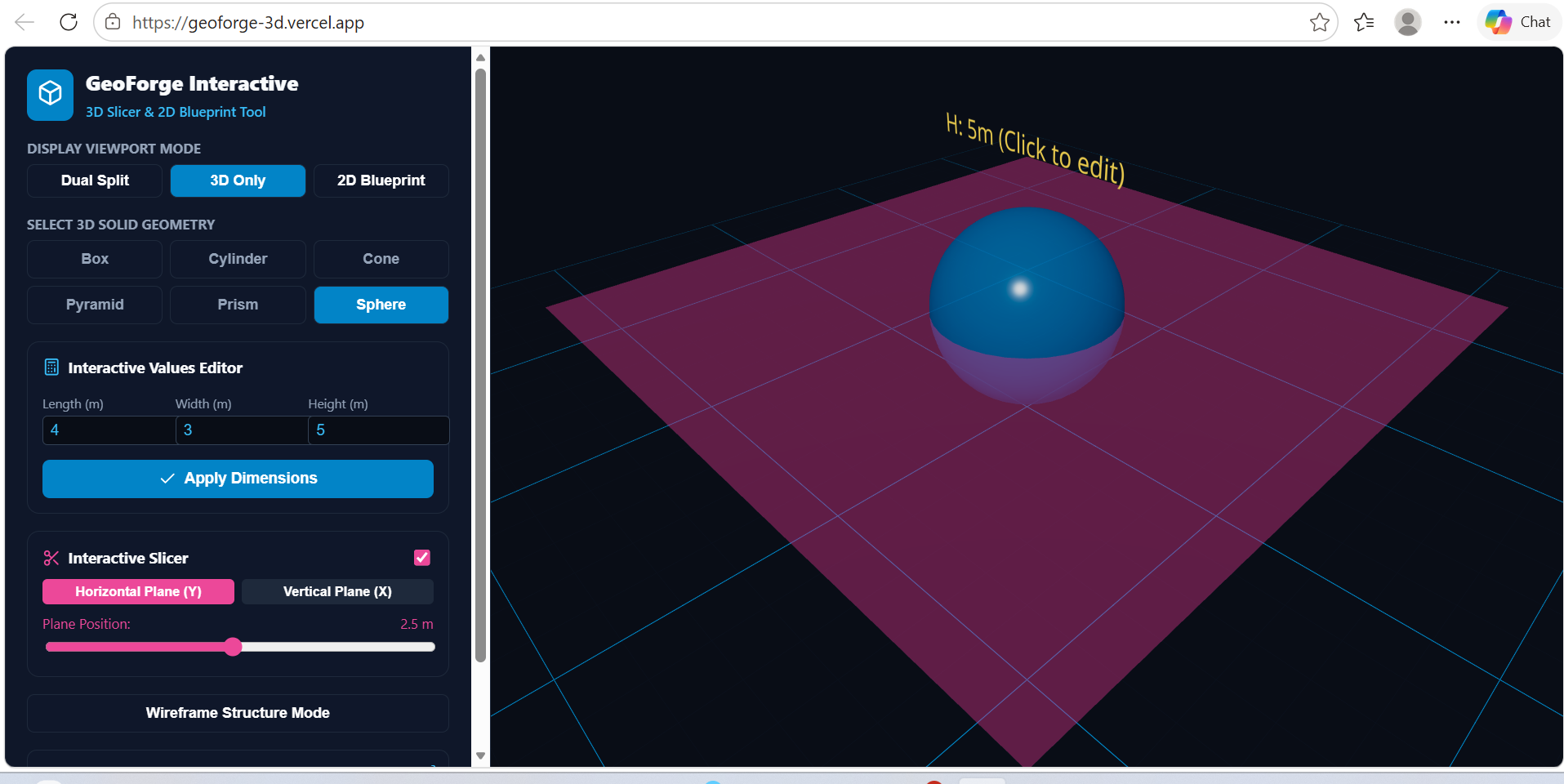
GeoForge 3D is a web-based spatial modeling tool featuring dual interactive viewports:Interactive 3D Slicer: Renders dynamic 3D primitives (boxes, cylinders, cones, pyramids, prisms, and spheres) equipped with horizontal ($Y$-axis) and vertical ($X$-axis) slicing planes that cut through the models in real time.Synchronized 2D Blueprint Engine: Generates real-time 2D SVG base footprints and sliced cross-sectional profiles alongside the 3D model.Interactive Dimension Editing: Clicking directly on geometric labels within the 3D canvas or 2D blueprint highlights and focuses the respective length, width, or height controls in the sidebar.Real-time Mathematical Metrics: Instantly calculates and updates Volume ($V$), Surface Area ($SA$), and Cross-Sectional Cut Area ($A_{\text{cross}}$) as shape parameters or slice positions change.
How we built it
Frontend Architecture: Built with React and structured for fast state synchronization between control inputs, mathematical calculation hooks, and viewport renders.
3D Graphics Engine: Powered by Three.js using @react-three/fiber for declarative 3D scene creation and @react-three/drei for orbit camera controls, procedural grids, plane overlays, and dynamic 3D text.
2D Vector Graphics: Developed responsive, scalable SVG diagrams to render crisp, scaled base footprint plans and cross-sectional slices.
UI & Styling: Designed a sleek dark-mode dashboard styled with CSS-in-JS and paired with Lucide React icons.
Challenges we ran into
Cross-Section Mathematical Modeling: Calculating dynamic cut areas and dynamic cross-section profile descriptions across complex geometric shapes (like cones and spheres at arbitrary slicing height positions) required precise mathematical formulas.
Bidirectional Input Syncing: Connecting click interactions on 3D spatial text nodes (@react-three/drei) directly to React useRef handles on standard HTML sidebar inputs while maintaining smooth 60 FPS canvas performance.
Dual Viewport Layout Balance: Ensuring both the Three.js canvas and the SVG blueprint viewports scale fluidly across different display modes ("Dual Split", "3D Only", and "2D Blueprint") without triggering visual distortion or layout shifts.
Accomplishments that we're proud of
Seamless 3D-to-2D Synchronization: Achieving instant, lag-free visual updates across both the 3D Three.js canvas and the 2D SVG blueprint when tweaking slicing planes or shape dimensions.
Intuitive Click-to-Edit Interaction: Allowing users to click directly on floating 3D/2D dimension labels to jump straight into editing that specific parameter in the UI.
Clean & Modular Codebase: Consolidating complex WebGL state management, mathematical recalculations, and layout switching into an efficient, maintainable React application.
What we learned
Deepened our mastery of React Three Fiber state management and scene graph organization.
Learned techniques for bridging 3D WebGL event handlers with standard DOM element focus states.
Gained hands-on experience translating mathematical surface area, volume, and cross-sectional algorithms into reactive UI hooks (useMemo).
What's next for GeoForge 3D
Custom Mesh Uploads: Allow users to import custom .STL or .OBJ CAD models to slice and inspect.Exporting Blueprint Packages: Add a feature to export generated 2D blueprints and metric reports as downloadable PDF/DXF files.Multi-Plane Slicing: Introduce angled, arbitrary cutting planes ($Z$-axis and rotational cuts) for advanced engineering cross-sections.AR/VR Integration: Bring WebXR support to project the 3D models onto physical tabletop surfaces using mobile augmented reality.


Log in or sign up for Devpost to join the conversation.