-
-
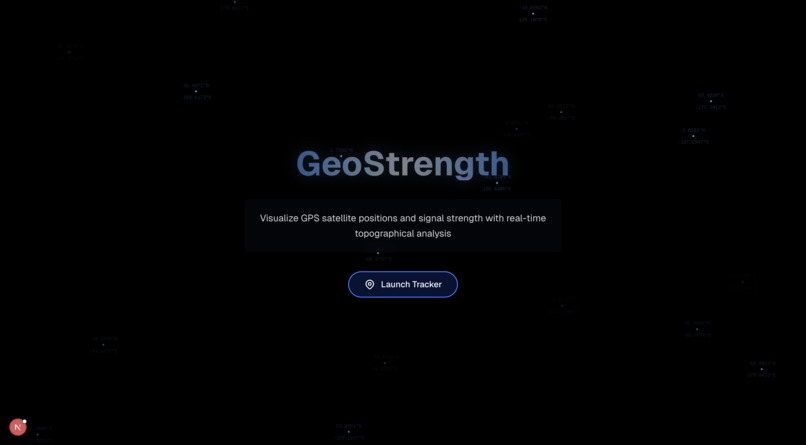
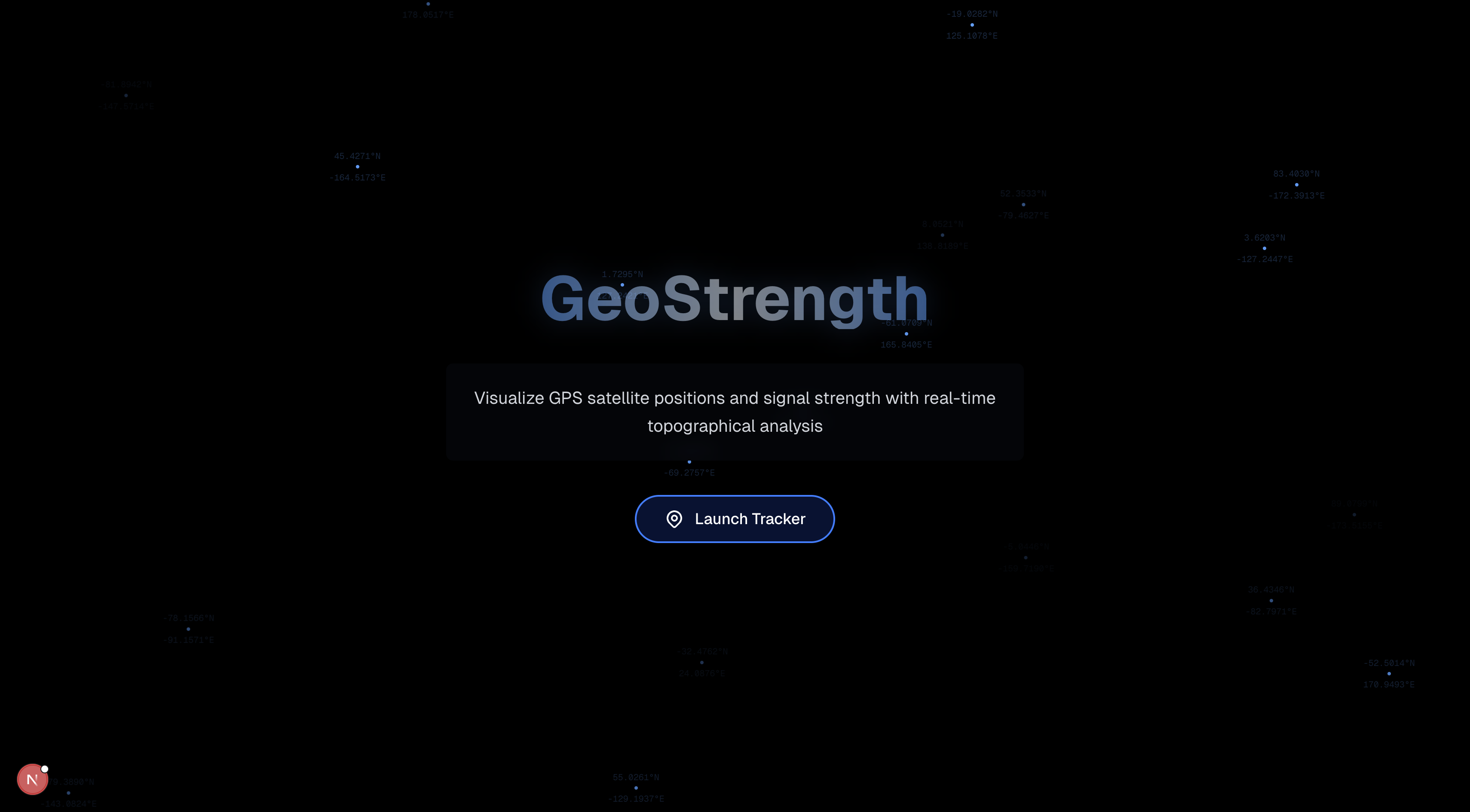
Landing Page
-
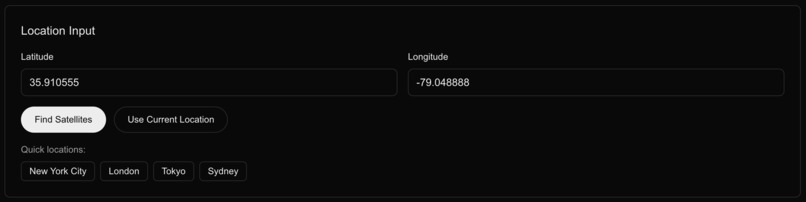
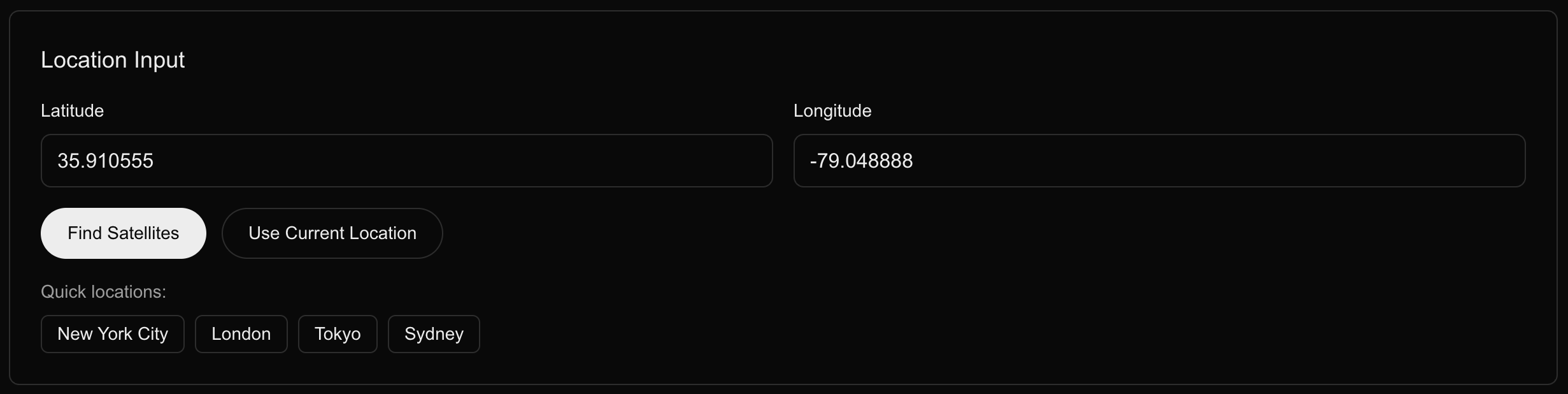
Location Input
-
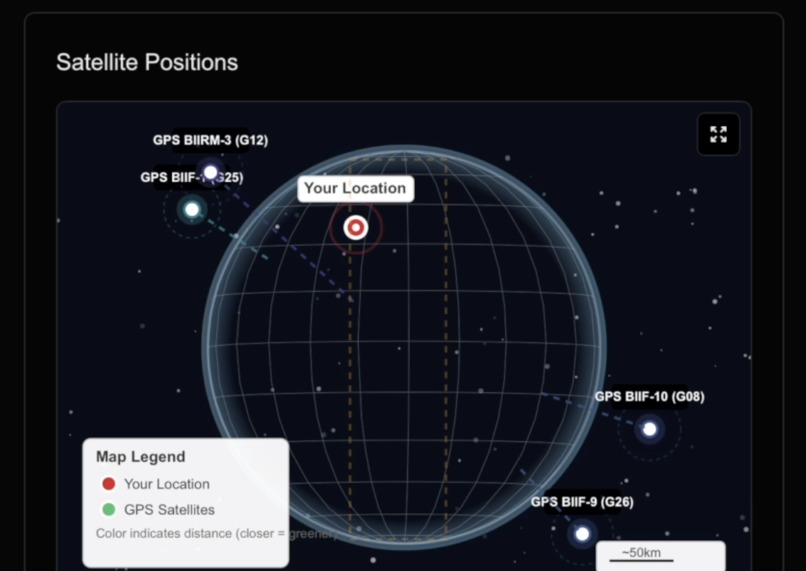
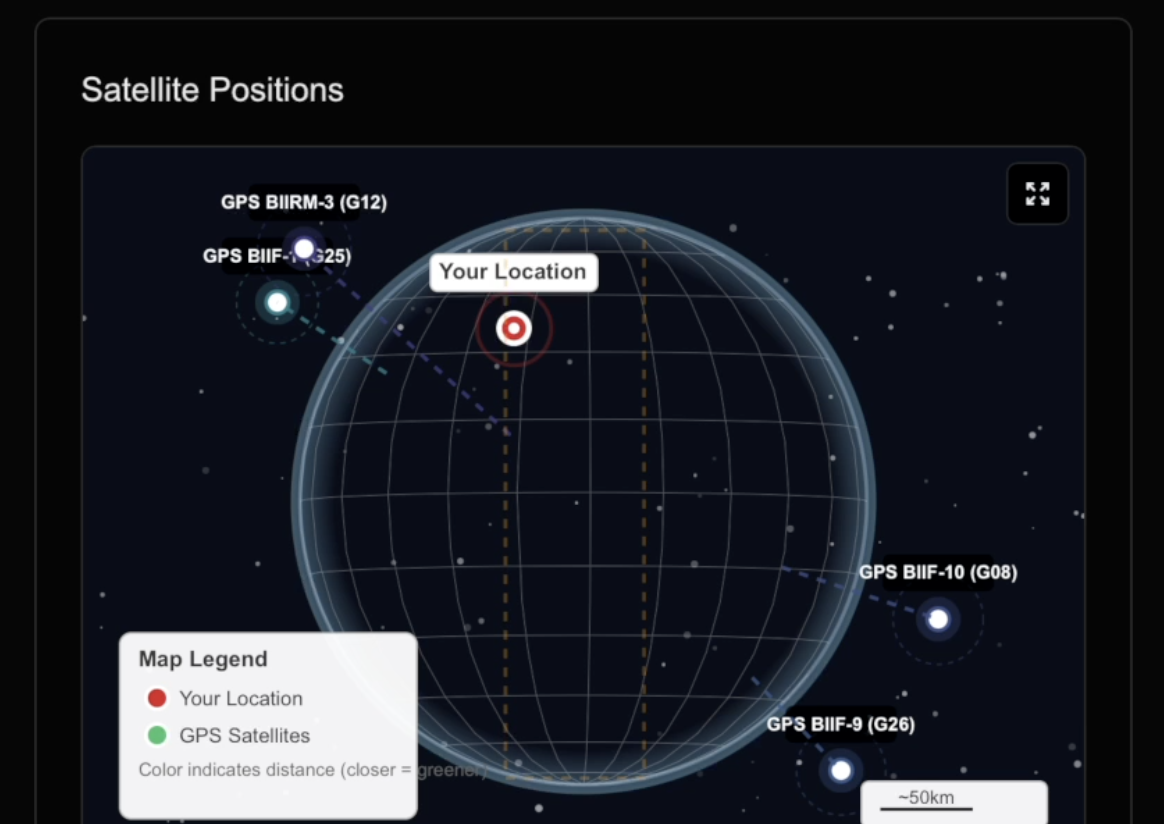
Satellite Positions
-
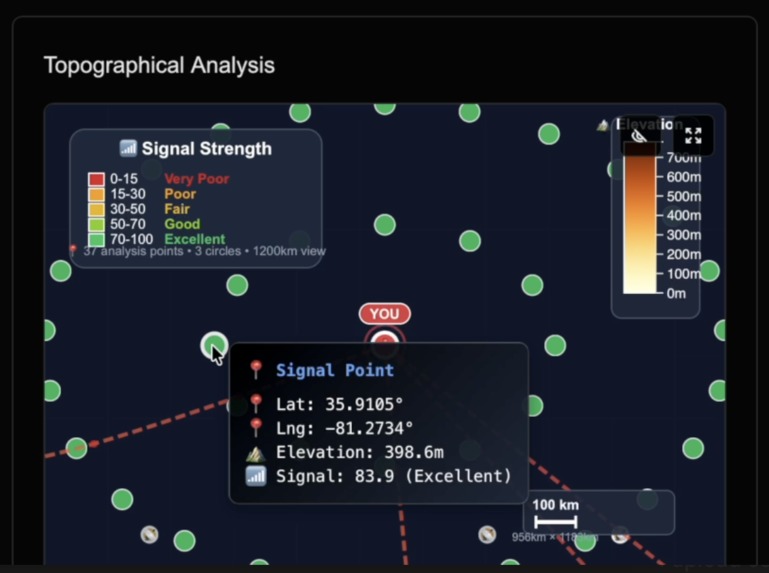
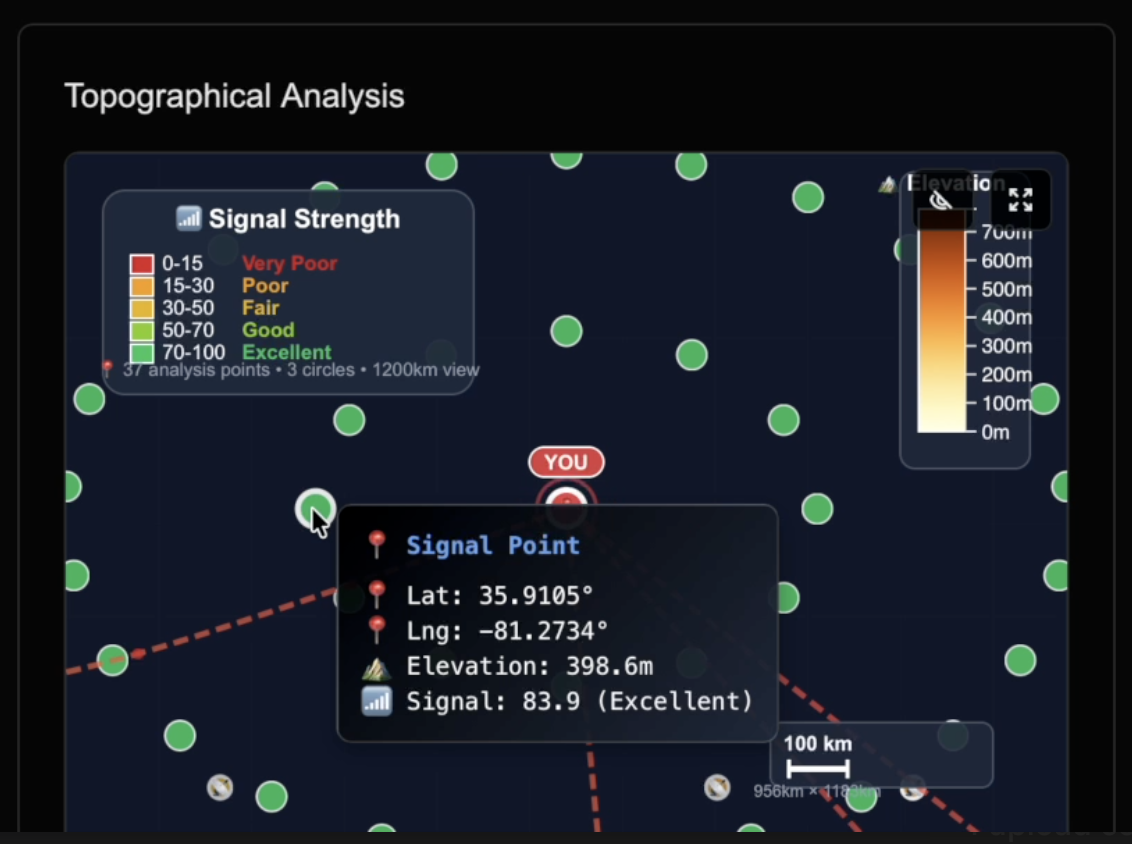
Topographical Analysis
-
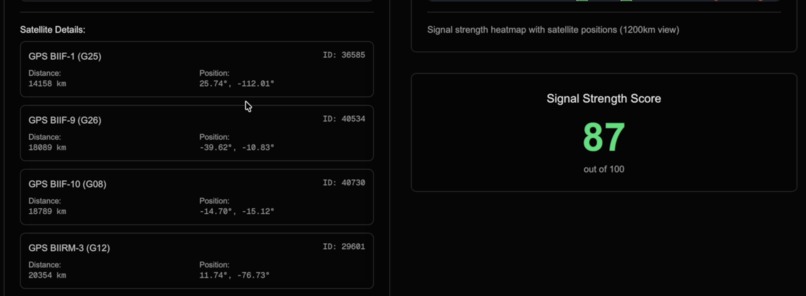
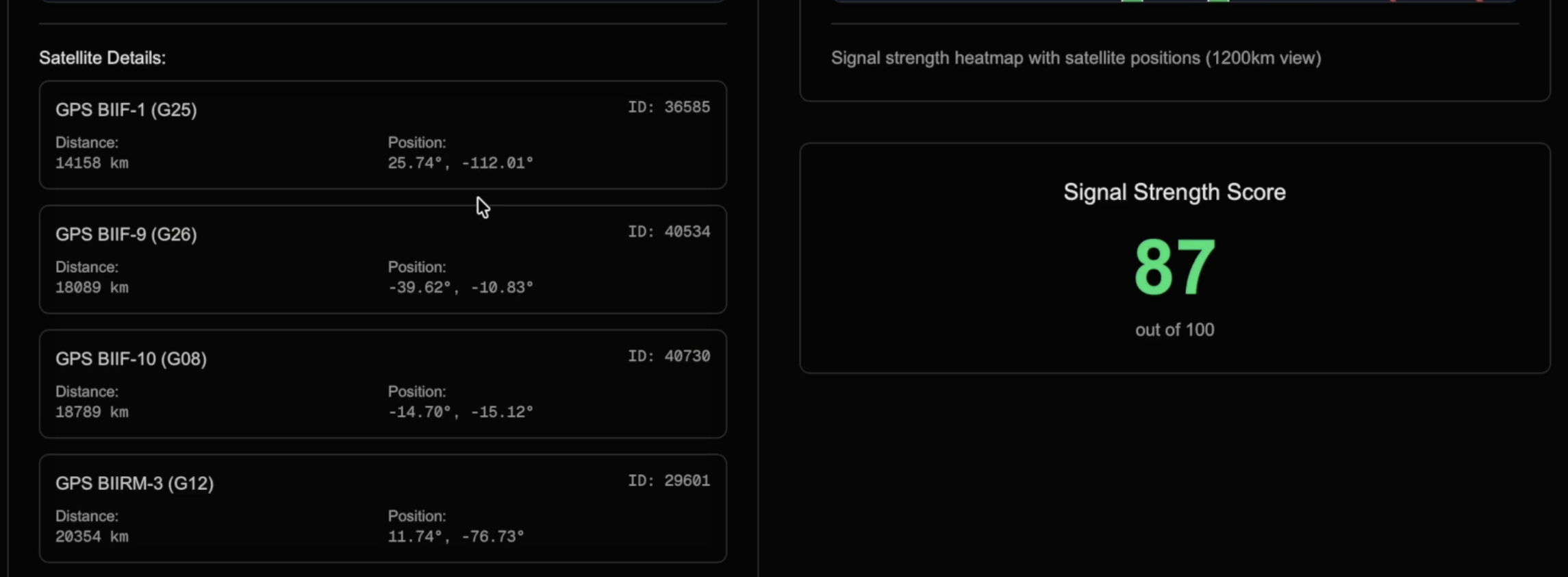
Satellite Details & Overall Score
GeoStrength
A real-time GPS satellite tracking application that visualizes satellite positions and signal strength to help users optimize GPS reception and find the best positioning for stronger satellite signals.
Overview
This application provides comprehensive GPS satellite tracking capabilities by analyzing Two-Line Element (TLE) data from NASA's satellite database. The system calculates the positions of GPS satellites in real-time, determines the four closest satellites to any given location on Earth, and analyzes signal strength using a topological map of Earth to visualize obstructions to help users find optimal positioning for better GPS reception.
Key Features
- Real-time Satellite Positioning: Calculates current GPS satellite positions using orbital mechanics (SkyfieldAPI) and TLE data.
- Distance Analysis: Computes distances between user location and satellites using the Haversine formula.
- Signal Strength Optimization: Analyzes and visualizes signal strength based on satellite elevation, proximity, and line-of-sight to help users find the best location for GPS reception.
- Interactive Mapping: Provides detailed topographical visualization with satellite overlay.
- Coordinate Input: Supports manual coordinate entry and automatic geolocation detection.
Data Sources and Analysis
The application leverages NASA's Two-Line Element (TLE) data format to perform sophisticated orbital calculations:
- TLE Data Processing: Parses NASA satellite orbital parameters including inclination, eccentricity, and mean motion
- SGP4 Orbital Model: Implements the Simplified General Perturbations 4 model for accurate satellite position prediction
- Geographical Computation: Uses WGS84 coordinate system for precise Earth-relative positioning
Technical Implementation
Backend
- FastAPI: RESTful API for satellite data processing
- Skyfield Library: Astronomical calculations and satellite tracking
- Pandas: Data analysis and manipulation of satellite datasets
- SGP4: Satellite position computation using NASA orbital models -NASA TLE API: Two-Line Element data for satellite telemetry information
Frontend
- Next.js: React-based web application framework
- D3.js: Advanced data visualization and interactive mapping
- Topojson: Geographical data processing and rendering
- Real-time Updates: Dynamic satellite position updates and visualization
Data Analysis Pipeline
- TLE Data Ingestion: Retrieves and parses Two-Line Element sets from NASA databases
- Orbital Mechanics: Applies SGP4 propagation model to calculate satellite positions
- Distance Calculation: Computes great circle distances using spherical trigonometry
- Signal Strength Analysis: Determines optimal signal reception by calculating satellite elevation angles, distance factors, and line-of-sight obstructions to help users position themselves for maximum GPS accuracy
- Visualization Processing: Transforms calculated data into interactive map representations
Signal Strength Benefits
Our GPS signal strength analysis helps users in several practical ways:
- Optimize Device Positioning: Find the best orientation and location for GPS devices to maximize signal reception
- Predict GPS Performance: Understand which satellites provide the strongest signals at your current location
- Plan Outdoor Activities: Choose optimal times and locations for GPS-dependent activities like surveying, hiking, or drone operations
- Enhance Navigation Systems: Improve GPS lock times and accuracy by understanding satellite constellation geometry
The application displays signal strength through color-coded visualizations, making it easy to identify the strongest satellite signals and position yourself accordingly for optimal GPS performance.
API Endpoints
POST /coordinates: Submit user coordinates for satellite analysisGET /satellites: Retrieve the four closest GPS satellites with position dataGET /health: System health and status monitoring
Installation and Setup
Backend
cd backend
python -m venv venv
source venv/bin/activate  # On Windows: venv\Scripts\activate
pip install -r requirements.txt
python main.py
Frontend
cd frontend
npm install
npm run dev
The application will be available at http://localhost:3000 with the API running on http://localhost:8000.


Log in or sign up for Devpost to join the conversation.