-
-
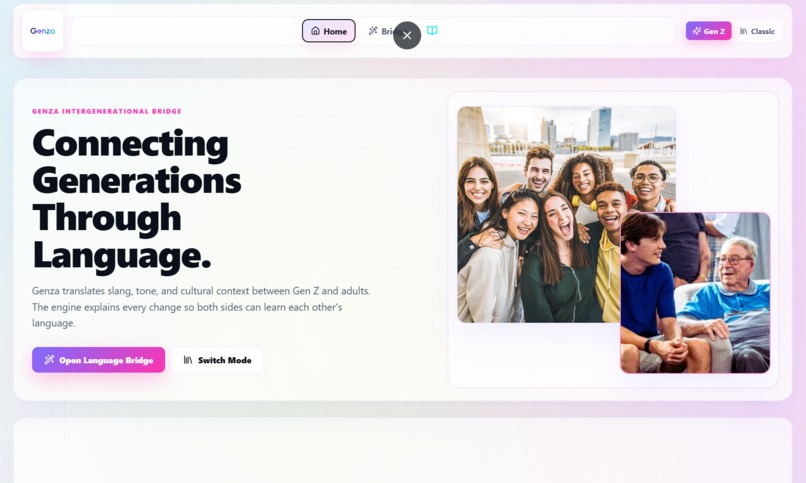
Home page
-
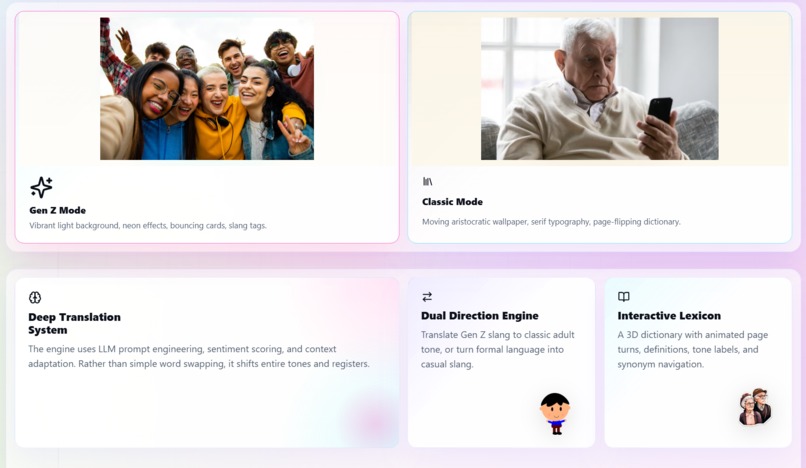
Idea
-
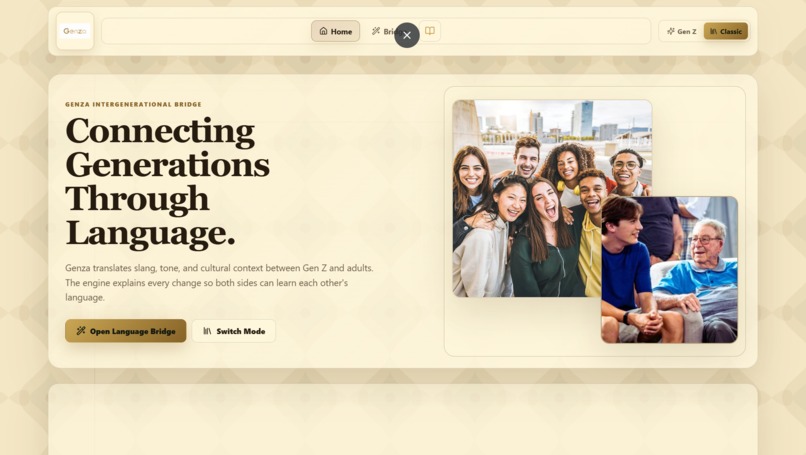
Another style
-
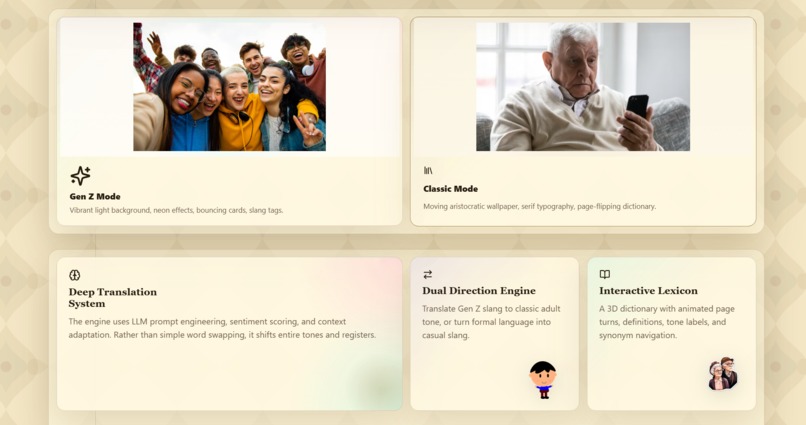
Different style
-
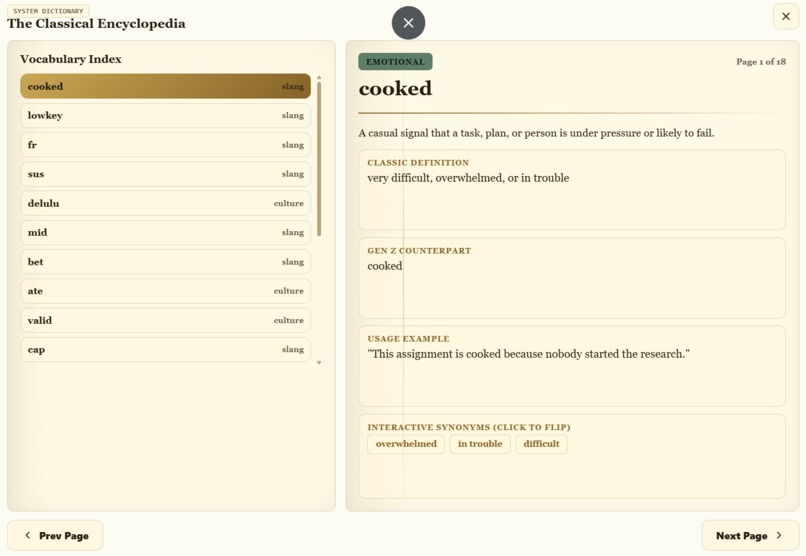
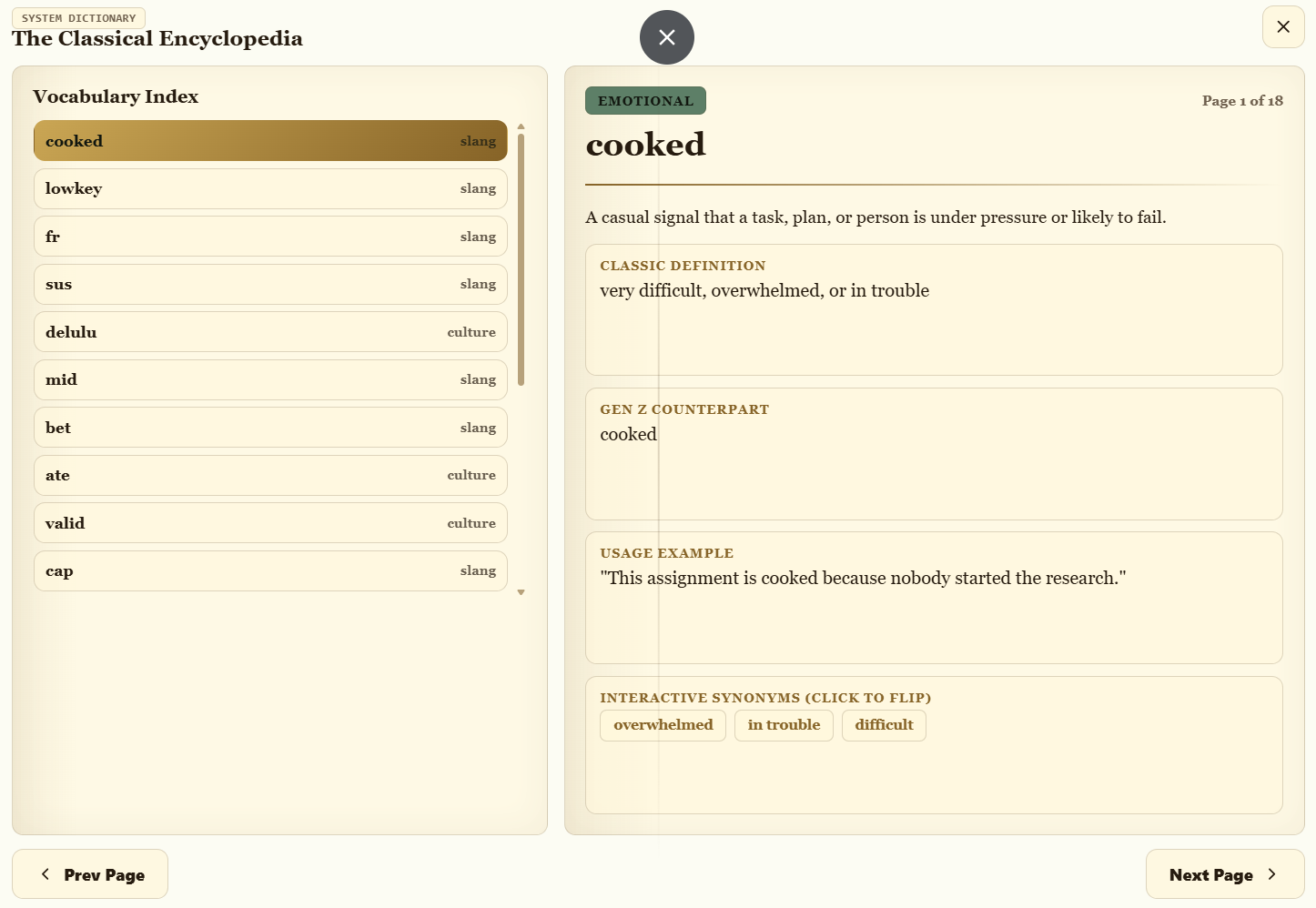
Lexicon
-
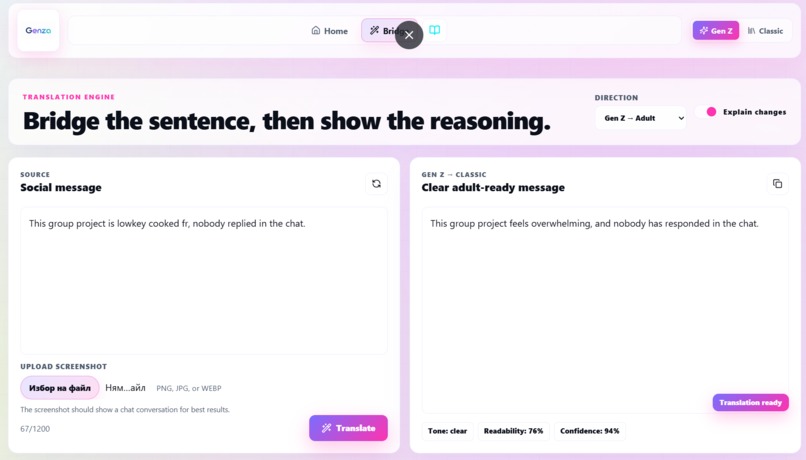
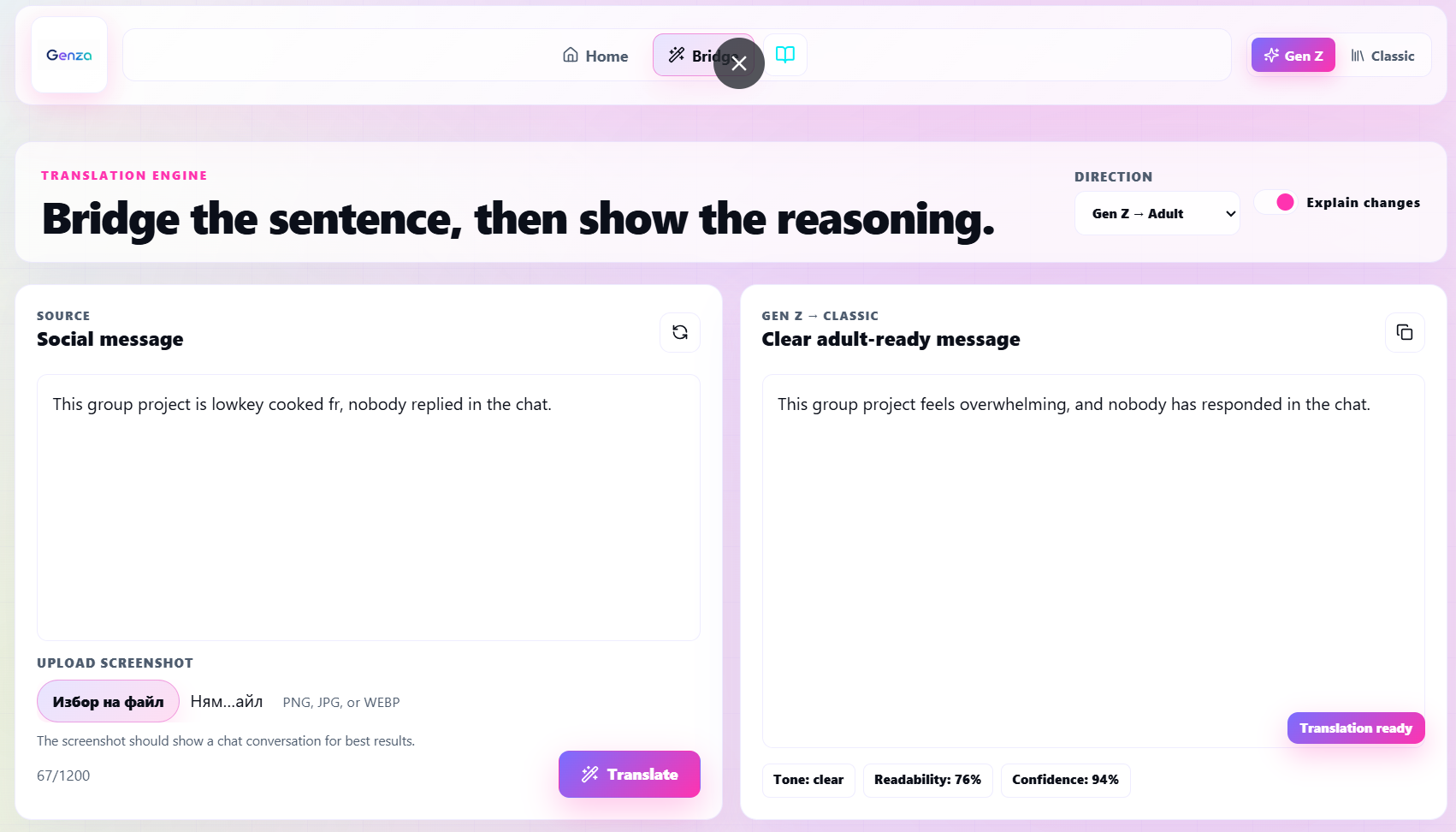
Translator
-
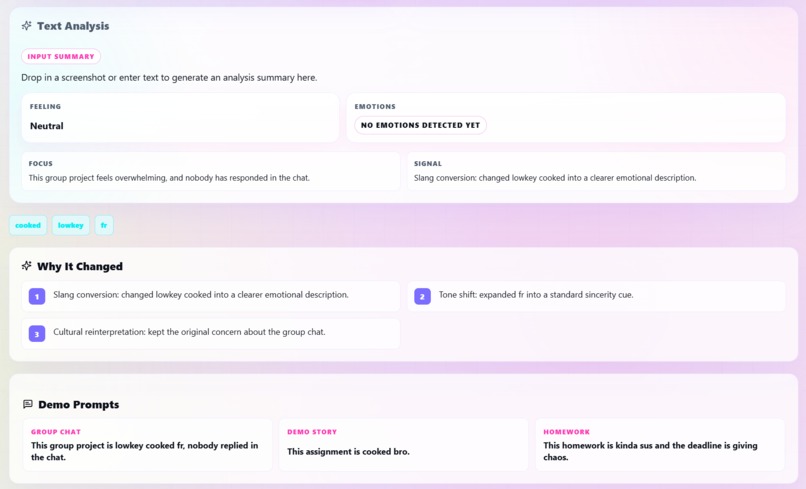
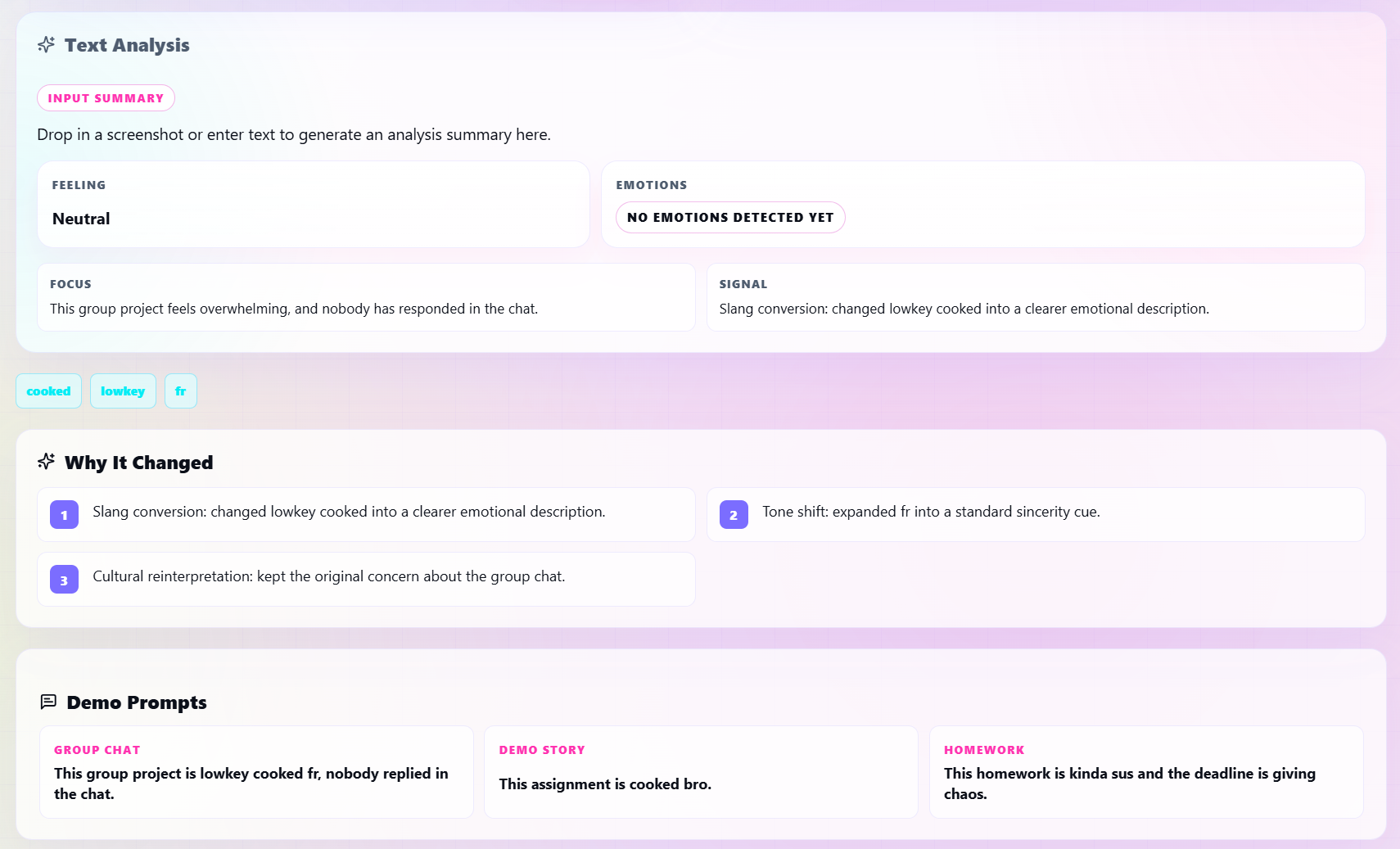
Analyses
-
Gen Z logo
-

Old people logo

Genza
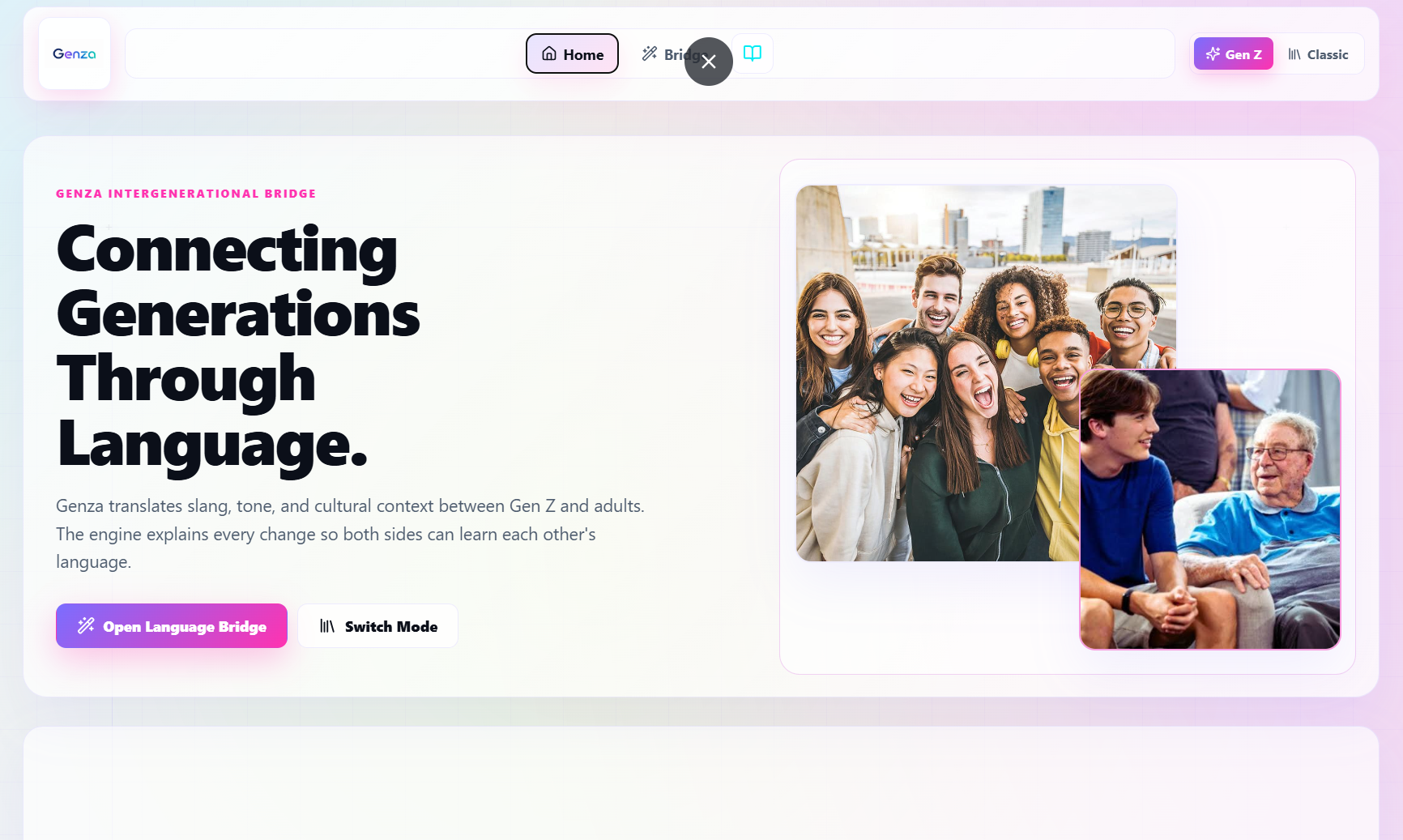
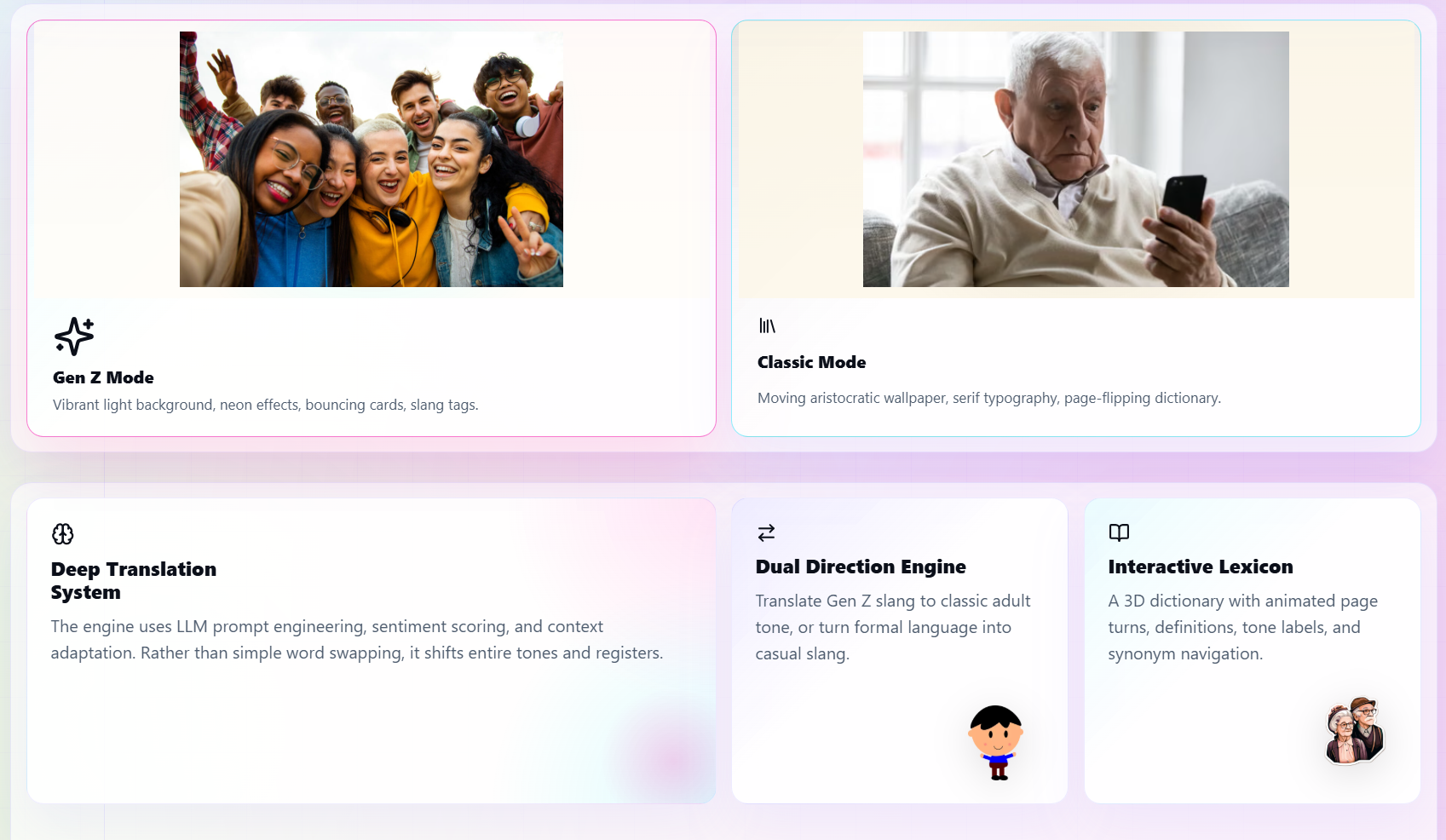
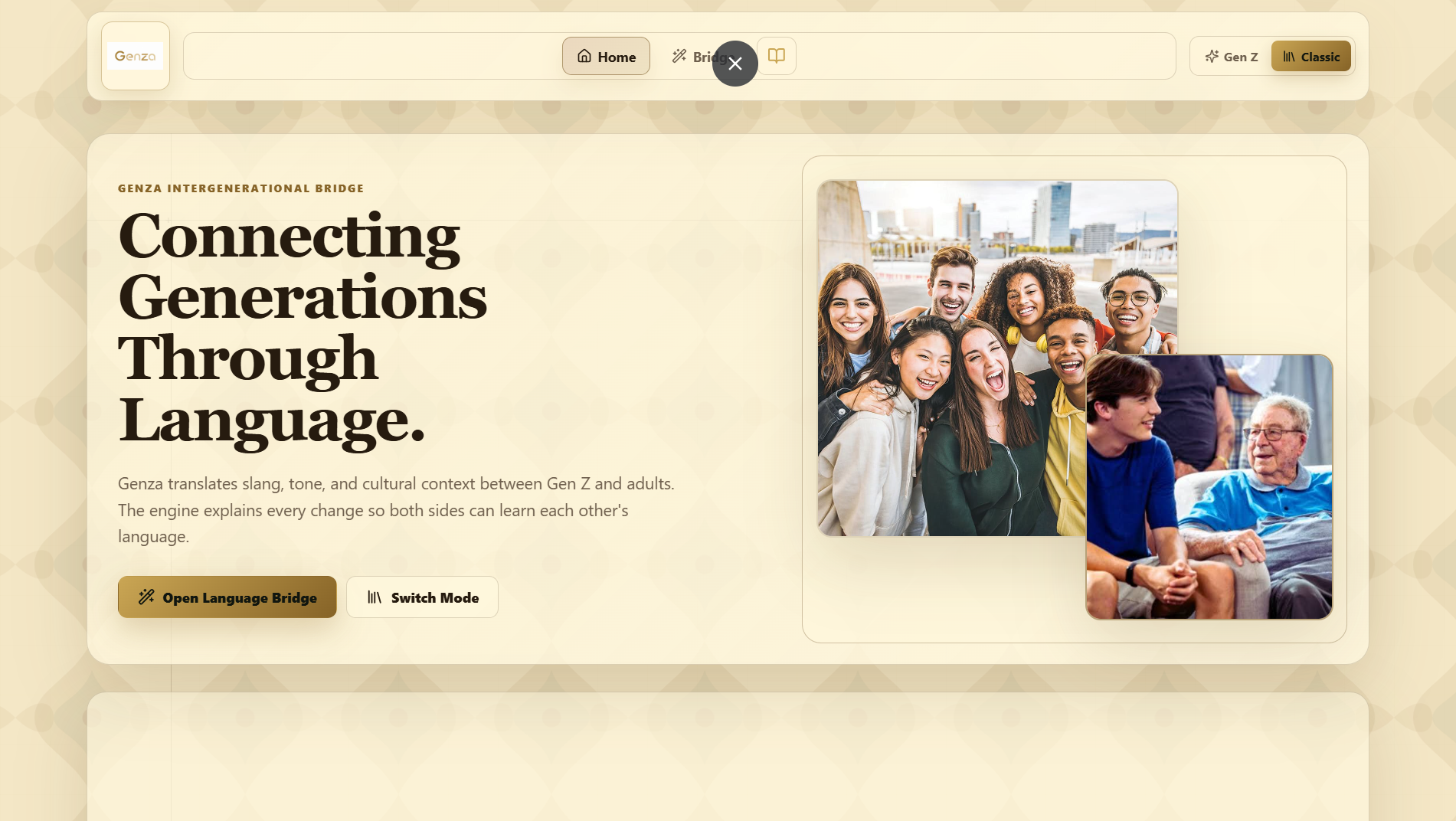
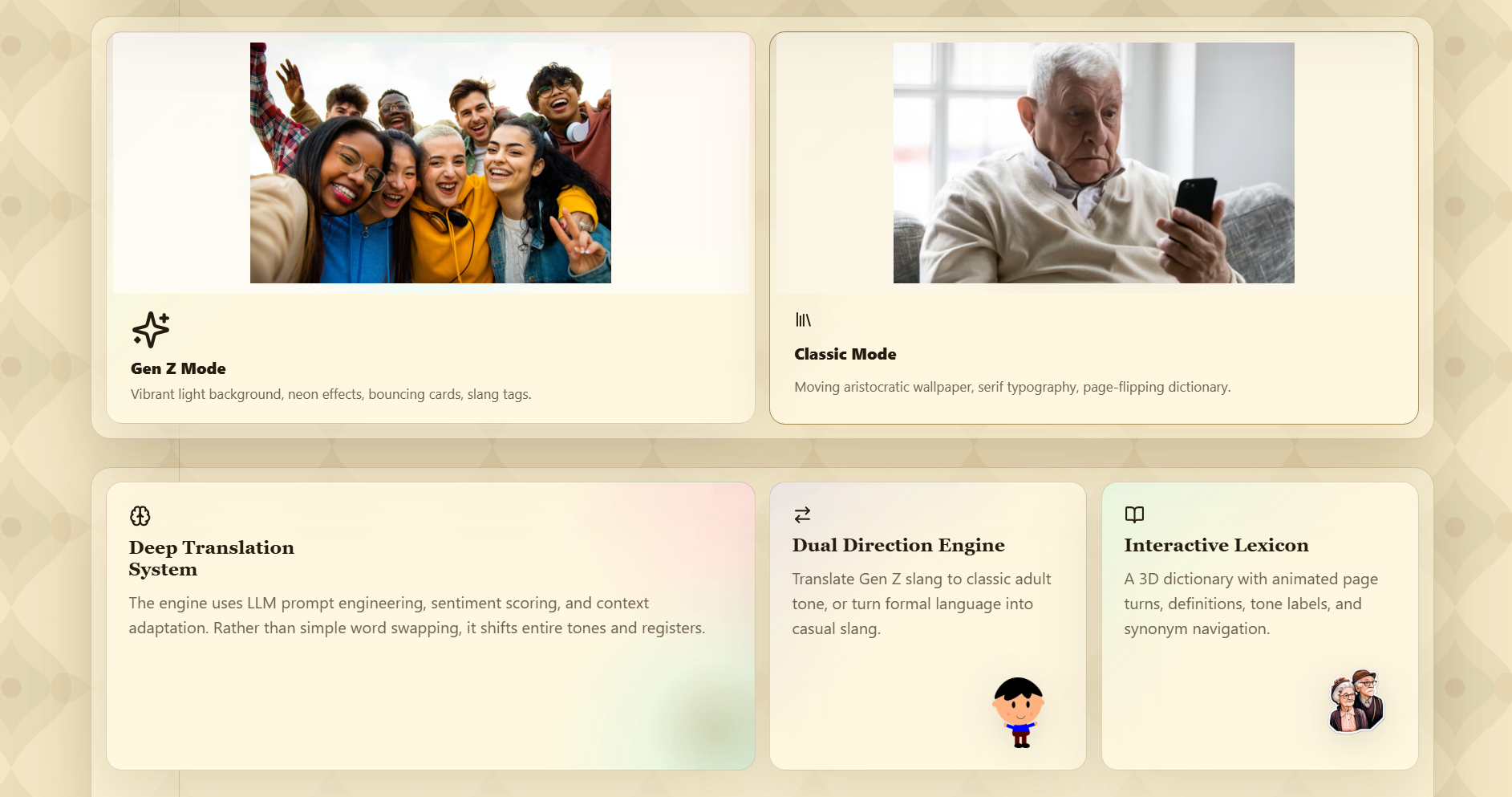
Genza is an intergenerational language bridge that helps translate tone, slang, and context between Gen Z and adult language. It includes a translation engine, a lexicon book, screenshot analysis, and a dual visual system that adapts between Gen Z and Classic styles.
Inspiration
Genza started from a simple problem: people in different age groups often understand the same sentence in completely different ways. A casual chat message can sound rude, vague, or confusing to an adult, while formal wording can feel stiff or unnatural to a younger audience.
The goal was to build a product that does more than word replacement. Genza aims to preserve meaning, explain why language changed, and show how tone shifts across generations.
What It Does
Genza translates language in both directions:
- Gen Z to adult-friendly wording
- Adult language to Gen Z style
It also:
- explains why a sentence changed
- analyzes the tone and emotions in the text
- supports screenshot uploads for chat recognition and interpretation
- shows a lexicon of slang and older expressions
- switches the interface between Gen Z and Classic visual modes
If the input is a screenshot, the app tries to understand whether it is actually a chat screenshot. If the image is not a chat, the app returns a clear error in English. If the text is nonsense or unrelated characters, the app also asks the user to enter it again.
How We Built It
The project is built with:
- React
- TypeScript
- Vite
- Express
- Gemini API for AI-powered translation and screenshot understanding
The UI uses animated transitions with GSAP, Anime.js, Lenis, and Barba-inspired page motion. The visual system changes between Gen Z and Classic modes without changing the core functionality.
Challenges We Ran Into
One challenge was making the app understand when a screenshot is actually a chat screenshot. A screenshot can contain anything: a browser page, a document, an image, or a random app. The translator needed to reject the wrong kind of upload clearly instead of producing misleading output.
Another challenge was handling nonsense input. Short gibberish strings and random keyboard mash should not be translated as if they were meaningful language. The app now detects that case and asks the user to try again.
We also had to keep the interface visually dense without making it feel crowded. Several sections were adjusted so the home page, translation panel, dictionary, and analysis sections stayed readable and balanced.
Accomplishments That We’re Proud Of
- The translator works in both directions.
- The app can analyze screenshots, not just typed text.
- Invalid screenshots and nonsense text are rejected with clear English messages.
- The text analysis section now shows summary, feeling, and emotion signals.
- The lexicon includes both Gen Z slang and older expressions that still appear in everyday use.
- The visual modes are more than a color swap; they change the tone of the experience.
What We Learned
This project showed that language translation is not just about replacing words. Tone, intent, emotion, and audience matter just as much. A sentence can be technically correct and still feel wrong if the social context is ignored.
We also learned that structured output is important. The app works better when the model returns explicit fields such as:
- translated text
- explanation
- emotions
- feeling
- screenshot summary
- validation state
That makes the UI more predictable and easier to design around.
What’s Next for Genza
Possible next steps:
- stronger OCR and chat detection
- richer emotion labeling
- more lexicon entries from real conversation patterns
- user-specific tone preferences
- conversation history
- export/share for translated screenshots
- better mobile support for the lexicon and analysis panels
The long-term direction is to make Genza a reliable communication layer, not just a demo translator.
Built With
- css
- geminiapi
- html
- javascript
- typescript


Log in or sign up for Devpost to join the conversation.