Inspiration
In a world where automation is key to productivity, we noticed a significant gap. While powerful automation tools exist, they often come with steep learning curves, requiring users to learn complex scripting languages or navigate intricate interfaces. We were inspired by the simplicity of natural language and the power of modern AI. We asked ourselves: "What if anyone could automate their digital tasks just by describing them in plain English?" This question led to the birth of GeniusQA, a tool designed to make automation accessible to everyone, from casual users to power users, by turning simple conversations into powerful actions.
What it does
GeniusQA is a lightweight desktop application for Windows and macOS that acts as your personal automation assistant. Through a minimalist GUI, users can instruct a Large Language Model (LLM) to perform tasks on their computer.
Here’s what it can do:
- Control Mouse and Keyboard: It can move the mouse, click, scroll, type text, and press keyboard shortcuts, automating repetitive actions across any application.
- Natural Language to Script: Users simply type a command like, "Open Chrome, go to google.com, and search for the latest news." GeniusQA translates this into an executable script.
- Record and Capture: The application includes built-in tools to record a video of the automation process or take screenshots at specific steps, making it easy to document or share workflows.
- Simple Interface: It features a small, always-on-top window with a chat interface and a clean toolbar containing just three buttons: New, Save Video, and Screen shots.
How we built it
GeniusQA is built on a modern, multi-process architecture to ensure both a responsive user experience and powerful backend functionality.
- Frontend (UI): We used React Native for Windows and macOS to create a native, high-performance, and visually consistent user interface. This choice allows us to maintain a single codebase for both platforms while avoiding the overhead of web-based frameworks like Electron.
- Automation Core: The heart of the automation is a Python process. We leveraged the robust
pyautoguilibrary to handle all mouse and keyboard interactions. This core runs in the background, listening for commands. - Backend Server: A Node.js server acts as the central nervous system. It manages user requests from the React Native client, communicates with the LLM API (like OpenAI's GPT or Google's Gemini) to translate natural language into scripts, and will handle user data.
- Database: We chose Firebase for its real-time capabilities and ease of setup, allowing us to quickly implement features like chat history synchronization. MySQL is planned for future, more structured data needs.
- Inter-Process Communication (IPC): To connect the React Native frontend with the Python core, we established an IPC channel, enabling the UI to send executable commands to the automation engine seamlessly.
Challenges we ran into
One of the biggest challenges was designing a "prompt engineering" strategy for the LLM. It was crucial that the AI not only understood the user's intent but also consistently returned a machine-readable script (e.g., a JSON object or a Python code snippet) that our automation core could execute without errors. This required extensive testing and refinement of the instructions we send to the AI.
Another hurdle was creating a reliable IPC bridge between the JavaScript-based React Native environment and the Python process, especially in a way that was cross-platform compatible and performant.
Accomplishments that we're proud of
We are incredibly proud of creating a fully functional prototype that validates our core concept: turning natural language into desktop automation. The current version successfully translates user commands into precise mouse and keyboard actions.
We are also proud of the minimalist and intuitive design. By stripping away all non-essential elements, we've created an experience that is truly "plug-and-play," requiring virtually no learning curve. The successful integration of React Native for Desktop with a Python backend is a significant technical achievement for our team.
What we learned
This project reinforced the power of a modular architecture. By separating the UI, the AI logic, and the automation engine, we were able to develop, test, and debug each component independently. We also learned a great deal about the nuances of prompt engineering and the importance of defining a strict data contract between the LLM and our application code. Furthermore, we gained valuable experience in cross-platform desktop development and the intricacies of inter-process communication.
What's next for GeniusQA
The future for GeniusQA is bright, and we have a clear roadmap ahead:
- Enhanced AI Capabilities: We plan to train a fine-tuned model to better understand context, handle more complex, multi-step commands, and even learn from user corrections.
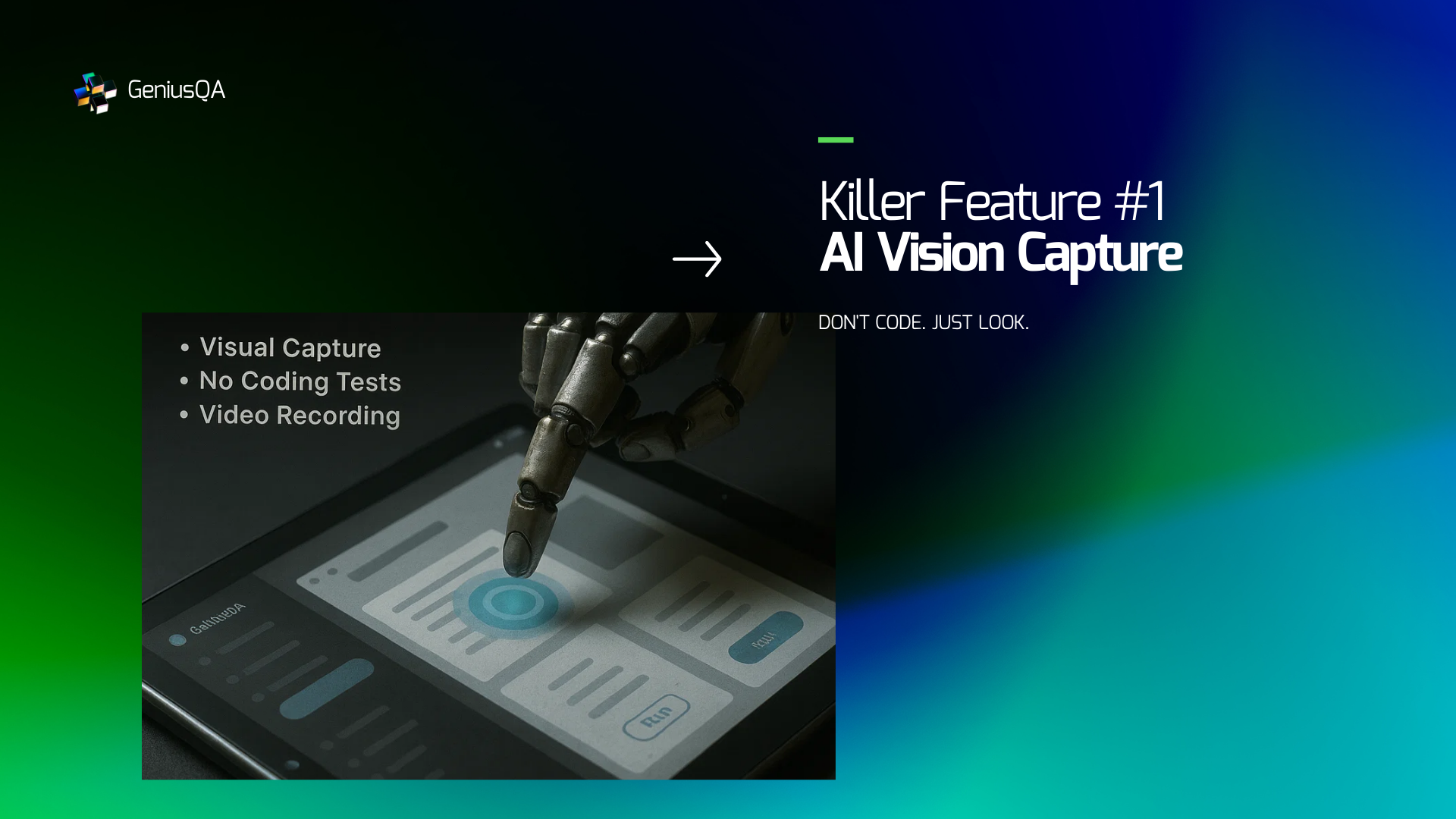
- Introducing "Vision": We will integrate computer vision capabilities, allowing GeniusQA to not just operate on coordinates but to "see" and interact with UI elements like buttons and text fields by name (e.g., "Click the 'Submit' button").
- Community Script Library: We envision a platform where users can save, share, and download automation scripts, creating a collaborative ecosystem of workflows.
- Expanding Integrations: We aim to add native integrations with popular apps and services through APIs, combining UI automation with direct data manipulation for even more powerful workflows.


Log in or sign up for Devpost to join the conversation.