-
-
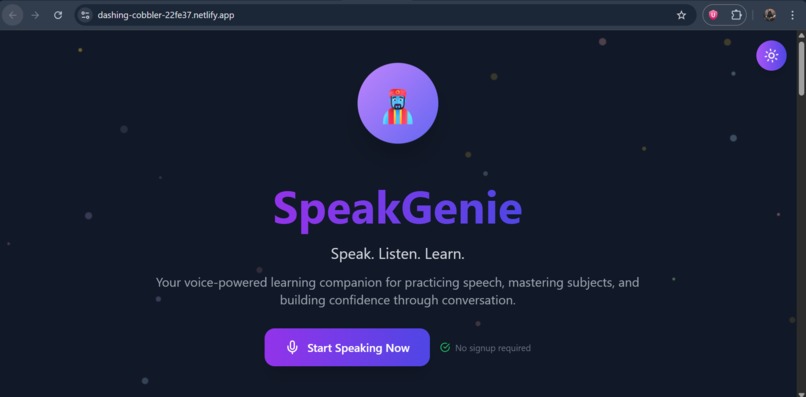
Home
-
light Mode
-
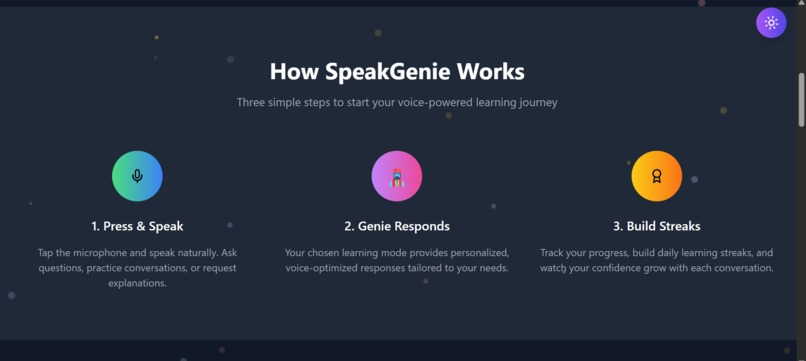
how it works
-
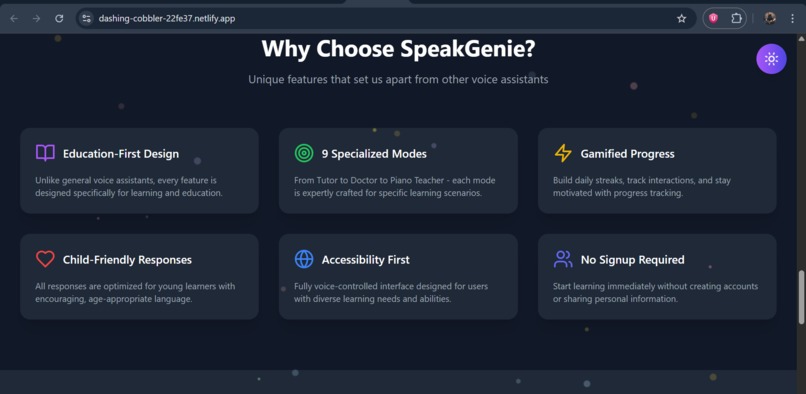
Why SpeakGenie
-
Its Pros
-
Tutors
-
Art Tutor
-
response
-
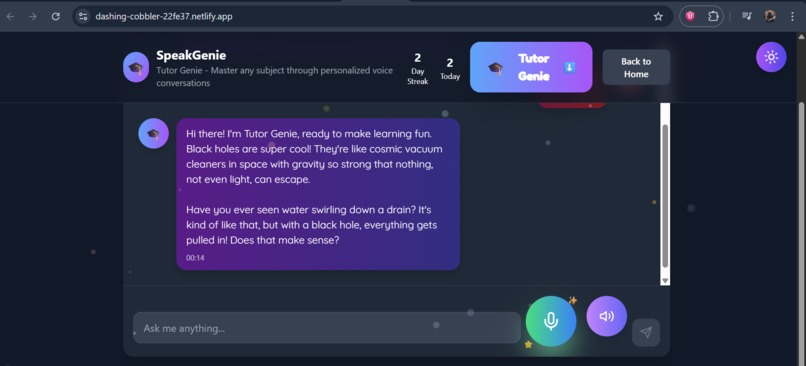
Response from genie
Inspiration
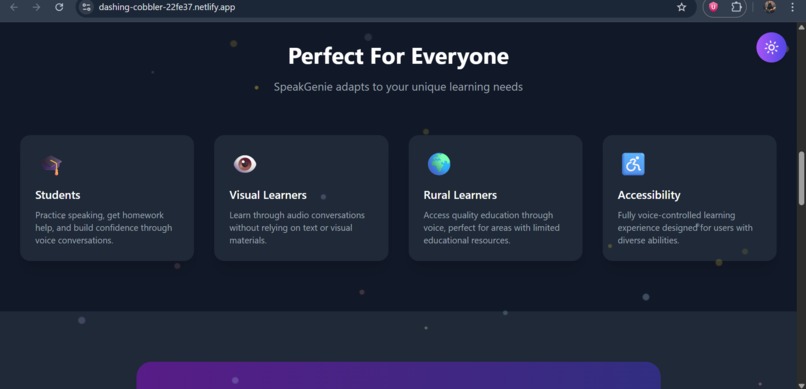
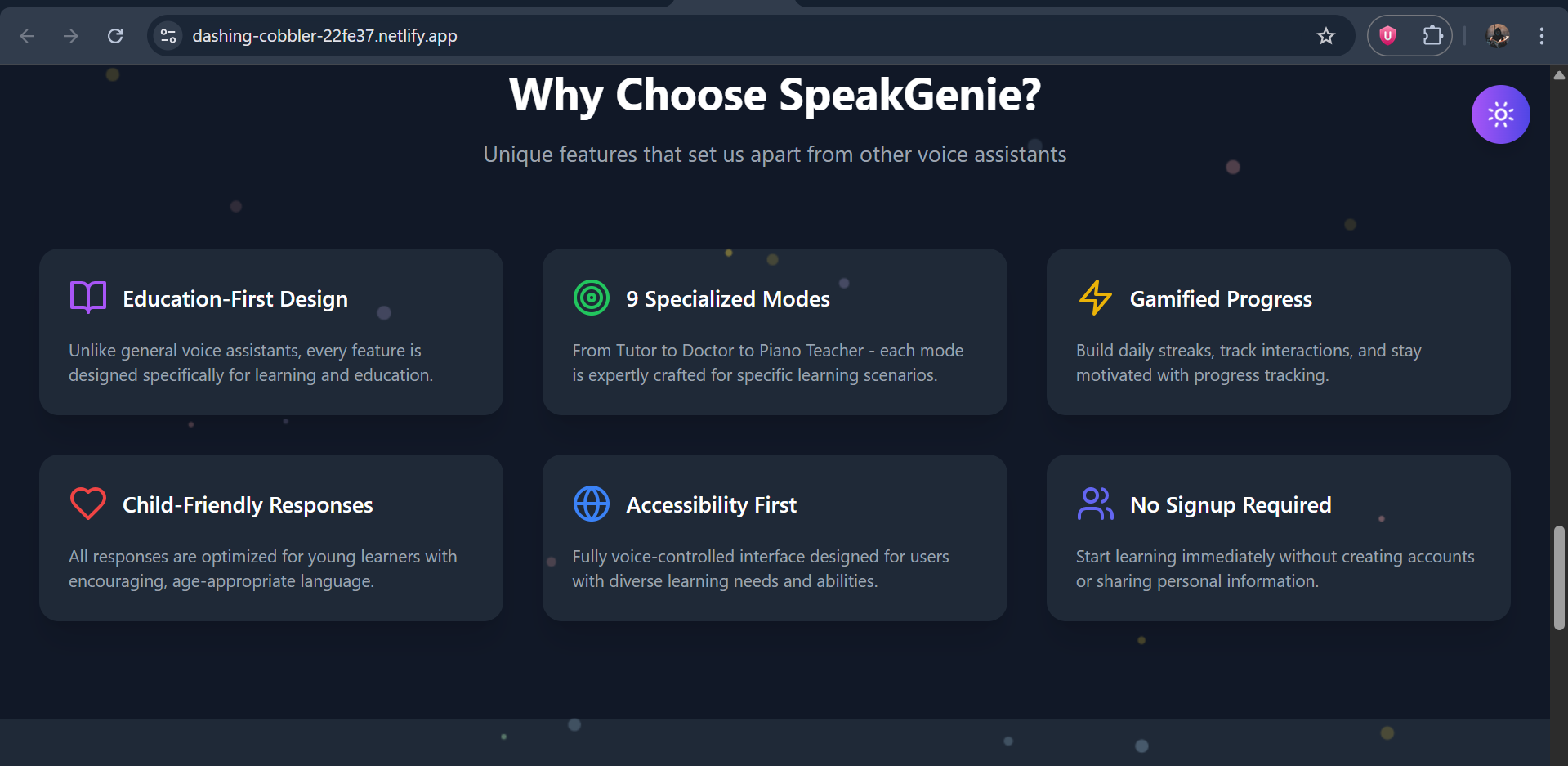
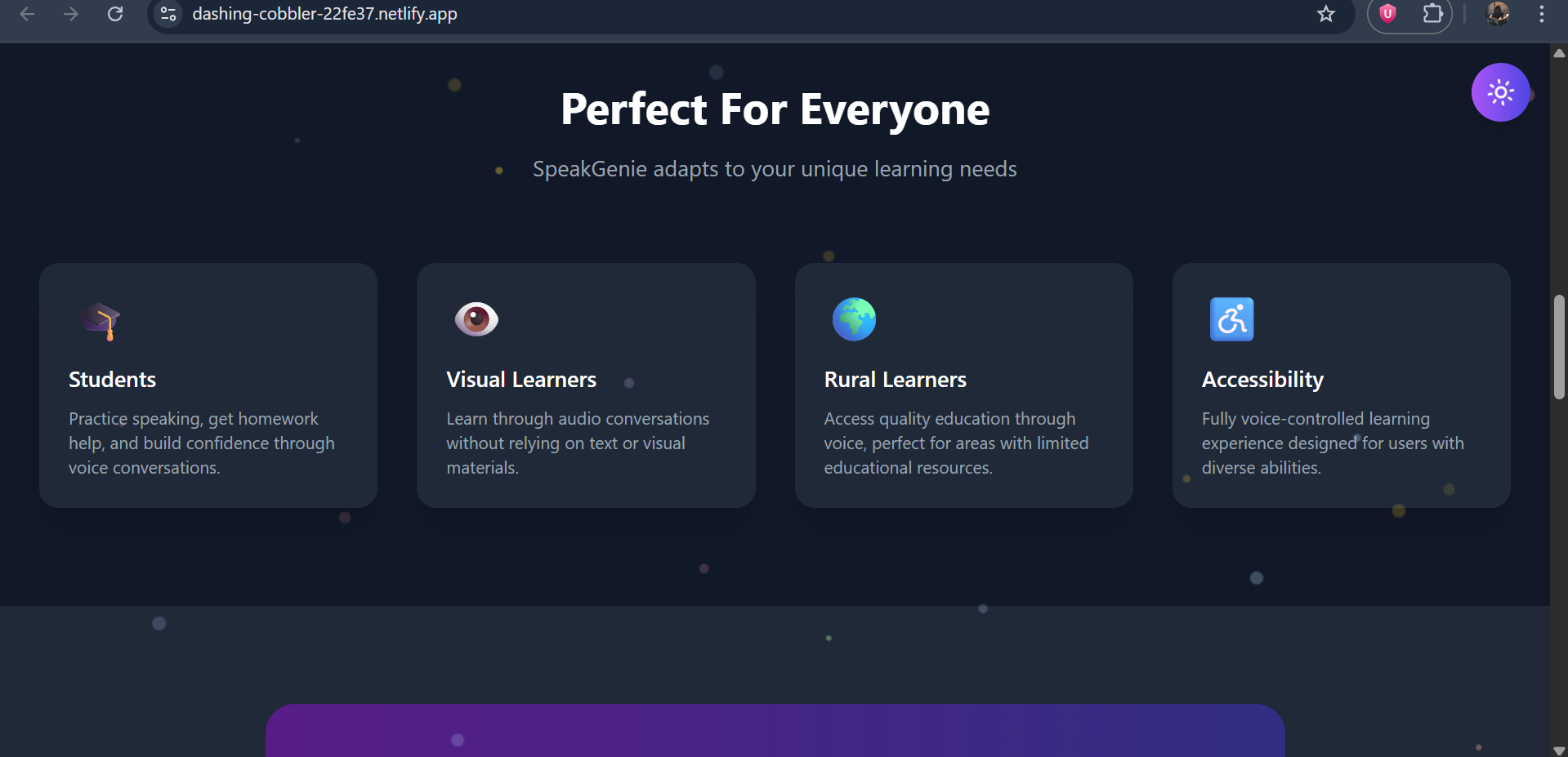
We were inspired by the challenges faced by people in rural areas, students, and visually impaired individuals who often lack access to real-time guidance, practice, or learning support. Voice-based technology can bridge this gap, making knowledge and assistance more accessible, inclusive, and engaging. Our goal was to create a tool that anyone can talk to, learn from, or get help with — just by using their voice.
What it does
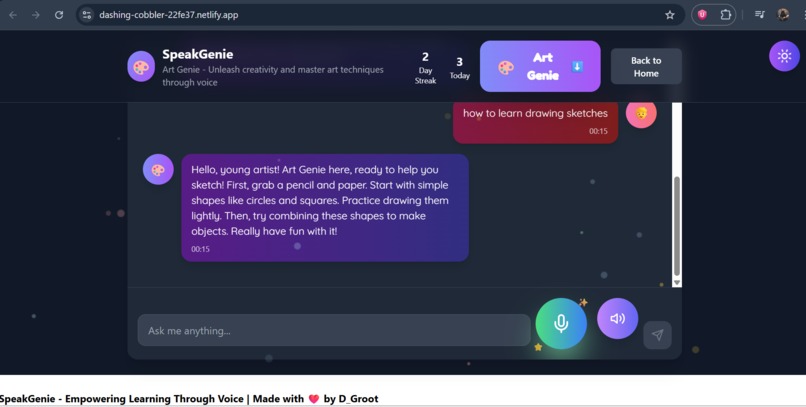
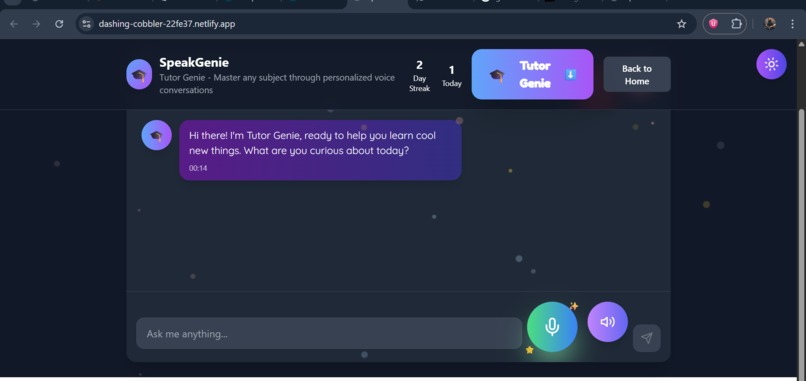
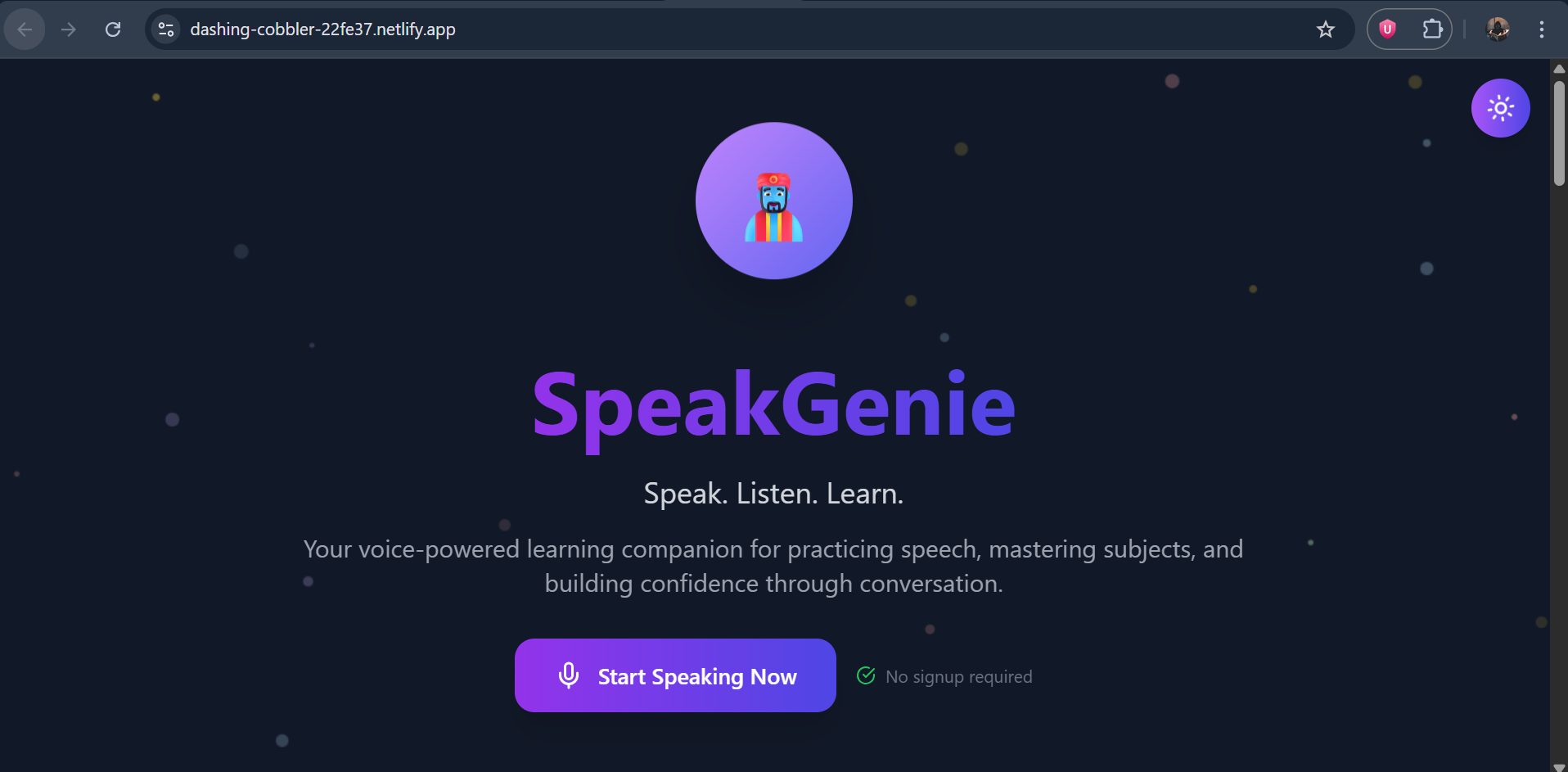
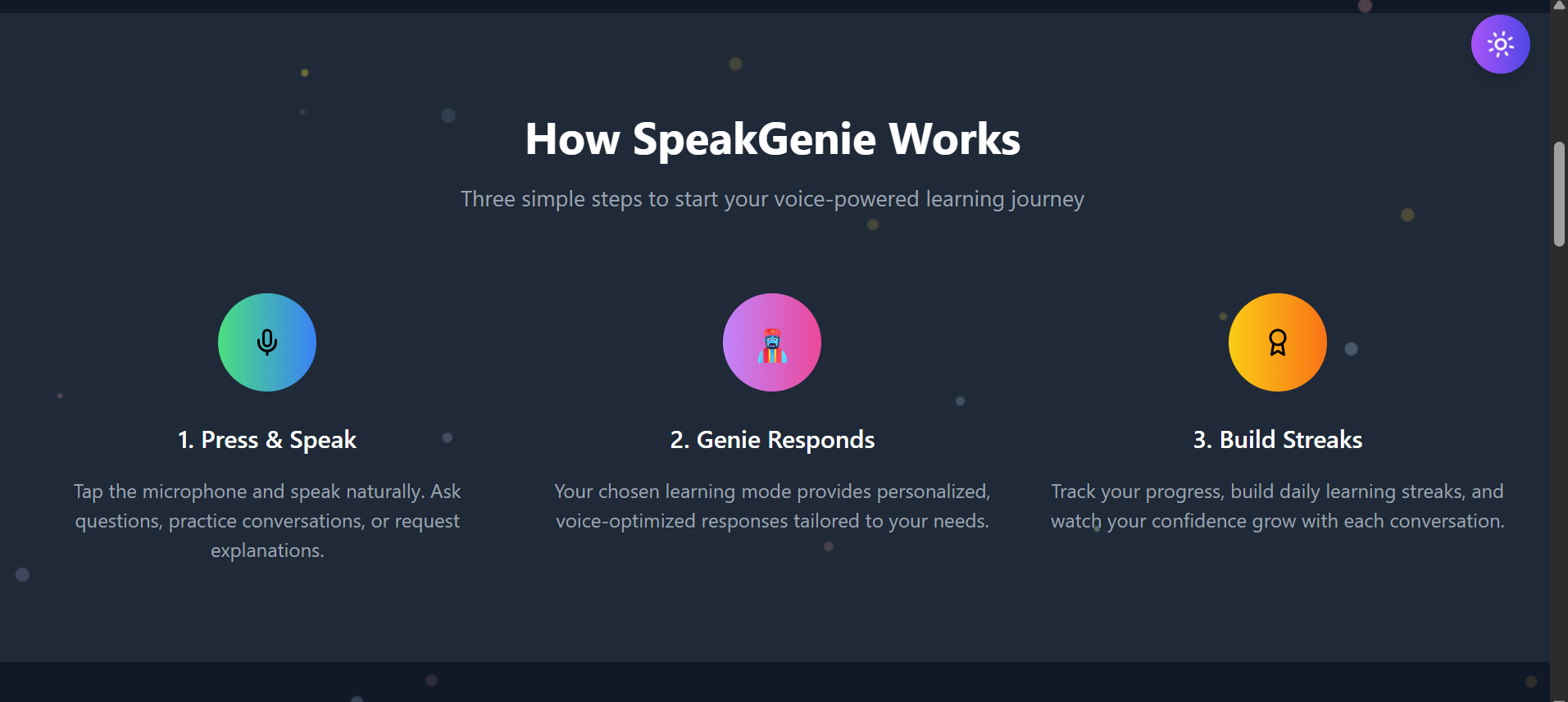
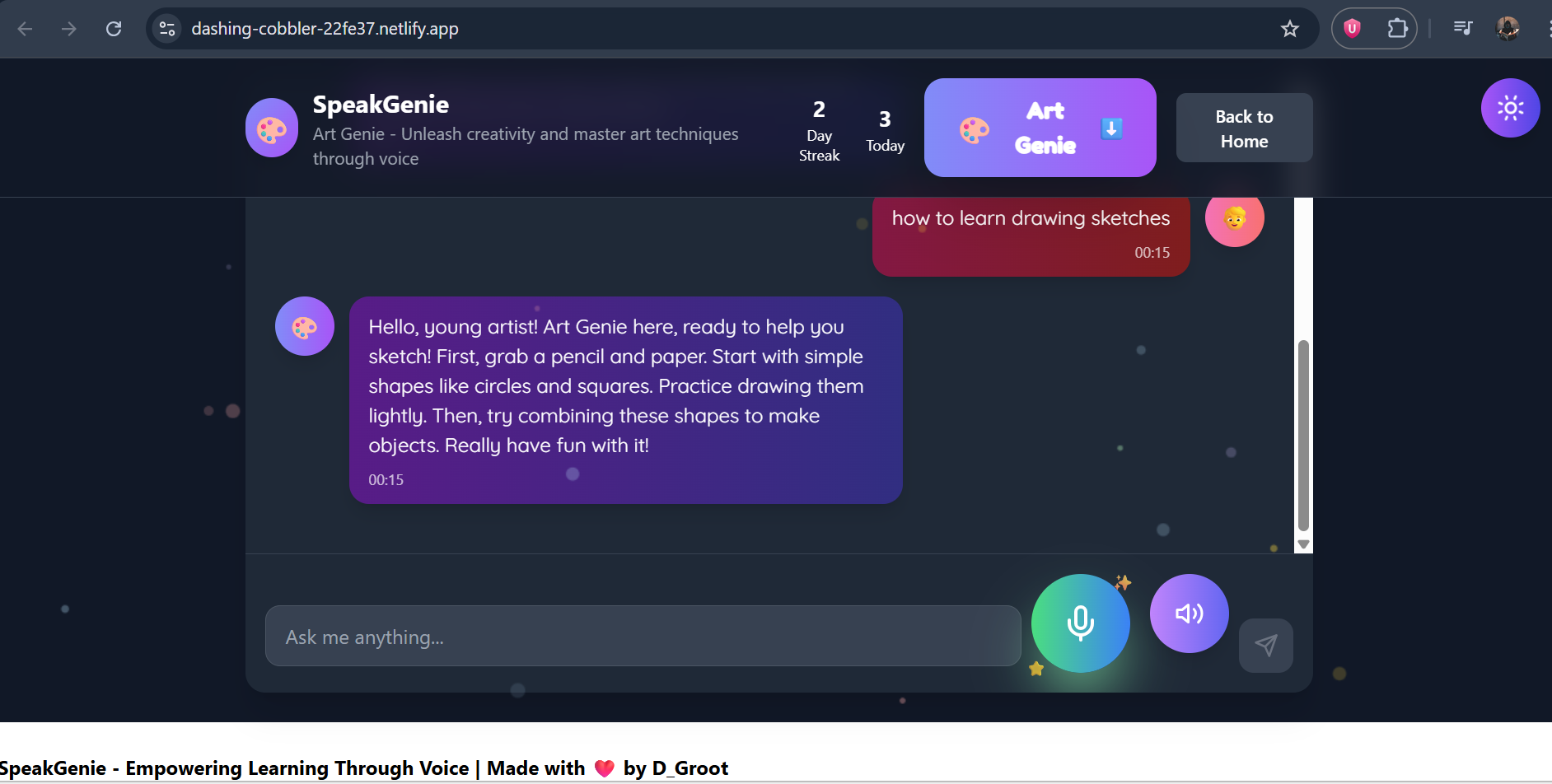
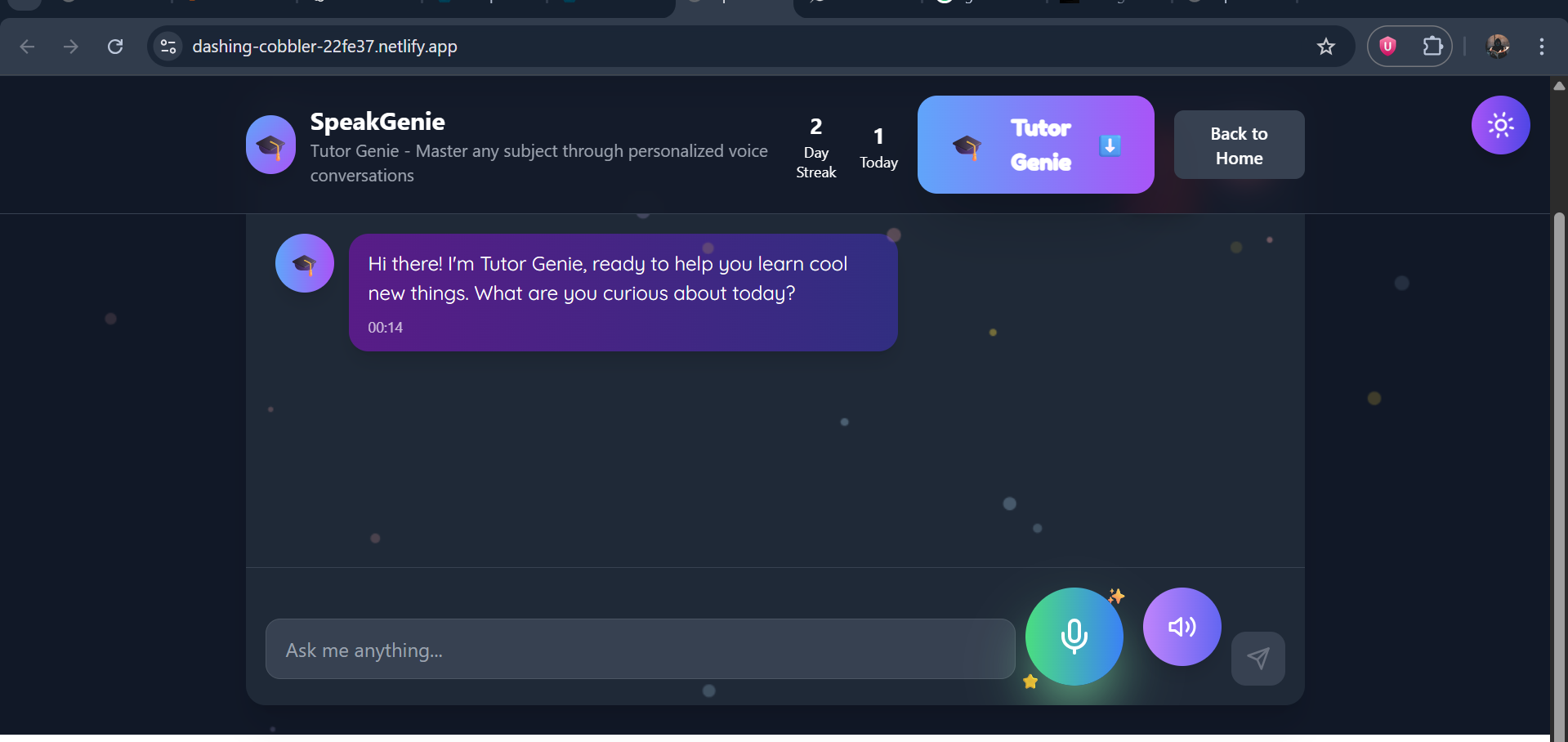
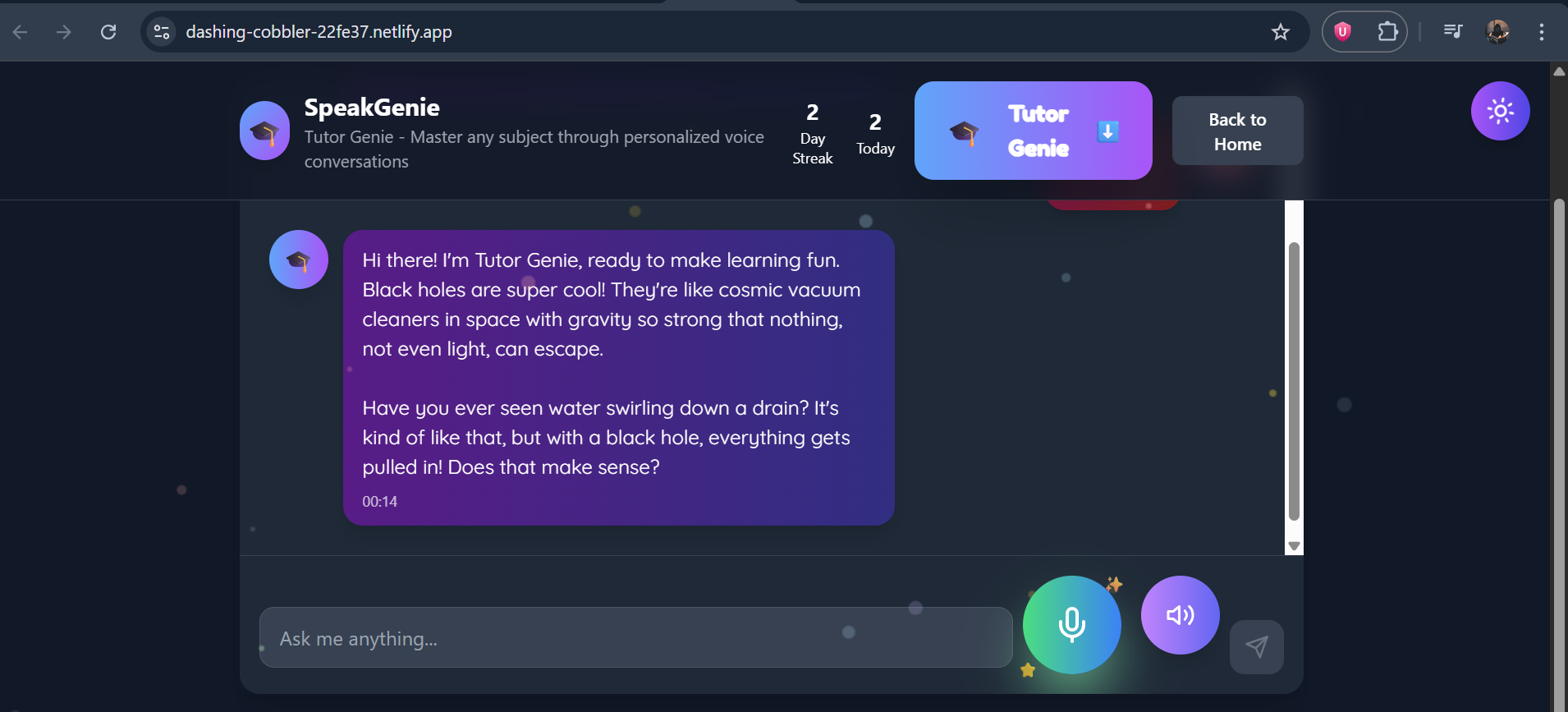
GenieTalk is a voice-first AI assistant that helps users: Practice speaking in different languages. Convert spoken words to text and receive meaningful responses. Read text aloud for visually impaired users or low-literacy communities. Provide guidance, reminders, or simple interactive learning exercises. It works on a web interface and can be extended to mobile or offline-first use cases.
How we built it
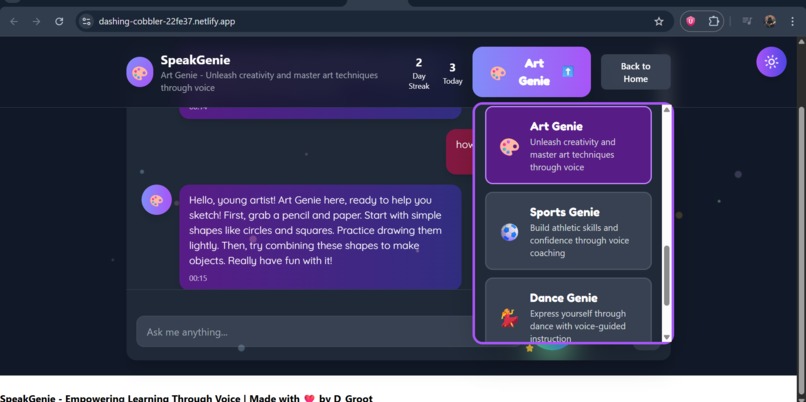
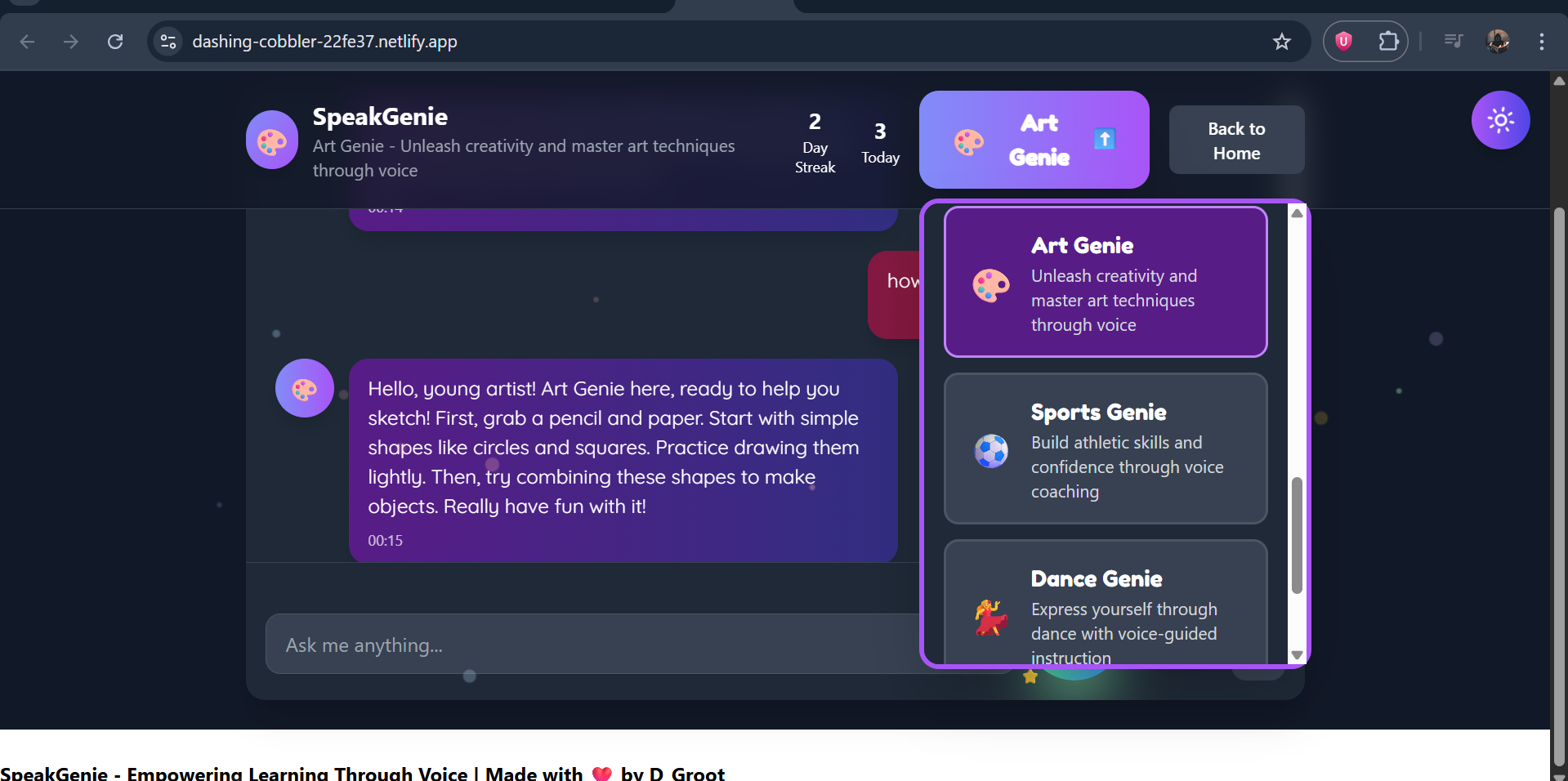
Frontend: HTML, CSS, JavaScript (mobile-friendly and responsive). Voice Input: webkitSpeechRecognition (Web Speech API) for speech-to-text. Voice Output: SpeechSynthesis for text-to-speech replies. AI Engine: Gemini 2.0 Flash API via bolt.new (no-code/low-code setup). Design: Bright colors, cartoon-style UI, clear buttons, large text for kids. Hosting: Deployed on Netlify for easy access. We created prompt templates for each mode to ensure the AI speaks in a safe, clear, and age-appropriate way.
Challenges we ran into
Making the TTS voice sound more natural instead of robotic. Handling speech recognition for different accents and pronunciations. Keeping response time short so conversations feel real and smooth. Designing a UI that is both fun and easy for kids without overwhelming them.
Accomplishments that we're proud of
Successfully created a functional prototype that can capture voice input and respond intelligently. Designed an intuitive, minimal UI that works on both desktop and mobile. Built an offline-friendly architecture using simple tools that still delivers meaningful AI responses. Developed an MVP that demonstrates clear potential for social impact in education and accessibility. Built a fully functional, real-time AI tutor in a short hackathon timeframe. Combined tutor-style learning with interactive roleplay in one app. Created a safe, child-friendly experience with both fun and educational value. Learned to integrate multiple APIs (speech-to-text, AI, TTS) smoothly.
What we learned
How to merge AI language models with live voice input/output. The importance of UX design for very young users. How prompt engineering changes AI tone and friendliness. API optimization to ensure fast, low-latency AI responses.
What's next for GenieTalk
Add multi-language support for global reach. Upgrade to more natural TTS voices (Google Wavenet, ElevenLabs). Introduce AI memory to remember the child’s name, progress, and learning level. Add learning progress tracking and parent dashboards. Add Eleven LAbs integration for effective communication experience. Package as a PWA/Android app for offline and mobile use.

Log in or sign up for Devpost to join the conversation.