Inspiration
The inspiration for Generato came from two major friction points:
The Accessibility Barrier:
Creating high-quality 3D assets is currently too difficult for average users—requiring expensive software and specialized skills.The Visualization Gap:
Traditional e-commerce fails to convey scale and presence. Shopping on 2D screens forces you to guess how products look in your actual space.
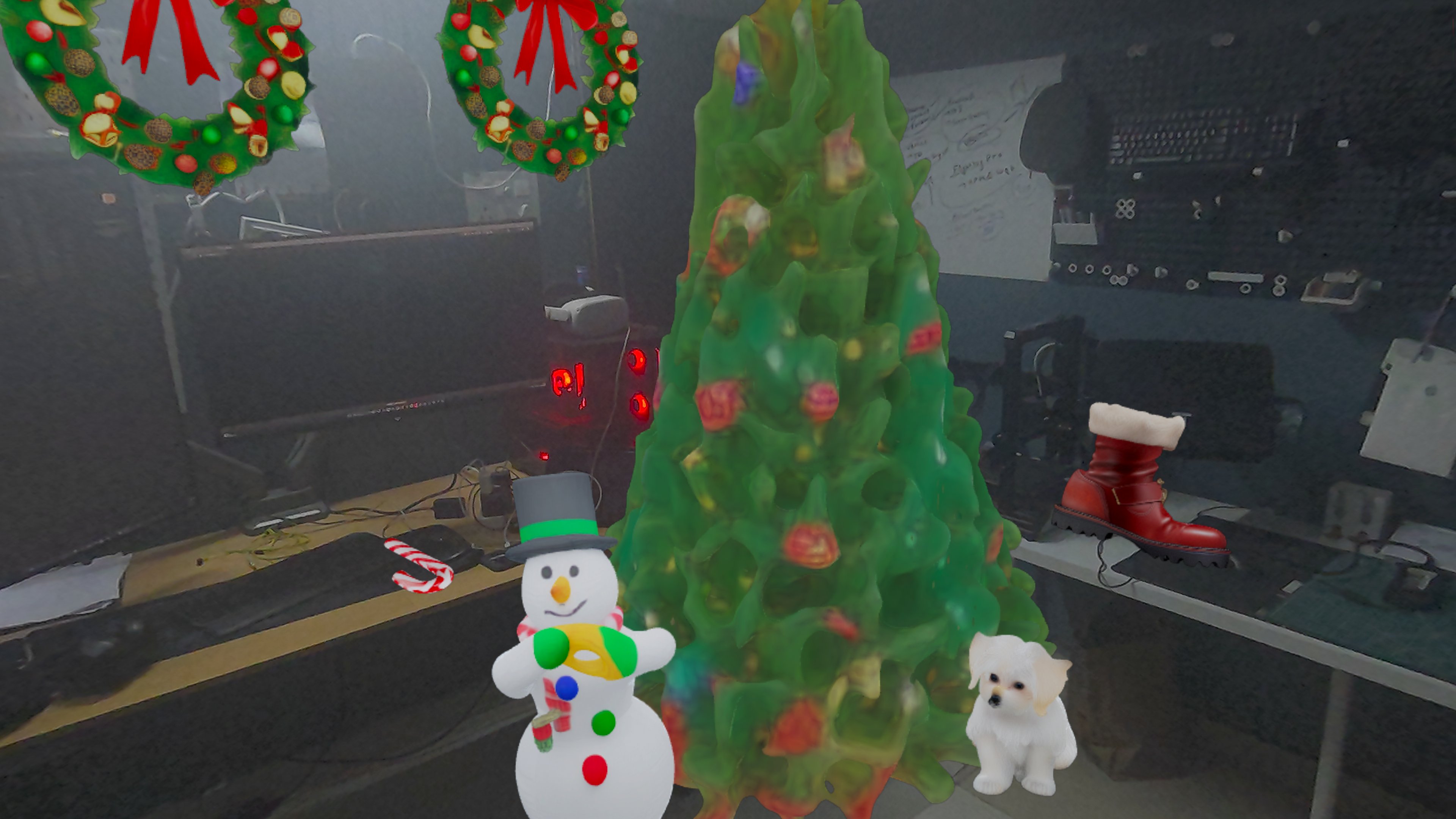
We envisioned a future where anyone could generate 3D models from simple text descriptions, photos, or web images—directly in their browser on Meta Quest, view in it Mixed Reality without installaing any app.
What It Does
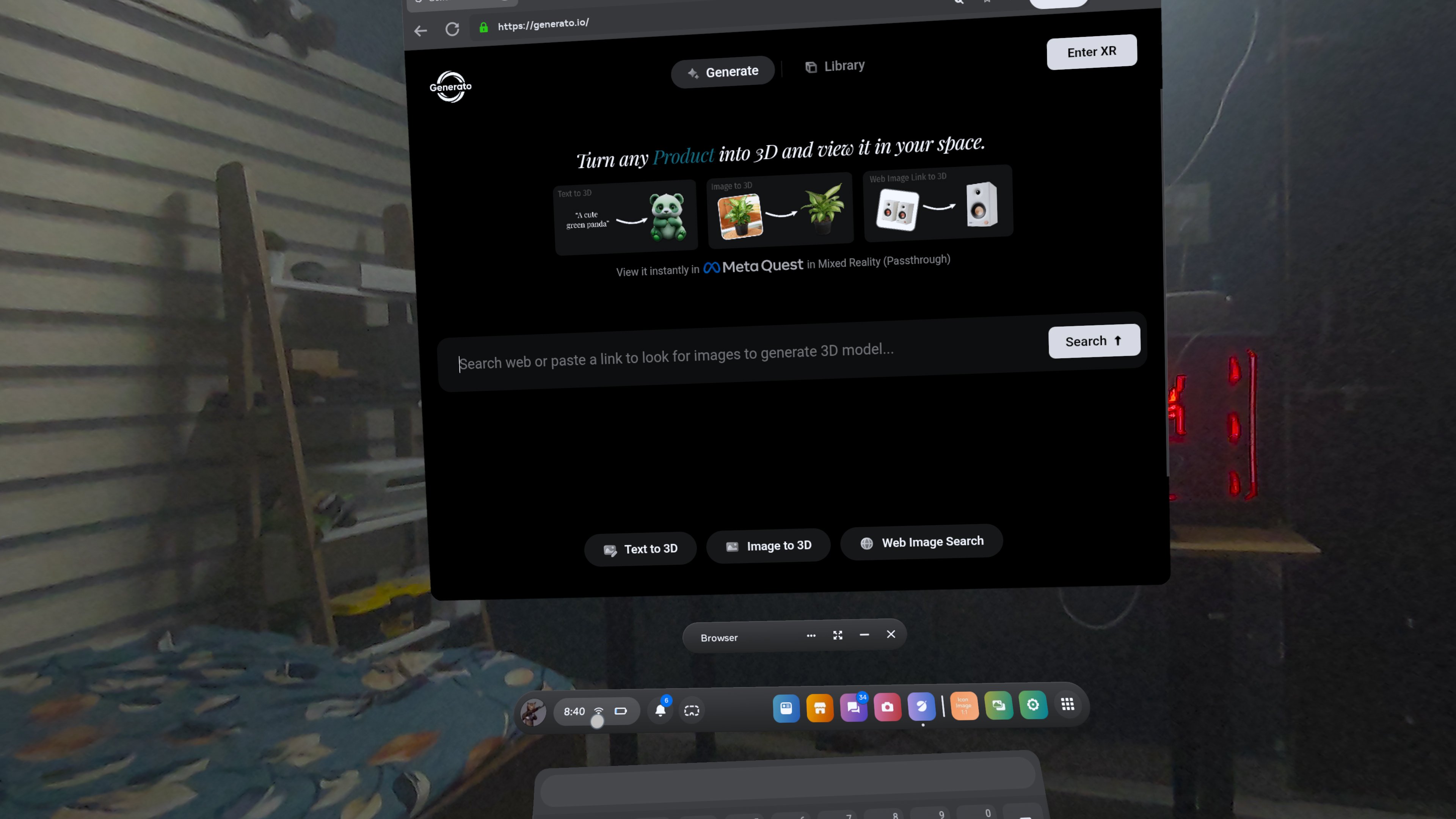
Generato is a fully web-based AI 3D model generator with three intuitive creation methods:
Text to 3D:
Describe your idea in text. Google's Gemini AI generates an image, then SAM-3D converts it into a fully interactive 3D model.Image to 3D:
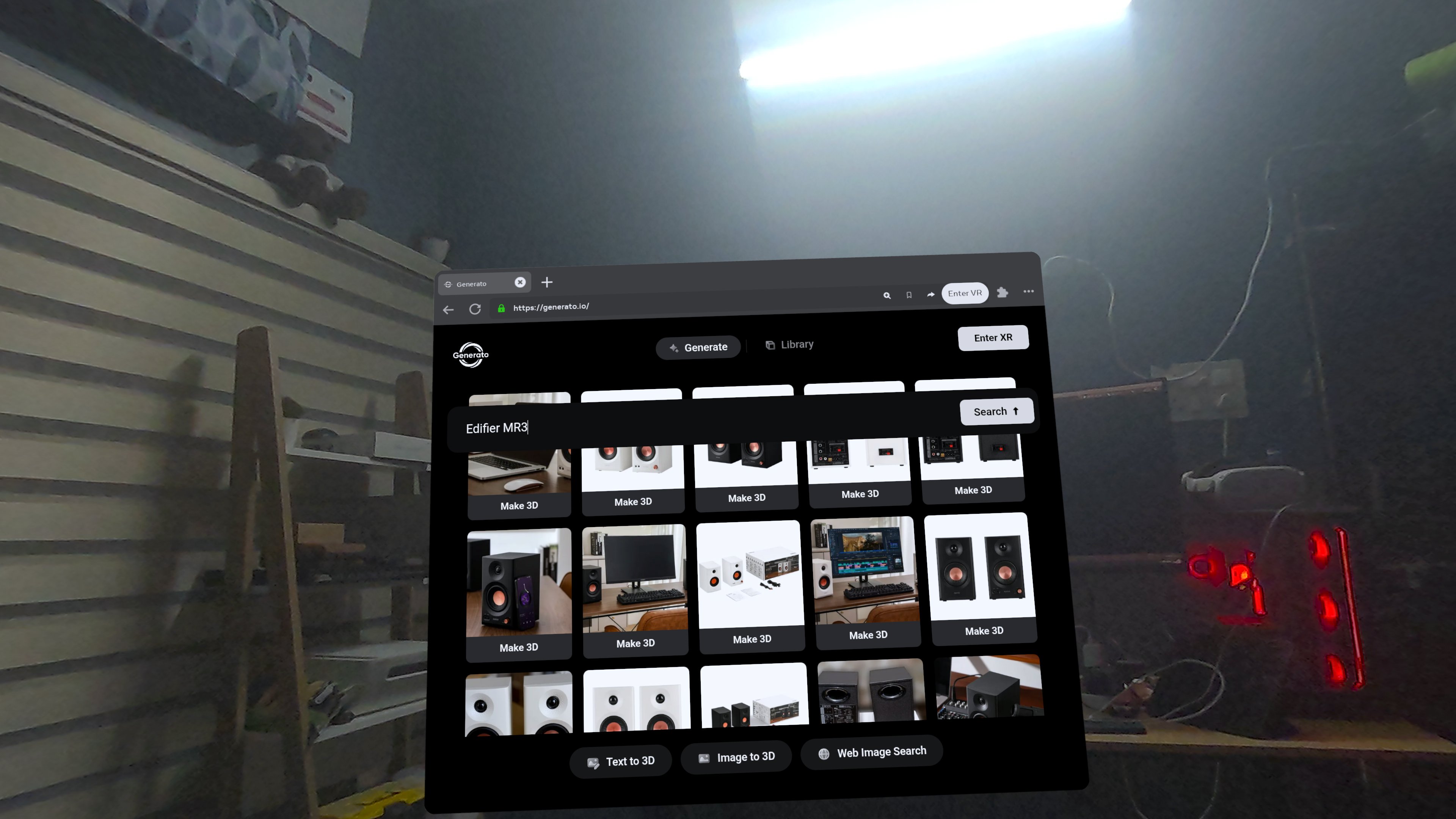
Upload any image and watch it transform into a 3D model using advanced computer vision.Web Image Search to 3D:
Browse any website, extract images, and instantly convert them into 3D models.
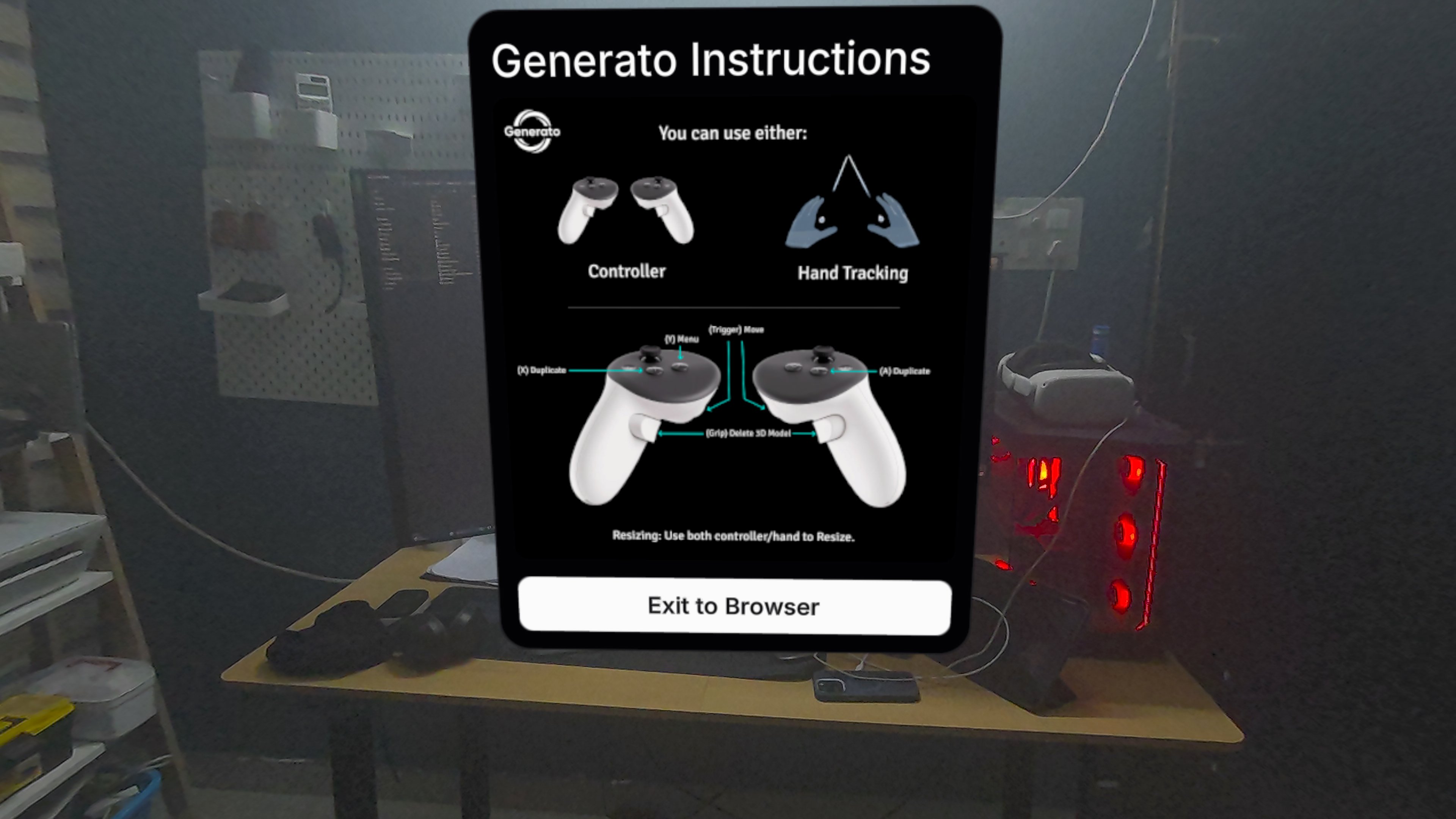
Generated models spawn in Mixed Reality at head level for natural interaction. Users can control with controllers or hand tracking.
Controls
- Duplicate:
X / A - Hide Instructions:
Y - Delete:
Grip - Move: Hold
Trigger+ point
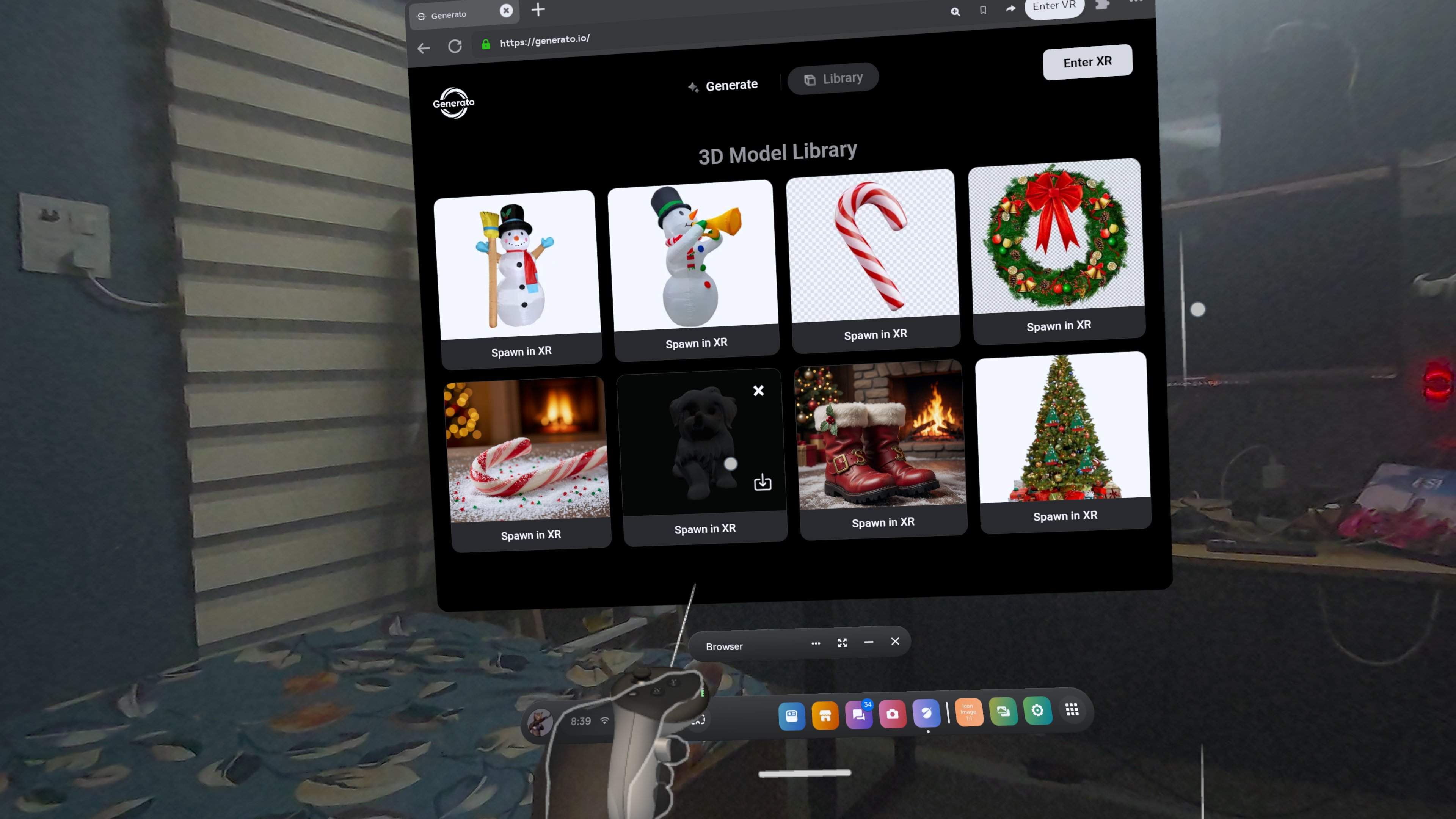
All models are persistently stored with thumbnail previews and 360° hover previews.
Models can be downloaded as .GLB files for use in other applications.
Technology Stack
- WebXR Framework: IWSDK
- 3D Rendering: Three.js (GLTF/GLB + WebGL)
- AI Integration:
- Google Gemini API (Text-to-Image)
- Fal.ai SAM-3D (Image-to-3D)
- OpenRouter Vision API (Prompt Generation)
- Build Tools: Vite, Node.js 20.19+, ES6+ JavaScript
- Deployment: Netlify with GitHub integration
Challenges We Ran Into
WebXR Browser Compatibility:
Ensuring consistent behavior across Meta Quest browser versions required extensive testing and fallback handling.AI Pipeline Reliability:
Managing asynchronous generation with proper error recovery when AI services returned unexpected results.Storage Persistence:
Blob URLs don't survive browser refresh—we implemented automatic data URL conversion.Performance Optimization:
Balanced quality with Quest hardware using foveated rendering and dynamic framerate control.
Accomplishments We're Proud Of
- Seamless text-to-3D pipeline working entirely in-browser
- Intuitive Mixed Reality spawning with hand tracking
- Persistent model library across browser sessions
- 30–50% performance improvement through optimizations
- Zero-install WebXR experience
What We Learned
- WebXR requires constant real-device testing
- AI pipelines demand strong error handling
- Mobile VR performance is critical
- localStorage has major Quest limitations
What's Next for Generato
- Login: User authentication to track and sync generated 3D models across devices.
- Pricing: Secure payment integration with a credit-based usage system.
- In-XR Spawn Panel: A dedicated panel inside XR mode where users can view all previously created models and spawn them directly into the scene.
Built With
- iwsdk
- javascript
- nanobananapro
- sam3dobjects
- vite
- webxr

Log in or sign up for Devpost to join the conversation.