Inspiration
Learning sequence alignment is often challenging for students and beginners because many existing bioinformatics tools are command-line based, difficult to install, or lack intuitive visualizations. We wanted to create an interactive platform that makes classical DNA/RNA sequence alignment algorithms easy to understand through a simple, user-friendly interface. GeneAligner was built to bridge the gap between theoretical bioinformatics concepts and hands-on learning, enabling students, educators, and aspiring bioinformaticians to explore sequence alignment visually.
What it does
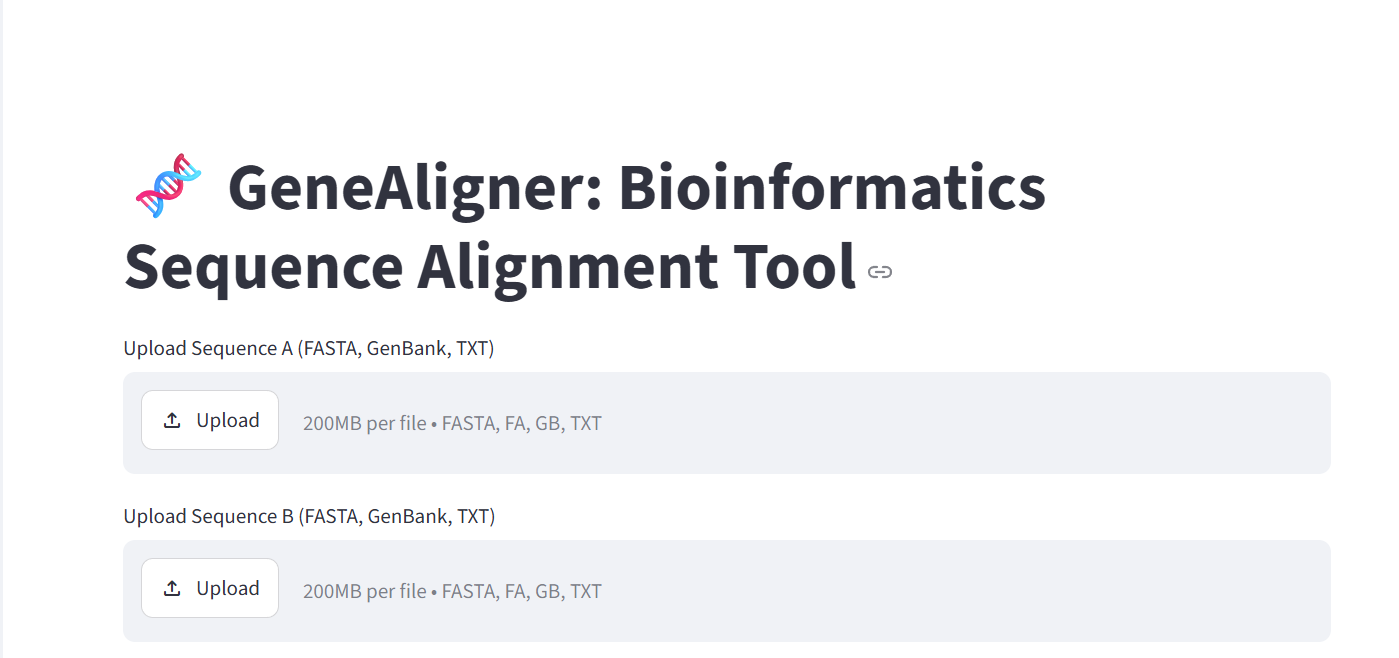
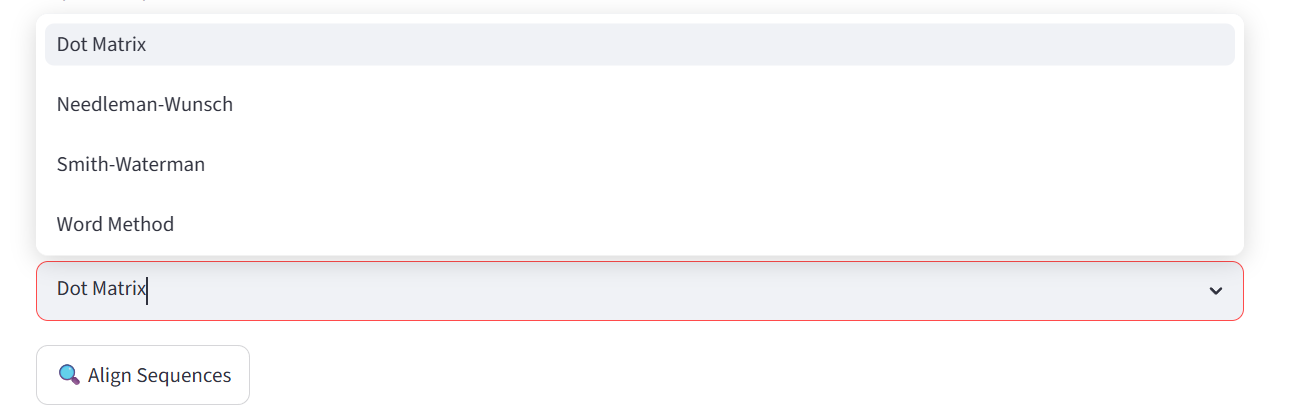
GeneAligner is an interactive bioinformatics web application that allows users to perform and visualize DNA/RNA sequence alignment using multiple classical algorithms. Users can:
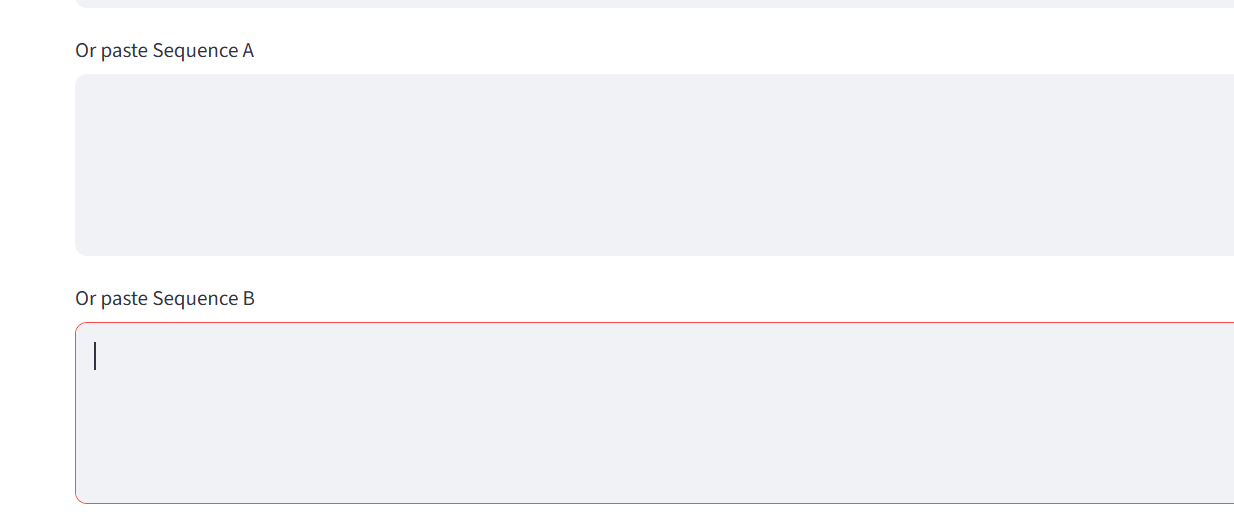
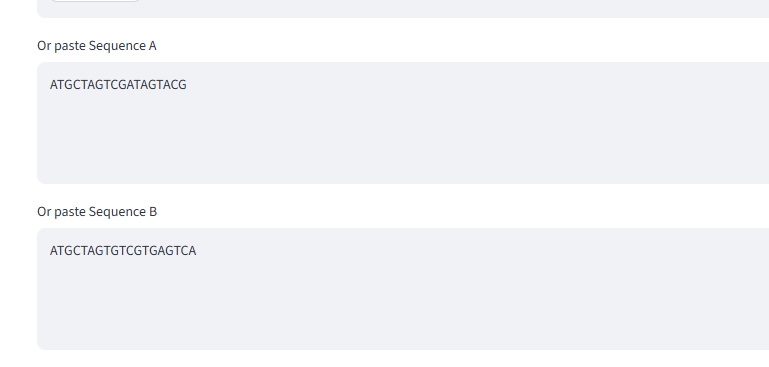
- Upload or manually enter DNA/RNA sequences.
- Automatically validate and clean biological sequences.
- Compare multiple sequence alignment techniques, including:
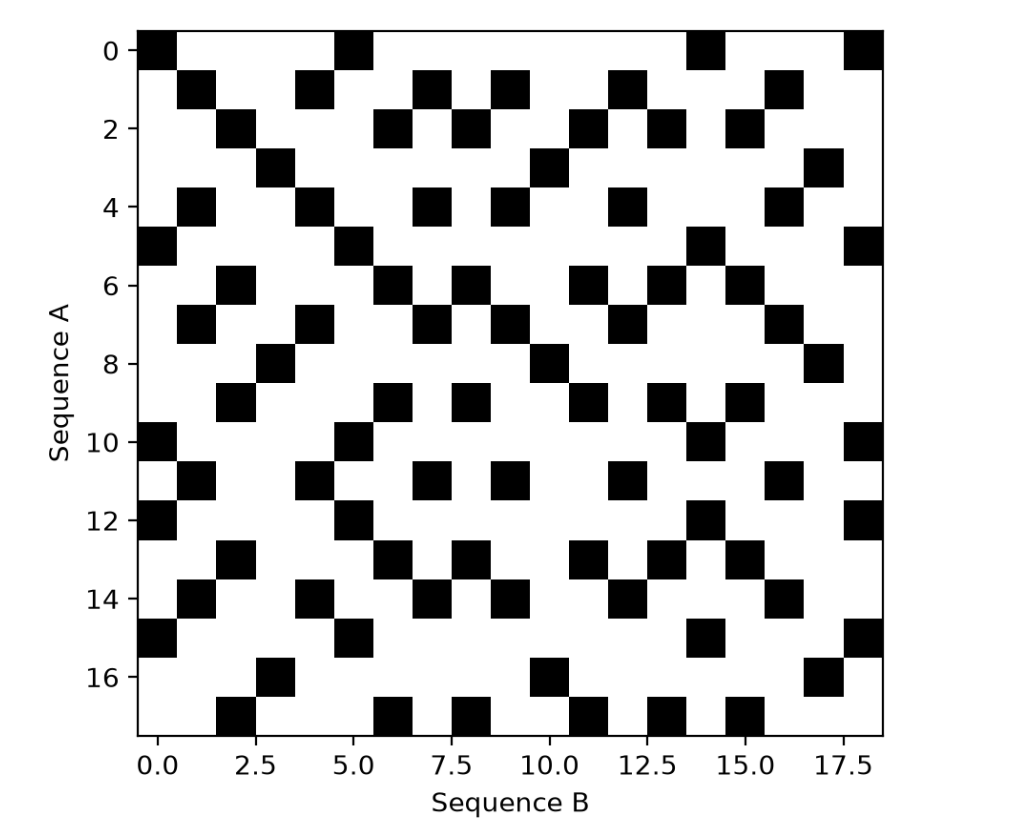
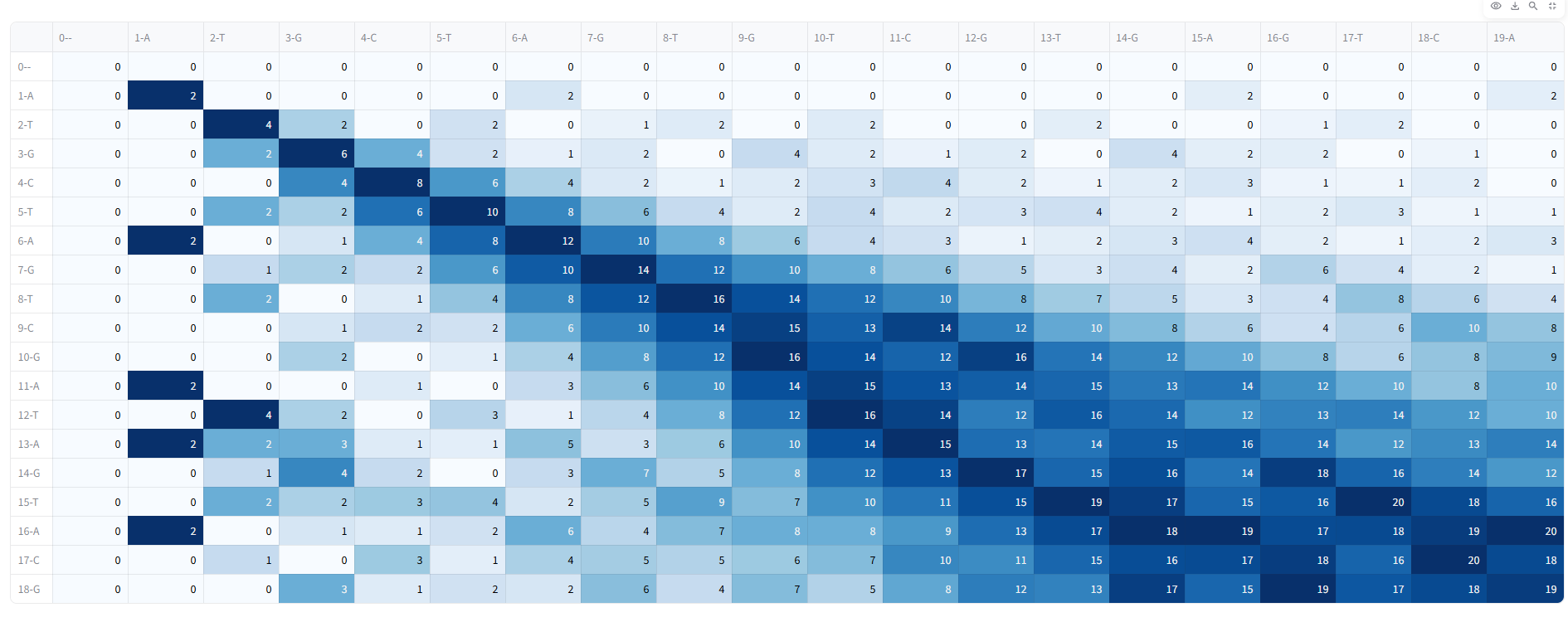
- Dot Matrix
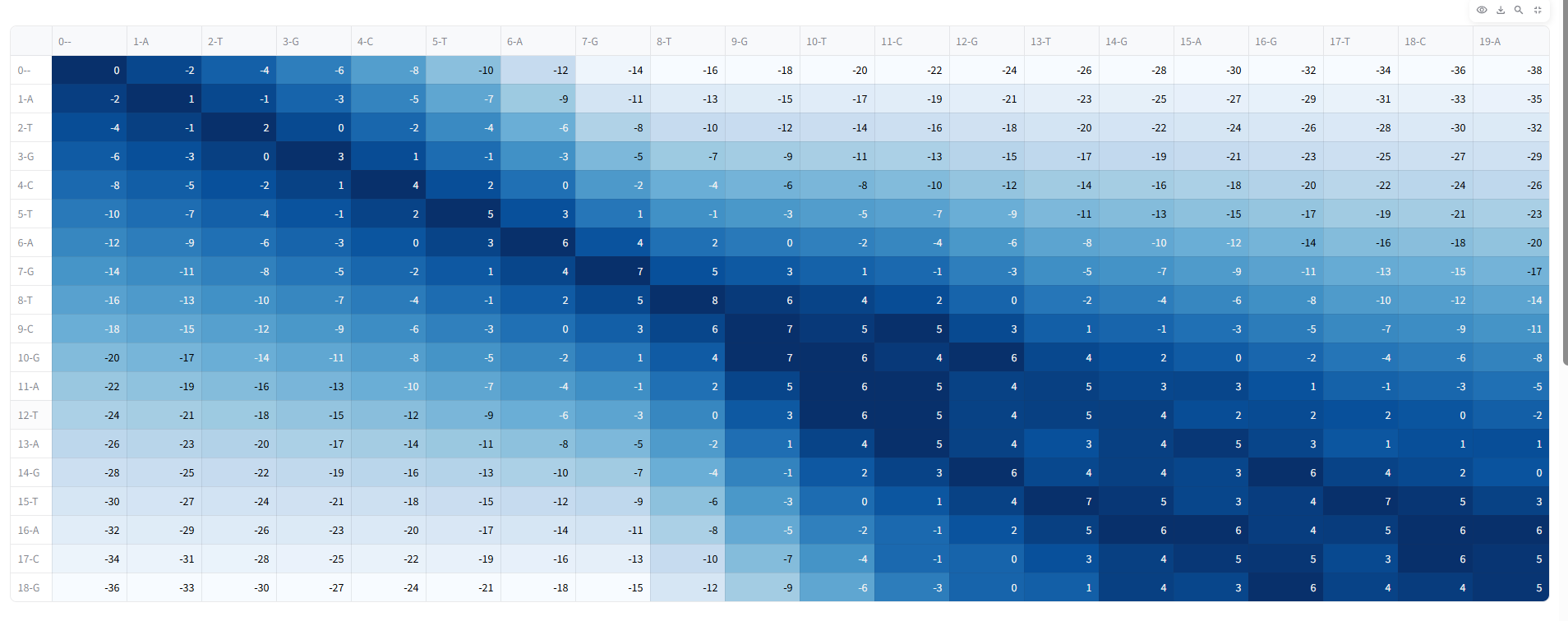
- Needleman–Wunsch (Global Alignment)
- Smith–Waterman (Local Alignment)
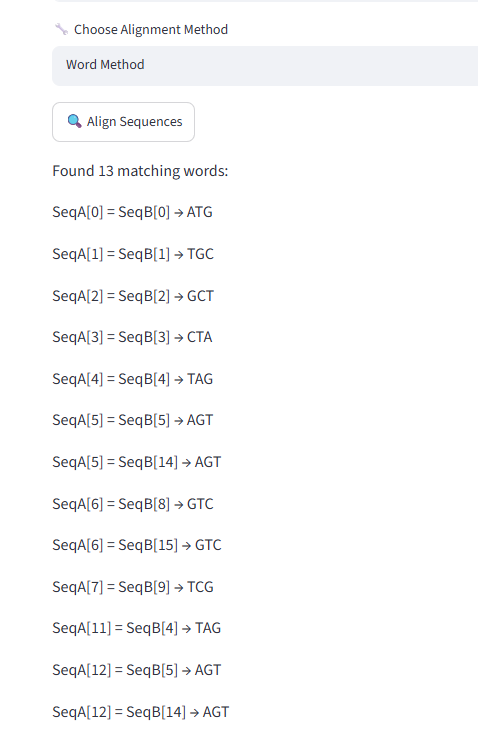
- Word Method
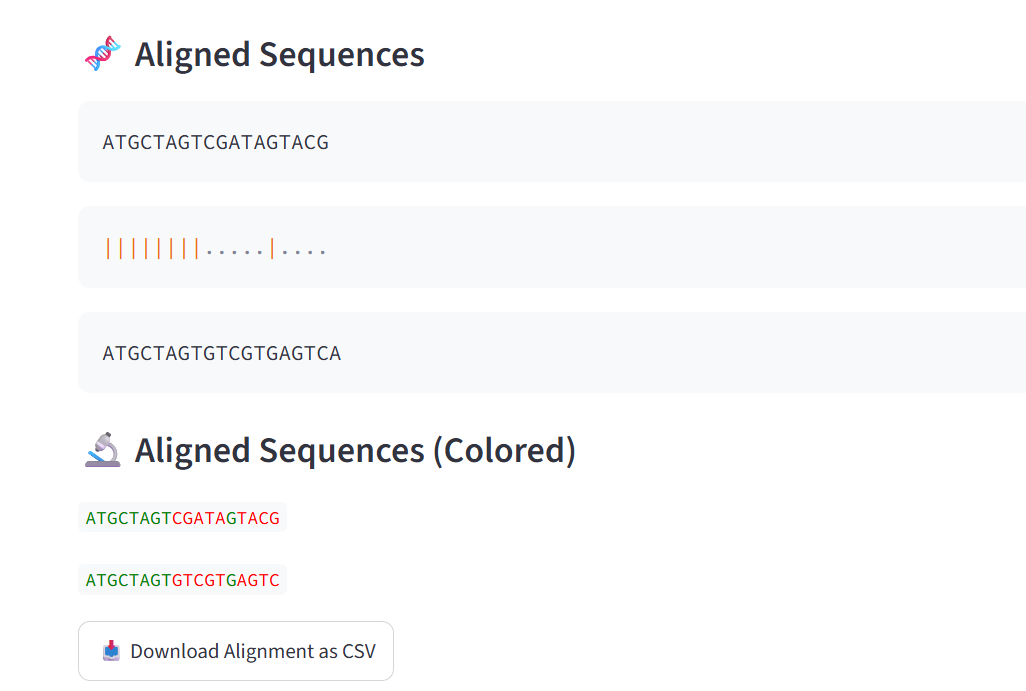
- Visualize alignment results, scoring matrices, and sequence similarities.
- Copy or download alignment results for further analysis. The application provides an intuitive learning environment for understanding how different alignment algorithms work and when each should be used.
How we built it
GeneAligner was developed as an interactive web application using Python and Streamlit.
Tech Stack
- Python
- Streamlit
- NumPy
- Pandas
- Custom implementations of classical sequence alignment algorithms The application combines algorithmic implementations with an interactive user interface, allowing users to perform sequence alignment without requiring command-line tools or complex software installation.
Challenges we ran into
Building GeneAligner presented several technical and design challenges:
- Implementing multiple sequence alignment algorithms accurately while keeping the application lightweight.
- Validating user-provided DNA/RNA sequences and handling invalid inputs gracefully.
- Designing intuitive visualizations that clearly explain alignment scores and sequence similarities.
- Creating a user-friendly interface suitable for both beginners and experienced learners.
- Balancing computational accuracy with interactive performance within a web application.
Accomplishments that we're proud of
- Successfully integrated four classical sequence alignment techniques into a single interactive platform.
- Created an educational tool that simplifies complex bioinformatics concepts through visualization.
- Built an accessible web application requiring no software installation or programming experience.
- Developed a platform that can be used in classrooms, workshops, and self-paced learning.
- Combined computational biology algorithms with an intuitive modern interface to improve learning accessibility.
What we learned
Through developing GeneAligner, we gained deeper insights into:
- Classical bioinformatics sequence alignment algorithms.
- Dynamic programming techniques used in global and local alignment.
- Building interactive scientific applications using Streamlit.
- Designing educational software that makes computational biology more approachable.
- Creating intuitive data visualizations for biological sequence analysis.
What's next for GeneAligner
We plan to expand GeneAligner into a more comprehensive bioinformatics learning and analysis platform by adding:
- FASTA file upload and batch sequence analysis.
- Multiple Sequence Alignment (MSA).
- Phylogenetic tree generation and visualization.
- Interactive alignment score comparison dashboards.
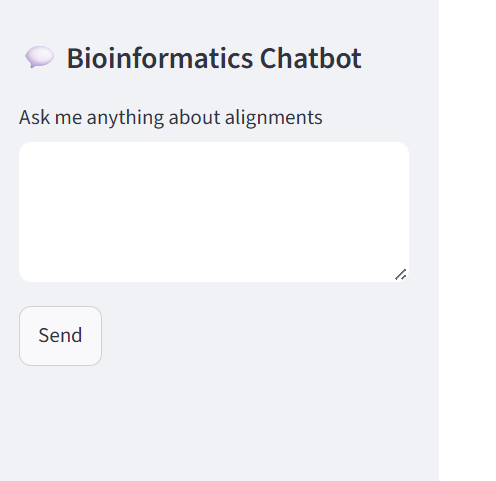
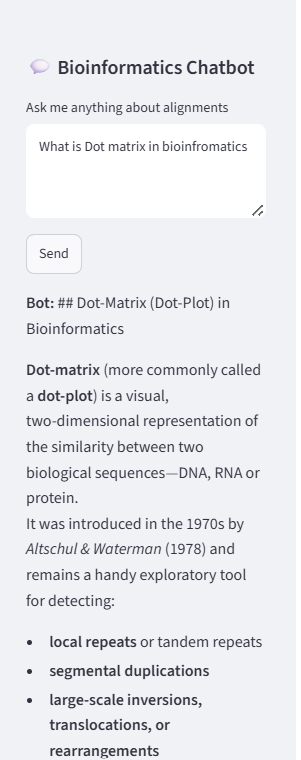
- AI-powered explanations of alignment results using Large Language Models.
- Exportable PDF reports.
- Interactive tutorials and guided learning modules.
- Cloud deployment with support for larger biological datasets. Our long-term vision is to make GeneAligner an open, accessible platform that helps students, educators, and researchers learn and explore bioinformatics through interactive, visual, and practical experiences.
Built With
- bioinformatics
- dna-sequence-alignment
- python
- streamlit

Log in or sign up for Devpost to join the conversation.