-
ui
Inspiration
We were inspired to make a gender bias text detection because as women ourselves, we know what it's like to be discriminated against because of our gender, still to this day. We had also heard about jobs being preferred more towards men, and they have job descriptions that unconsciously prevent women from applying to them, because of certain keywords. We wanted to build something that would allow everyone a fair chance.
What it does
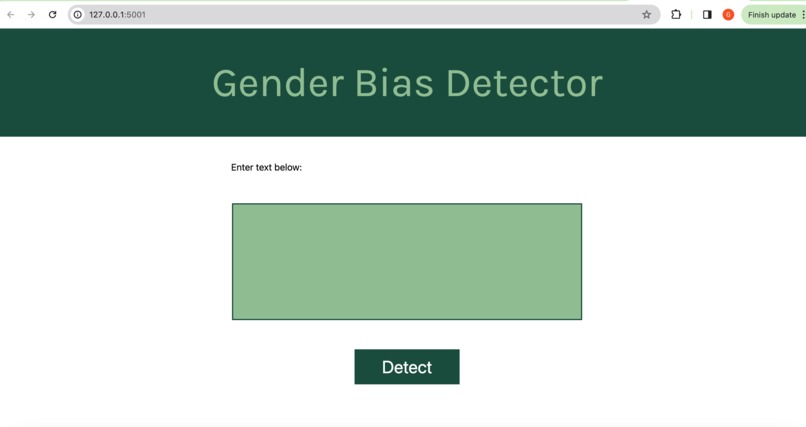
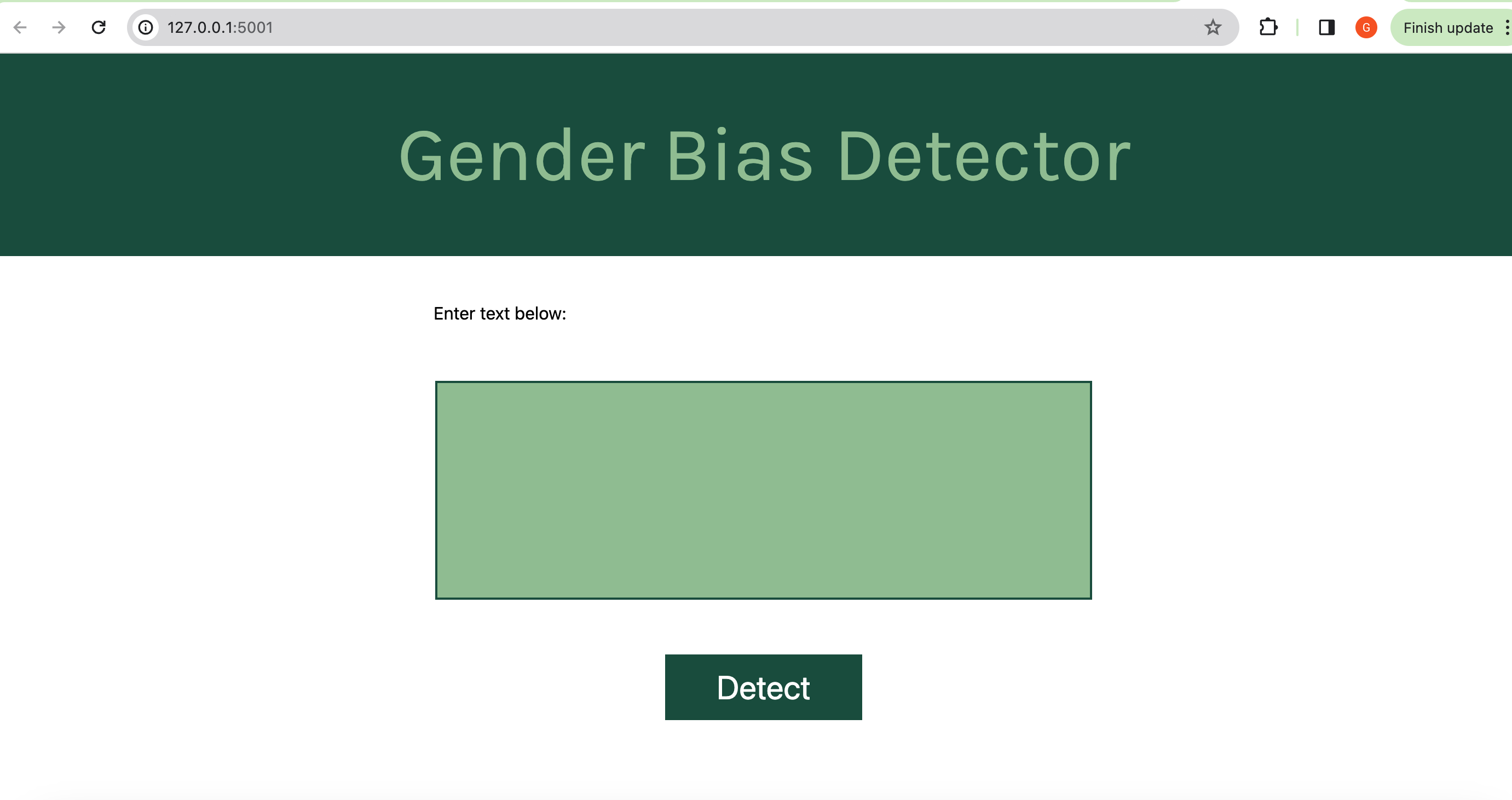
Our gender bias detector takes in a text input. The input can be one sentence, or several paragraphs long. It then shows how biased the text inputted is.
How we built it
We first created a Python file, and we made a basic outline of how we wanted our app to work. It was simple -- it essentially just got a sentence input from the user, removed all the punctuation, and added just the words into a new list. We then added features that compared each word to words in a key_words list, which was a list we made that consisted of certain words that had a gender bias to them (ex: chairman, postman, his, her, etc). We then counted how many words in the inputted sentence had a certain bias to them, and used that to find the percent of total bias within the sentence.
After doing this, we wanted a more efficient way to do this and also something that could also eliminate irrelevant words, such as 'and', 'the', 'it', 'or', etc. To do this, we decided to use NLP, since it had libraries we could access to do this. We imported and downloaded nltk and its files. We then used the library stop_words, which was able to eliminate certain words in the inputted sentence, making it easier to search through for bias.
After we finished and tested the code for the actual bias detection, we had to somehow link it to the HTML and CSS website we were making. To do this, we had to download Flask, which was a web application that made it easier for us to incorporate our Python code into our webpage. We had to follow a code tutorial to add to our Python file, but in the end, we were able to link our Python, CSS, and HTML files onto one webpage! From there on, it was just fixing up the UI to make it aesthetically pleasing.
Challenges we ran into
Some challenges we ran into was figuring out how to link our Python file to the HTML and CSS files. We wanted to be able to run the Python function after getting an input from HTML, which took a while to figure out. We also had to learn how to use and import Natural Language Toolkit (uses NLP), and had to watch tutorials on how to access that within our code. We also had to use flask to link our Python and HTML files together.
Accomplishments that we're proud of
Some accomplishments that we're proud of is solving all the problems we listed above. We were also able to learn how to import new things, and even how to use a little bit of NLP and flask. We also found out how to link Python to HTML, which can help a lot in future projects.
What we learned
One major thing we learned was how to use Python in our HTML files. This was a big breakthrough for us, as we weren't aware of how to do it earlier, and now that we know how to use Flask, it makes things a lot easier for us and our future projects. Another thing we learned includes how to import and use libraries from modules such as nltk.
What's next for Gender Bias Detector
Something that we are interested in doing next is diving deeper into the nltk libraries and seeing how we can use that to further analyze the words. Instead of having a preset of limited keywords, we would want to use AI to start learning what words are associated with bias, and then using that to take inputted text and find the percent itself.

Log in or sign up for Devpost to join the conversation.