-
-
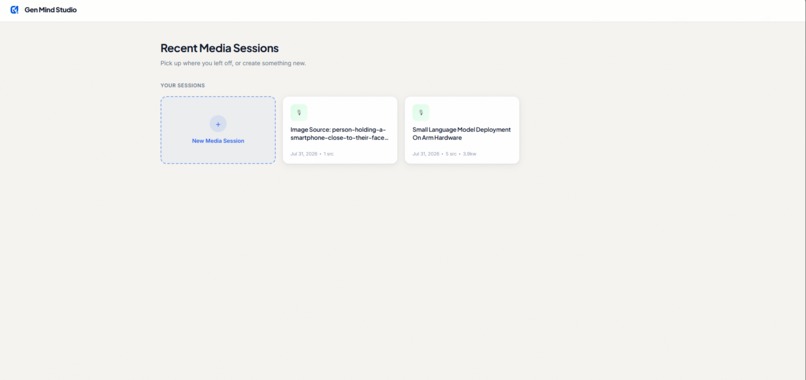
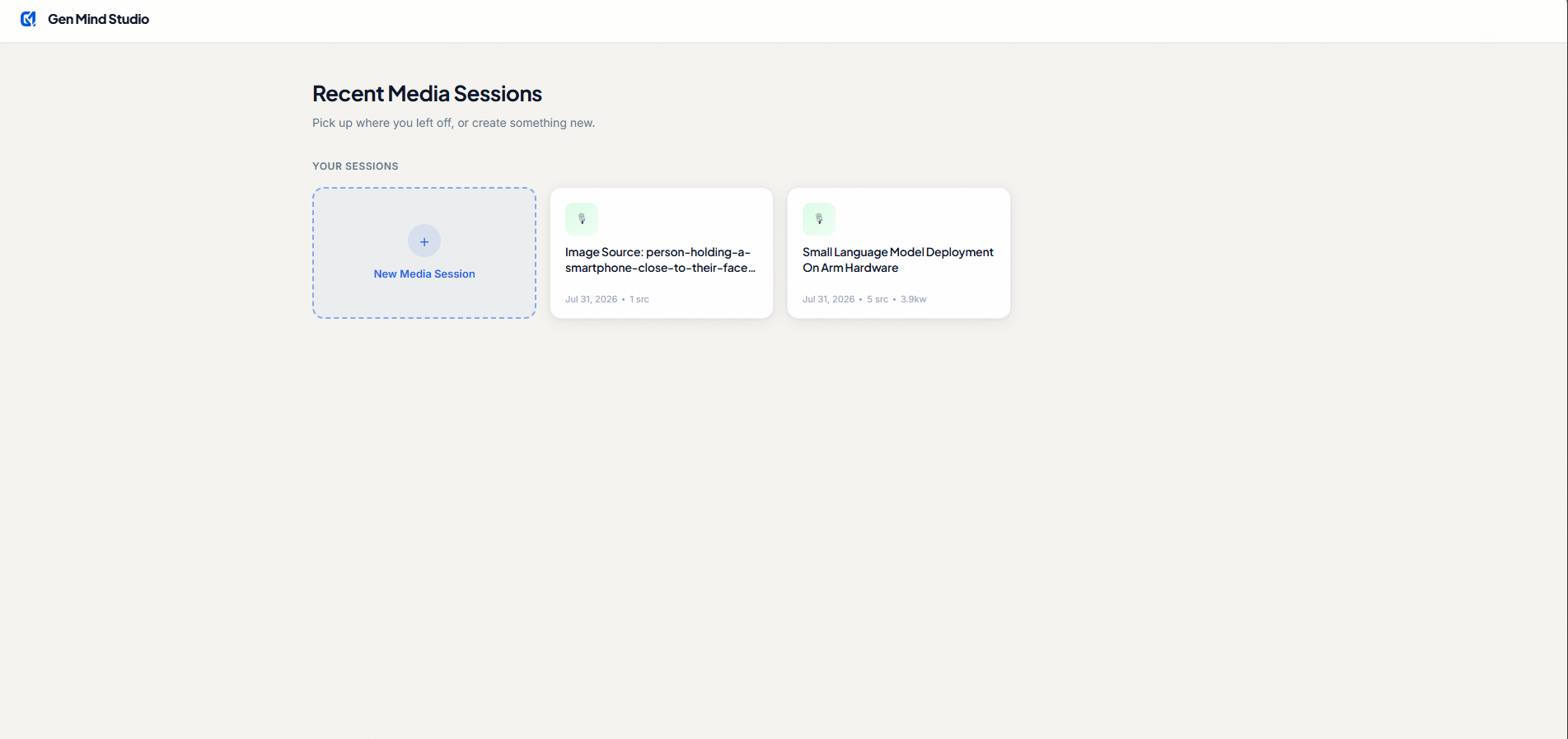
Gen Mind Studio Dashboard: View all recent media generation sessions, showing word counts, source counts, and output formats.
-
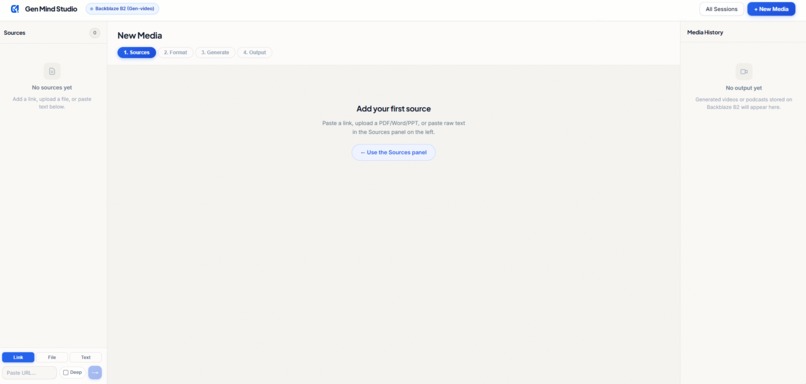
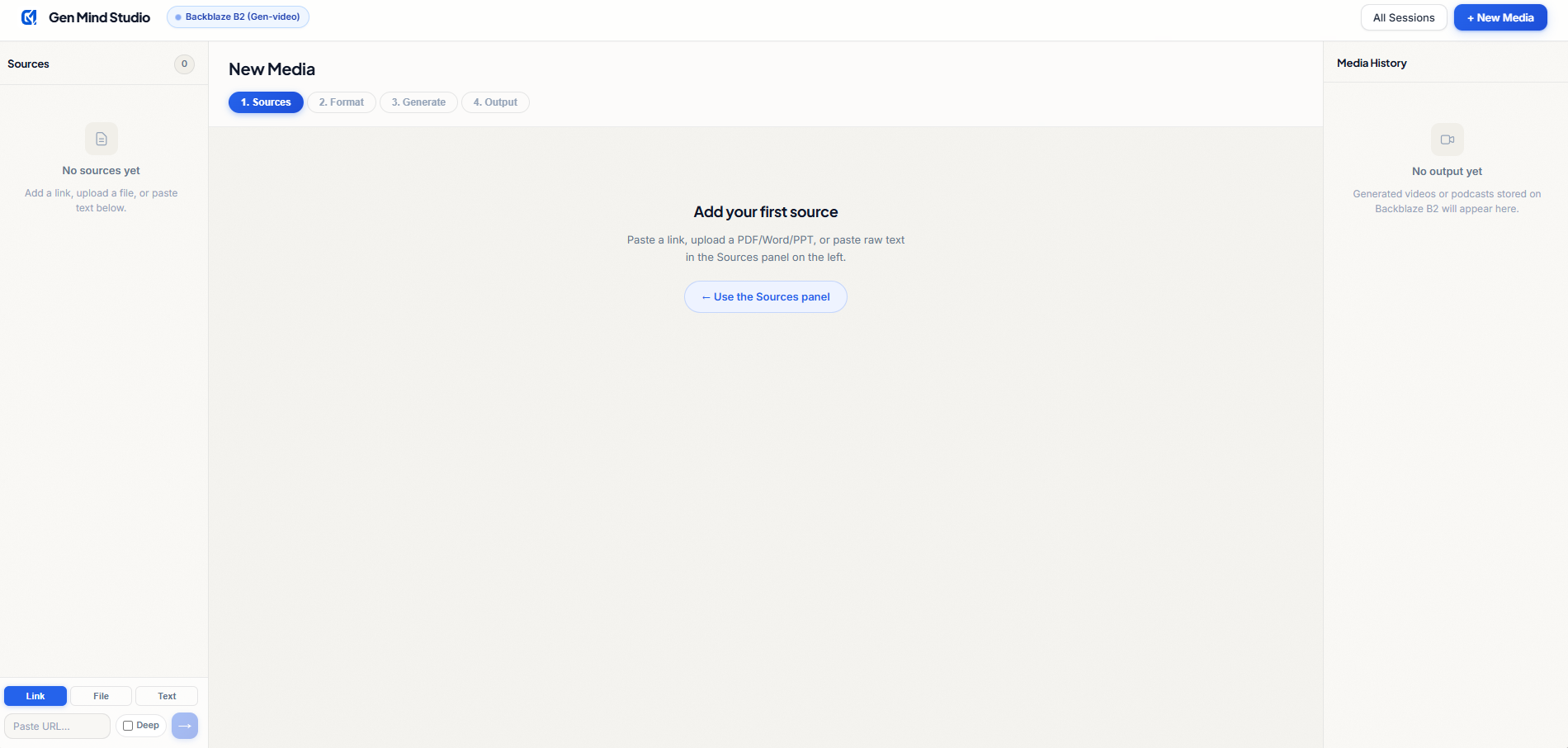
Multi-Source Intake: Easily paste URLs, upload documents, or paste raw text to feed the AI context.
-
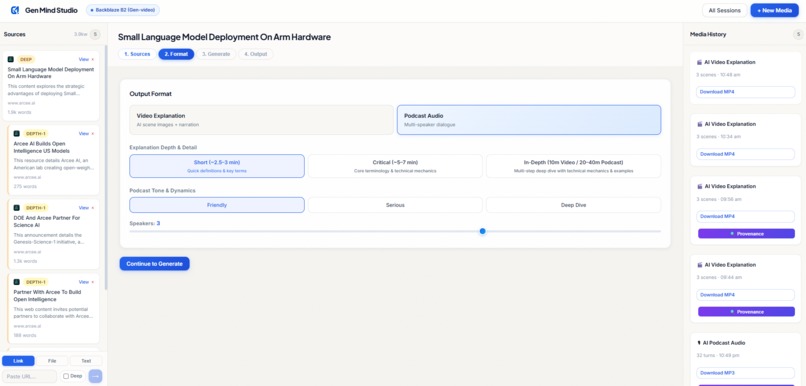
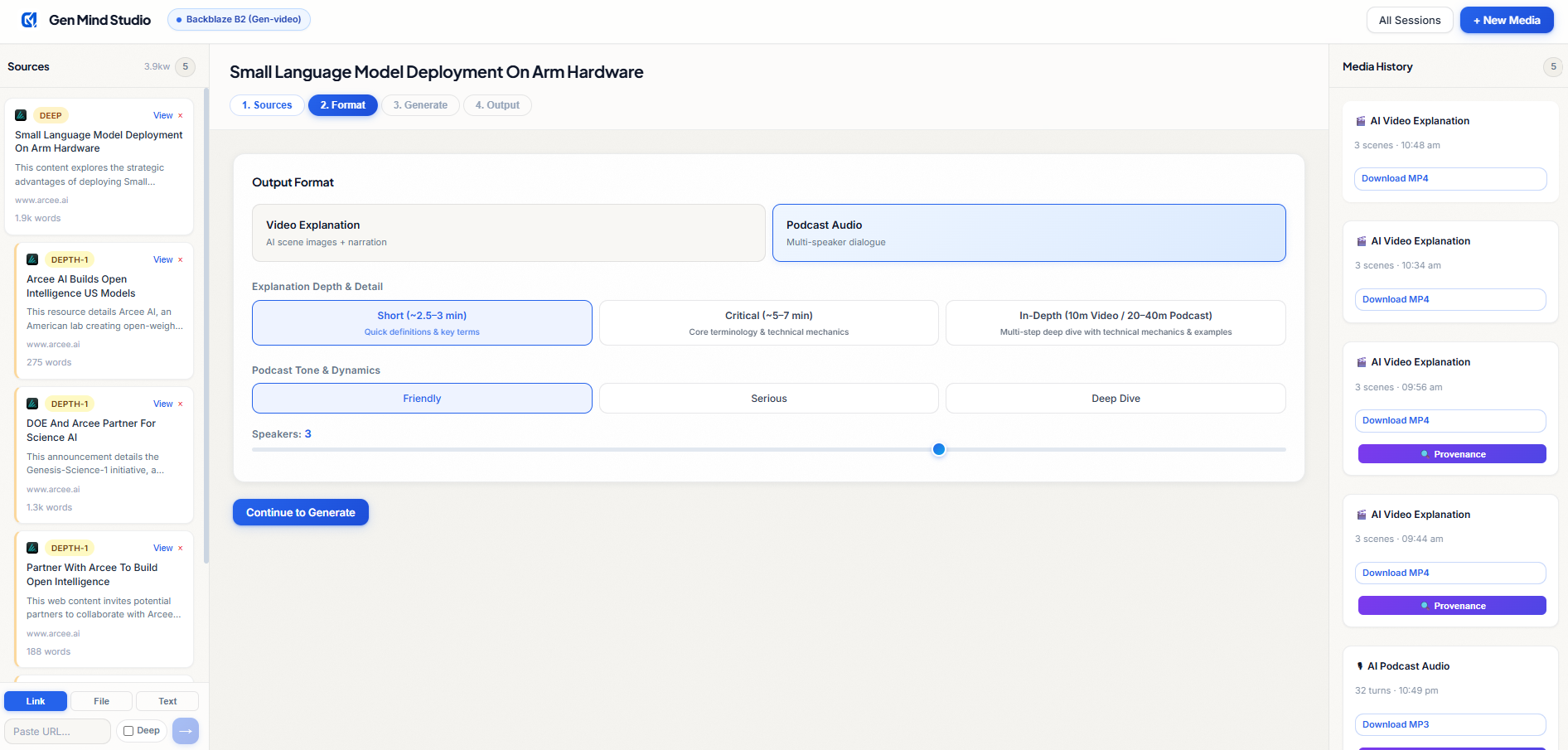
Formatting Engine: Customize scene count, depth level, visual style presets, and neural voice models.
-
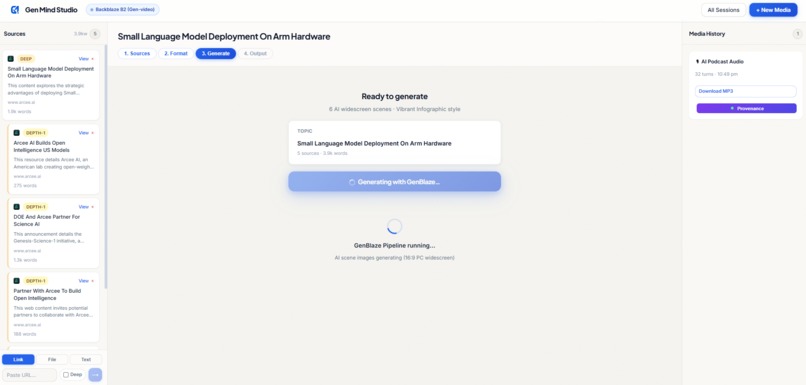
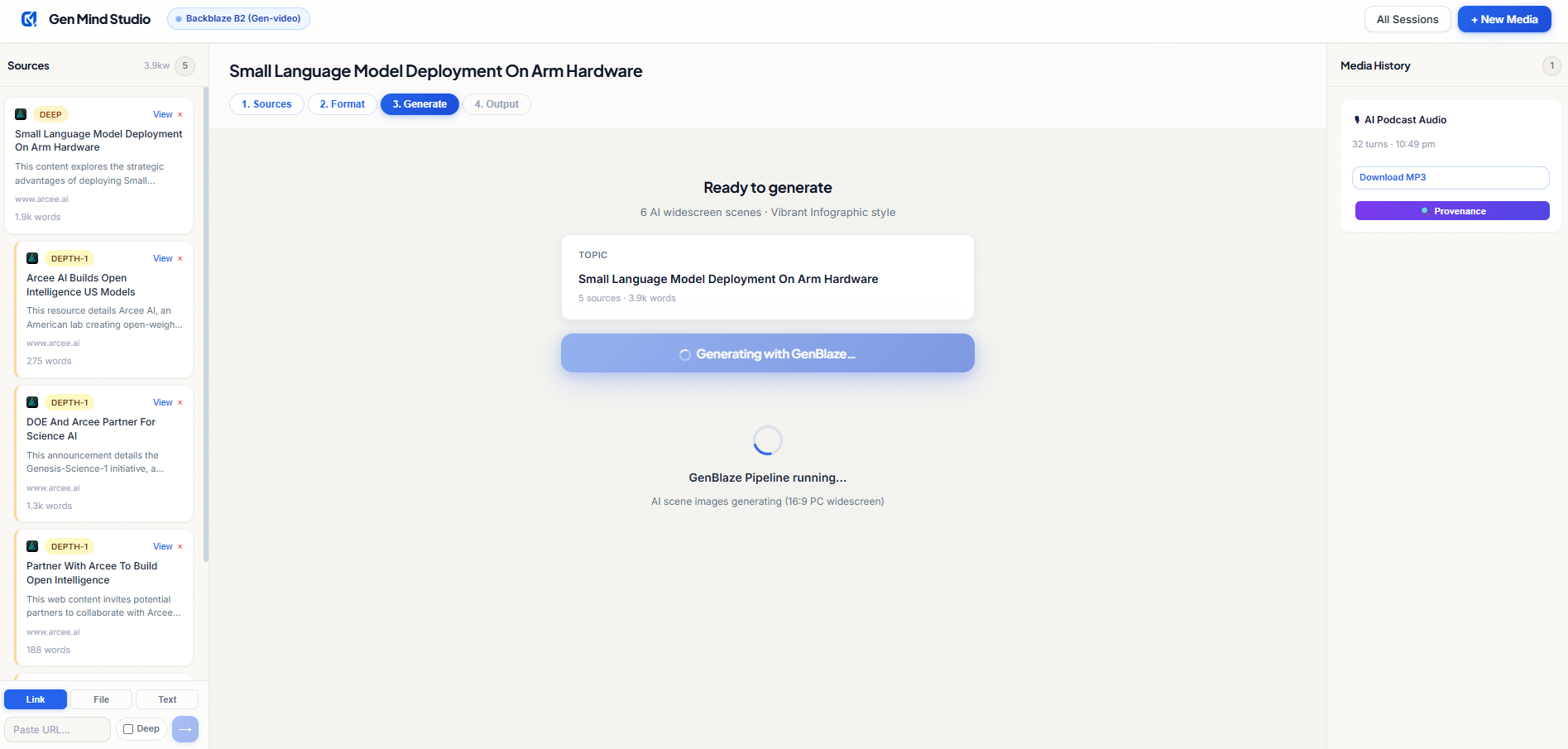
GenBlaze Orchestration: The multi-stage generation pipeline runs asynchronously with live status tracking.
-
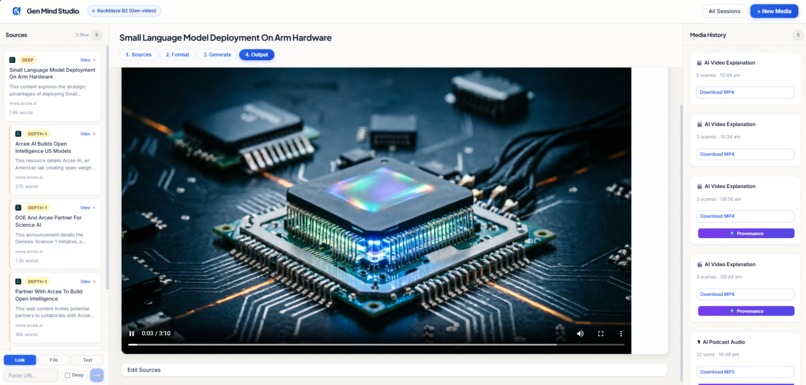
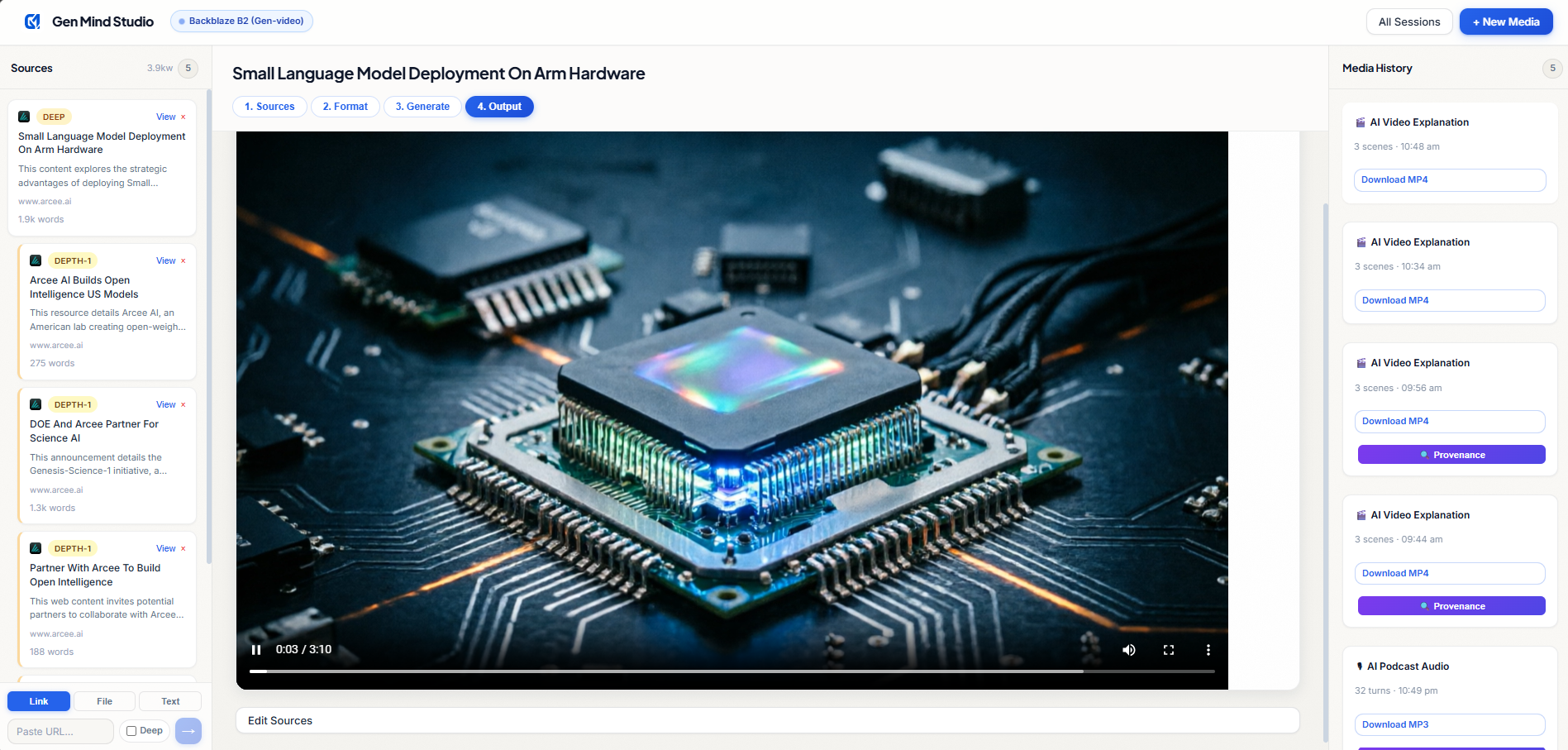
AI Video Explainer: Play the compiled MP4 video featuring highly detailed AI-generated scenes.
-
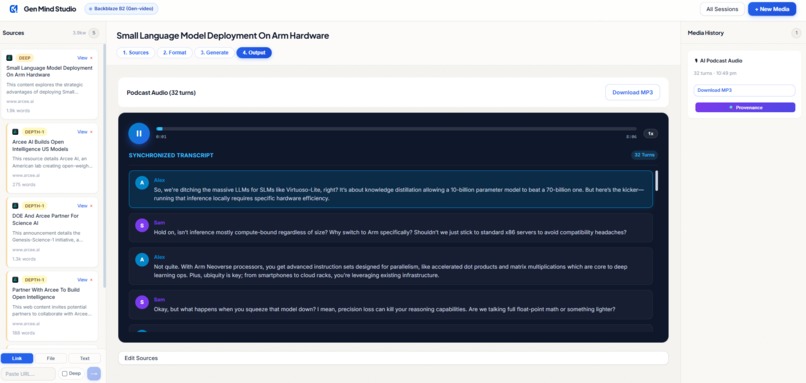
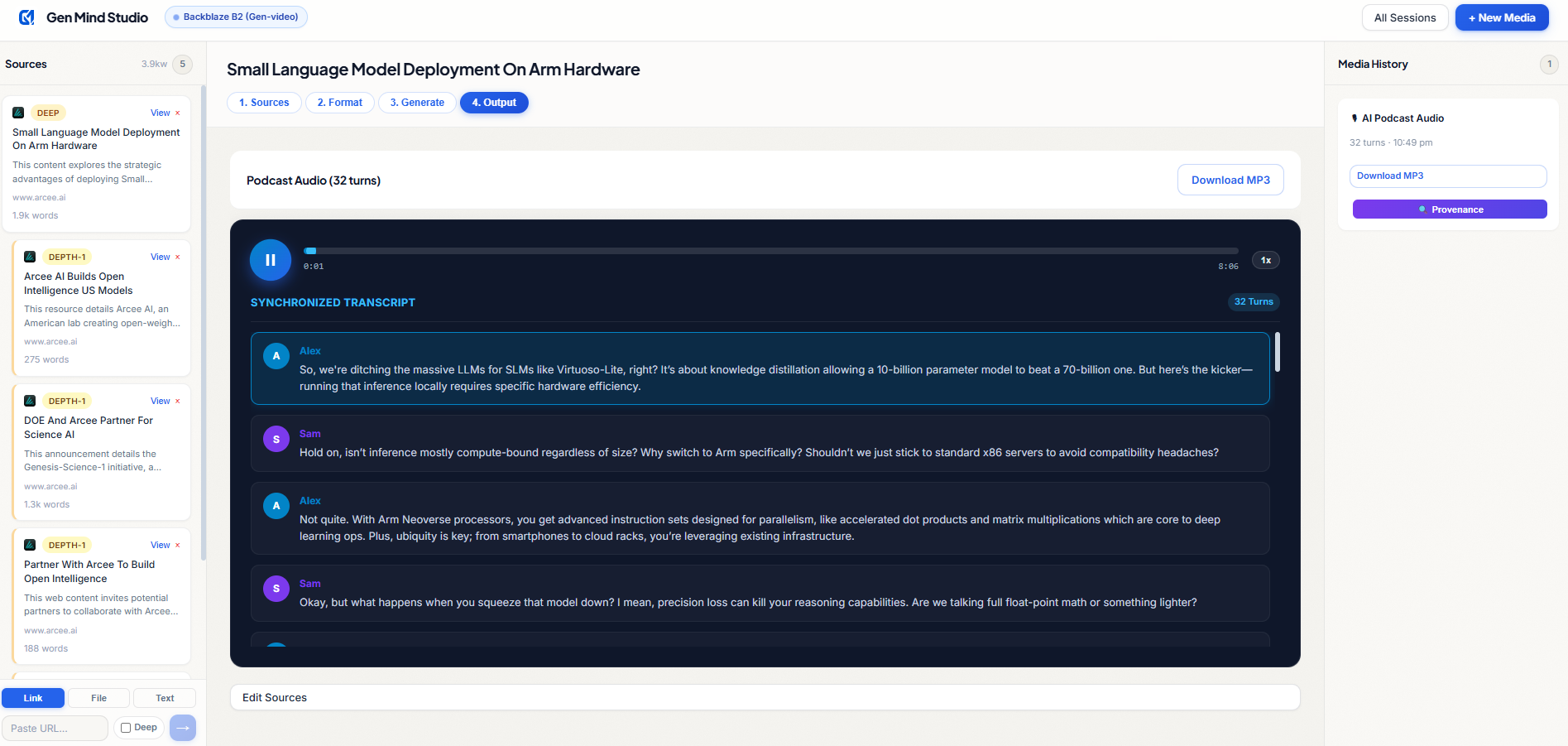
Media History: Review past outputs, download files, and inspect the cryptographic provenance.
Inspiration
I am a Cloud Engineer, and let me tell you my biggest problem. Whenever I want to try a new, great tool, I hit a wall with the documentation. My natural way of learning and implementing is by watching YouTube videos or listening to podcasts about that product. Today, companies release products with crazy, cinematic videos and creative images. But when it comes to actual tutorials or showing how to implement the product? It's just plain text. Even good documentation doesn't show the product screens to help the user. I need real visuals to understand things better. That exact frustration is where the idea for Gen Mind came from.
What it does
Gen Mind is my answer to boring documentation. It’s an AI-powered learning studio, but taken to the next level with generative media. You can feed it almost any source material (a web page URL, a PDF, a Word doc, or even just raw screenshots), and it transforms that data into rich media. It generates 16:9 cinematic video explanations complete with AI-scripted storylines and multi-modal image guidance. If you prefer listening, it turns the text into an engaging, multi-speaker podcast with real-time synchronized transcripts. It literally visualizes the text so you don't have to read pages of dry manuals.
How we built it
We focused heavily on building a robust backend architecture using genblaze_s3 and the core GenBlaze SDK. We created a seamless, multi-step pipeline for video and podcast generation. The best part? We developed this system to be the lowest-cost media generator in terms of API token and AI usage, but we still maintained great accuracy and top-notch quality output.
For the brains, we used Qwen models for text and image generation, and Microsoft Edge TTS for lifelike neural voices. We used FastAPI for the backend and MoviePy for video assembly. To handle all the heavy lifting of storage, every single MP4, MP3, and PNG we generate is seamlessly securely parked in a private Backblaze B2 cloud storage bucket.
Challenges we ran into
Building a generative media pipeline from scratch is tough. Our biggest hurdle was orchestrating different AI providers asynchronously. Stitching the AI-generated images with the neural TTS audio so the timing matches perfectly on screen took a lot of trial and error. Also, trying to keep the token usage extremely low without making the final video feel disjointed or "cheap" was a huge balancing act. We had to fine-tune our pipeline steps and prompts over and over to get it right.
Accomplishments that we're proud of
I am incredibly proud of the fact that we actually achieved that low-cost, high-quality balance. We proved you can generate cinematic media directly from a simple document without burning through cash.
I'm also really proud of the transparency we built into the app. We created a native GenBlaze Provenance Manifest system. Every single video or audio file generated has a JSON footprint securely stored on Backblaze B2 that tracks exactly which models were used and when. Plus, our SQLite session persistence means if a user accidentally refreshes their page, all their uploaded sources and generated media are instantly restored.
What we learned
We learned that creating a generative media app is less about just "calling an API" and more about how you manage the flow of data and storage. Using the GenBlaze SDK taught us how to properly structure these complex, multi-step AI workflows instead of writing messy, one-off scripts. We also saw firsthand how powerful, fast, and cost-effective Backblaze B2 is for serving these heavy static media assets securely to the frontend.
What's next for Gen-Mind
This is just the beginning. The next step is scaling Gen Mind to handle massive, enterprise-level documentation repositories. I want to add support for more regional voices and languages so developers back home in India and around the world can listen to tech tutorials in their native tongues. We are on a mission to turn this into the ultimate, self-paced media studio where struggling through a text-only manual becomes a thing of the past.
Built With
- codex
- dashscope
- edge-tts
- fastapi
- genblaze
- genblaze-core
- genblaze-s3
- moviepy
- python-multipart
- qwen
- react
- typescript
- vite
