Inspiration
We wanted a Tamagotchi that worked with our AI agents. Running several agents meant constantly checking terminals to see who was working, who was stuck, and who needed an answer. We wanted to step away without worrying about missing something important.
Somewhere between babysitting our agents and wanting a little desk pet, we arrived at a very scientific formula:
$$ \text{Gemmi} = \text{Tamagotchi} + \text{AI agents} - \text{terminal babysitting} \cdot \text{Paul from MLH's tape} $$
What it does
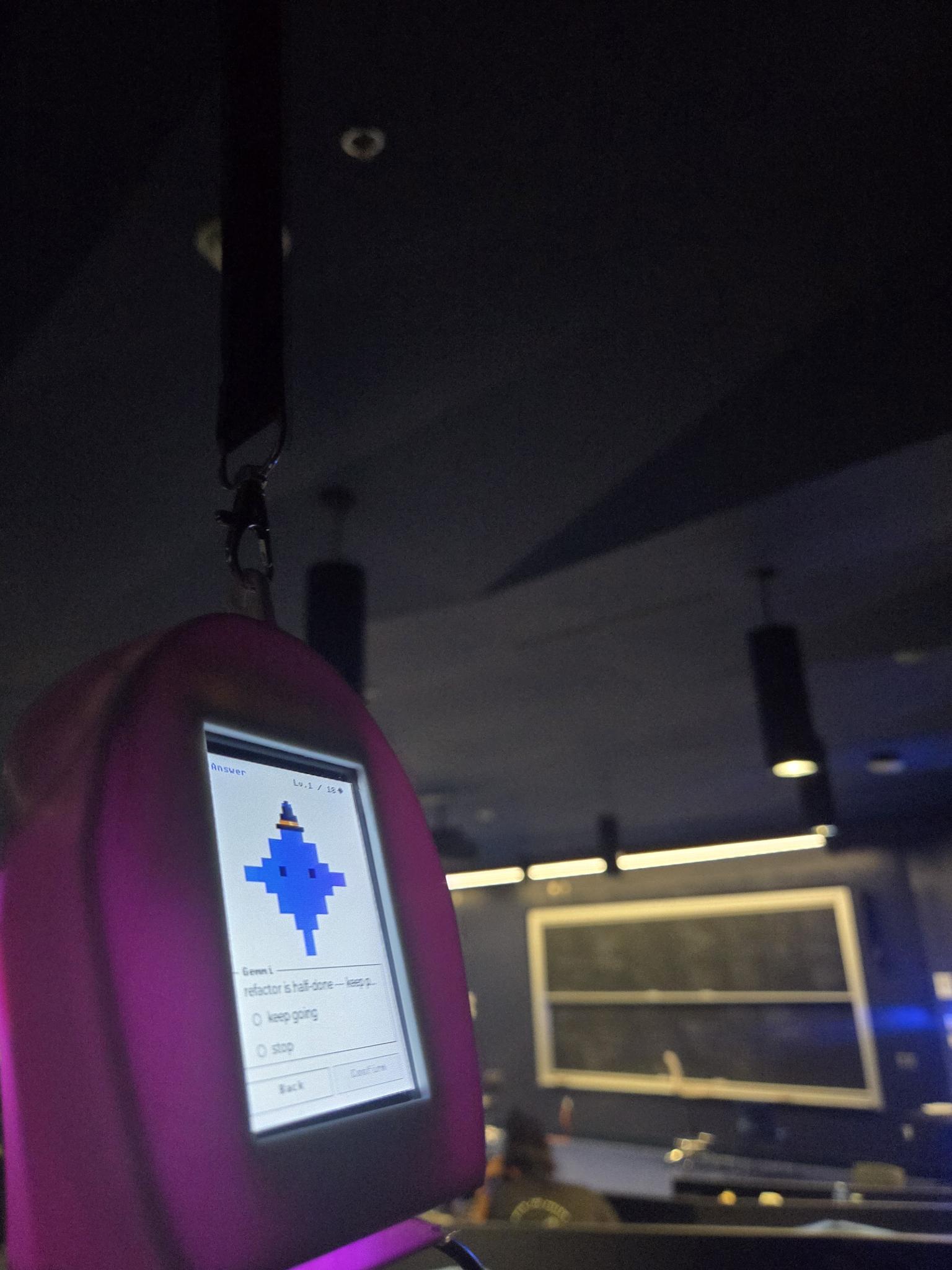
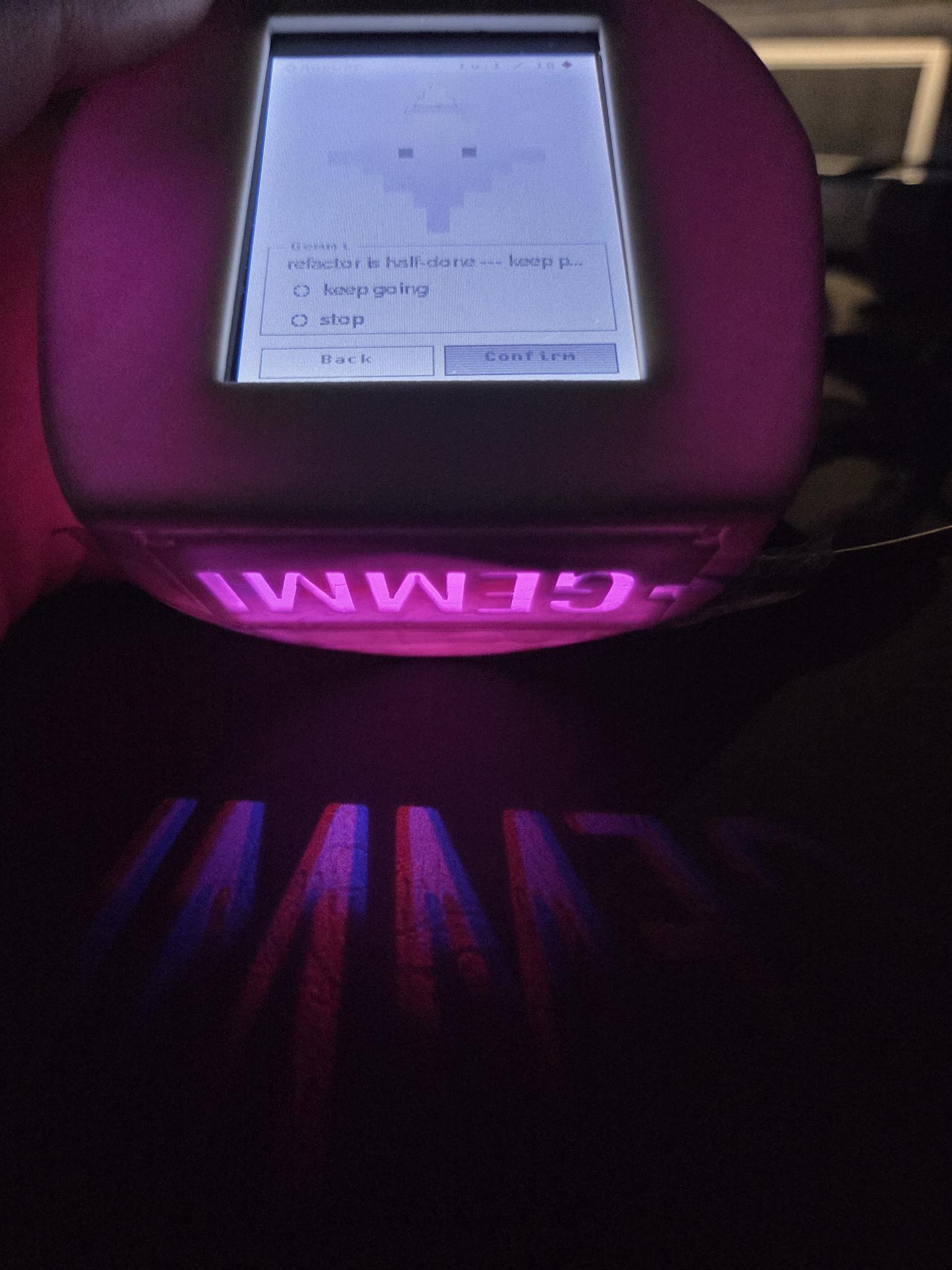
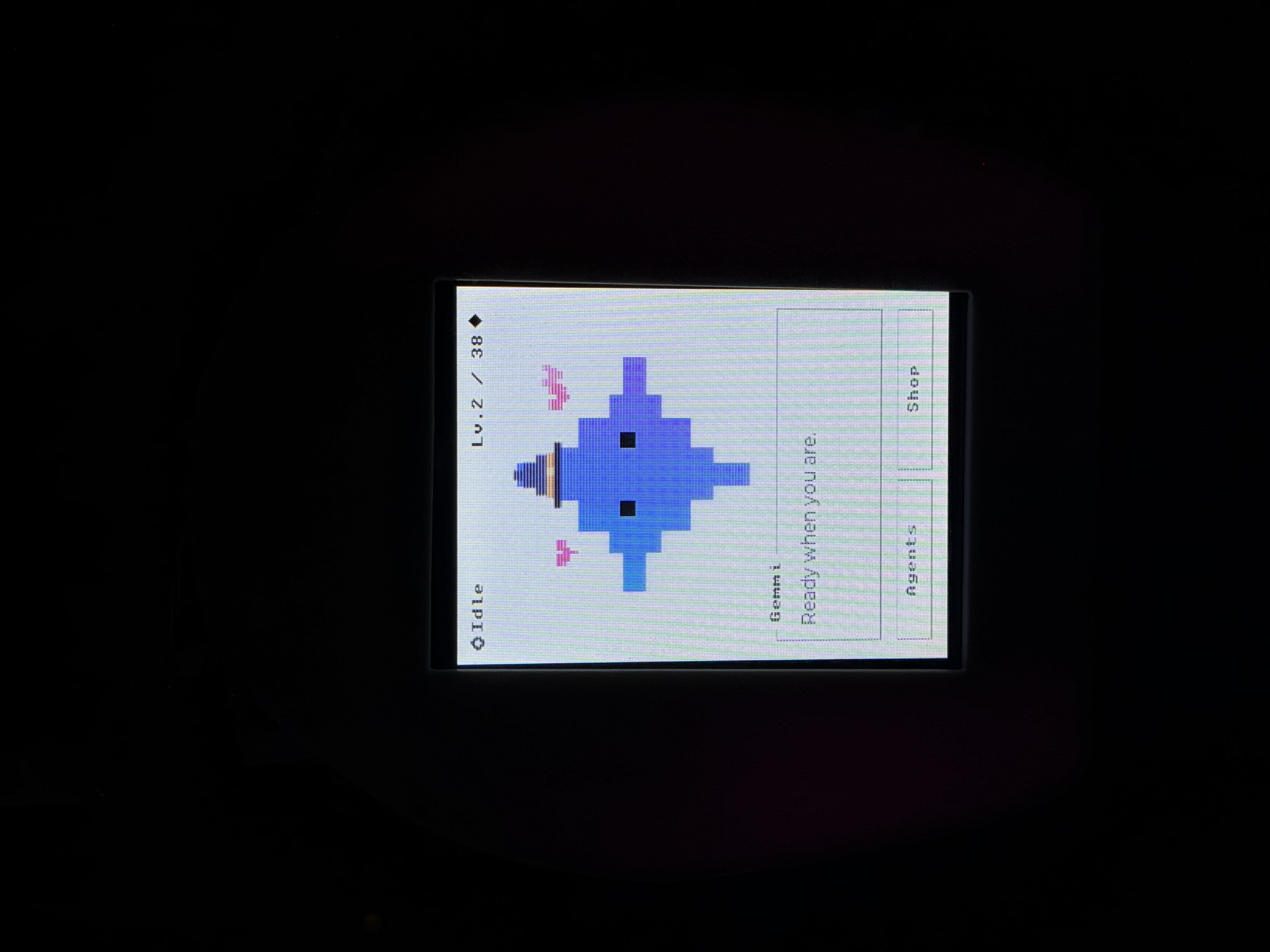
Gemmi is a touchscreen desk companion for your AI agents. It thinks while they plan, reads while they explore files, works while they execute, and celebrates when they finish. When an agent needs your input, Gemmi displays the question and sends your answer back through the touchscreen.
Instead of repeatedly checking terminals, you can glance at Gemmi to see whether your attention is needed.
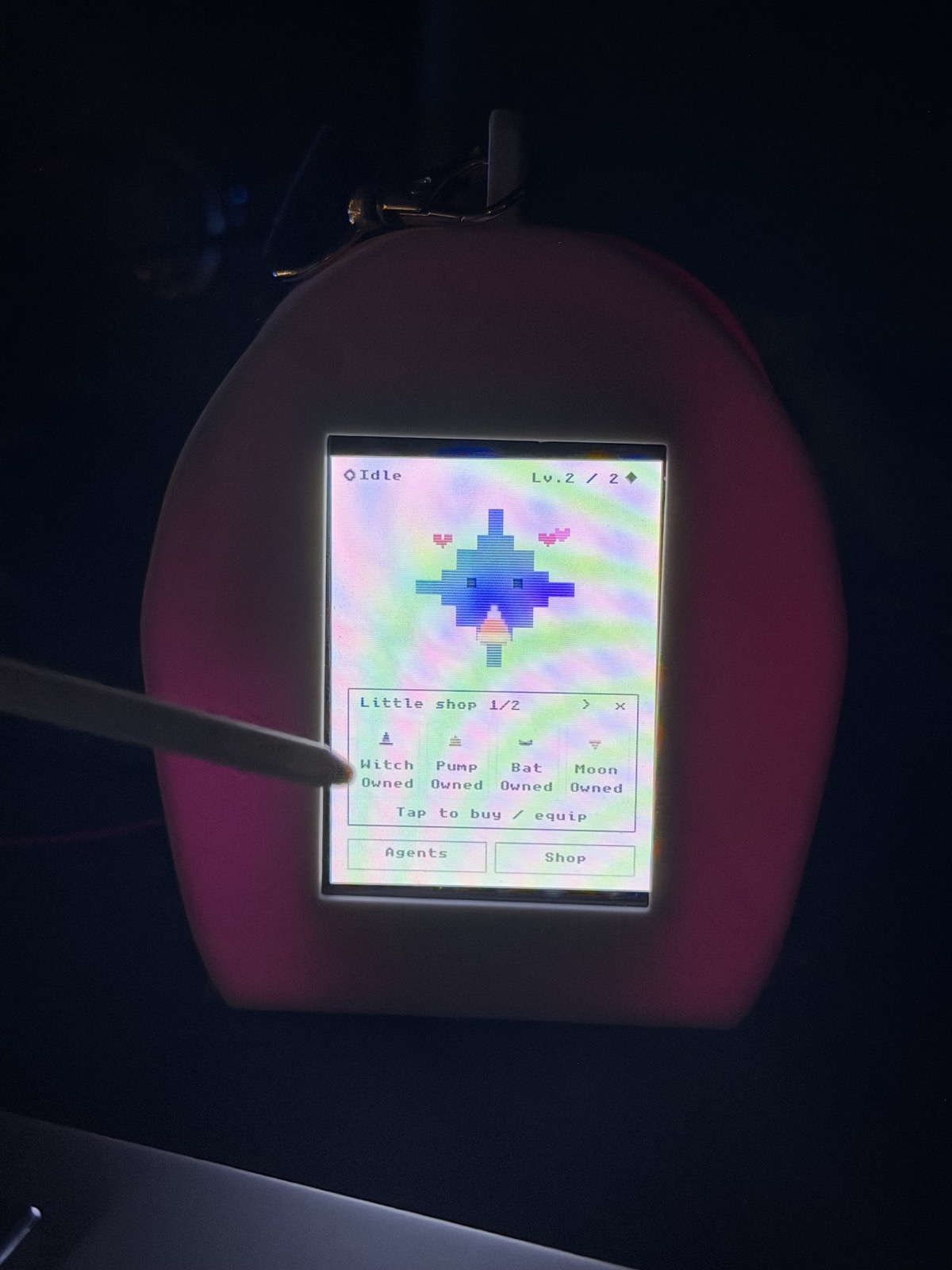
Completing tasks earns XP and gems, which you can spend on clothes and treats for Gemmi. A little reward for getting things done, without making your desk pet another responsibility.
How we built it
We built Gemmi around an ESP32 and a 240 × 320 touchscreen. The firmware uses C, ESP-IDF, FreeRTOS, and LVGL to handle animations, touch interactions, and the device interface.
A Python bridge connects agents running on the computer to Gemmi over Wi-Fi. It carries status updates and questions to the device, then routes answers back to the waiting agent.
We integrated Gemini CLI lifecycle hooks to reflect agent activity and used the Gemini API to turn recent activity into short reactions that fit Gemmi’s personality and screen. The hooks tell Gemmi what the agent is doing; the API gives those updates context and personality.
We also built desktop previews with a simulated CLI so we could iterate on layouts and interactions before testing them on hardware.
Challenges we ran into
Getting the hardware, agent bridge, and touchscreen interactions to work together was our biggest challenge. Gemmi needed to stay responsive while receiving updates, playing animations, and sending input back to the computer.
We also had to decide which agent activity was worth showing. Terminal output moves quickly, but Gemmi needed to communicate the useful parts without becoming another distraction.
Accomplishments that we're proud of
We’re proud of building a physical companion with a working, two-way connection to agents. An agent can ask for input, Gemmi can present the question, and a tap can send the answer back.
We brought embedded hardware, animated character design, Gemini-powered personality, and virtual-pet progression into one small experience.
And we made a little guy we actually wanted on our desks.
What we learned
We learned that an agent interface is fundamentally about managing attention. More information doesn’t always make an interface more useful. Sometimes you just need to know whether your agent is working, finished, or waiting for you.
We also learned how much personality you can communicate with two square eyes.
Don’t burn your ESP32s.
What's next for Gemmi
We want to make Gemmi useful throughout a real workday: keeping track of multiple agents, showing which project needs attention, and helping you pick up where you left off.
Our next step is audio input, so you can talk to Gemmi when an agent needs an answer or you want to explain a change. Alongside the touchscreen and drawing input, this would give you another way to interact without returning to the terminal.
We’d also like to add optional break reminders when a task finishes—a natural moment to stretch or step away, rather than another notification interrupting your work.
And, of course, more outfits. Gemmi has a wardrobe to build.


Log in or sign up for Devpost to join the conversation.