Inspiration
Approximately 3.7 million videos are uploaded to YouTube, and users spend an average of 20 minutes every single day. When attention is a commodity, users want to make sure that those 20 minutes are spent watching quality videos that are worth their time. This is where Gemini's high capabilities of summarizing long textual inputs come in. Users being able to pick videos that are worth their time is a step forward in improving user satisfaction.
What it does
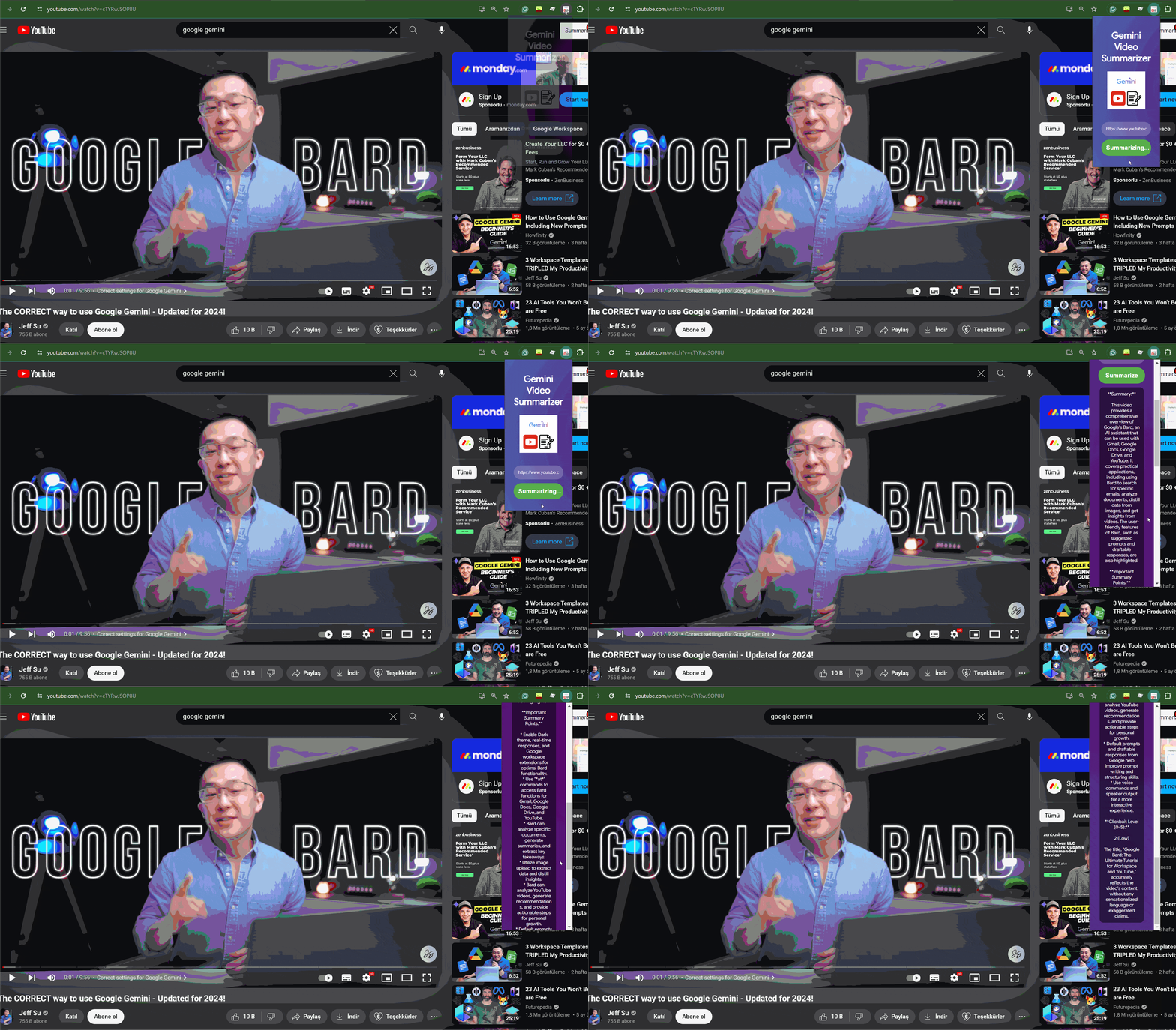
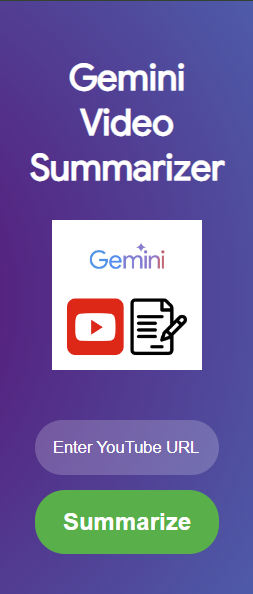
The Gemini Video Summarizer Chrome extension takes the user's input YouTube URL, pulls the video transcript from YouTubeTranscriptAPI, feeds it into Gemini to provide a summary within 250 words, and checks its clickbait score.
How I built it
We built a Python Flask app to communicate between our extension and Gemini. For user experience, we used HTML, CSS, and JavaScript.
Challenges I ran into
As it was my first time building a Chrome extension, I struggled to turn a Flask app into a whole Chrome extension. It was also a little tricky to upload it to Chrome to test it due to some errors.
Accomplishments that I'm proud of
I am proud that it works! I am also proud of myself for utilizing and tapping into priceless technology that will soon impact so many lives.
What I learned
I've learned how to communicate with Gemini's API, build a Chrome extension, and add animations in CSS.
What's next for Gemini Video Summarizer
Here are the future goals for Gemini Video Summarizer
- Get it published on the Chrome Web Store
- Add a feature to access the whole transcript
- Add a feature to access keynotes with corresponding timestamps in the video
- Improve user experience with feedback that comes from users
- Build a web app and mobile app version
- Be the best video summarizer in the market!


Log in or sign up for Devpost to join the conversation.