-
-
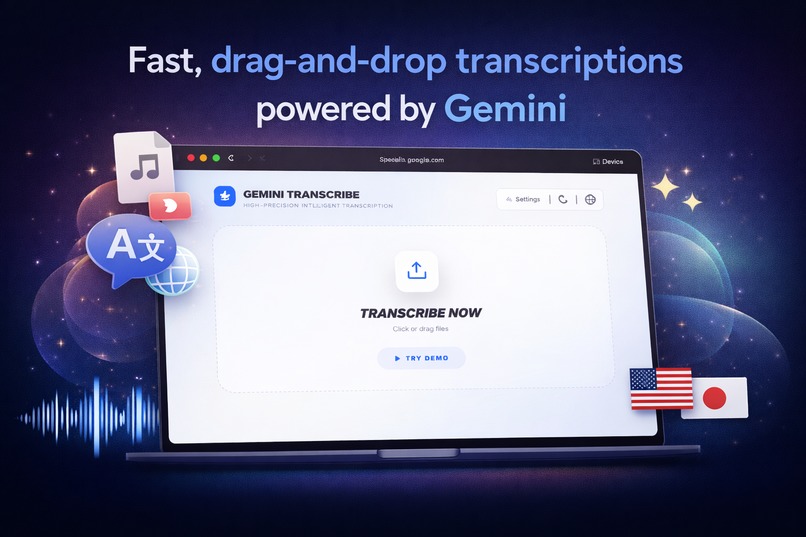
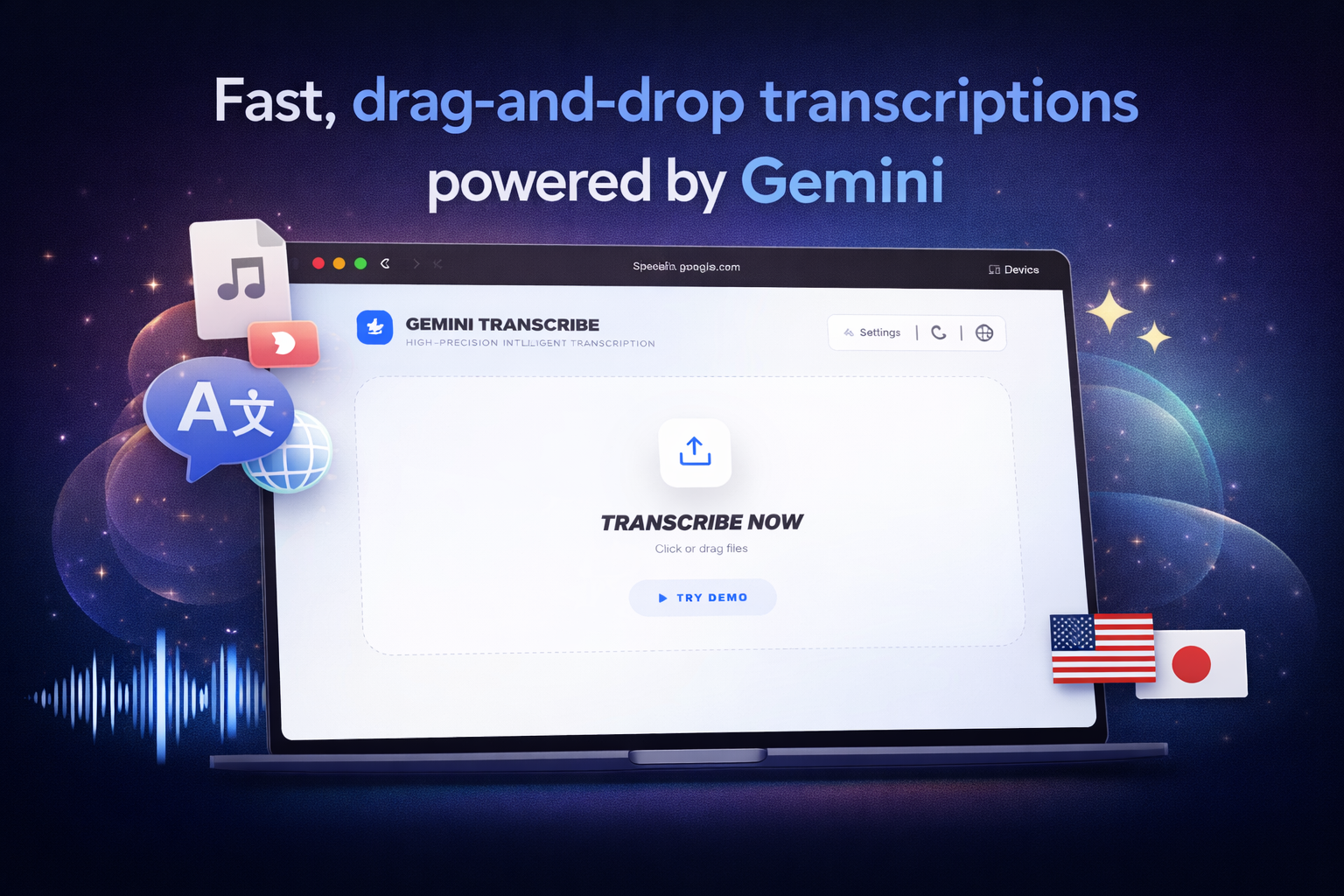
Fast, drag-and-drop transcriptions powered by Gemini
-
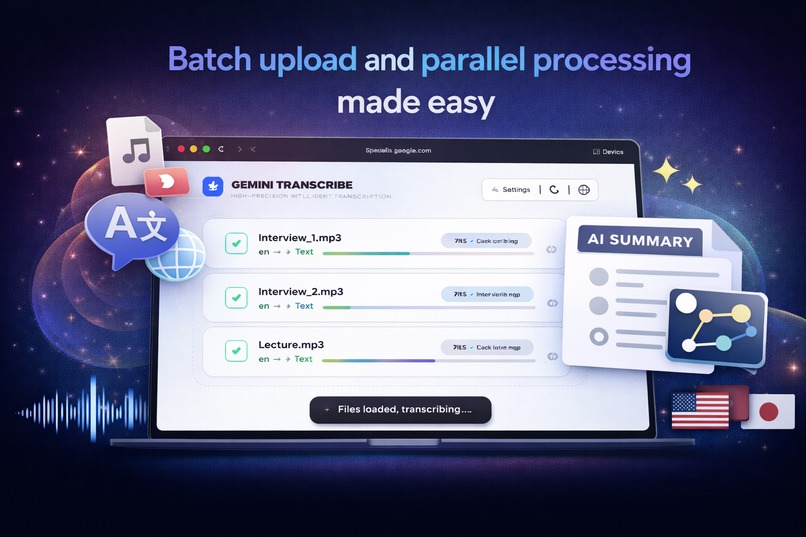
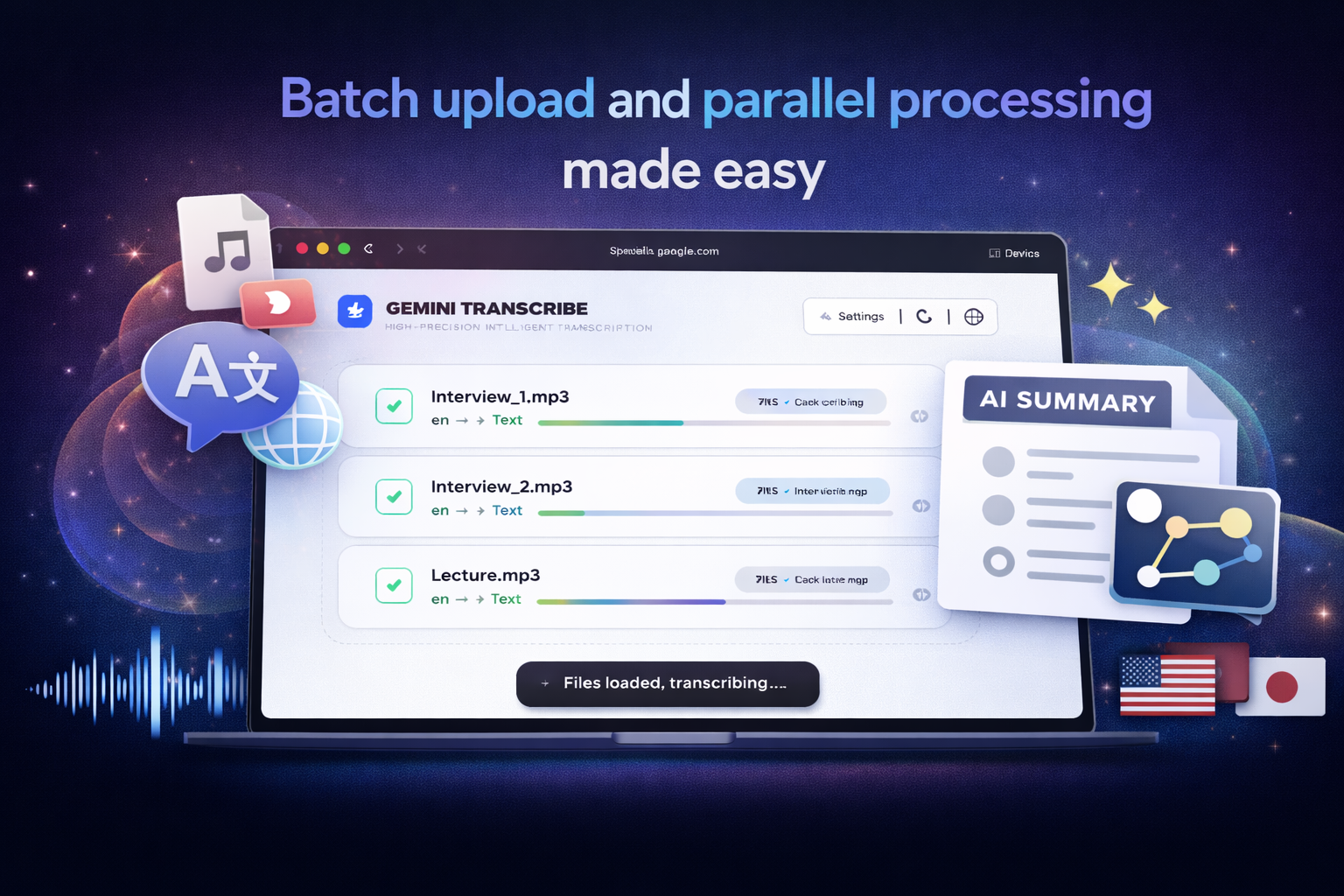
Batch upload and parallel processing made easy
-
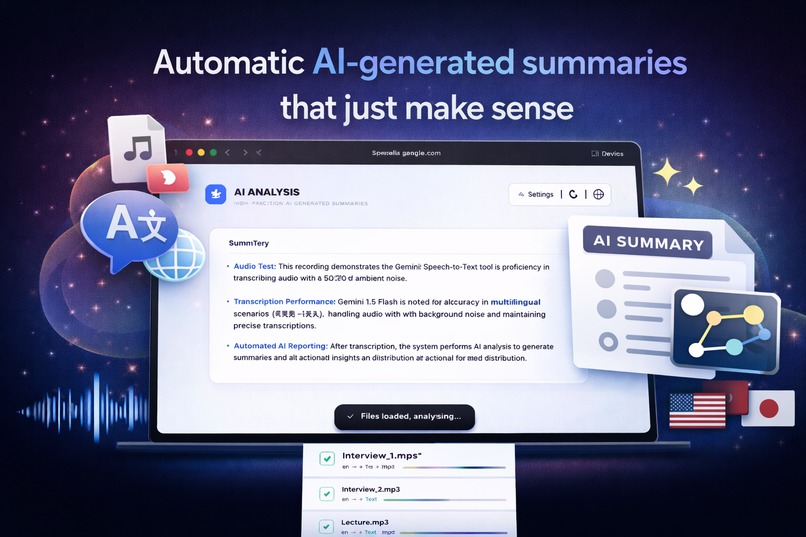
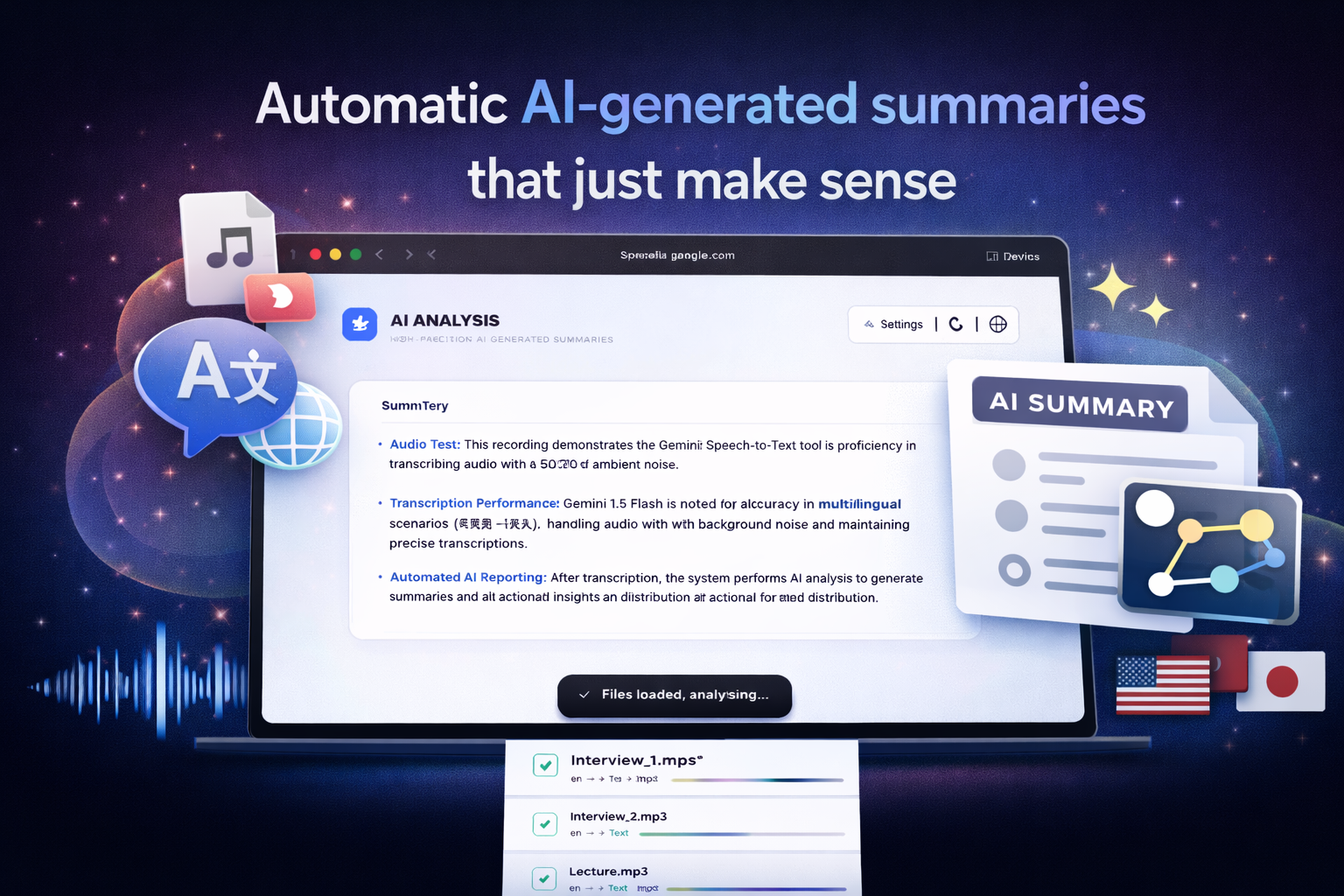
Automatic Al-generated summaries that just make sense
-
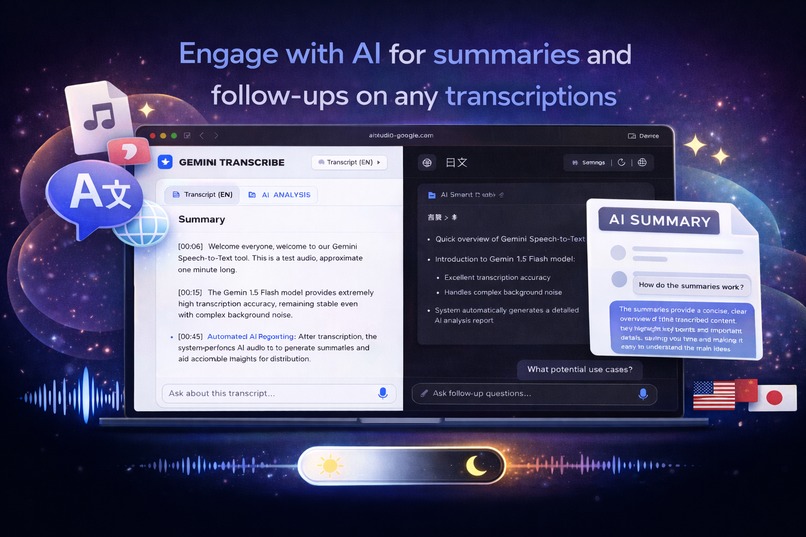
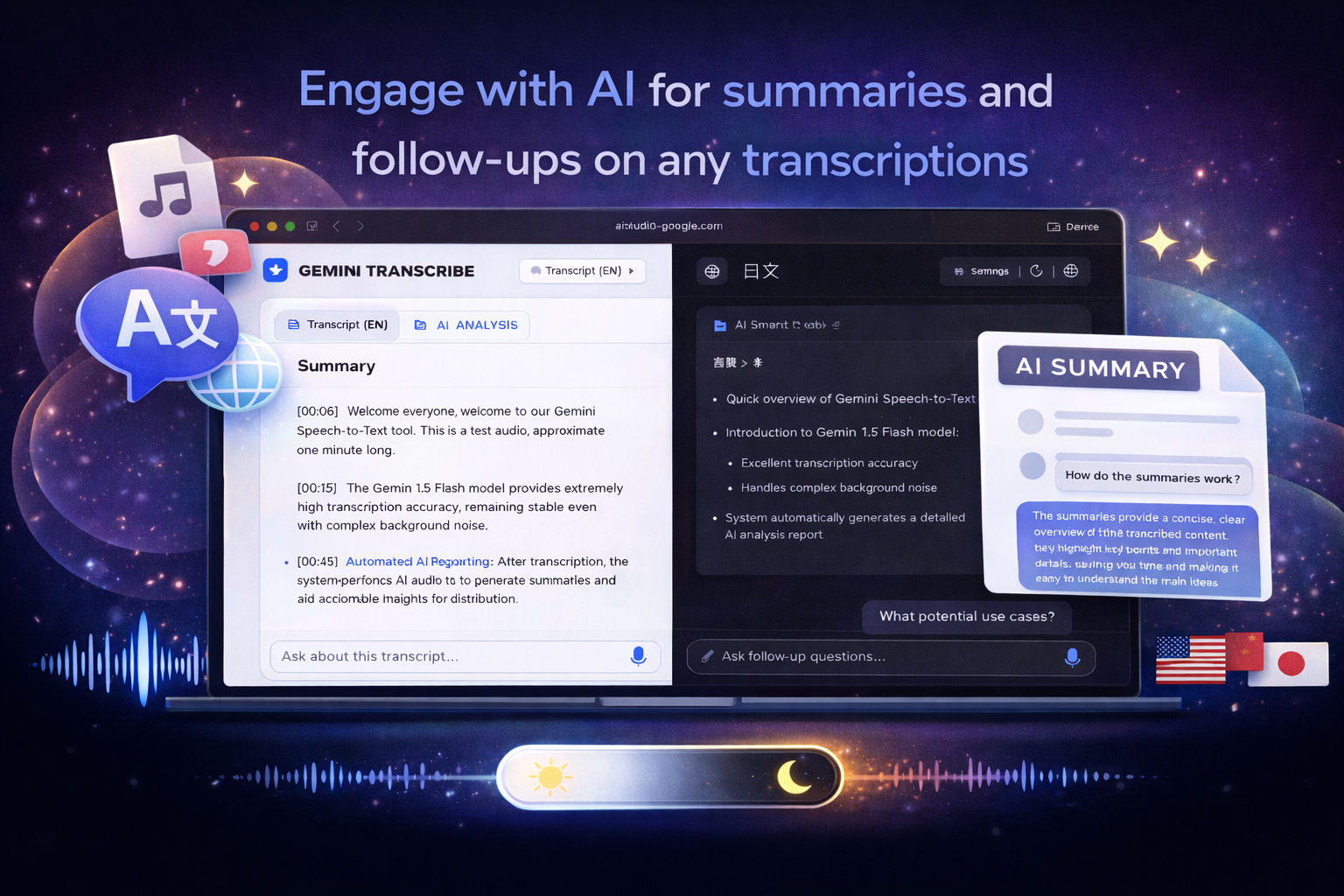
Engage with Al for summaries and follow-ups on any
Inspiration
In many real-world scenarios—research interviews, lectures, meetings, podcasts, and multilingual discussions—speech-to-text still feels more painful than it should be. Existing tools often introduce friction where none should exist: serial uploads, single-file limitations, opaque progress, artificial constraints, or heavy dependence on external storage services.
We wanted a transcription tool that fits naturally into real workflows. You drop files in, keep uploading while transcription is running, and receive clean, timestamped transcripts with an automatically generated AI summary—without setup overhead or workflow interruption.
Gemini Transcribe was inspired by our own daily frustration with transcription tools that interrupt thinking instead of quietly supporting it.
What it does
Gemini Transcribe is a browser-based speech-to-text web application powered by Google Gemini 3 models.
It allows users to:
- Drag and drop audio or video files for automatic transcription
- Upload files in batches and continue uploading while transcription is in progress
- Transcribe multiple files in parallel without blocking the UI
- Specify source language(s) or enable automatic language detection
- Generate transcripts with optional timestamps
- Automatically produce an AI-generated summary after transcription
- View AI summaries rendered in clean, document-style Markdown
- Switch UI language (English, Simplified Chinese, Traditional Chinese, Japanese)
- Toggle between light and dark themes
The focus is on making transcription feel like a background capability, not a foreground task.
How we built it
Gemini Transcribe is implemented as a lightweight React web application using TypeScript.
Each transcription is treated as an independent task, allowing true parallel processing rather than serial uploads. This ensures the interface remains responsive even when multiple long recordings are being processed simultaneously.
We use Gemini 3 Flash for high-throughput speech-to-text transcription and Gemini 3 Pro for post-transcription analysis and summarization.
Instead of treating AI as a black box, we designed the workflow as clear stages: file ingestion, transcription, summary generation, and result presentation. System capabilities and limitations are surfaced directly in the UI through a visible technical specifications section, rather than hidden behind assumptions.
Challenges we ran into
- Concurrency management: Supporting true parallel transcription without confusing job states or UI blocking
- UX clarity: Exposing advanced options (language selection, timestamps) while keeping the interface intuitive
- Expectation management: Communicating real technical constraints without artificial limits or misleading progress indicators
- Summary quality: Iterating on prompts so AI-generated summaries are structured, concise, and genuinely useful
Each challenge pushed us toward simplification and transparency rather than feature accumulation.
Accomplishments that we're proud of
- A genuinely parallel, batch-based transcription workflow in the browser
- A clean, card-based UI that scales from single files to large batches
- Automatic AI summaries rendered in readable, document-style Markdown
- Multilingual UI support without duplicating logic
- No dependency on Google Drive or external storage services
- Technical specifications made explicit and visible to users
Most importantly, the tool feels stable and practical, not experimental.
What we learned
We learned that strong AI products are less about showcasing raw model power and more about thoughtful integration.
Key takeaways:
- Users value transparency more than “magic”
- Parallel workflows matter more than nominal speed improvements
- UI design directly affects perceived AI quality
- AI summaries need structure, not verbosity
Gemini Transcribe reinforced our belief that good AI tools should quietly support users, not demand their attention.
What's next for Gemini Transcribe
Next, we plan to explore:
- More structured long-form AI summaries
- Export formats such as SRT and structured Markdown
- Improved handling of extremely long recordings
- Optional collaboration or sharing workflows
- More fine-grained language and transcription controls
Our long-term goal is to make Gemini Transcribe a reliable, everyday transcription companion for real-world work.
Built With
- browser-based
- css-other:-markdown-rendering
- javascript-frameworks:-react-ai-models-/-apis:-google-gemini-(speech-to-text-&-text-analysis)-platform:-google-ai-studio-frontend:-html
- languages:-typescript
- parallel
- task


Log in or sign up for Devpost to join the conversation.