-
-
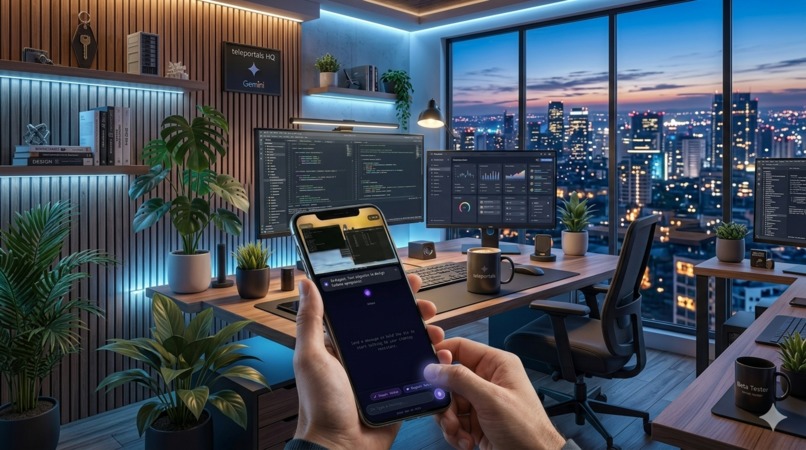
Teleportal
-
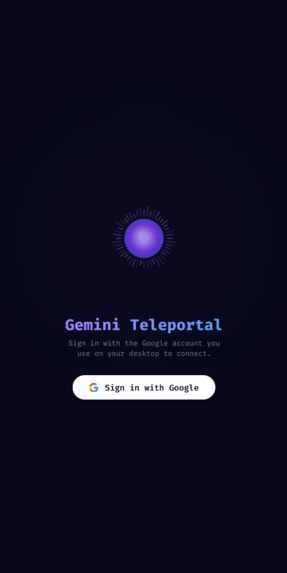
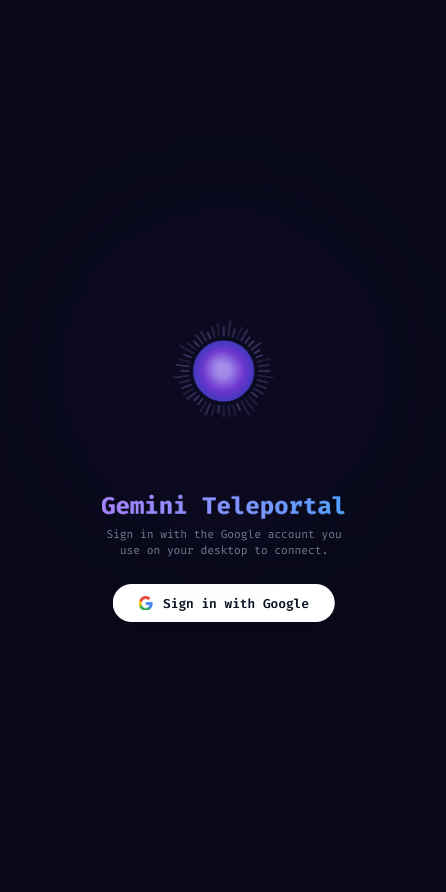
Teleportal Homepage
-
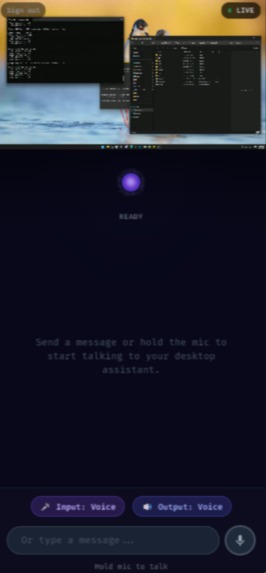
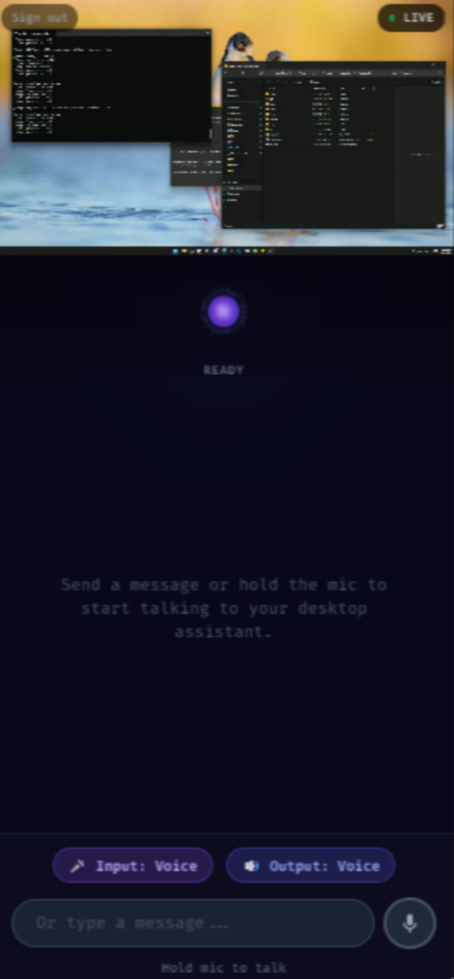
Teleportal Chat page
-
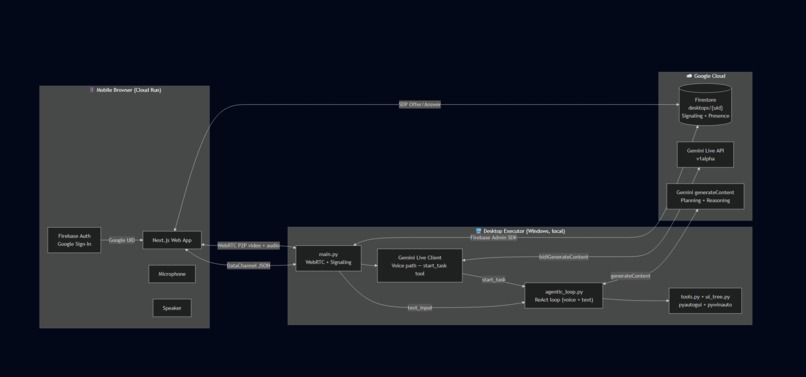
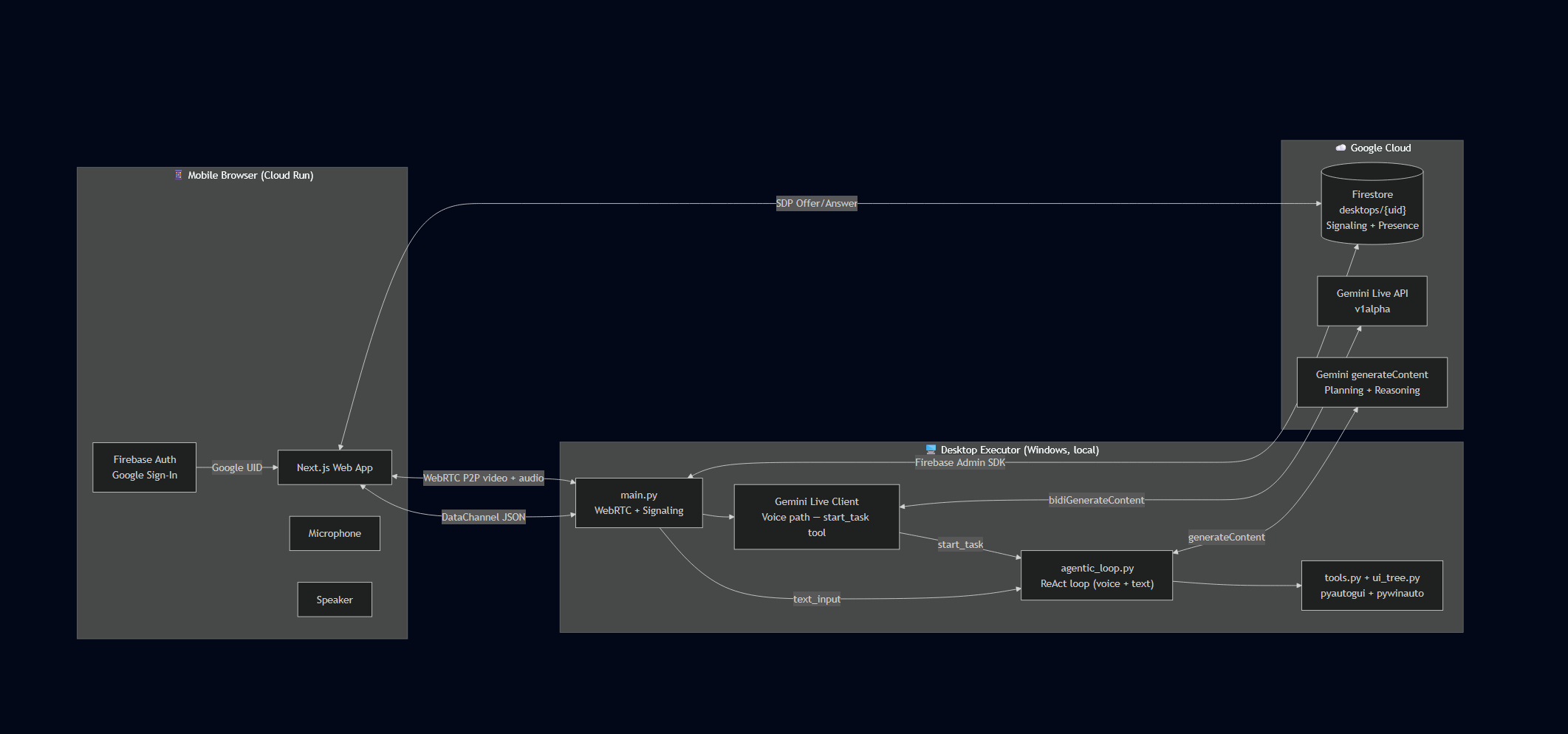
Architecture Diagram
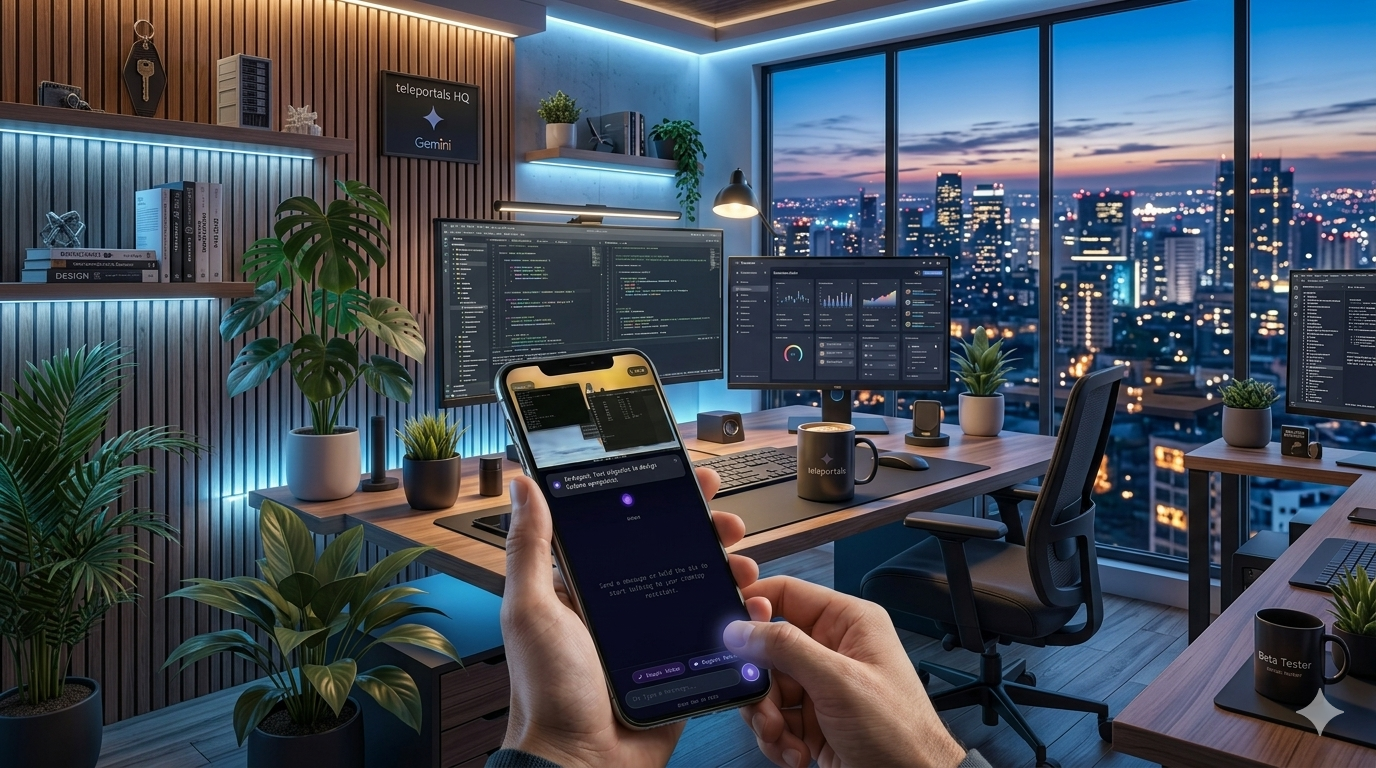
Gemini Teleportal
"Your desktop. Anywhere. Just talk."
Inspiration
Remote desktop apps hand you a shrunken clone of your screen and say "good luck" — you still navigate every menu yourself on a 6-inch display. We wanted to answer a different question: what if your phone could just understand what you want done — and do it?
The release of Gemini 2.5 Flash Native Audio Preview made this newly possible. It's the first model that can simultaneously see a live screen, hear a spoken command, and reason about what to do next as a single coherent multimodal agent.
What it does
Gemini Teleportal is a mobile-first AI agent that sees your Windows desktop, hears your voice, and acts on your desktop in real time — from your phone browser, zero setup required.
- Voice Mode: Hold the mic, speak a command, and Gemini acknowledges, plans, and executes while you watch it live on your screen.
- Text Mode: Type any multi-step task. An autonomous ReAct agent decomposes it into subtasks, navigates the UI, and reports back with a live screenshot feed.
The agent doesn't just mirror the screen — it understands it. It reads the Windows UI Accessibility tree to know what each element means, annotates screenshots with labeled bounding boxes, and uses a dedicated subagent to pick the exact right element to click from a natural language description. It self-corrects when stuck and speaks results back to you.
How we built it
Session identity is derived from the user's Google account sub claim — no QR codes, no URL params. The executor authenticates via Google OAuth; the web app via Firebase Auth. Both resolve to the same UID, which keys the Firestore document desktops/{uid}.
Signaling uses Firebase Firestore as the rendezvous point: the executor writes a WebRTC SDP offer, the mobile app reads it, creates an answer with embedded ICE candidates, and writes it back. No dedicated signaling server.
Screen streaming uses mss to capture the primary monitor, OpenCV to overlay the hardware cursor (which mss misses), and aiortc to send the WebRTC video track. Simultaneously, 1 FPS JPEGs are forwarded to the Gemini Live API so it can see screen state continuously.
Voice path — GeminiLiveClient maintains a persistent bidirectional connection to gemini-2.5-flash-native-audio-preview-12-2025 via the v1alpha endpoint. Four async tasks run concurrently: send audio (16kHz PCM resampled from WebRTC's 48kHz), send video frames, receive Gemini's 24kHz PCM audio responses and stream them back to the phone, and log stats. The client exposes exactly one tool to Gemini: start_task(goal) — all execution is delegated to the shared agentic loop.
Agentic loop (agentic_loop.py) implements Plan → Perceive → Reason → Act → Verify:
- Planning: Gemini decomposes the goal into 3–8 ordered subtasks given a screenshot.
- Window-first workflow:
get_window_list→focus_window→get_ui_tree_for_windowbefore acting. - Per-step: Gemini receives a UI Accessibility tree table + annotated screenshot (green bounding boxes with
[ID]labels), responds with a single tool call (mode=ANY, temp 0.1). find_and_click: The primary click tool delegates to_select_element, a subagent that cross-references the text tree and annotated screenshot to return{element_id, confidence, reasoning}— no coordinate guessing.- Verification:
imagehash.phashbefore/after each click detects real screen changes. AfterMAX_STUCK(3) no-change steps, a recovery prompt is injected suggesting alternatives.
Web frontend is a Next.js + TypeScript + Tailwind CSS app deployed to Google Cloud Run (asia-southeast1) via GitHub Actions on every push. It handles Firebase Auth, WebRTC answering, desktop video display, push-to-talk mic capture, Web Audio API playback of Gemini's audio, and a DataChannel JSON protocol for commands and agent status updates.
Challenges we ran into
Getting Gemini to click the right element was the core hard problem. Asking it to output pixel coordinates fails entirely — coordinates are meaningless to a model looking at a JPEG. We iterated: grid overlay alone missed small buttons; UI tree text alone required Gemini to guess which visual element matched an ID. The breakthrough was drawing [ID] bounding boxes directly onto the screenshot and using a dedicated _select_element subagent that cross-references both views.
Gemini Live API v1alpha quirks: The standard v1 endpoint doesn't support bidiGenerateContent. Sessions have strict time limits (~2 min audio+video without compression). We implemented SlidingWindow context compression, session resumption with stored handles, GoAway handling, and video throttling to 0.5 FPS after 8 seconds idle to prevent 1011 keepalive timeouts.
Audio pipeline: WebRTC delivers 48kHz stereo; Gemini needs 16kHz mono; responses come back at 24kHz. We use aiortc's AudioResampler for the inbound path and DataChannel base64 JSON for the outbound path.
active_window scoping: Querying the full desktop tree returns 500+ elements from every open app, flooding the model context. Adding window_filter scoping and a memory.active_window field in TaskMemory reduced the visible set to 50–150 elements per app.
Race conditions: Voice goals from the Live API and text from the DataChannel can arrive simultaneously. A _task_running flag set before asyncio.create_task closes the race window. Task result messages prefixed with [Task Result] prevent Gemini from re-triggering start_task when hearing its own completion summaries.
Accomplishments that we're proud of
- Zero-config pairing — same Google account on phone and PC, they find each other automatically
- 3-layer perception stack — UI Automation tree (semantic) → annotated screenshot (visual) →
_select_elementsubagent (cross-referenced) eliminates coordinate guessing - True end-to-end multimodal — voice in, live screen vision, audio spoken back, all in one Live API session
- Production from day one — auto-deployed to Google Cloud Run via GitHub Actions, not a localhost prototype
- Self-correcting agent — perceptual hash verification + stuck detection + recovery prompts keep tasks moving forward
What we learned
pywinauto and Windows UIA: Not all apps expose elements via the UIA backend — legacy apps may require the Win32 backend fallback. Element IDs are not stable across snapshots; find_and_click always forces a fresh tree extraction. The Windows Taskbar lives in its own process and must be explicitly appended to the element list. Perceptual hashing (imagehash.phash, Hamming threshold 10) is more reliable than pixel diff for detecting real UI state changes — it ignores cursor movement but catches dialog opens, button highlights, and text appearing.
Gemini for visual UI navigation: The _select_element subagent pattern is the key insight — asking one model to simultaneously plan tasks and identify precise element IDs from visual evidence is too much. A focused subagent with temperature=0.0 returning structured JSON is reliable and machine-parseable. Visual grounding requires both the text tree (semantics) and annotated screenshot (spatial layout) — neither alone is sufficient. mode=ANY with temperature=0.1 is the right setting for agentic loops: it forces a tool call every step and reduces element ID hallucination.
Gemini Live API: The v1alpha endpoint behaves differently from generateContent in important ways — you must re-enter receive() after each turn completes, tool calls must be manually acknowledged with send_tool_response, and context window compression is mandatory for sessions beyond a couple of minutes.
What's next for Gemini Teleportal
- Multi-monitor support and screen region focus
- Task history and replay — persist
TaskMemoryto Firestore - Native mobile apps for lower-latency WebRTC video and hardware audio
- Win32 backend fallback for legacy applications
- Proactive agent mode — monitor the screen and act on conditions without explicit commands
- Collaborative control — multiple users observing or co-controlling the same desktop session

Log in or sign up for Devpost to join the conversation.