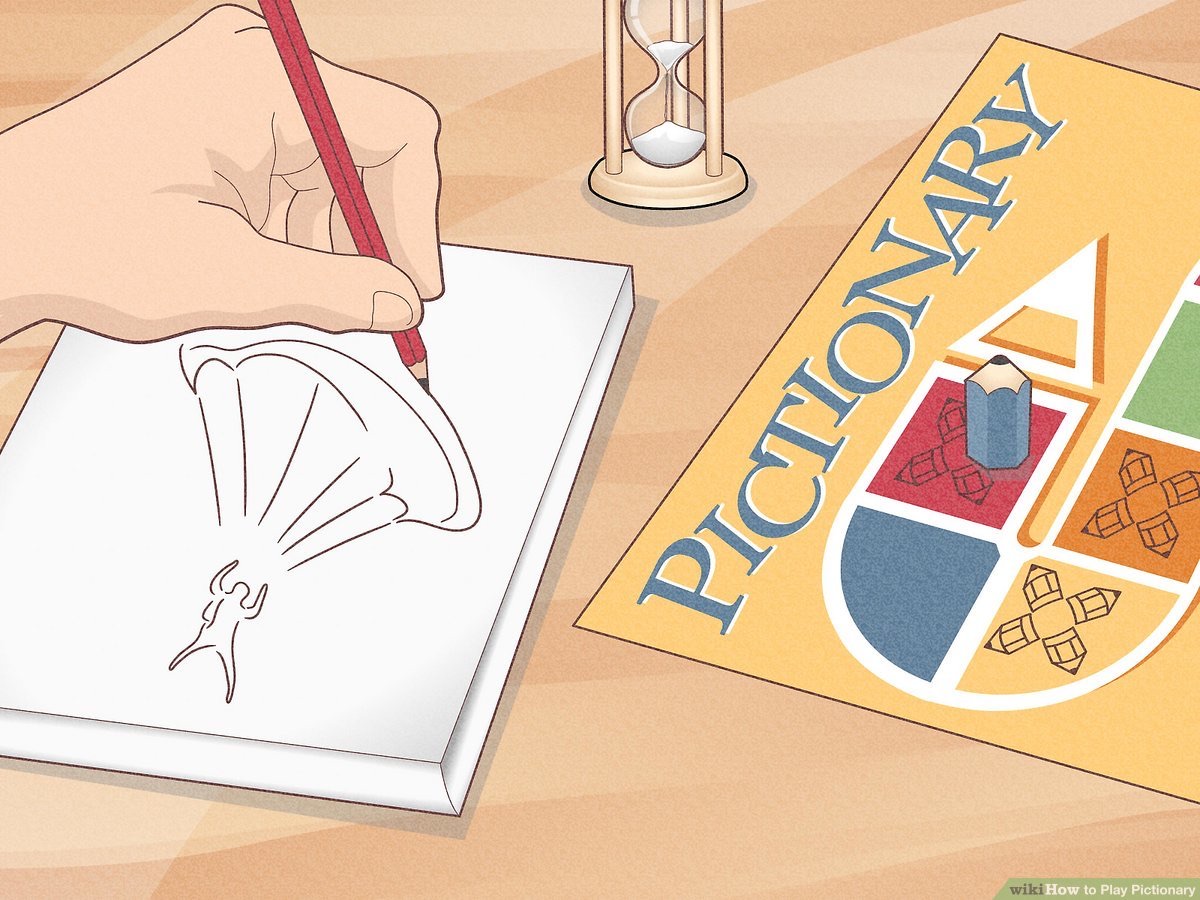
Gemini Pictionary: Drawing with a Digital Mind
The Inspiration
The inspiration for Gemini Pictionary came from a simple, playful question:
"Could an AI play a game with us like a friend would?"
I wanted to move beyond the typical question-and-answer interaction with AI and create an experience that was truly collaborative, creative, and fun.
Pictionary, a game loved by people of all ages, felt like the perfect canvas. It's a game of imagination, interpretation, and communication — all fascinating areas to explore with a powerful multimodal AI like Gemini.
The goal was to build a game where Gemini wasn't just a tool, but a partner and an opponent, capable of both understanding our doodles and creating its own.
How It Was Built
This project is a modern web application built with a focus on a clean user experience and powerful AI integration.
🧱 Frontend Framework
Built with React and TypeScript to ensure a dynamic and type-safe user interface.
React's component-based architecture made it easy to manage game states like drawing, guessing, and round transitions.
🎨 Styling
Used TailwindCSS for rapid UI development.
The utility-first approach enabled a custom, responsive design without much custom CSS.
A notebook paper background was added to give the app a more playful, hand-drawn feel.
🤖 The AI Core (@google/genai)
The magic of the game comes from two of Google's powerful models:
gemini-2.5-flash-preview-04-17(Multimodal Understanding)
Used when it's Gemini's turn to guess. The user's drawing is sent as an image along with a prompt like:
"What is this? The word has 5 letters, and my previous guess 'car' was wrong."
This multimodal reasoning enables Gemini to interpret doodles just like a human.imagen-3.0-generate-002(Image Generation)
Used when Gemini draws. Prompted to generate:
"a simple, colorful, child-like crayon drawing"
This ensured the AI’s images were fun, guessable, and matched the game’s aesthetic.
🧠 Game Logic
All logic — managing turns, scoring, timers, and hints — is handled within React using useState and useEffect.
This made for a seamless, interactive user experience.
What I Learned
🎯 Prompt Engineering is an Art
The AI's performance depended heavily on prompt quality.
It wasn’t enough to ask "What is this?" — I had to provide:
- Word length
- Previous incorrect guesses
- Letter hints
Iteratively refining prompts was crucial to making Gemini a capable Pictionary player.
🧩 Designing for AI Interaction
Creating a UI for an AI-powered game meant:
- Communicating AI’s “thoughts” clearly
- Showing guesses and status updates
- Displaying timers for user clarity and excitement
⚖️ Balancing Fun and Fairness
Since AI can be very strong:
- I limited Gemini to three guesses
- Fed back its incorrect guesses
- Used a hint system to avoid frustration
- Introduced a “Show me how to draw” feature to help players who are stuck — while demonstrating Gemini’s creativity
Challenges Faced
🤔 Making Gemini a “Fair” Guesser
Early versions had Gemini either guess instantly or get stuck.
Fixes included:
- Capping it at 3 guesses
- Giving feedback in prompts
- Hint system to assist when needed
🎨 Ensuring Guessable AI Drawings
Imagen initially generated too realistic images.
Solution: prompt engineering with terms like
“simple, colorful, child-like crayon drawing”
to mimic human-made, game-friendly doodles.
🧠 Managing Complex State
The game juggles many states:
turns, timer, score, word, guesses, and hints.
Maintaining intuitive and bug-free state transitions required precise React state planning.
🚀 Conclusion
Gemini Pictionary was an exciting blend of:
- Frontend engineering
- UI/UX design
- Creative AI implementation
It showcases a future where AI doesn’t just assist us — it plays with us, sparks our creativity, and redefines digital collaboration.
Built With
- google/generative-ai
- react
- tailwindcss
- typescript
- vite

Log in or sign up for Devpost to join the conversation.