-
-
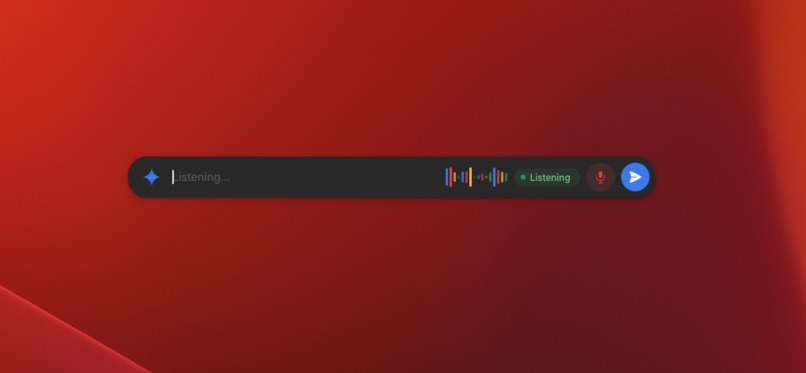
Gemini Mac Pilot
-
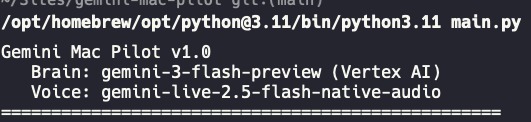
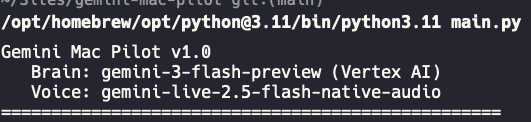
Gemini Mac Pilot running on Vertex AI — Brain uses gemini-3-flash-preview via Google Cloud Vertex AI for all API calls
Inspiration
Every AI assistant today lives in a text box. You type a question, get an answer, maybe copy-paste something into another app. But the promise of AI has always been bigger — an assistant that actually does things on your computer, not just talks about them.
We built Gemini Mac Pilot to bridge that gap: a voice agent that controls your entire Mac by talking.
What it does
Speak naturally and Mac Pilot executes actions on your Mac using 24 tools across three domains:
- Native macOS (8 tools): Open apps, click UI elements, type text, press keyboard shortcuts — all via the macOS Accessibility API
- Browser (8 tools): Navigate websites, fill forms, click links, search Google — using Chrome DevTools Protocol (CDP) connected to the user's real Chrome session
- Google Workspace (8 tools): Read/send emails, check calendar, list Drive files, create Google Docs — via the Google Workspace CLI
Examples: "Read my last 3 emails", "Search for flights to London", "Open WhatsApp and message Daniel", "Organize my desktop by file type", "What's on my calendar this week?", "Create a Google Doc with meeting notes"
How we built it
Two-layer architecture:
- Voice layer — Gemini Live API handles bidirectional native audio. When the user speaks, it calls
execute_taskwith the request. - Brain layer — Gemini 3 Flash Preview with native function calling. It reads the macOS accessibility tree, decides which tools to call, and chains multi-step workflows autonomously. Supports parallel function calls.
Key tech: Vertex AI on Google Cloud, Chrome DevTools Protocol (Chrome 146+), Google Workspace CLI, PyWebView floating overlay, WebSockets for real-time UI updates.
Challenges we ran into
- Chrome CDP on macOS: Getting Chrome remote debugging to work reliably required Chrome 146+'s new toggle at chrome://inspect
- Voice session limits: Gemini Live sessions disconnect after ~15 minutes — we implemented auto-reconnect with exponential backoff
- Parallel function calls: Gemini sometimes sends multiple tool calls in one turn, requiring us to execute all and return all responses together
Accomplishments that we're proud of
- 24 working tools across native apps, browser, and Google Workspace
- Real Chrome session control via CDP — reads LinkedIn, Twitter, Gmail with your actual cookies
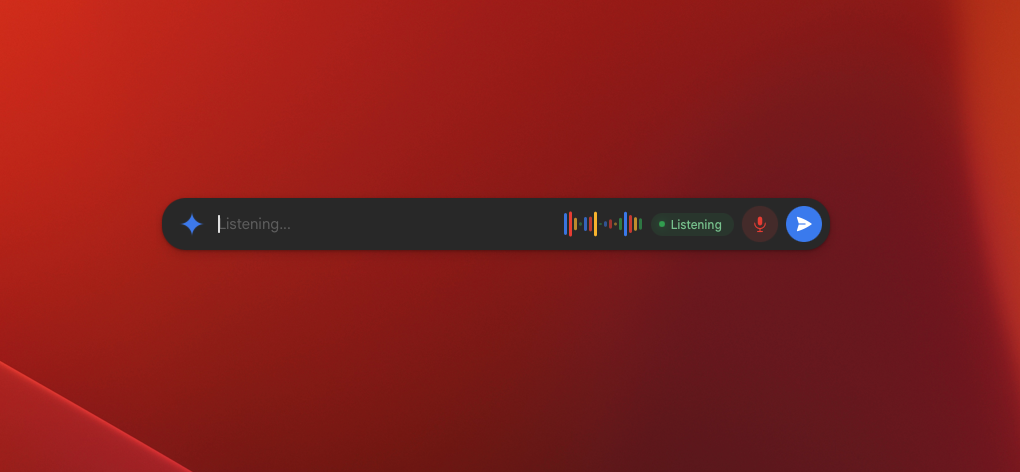
- Voice + text input unified in a single Google-style floating bar
- Full security audit: command injection protection, URL validation, dangerous command blocklist
What we learned
- Gemini's native function calling is remarkably good at chaining tools autonomously
- The macOS Accessibility API is powerful but fragile — apps render their trees differently
- Chrome 146 CDP is a game-changer for browser automation with real user sessions
What's next for Gemini Mac Pilot
- Barge-in handling (interrupt while the agent is working)
- Screenshot/vision tool for visual reasoning
- Persistent memory between sessions
- Cloud Run deployment for the brain layer
Built With
- chrome-devtools-protocol
- gemini-3-flash
- gemini-live-api
- genai-sdk
- google-cloud
- google-workspace-cli
- macos-accessibility-api
- playwright
- python
- pywebview
- vertex-ai
- websockets

Log in or sign up for Devpost to join the conversation.