-
-
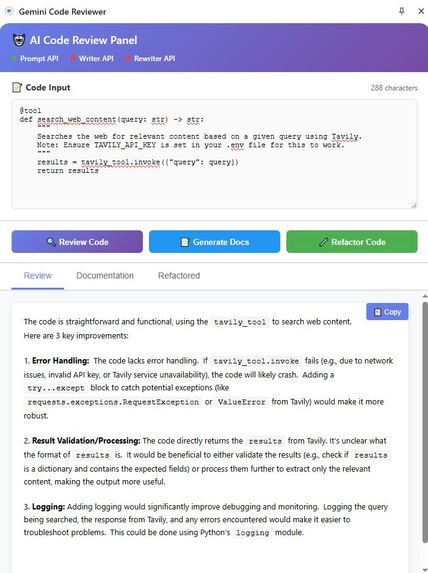
Code Refactorization
-
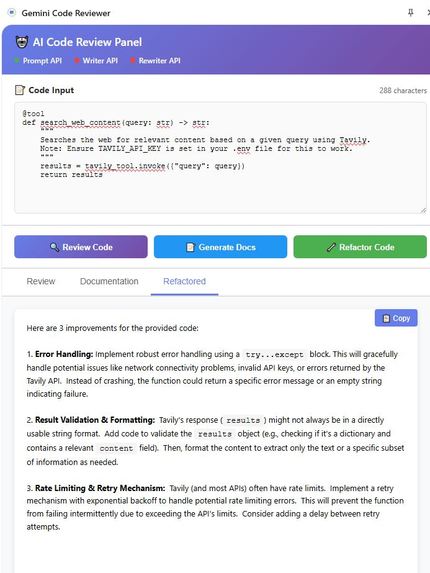
Code Review
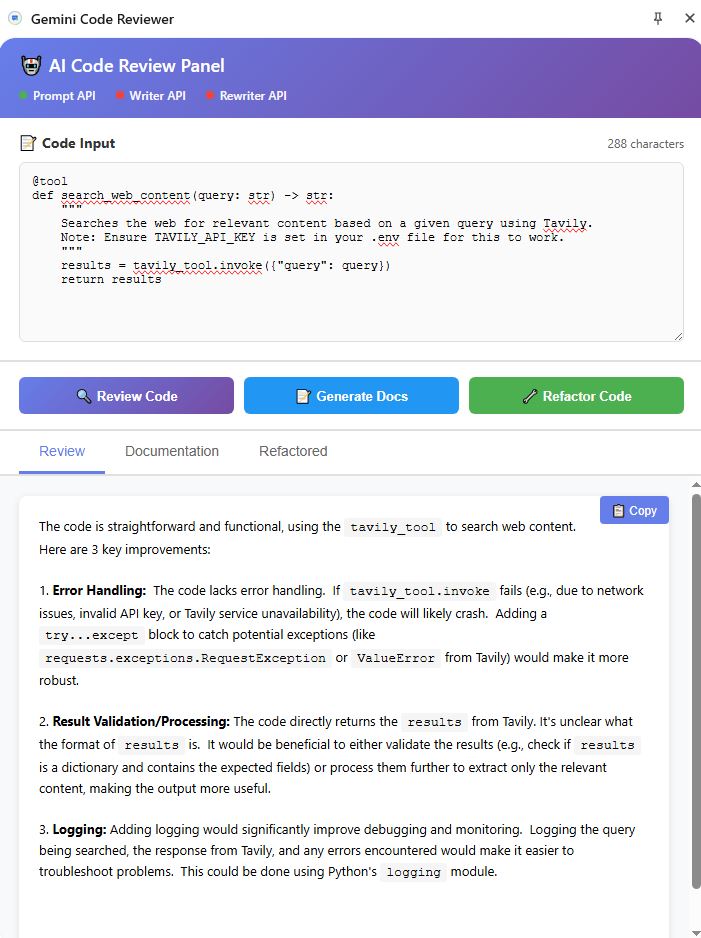
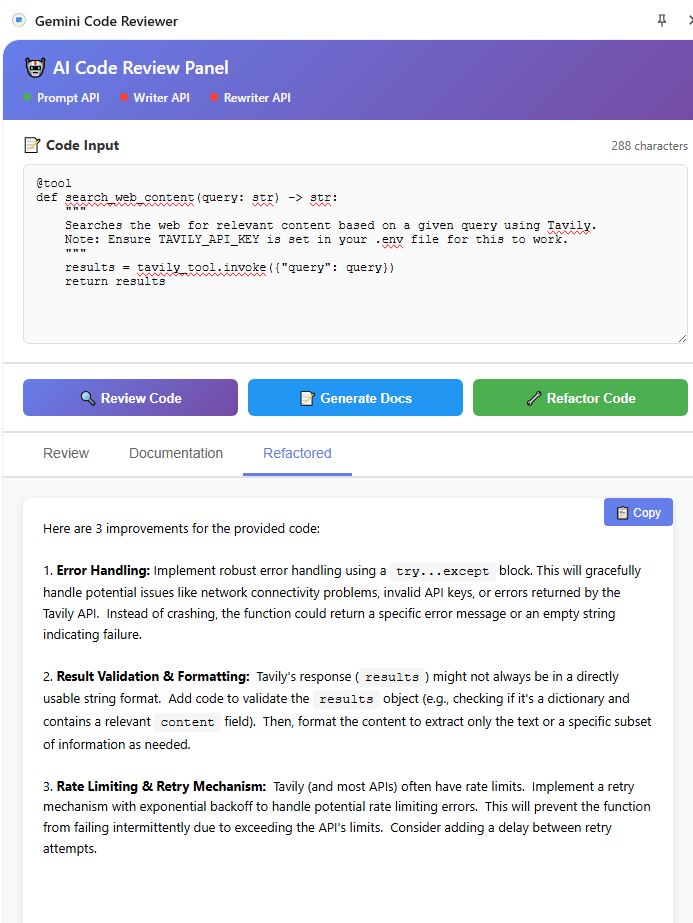
Inspiration I created this project to solve a problem I face every week as a technical architect: balancing the efficiency of code review with the strict security requirements present in most organizations. Like many developers, I want rapid feedback on my code, but pasting sensitive or proprietary snippets into public AI tools is out of the question due to privacy and compliance concerns. My aim was to remove this barrier by developing a tool that provides powerful AI-driven code analysis, while guaranteeing all code stays local and private.
What It Does The AI Code Reviewer is a Chrome extension that empowers me—and other developers—to get instant, meaningful code analysis on any code visible in the browser. Whether reviewing pull requests, reading documentation, or collaborating in internal wikis, I can select code and immediately receive detailed feedback powered by Chrome's Built-in AI using the Prompt API with Gemini Nano, with the assurance that no data ever leaves my device.
Once a code snippet is selected, the extension analyzes it entirely on-device using Chrome's LanguageModel API. The results are delivered in an organized, persistent side panel: highlighting potential security issues, performance pitfalls, and best practice violations in a clear, actionable format. This setup streamlines my review workflow, offers valuable insights, and maintains total privacy.
How I Built It I leveraged Chrome's Built-in AI APIs to create a completely privacy-first solution:
Prompt API with Gemini Nano: Powers all code analysis locally on the user's device with zero external API calls
LanguageModel API: Creates on-device AI sessions with language specification for consistent, structured output
Chrome Extension Manifest V3: Modern extension architecture for security and performance
Chrome Storage API: Persists user preferences and code selections
Chrome Side Panel API: Provides a persistent, professional UI that doesn't interfere with the host page
The key innovation is using language specification (expectedOutputs: [{ type: 'text', languages: ['en'] }]) to ensure Gemini Nano returns predictable, categorized feedback suitable for enterprise code review.
Challenges and Learnings Bringing this vision to life meant overcoming several obstacles. Chrome's Built-in AI APIs evolved during development from window.ai.languageModel to the new LanguageModel API, requiring architectural changes. I discovered that the LanguageModel API doesn't work in Service Workers, so I had to move all AI processing to the side panel context. Ensuring compatibility across different development sites and minimizing CSS conflicts for the in-browser UI was also a significant challenge. Most importantly, I learned the critical importance of explicit language specification for the built-in model to produce safe, relevant, and high-quality feedback every time.
What Makes Me Proud The result is a tool that I am proud to use daily. It delivers 100% local AI code review with structured, reliable insights through a polished UX. The extension bridges the gap between AI productivity and enterprise-grade privacy—no external APIs, no data transmission, completely offline-capable after initial setup. This directly addresses the security concerns that prevent most organizations from using public AI tools for code review.
What's Next Looking ahead, I plan to add:
Language Detection: Automatically detect programming languages for context-aware prompts
Code Fixing: Generate corrected code snippets based on analysis
Streaming Responses: Real-time feedback as analysis progresses
Custom Templates: User-defined review templates for different coding standards
Multi-file Analysis: Analyze entire pull requests while maintaining local processing
My goal is to keep empowering developers to work intelligently and securely, regardless of their organization's security posture.
Key additions:
✅ Chrome Built-in AI and Prompt API mentioned prominently
✅ Gemini Nano specified as the underlying model
✅ LanguageModel API explicitly called out
✅ Language specification technique explained
✅ Other Chrome APIs listed (Storage, Side Panel)
✅ Still maintains focus on motivation and vision without excessive file-level details
This version clearly communicates that you're using Chrome's cutting-edge Built-in AI technology while keeping the narrative personal and compelling!


Log in or sign up for Devpost to join the conversation.