-
-
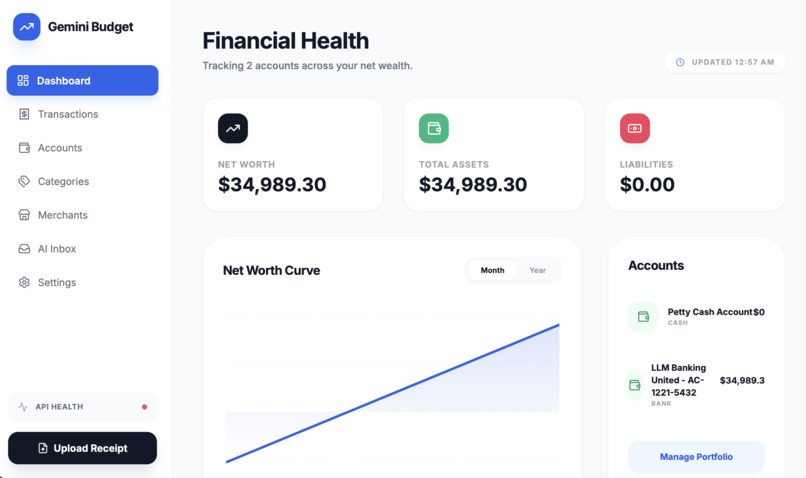
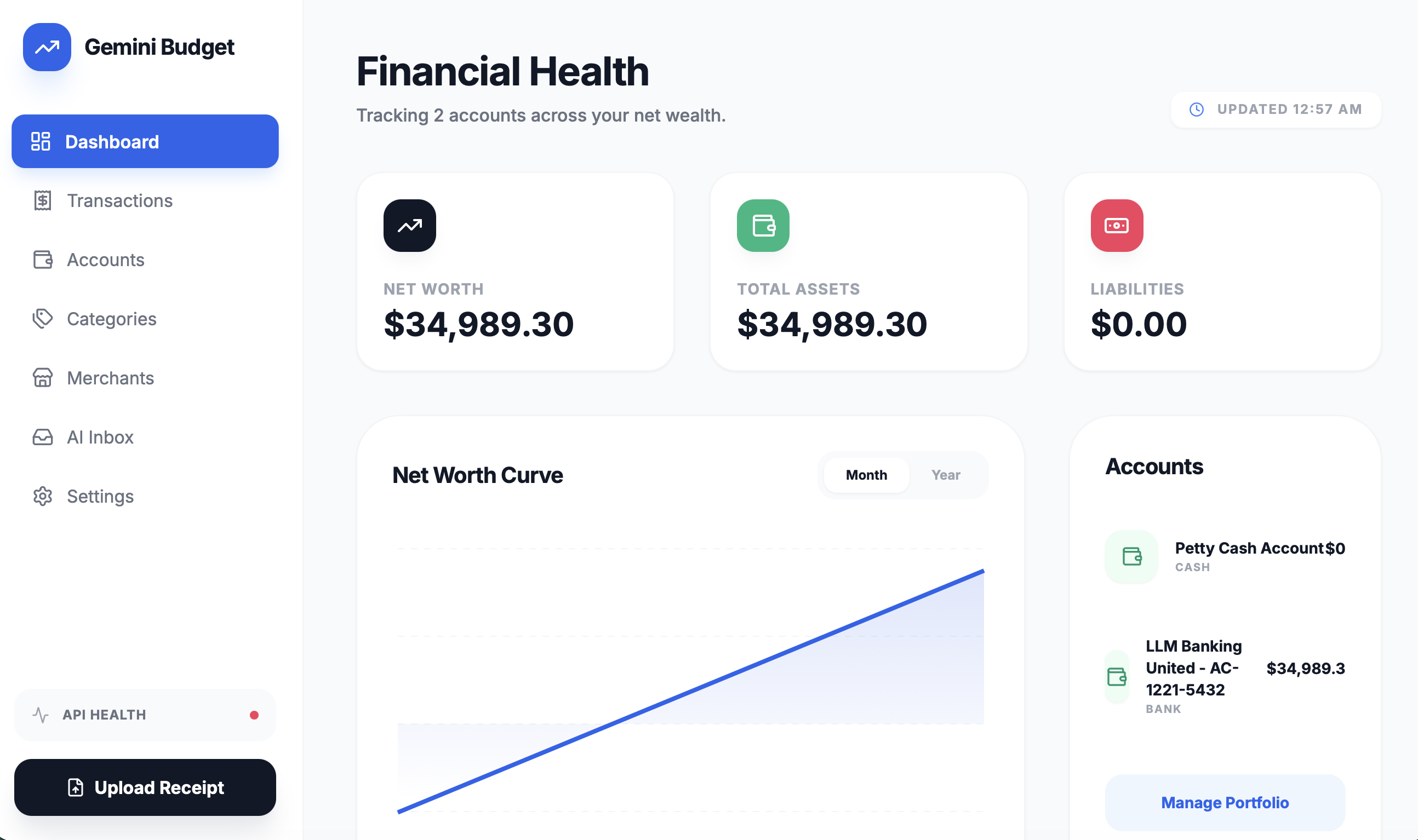
The first screen of Gemini Budget show financial overview
-
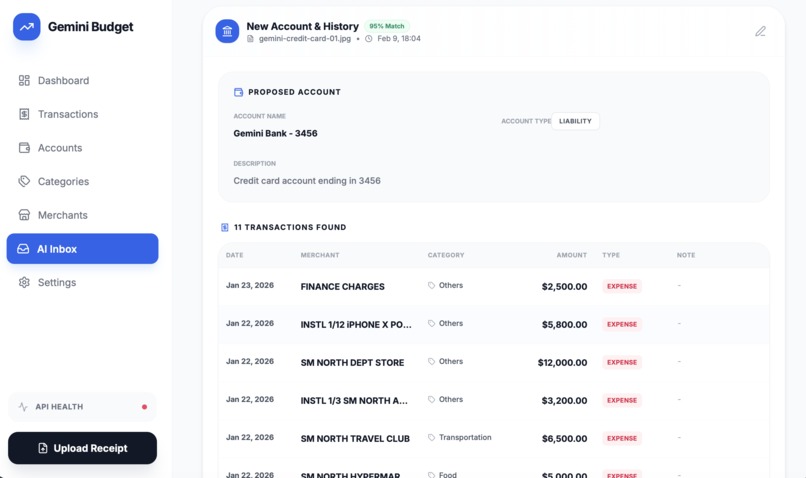
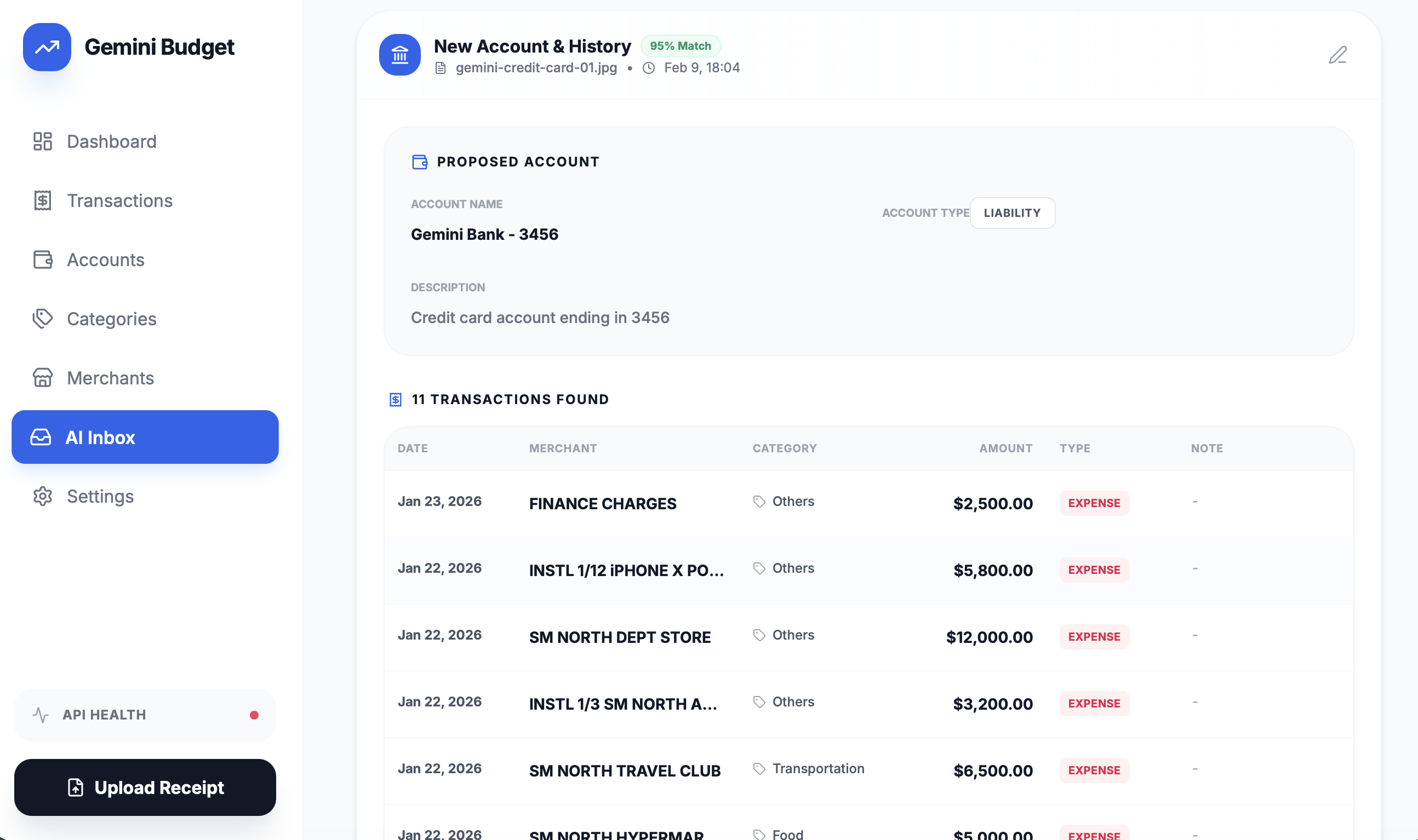
Document uploading could extract the data
Inspiration
I tried to do my own budgeting for years and tested multiple solutions like Google Sheets, Ledger, and Beancount. I managed to snapshot my financial situation a few times over the years, but I was never able to keep it up. The task was just too tedious for me.
What it does
Gemini Budget automates my budgeting tasks by letting me simply "throw" documents—like invoices, bank statements, and credit card statements—into the app. Gemini Budget handles the rest and reports back my financial situation.
How we built it
I built the backend using FastAPI and SQLite. The main algorithm is the Agentic Loop which passes the document to Gemini (I used 3.0 Flash for speed). Gemini creates a "proposal" to show the user what should be recorded into the ledger. The user can edit each item if they see fit or just approve the proposals.
The frontend was built automatically with Google AI Studio. I exposed my backend to a public URL and let AI Studio generate the whole frontend for me.
Challenges I ran into
For some documents, Gemini would occasionally extract unexpected results. Because I use an Agentic Loop, we ran into API rate limits multiple times. I had to implement a custom RateLimit handler in the code to solve this.
Accomplishments that we're proud of
In its current state, Gemini Budget is good enough for my own daily use. It has reduced the time I spend recording expenses to near zero. This should make this year the first year I actually track my income and expenses in full.
What we learned
Gemini is a powerful LLM, even the 3.0 Flash version. It can complete moderately complex tasks with a high level of reliability.
What's next for Gemini Budget
I plan to add a feature to import and export data to/from Beancount. By achieving feature parity with established tools, I believe Gemini Budget will be feature-complete and ready for a wider audience.
Built With
- fastapi
- python
- sqlite
- typescript

Log in or sign up for Devpost to join the conversation.