Inspiration Most AI browser extensions are trapped in a chat box. They require constant copy-pasting. If you ask them to actually do something on the page, they hallucinate coordinates and fail. They are passive text generators, not active assistants. I was inspired to build an AI that breaks out of this chat box and becomes a true co-pilot.
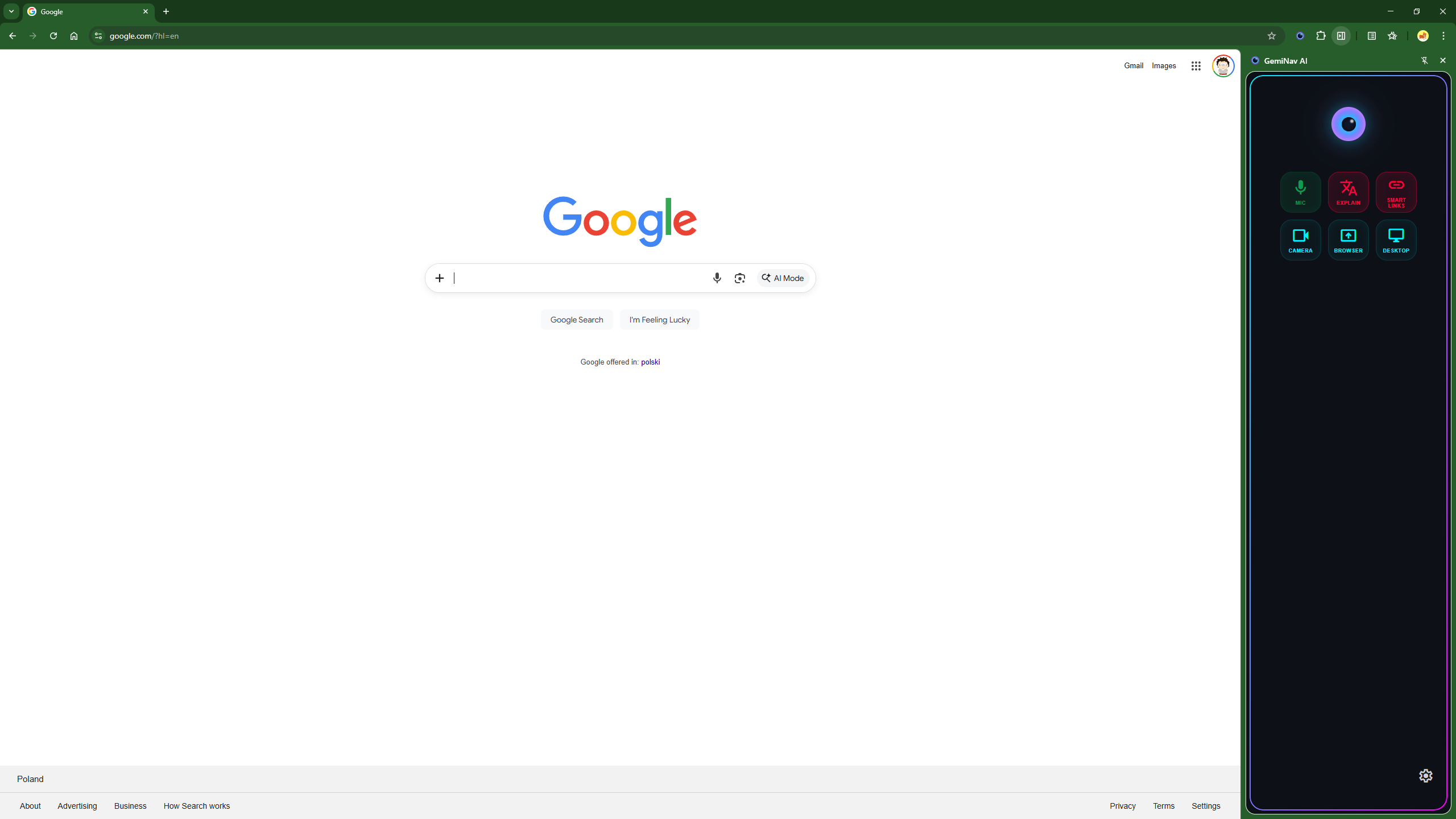
What it does GemiNav AI is a real-time, voice-operated agent that sees your active tab, watches you through your webcam, hears your voice, and acts directly on your browser. It features a Voice-First Architecture allowing you to command the web without clicking. Its main capabilities include:
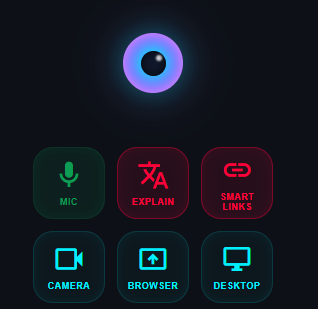
- Multimodal Senses: Full-duplex voice (Mic), active tab scanning (Browser), full OS screen visibility (Desktop), and physical webcam access (Camera).
- Smart Links: It injects high-contrast numeric tags next to interactive elements, allowing you to say "Click number 3" for flawless, hallucination-free navigation.
- Explain (Contextual Audio): Highlight any text, and the Agent instantly reads, translates, or simplifies it directly into your ear.
How I built it
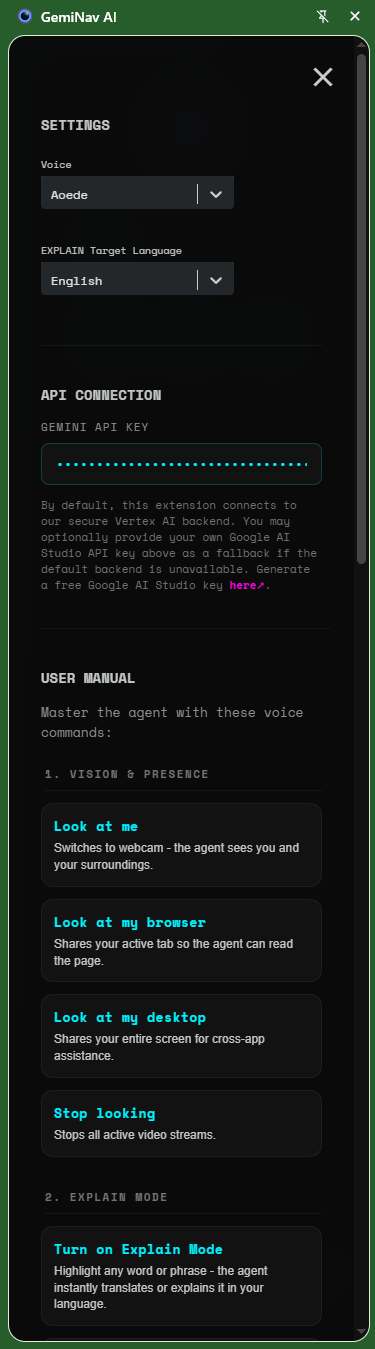
I built GemiNav as an easily installable Chrome extension on top of the live-api-web-console. I designed a "graceful degradation" architecture for high availability, utilizing three connection modes:
- Cloud Proxy: A secure WebSocket proxy hosted on Google Cloud, powered by Vertex AI and driven by a robust C# / .NET backend.
- Direct API Key: A standard client-side fallback using a Google AI Studio API Key.
- Local Proxy: A self-hosted Node.js server using a Google Cloud Service Account for maximum privacy.
Challenges I ran into The biggest challenge I faced was preventing the AI from hallucinating coordinates when asked to interact with web pages. Standard models fail at deterministic clicking. I solved this by engineering the Smart Links system to translate intent into guaranteed clicks using injected numeric tags. Additionally, maintaining a persistent, real-time multimodal connection required me to build a robust fallback architecture so the user is never disconnected.
Accomplishments that I'm proud of I successfully combined real-time multimodal vision with deterministic browser control. The agent perceives both the digital environment (DOM, desktop) and physical environment (webcam) seamlessly. I am especially proud of the "Cockpit" UI that lights up to show active senses, while remaining entirely hands-free and voice-driven.
What I learned I learned how to effectively manage real-time, full-duplex WebSocket streams using Vertex AI. I also discovered that overlaying explicit visual anchors (numeric tags) onto the DOM is vastly superior and more reliable than relying on an LLM's spatial estimations for browser navigation.
What's next for GemiNav AI: The Multimodal Web Operating Agent I plan to expand the Agent's desktop-level vision capabilities, allowing it to interact with native OS applications outside the browser sandbox. I will also refine the power tools, adding more deterministic actions like automated form-filling and multi-step macro executions driven entirely by natural language.
Built With
- chrome
- gemini
- typescript
- vertex-ai


Log in or sign up for Devpost to join the conversation.