-
-
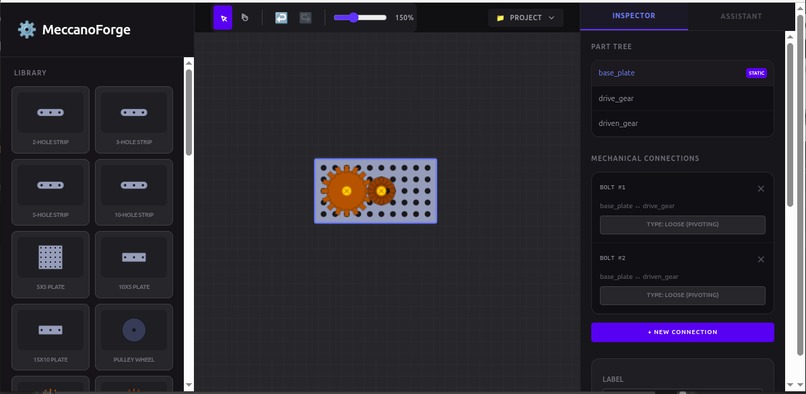
Standard Parts and Selection
-
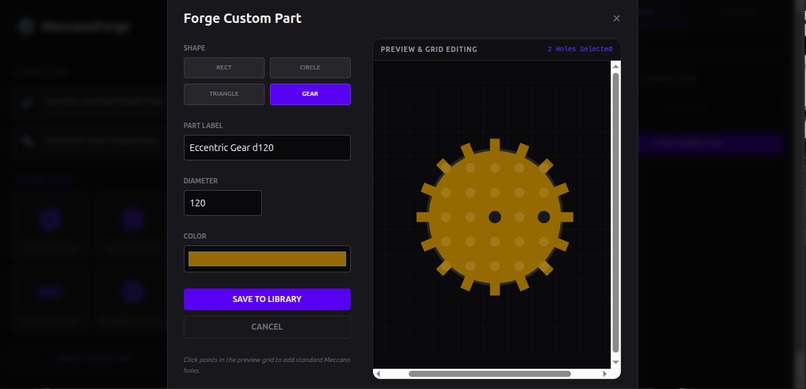
Designing Custom Parts
-
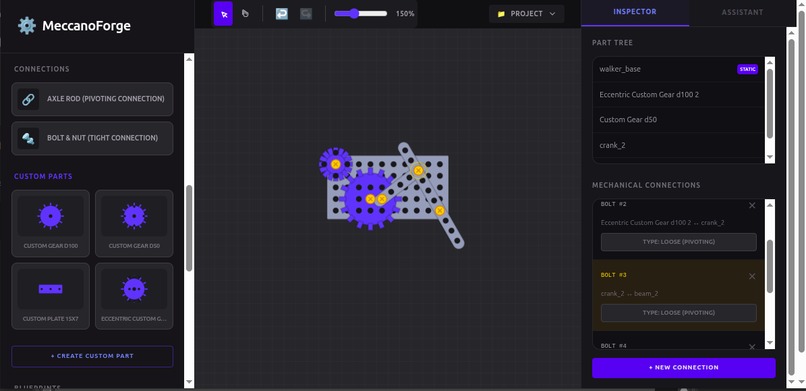
Custom Parts and Bolts
-
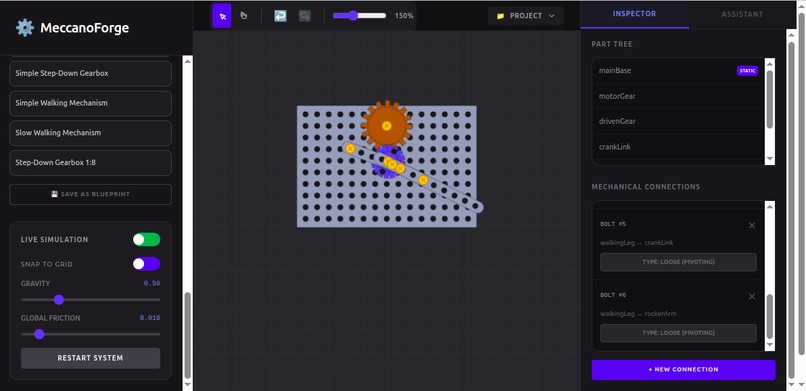
Live Physics Simulation
-
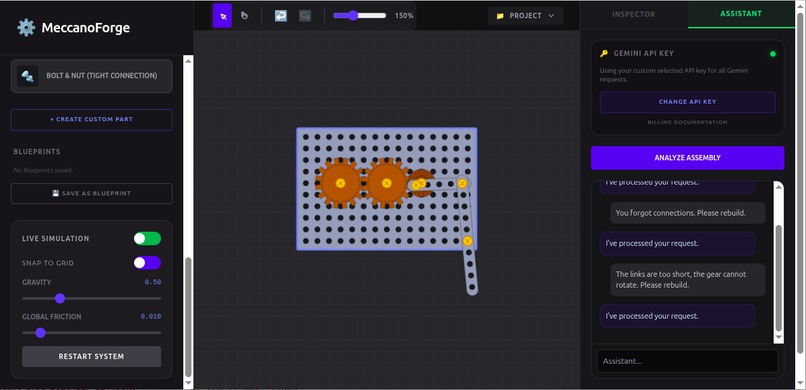
Gemini AI Assistant
-
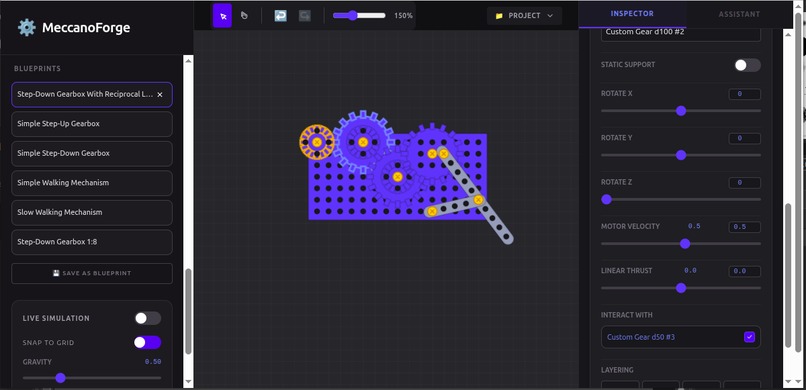
Blueprints and Motor Velocity
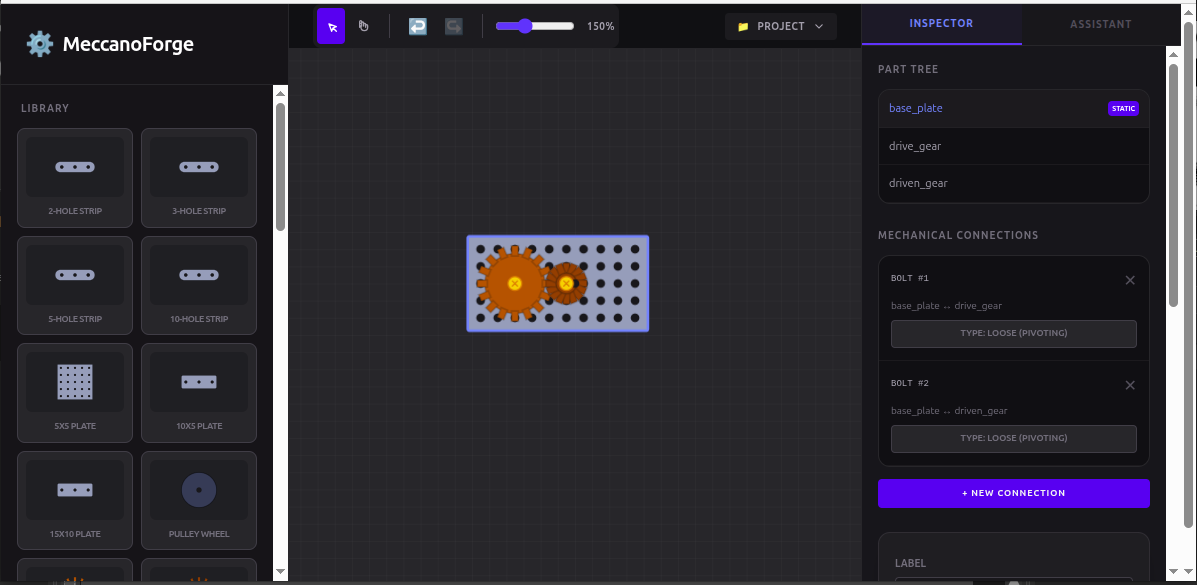
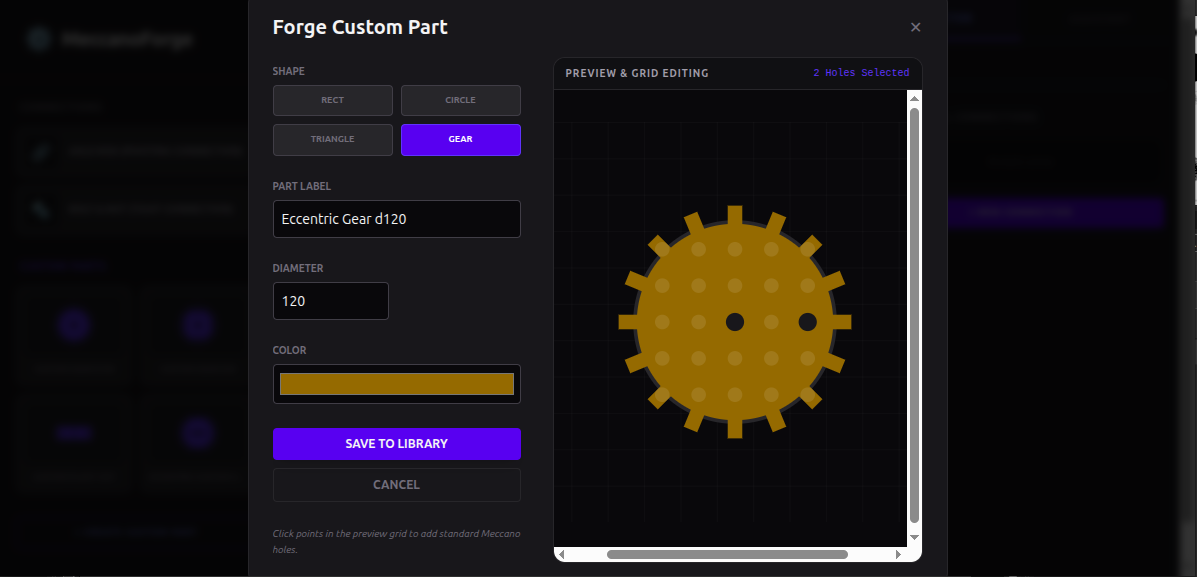
Inspiration
There are many tools for modeling and designing mechanisms, such as AutoDesk Fusion, SolidWorks CAD, or MathWorks SimuLink, however, all the broadly known solutions expect users to know basics of mechanical engineering, as well as to learn the complicated visual interfaces, so these applications can hardly be used for simple ad-hoc projects like designing small walking robots, or for learning mechanical basics.
The solution implemented in this project tries to combine a simple, intuitive user interface for building mechanical assemblies with flexibility and real-time simulation; the AI assistant makes the application potentially usable for learning basics of mechanics.
What it does
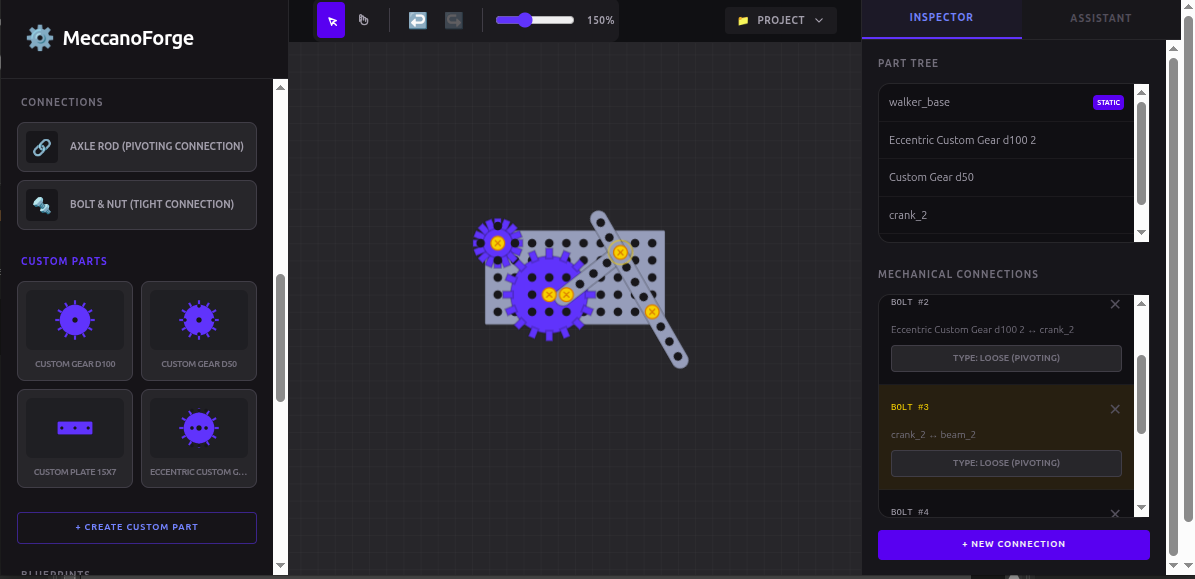
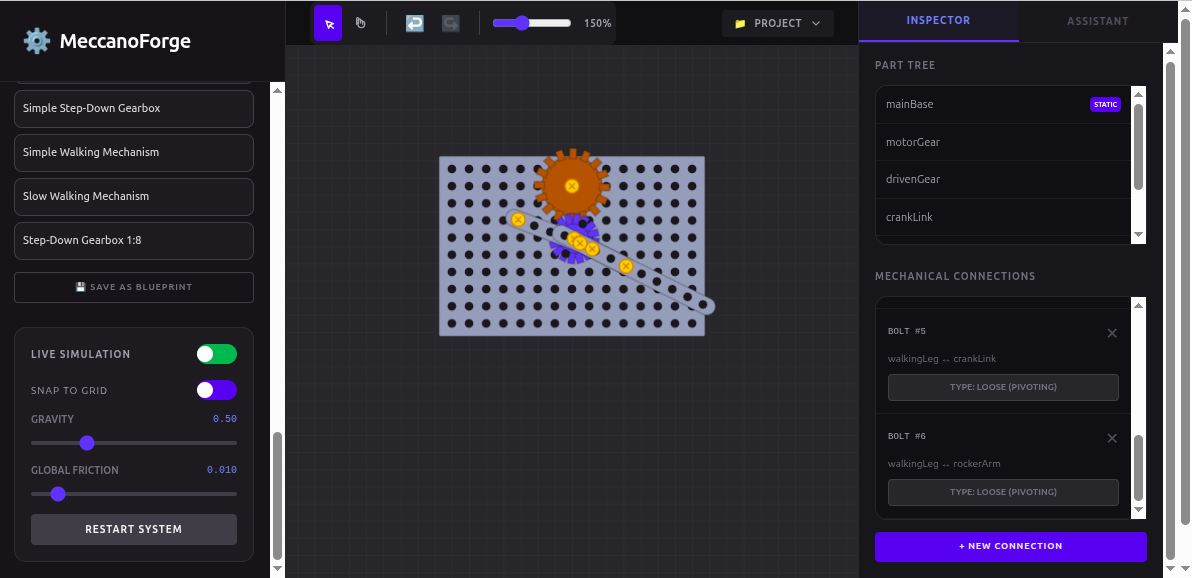
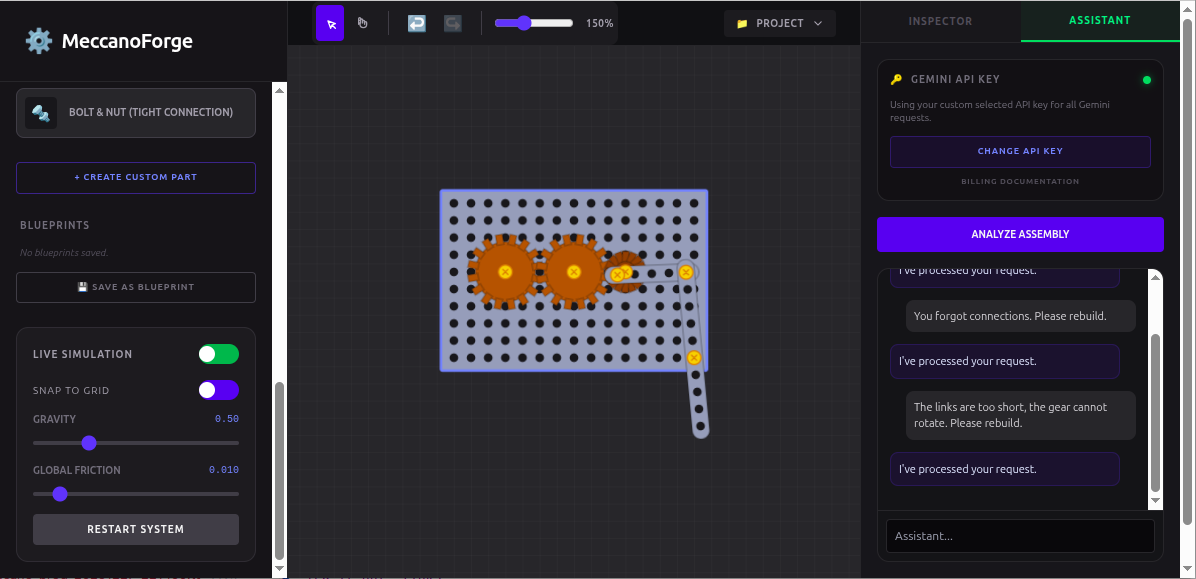
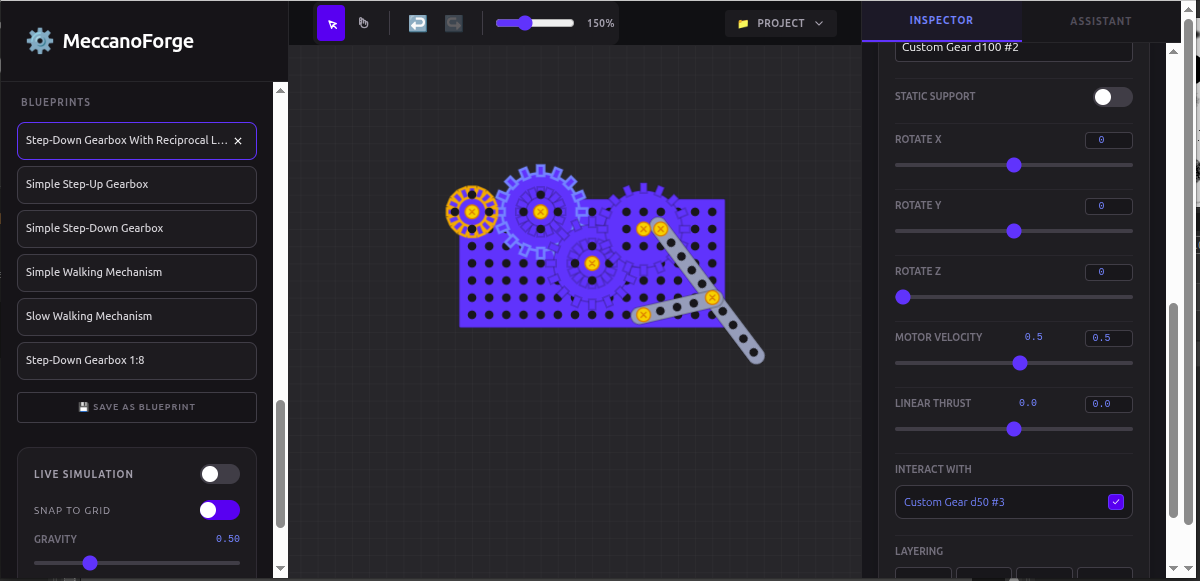
A very simple but extensible mechanical simulator implemented in this project can be useful both for learning and for simple modeling. Equipped with an AI assistant based on Gemini API, this browser application allows for analysing user's assemblies, as well as for generating new mechanisms based on user requests.
This high-fidelity virtual Meccano construction kit for browser is equipped with AI-driven structural analysis and real-time mechanical simulation. Users can build their assemblies in the workspace from available parts, apply motor velocities and linear thrust to selected parts, and run a live simulation to observe the assembly behavior. The AI Assistant feature based on Google Gemini API allows for analysing user's assemblies, as well as for generating new assemblies (e.g., gearboxes, reciprocal mechanisms, etc.) and explaining their principle of operation. Other key features include custom part creation, saving assemblies as blueprints for future usage, saving current project to a file, and loading a project from file.
The application does not use dedicated back-end servers except Google Gemini API for the AI Assistant, thus it can be used locally. The application available by the try-it-out links below has a built-in free-tier API key, thus, it is limited in terms of requests-per-minute rate, and the AI Assistant can reject user requests from time to time. In order to use the AI Assistant smoothly, users should specify their own Gemini API key in the Gemini API Key form at the top of the AI Assistant panel (shown in the demo video). The application does not disclose the API key anywhere except Gemini API requests, however, it stores the user's API key in the browser local storage. For the purpose of development and demo, the application can have a baked-in API key.
To get a Gemini API key, go to the API Keys section in Google AI Studio, select or create a project, select or create an API key, set up billing if needed (usually, free tier limits are enough to test the application).
How we built it
Disclaimer
A significant part of the application code has been generated by the Google AI Studio Code Assistant. One of the project's goals is to try the Code Assistant and check the quality of the code it generates.
Conclusion
It looks like the Code Assistant repeats most popular sources and approaches available in the Internet, thus does not care about clear application architecture, visual component separation, and general code readability; probably, being provided with some quality examples, it could design this application better. Also, with the growth of the application code base, each new iteration of code generation brings a constantly increasing risk of damaging the core application functions, despite the fact that each prompt was ended by clear prohibition of making changes except the requested. Moreover, the Code Assistant was unable to fix some serious bugs and implement some obvious features that exist in widely known applications, thus, generating a working application only with the Code Assistant means, without manual intrusion, looks unfeasible, at least for now.
Challenges we ran into
Fighting with the Code Assistant for each core feature it tries to break, and for each bug it refuses to fix, as well as looking at the application architecture it implemented, strengthened my conviction that, at least for now, AI coding solutions can be good for prototyping but not for real-world applications.
Accomplishments that we're proud of
With the consistent system prompt, the Gemini 3 models available via REST API can design simple mechanisms according to user's requests.
What we learned
- Google AI Studio: with this project, I tried Google AI Studio, and this tool looks promising;
- Designing prompts: explaining the LLM behind the API how to use provided function calls was a very interesting task; I believe I can use this knowledge in other projects.
What's next for GeMech Playground
- Improve the architecture of the application
- Improve physics simulation
- Improve generation of part preview icons
- Add 3-side view mode (front, left, top)
- Add 3D view mode
- Improve project save/load functionality
- Extend custom part creation functionality
- Add a "driving belt" connection for pulleys
- Extend the standard part library
Notes
Music by MFCC at https://pixabay.com/music/elevator-music-lounge-jazz-elevator-music-372734/
Built With
- gemini-api
- google-ai-studio
- google-ai-studio](https://aistudio.google.com/)
- javascript
- react.js


Log in or sign up for Devpost to join the conversation.