-
-
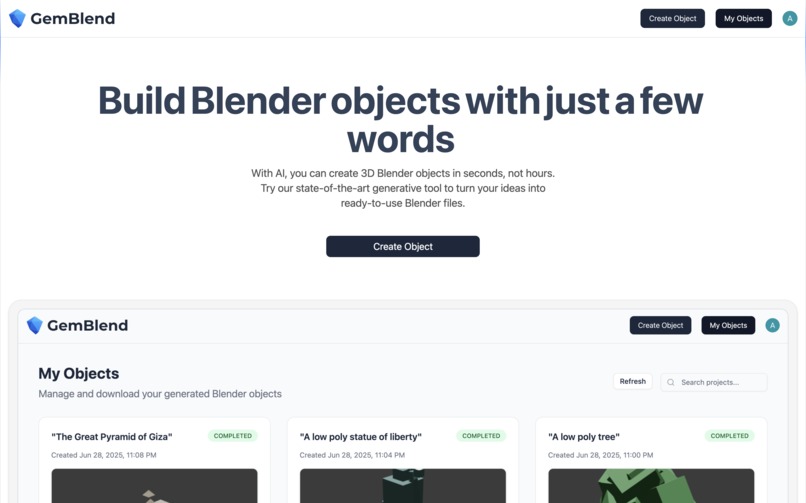
Homepage
-
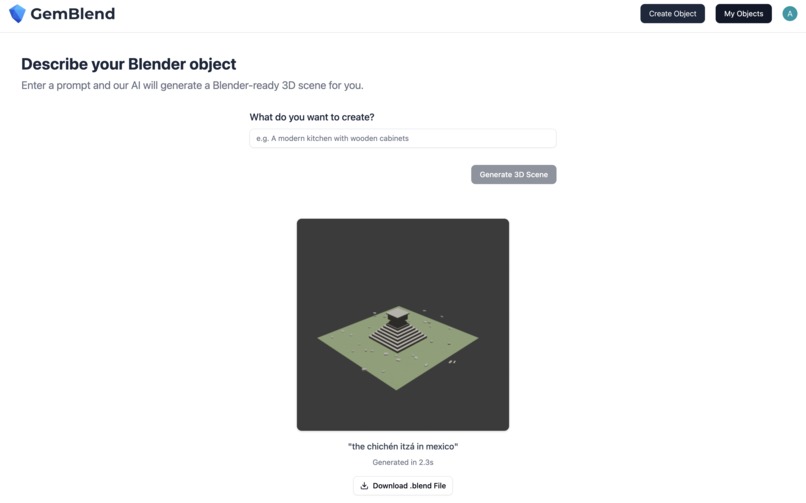
Create Object
-
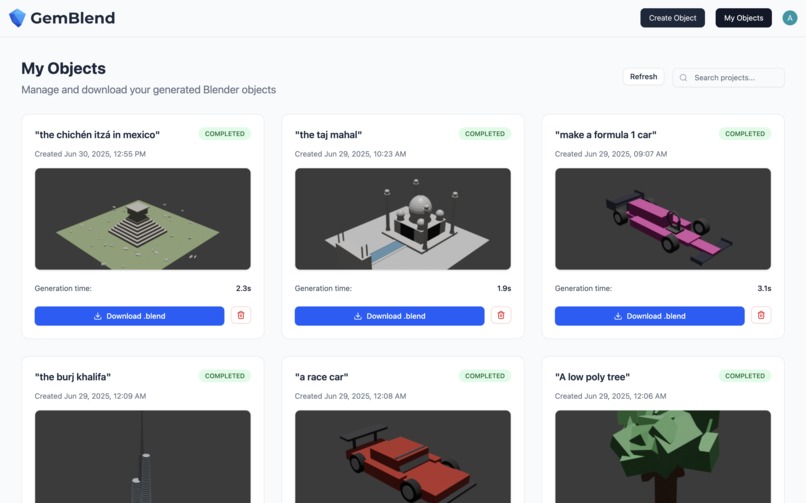
My Objects
-
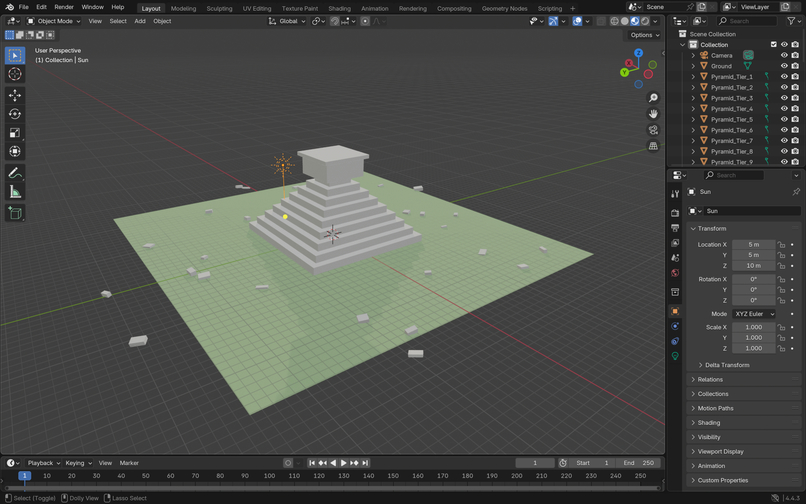
Object in Blender
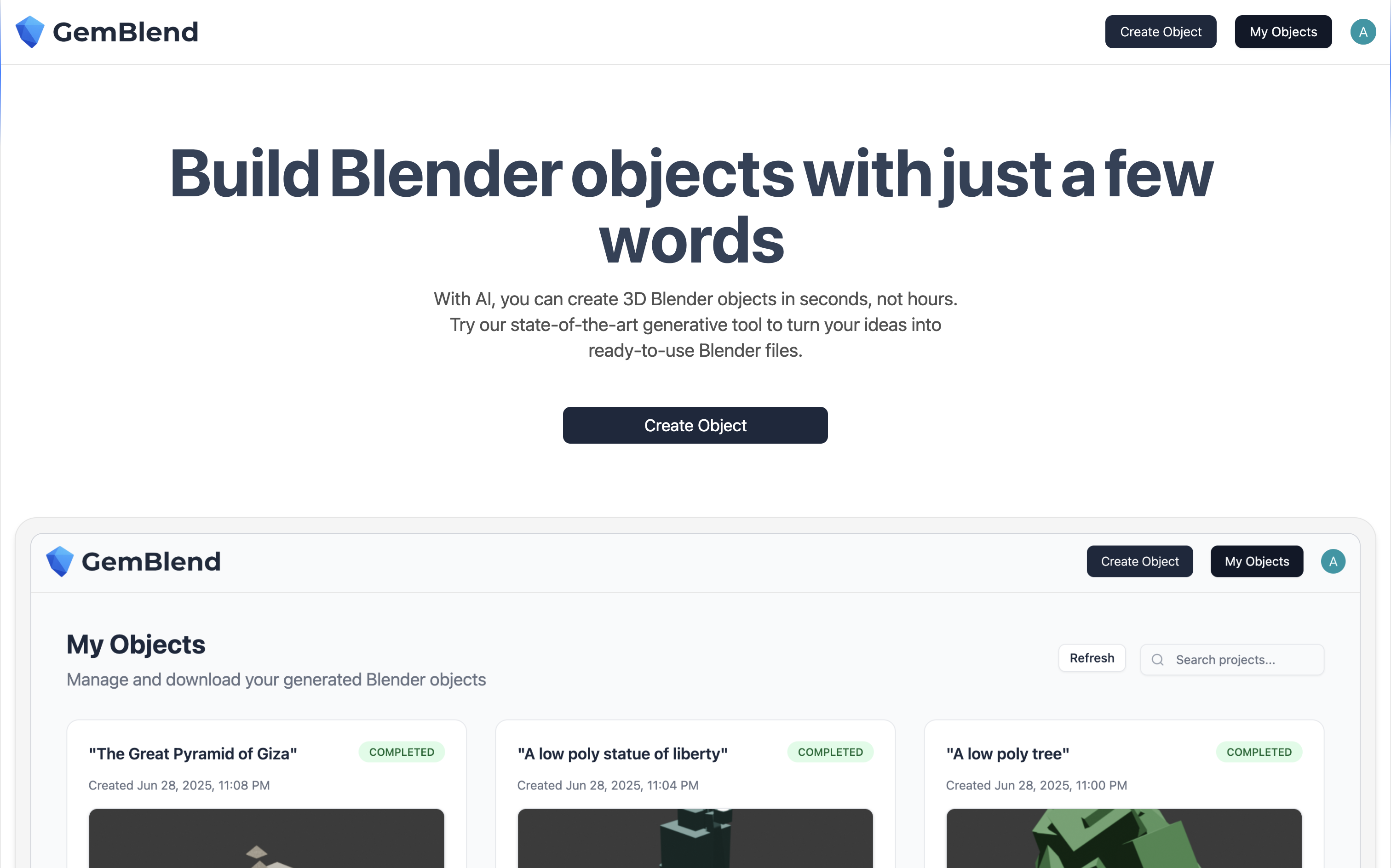
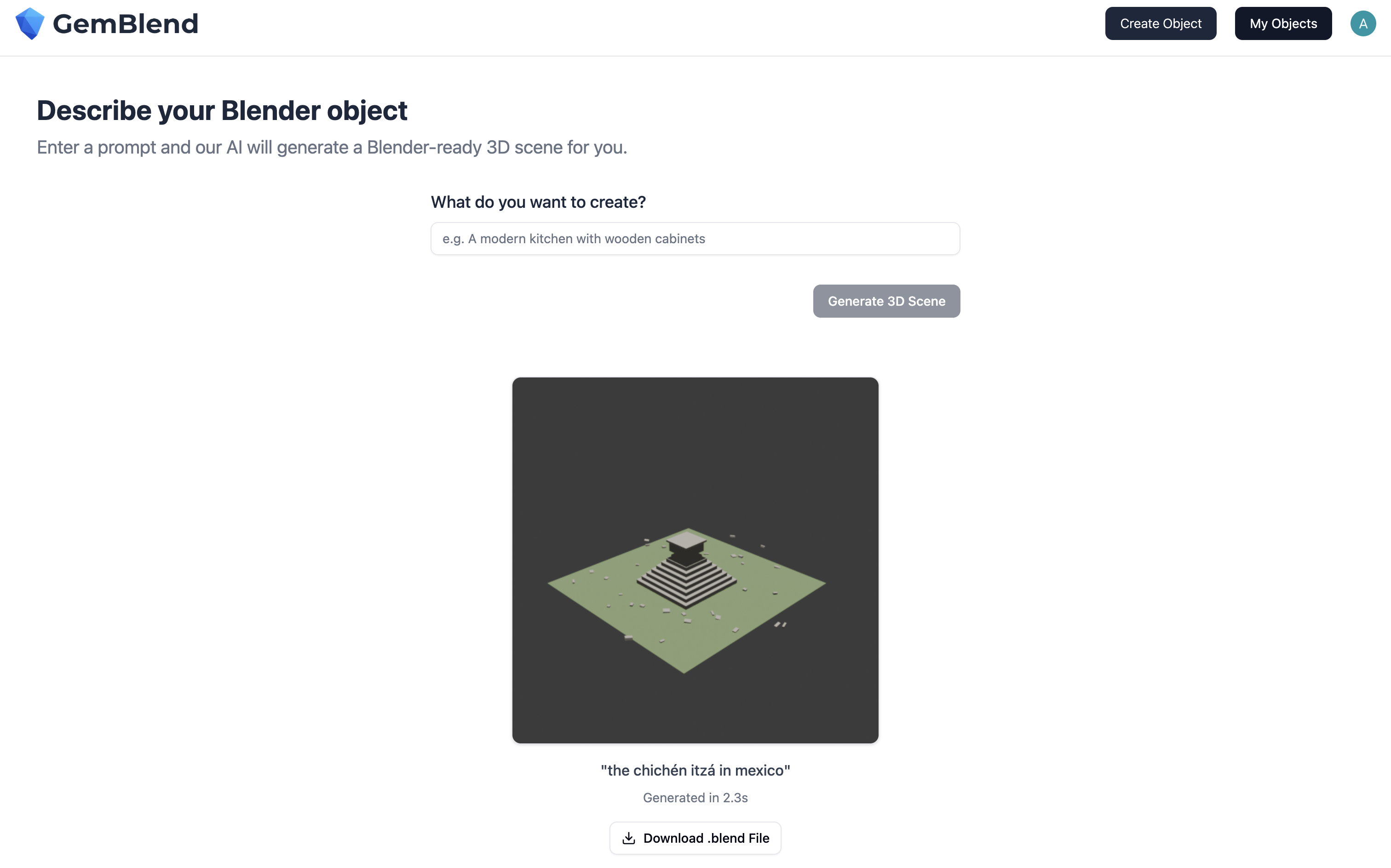
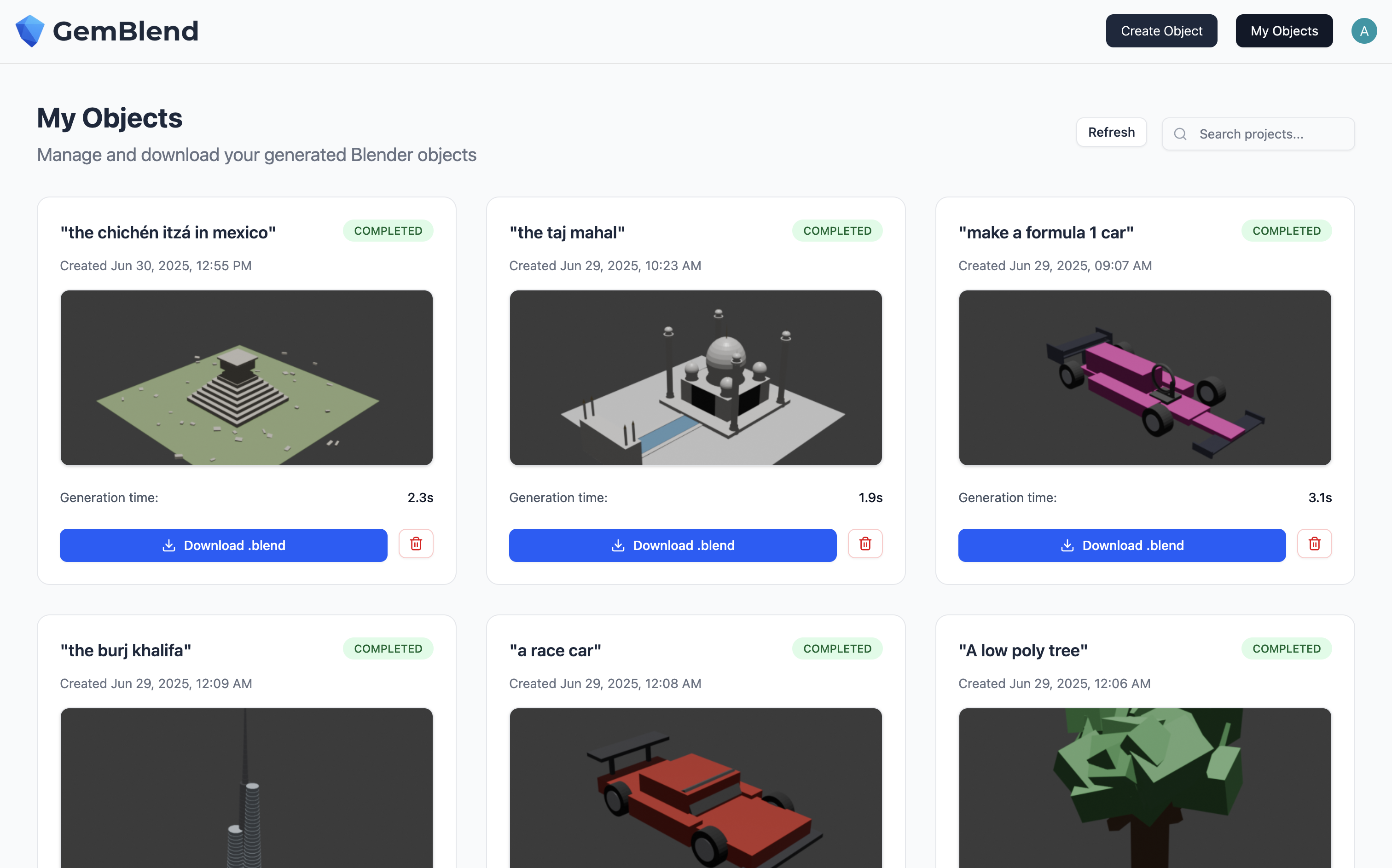
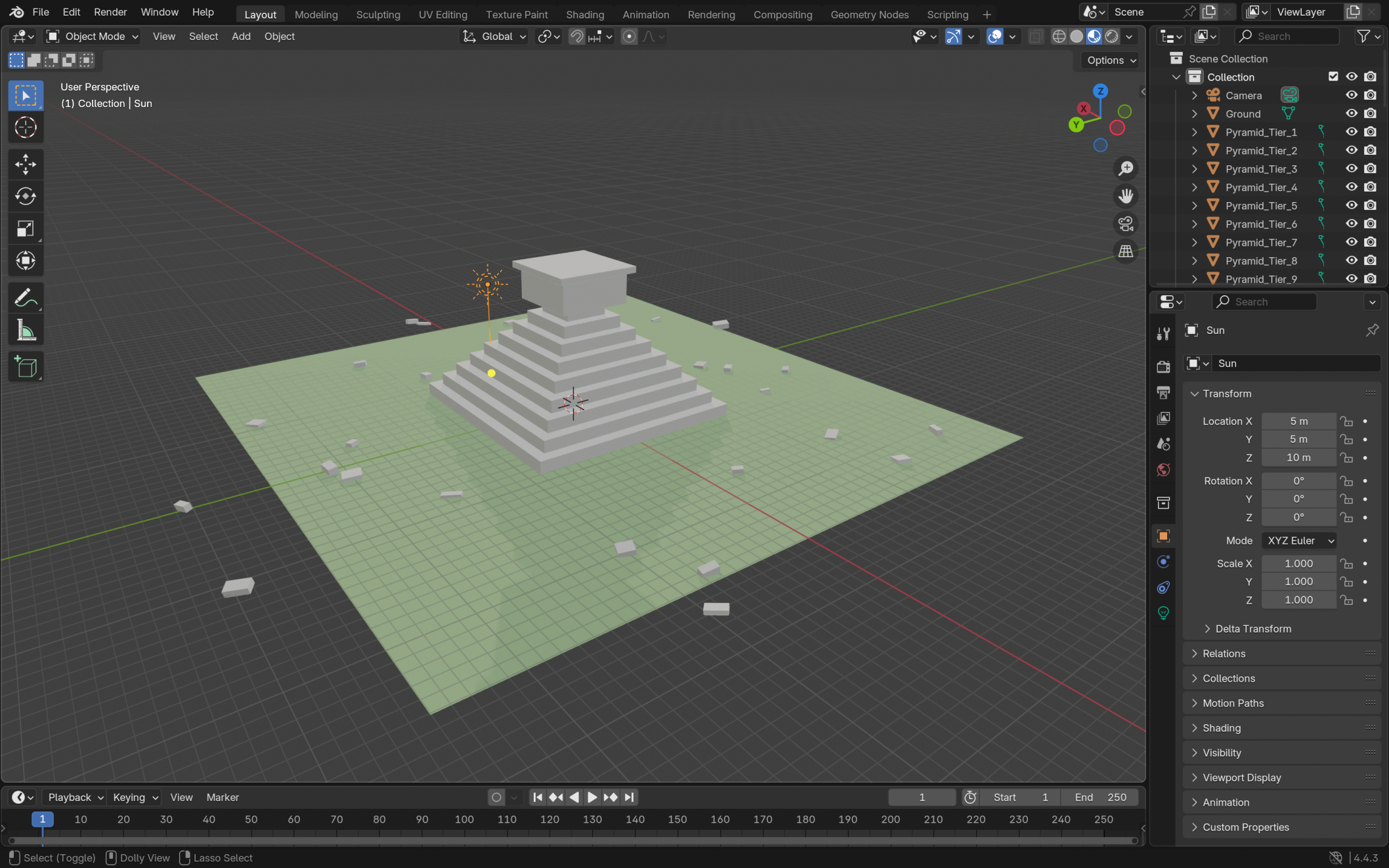
GemBlend
Inspiration
We were inspired by recent breakthroughs in generative AI, especially tools like Google’s Veo that turn text into video. That made us ask: if AI can generate full videos from a sentence, why not 3D models? Blender is an incredibly powerful tool, but it can be difficult for beginners to use. Our goal was to make 3D modeling as easy as writing a sentence, so anyone could bring their ideas to life with minimal technical experience.
What it does
GemBlend is a web app that takes a natural language prompt and outputs a Blender .blend file along with a preview PNG image. It uses Google’s Gemini AI to generate Python code compatible with Blender’s scripting API. The script is automatically executed in a secure environment, producing a fully usable 3D object within seconds.
Users can log in to view a dashboard of all their generated objects, preview each model, and download the Blender file or rendered image. This makes it simple to iterate quickly and experiment with new designs.
GemBlend can be used to generate assets for 3D scenes, websites, video games, and animations. It is ideal for artists, developers, and designers who want to speed up their workflow or prototype ideas without writing Blender scripts manually.
How we built it
We used:
- Frontend: React with Tailwind CSS for a clean and responsive interface
- Backend: Node.js with Express for routing, prompt handling, and file management
- AI integration: Gemini AI for generating Blender Python scripts from user prompts
- Blender execution: A custom runner that securely executes the AI-generated script and outputs the .blend and PNG files
Blender's built-in rendering engine is used to generate consistent and clear preview images. We automated camera placement and lighting to frame the generated models properly every time.
Challenges we ran into
One of our biggest challenges was designing prompts and instructions that would consistently produce valid Python code from Gemini. Blender's API is complex, and slight inconsistencies in the generated code could cause errors or unexpected behavior.
Another challenge was rendering the preview images. By default, Blender’s camera positioning did not reliably capture the full object in frame. We had to fine-tune camera angles and render settings to ensure every preview looked clean and properly centered.
Accomplishments we're proud of
We’re proud that we achieved full text-to-Blender automation in just 36 hours. It was incredibly satisfying to watch a simple sentence turn into a usable .blend file that could be opened and modified in Blender.
We also created a functional and user-friendly web interface, handled secure execution of AI-generated code, and generated visual previews that give users immediate feedback on their creations.
What we learned
We learned how to integrate AI into a creative toolchain, how to script Blender objects using Python, and how to build a seamless full-stack pipeline that connects user input to AI code generation and 3D rendering.
We also gained experience working with prompt engineering for code generation, managing file outputs securely, and creating a meaningful user experience for creative workflows.
What's next for GemBlend
Our next steps include:
- Improving generation speed and reducing latency
- Adding customization options for lighting, camera angles, and export formats
- Enabling users to build on previous outputs by adding additional prompts
- Expanding functionality to generate simple animated, moving 3D scenes
We see GemBlend becoming a creative sandbox for artists, game developers, animators, and hobbyists. It can make 3D modeling more accessible, faster, and more intuitive, unlocking new possibilities for creators of all skill levels.
Built With
- ai
- clerk
- express.js
- gemini
- git
- github
- node.js
- postgresql
- prisma
- react
- tailwind
- typescript
- vite

Log in or sign up for Devpost to join the conversation.