Inspiration
Jewelry making begins before the first bead goes onto a thread: choosing materials, exploring colors, and figuring out what will fit together. I wanted to make that exploratory stage accessible even without a box of beads on the table.
I created Gem Studio as a calm digital workbench where people can experiment freely, develop their own style, and plan something they could eventually make and wear.
What it does
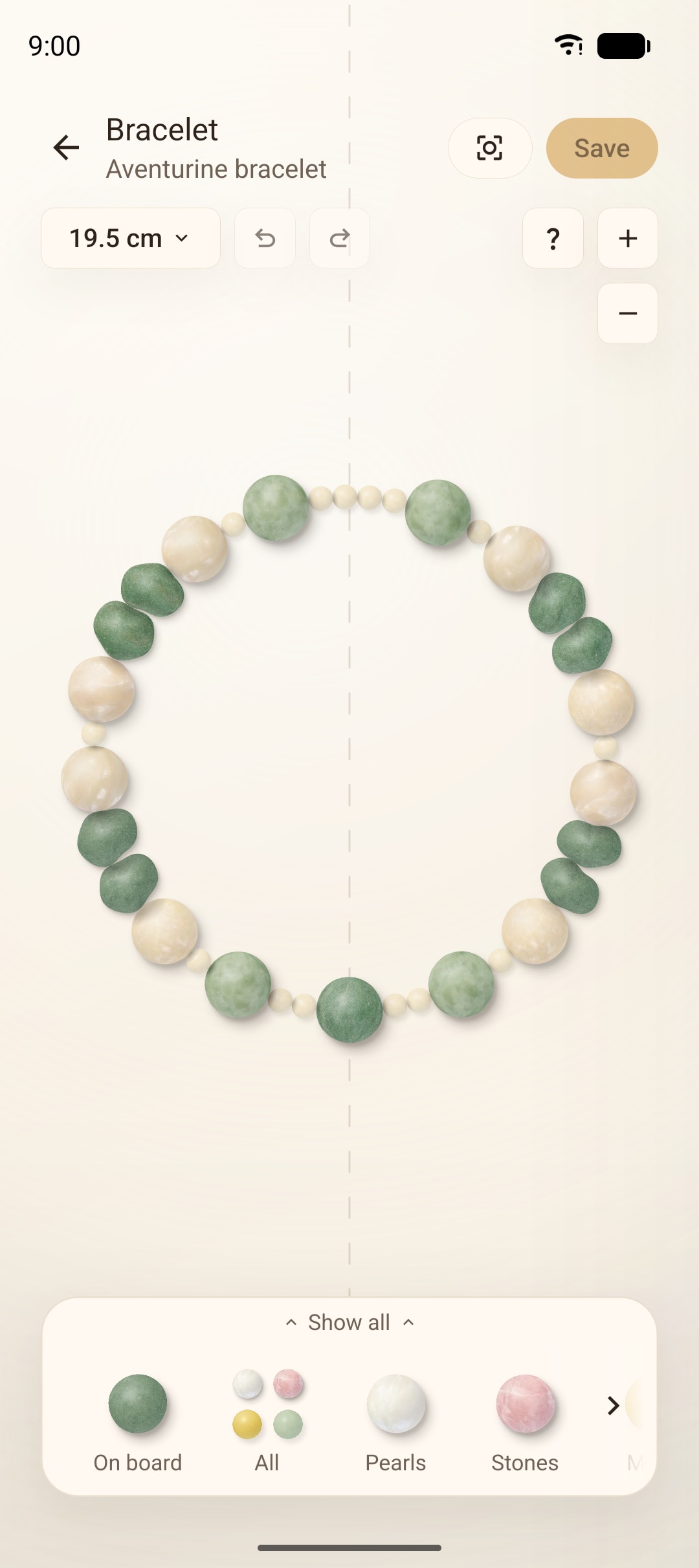
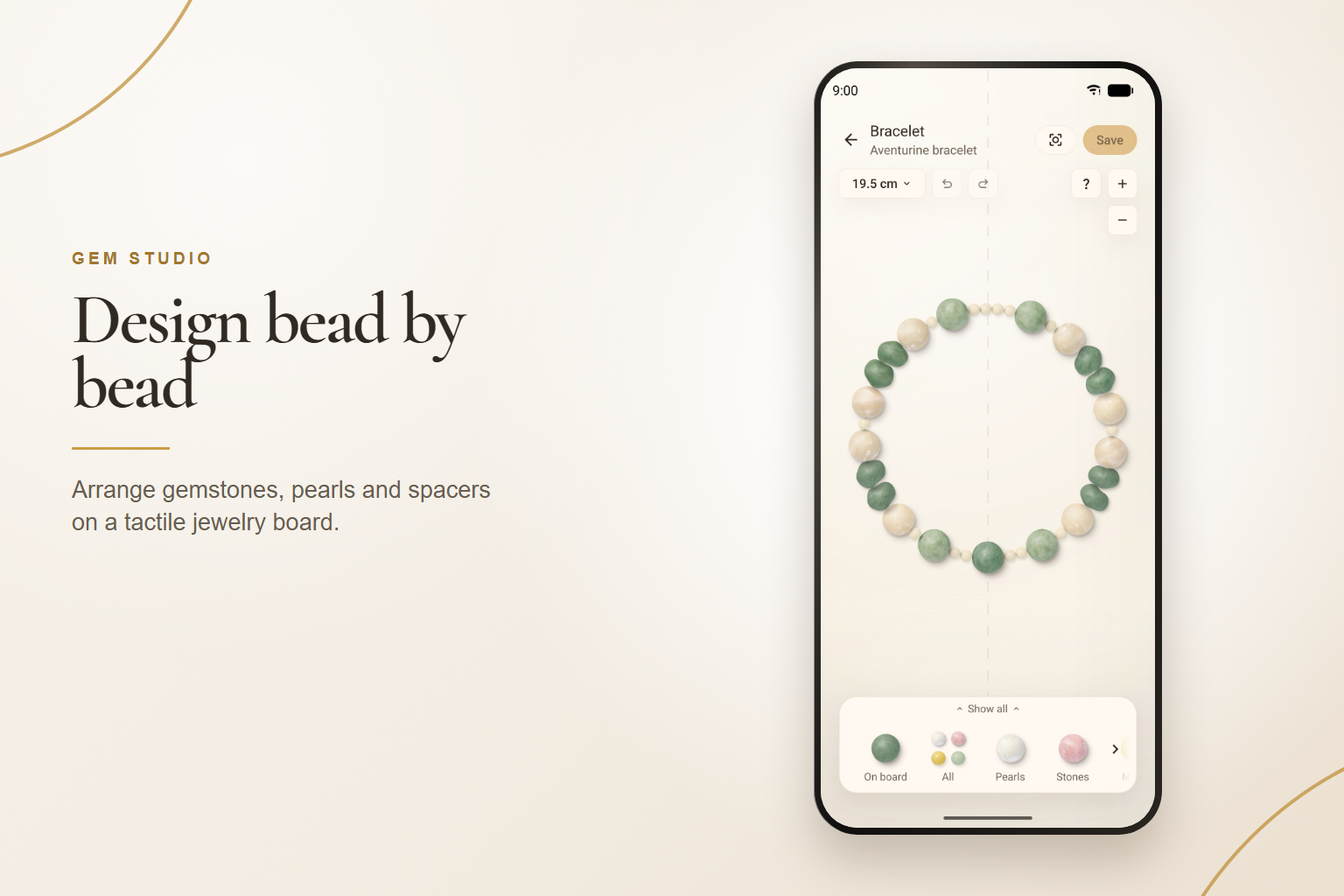
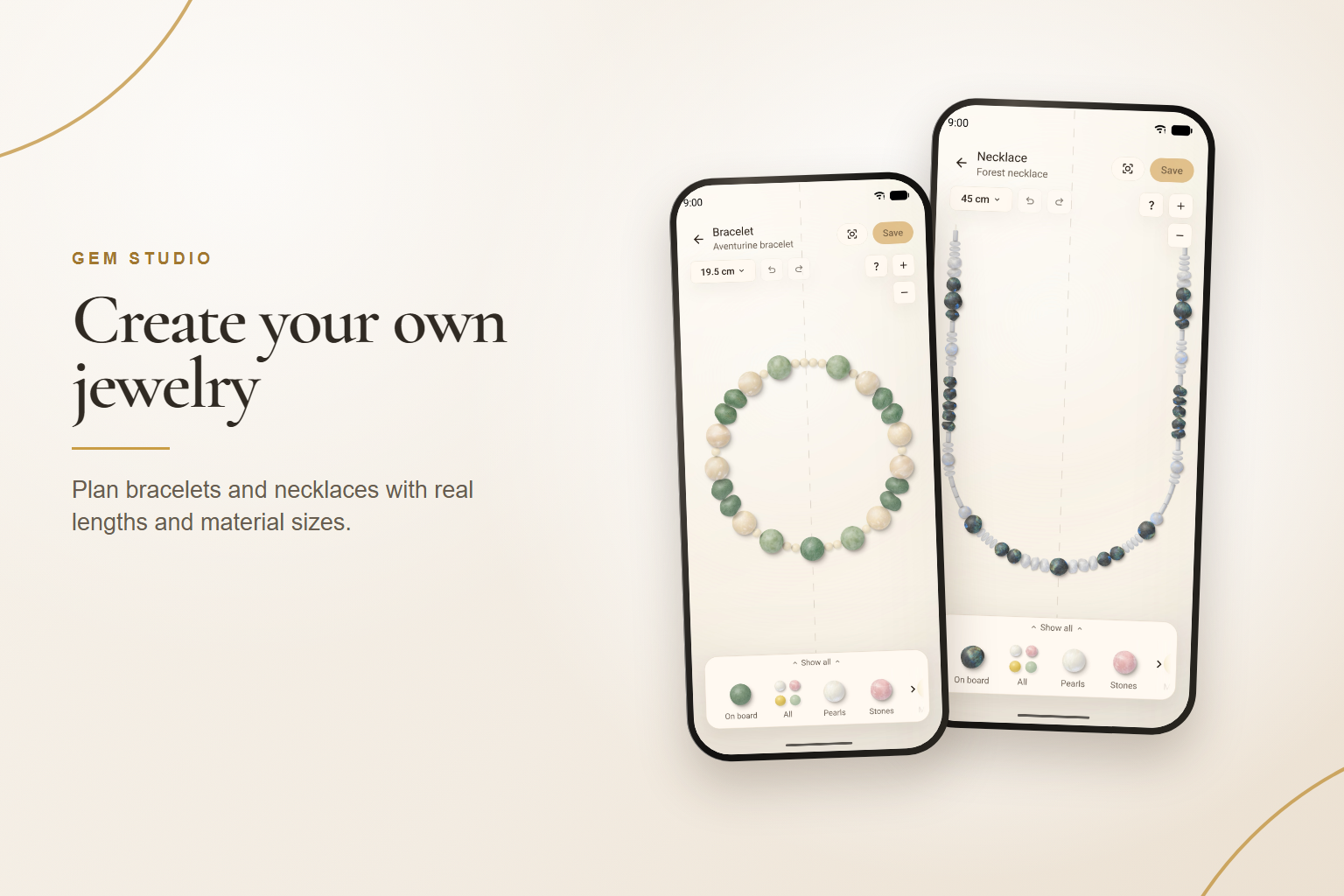
Gem Studio lets users design bracelets and necklaces bead by bead using gemstones, pearls, seed beads, stone chips, and metal spacers.
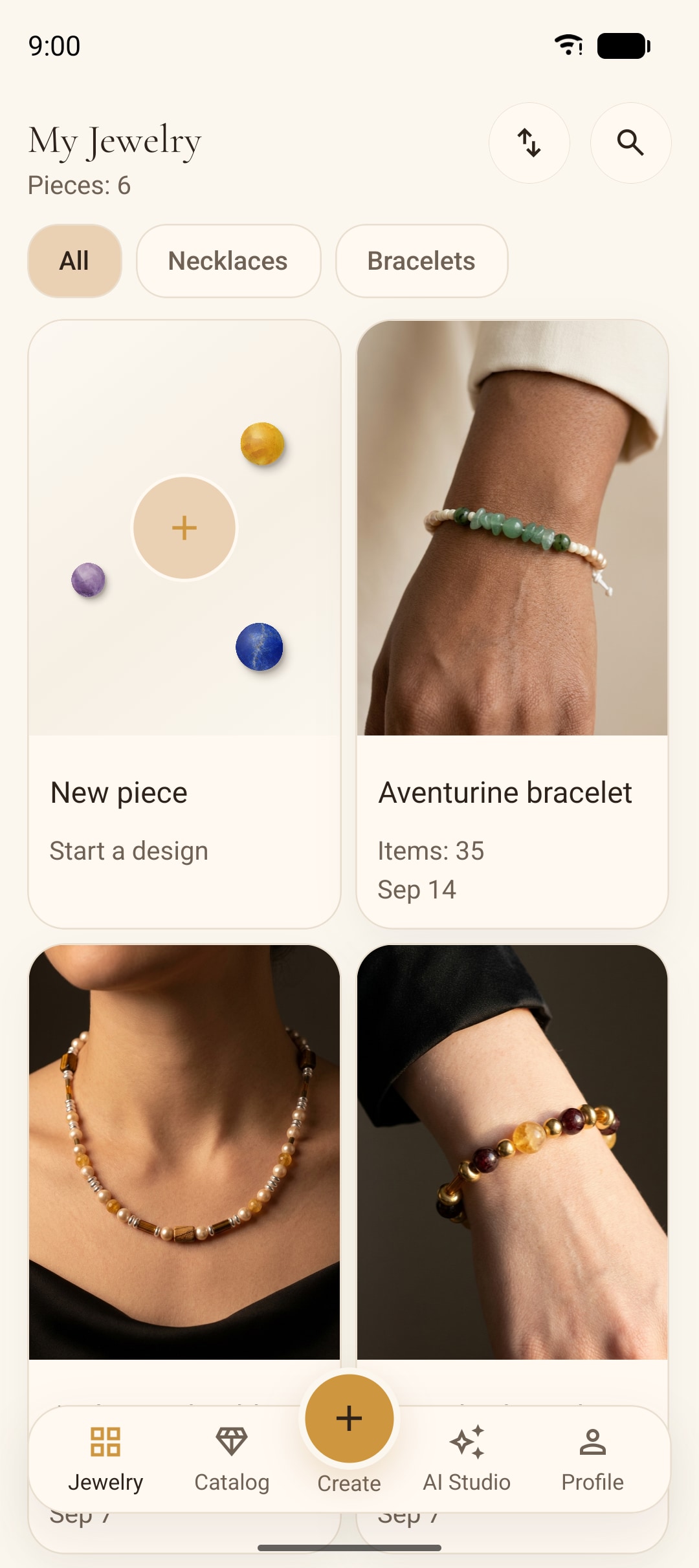
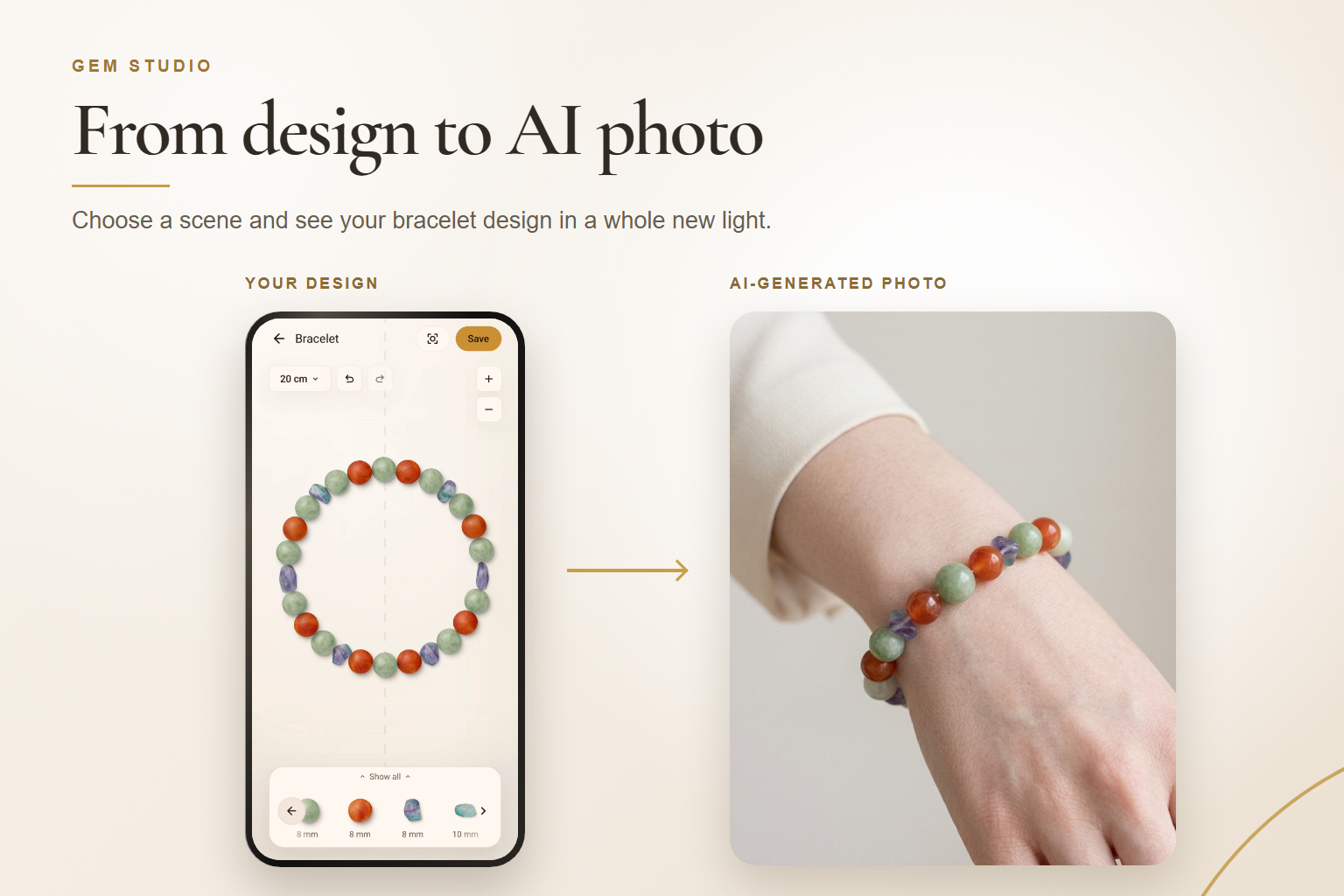
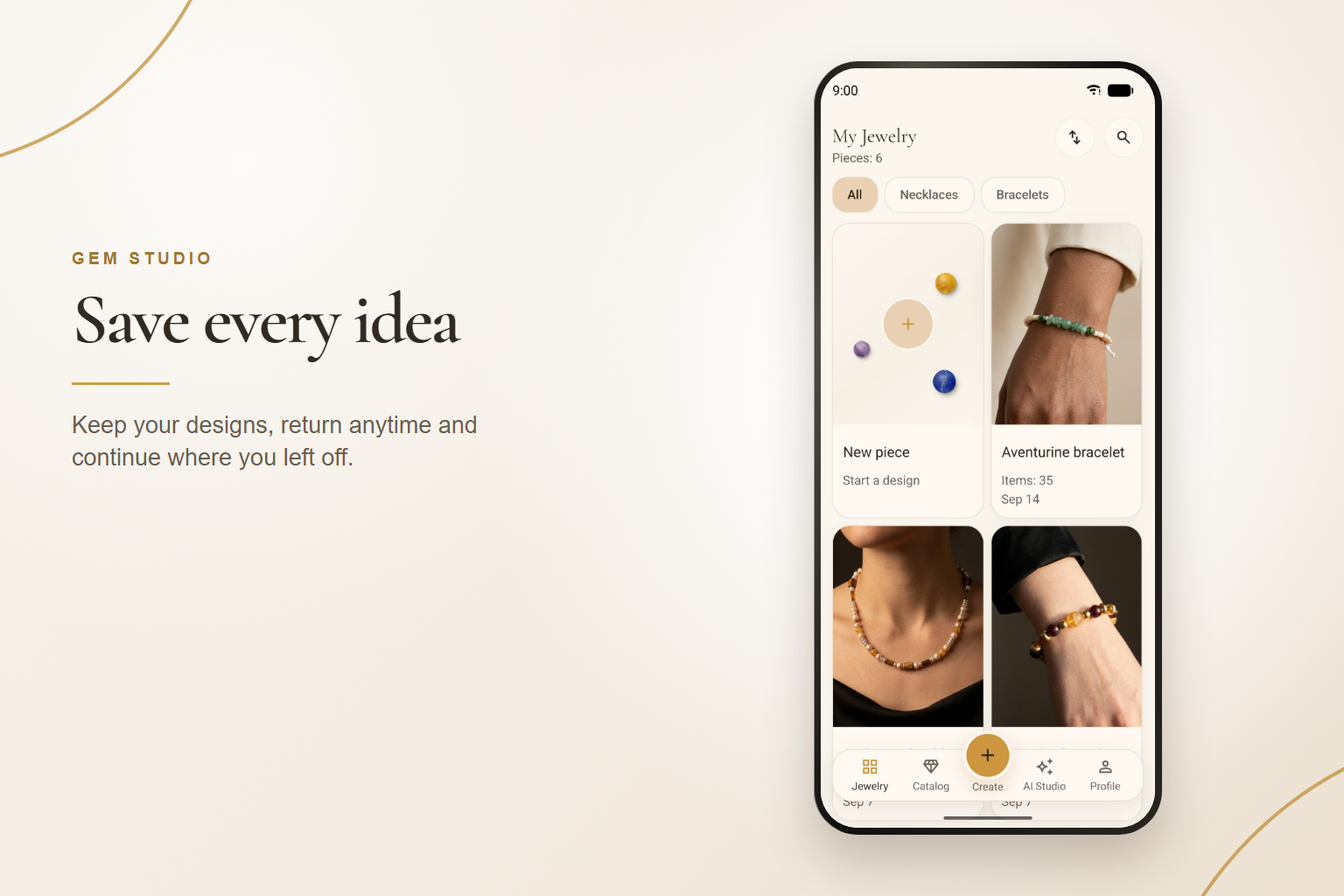
Users choose real-world lengths, arrange materials on a tactile board, and save their designs. AI Studio then lets them visualize a finished piece in a product-style image, such as jewelry worn on a wrist or arranged on marble, linen, or velvet.
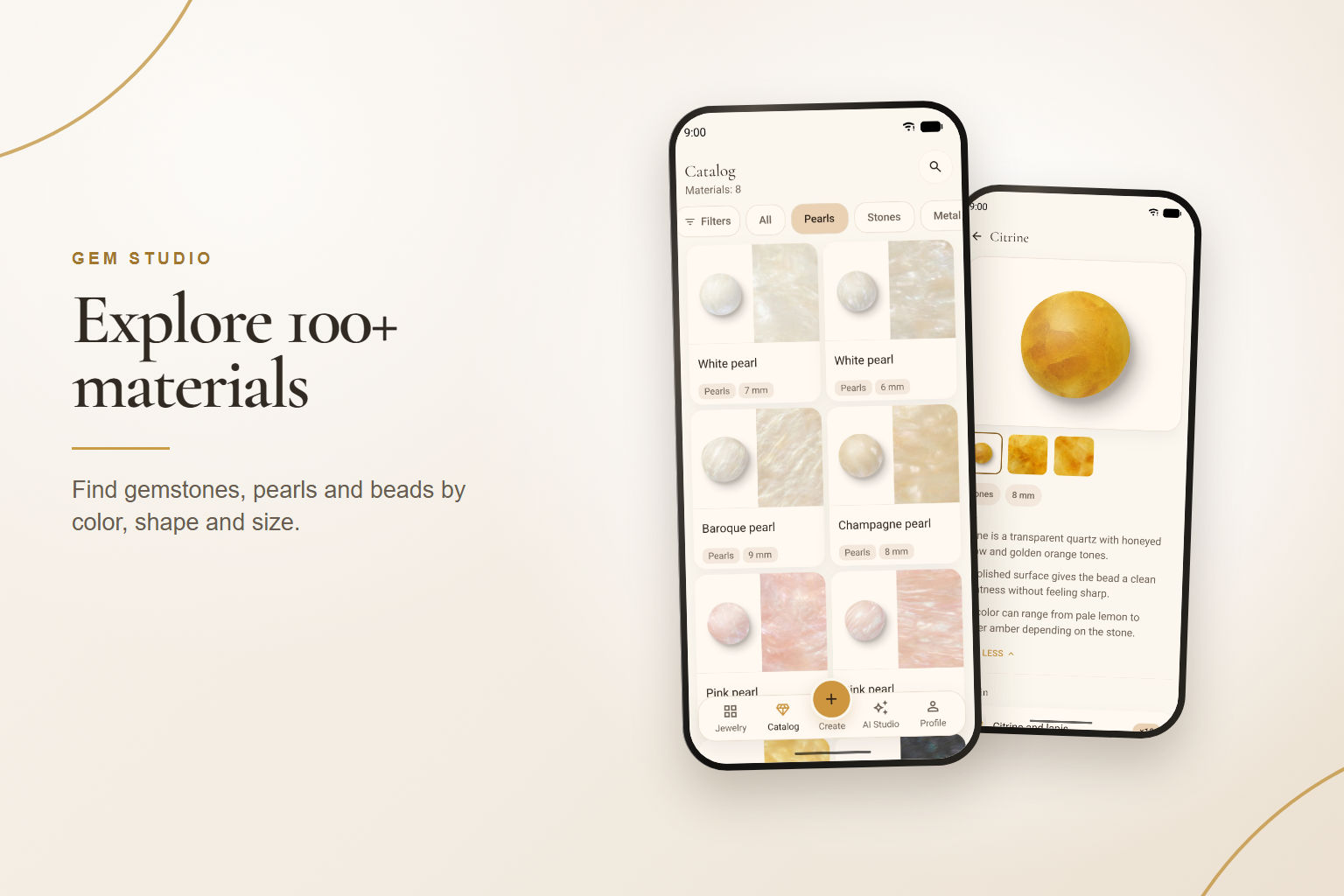
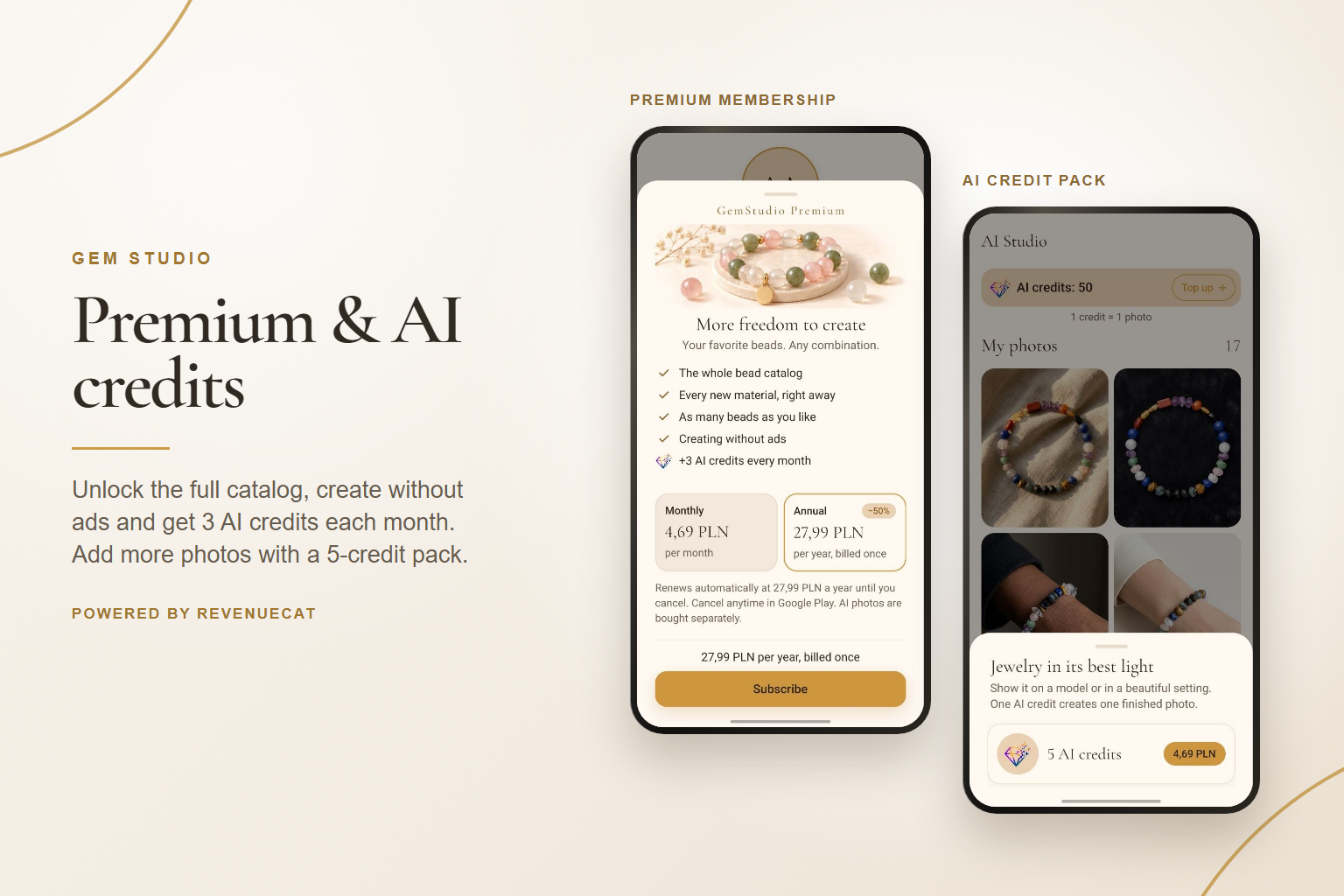
The free tier includes 66 materials and unlimited saved designs. An optional Premium membership expands the material collection, while separate AI credit packs support additional image generation.
How I built it
I built Gem Studio independently using Expo, React Native, TypeScript, and React Native Skia.
The jewelry model positions beads by physical distance along a path, keeping bead sizes and design lengths consistent as the view changes. Custom Skia shaders give stone, glass, pearl, and metal their own surface qualities, while shared lighting and shadows bring the board together visually.
Firebase supports authentication, offline-first storage, analytics, and backend Cloud Functions. RevenueCat handles Premium subscriptions and AI credit-pack purchases. Gemini uses an image of the user's design as the starting point for AI-generated product scenes.
Challenges I faced
One of the hardest problems was making beads fit naturally around a closed bracelet. Placement, spacing, and the closing seam all needed to work together across different bead sizes and strand lengths.
Realistic rendering also had to perform well on the low-end Android phones many users have. Through rendering optimizations, I reduced board rendering time from 81 ms to about 23 ms per frame.
Another challenge was connecting purchases to AI credits reliably, including subscription bonuses, purchase restoration, and refunds.
Accomplishments I'm proud of
I launched Gem Studio publicly on Google Play in August 2026 and have shipped more than 20 releases since launch. It has reached 333 installs, almost entirely through organic Google Play search.
As a solo developer, I'm proud to have brought the editor, more than 100 materials, five languages, subscriptions, and AI image generation together in a released app that people are already using.
What I learned
Launching taught me that an interaction that feels obvious while building it may be hard for a new user to discover. I added contextual gesture tips and a one-tap “Tighten” action to make completing a bracelet easier.
Reviewing analytics by app version and country also helped me prioritize improvements based on where users were getting stuck.
I learned to make the paid offer easier to understand: one membership expands the creative catalog, while AI credits cover optional image generation with a real processing cost.
What's next for Gem Studio
I plan to bring Gem Studio to iOS, expand the selection of materials and jewelry styles, improve how faithfully AI images represent the original design, and make finished pieces easier to share.
Built With
- cloud-firestore
- expo-router
- expo.io
- firebase
- firebase-analytics
- firebase-app-check
- firebase-authentication
- firebase-cloud-functions
- firebase-crashlytics
- firebase-remote-config
- gemini-api
- google-cloud
- google-mobile-ads
- google-play-billing
- mmkv
- node.js
- react
- react-native
- react-native-gesture-handler
- react-native-reanimated
- react-native-skia
- revenuecat
- typescript
- zustand

Log in or sign up for Devpost to join the conversation.