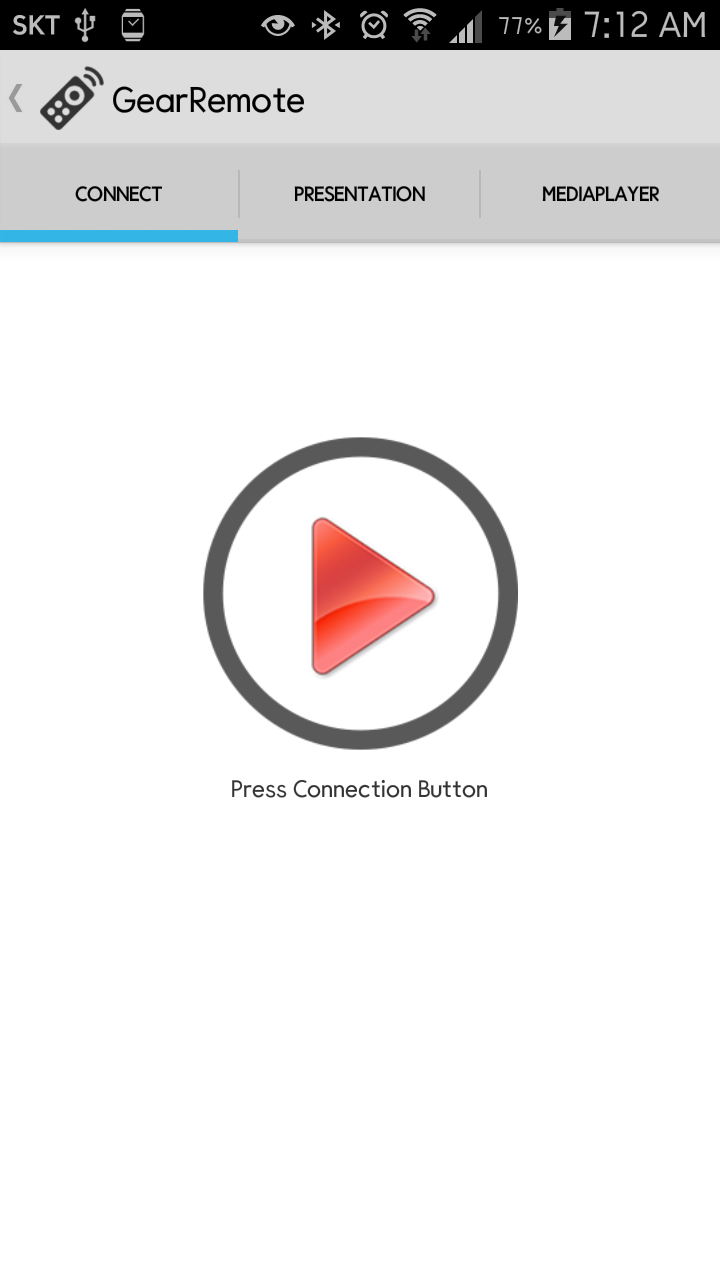
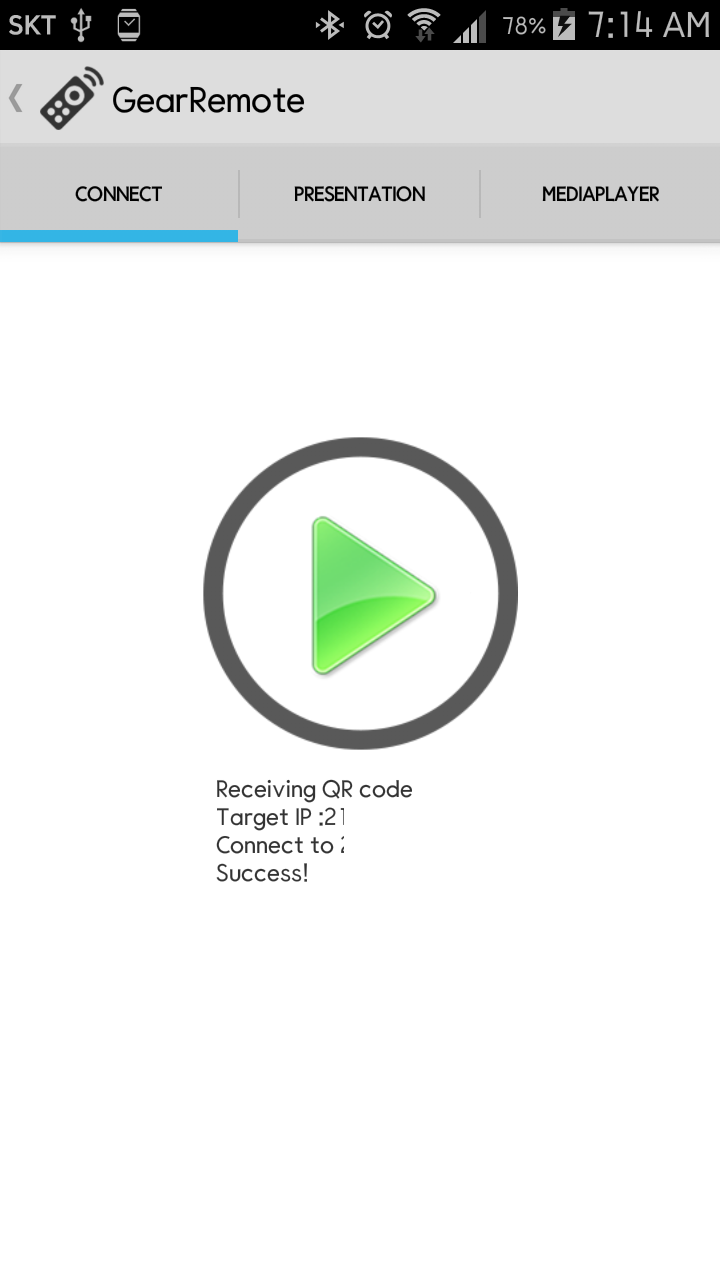
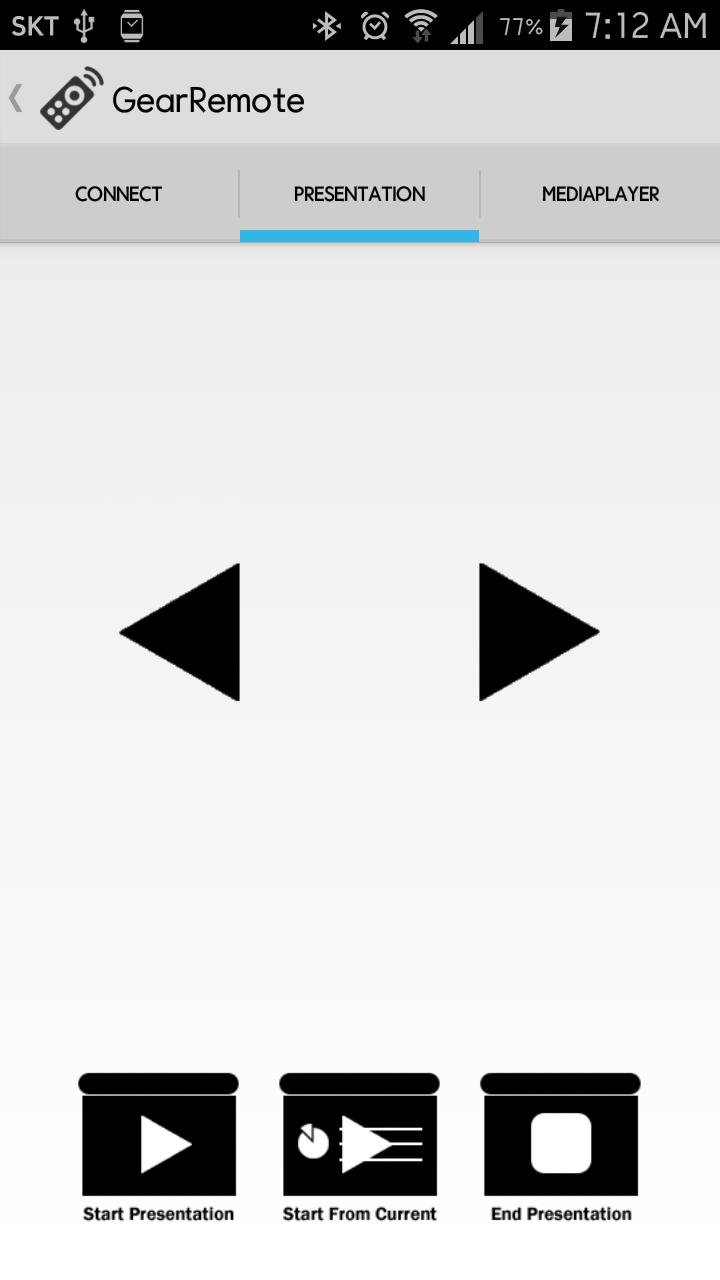
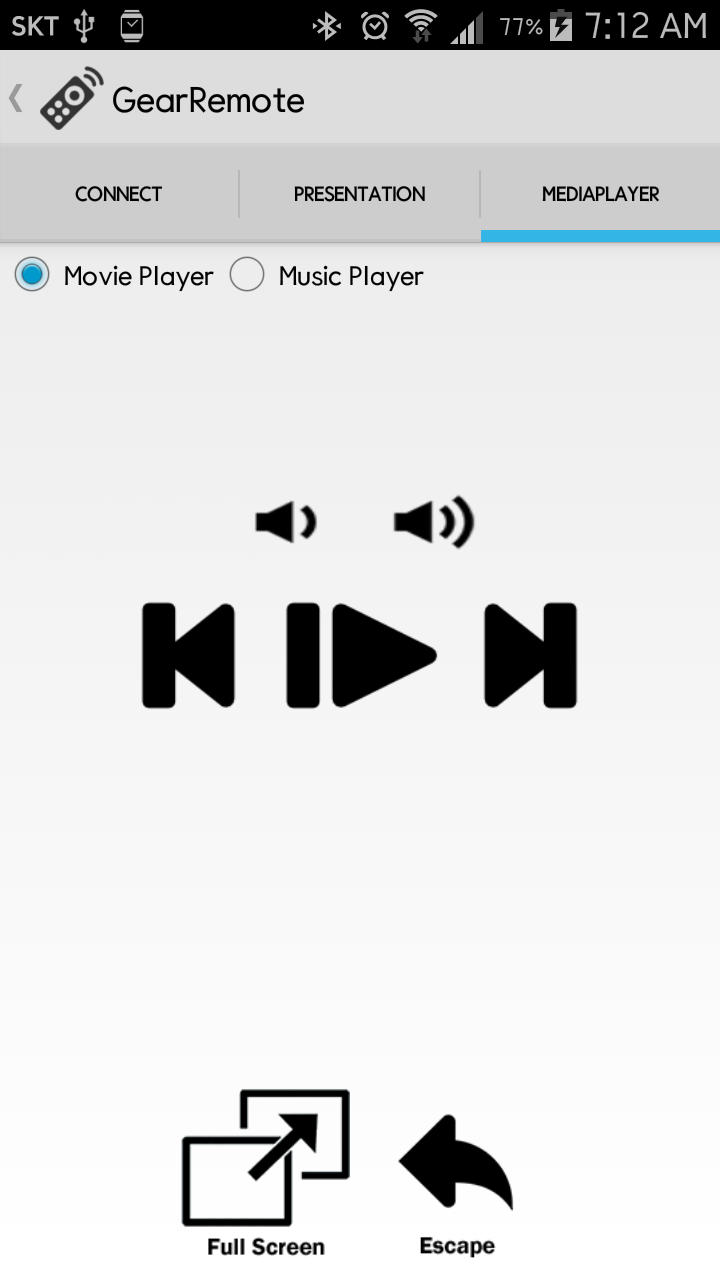
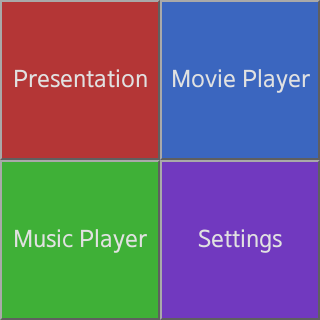
This application is remote control your PC using Samsung Gear 2. It use Samsung Gear 2, it will auto install this application in your Gear 2 Device. If you don't have Samsung Gear 2, you can control using Android Application. This application need PC application to connect your PC. You should download GearRemote for PC. (http://gearremote.blogspot.kr/2014/07/download-gearremote-for-pc.html) If it is not installed, this application cannot worked.
You can get more information visit http://gearremote.blogspot.kr/
This application include three functions.
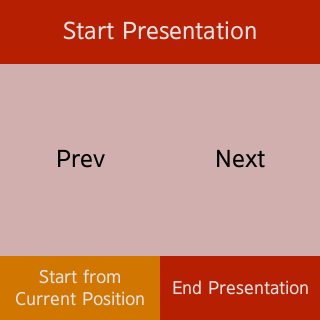
I. Remote Presentation (Microsoft PowerPoint)
You can presentation without keyboard or another remote controler. Only need your devices! Using this app, you can easy presentation.
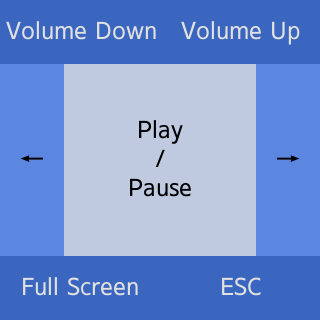
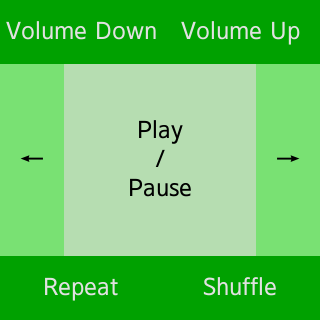
II. Remote Media Player (Movie, Music)
Are you listening to music or watch movie using your computer? This application contains remote music player and movie player. Use this app! You can remote control your media player using this app! Are you still watching movie sitting in a chair? Watching movie lying in a bed or sofa!
Supported media player list
Movie Player
BS Player, Daum PotPlayer, GomPlayer, JetAudio, Kantaris, KMPlayer, Media Player Classic, MPCstar, RealPlayer, SMPlayer, VLC Media Player, Zoom Player, Splash EX, Naver Media Player
Music Player
BS Player, Daum PotPlayer, GomPlayer, JetAudio, Kantaris, KMPlayer, MediaPlayer Classic, RealPlayer, SMPlayer, VLC Media Player, Windows Media Player, Zoom Player, Splash EX, GomAudio, Melon Player, iTunes, MediaMonkey, Winamp, Clementine

Log in or sign up for Devpost to join the conversation.