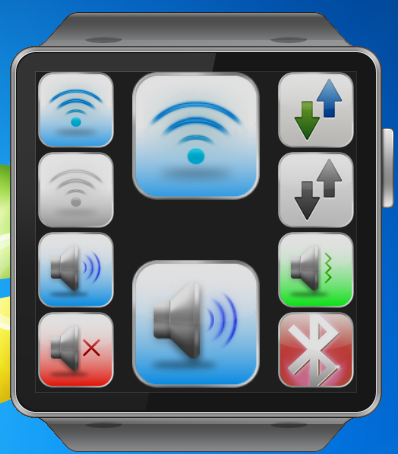
This Gear app is used to control mobile setting and view your current settings of mobile.
Features:
Control settings:
- Turn on/off WiFi.
- Turn on/off Mobile data.
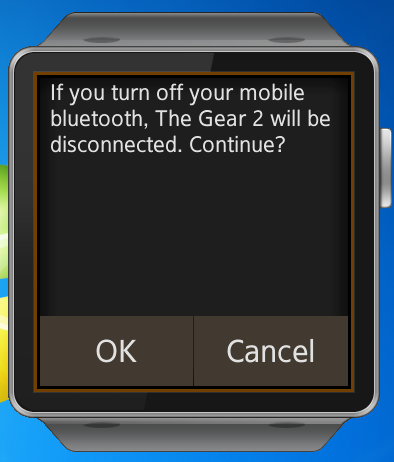
- Turn off Bluetooth (with alert dialog because it will disconnect your Gear 2 also).
- Sound mode (Sound, Mute and Vibrate).
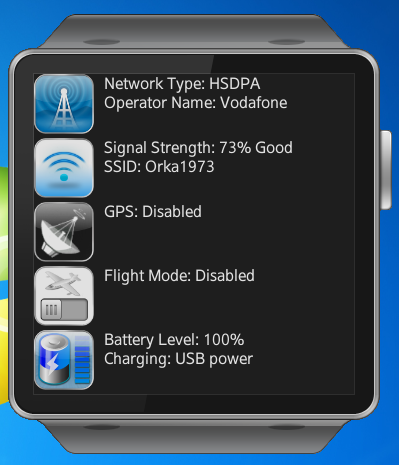
- Get network current status (it get only network status when connected not just turned on).
- Get Sound current status (sound/mute/vibrate).
Current status: -Cell network - Network type and Operator name. -Wi-Fi – Disconnected or Connected (Signal strength/SSID) -GPS – Enabled or Disabled -Flight mode – Enabled or Disabled -Battery - Level and Charging (Power source) or Not Charging.
NOTE: if both WiFi and Mobile data are connected, you will get that the current status is WiFi connected because WiFi override Mobile data.

Log in or sign up for Devpost to join the conversation.