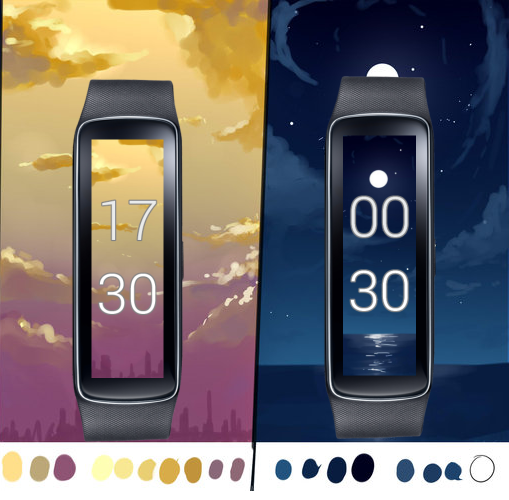
Inspiration
Gear Fit Dynamic Clock is collection of great background that will change during the day: dawn, day, dusk, night. Enjoy your every moment of day with Gear Fit Dynamic Clock.
How it works
How to use Gear Fit Dynamic Clock and select clock face:
- Install Gear Fit Manager version 1.6 or newer and connect with Gear Fit device.
- Install "Gear Fit Dynamic Clock".
- Go to Gear Fit Manager → Home Screen Styler → Clock tab → Style Clocks.
- Select "Gear Fit Dynamic Clock"
- Click Done and enjoy Gear Fit Dynamic Clock.
Challenges I ran into
Accomplishments that I'm proud of
Fully understand the protocol
What I learned
Reverse engineering technique


Log in or sign up for Devpost to join the conversation.