-
-
Planning Whiteboard
-
Planning Whiteboard
-
Planning Whiteboard
-
Demo
-
Demo
-
Demo
Inspiration
One of our team members (Manit) has been a classical pianist for the past 10 years, and page turning has always been a frustrating challenge. This year, while recording a 40-minute piano performance, he lost two fantastic takes—all because of messed up page turns. It was a small mistake with big consequences.
When brainstorming for the hackathon, we asked: What would the ideal solution look like? The answer was simple—page turning that feels seamless and natural, always showing the next line exactly when you need it. That’s what inspired us to create GazeScore.
What it does
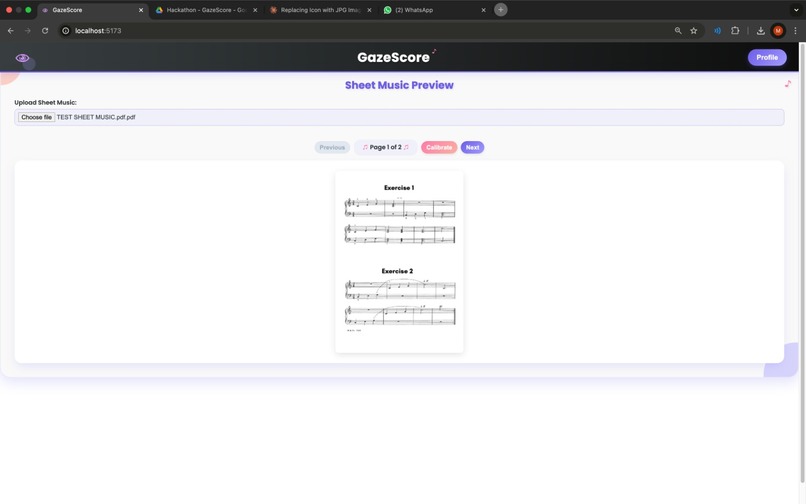
The website has two main sections: Setup and Perform.
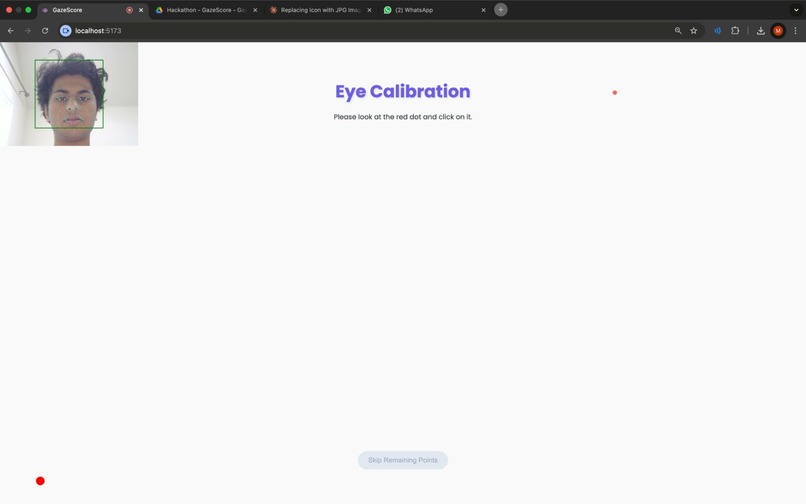
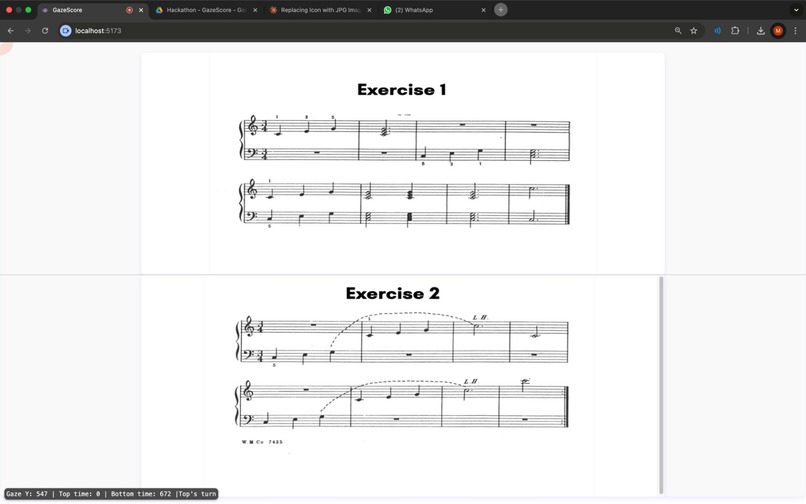
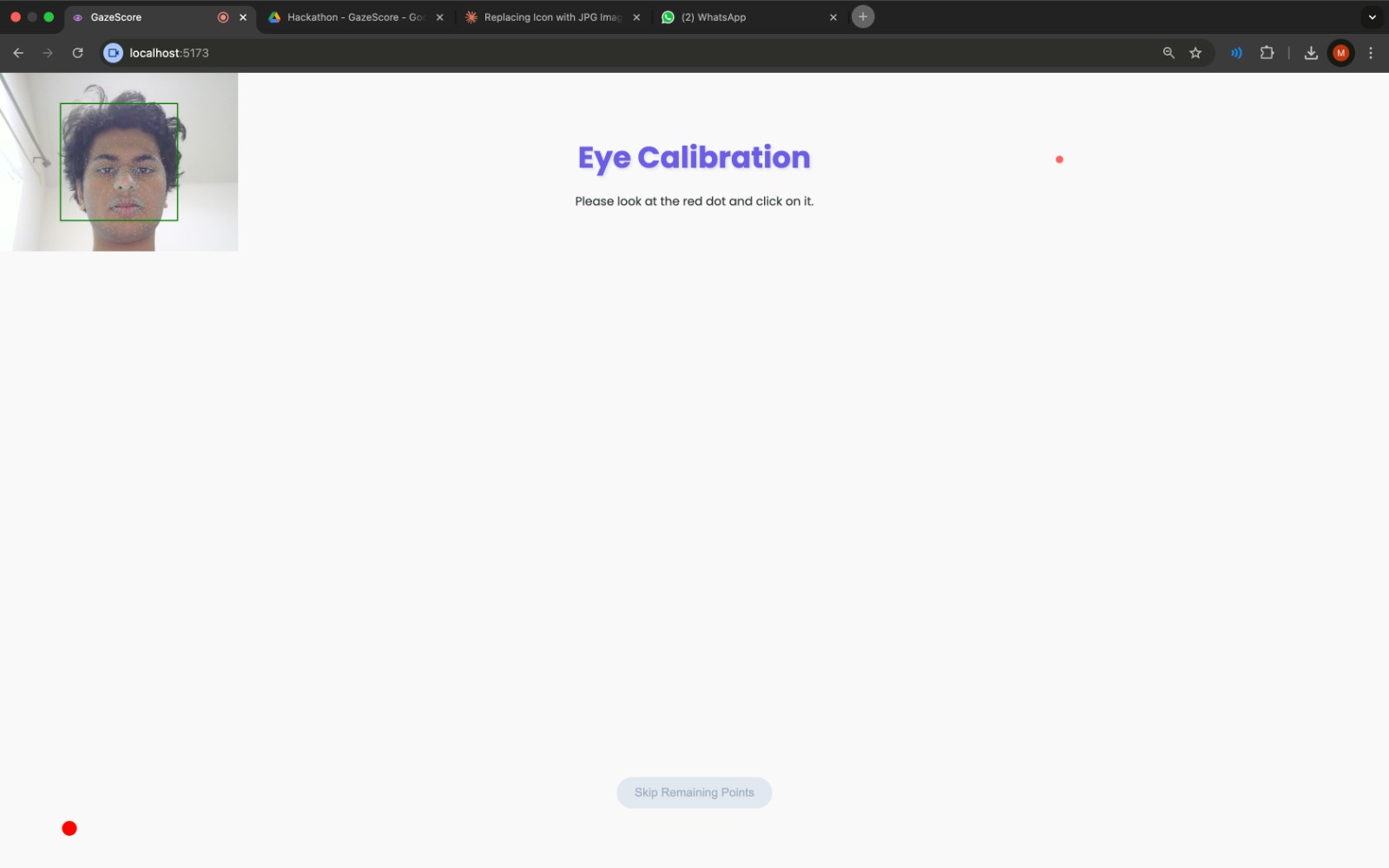
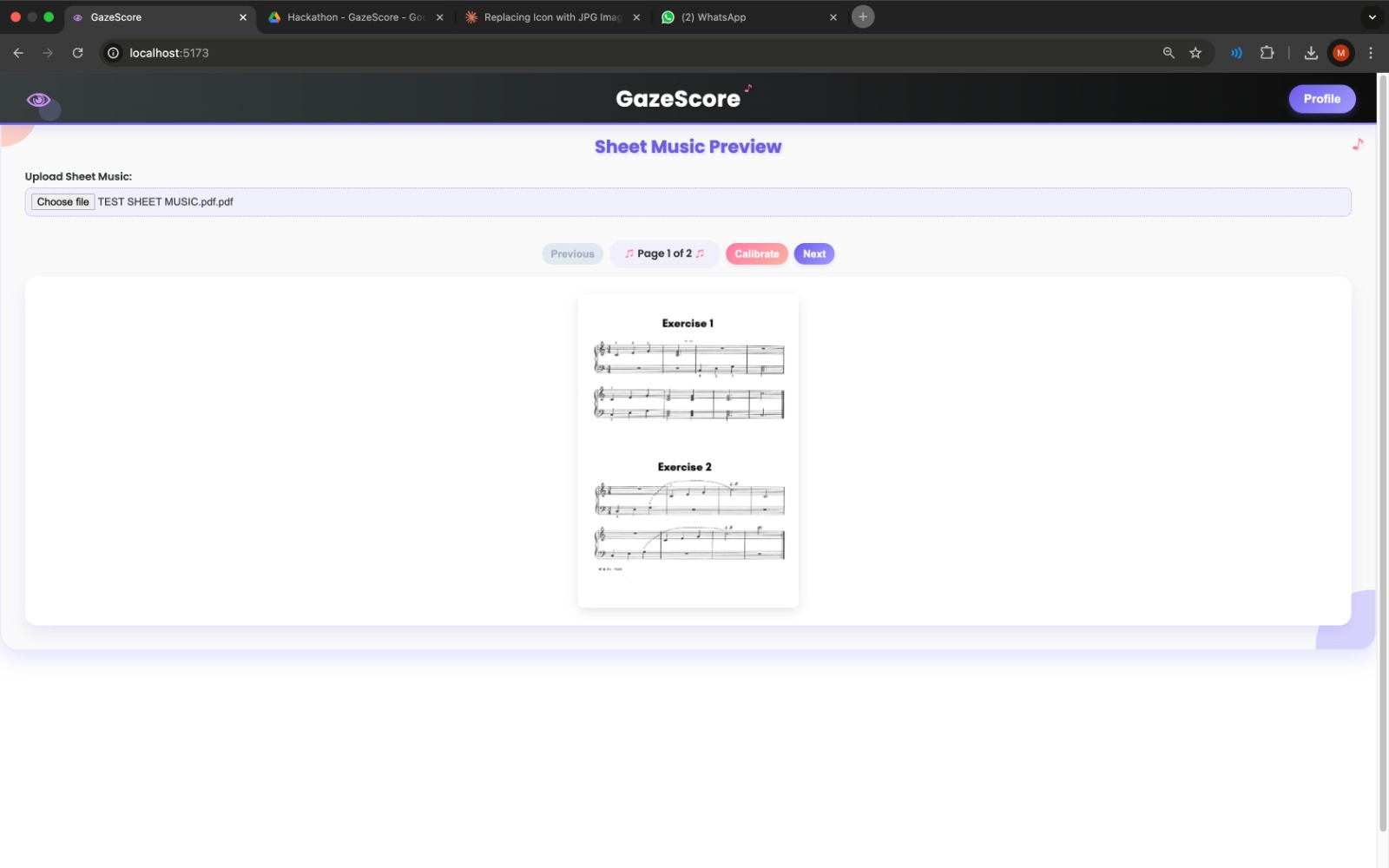
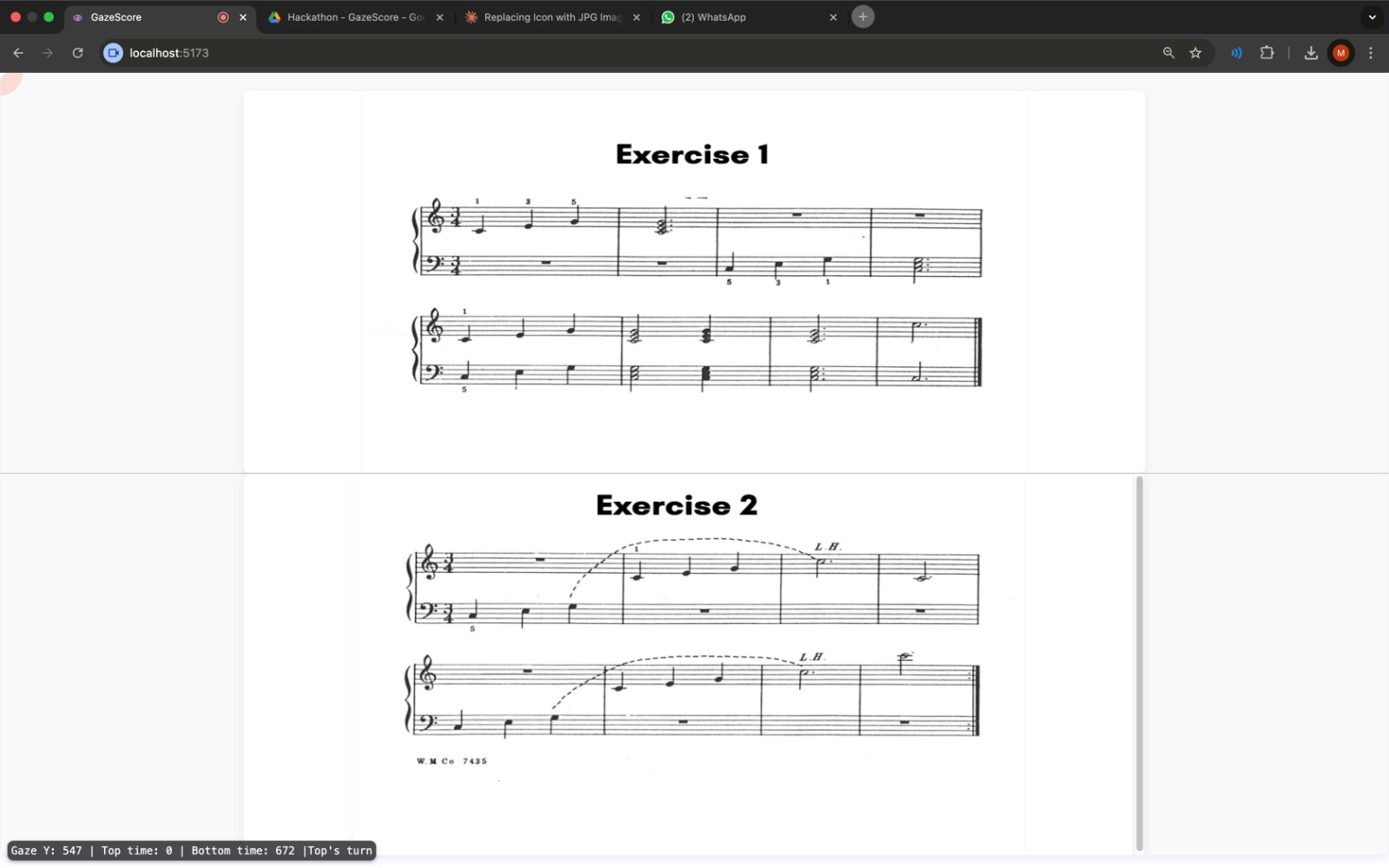
Setup: The user uploads a PDF of their sheet music and completes a quick eye-tracking calibration to ensure accurate gaze detection. Perform: The sheet music is displayed split into two halves, allowing for smooth transitions.
Here's how it works in action:
- The musician starts reading the first half of the page with no interruptions.
- As they shift focus to the second half, the system detects when they've been reading it for three seconds (our threshold for confirming intent).
- Once confirmed, the first half of the next page is preloaded, ensuring that by the time the musician finishes the second half, they seamlessly transition without missing a beat.
- This chain continues for each half, ensuring that transitions remain smooth and uninterrupted throughout the performance.
This method ensures a frictionless page-turning experience, eliminating delays and allowing musicians to focus entirely on their performance.
How we built it
We developed GazeScore as a React + Vite web application, integrating multiple libraries to handle PDF processing, eye-tracking calibration, and seamless page-turning logic.
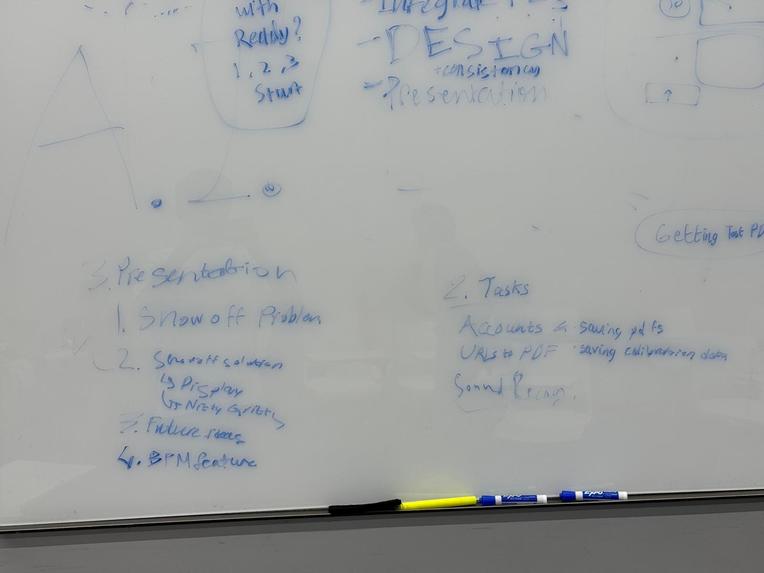
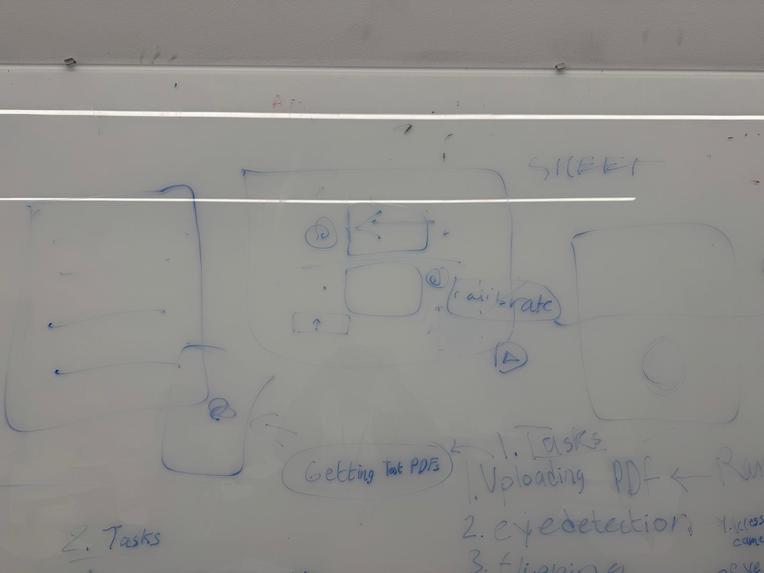
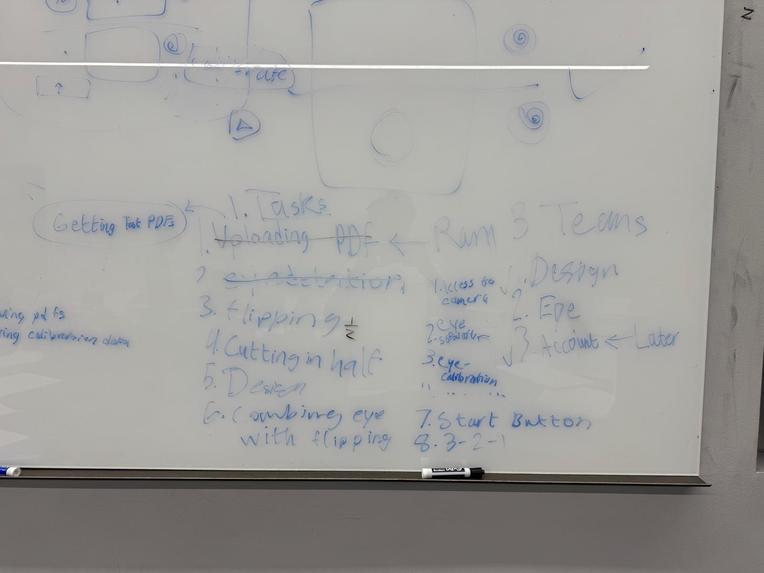
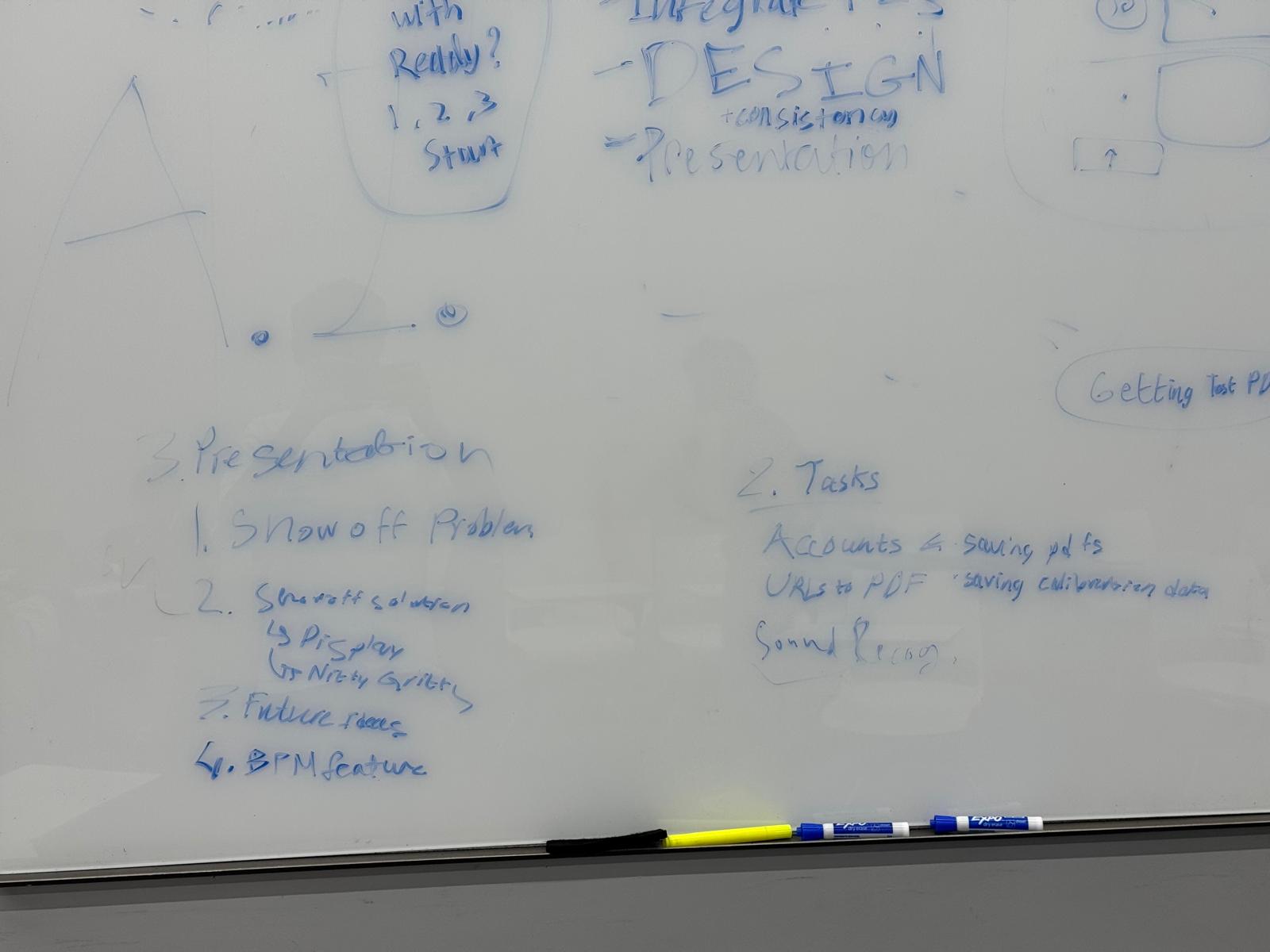
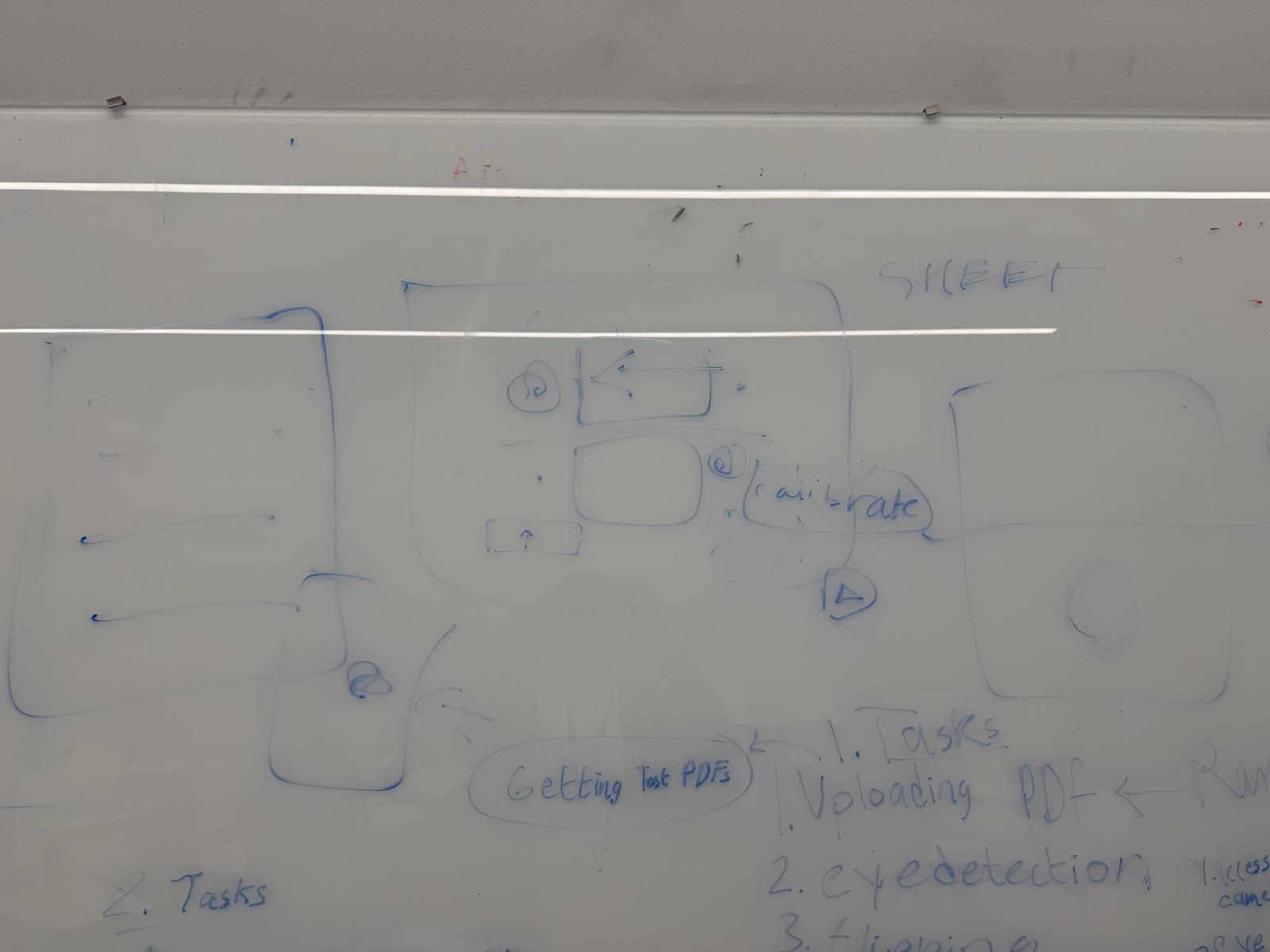
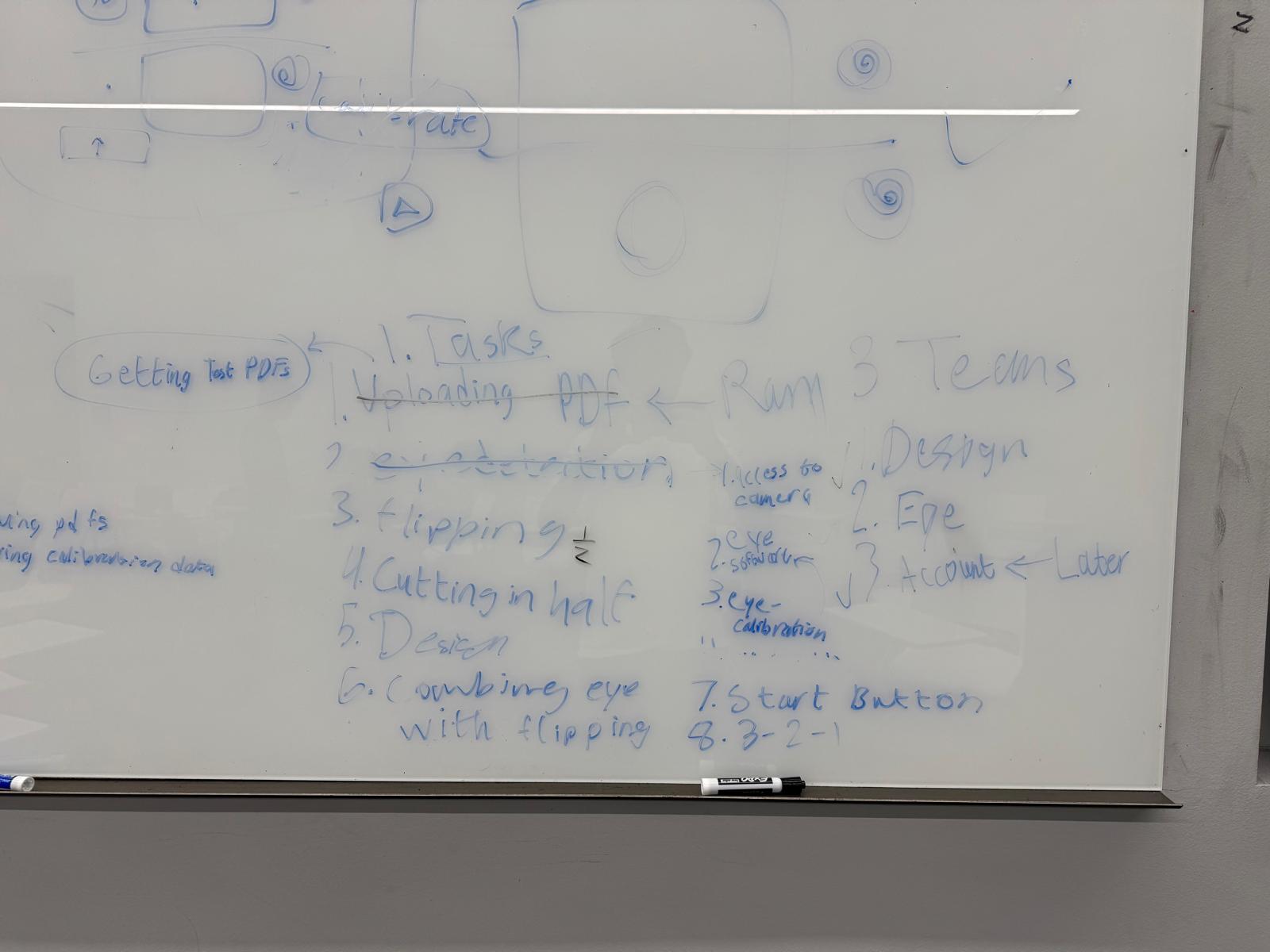
- Development Process Before writing any code, we spent an hour mapping out our entire project on a whiteboard, brainstorming ideas, defining core functionality, and even considering future features. This structured approach helped us prioritize tasks efficiently. We then delegated independent tasks to maximize productivity, allowing us to work in parallel while ensuring all components seamlessly integrated.
- PDF Upload & Processing We used pdf.js and pdf-lib to handle PDF rendering, formatting, and slicing, allowing us to split sheet music into halves for a smooth reading experience.
- Eye-Tracking Calibration We integrated WebGazer.js for real-time eye tracking, but with a customized calibration setup that ensures the system accurately detects gaze positions across all possible points on the screen. This fine-tuned calibration improves accuracy and reliability during performance.
- Smart Page-Turning Logic In Perform mode, we implemented a custom logic to track the musician’s gaze and trigger page turns dynamically:
- The screen is divided into top and bottom halves, and timers track how long a musician focuses on each section.
- When the musician looks at the bottom half for a set duration (3 seconds), the system preloads the next top half. Vice versa, when the musician looks at the top half long enough, the system preloads the next bottom half.
- A boolean variable manages which half of the next page should be turned next, ensuring that the flow remains smooth without unnecessary page changes.
This logic continuously updates throughout the performance, eliminating manual page turns and keeping the music flowing.
Challenges we ran into
- We had a lot of issue with rendering the PDF, and we had to debug our worker.
- We had to develop our own logic for page flipping, as this wasn't something that existed before.
- Our PDF splitting required us to convert from C# to Javascript.
- We had trouble integrating the CSS files to not override each other.
- Defining the calibrating system/integrating the WebGazer API to accurately track eye movement.
Accomplishments that we're proud of
- Integrating the eye-tracking was very difficult, but came out really well.
- Our UI came out well, and has a consistent style across the website.
- We developed our own logic for page flipping and create code for it all by our selves.
- In the past we were never able to apportion tasks in a project like this efficiently, and we learnt how to do so.
- Creating a true MVP (minimum viable product) that solves an issue that many people face.
What we learned
- We learnt how to create React apps using Vite.
- We learnt how to develop eye-tracking software using APIs.
- We learnt a lot about UI design and developing an eye-catching website while being efficient.
- We learnt about project management, splitting up a big task into smaller bites all of us could tackle at the same time, and combining our sections into a final product.
What's next for GazeScore
We're excited about the future of GazeScore and have several features in the pipeline to enhance its reliability, usability, and scalability:
- Audio Recognition-Based Page Turning – Integrating sound detection to further improve the accuracy of page turns, ensuring seamless transitions even in cases where gaze tracking might be less reliable.
- Refined Page-Turning Algorithms – Upgrading our logic from a moving window approach to a sliding window, improving responsiveness and reducing false triggers.
- User Accounts & Cloud Syncing – Implementing a Firebase backend to support authentication, user profiles, and cloud-based settings, allowing musicians to save their preferences and sheet music.
- URL-to-PDF Conversion – Adding a feature that lets users convert web-based sheet music into PDFs directly within the platform, making GazeScore even more versatile.
Additionally, we see potential for premium features, such as cloud storage and advanced customization, opening opportunities for monetization and long-term sustainability.

Log in or sign up for Devpost to join the conversation.